Get unlimited access to 5000+ Templates for Google Docs, Slides and Sheets
Unlimited Access
ADVERTISEMENT
ADVERTISEMENT

Bright Children's Book Template

Use this free template with Google Slides and Microsoft PowerPoint
4.25 (1 reviews)
Last updated Updated July 11, 2026
Created by Halyna Uygur
Type Fiction, Novel, Cute, Square, 8.5 x 8.5 inch
ADVERTISEMENT

Template Specification

Format Google Slides
Orientation Square Book Templates
Size 8.5 x 8.5 inch Book Templates
Created July 25, 2024
Last Updated July 11, 2026
Community Added to collections by 15 Users
Usage Stats 22 downloads this month

Key Features of This Template

Suitable For Parents , Publisher , Self Publish
Book Category Fiction Book Templates

About this template

This Children's Book Template is perfect for aspiring and professional writers. Oceanic style, unique design, and thoughtful characters are waiting for you inside.

Professional Children's Design

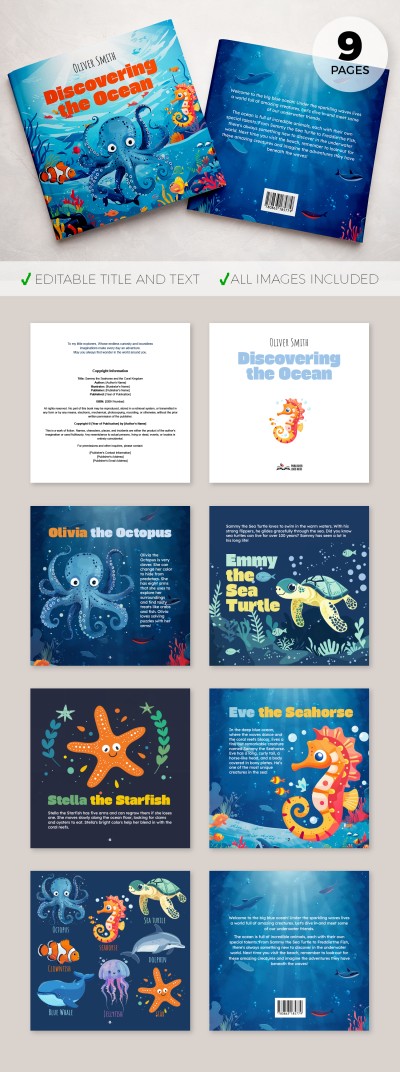
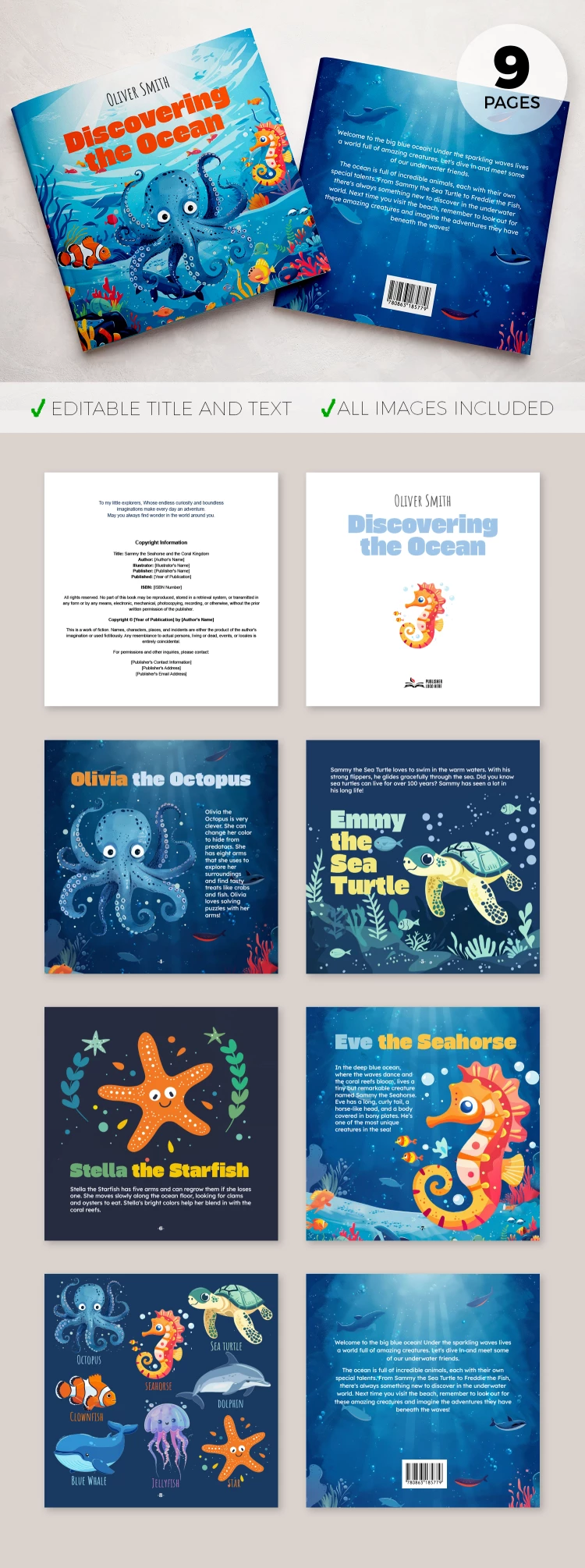
The template consists of nine pages. A professional ocean-inspired design was created and incorporated for each sheet. The cover page features an octopus, fishes, and seahorses on a blue underwater background with corals and plants. The rest of the book's design features matching elements.

Ultimate Convenience for Users

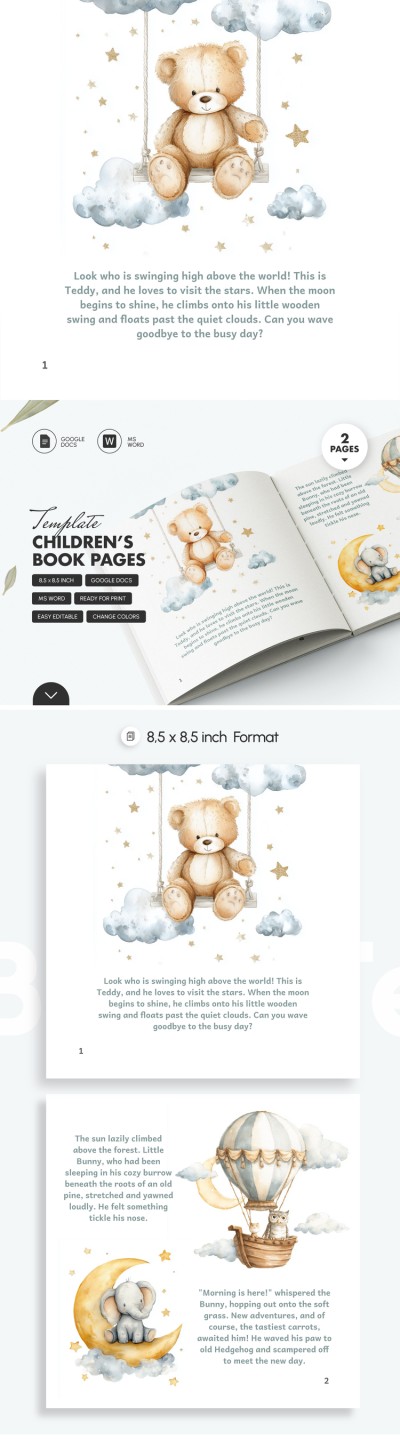
Our children's book Google Slides template is fully editable and printable. Each page includes placeholders for text, characters, titles, etc. The final page also contains a place for a barcode. You can print your story in 8.5x8.5 inch - all settings are ready.

Use the best book templates for authors of any genre.

ADVERTISEMENT
Free Template

Download Free Template

Choose your platform and start editing right away
PLATFORM

Google Slides

Opens in browser
PAPER SIZE
8.5x8.5 inch
Google Slides – 8.5x8.5 inch
No account required • Attribution required

WHAT’S INCLUDED

Nine illustrated story pages
Editable text and titles
Ocean-inspired character designs
Printable in 8.5x8.5 format

Book Tips

1
Customize character names to personalize your story
2
Print the book on high-quality paper for best results
3
Edit text directly in Google Slides for convenience
4
Use vibrant colors to engage young readers

FAQ

Is this template free? Yes, you can download it without any cost.
Can I customize the text? Absolutely, all text is fully editable.
Is it compatible with PowerPoint? Yes, it's compatible with both PowerPoint and Google Slides.
How easy is it to use? It’s designed to be user-friendly for all skill levels.
Can I add my images? Yes, you can insert your own images easily.
ADVERTISEMENT

How to Use and Edit This Template

Get Your Document

1

Get Your Document

Click the "Edit Template" button to create your own editable copy in Google Slides or download for Microsoft PowerPoint
Customize Everything
2

Customize Everything

Easily change colors, fonts, and layouts to match your unique style or brand identity
Add Your Content
3

Add Your Content

Fill in your data, upload images, and replace the placeholder text with your own information
Print, Export, or Share
4

Print, Export, or Share

Print, export as PDF, or share instantly

Related Templates

Recently Viewed