Get unlimited access to 5000+ Templates for Google Docs, Slides and Sheets
Unlimited Access
ADVERTISEMENT
ADVERTISEMENT

The Easter Story For Kids – Printable Mini Book Template

Use this free template with Google Slides and Microsoft PowerPoint
4.25 (1 reviews)
Last updated Updated July 11, 2026
Type Fiction, Novel, Cute, Landscape, A4 / US Letter
ADVERTISEMENT

Template Specification

Format Google Slides, Microsoft PowerPoint
Orientation Landscape Book Templates
Created March 11, 2025
Last Updated July 11, 2026
Community Added to collections by 8 Users
Usage Stats 4 downloads this month

Key Features of This Template

Suitable For Parents , Publisher , Self Publish
Holiday Easter
Book Category Fiction Book Templates

About this template

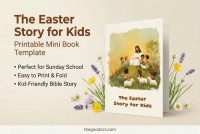
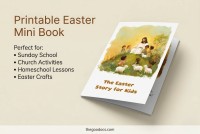
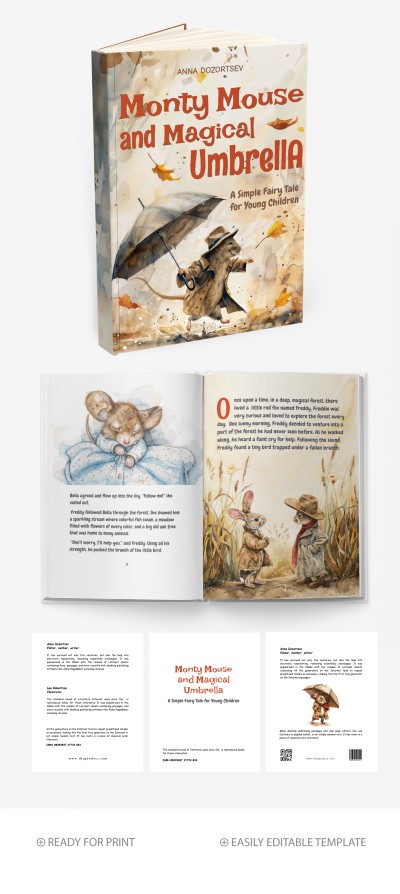
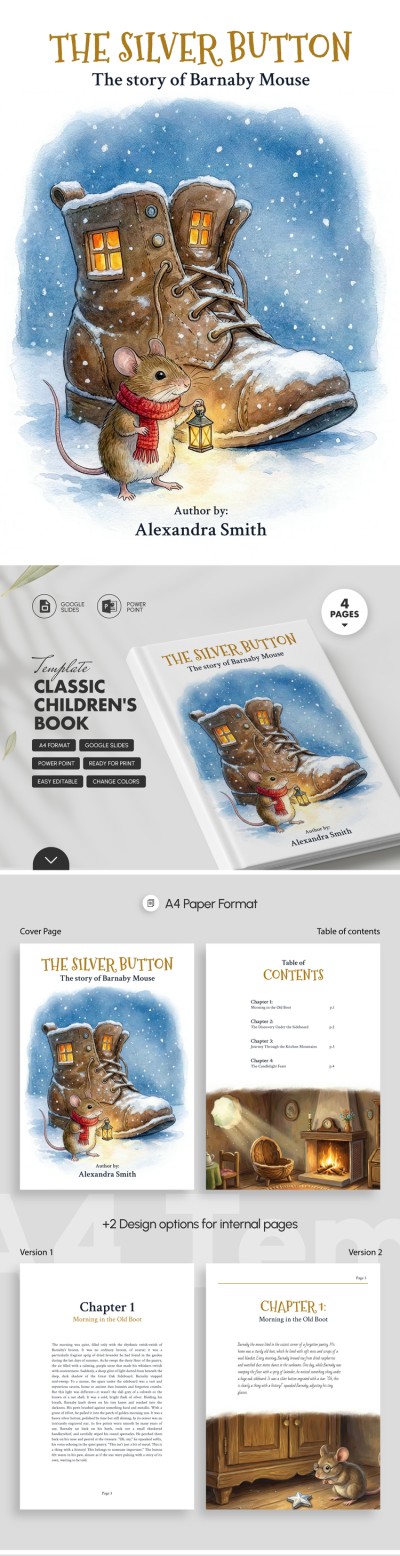
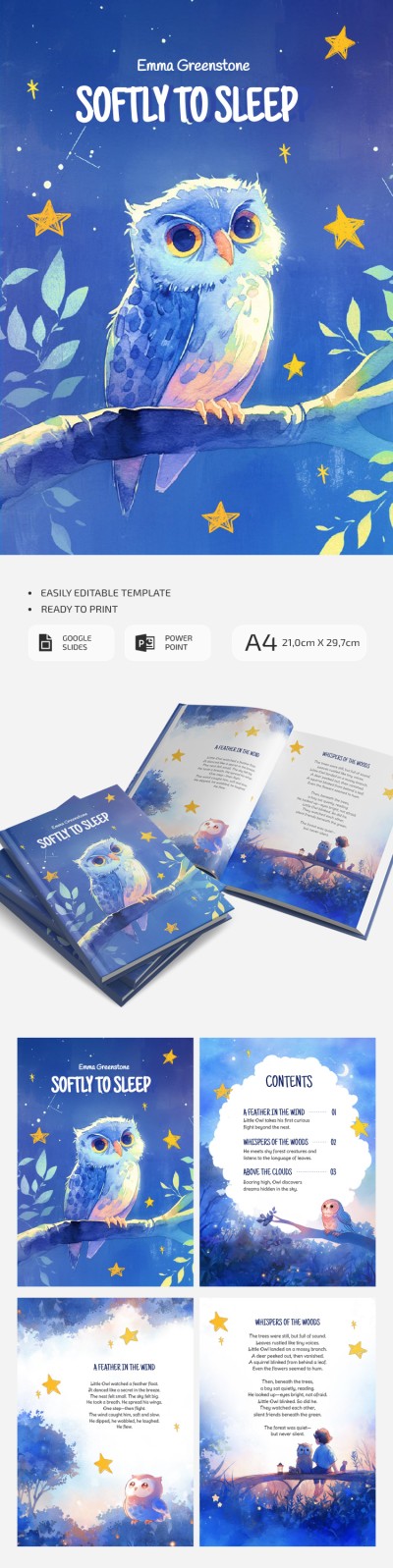
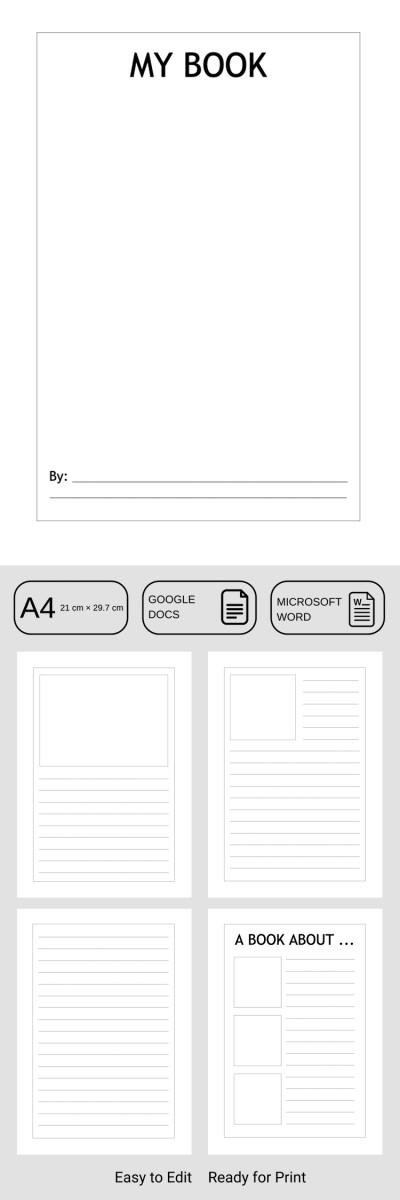
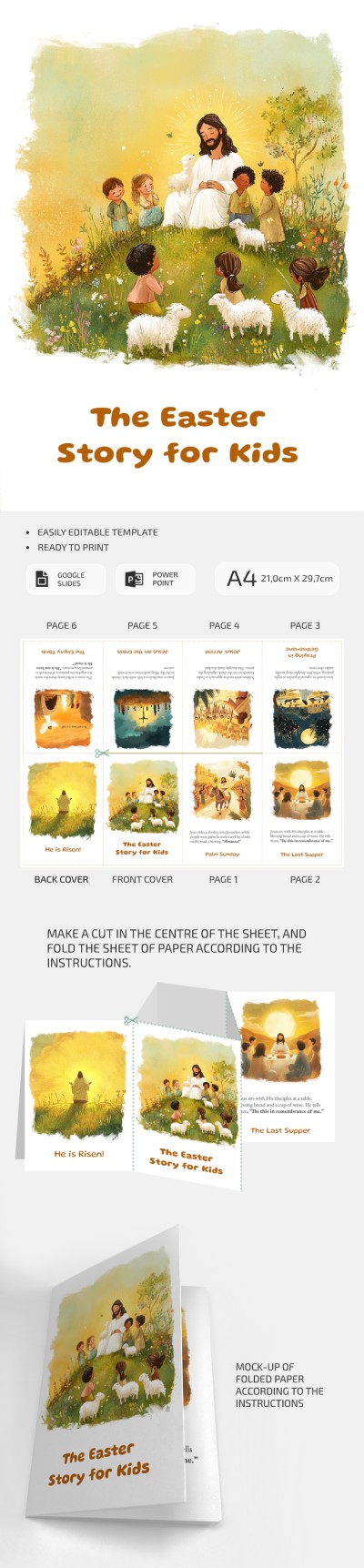
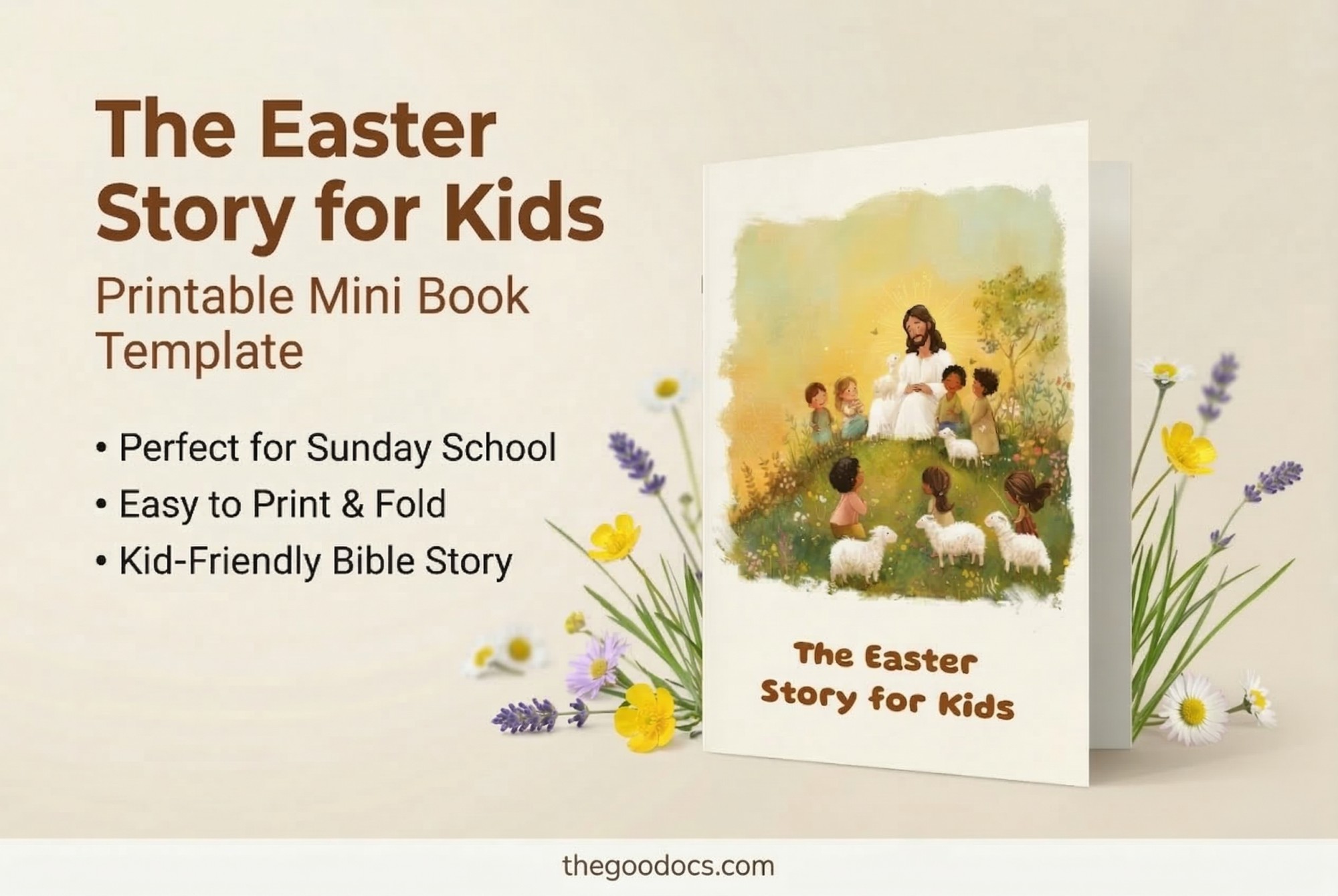
Are you going to create your Eastern story but can't decide how to design your book? Take advantage of our free The Easter Story For Kids! This Printable Mini Book Template is perfect for your task and can be edited and printed.

Illustrations and Structure are Included

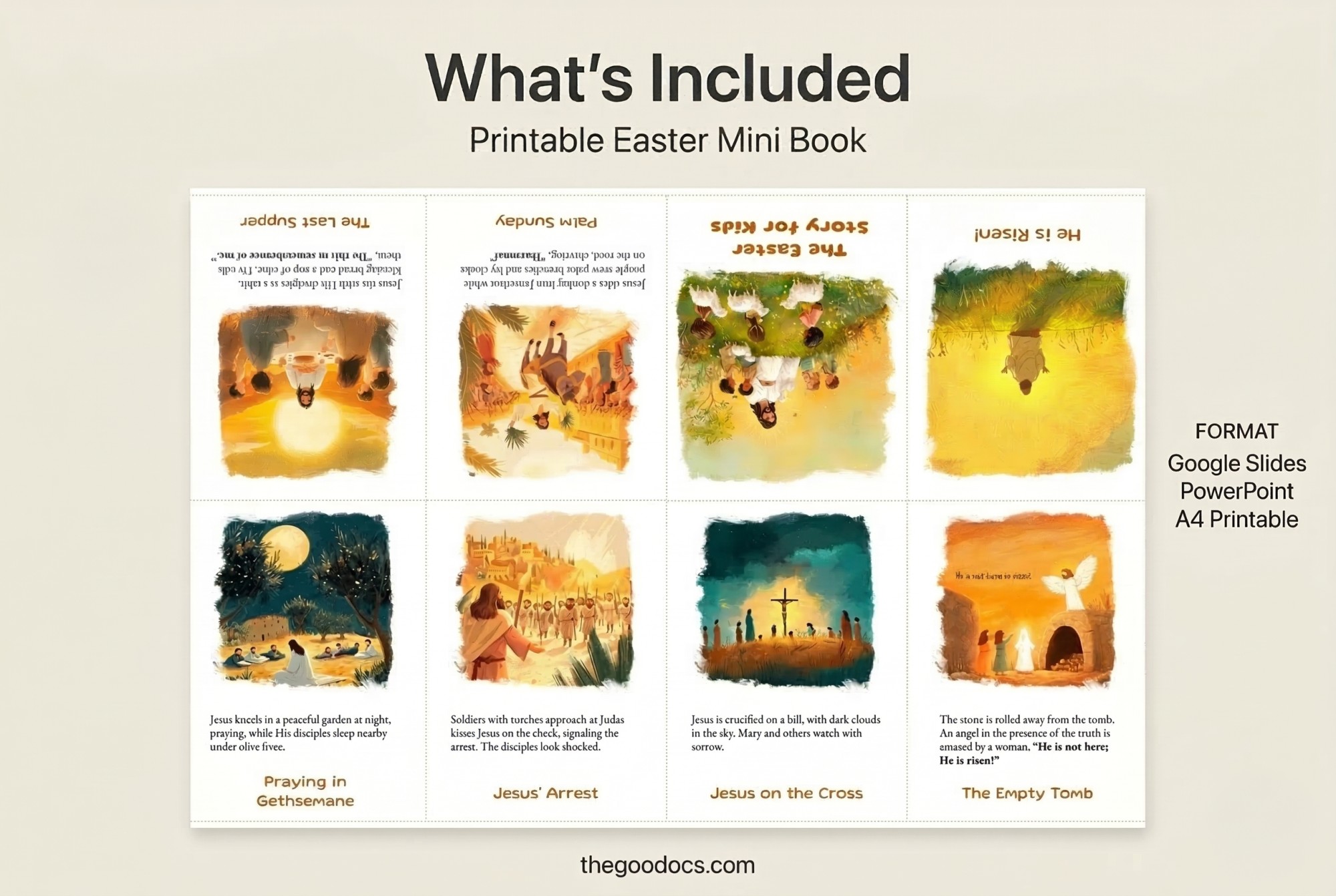
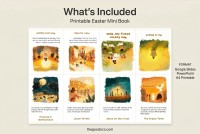
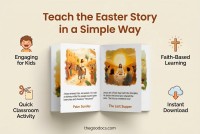
Our children's book template offers eight illustrations with captions that will introduce children to the history and main events that people worldwide celebrate at Easter.

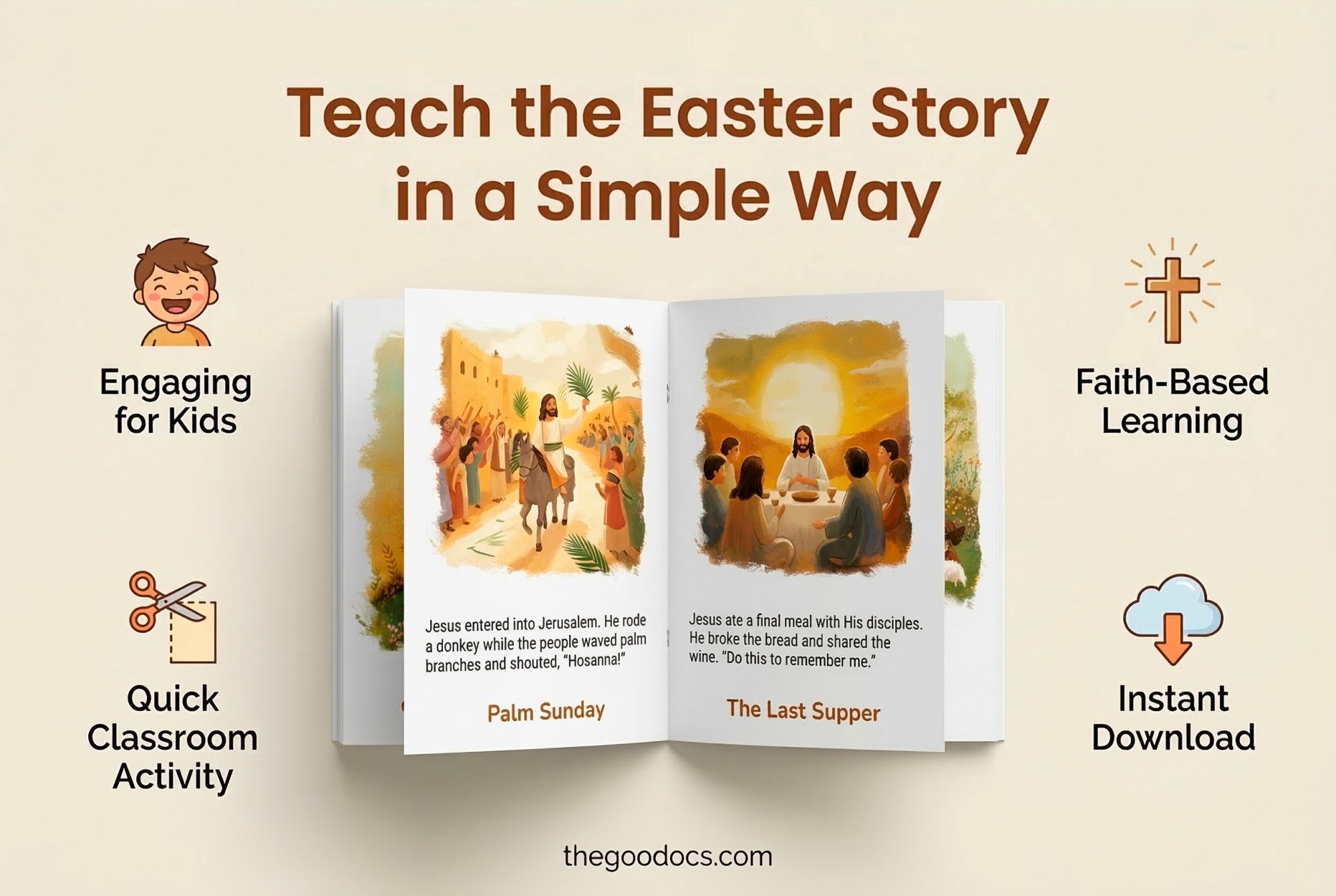
Colorful cartoon-style illustrations will help young readers not only learn this story but also visualize it. Also, this template is 100% editable and includes sample text. You can leave everything as is or replace it with your own version.

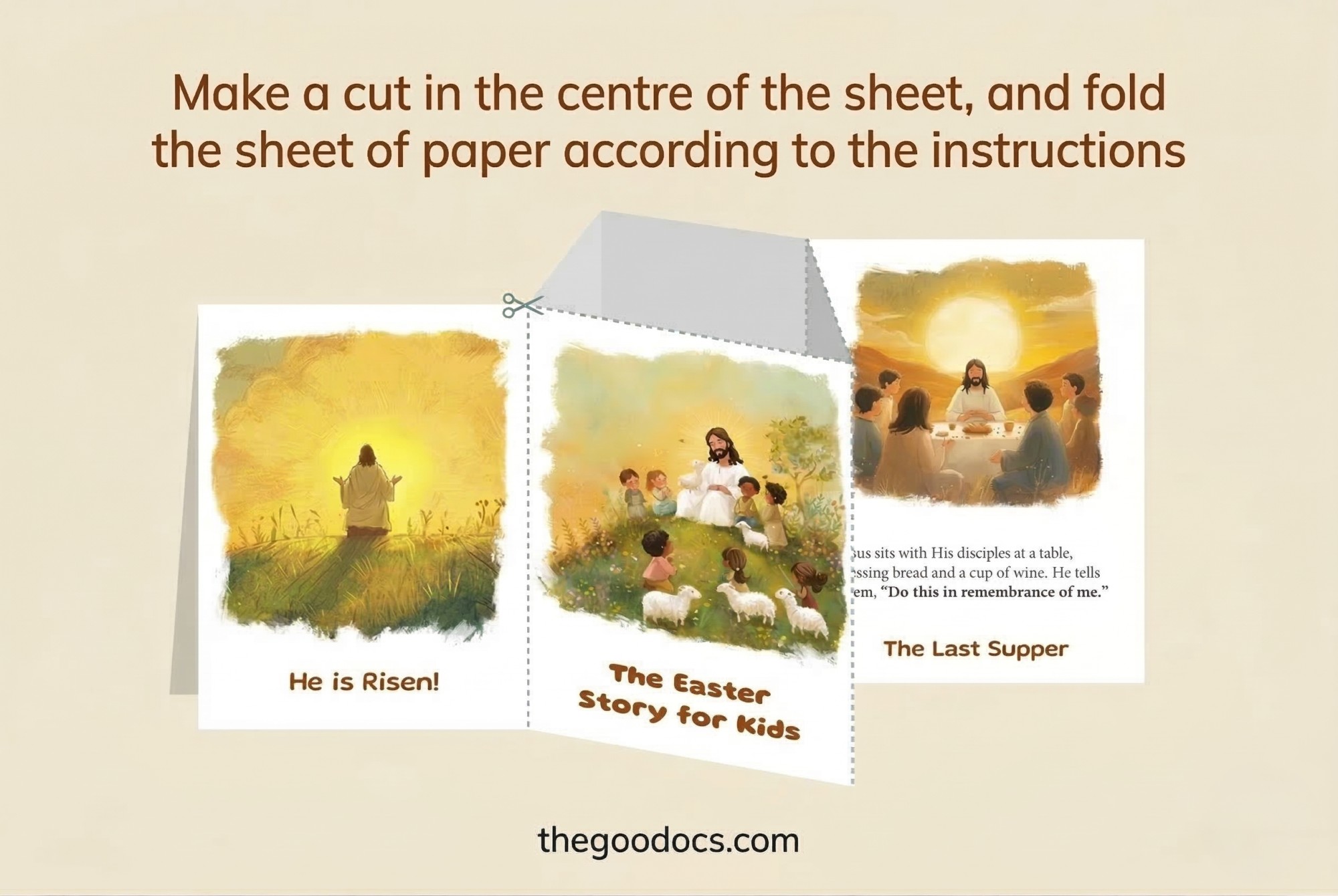
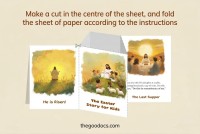
You can print this template in A4 landscape format or use the digital version. Get our Google Slides book template and tell children an incredible story that will be remembered for a whole life!

ADVERTISEMENT
Free Template

Download Free Template

Choose your platform and start editing right away
PLATFORM

Google Slides

Opens in browser

Microsoft PowerPoint

.pptx
PAPER SIZE
A4
Google Slides – A4
No account required • Attribution required

WHAT’S INCLUDED

Eight colorful cartoon-style illustrations
Editable captions for each illustration
Printable A4 landscape format
Compatible with Google Slides and PowerPoint

Book Tips

1
Personalize captions to fit your audience's comprehension level
2
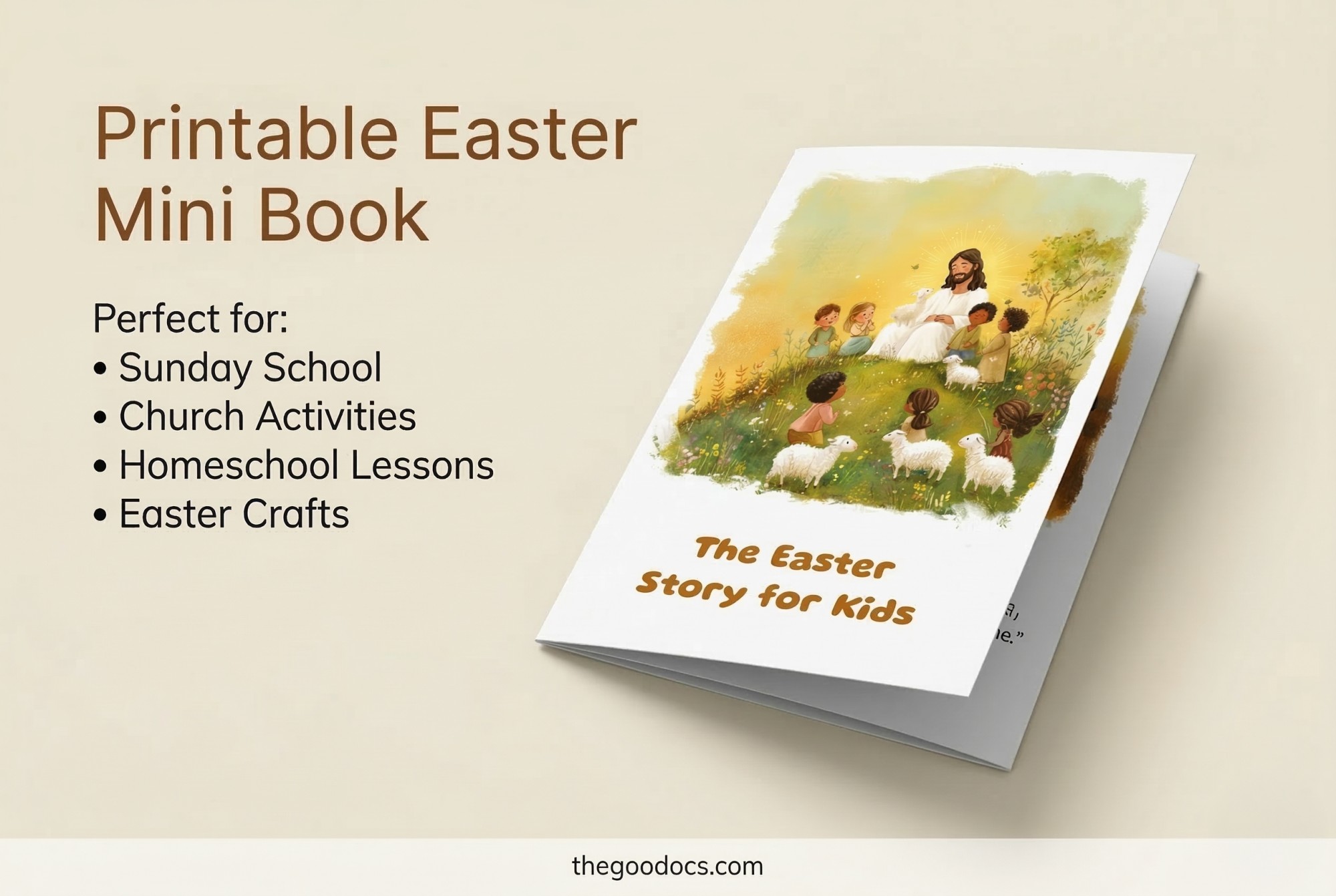
Incorporate this story into a Sunday School lesson
3
Print on glossy paper for high-quality finish
4
Use digital version for interactive storytelling

FAQ

Is this template free? Yes, it is completely free to use.
Is it compatible with PowerPoint? Yes, you can use it in both PowerPoint and Google Slides.
How easy is it to customize? Very easy; just click to edit text and images.
What skills do I need to use it? Basic knowledge of Google Slides or PowerPoint is sufficient.
Can I add my own illustrations? Yes, you can replace the default images with your own.
ADVERTISEMENT

How to Use and Edit This Template

Get Your Document

1

Get Your Document

Click the "Edit Template" button to create your own editable copy in Google Slides or download for Microsoft PowerPoint
Customize Everything
2

Customize Everything

Easily change colors, fonts, and layouts to match your unique style or brand identity
Add Your Content
3

Add Your Content

Fill in your data, upload images, and replace the placeholder text with your own information
Print, Export, or Share
4

Print, Export, or Share

Print, export as PDF, or share instantly

Related Templates

Recently Viewed