Stylish Novel Book Template
Use this free template with Google Docs and Microsoft Word
Template Specification
Key Features of This Template
About this template
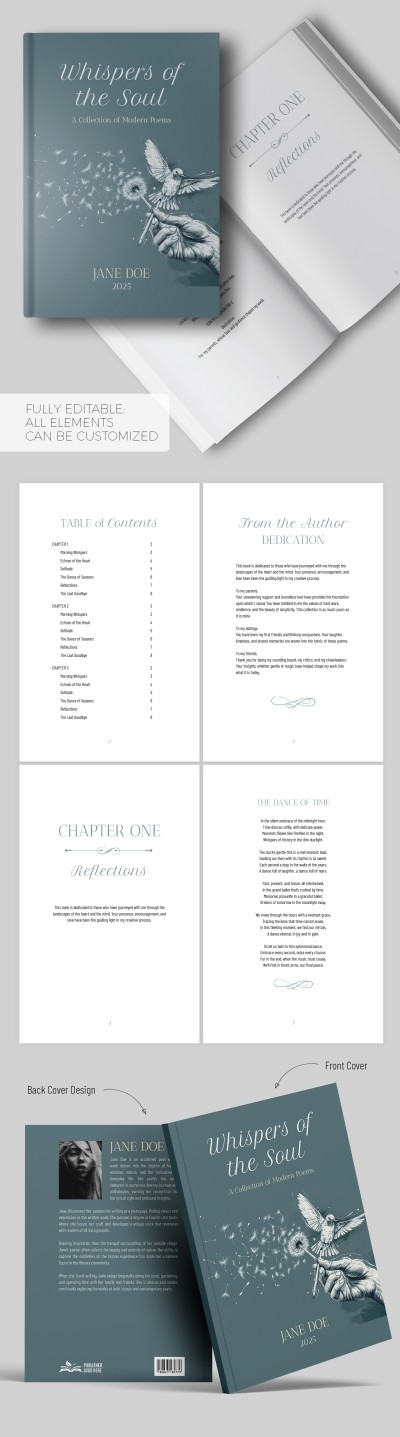
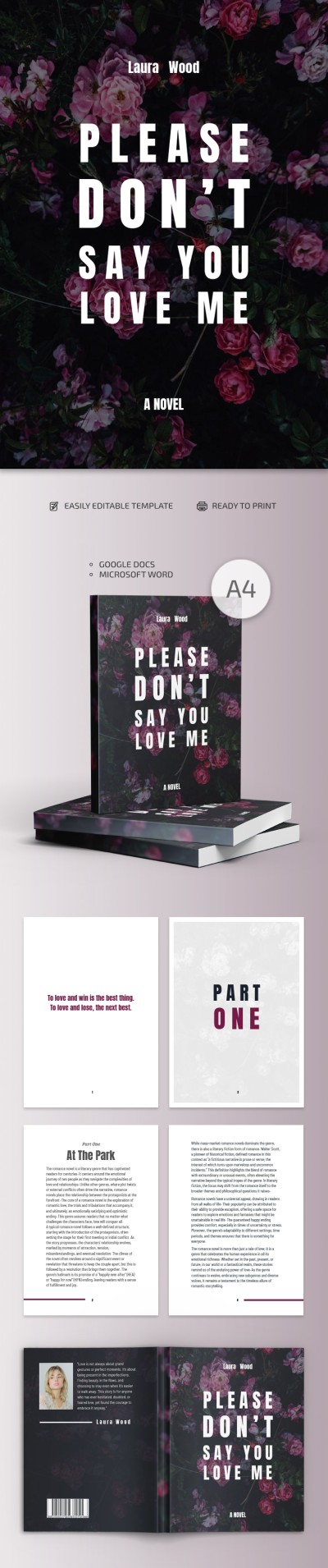
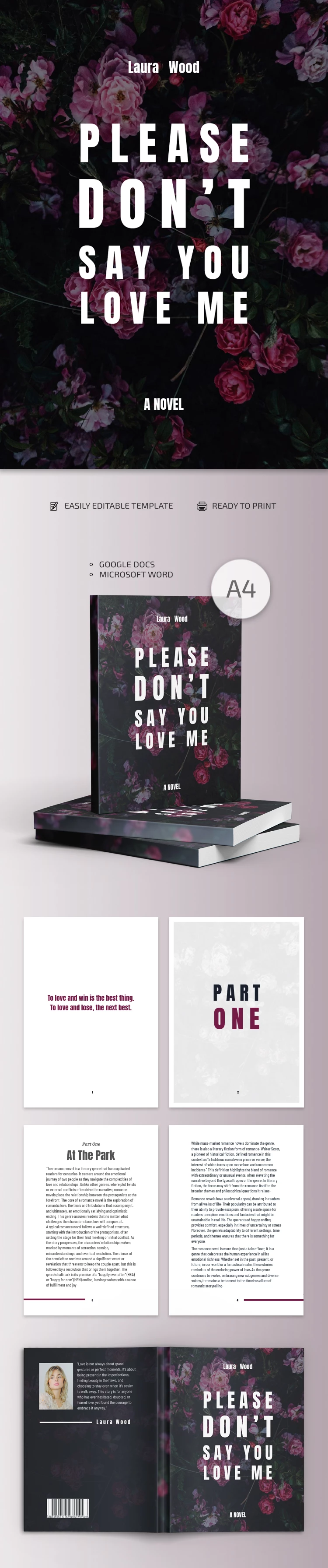
Your manuscript can shine with new colors thanks to our Stylish Novel Book Template. This option is perfect for creating an even more romantic atmosphere for your story.
Create a Professional Novel Layout Fast
Saving time without sacrificing design quality is easy, and our novel templates for Google Docs and Word are excellent proof of that. The intuitive interface of these platforms allows you to quickly add your text while preserving margins, fonts, and overall formatting.
Our fiction book template features:
- Matching front and back covers with a floral background and placeholders for your title, blurb, and author’s name.
- Beautifully designed pages for dividing your book into chapters in the same elegant style.
- Clean layouts for the body of your book with easy-to-read fonts, precise margins, and page numbers.
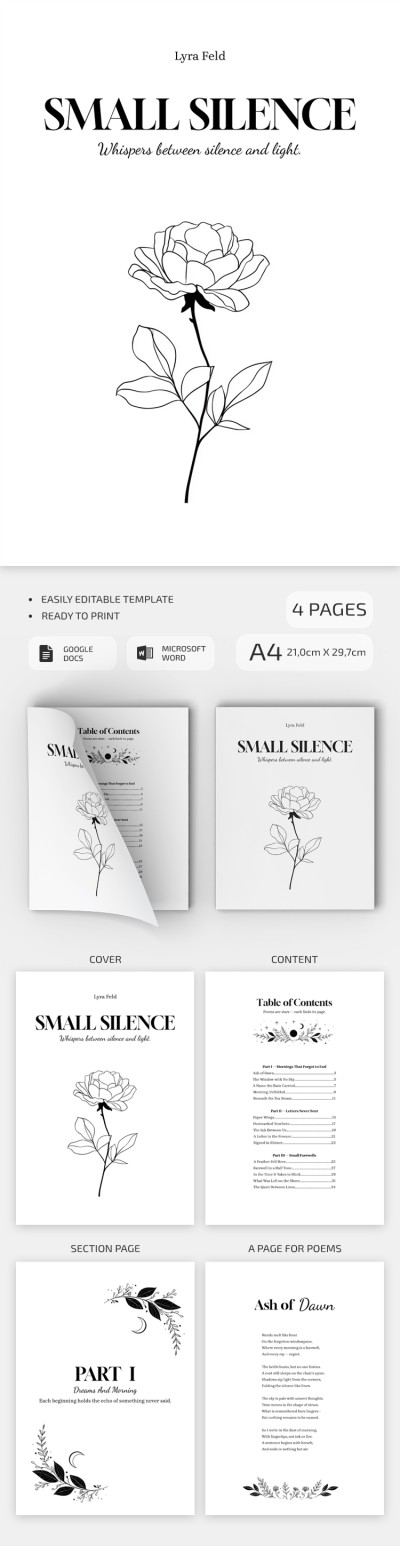
All you have to do is duplicate the pages and replace the placeholder text with your manuscript. All settings for high-quality A4 printing are ready, and the finished version can be saved as a PDF. We also recommend checking out our elegant Simple Poetry Book Template, which can serve as a great free starting point for your next project.
Download Free Template
WHAT’S INCLUDED
Book Tips
FAQ
How to Use and Edit This Template

Get Your Document

Customize Everything

Add Your Content