ADVERTISEMENT
ADVERTISEMENT
Sleek Book Cover Layout Template
Use this free template with Google Slides and Microsoft PowerPoint
4.25 (1 reviews)
•
Last updated
Updated
October 10, 2026
•
Created by
Vladimir Belyakin
•
Type
Fiction, Novel, Aesthetic, Portrait, A5 / Half Letter
ADVERTISEMENT
Template Specification
Format
Google Slides, Microsoft PowerPoint
Orientation
Portrait Book Templates
Created
August 14, 2024
Last Updated
October 10, 2026
Community
Added to collections by 11 Users
Usage Stats
3 downloads this month
Key Features of This Template
Suitable For
Publisher , Self Publish
Book Category
Fiction Book Templates
Book Genre
Novel Book Templates
Style
Aesthetic Book Templates
About this template
Do you want to write a novel or an autobiography? Our Sleek Book Cover Layout Template is your go-to choice to grab readers' attention at first glance!
Unique Style Cover Template
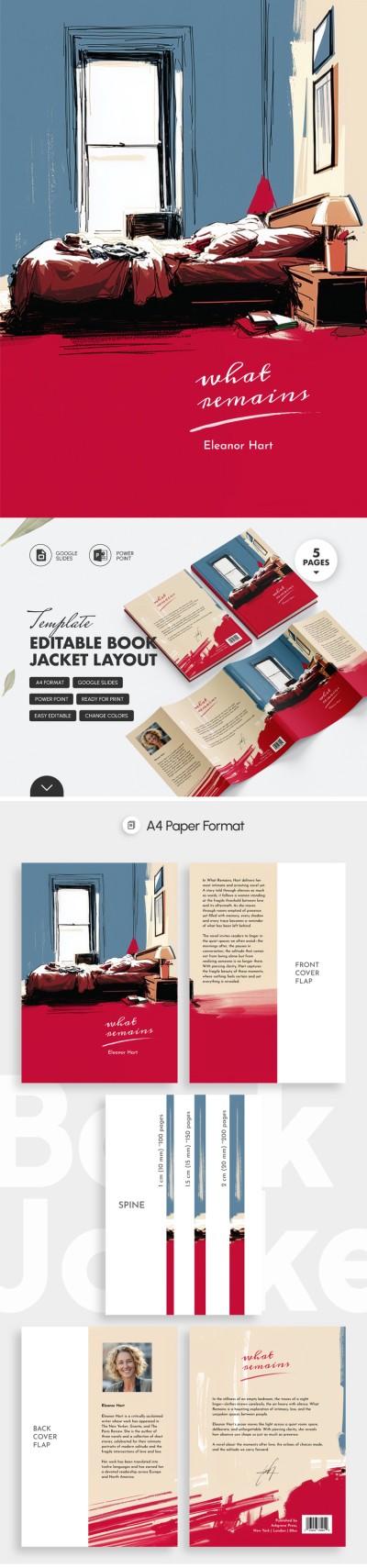
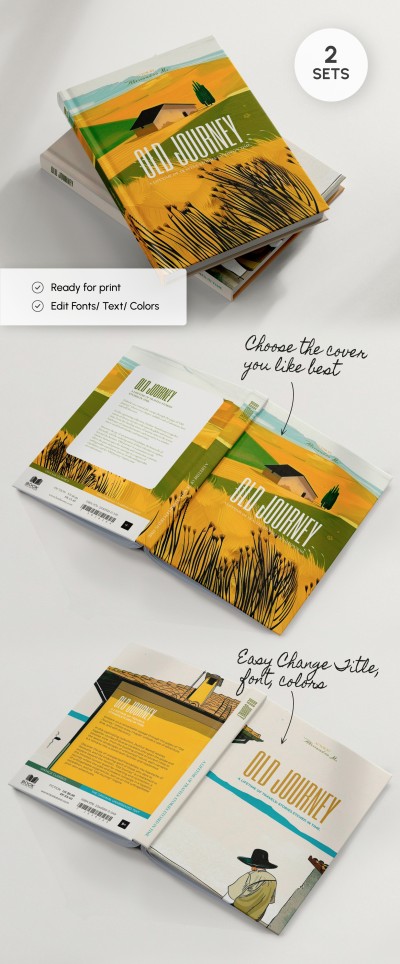
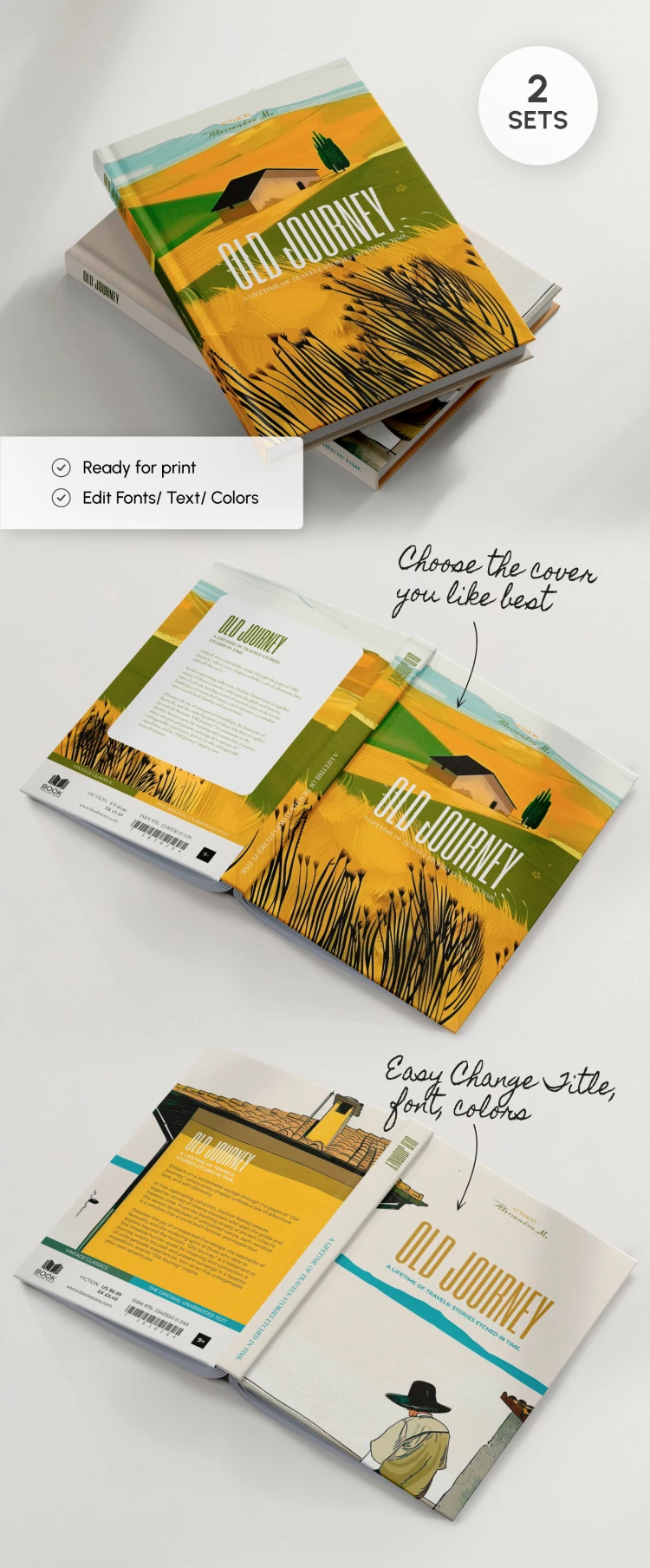
Our A5 template in Google Slides and PowerPoint formats offers a unique design with a wheat field background and a small house. The second cover design features a man in a hat with a wide brim against a beige background and roof edges on the sides.
Both cover options look like they were drawn with paints, which adds mystery and vintage. We have also included a consistent design for the corresponding back cover and spines.
You can edit fonts, add text, title, barcode, logos, minimum age of readers, etc. Find a suitable book jacket template and use it for free!
ADVERTISEMENT
Free Template
Download Free Template
Choose your platform and start editing right away
PLATFORM
PAPER SIZE
A5
No account required • Attribution required
WHAT’S INCLUDED
Editable fonts, text, and colors
Two unique cover design options
Consistent back cover and spine
Ready-to-print high-resolution files
Book Tips
Choose a cover design that fits your book’s theme.
Customize fonts and colors to match your style.
Include a captivating title and author name.
Verify all details before printing your book cover.
FAQ
Is this template compatible with PowerPoint and Google Slides?
Yes, the template works in both platforms seamlessly.
How easy is it to customize?
It's fully customizable with easy-to-edit text and elements.
Do I have to pay for this template?
No, this template is available for free download.
Can I change the images on the cover?
Yes, you can replace images to fit your book theme.
Is a Google account required to edit?
No, you can download and use it in PowerPoint as well.
ADVERTISEMENT
How to Use and Edit This Template

Get Your Document
Click the "Edit Template" button to create your own editable copy in Google Slides or download for Microsoft PowerPoint

Customize Everything
Easily change colors, fonts, and layouts to match your unique style or brand identity

Add Your Content
Fill in your data, upload images, and replace the placeholder text with your own information

Print, Export, or Share
Print, export as PDF, or share instantly