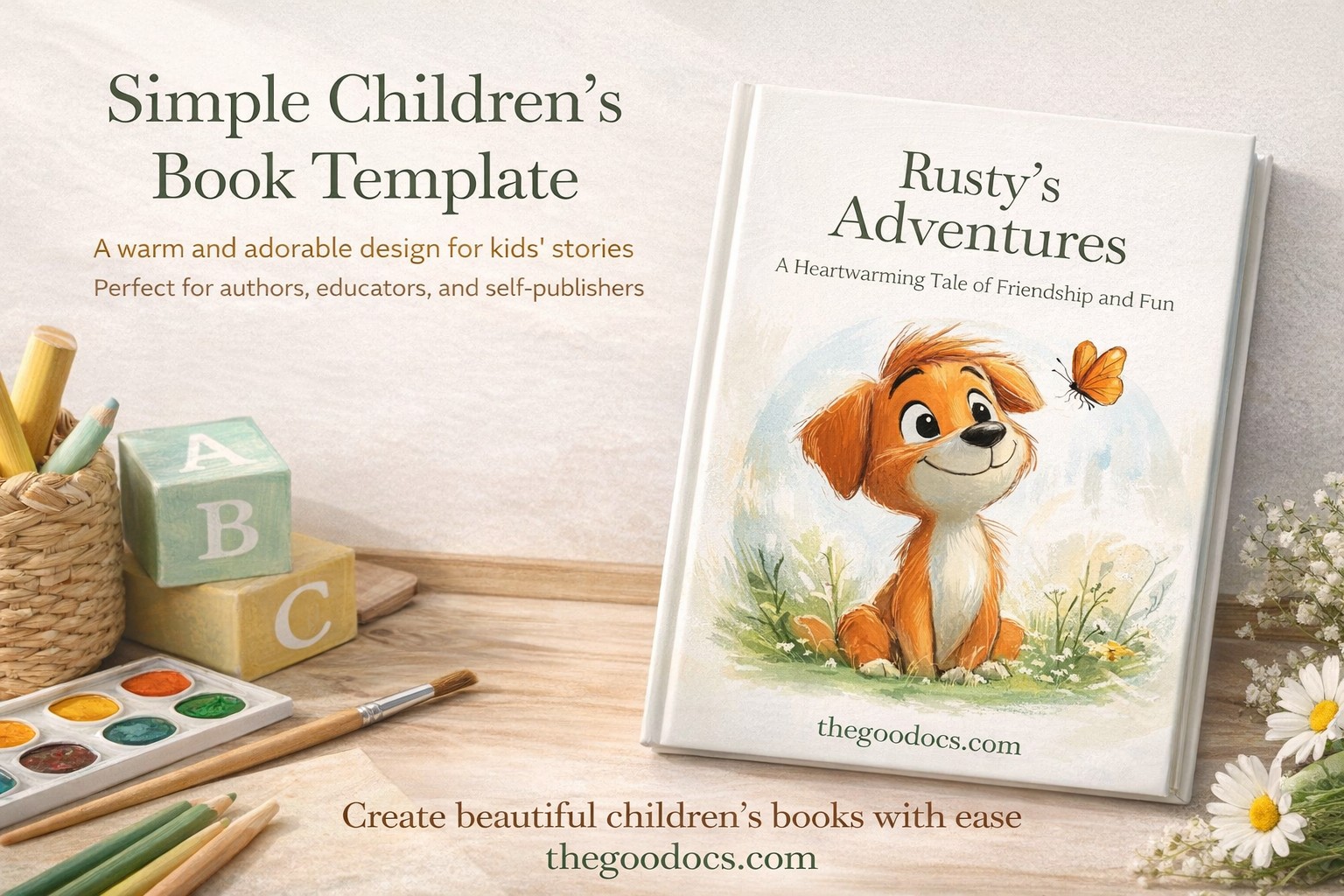
Simple Children's Book Template
Use this template with Google Slides and Microsoft PowerPoint
Template Specification
Key Features of This Template
About this template
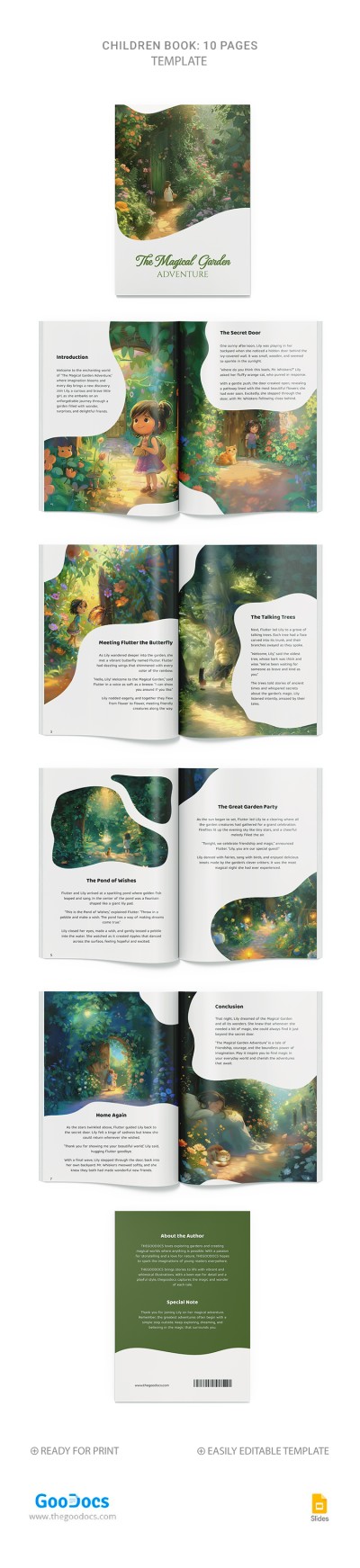
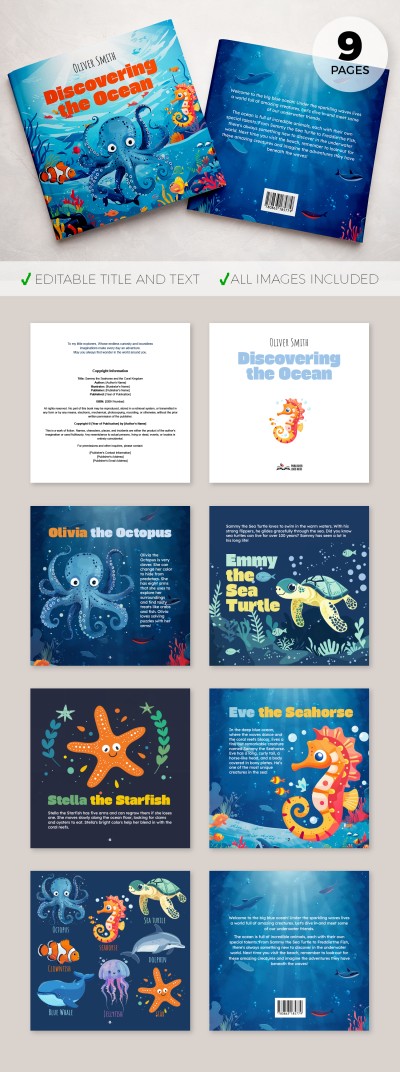
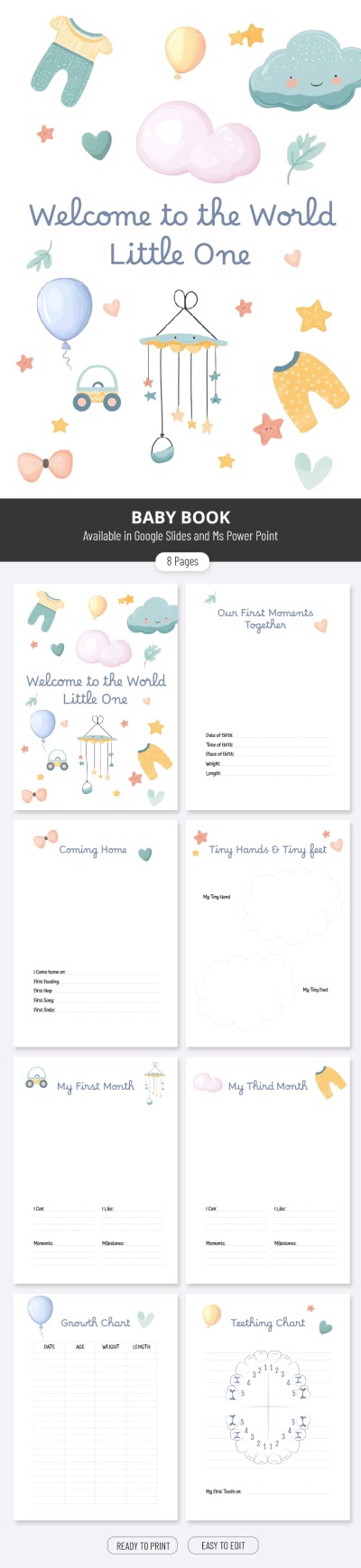
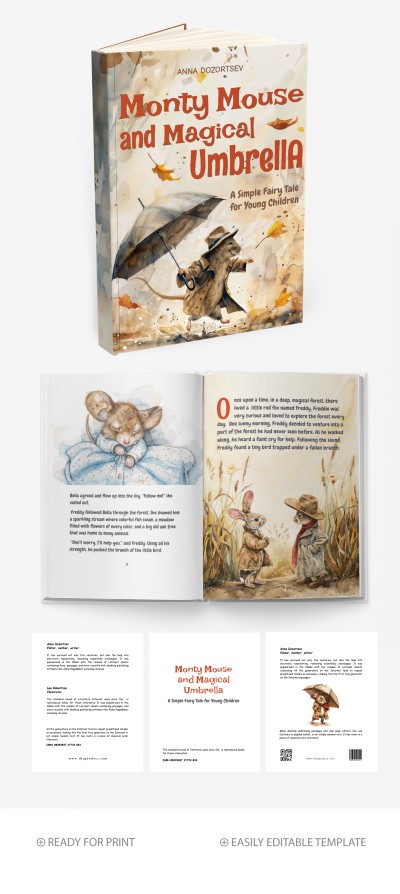
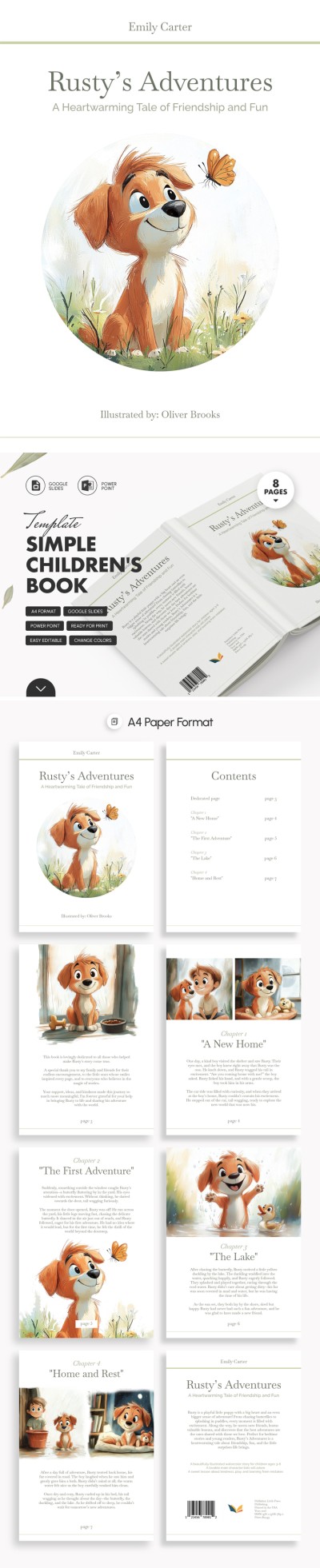
Download and edit our Simple Children’s Book Template. This template features 11 slides, each with a specific purpose. In addition, using a children's book template saves you time compared to creating a design from scratch and guarantees a professional layout.
Take Advantage of Our Children’s Book Template
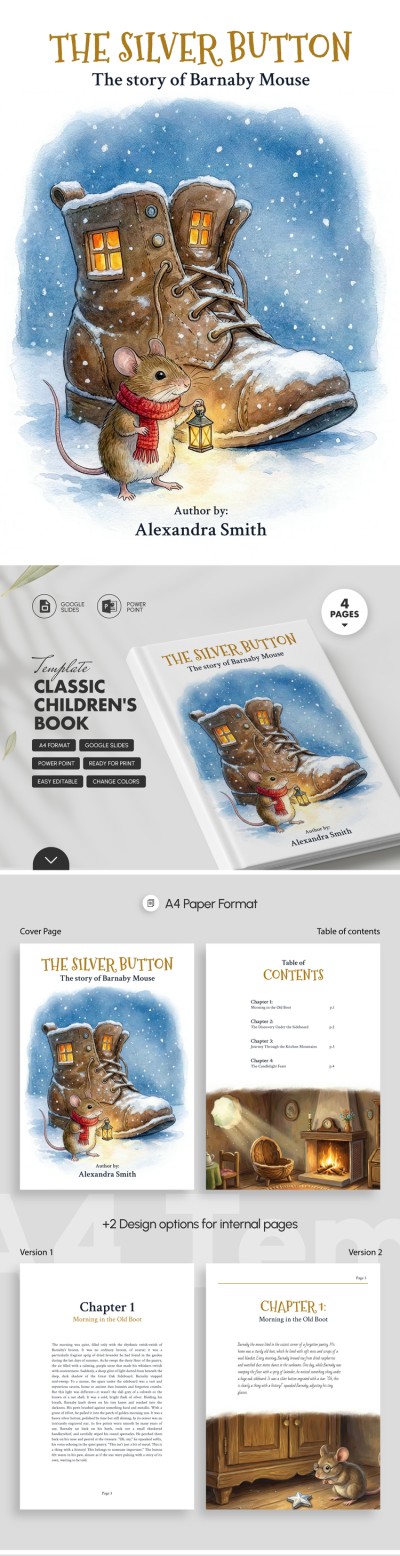
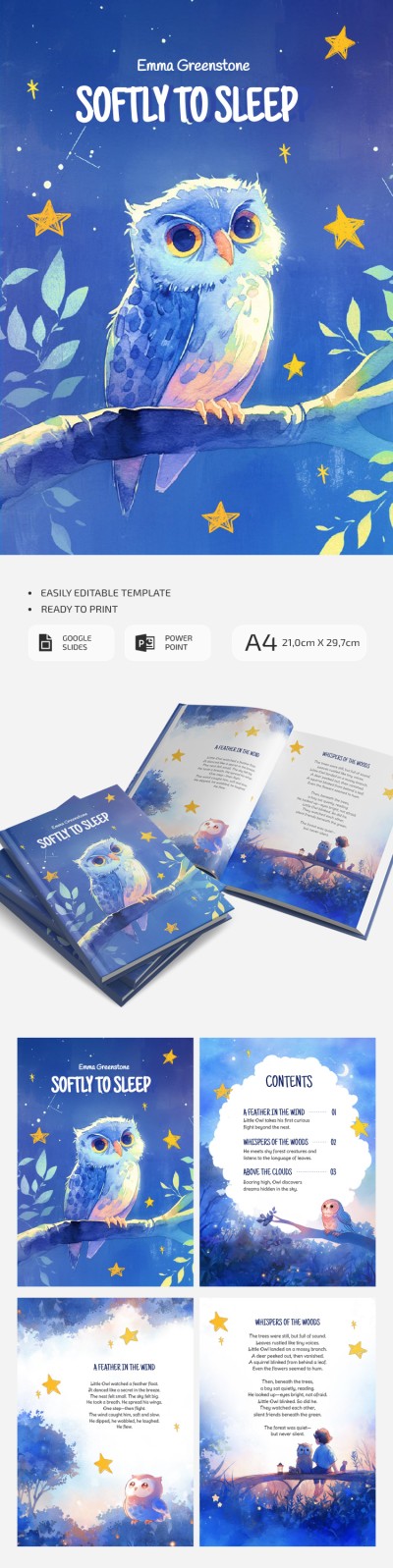
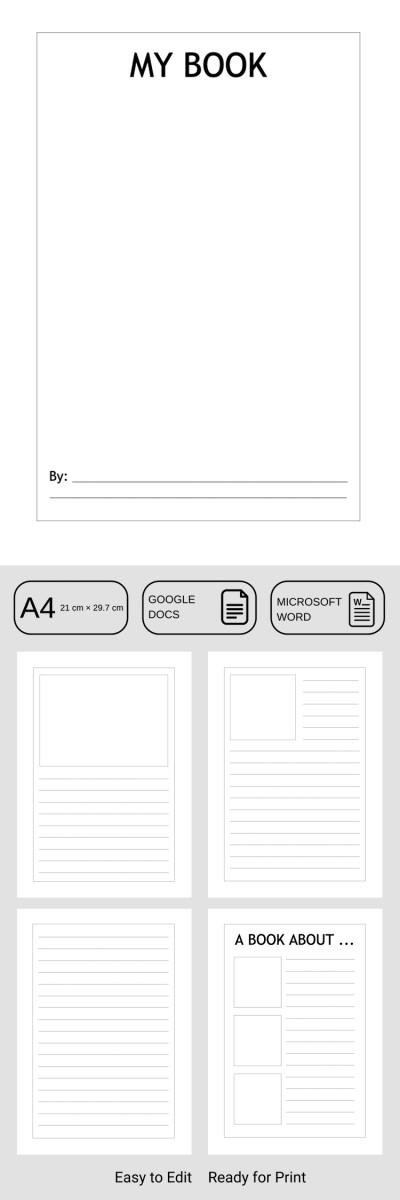
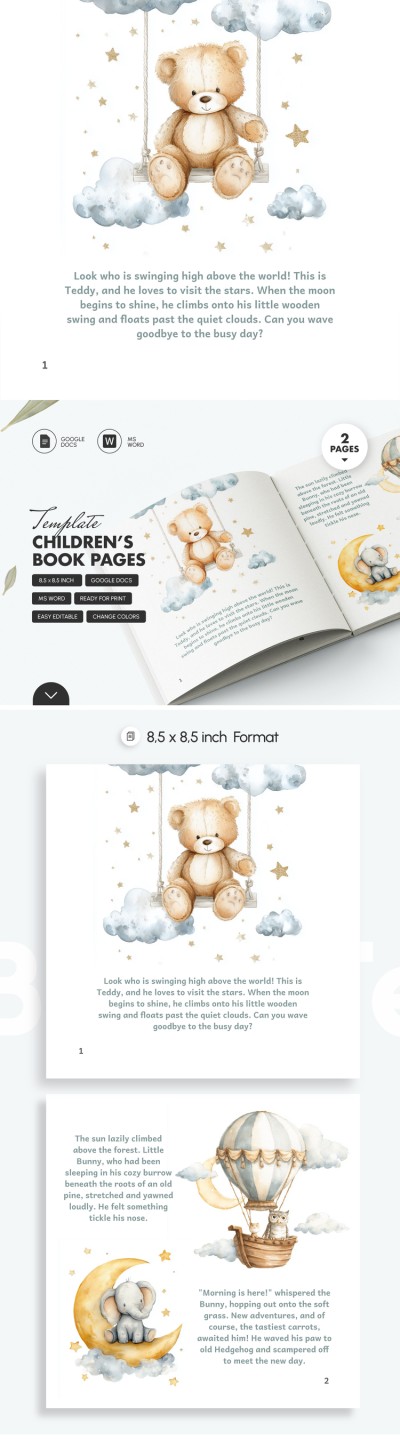
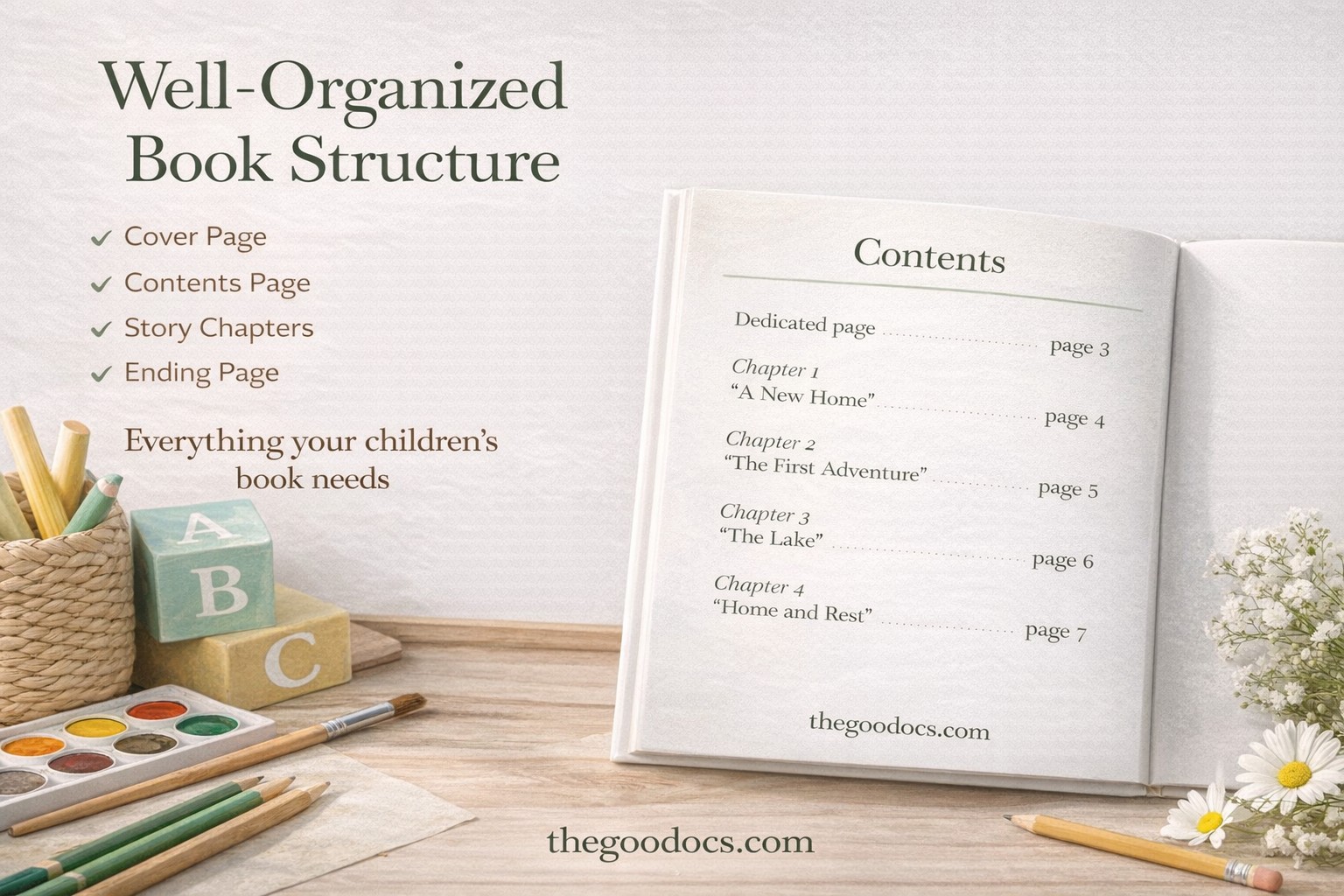
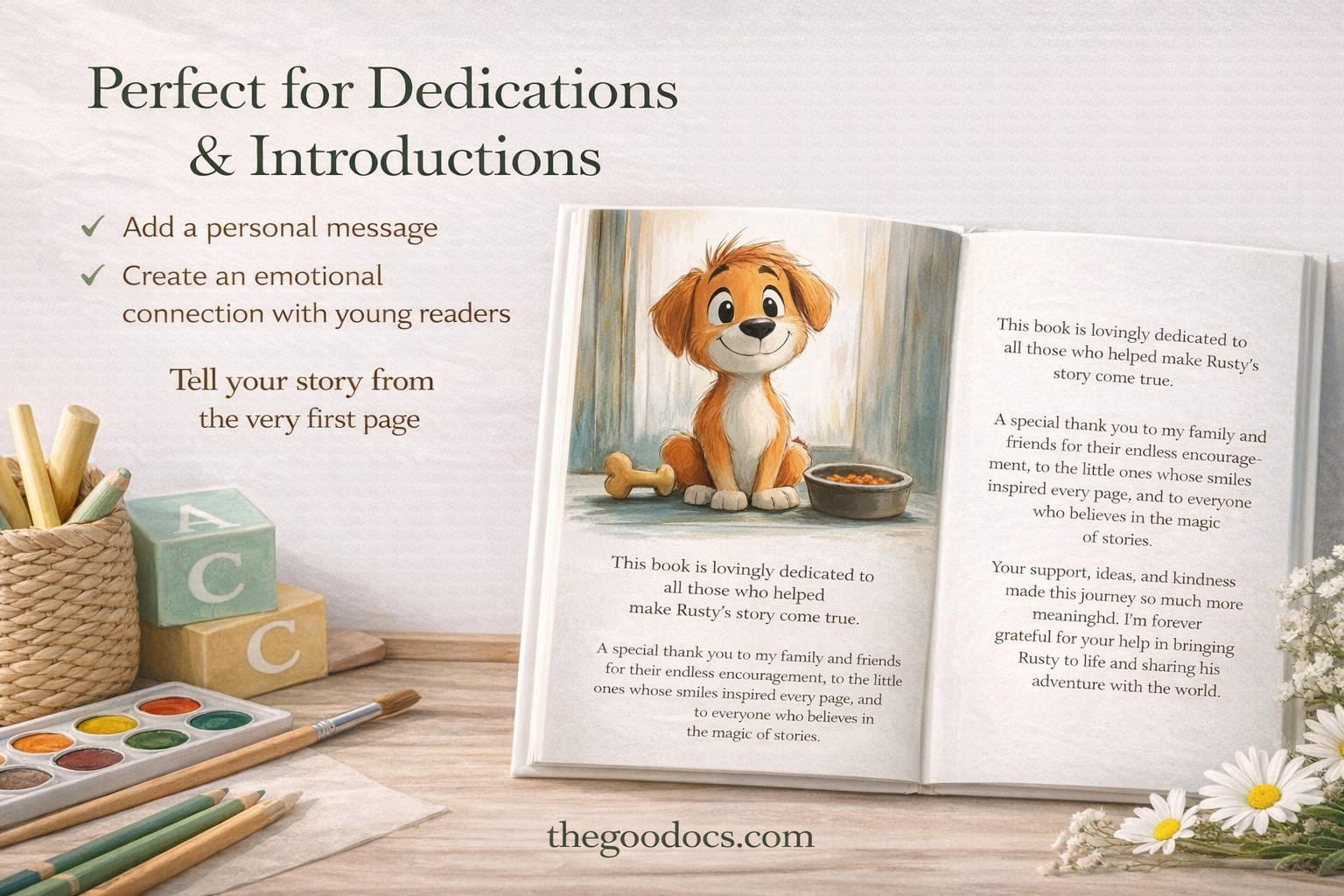
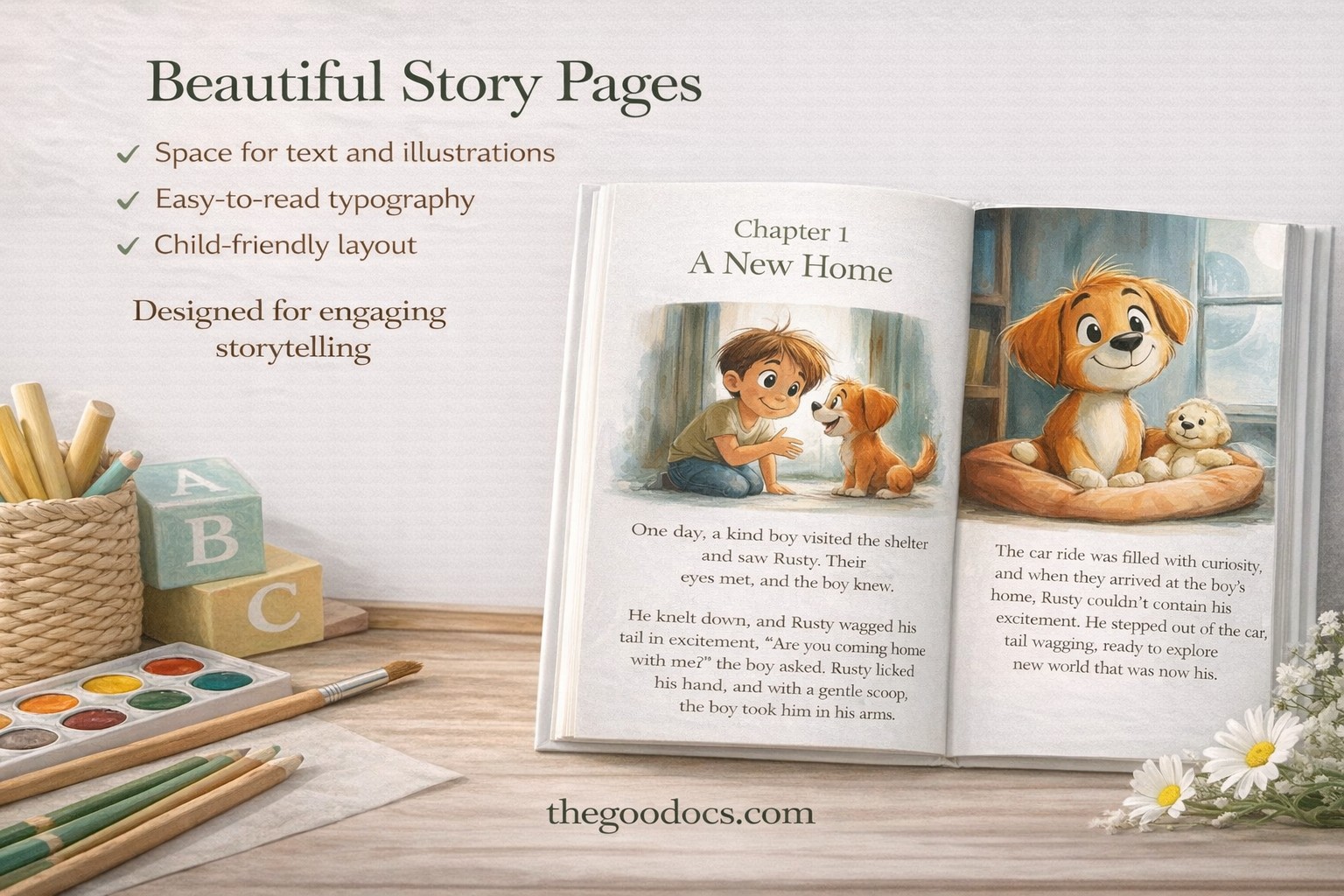
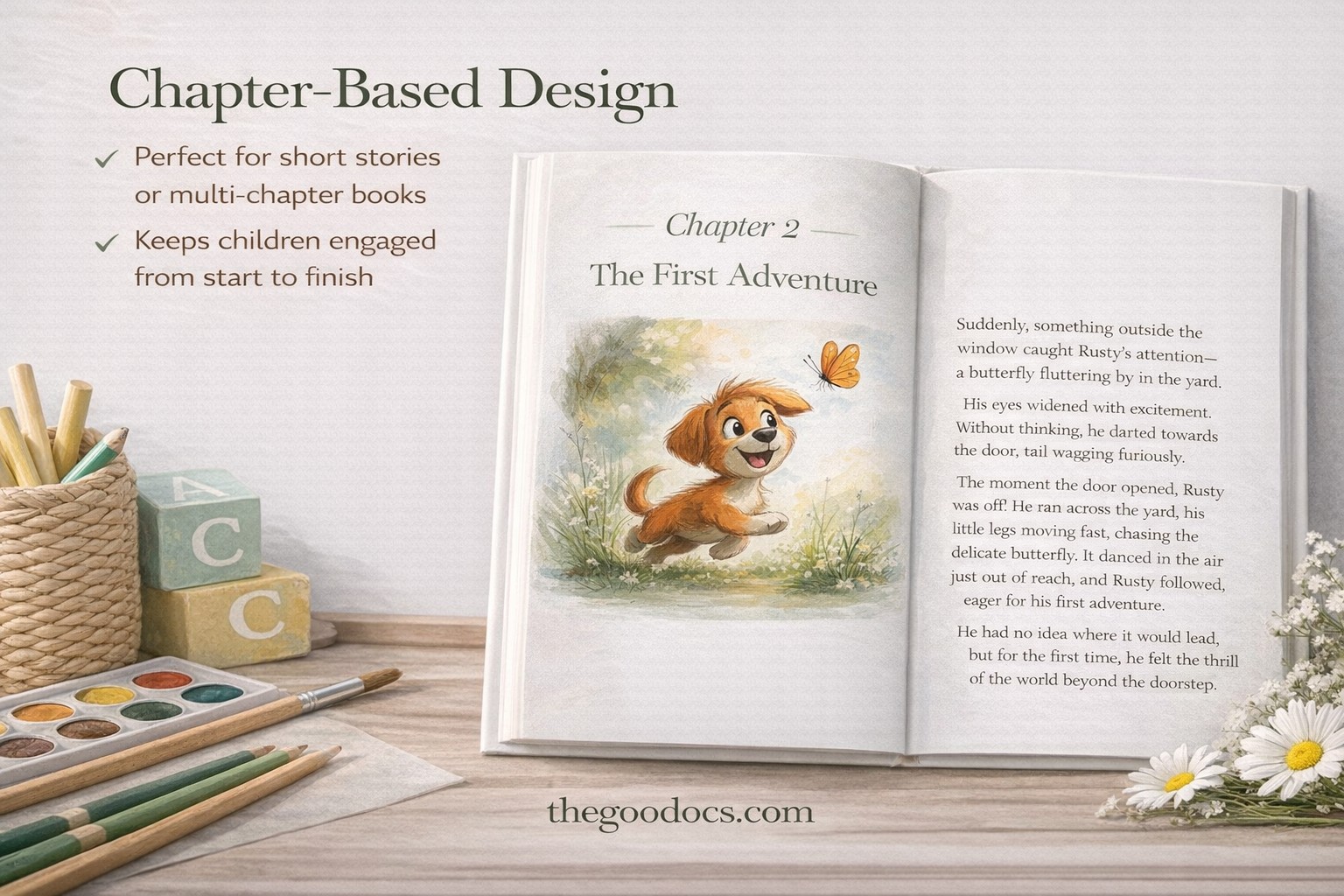
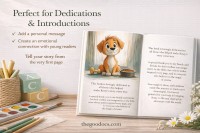
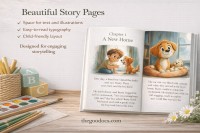
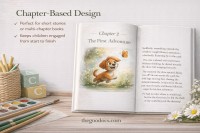
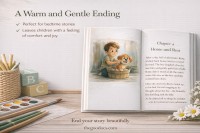
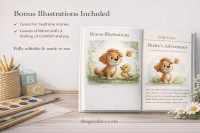
Inside, you’ll find layouts for the front page, four different book sections, additional illustrations, and more.
Working with the fiction book template in Google Slides and PowerPoint is easy:
- Type in the author’s name and book title, and customize the illustrations on the front page.
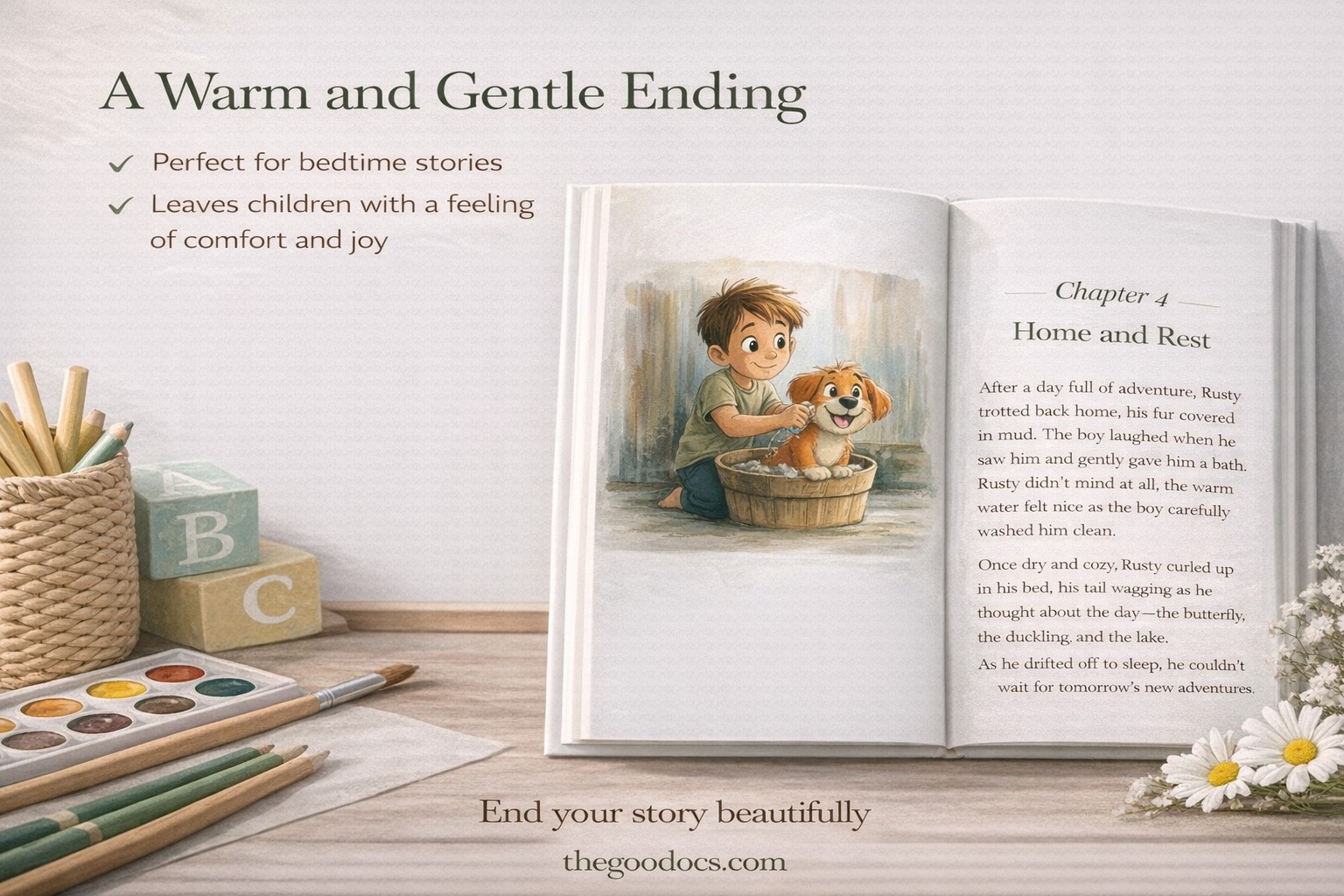
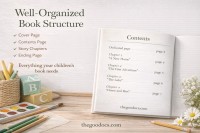
- Use pre-made layouts for the table of contents and Chapters 1–4.
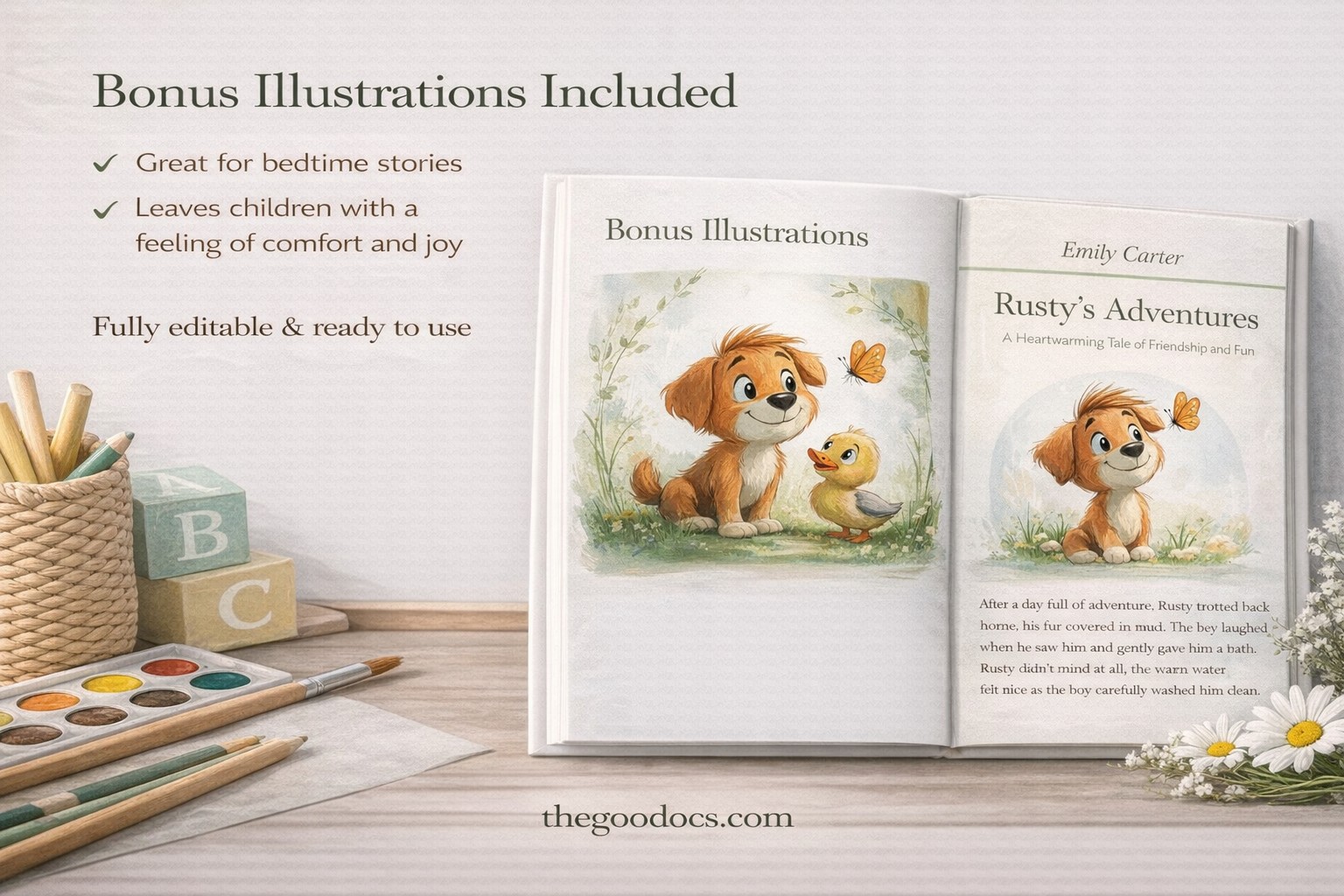
- Add bonus illustrations from the file and a new text.
- Print the finished book in A4 format.
You can edit design elements and text within the template. Choose new fonts, use your own illustrations, or keep the original design as is.
Want to choose another layout for your story? On our platform, you’ll find a book format template suitable for your genre.
WHAT’S INCLUDED
Book Tips
FAQ
How to Use and Edit This Template

Get Your Document

Customize Everything

Add Your Content