
Home Inventory Templates in Google Sheets and Excel
Use our pre-made home inventory templates in Google Sheets and Excel. Our editable and printable templates help you record and track the items and appliances in your home. Easily monitor the condition and value of each item. Use them for free for insurance purposes, moving, or estimating the total value of your belongings. Save time with our templates.
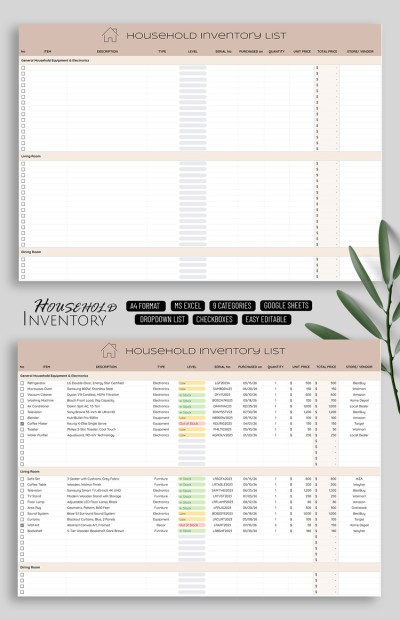
Household Inventory List
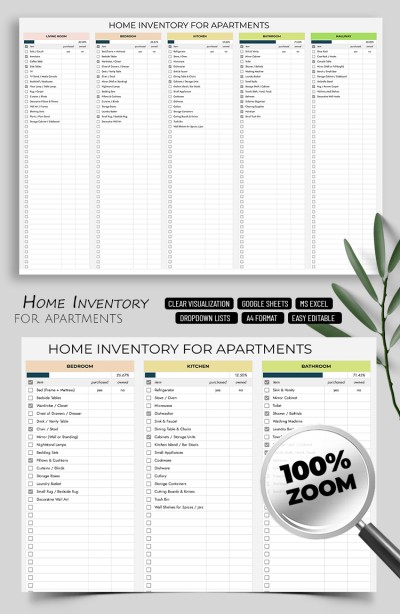
Simple Home Inventory Template for Apartments
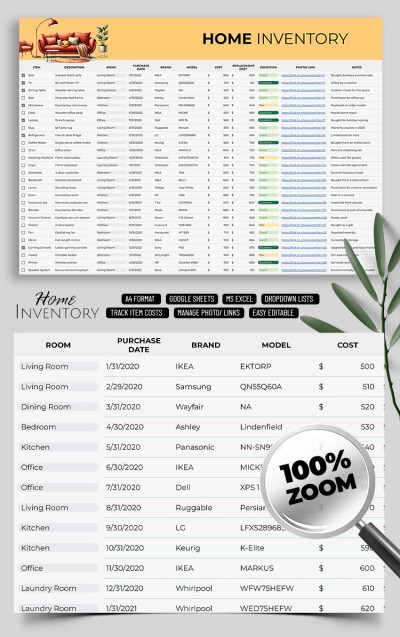
Home Inventory List

Home Inventory Template Tracker Spreadsheet
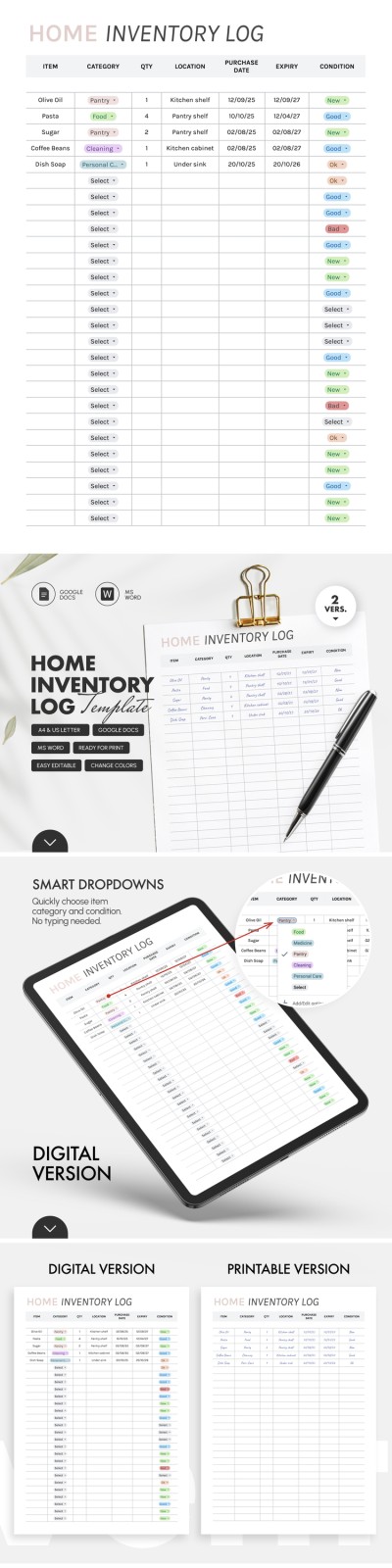
Home Inventory Log Template – Track Pantry & Food
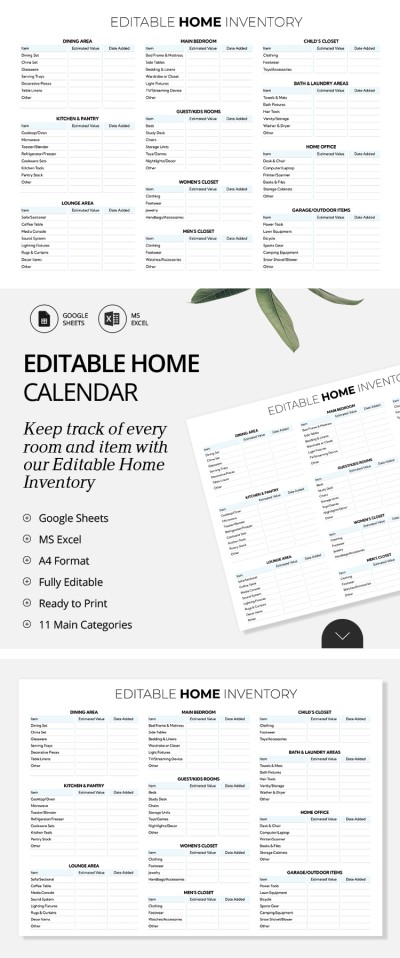
Editable Home Inventory Spreadsheet
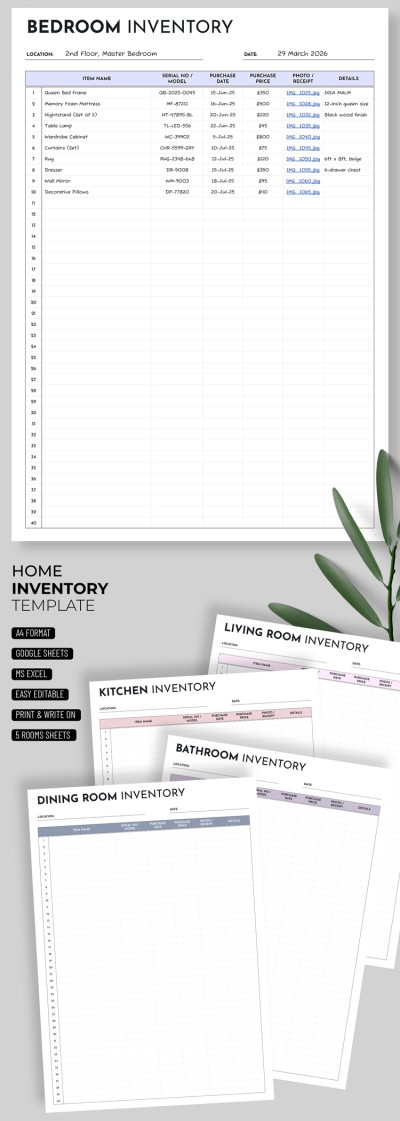
Home Inventory Template – Minimalist & Easy To Use
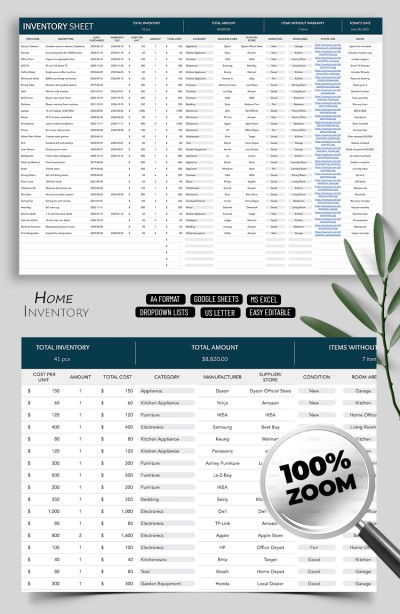
Simple Inventory Sheets for Home Use
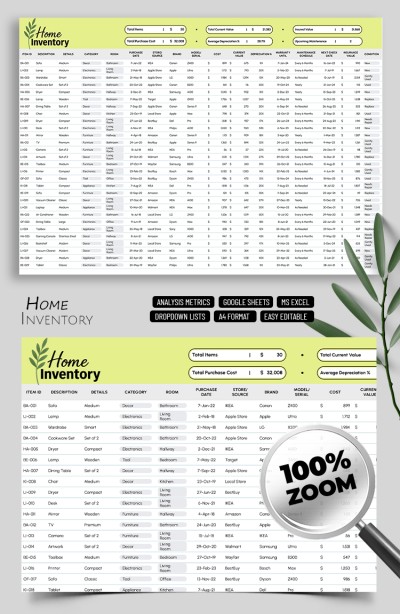
Home Inventory Template Spreadsheet
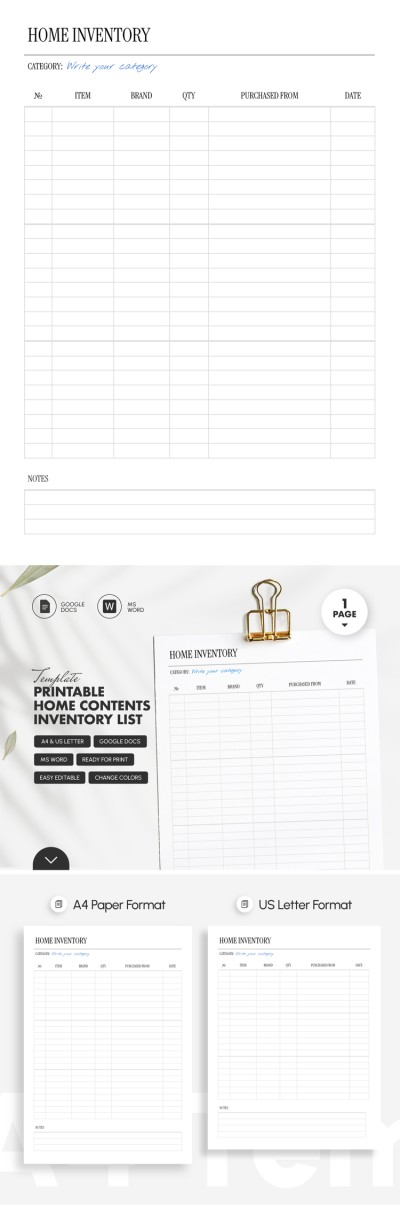
Printable Home Contents Inventory List Template
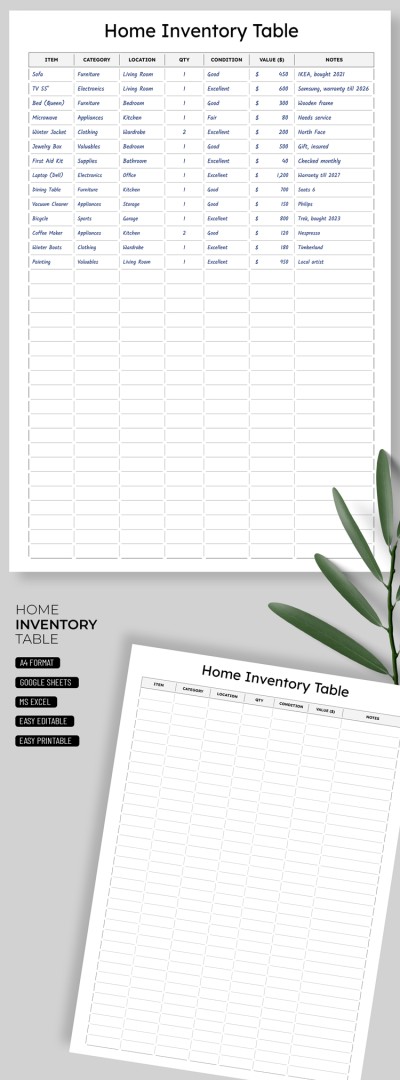
Home Inventory template
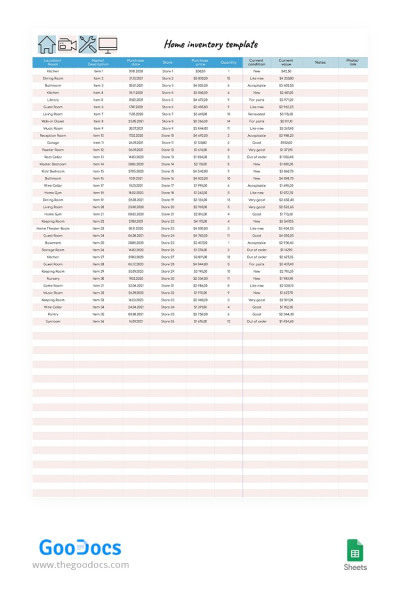
Pink Home Inventory
Please try different filters or clear all to start over.
Do you want to protect yourself from unexpected losses, simplify insurance management, or plan your budget? No matter what you need a home inventory template for, TheGoodocs has you covered. Our templates help you organize all your property information in one convenient and well-structured document. Simply make a copy or download the template to any device and enter your home inventory details.
Check out the top features of our home inventory templates:
- Our templates offer a thoughtfully designed and user-friendly structure. You can save a great deal of time by using a ready-made layout offering logical organization. Enter where each item is stored, its cost, purchase date, and current condition. Additionally, our templates include fields for notes and photos to keep everything in one place.
- Our home inventory templates are fully editable in Google Sheets and Excel. All formulas, drop-down lists, and categories are already included, and you can easily add more rows or delete unnecessary ones. You can also update your data from your phone, tablet, laptop, or PC — whichever is most convenient for you.
- Expedite insurance and repair processes. Filing a claim with your insurance company will be much easier if you already have a spreadsheet with all the necessary information. Include receipts and serial numbers (some templates even have dedicated columns for these) to save time when gathering documents.
Our home inventory templates are suitable for homeowners, apartment owners, and property managers. Choose from the ready-made options available exclusively on this page or explore more inventory list templates.
Home Inventories Templates FAQ
Follow these simple steps to create a detailed home inventory:
- Walk through your home with a camera and take photos or videos. Capture each room and create separate folders to make it easier to find needed files later.
- Create a spreadsheet or use a ready-made home inventory template. The spreadsheet should definitely include several columns, such as Room, Items, Quantity, Brand and Model, Purchase Date, and Purchase Price. You can find a template offering a suitable structure and design on this page.
- Add details about all the items you have in your home. You can create separate tables via the file or include extra sections for each room. After that, list all your equipment, decor, etc. For example, if you have a fireplace, make sure to list it in your home inventory. Flooring, televisions, stereo systems, jewelry, silverware, designer clothing, and other valuable items should also be included.
- Attach supporting media. After filling in the basic details, add photos or a video. You can upload these files to cloud storage or to your computer, and then include links to them directly in your Google Sheets or Excel document.
Once your home inventory contains all the required information, save the file. This document will be extremely helpful when filing an insurance claim, particularly if you rent out your property.
A properly completed home inventory checklist should include all the key information about the items in your home. It’s mainly used for insurance purposes, so be sure to list the items you expect to be covered in case of theft or damage. This document is especially important for property owners and rental managers.
For each item, record its name and description, brand and model, and purchase price (it can also be useful to note the current estimated value). Also, include the purchase date and, if possible, links to invoices, receipts, or other proof of purchase. For valuable items such as electronics, jewelry, or artwork, it’s a good idea to record the serial numbers and take photos or videos of them.
You can create an inventory checklist on paper, but it's better to use a Google Sheets or Excel spreadsheet. Furthermore, the ready-to-use templates available on this page will save you time. You can start filling them out right away using ready-made sample text as an example, along with proper structure and professional design.

