
Chronological Resume Templates
Work experience is a key to finding a new vacancy, so chronological resume templates remain the most popular. Our templates allow you to list work experience in detail in reverse chronological order. Editable in Google Docs and Word, they help to emphasize your career progression, responsibilities, and achievements. Apply digitally or print them using convenient editors.
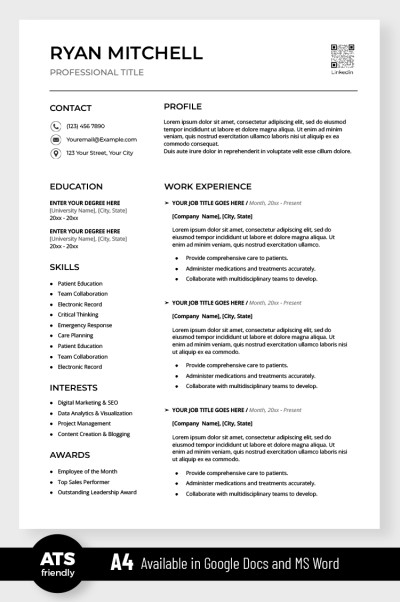
Simple ATS Resume
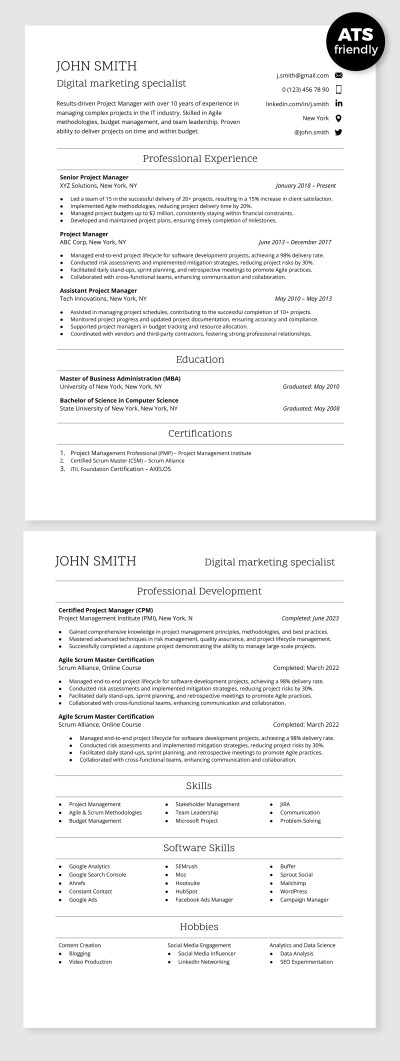
ATS Compatible Digital Marketing Specialist Resume Template
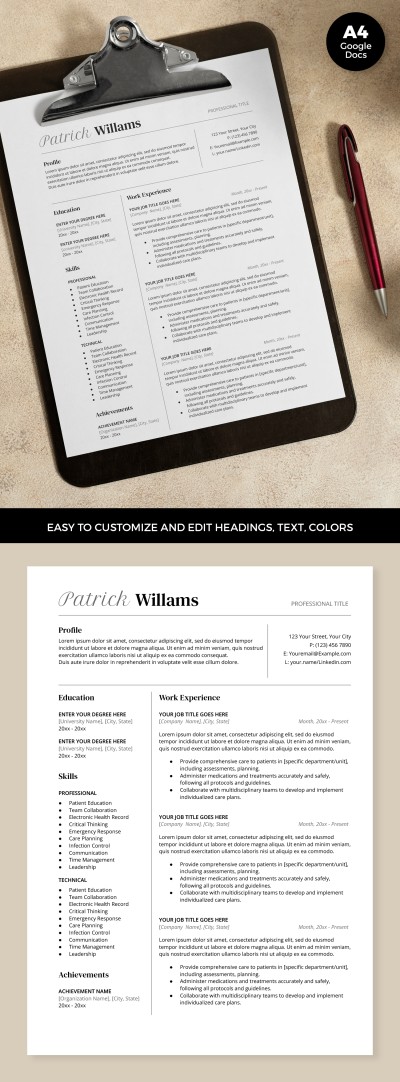
ATS Optimized Resume
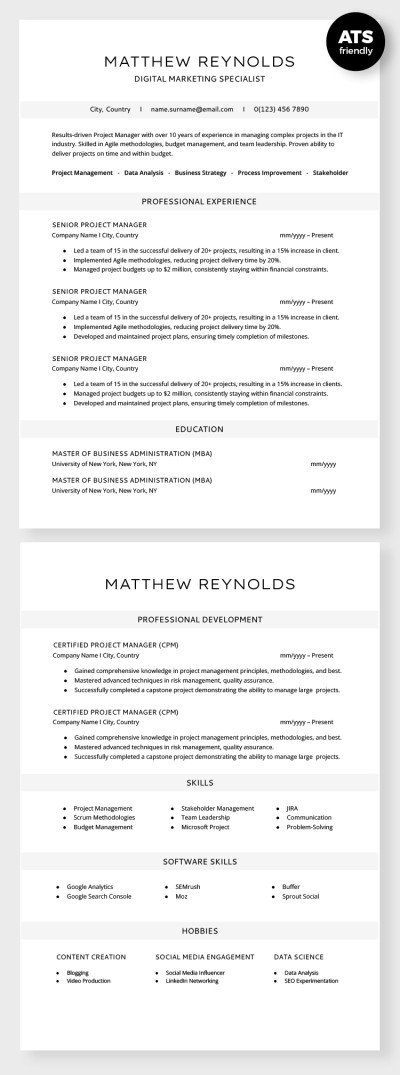
ATS Compatible Digital Marketing Specialist Resume
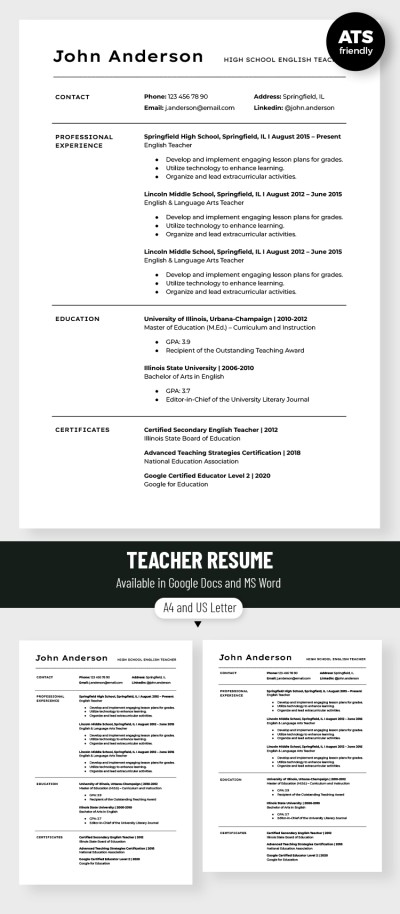
Editable Teacher Resume Template
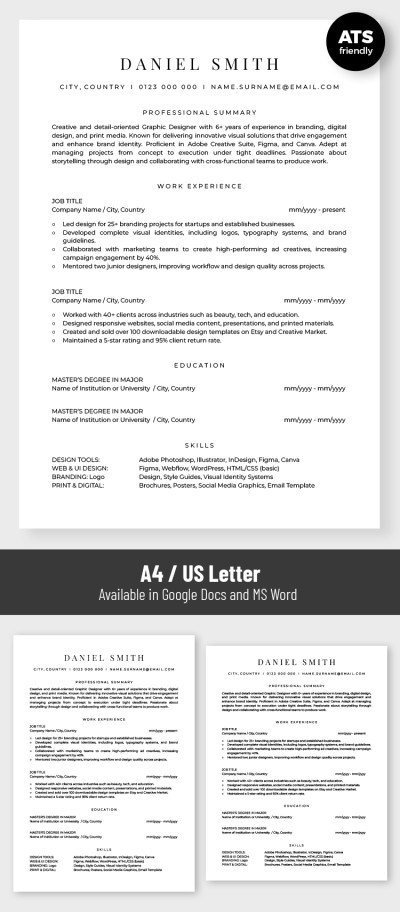
Basic ATS Friendly Graphic Designer Resume Template
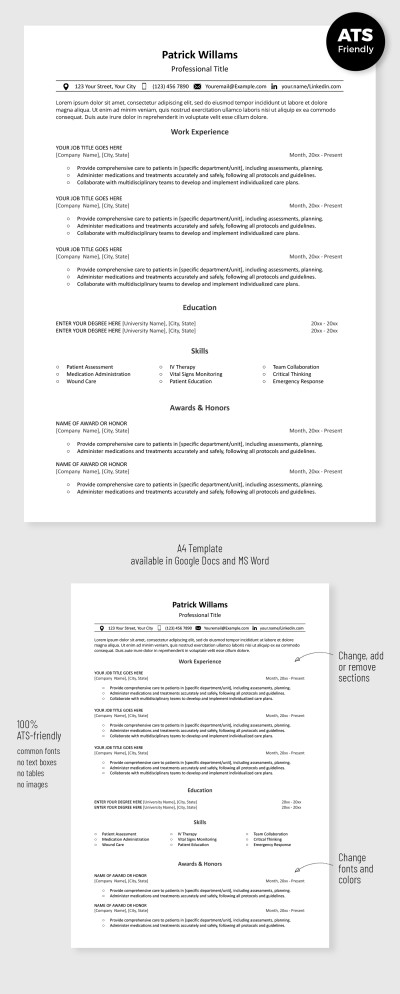
Simple ATS Resume Template
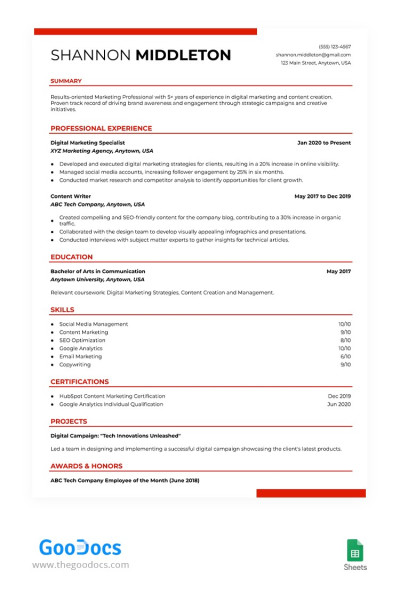
ATS Compliant Digital Marketing Resume Template
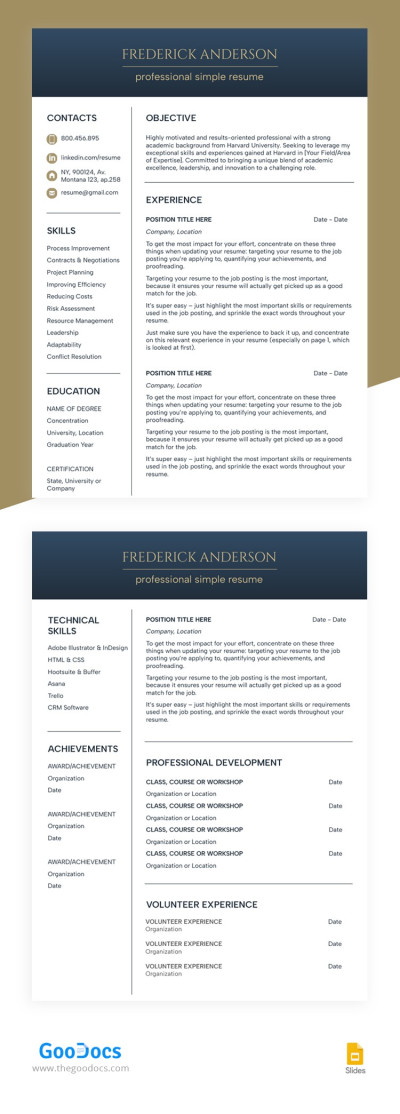
Structured White Resume
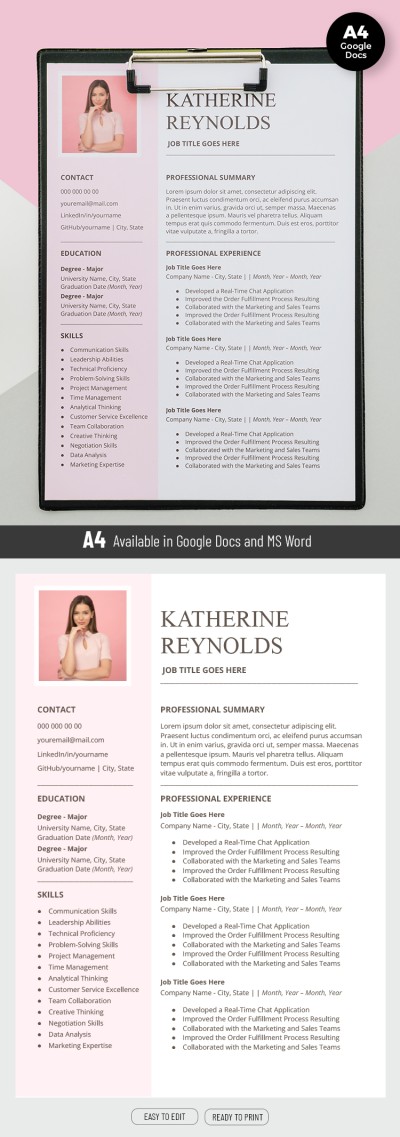
Pink Resume
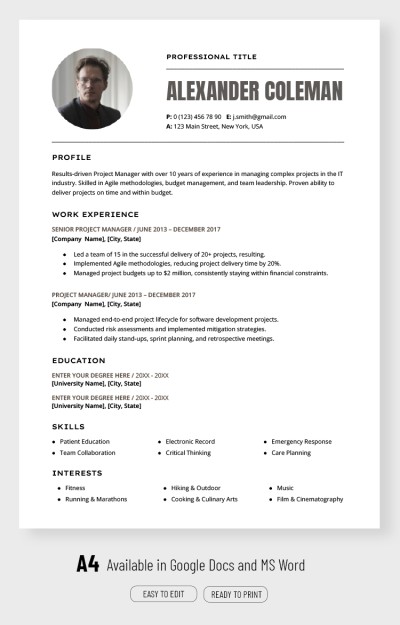
Professional Project Manager Resume Template
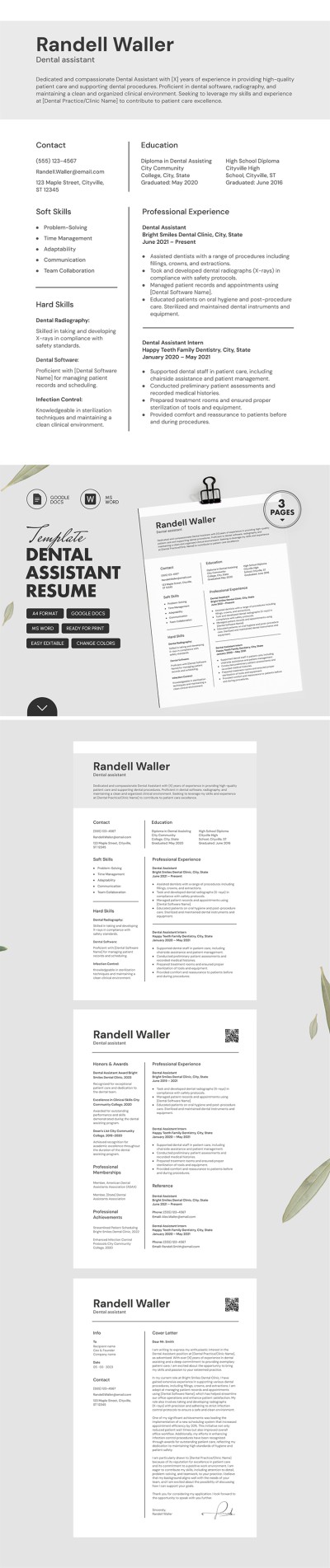
ATS Friendly Dental Assistant Resume Template with Cover Letter
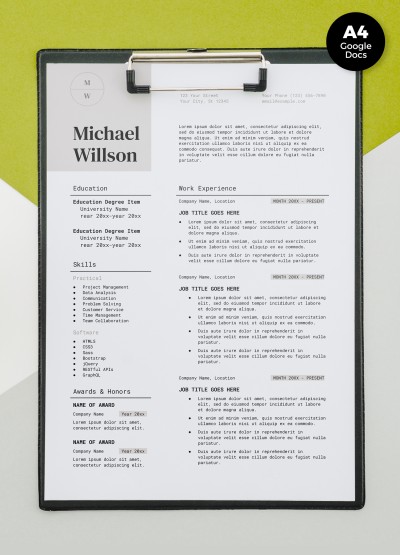
Job Resume
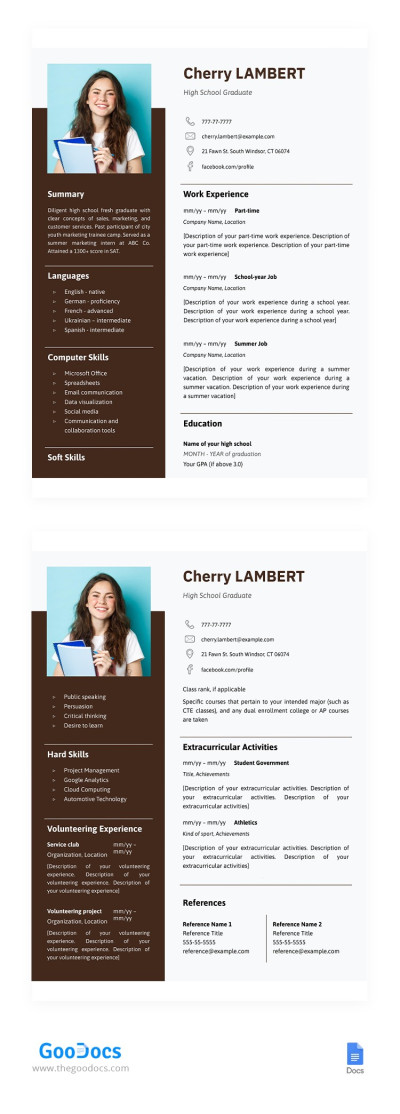
High School Graduate Resume
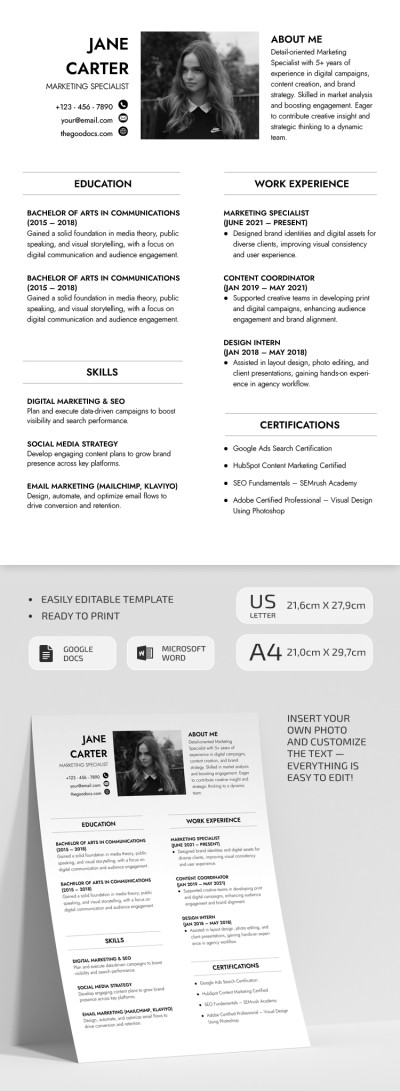
ATS Friendly Marketing Specialist Resume
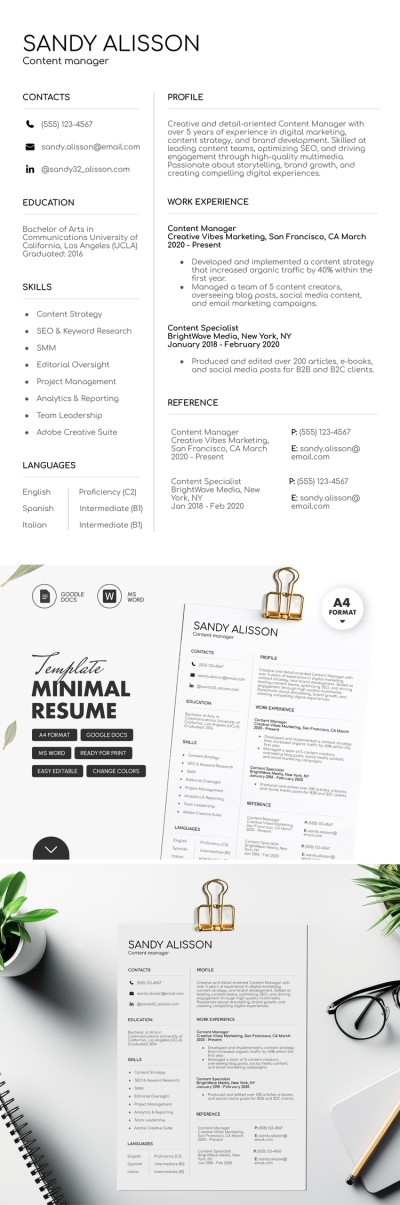
Minimal Content Manager Resume Template
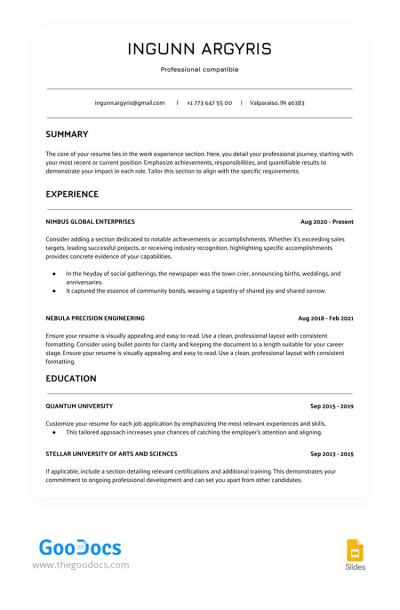
White ATS Сompatible Resume
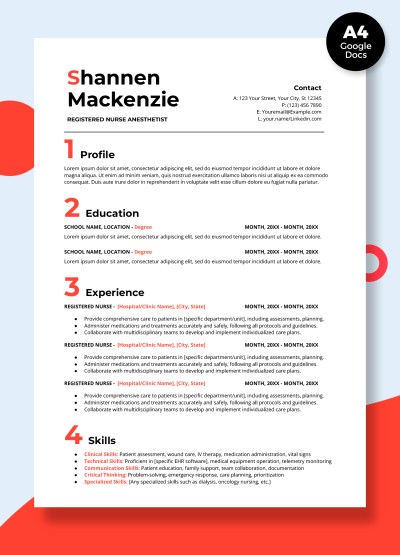
Nurse Resume
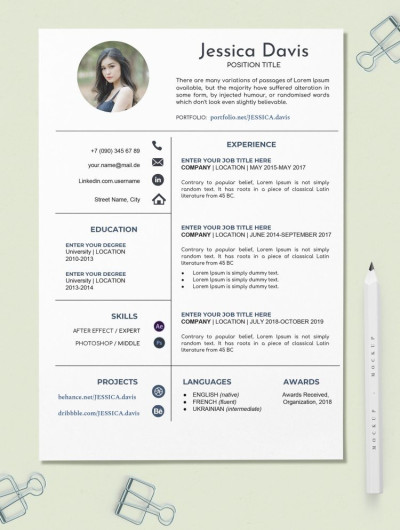
Creative Resume
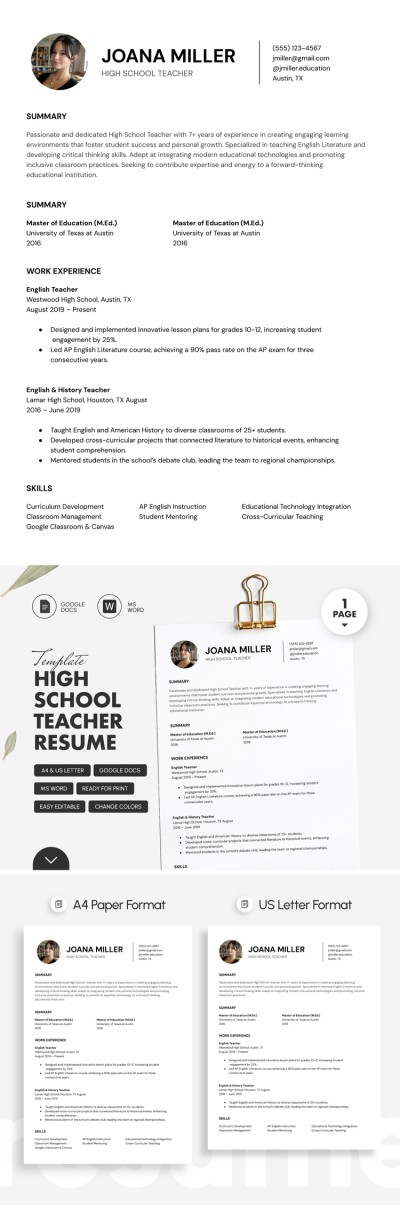
High School Teacher Resume Template
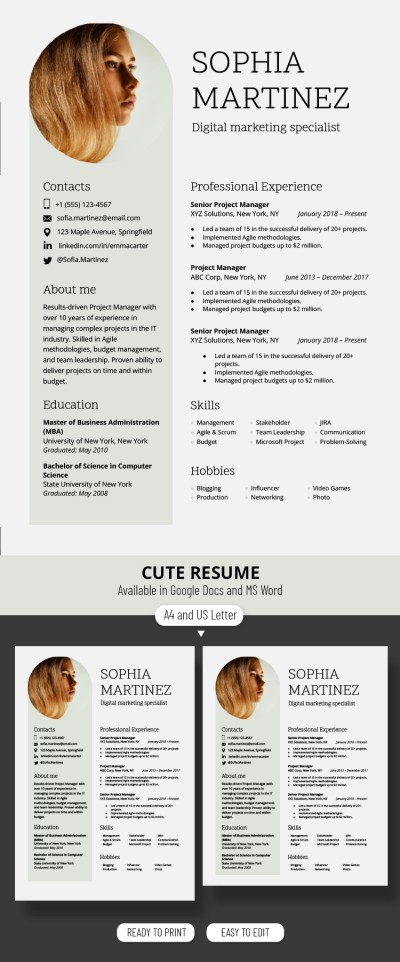
Classic Digital Marketing Specialist Resume Template
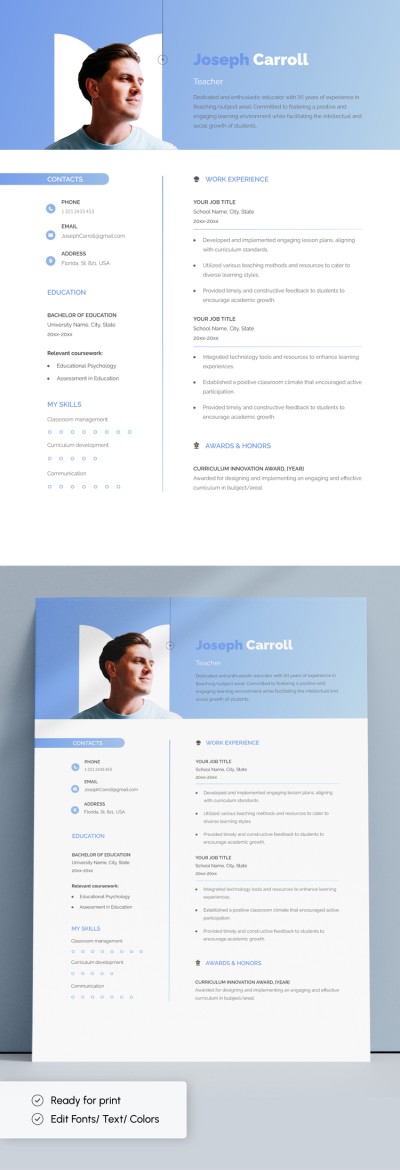
Editable Teacher Resume Template
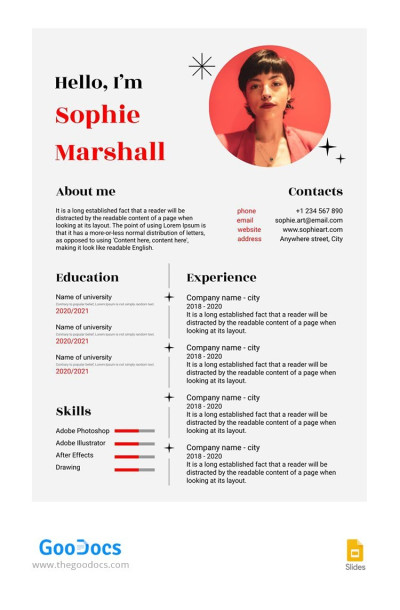
Grey Artist Resume
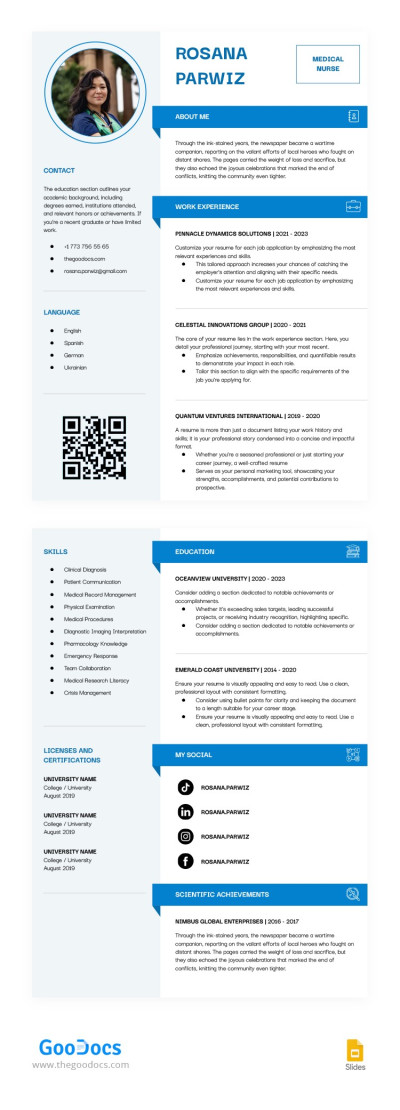
Nursing Student Resume
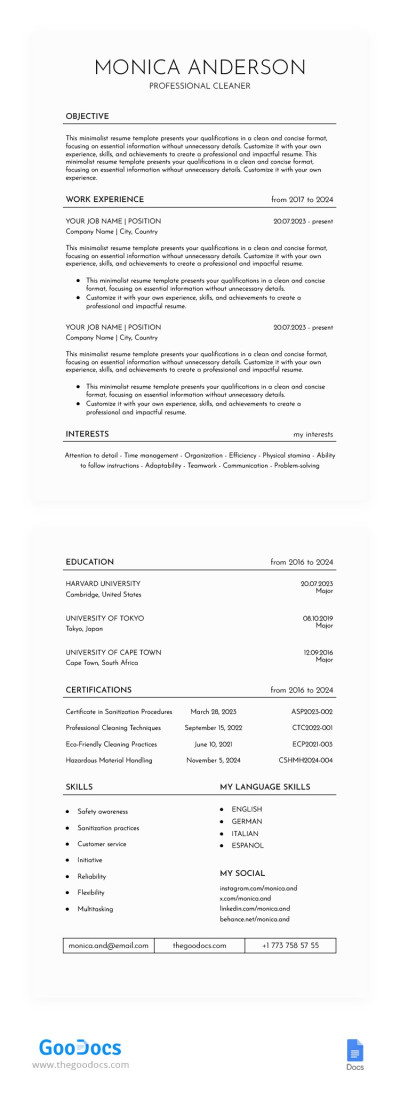
Clean Resume
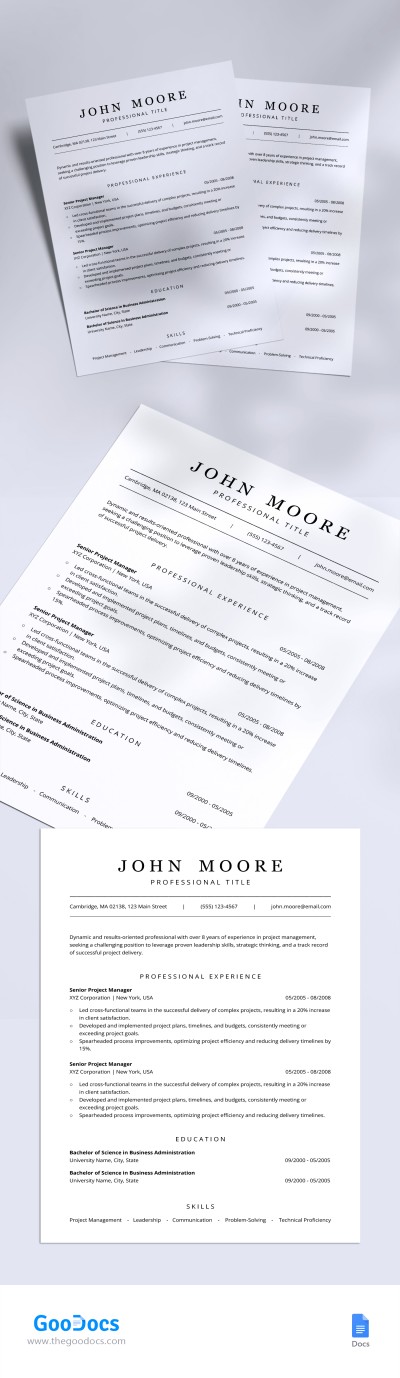
Simple Project Manager Resume Template
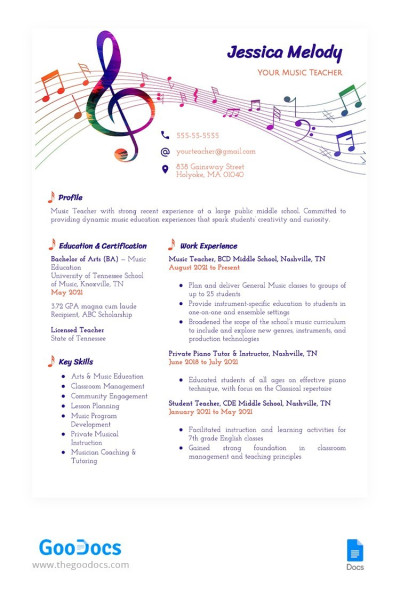
Music Teacher Resume
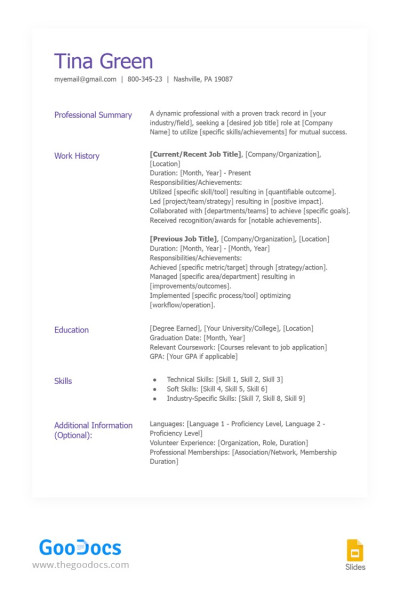
ATS Friendly Resume
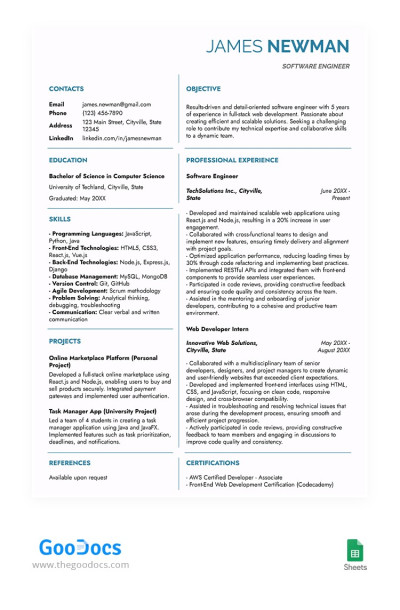
Light Software Engineer Resume Template
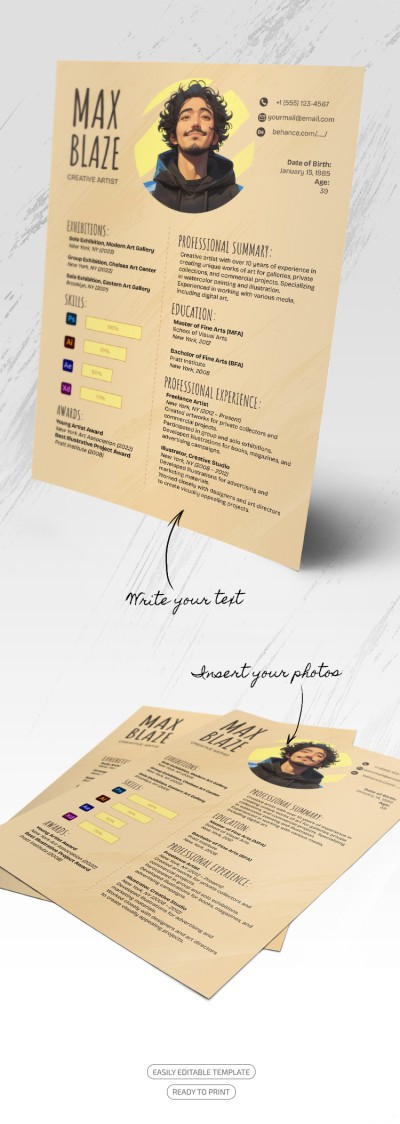
Orange Creative Artist Resume
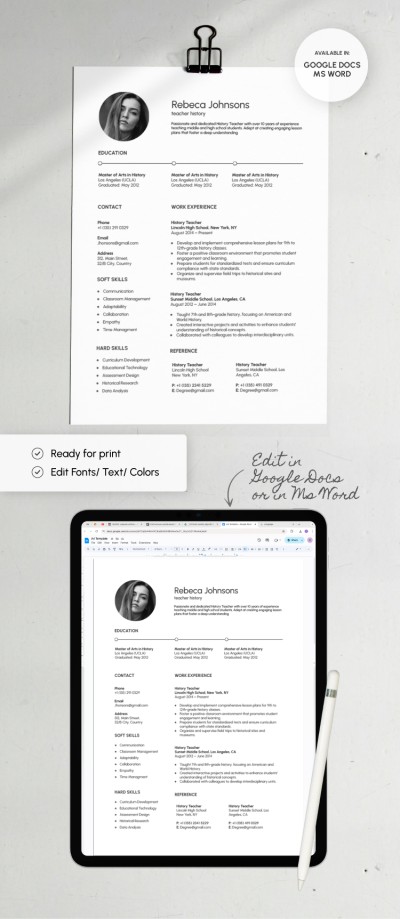
Teacher Resume
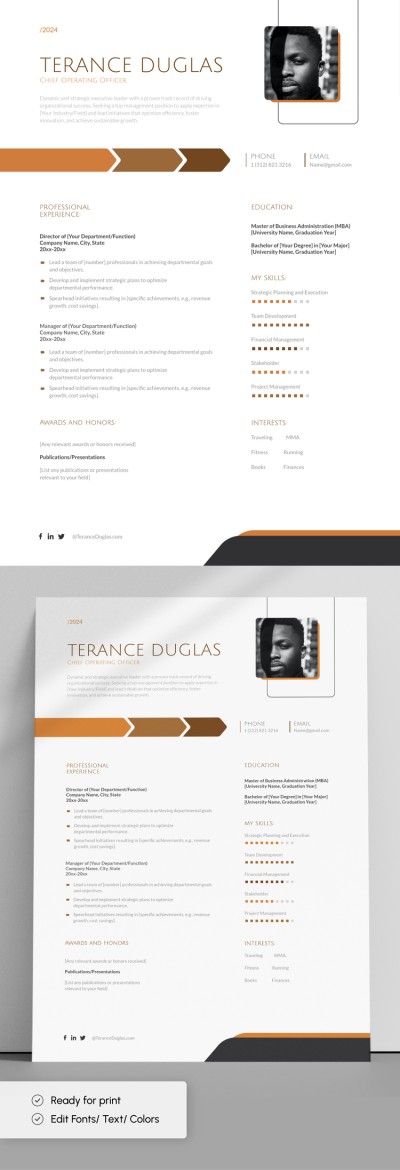
Modern Professional Resume
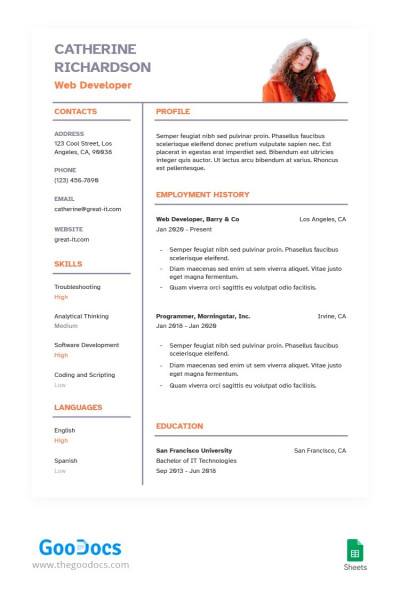
Pure Web Developer Resume
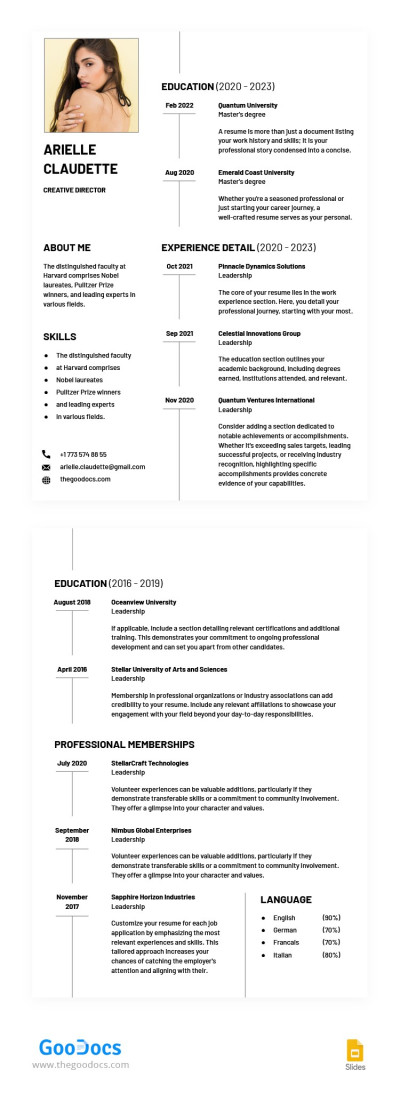
Executive Level Resume
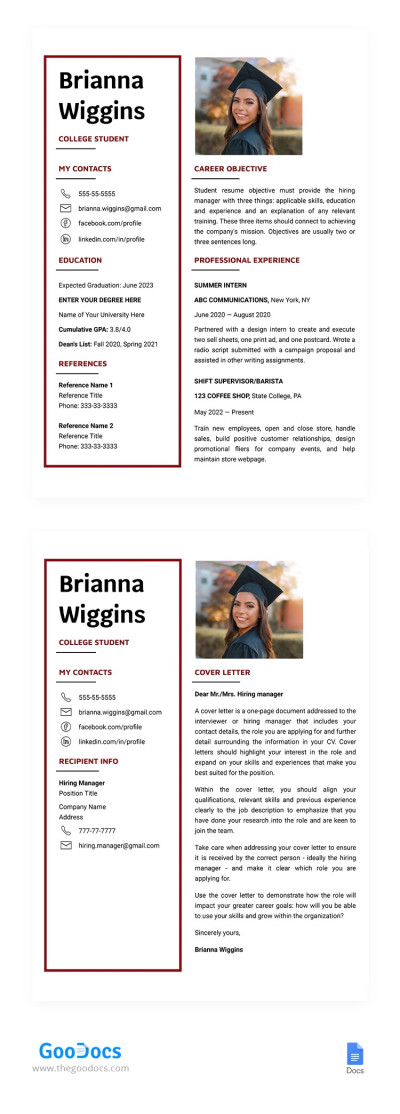
College Student Resume Template with Cover Letter
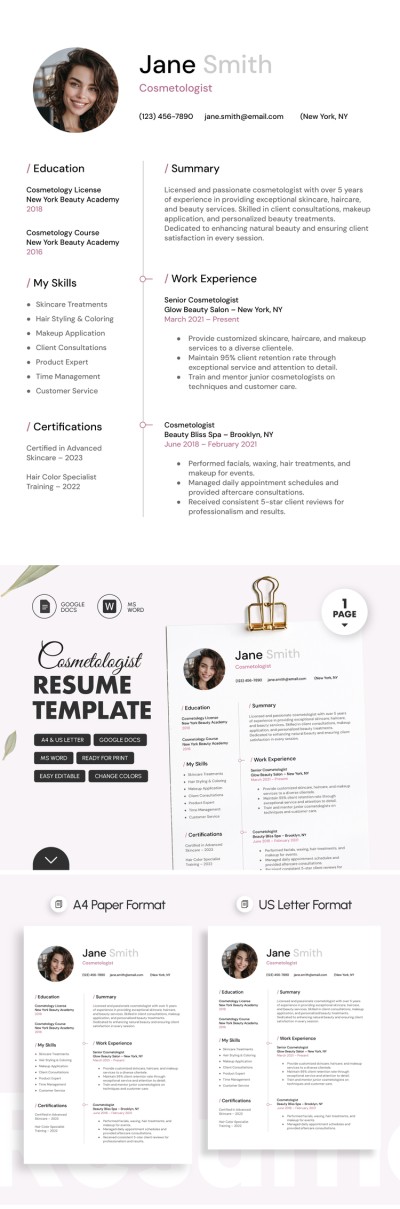
Cosmetologist Resume
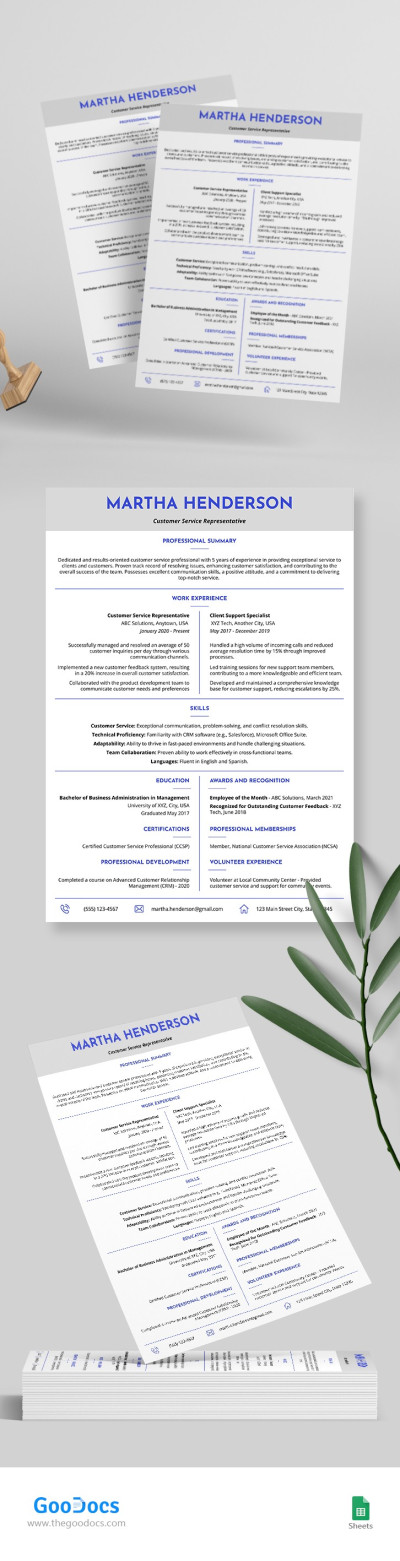
Customer Service Resume
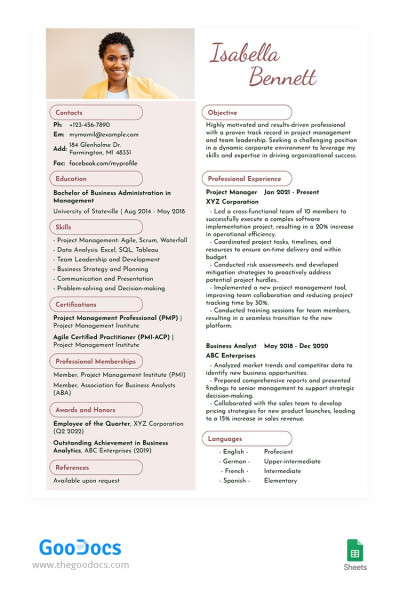
Beige Project Manager Resume
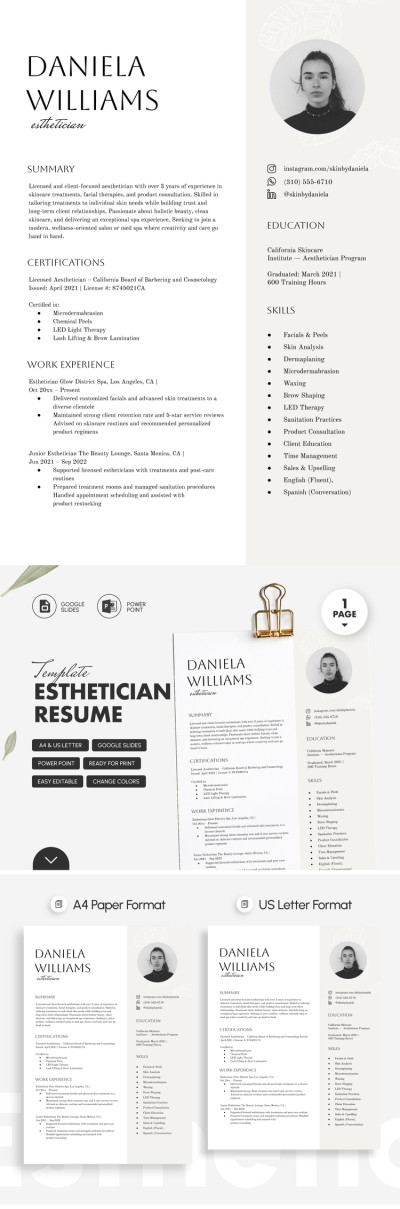
Esthetician Resume
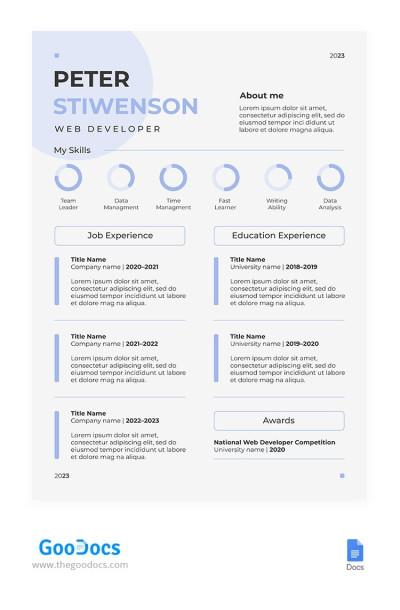
Aesthetic Blue Web Developer Resume Template
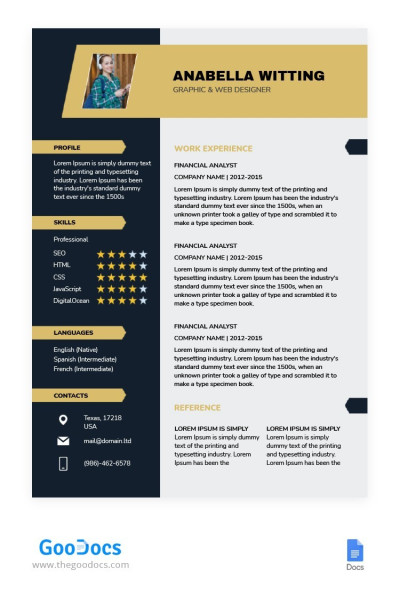
Stylish Graphic Designer Resume
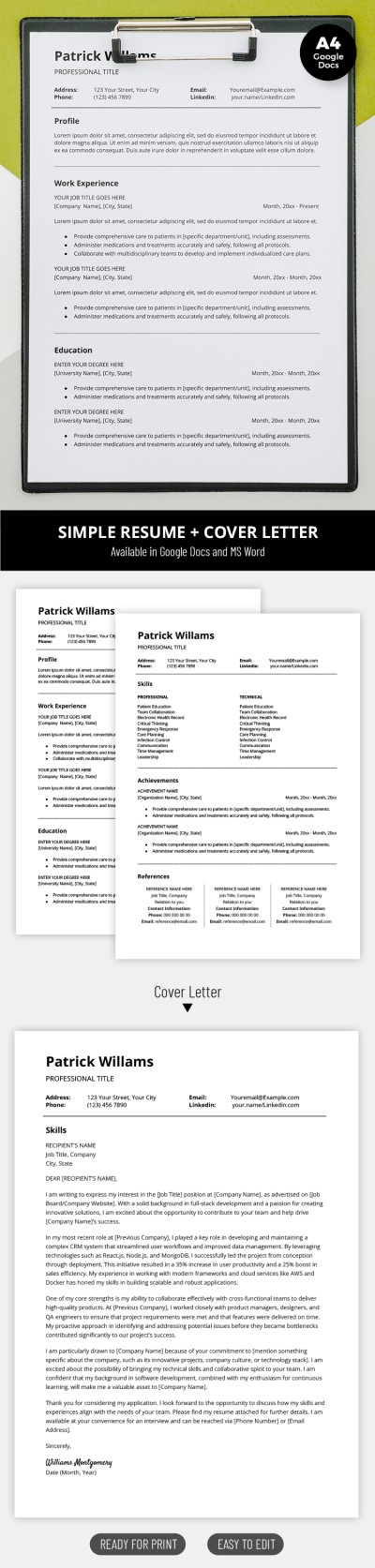
Structured Simple Resume Template with Cover Letter
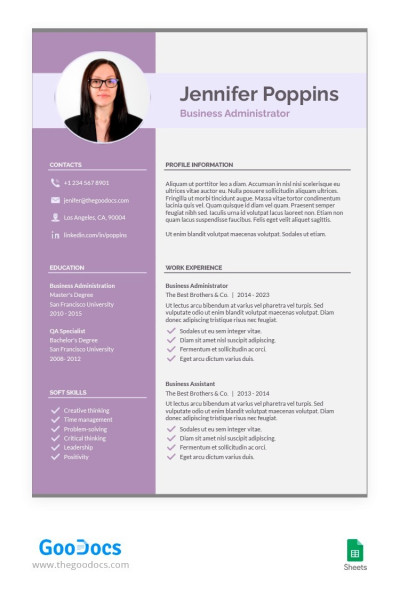
Scarlet Gum Color Resume
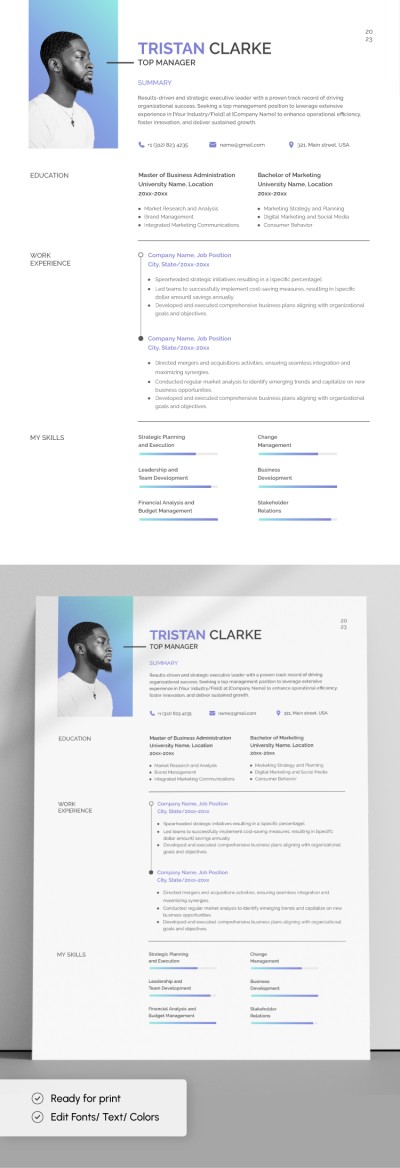
Restaurant Manager Resume
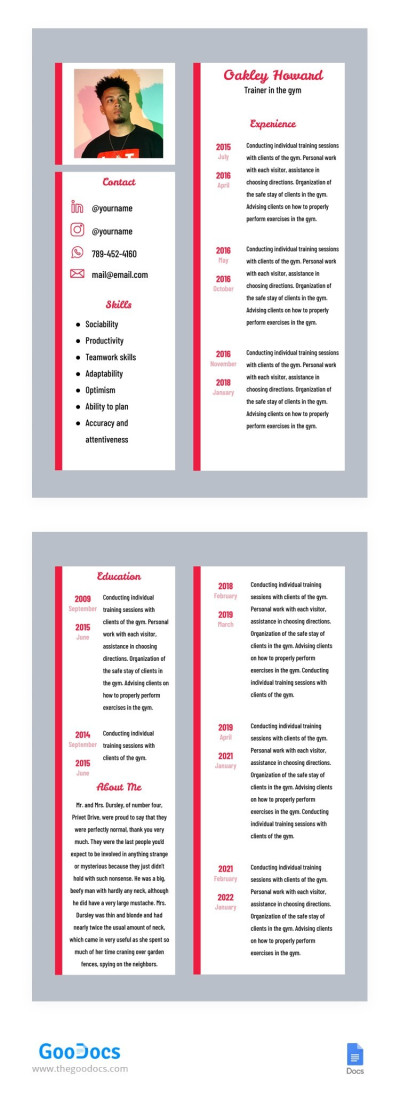
Fitness Trainer Resume
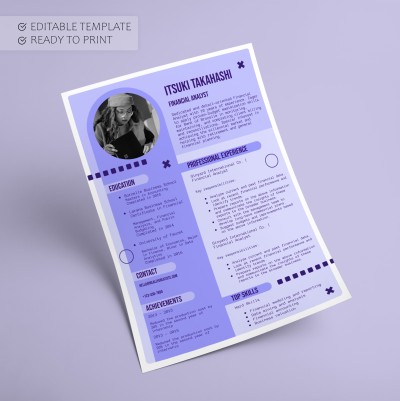
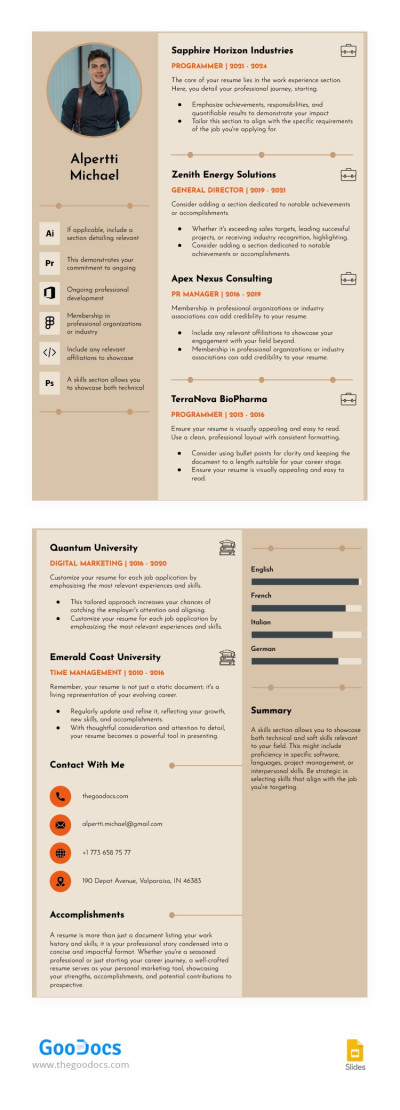
Stylish Corporate Trainer Resume
- 1
- 2
Our chronological resume templates follow standard requirements. Chronological resumes are ideal for experienced professionals who want to detail their previous work experience in other companies. This format is one of the three most popular options and offers everything you need to stand out from the rest of the candidates.
Take advantage of all the benefits of our chronological resume templates:
- Extensive work experience section. This section distinguishes this resume format from the rest. Chronological resume blanks offer ample space to describe each position in detail, including the company name, period of employment, position, and responsibilities.
- Fully editable layouts. You can easily customize your resume template in a convenient Google Docs or Word format. Adjust spacing and fonts, add text, insert bulleted lists, and other elements in just a few clicks.
- Save the file in the desired format. PDF and .docx are the most common file formats for resumes. They are suitable for most companies and recruiters, so you will definitely pass the prescreening stage. If the vacancy specifies a different format, you can save the document accordingly.
Choose chronological resume templates on our website, download them, and use them for free. Even more relevant templates for your profession, including a marketing resume template, are available on our website.
Chronological Resume Templates FAQ
The main feature that distinguishes the chronological resume format from the others is the extensive work experience section. While functional resumes focus on your skills, chronological resumes provide a broad overview of your professional experience and achievements. Of course, this format also includes other sections, such as a professional summary, contact details, education, and sometimes achievements, a portfolio, and awards.
In a chronological resume, the work experience should be listed in chronological or reverse chronological order. At the very top of the section is your most recent position, company name, period of employment, and responsibilities. The rest follow below.
By the way, on this page, you will find ready-made chronological resume templates. They offer not only the correct structure for this format but also an attractive design. You can download and edit them in Google Docs and Word formats.

