
2 Page Resume Templates
Take advantage of two-page resume templates with more space for accomplishments and detailed work history. These blanks are 100% editable and printable in Word and Google Docs formats. They are great for professionals with extensive experience in a variety of industries. Use the second page to include certifications, awards, extended skills, or more professional experience.
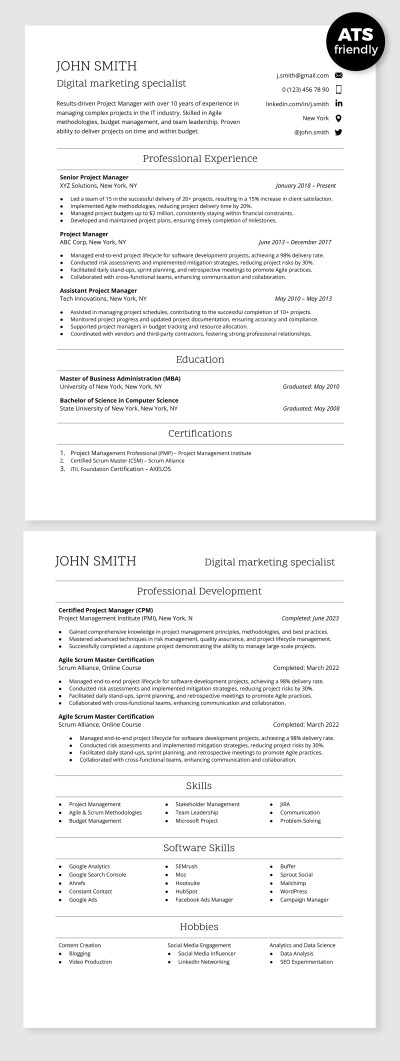
ATS Compatible Digital Marketing Specialist Resume Template
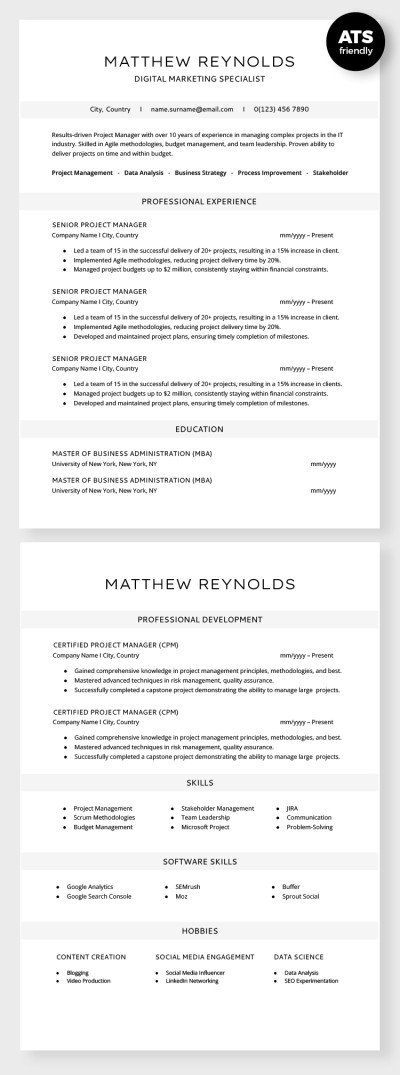
ATS Compatible Digital Marketing Specialist Resume
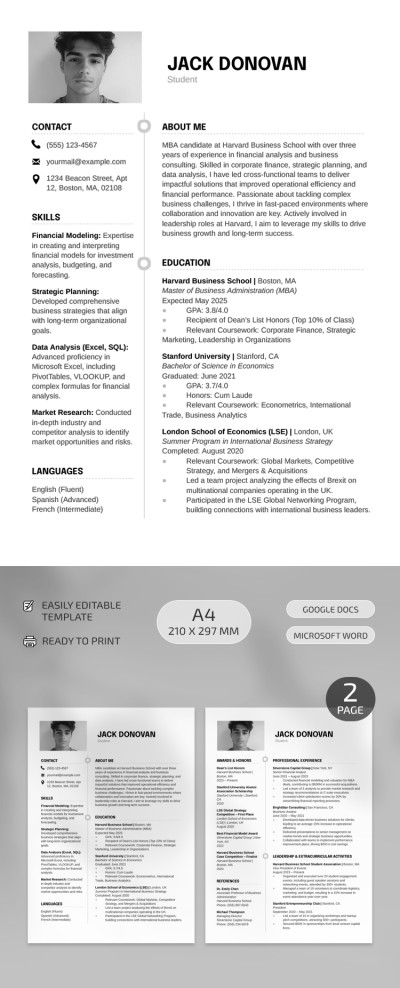
Harvard Business School Resume
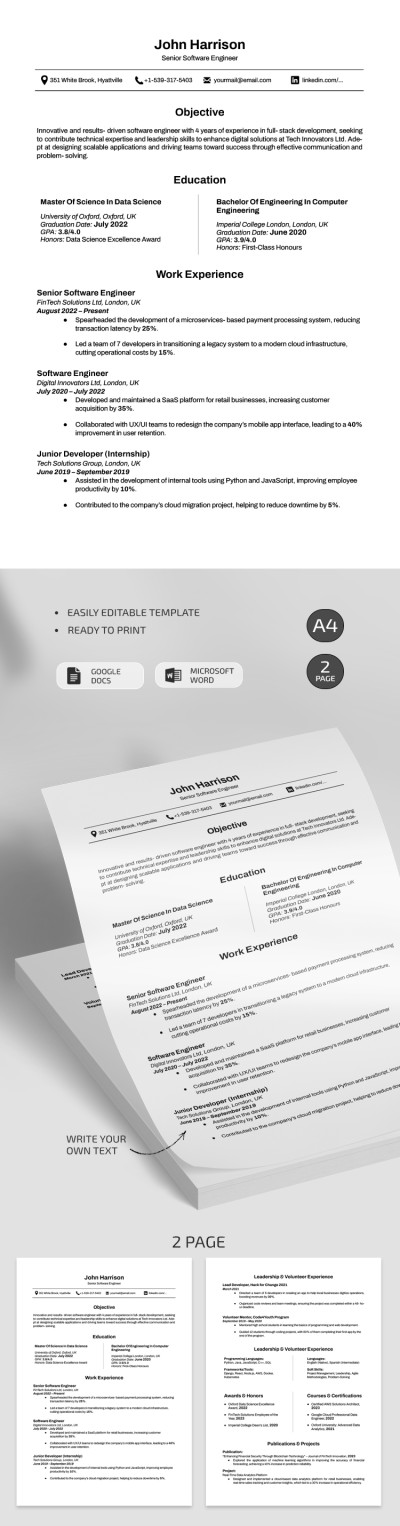
Professional Harvard Software Engineer Resume Template
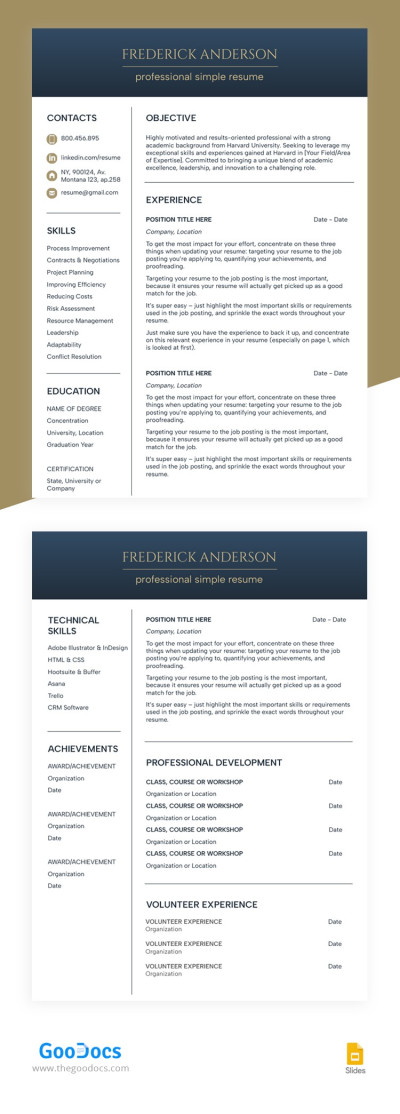
Structured White Resume
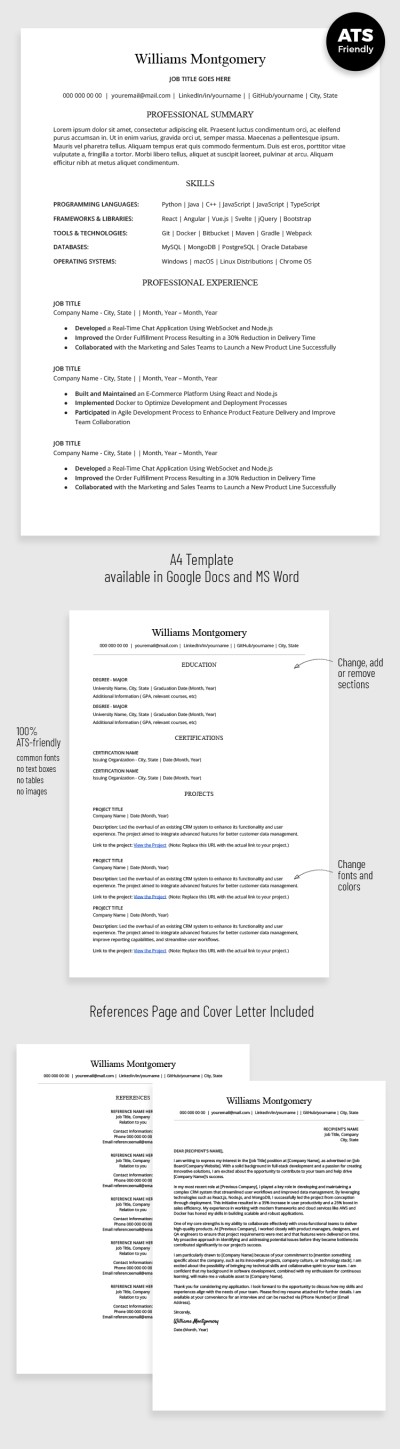
ATS Optimized Developer Resume with Cover Letter
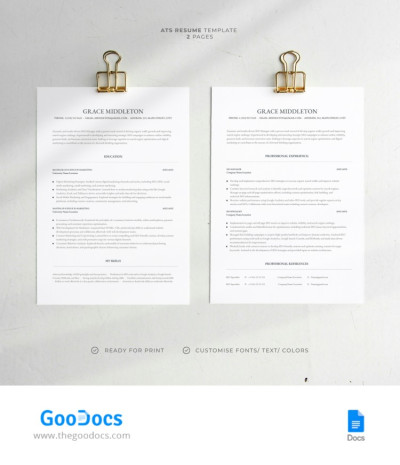
ATS Resume
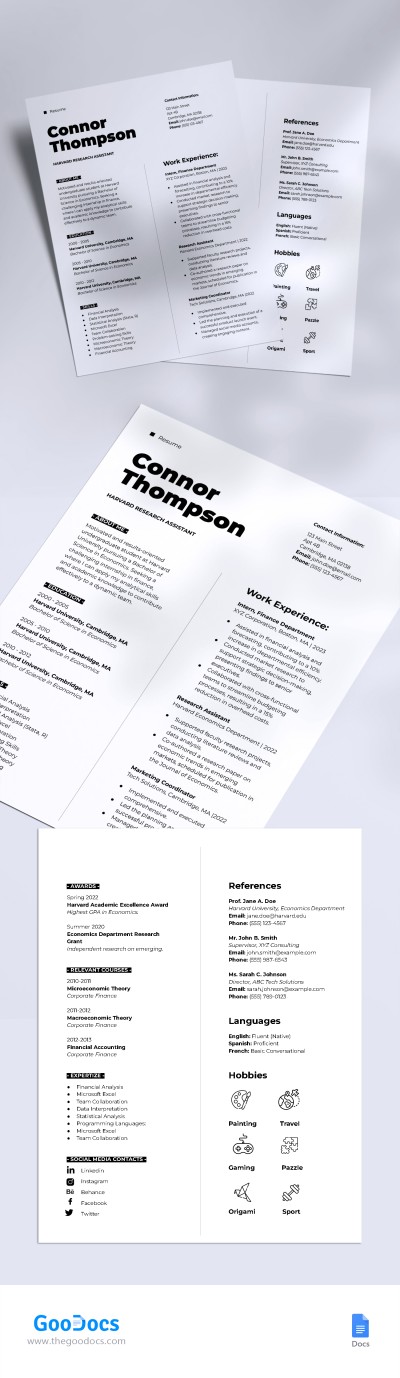
Harvard Style Resume
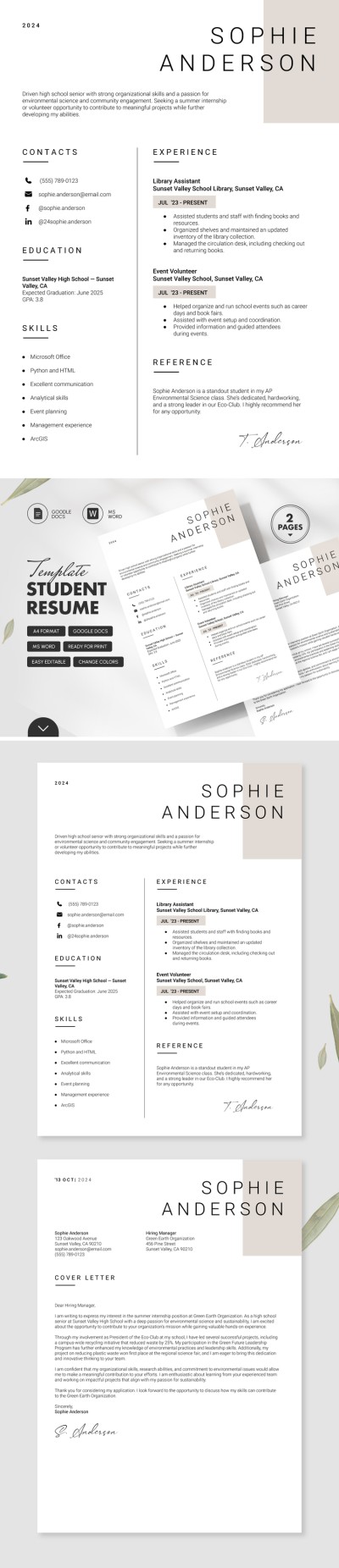
Minimalist Student Resume with Cover Letter
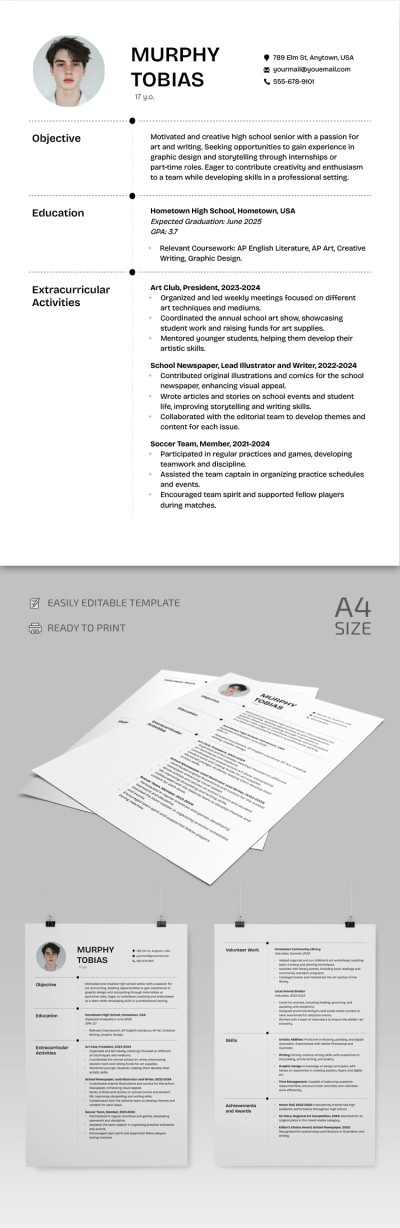
High School Resume
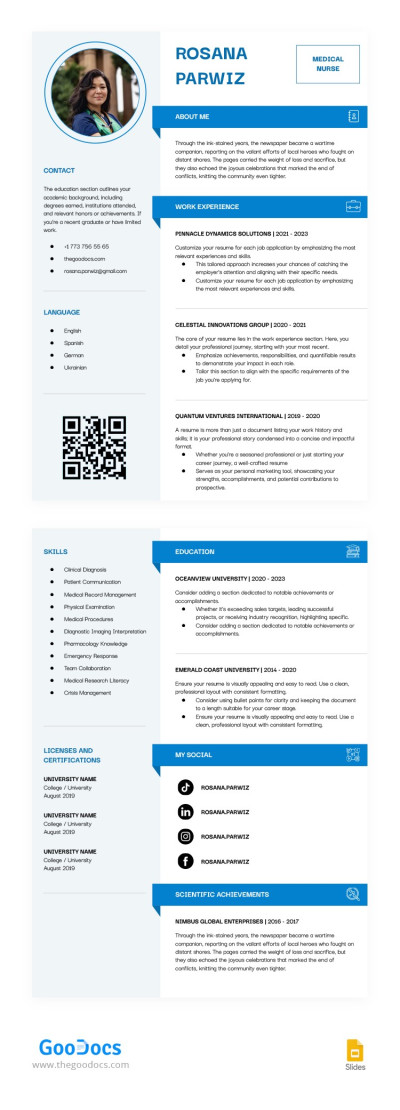
Nursing Student Resume
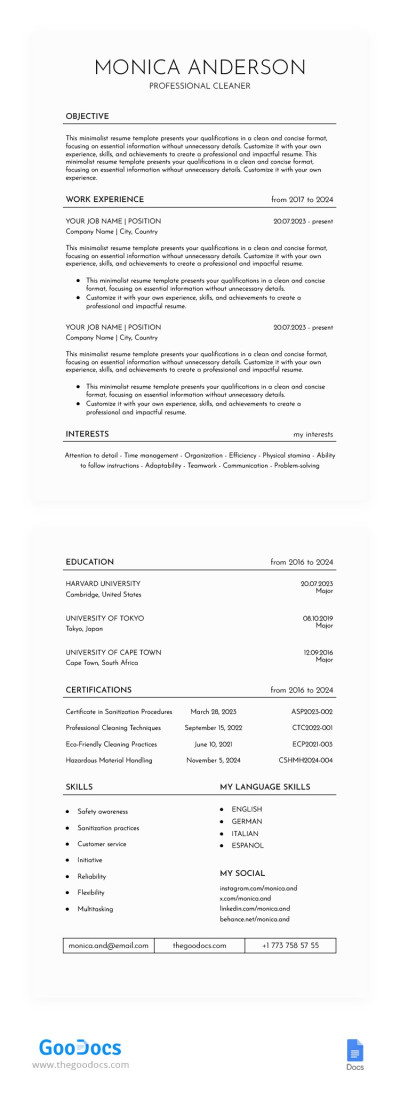
Clean Resume
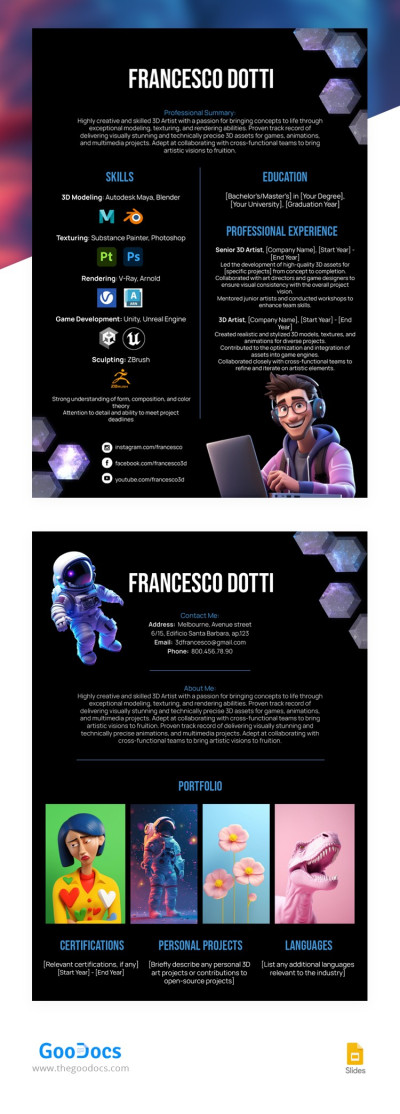
3D Artist Resume
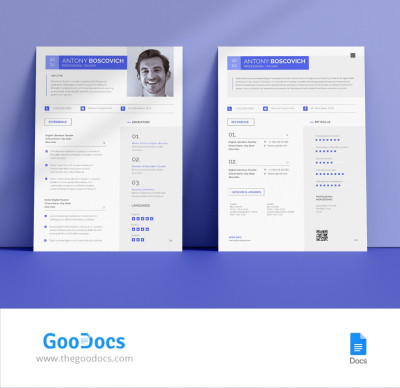
First Year Teacher Resume
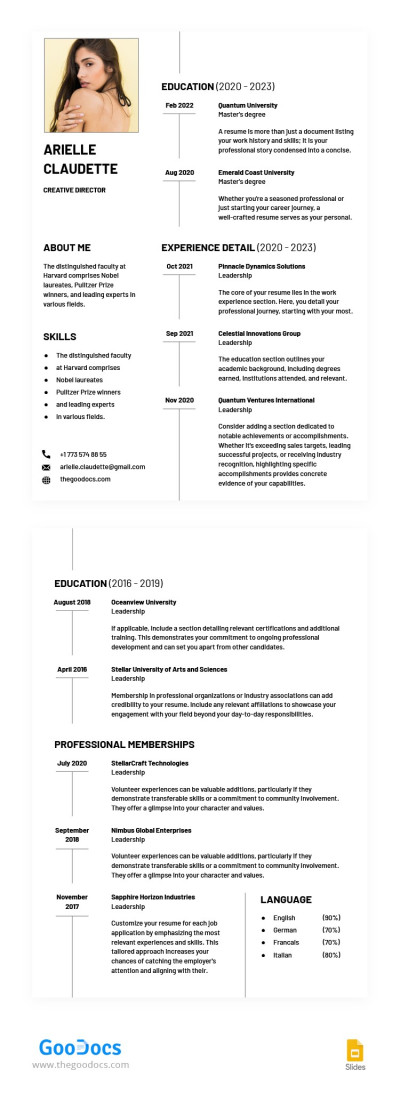
Executive Level Resume
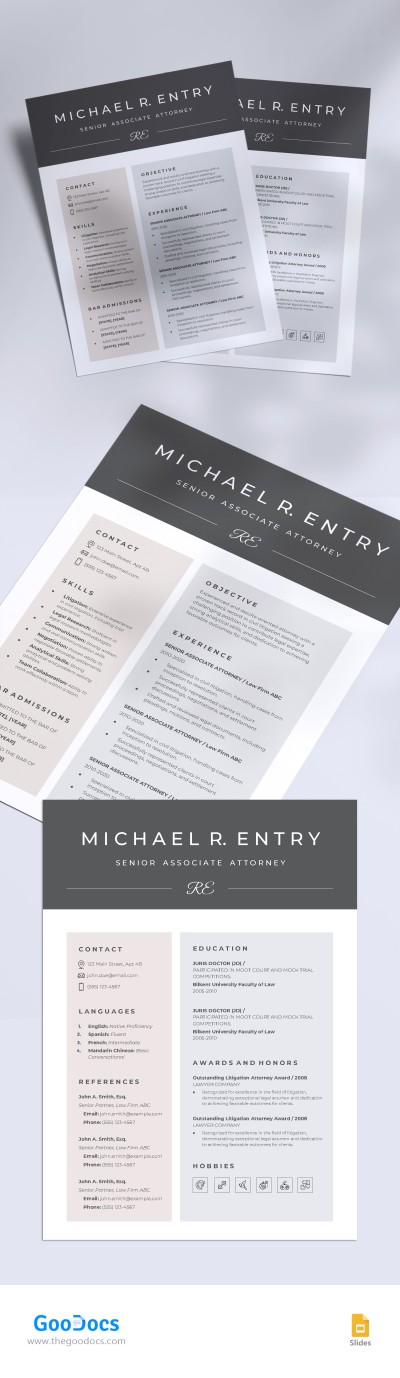
Harvard Law School Resume
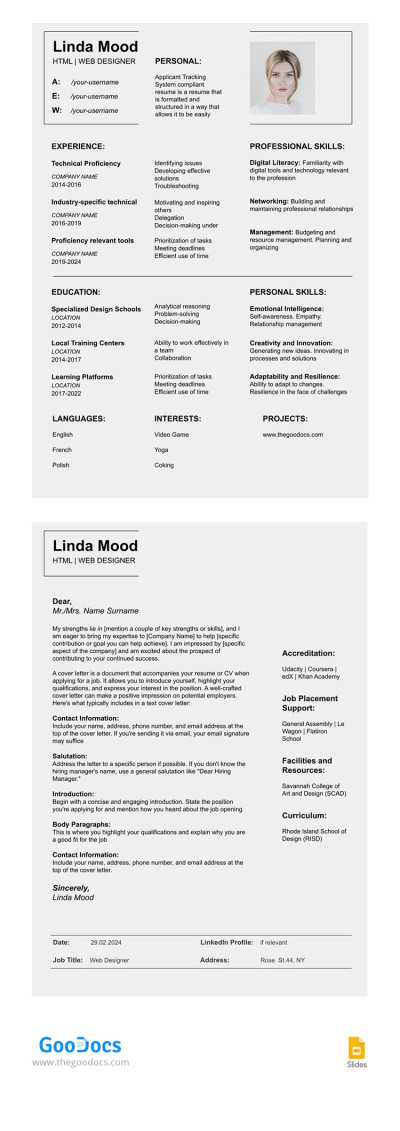
Structured ATS Compliant Resume Template with Cover Letter
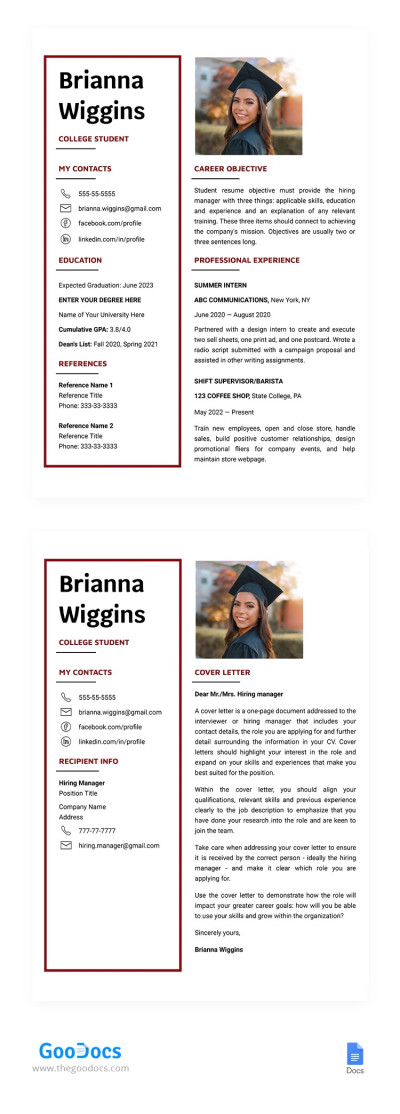
College Student Resume Template with Cover Letter
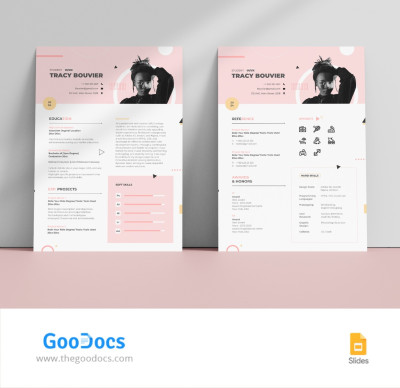
Pink College Student Resume
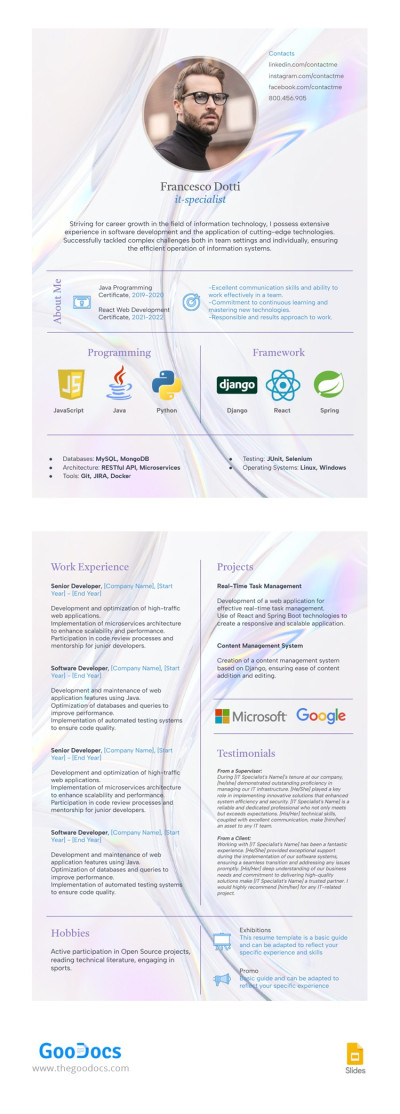
IT Resume
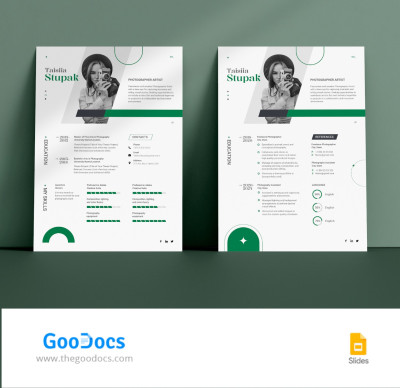
Editable Artist Resume
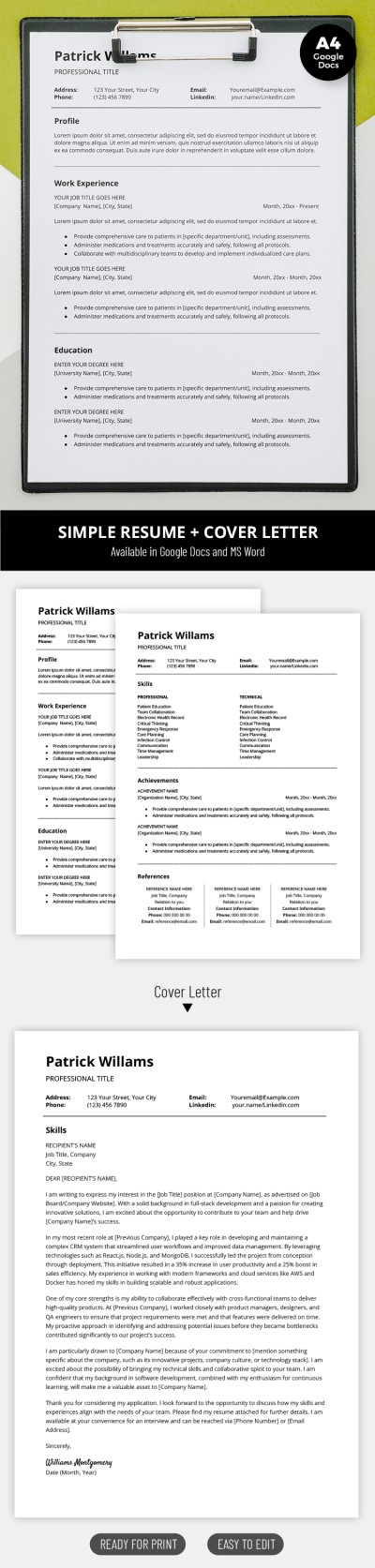
Structured Simple Resume Template with Cover Letter
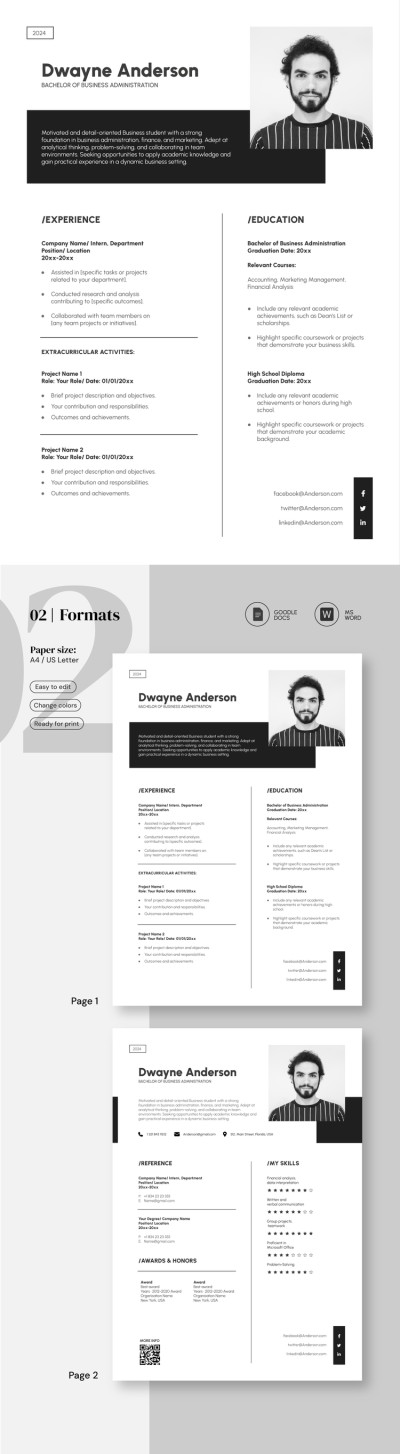
College Graduate Resume
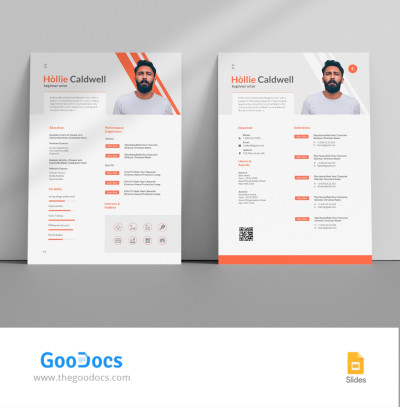
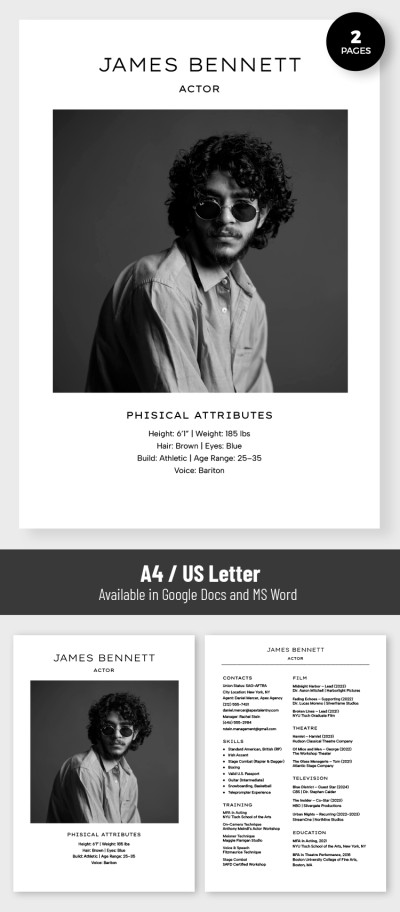
Beginner Actor Resume
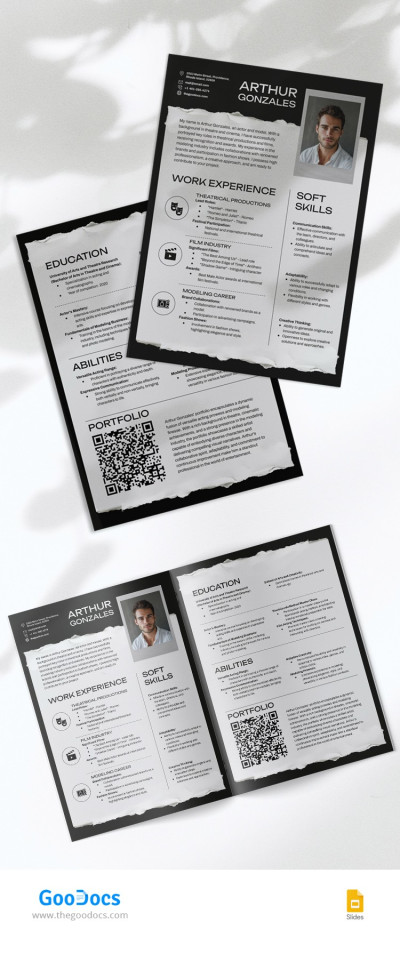
Sleek Actor Model Resume
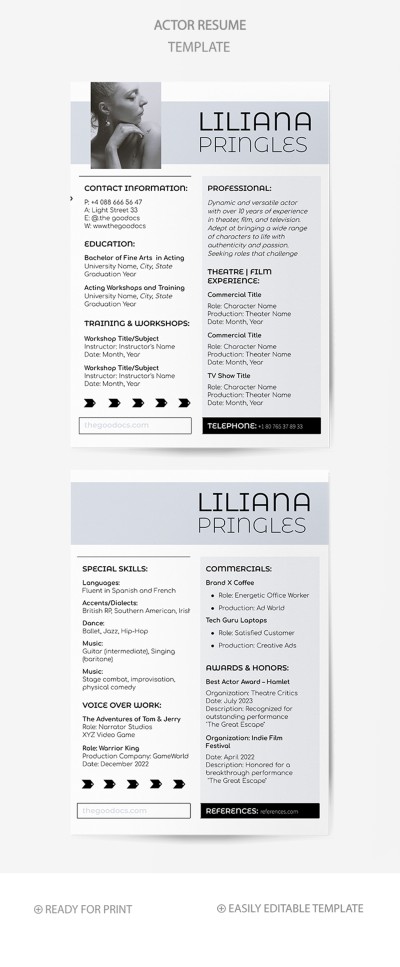
Actor Resume
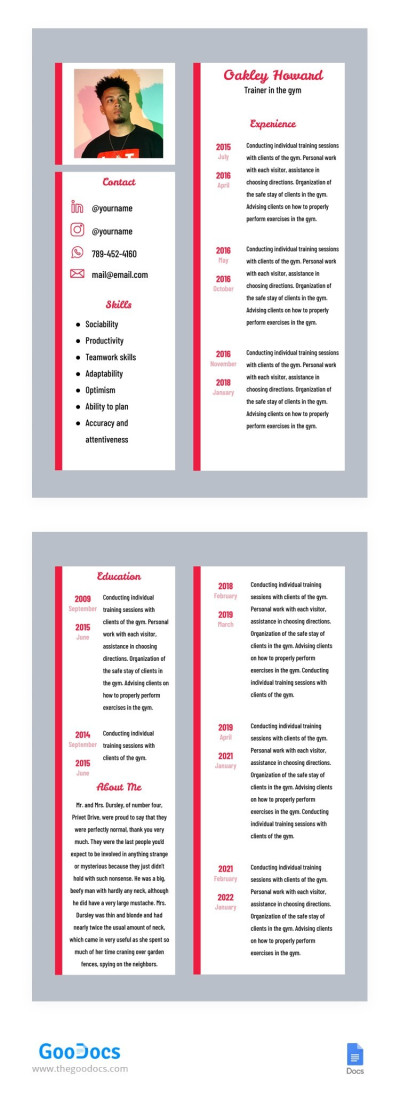
Fitness Trainer Resume
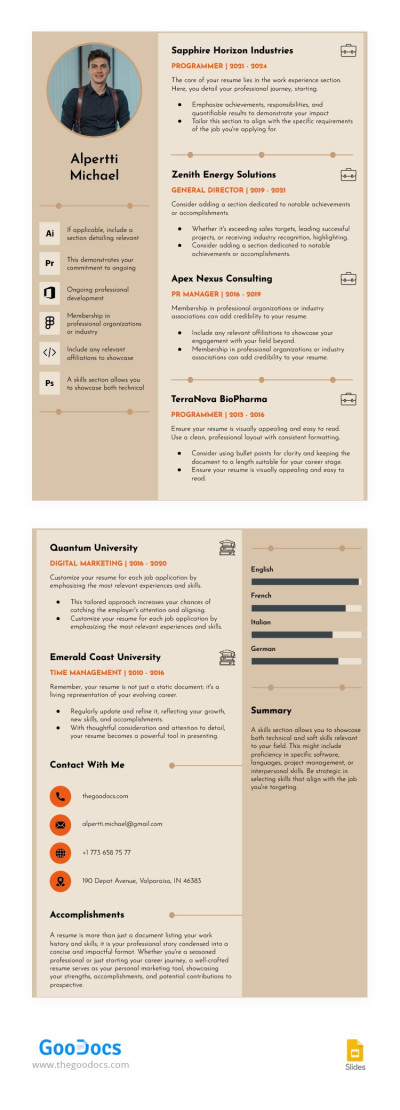
Stylish Corporate Trainer Resume
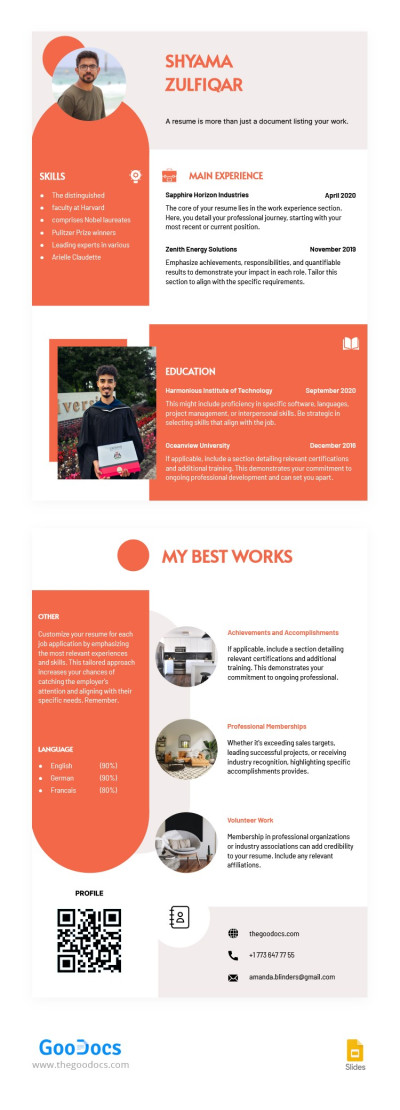
Resume with Photo
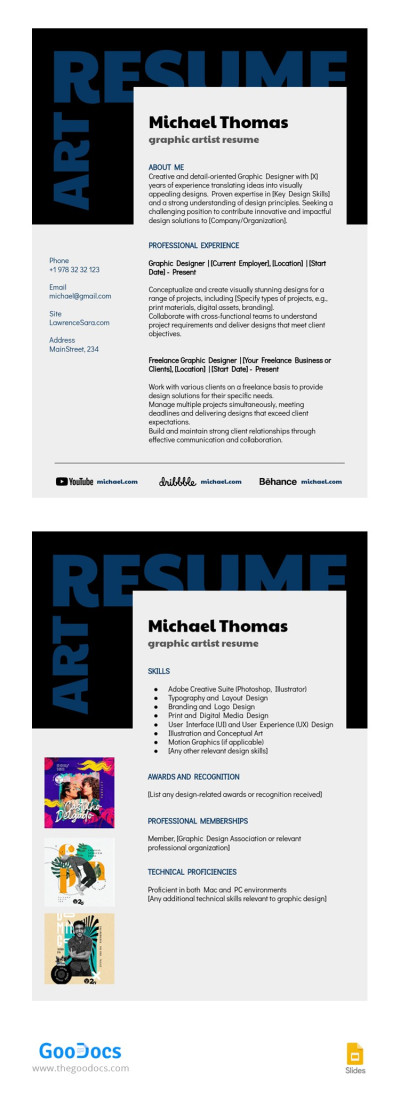
Plain Artist Resume
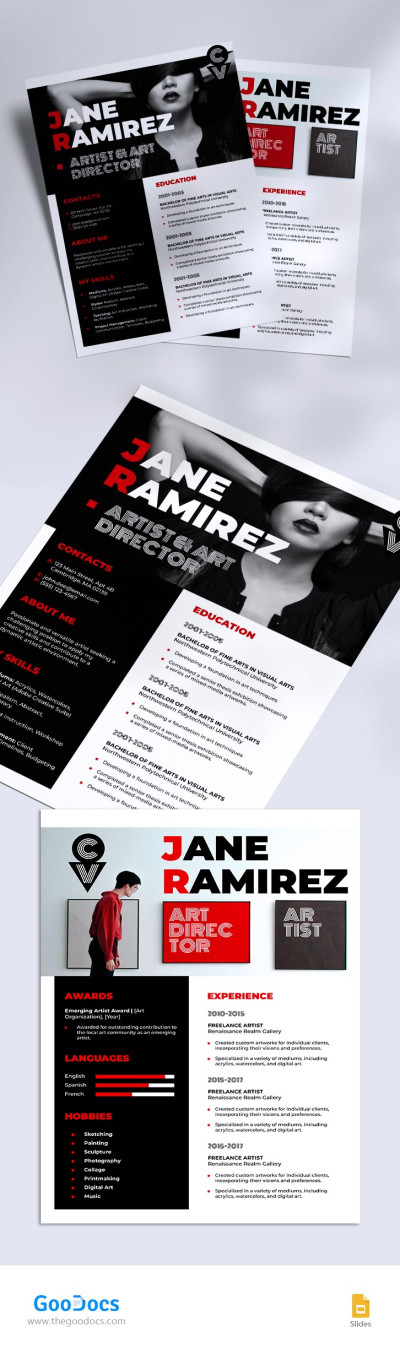
Creative Artist Resume
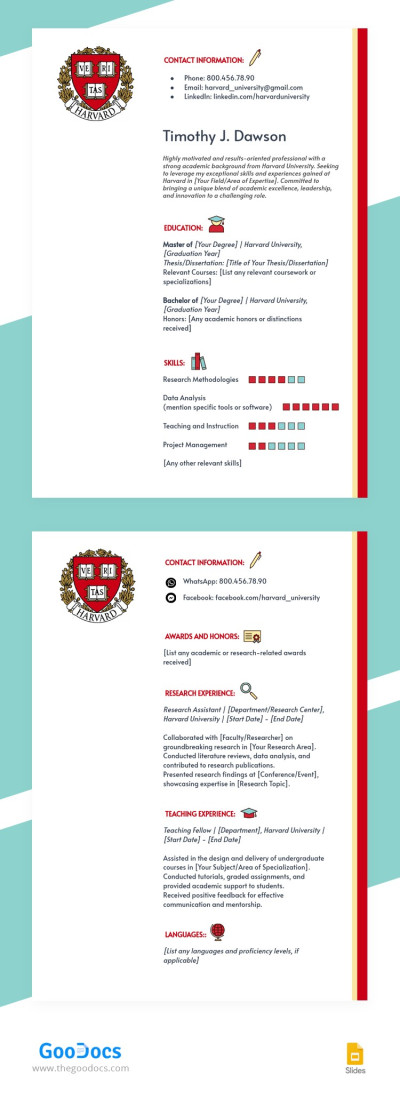
Harvard Sample Resume
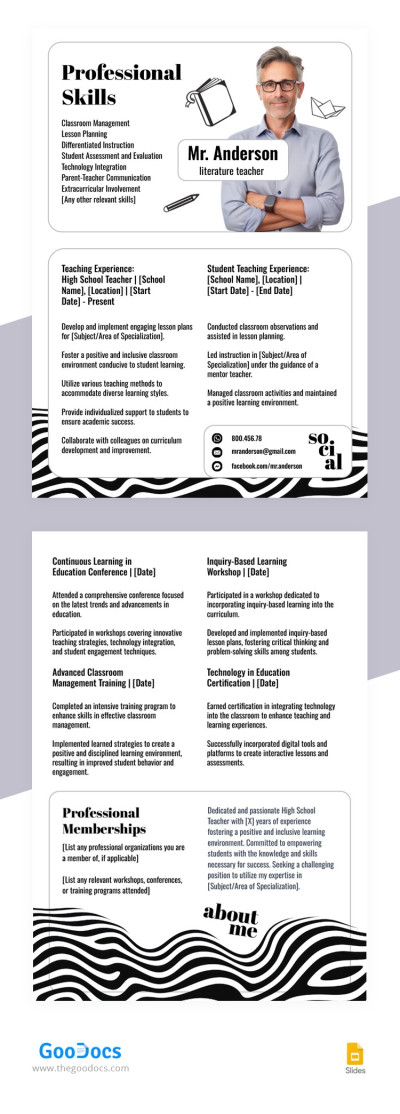
High School Teacher Resume
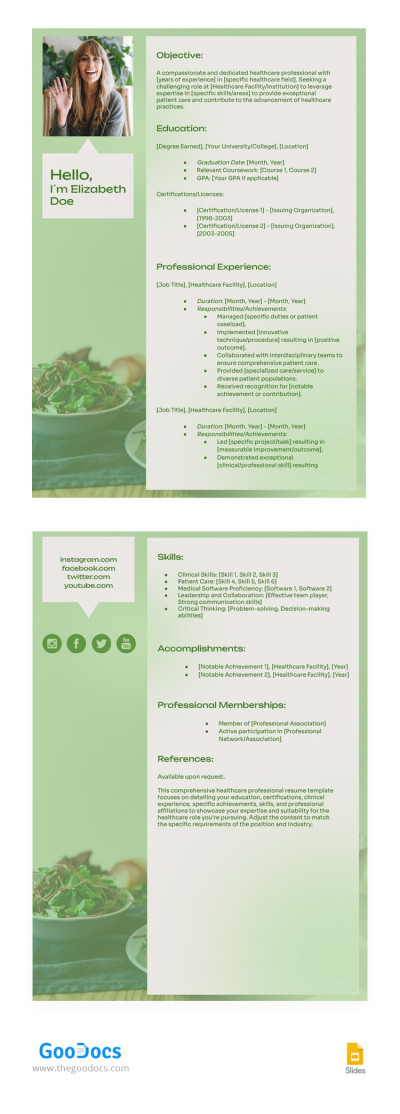
Healthcare Professional Resume
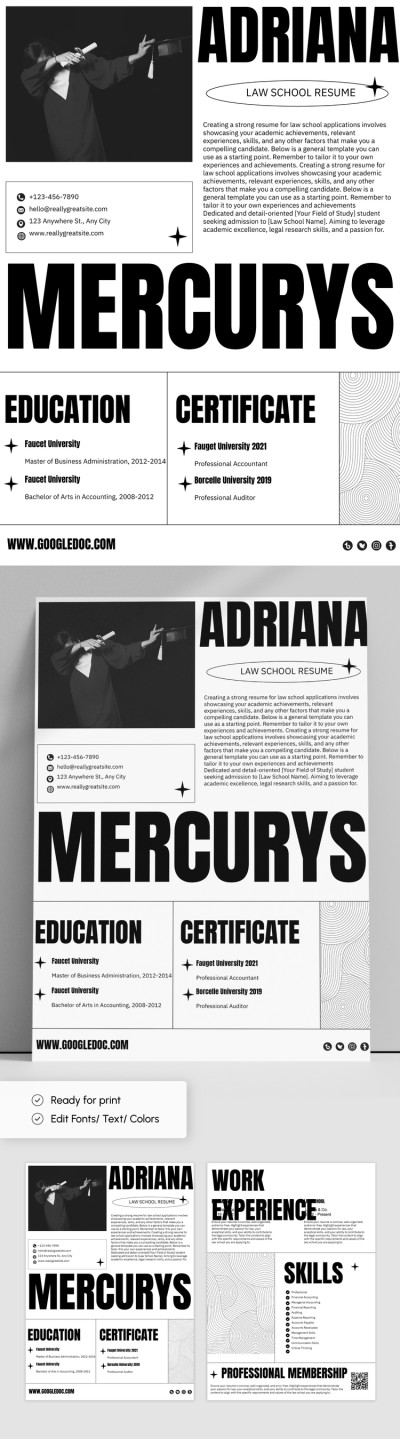
Law School Resume
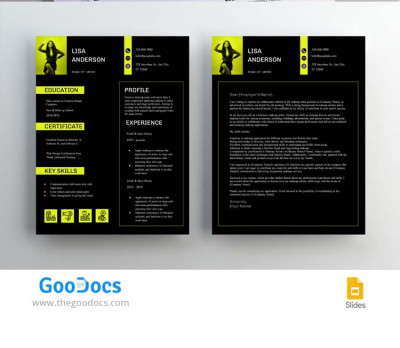
Beautiful Makeup Artist Resume Template with Cover Letter
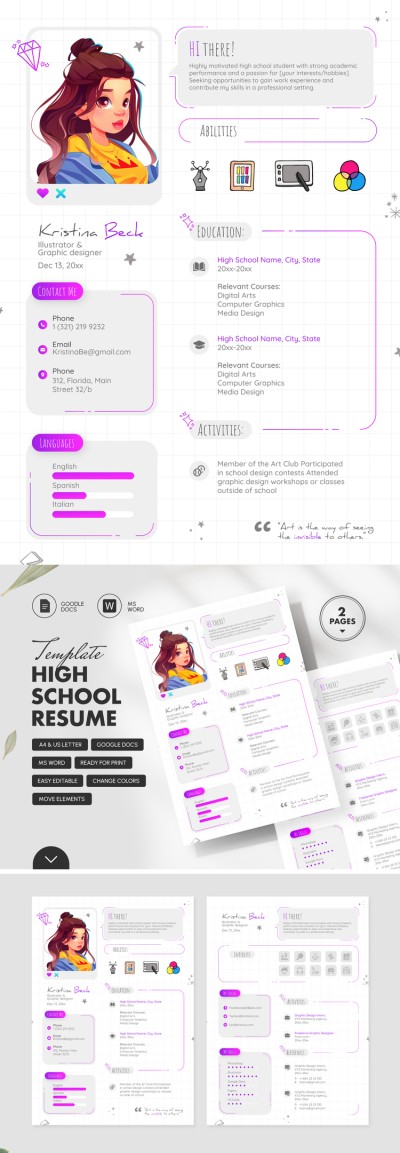
High School Student Resume
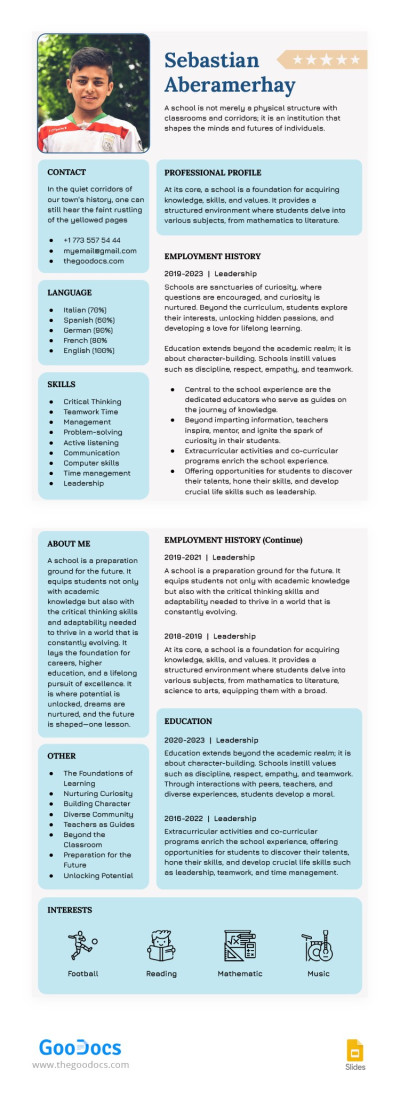
School Resume
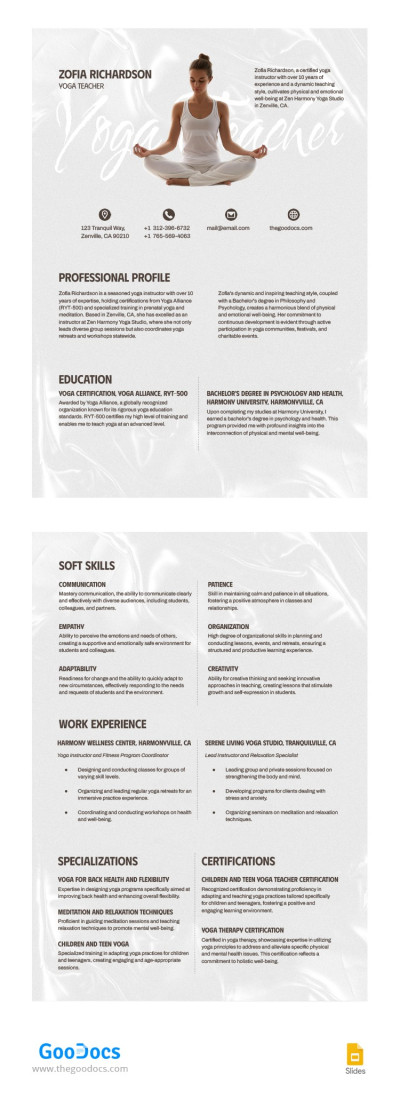
Yoga Teacher Resume
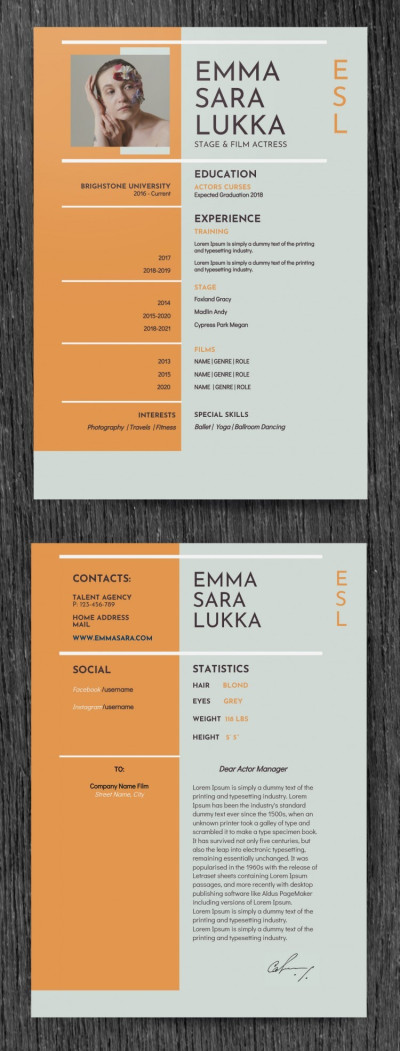
Female Acting Resume Template with Cover Letter
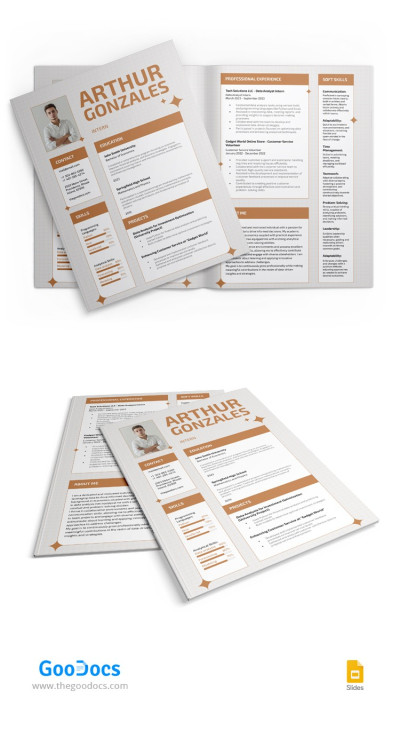
Elegant Job Resume
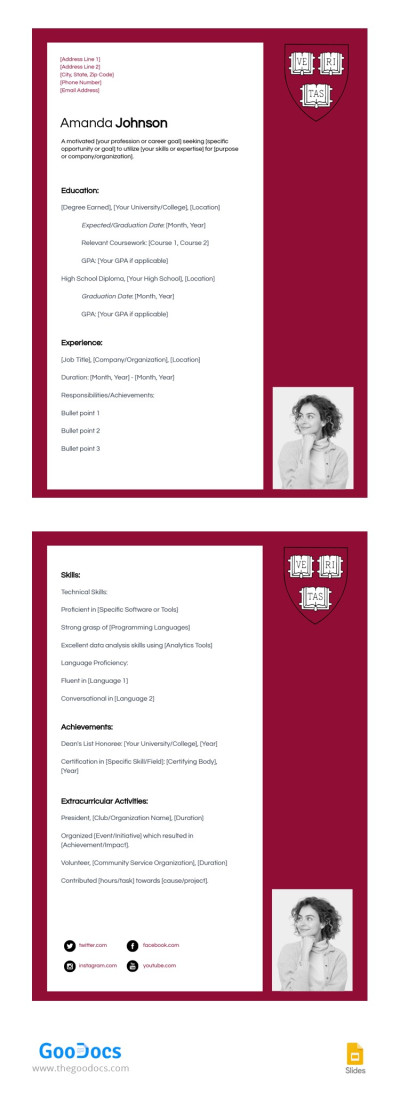
Harvard Red Resume
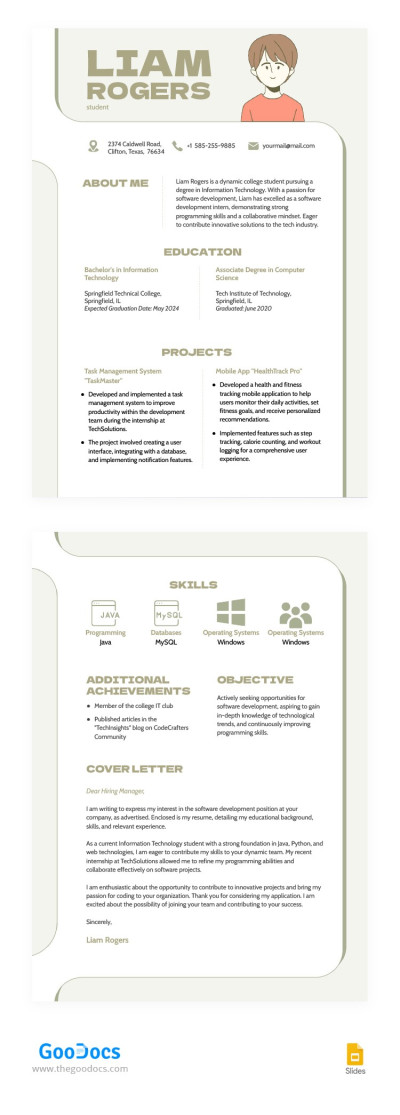
Illustrated College Resume
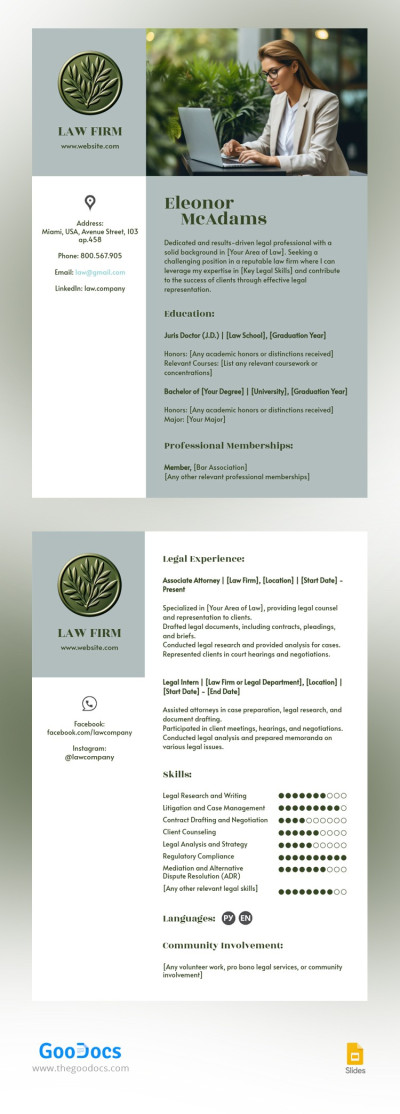
Corporate Law Resume
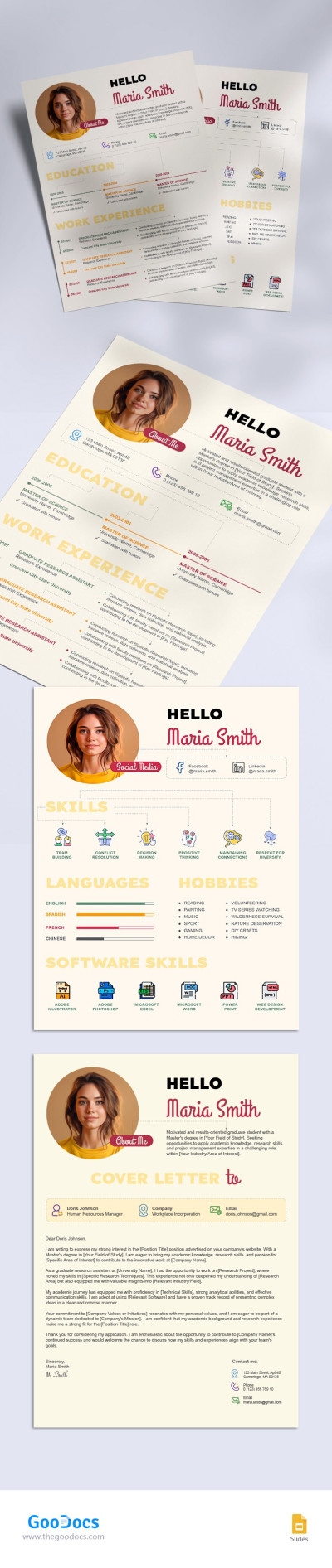
Graduate Student Resume
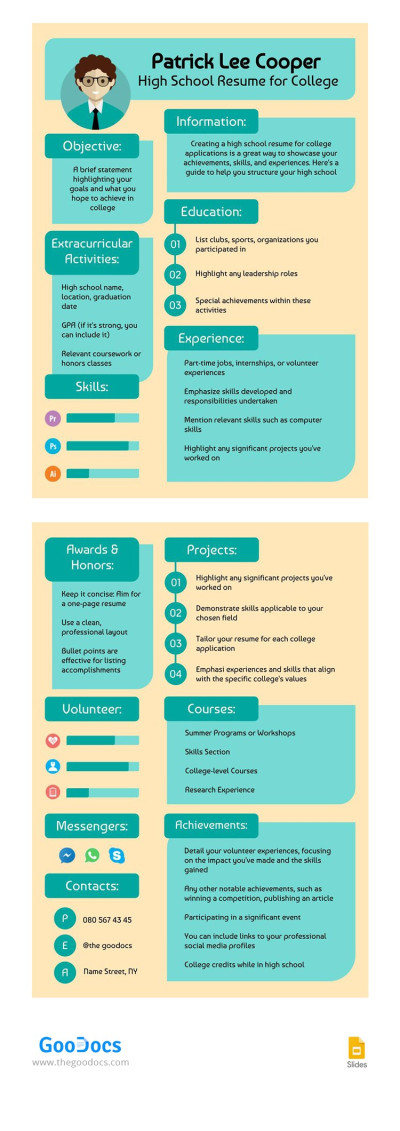
Cute High School Resume for College
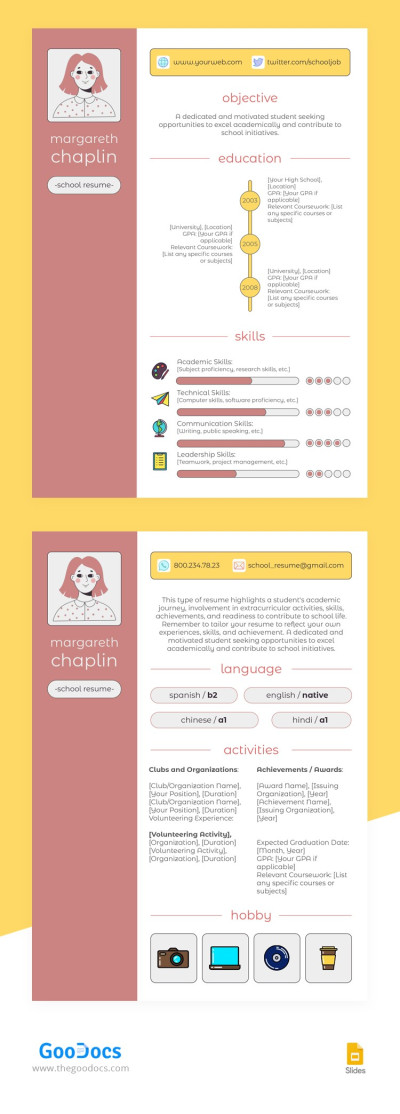
Grad School Resume
- 1
- 2
Take advantage of our collection of professionally designed 2-page resume templates. Our blanks are available in convenient formats and offer consistent formatting for both pages of your document. Such templates are used less frequently in job searches but are still necessary for some professionals.
Get all the benefits of pre-made two-page resume templates:
- Great for senior-level candidates. Although most professionals are now satisfied with a one-page resume, our two-page samples are perfect for detailing your work experience. This is important in many cases, for example, if you want to secure a senior-level position or aspire to enter top management.
- Include special formatting. We have not overlooked either the first or second page of the resume. At the beginning, there are sections for the most relevant information, including contact details, education, a professional objective, and work experience. The second page serves as an additional one, where you can add a more detailed overview of your background or information about awards and projects.
- Available for editing in convenient formats. You can easily customize the template to suit your needs. Make a two-page resume template ideal for your candidacy - adjust visuals, fonts, and spacing; include more sections or remove unnecessary ones. Resume templates are available in Word and Google Docs.
After editing, you can save your resume in .docx or PDF formats to apply for any position. These file types are the most convenient for recruiters to read. Download the appropriate option for free and start using it. Find the best engineering resume templates on our website.
2 Page Resume Templates FAQ
If you decide to use a two-page resume, you should ensure that all the most relevant information is presented on the first page. In the modern job market, recruiters do not have enough time to thoroughly review information about each candidate. They only need seconds to understand whether you meet the basic requirements.
Therefore, you can format the second page of your resume like this:
- Continue the description of your previous positions in reverse chronological order. If you use more than one page in your document, follow the reverse chronological order so that the most recent places of work are on the first page.
- Include skills. The combination resume format is the most versatile. If you have space left on the second page, try to include technical skills first, followed by soft skills.
- Do not overload the layout with unnecessary information. No more details you want to highlight? Do not write anything and everything; it is better to leave empty space at the end of the second page.
- Use the same formatting for both pages. Include page numbering and use the same fonts, spacing, header formatting, and visual elements for both pages.
Don't want to create a two-page resume from scratch?
Then download a ready-made two-page resume template in Google Docs or Word format. Our options comply with all the formatting rules for both the first and second pages and will definitely not get lost on the recruiter's desk. Try them for free.

