
Report Templates for Google Sheets and Excel
Browse through our library of free Google Sheets and Excel report templates. Make comprehensive reports using professionally designed and structured financial, sales, project, and expense report templates in convenient formats. We offer editable, printable, and downloadable samples, so you can choose a suitable blank in a few minutes. Try them now to simplify obtaining the necessary statistics and reports.
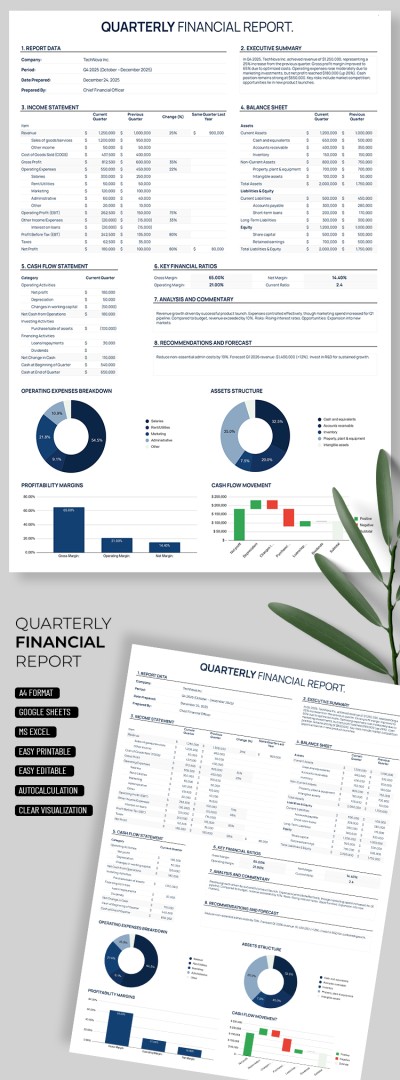
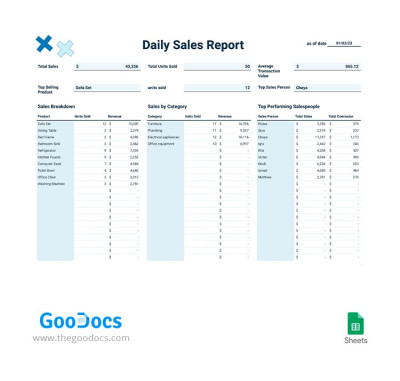
Daily Sales Report
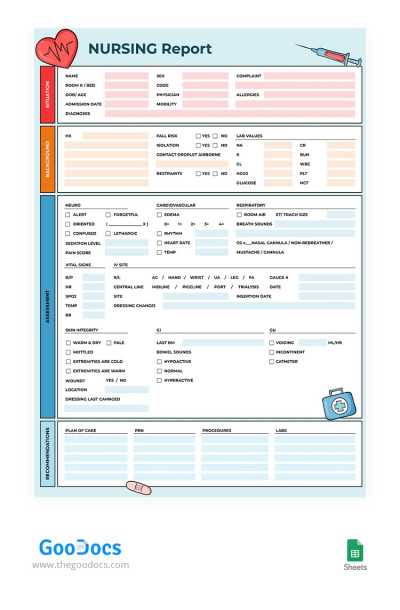
Nursing Report
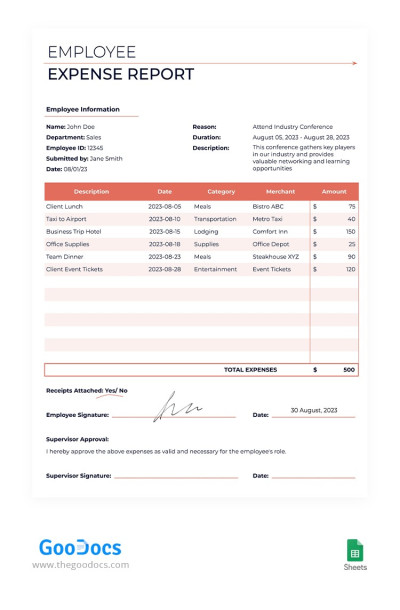
Employee Expense Report
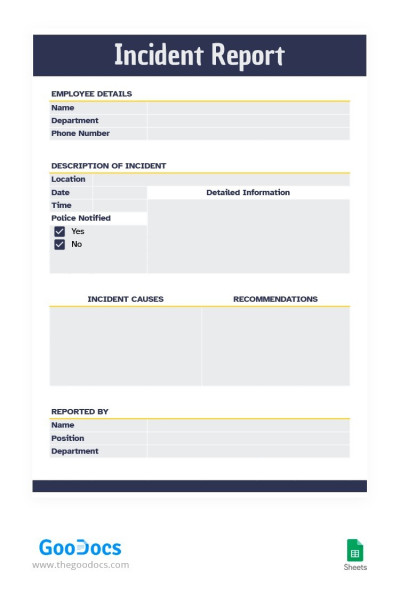
Simple Modern Incident Report
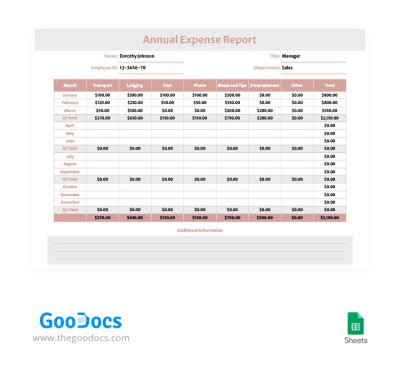
Soft Colors Annual Expense Report
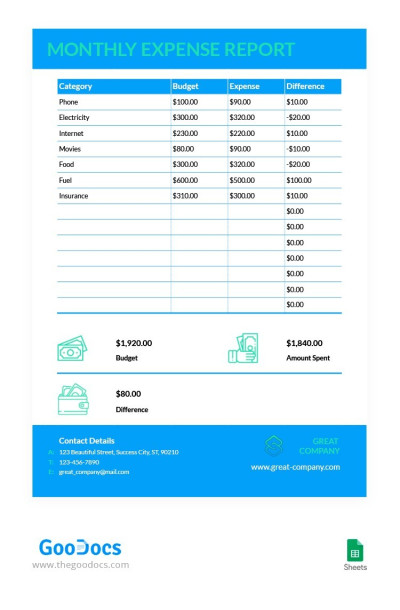
Simple Business Monthly Expense Report
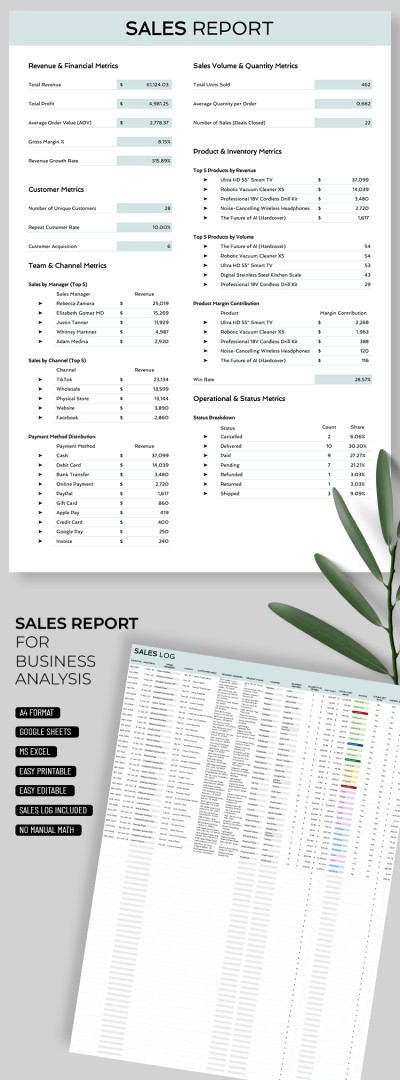
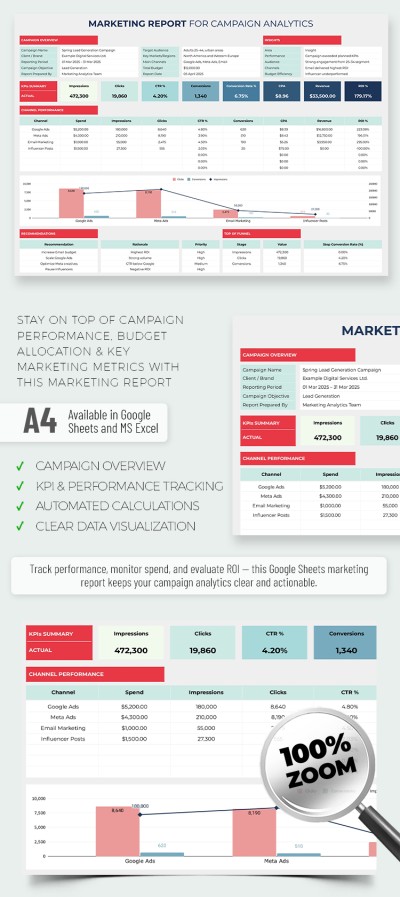
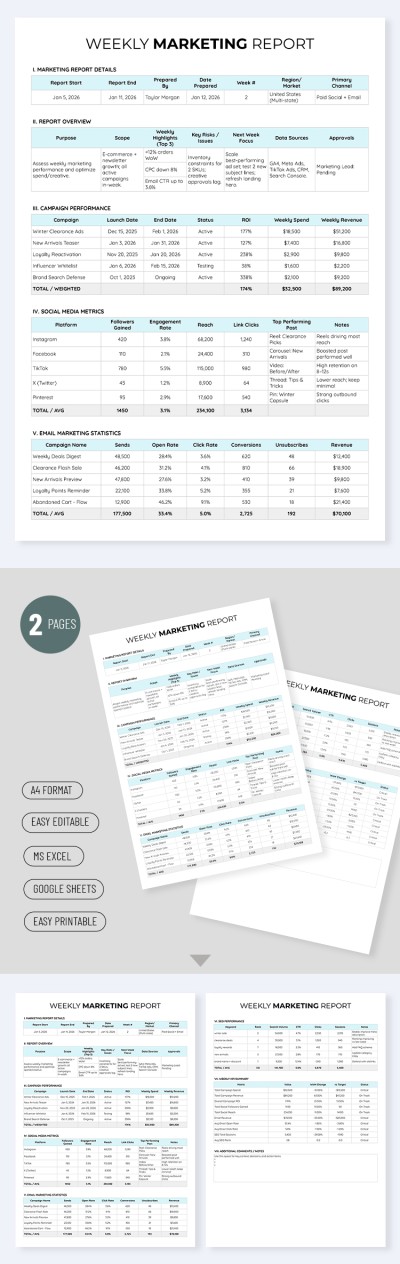
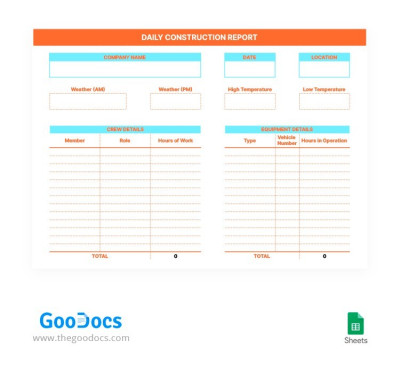
Daily Construction Report
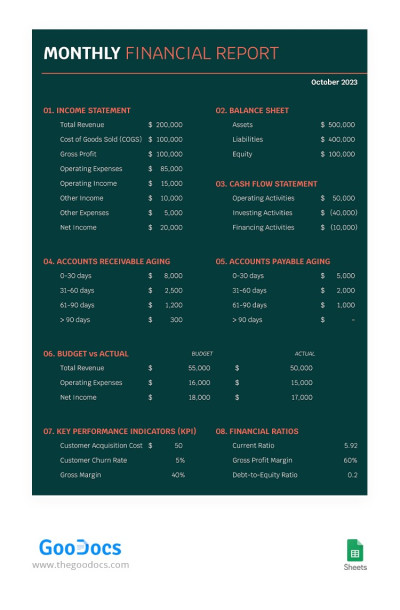
Dark Monthly Financial Report
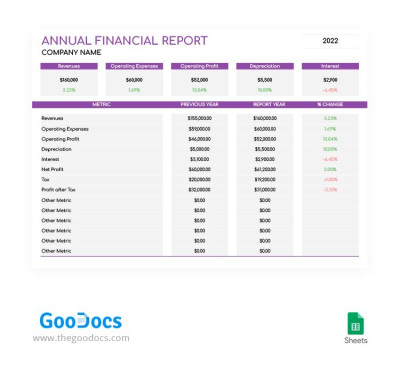
Violet Annual Financial Report
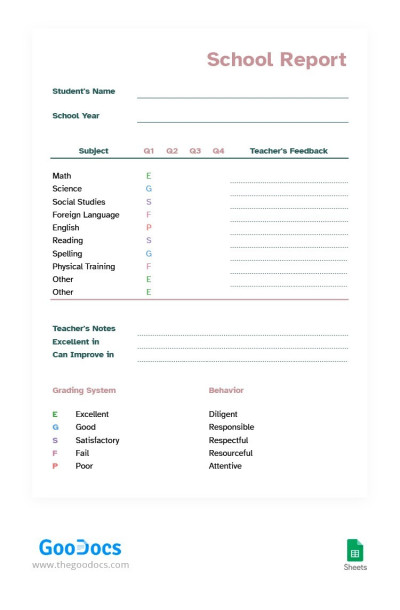
Soft Colors School Report
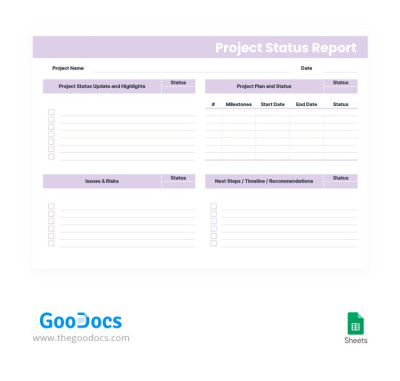
Light Project Status Report
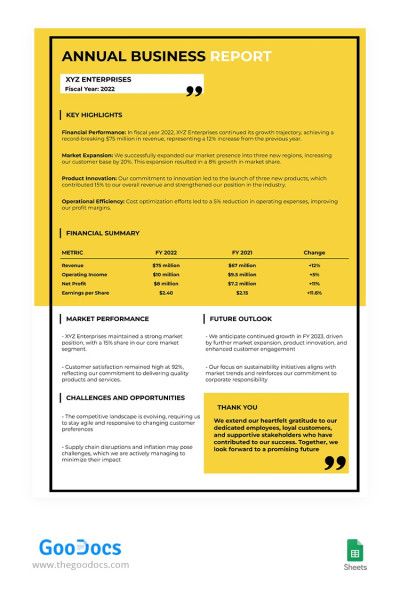
Yellow Annual Business Report
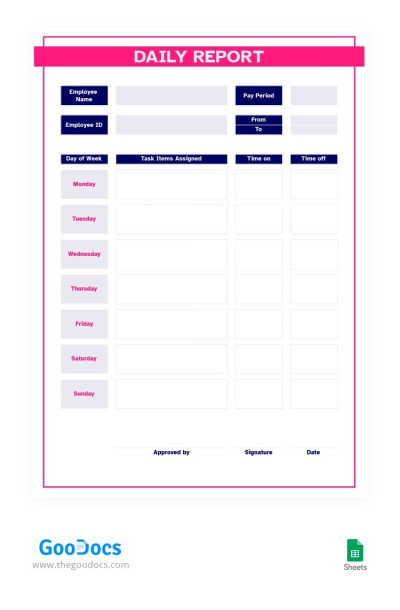
Red and Blue Daily Report
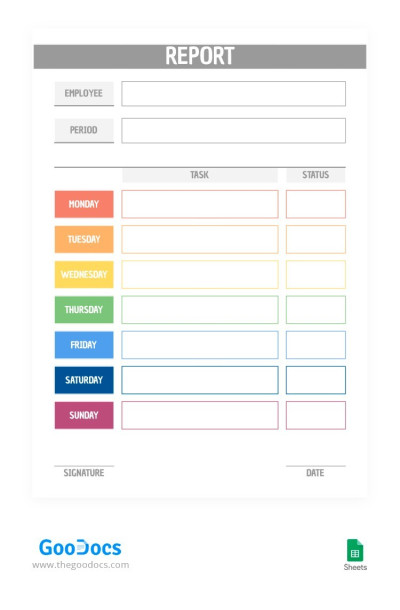
Multicolored Report Template
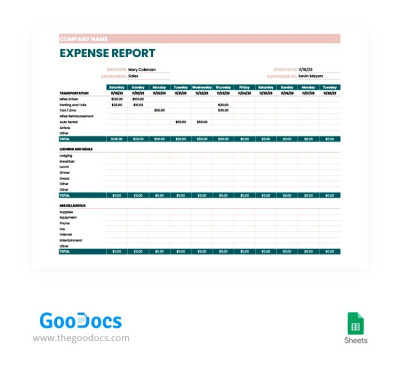
Beige and Green Expense Report
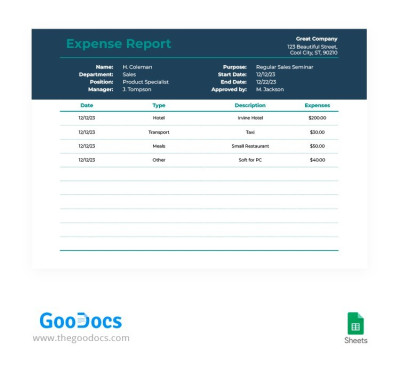
Simple Elegant Expense Report
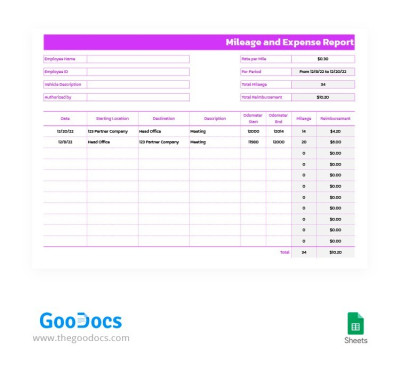
Purple Mileage and Expense Report
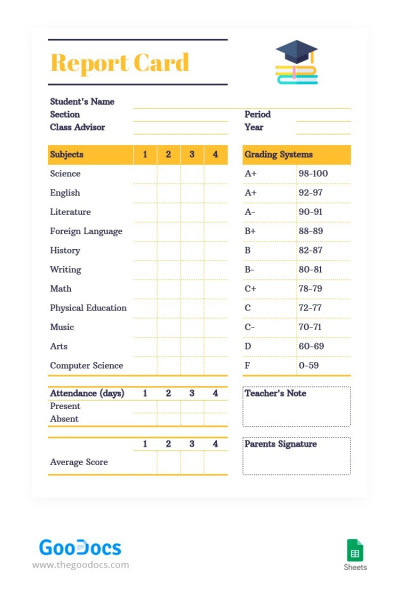
Modern Style School Report
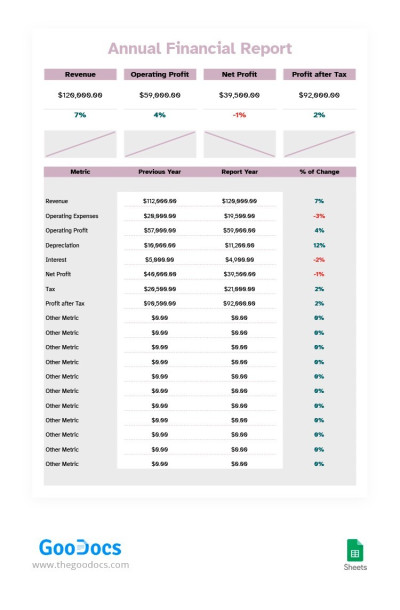
Soft Colors Financial Report
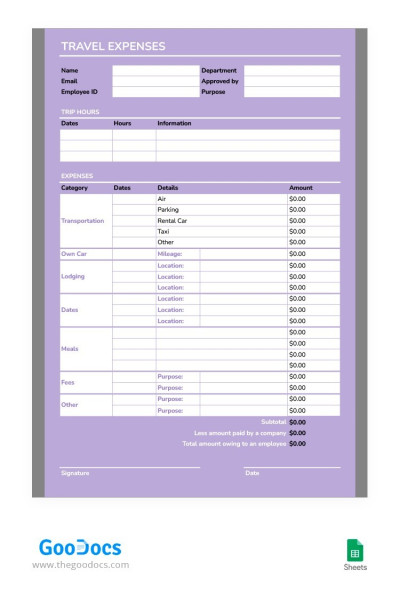
Light Purple Expense Report
The fastest and most convenient way to create reports is with report templates for Google Sheets and Excel from TheGoodocs. They’ll help you save time and organize your data within a ready-made layout created by professionals. Choose templates for any purpose, from sales and marketing to collecting analytics on clients and projects.
Creating a report from scratch can take hours, but with our templates, you can:
- Use ready-made designs and customize them. Simply add data to the table, and the report is ready. We offer options with built-in formulas, drop-down lists, automatic formatting, and color coding for various business processes. You can customize each element to suit your needs.
- Get understandable analytics with visualized data. Our templates also include charts and dashboards that display all your data in one place. Different tasks require unique layouts, and we’ve taken this into account in the variety of our Excel and Google Sheets report templates.
- Work online or offline, with your team, and on any device. Convenient editors from Google and Microsoft are available on mobile devices, laptops, PCs, and tablets, meaning our templates are too. You can store them in the cloud or fill them out and print. Most templates are print-ready in A4 and US Letter sizes.
Find report templates in Excel or Google Sheets for sales, marketing, finance, incidents, and other business processes. Explore expense report templates available at this link.
Reports Templates FAQ
You can create a report in Google Sheets either from scratch or using our templates. The second option is preferable, as it doesn't require any skills in creating a report structure, and you can use a ready-made layout with sample key metrics.
To create a report in Google Sheets using our templates, simply:
- Select the template on this page. All templates are available in Google Sheets, and there’s a huge variety of them, from financial and incident reports to annual business and nursing reports.
- Get a copy of the template. To do this, go to its page and click the “Edit in Google Sheets” button. If you’re logged in to your Google account in your browser, a copy will be automatically created, added to your Google Drive, and opened in a new browser tab.
- Enter all the data in the prepared fields. All cells you might need for your report are included, so simply click on the placeholder and replace the initial text with your data. You can also add more categories or remove unnecessary ones.
- Check the report, save it, and share it. Be sure to review the changes you’ve made, ensure all key metrics have been included, and verify they’ve been filled out correctly. Afterward, you can send a link to the Google Sheets report to management or clients, print it, or save it as a PDF or XLSX file.
By using our Google Sheets report templates, you save time creating spreadsheets from scratch and are guaranteed to receive a professional design with clear formatting that will help you create a comprehensive report.

