Simple Business Monthly Expense Report Template
Use this free template with Google Sheets and Microsoft Excel
Template Specification
Key Features of This Template
About this template
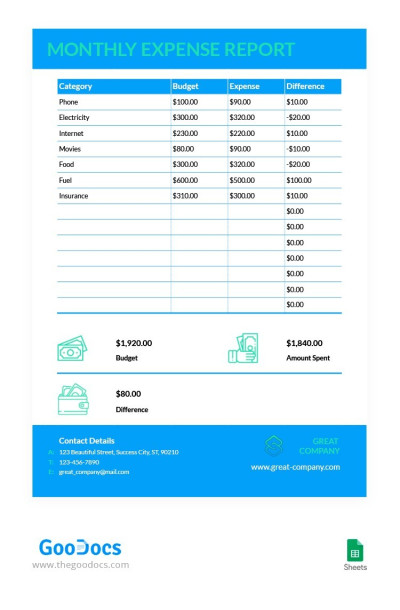
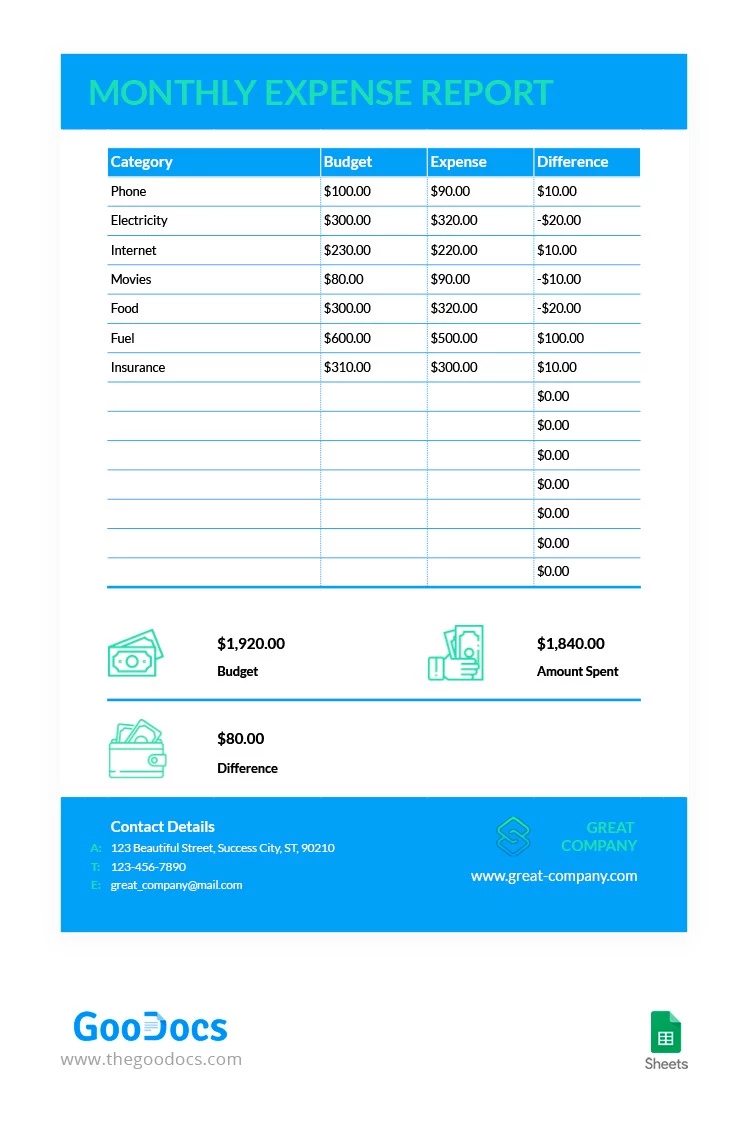
Our Simple Monthly Expense Report Template is perfect for both business and personal use. The layout features a clean table with several editable columns, making it easy to track all your spending for the month. You can fill out this template in Google Sheets or simply print it out.
Track Your Monthly Expenses Easily
You can add a custom title or your company name to the header section. The main table includes four columns where you can list your expense categories and set a planned budget. At the end of the month, just enter your actual costs for each category, and the difference will be calculated automatically.
The footer also features a blue section where you can add your company logo, website, and contact information.
Our expense report template is extremely easy to use:
- Built-in formulas automatically calculate the total budget, total actual spending, and the difference.
- Multiple people can edit the report at the same time from different devices.
- You can save your file as a PDF to send it digitally or print it in US Letter size.
Use this free version or browse our website to find a ready-to-print monthly report template for Word.
Download Free Template
Google Sheets
Opens in browserWHAT’S INCLUDED
Report Tips
FAQ
How to Use and Edit This Template

Get Your Document

Customize Everything

Add Your Content

Print, Export, or Share
Related Templates
Recently Viewed