
Professional Resume Templates
We offer professional resume templates available in Google Docs and Word. You can find a suitable template with balanced design, bold headings, and clear structure on this page. Our blank resumes support detailed professional history and achievements. They are suitable for applying for corporate, business, and executive positions. Grab a free, editable, and printable template and start customizing.
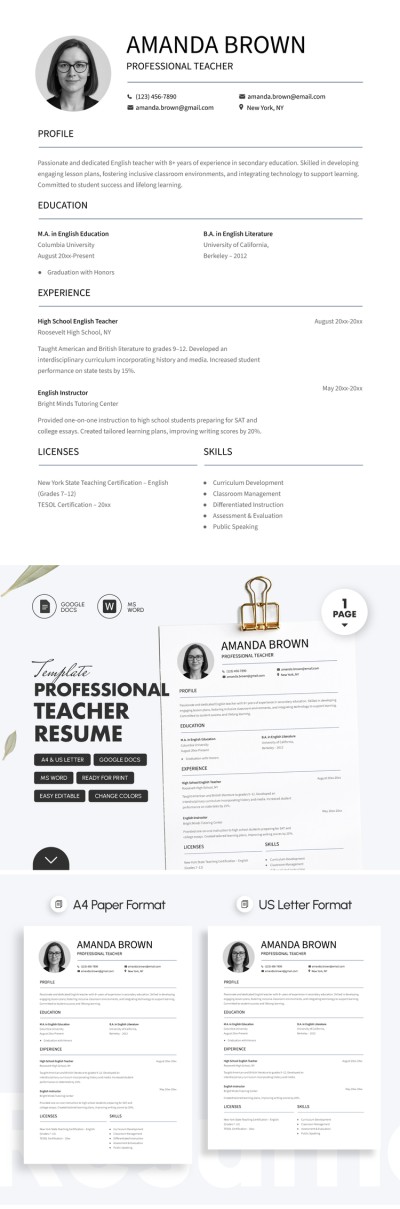
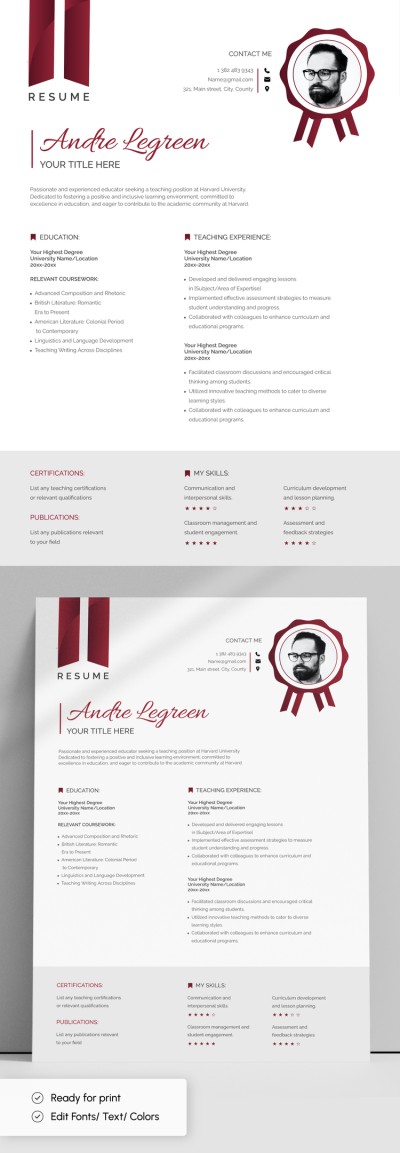
Professional Teacher Resume Template For Job Applications
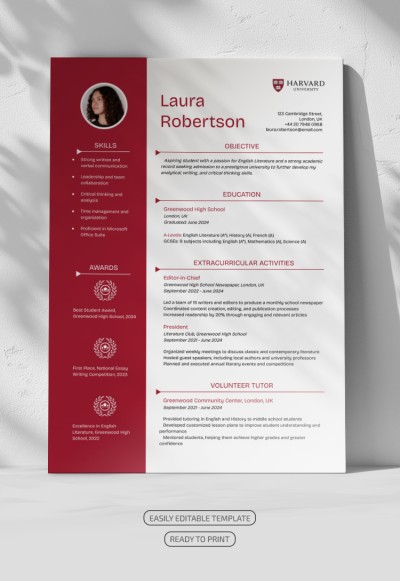
Harvard Resume
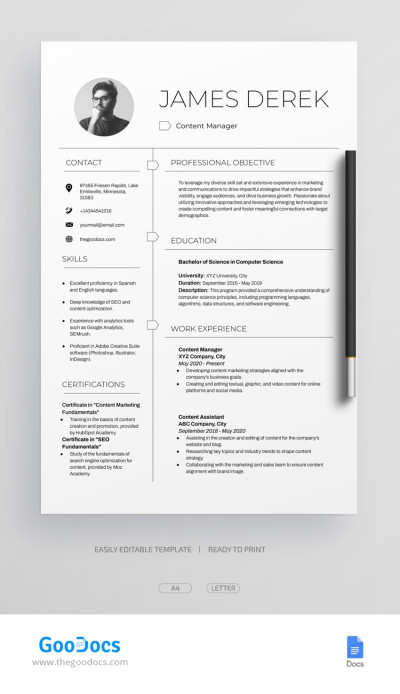
Editable Professional Content Manager Resume Template
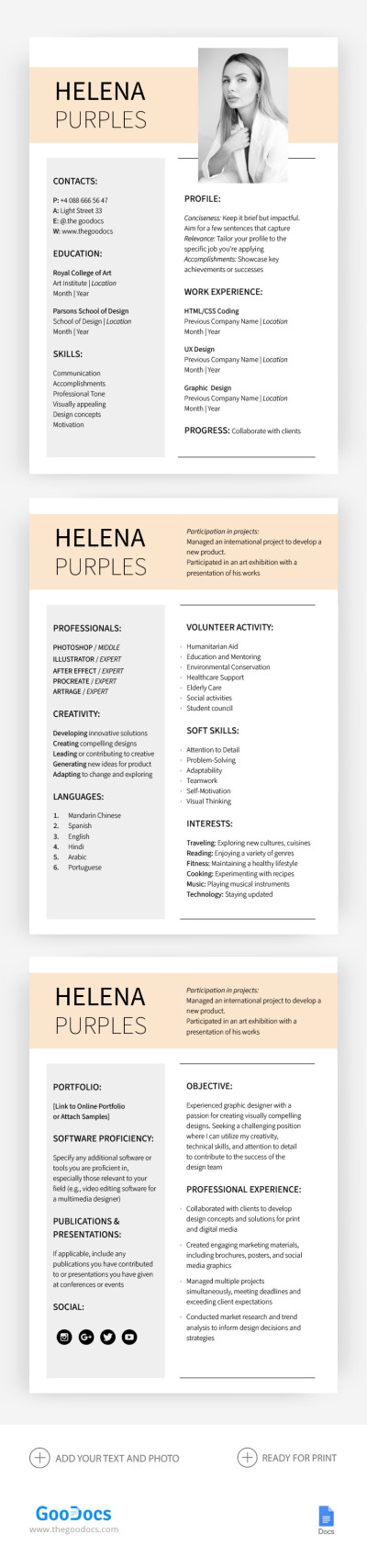
Professional Resume & CV
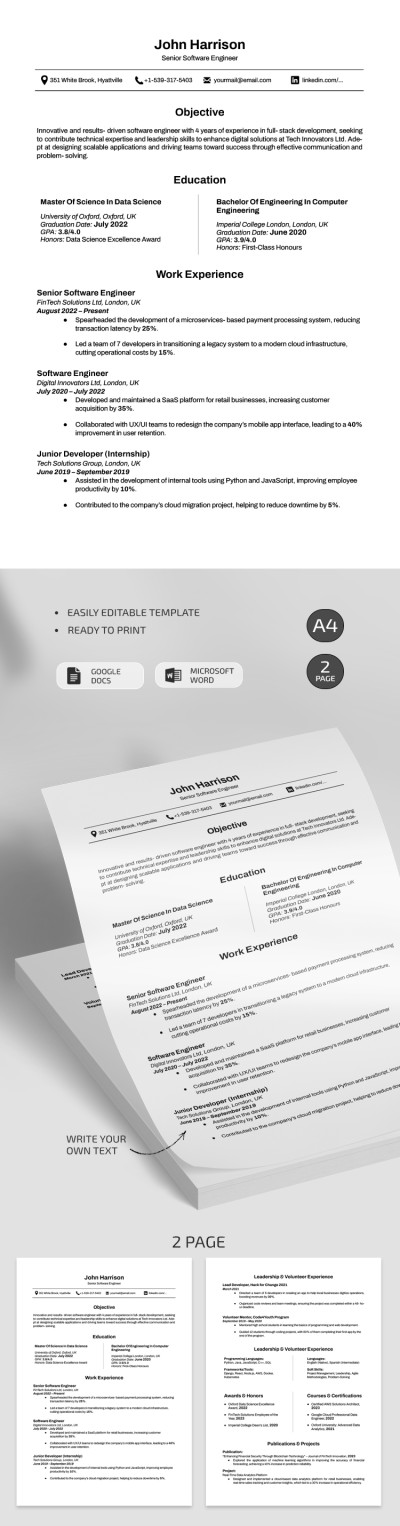
Professional Harvard Software Engineer Resume Template
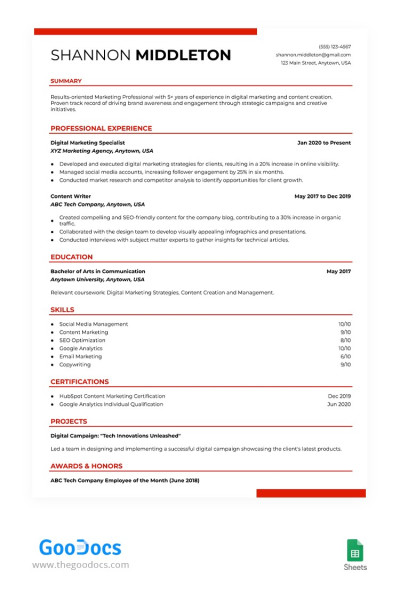
ATS Compliant Digital Marketing Resume Template
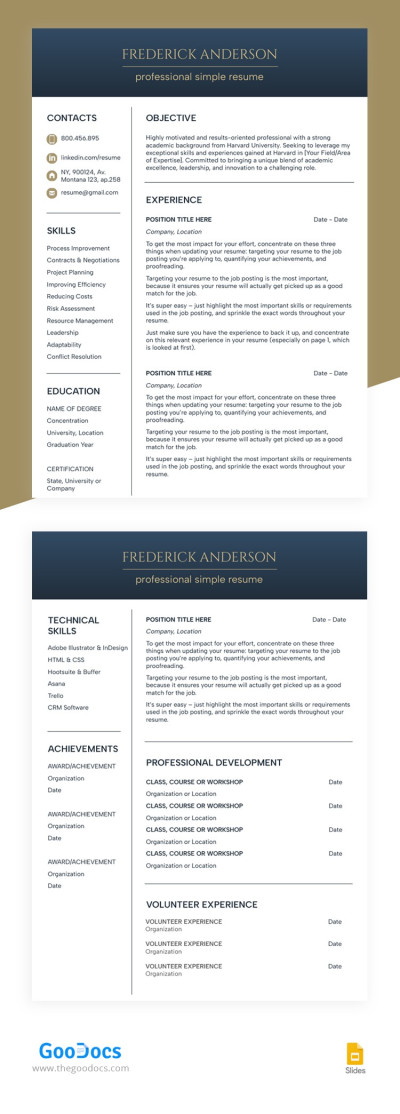
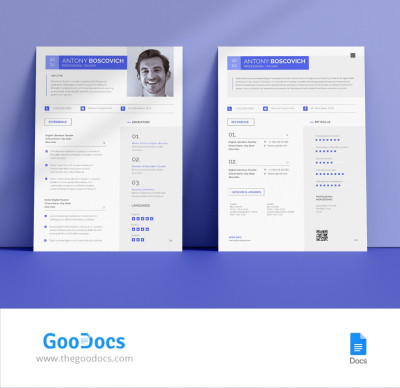
Structured White Resume
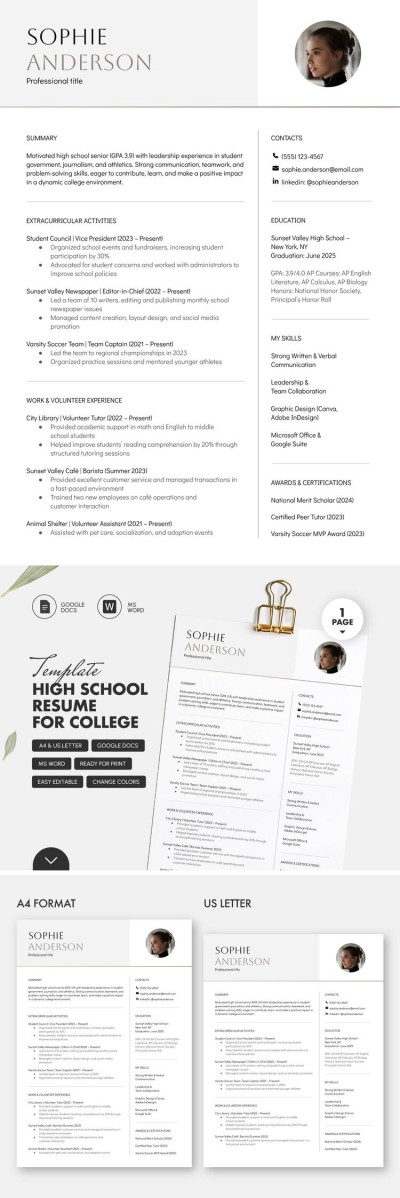
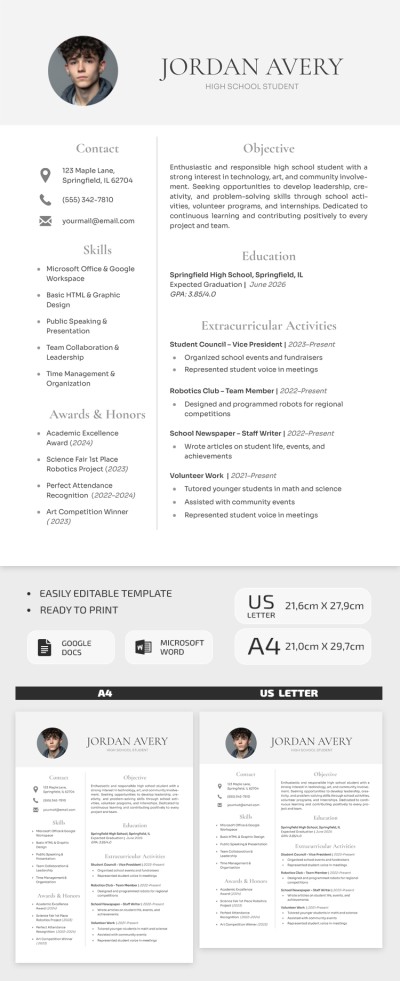
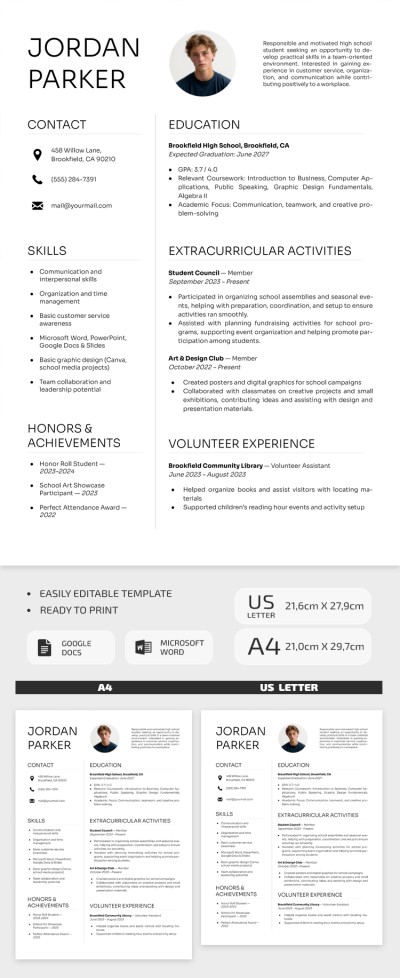
High School Resume Template For College
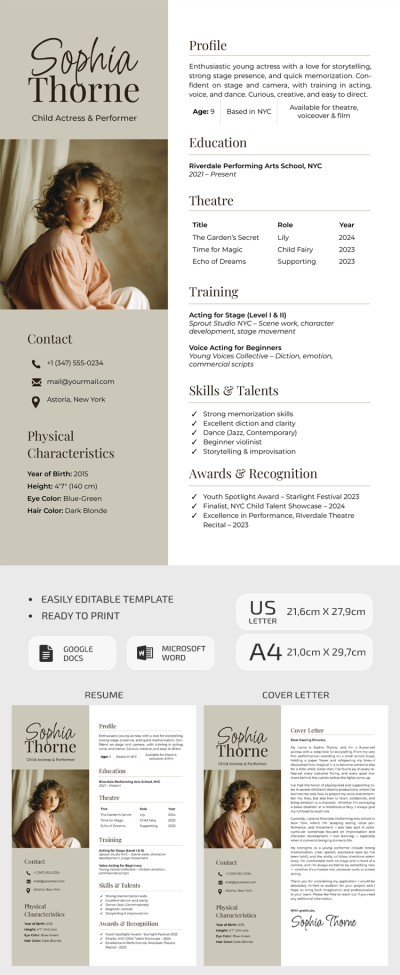
Child Actor Resume Template with Cover Letter
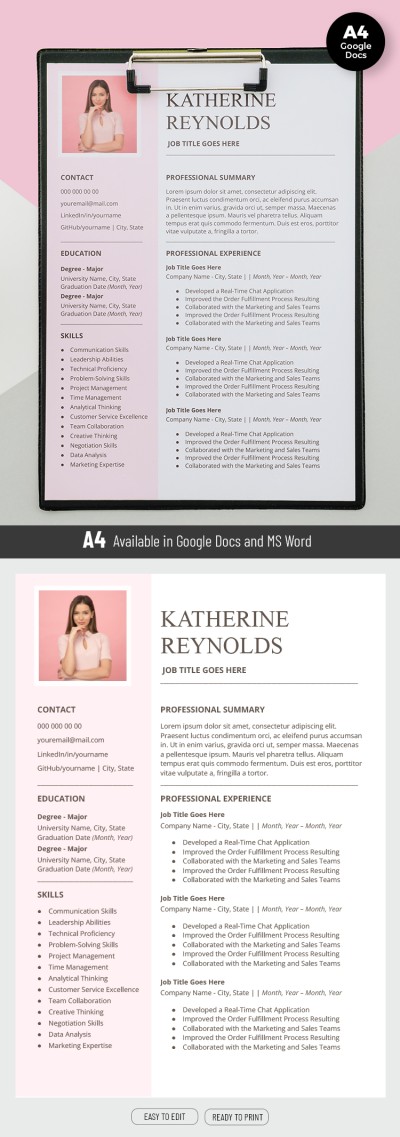
Pink Resume
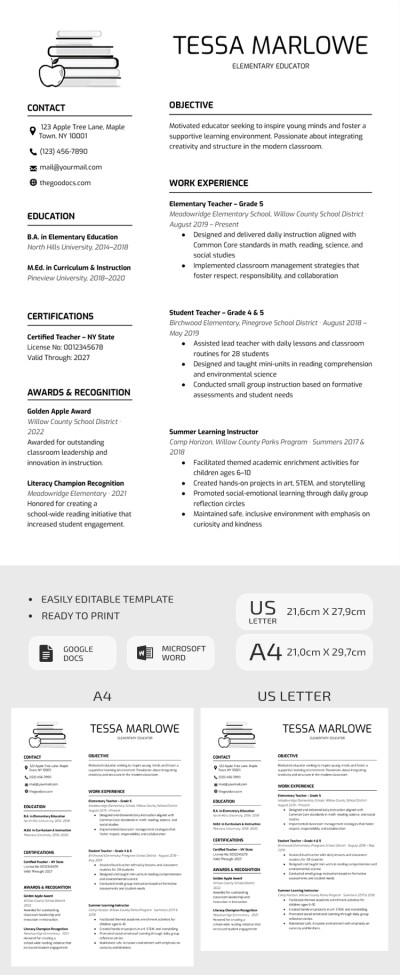
Printable Minimalist Teacher Resume Template
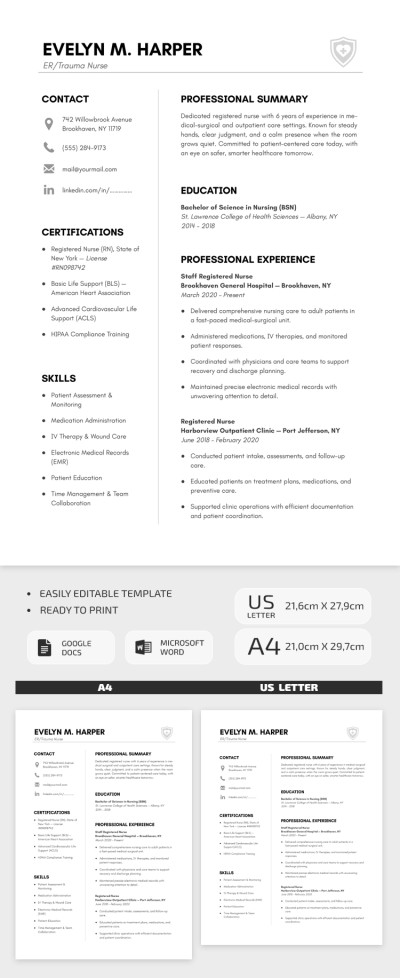
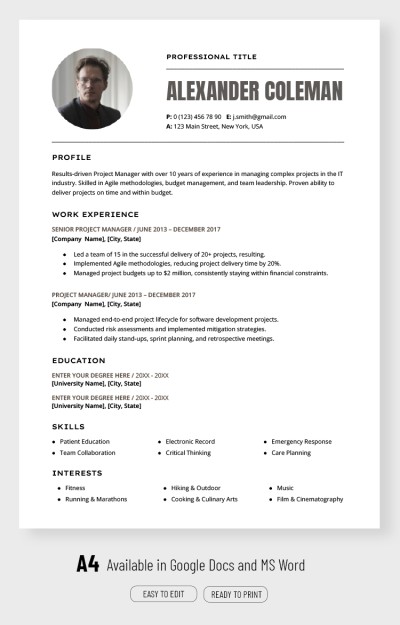
Professional Project Manager Resume Template
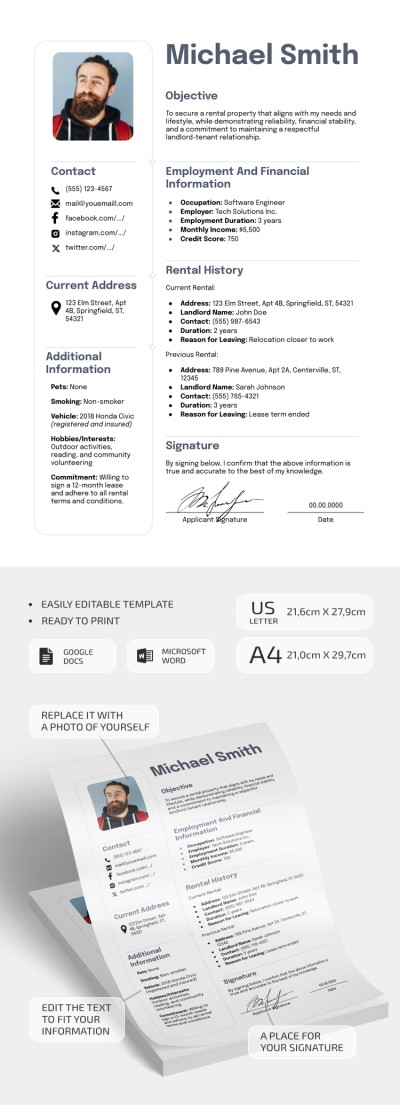
Basic Rental Resume
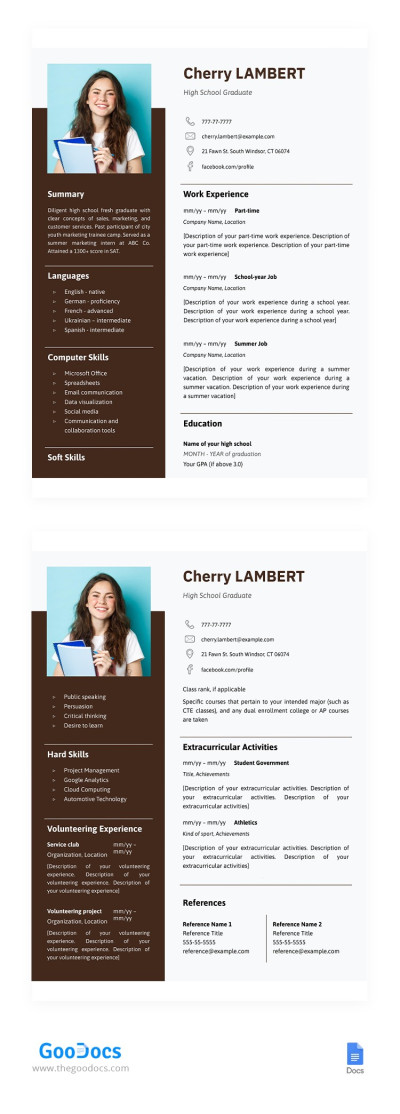
High School Graduate Resume
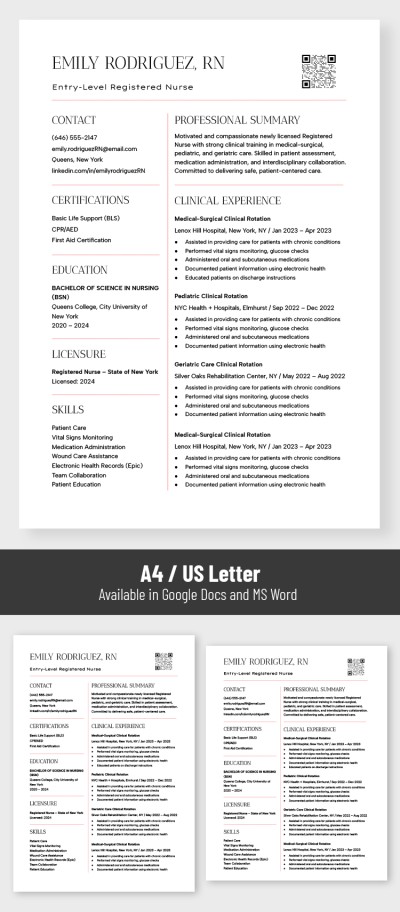
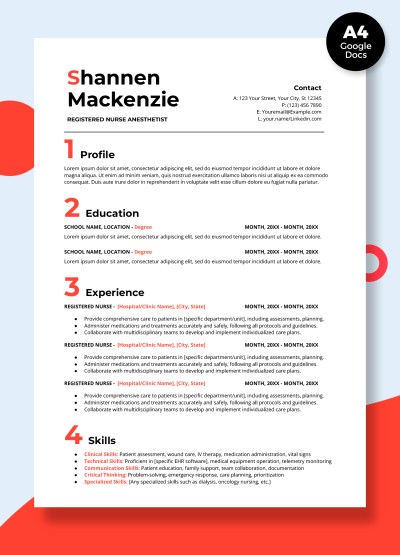
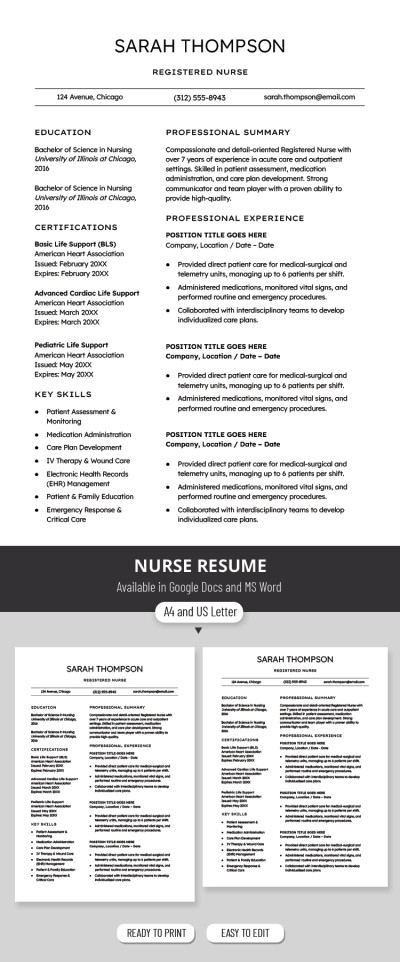
Nurse Resume
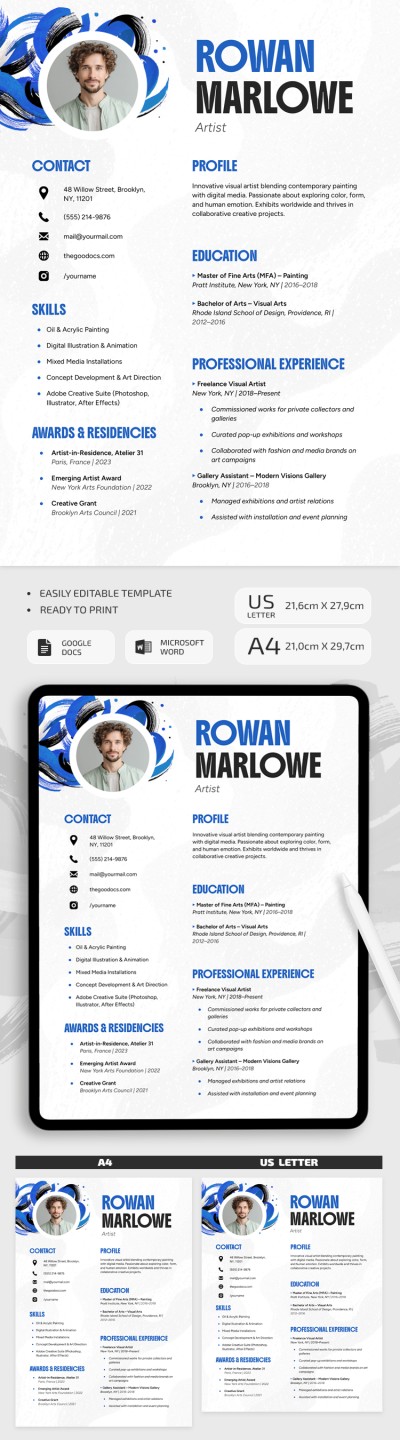
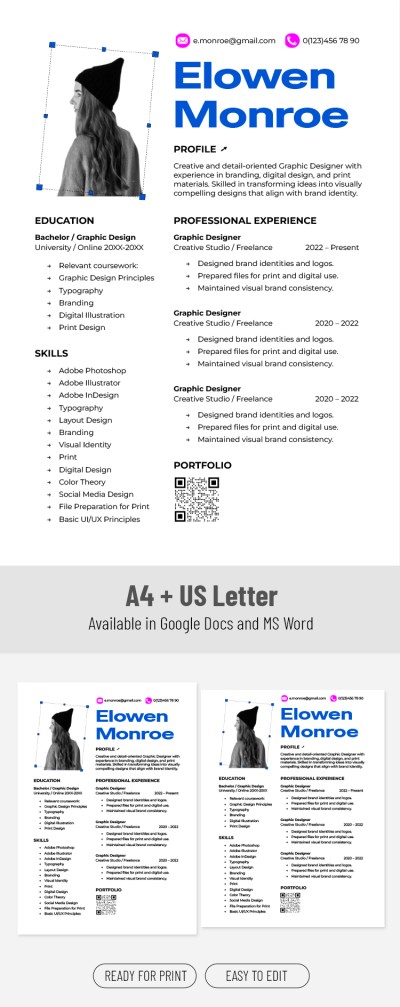
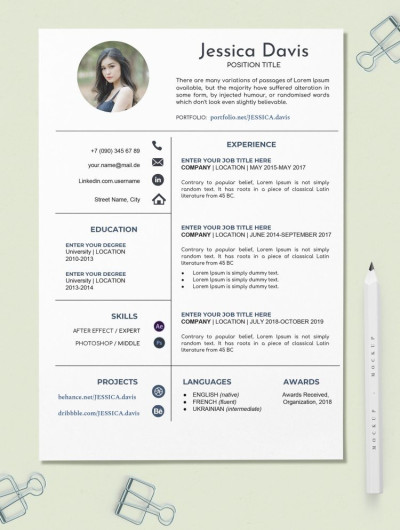
Creative Resume
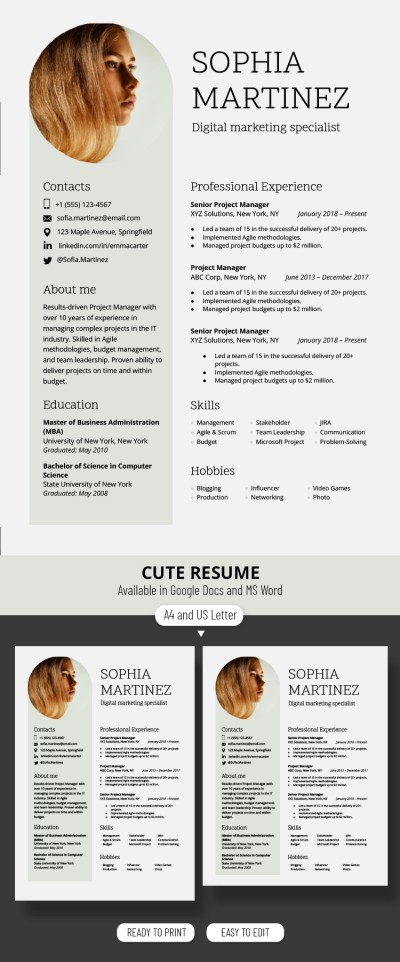
Classic Digital Marketing Specialist Resume Template
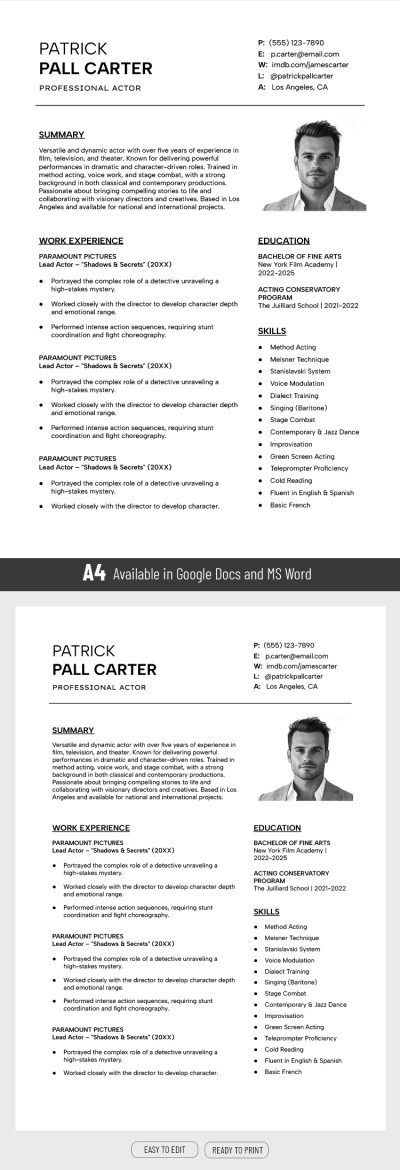
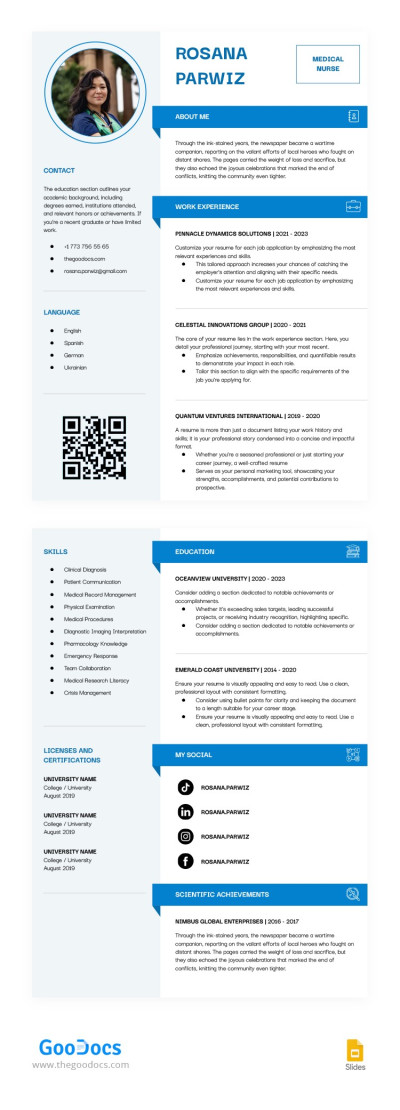
Nursing Student Resume
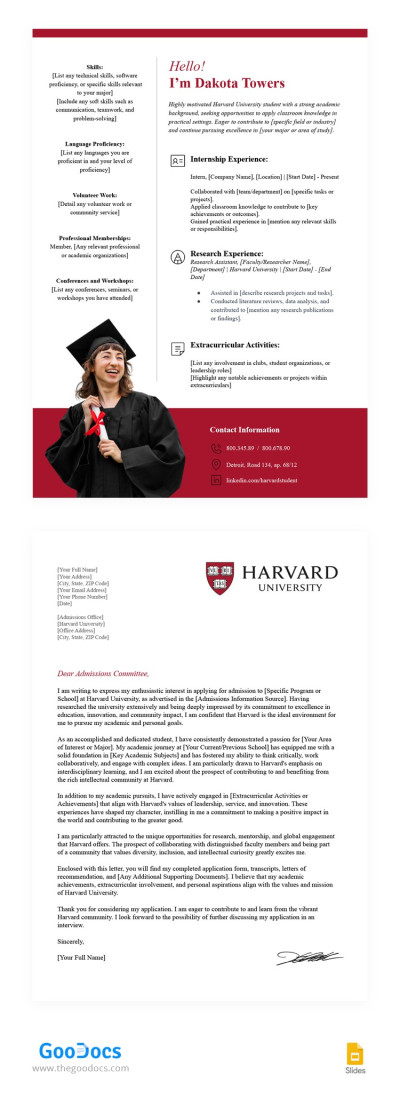
Harvard Resume and Cover Letter
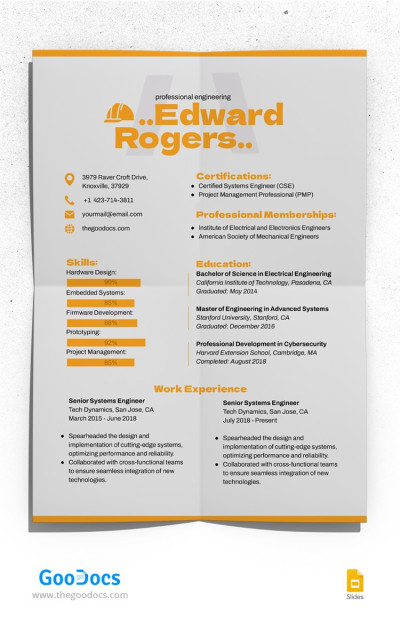
Professional Engineering Resume
First Year Teacher Resume
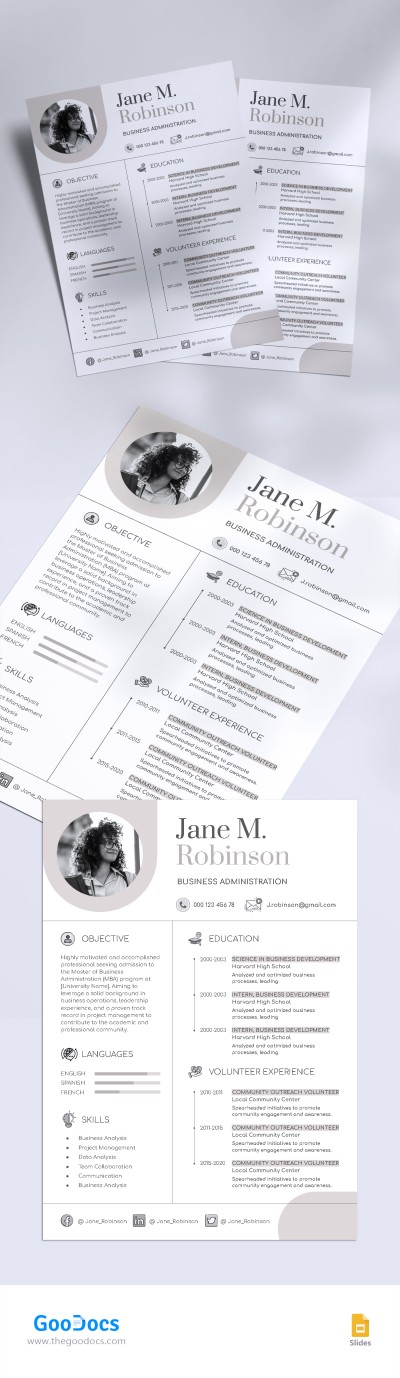
Graduate School Resume
Elegant Harvard Resume
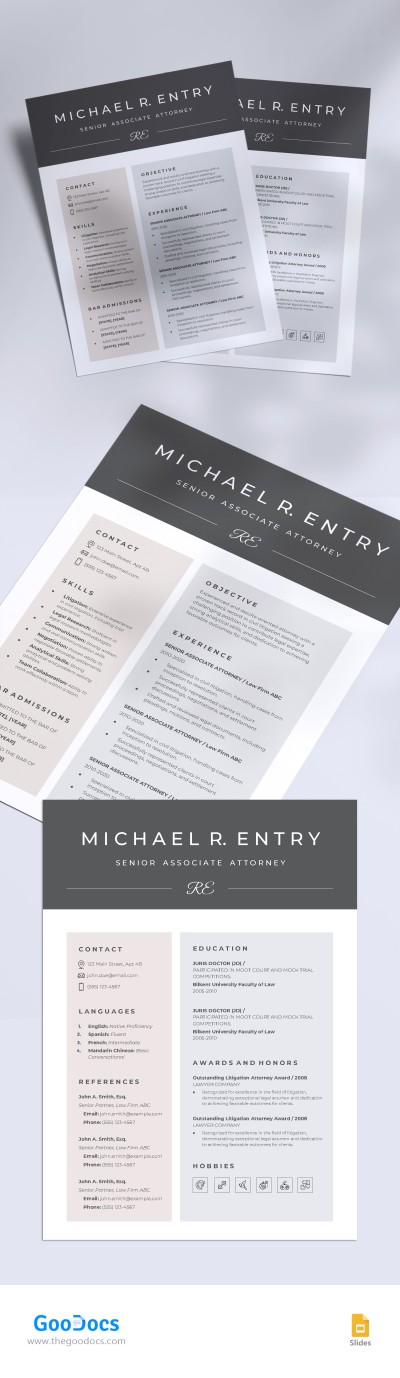
Harvard Law School Resume
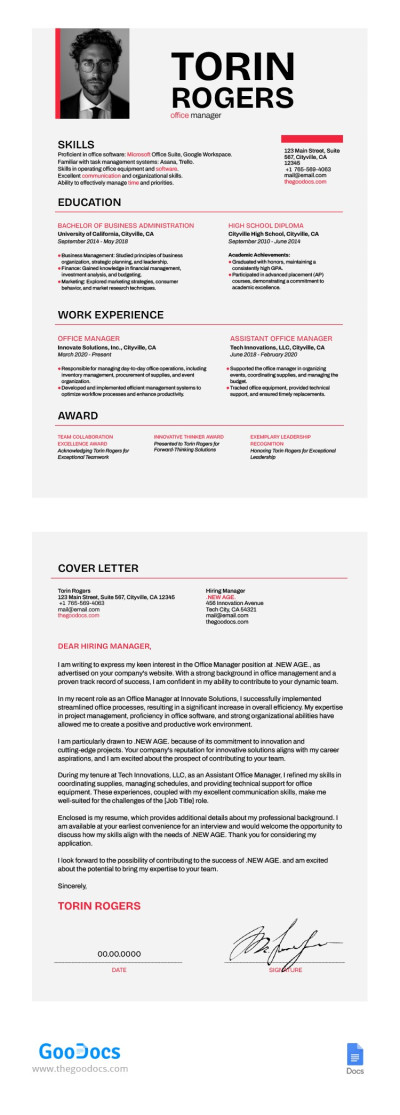
Sleek Office Manager Resume Template
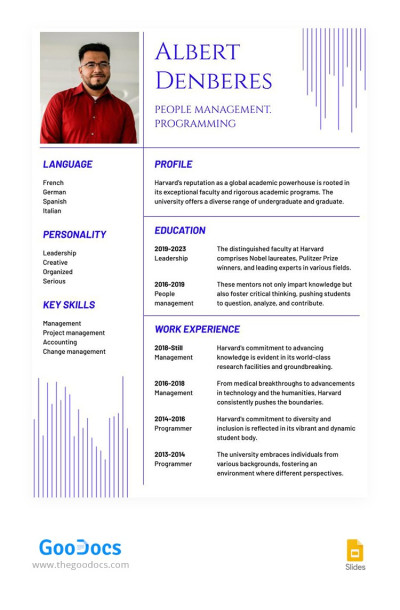
Blue Line Harvard University Resume
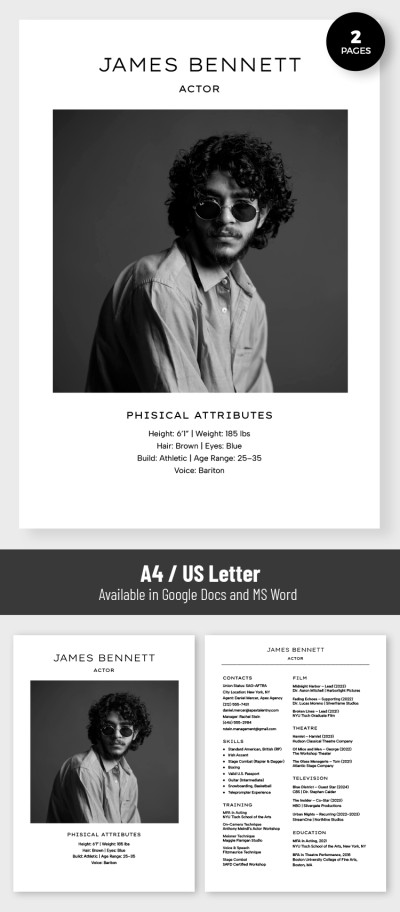
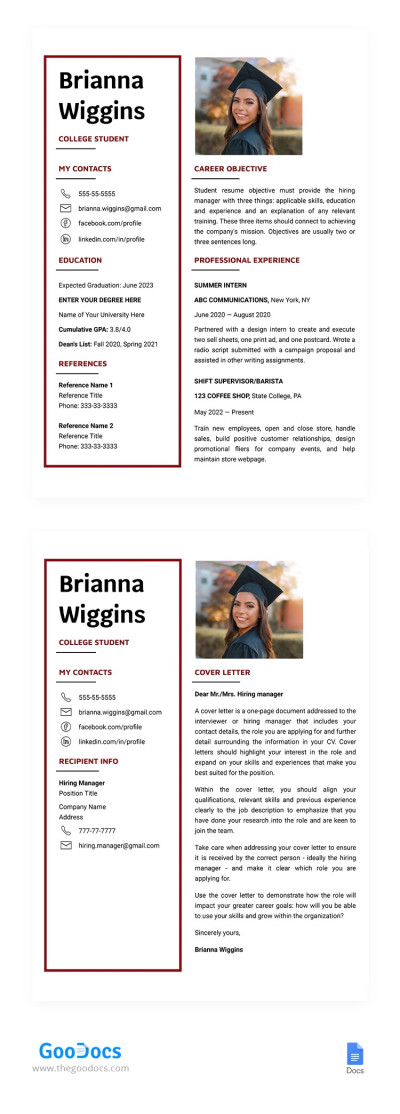
College Student Resume Template with Cover Letter
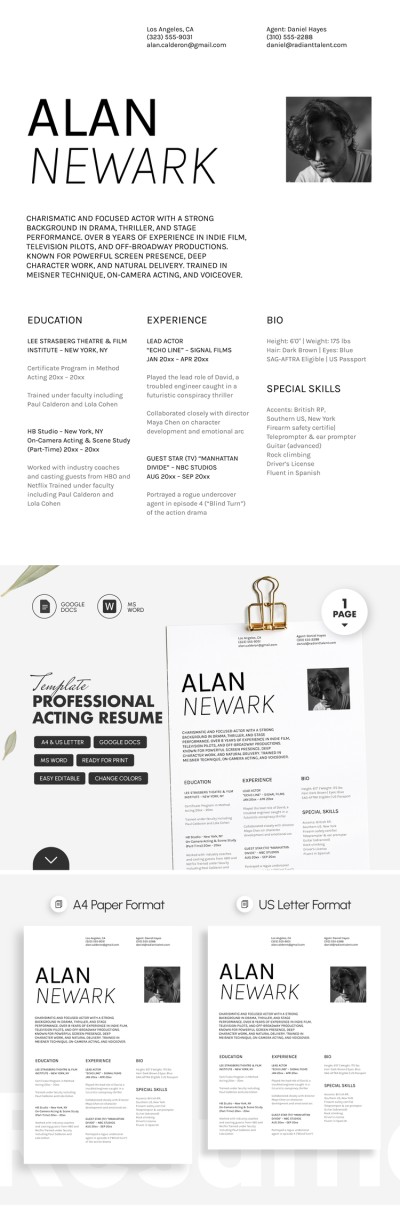
Professional Acting Resume Template
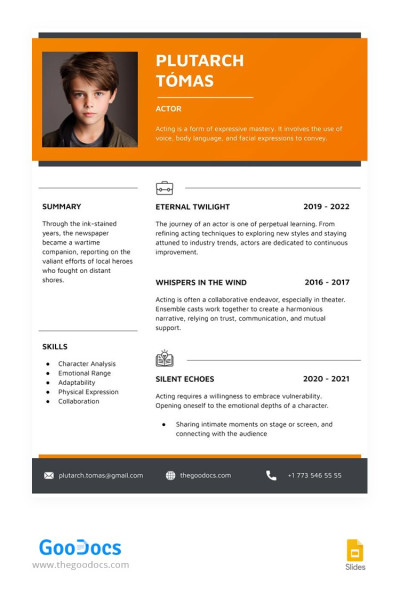
Orange Child Actor Resume
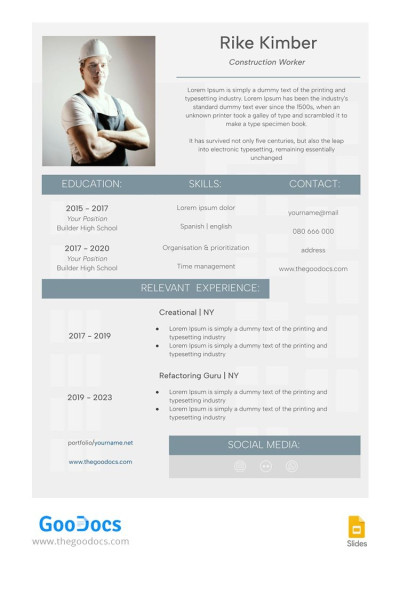
Сivil Engineering Resume
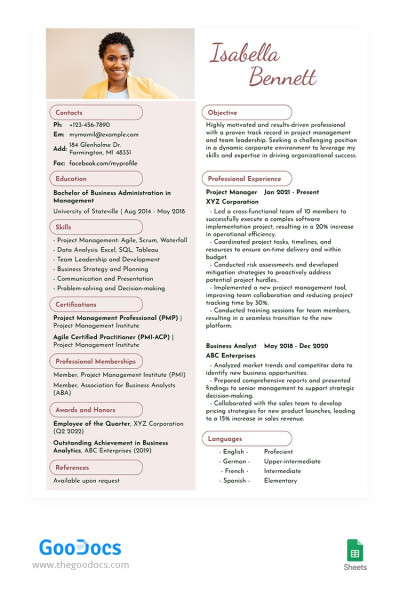
Beige Project Manager Resume
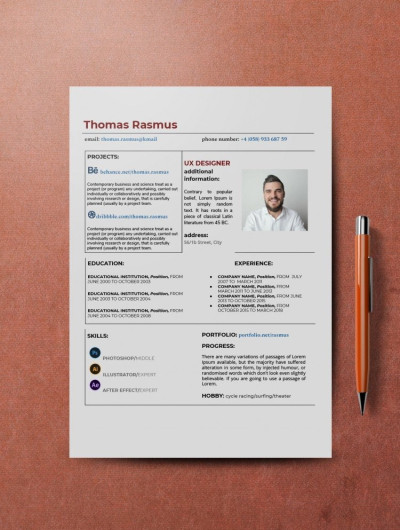
Professional White UX Designer Resume Template
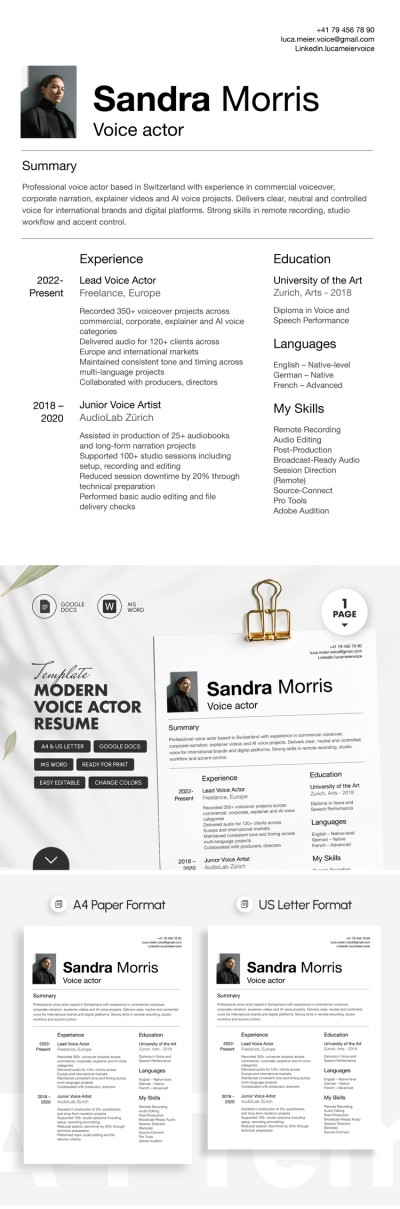
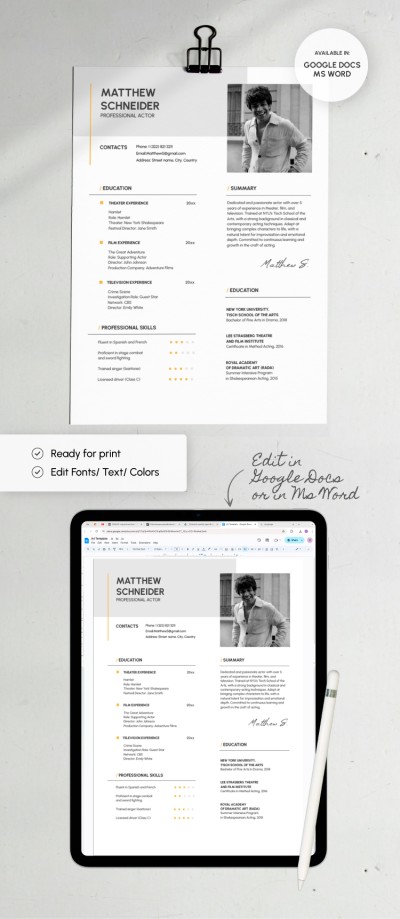
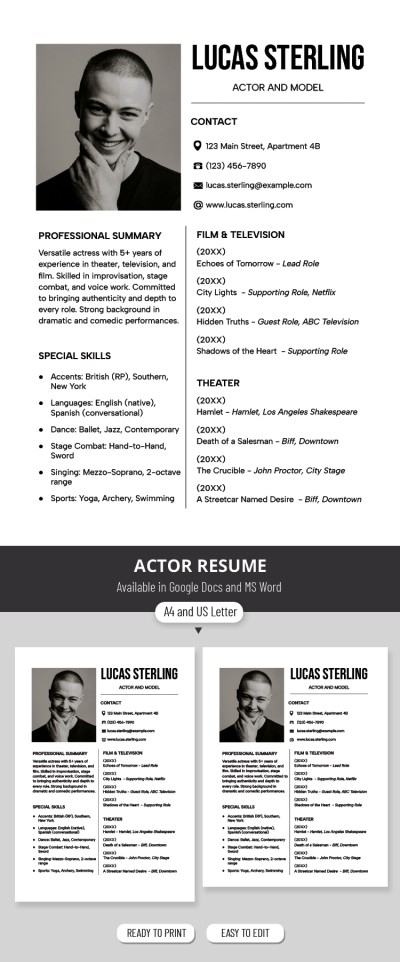
Actor Model Resume
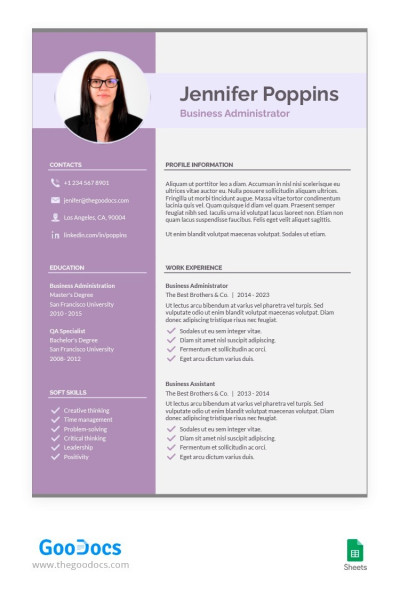
Scarlet Gum Color Resume
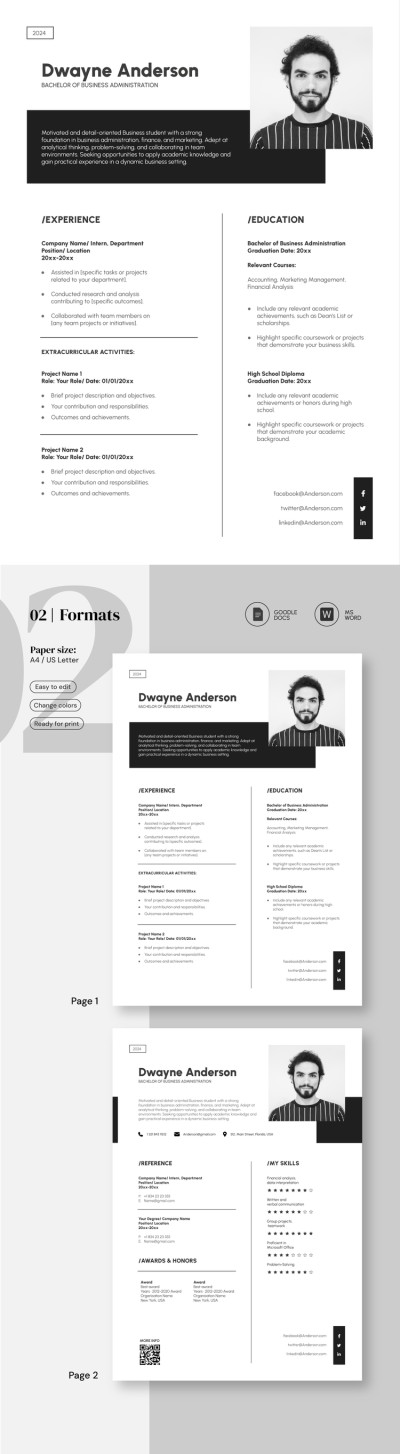
College Graduate Resume
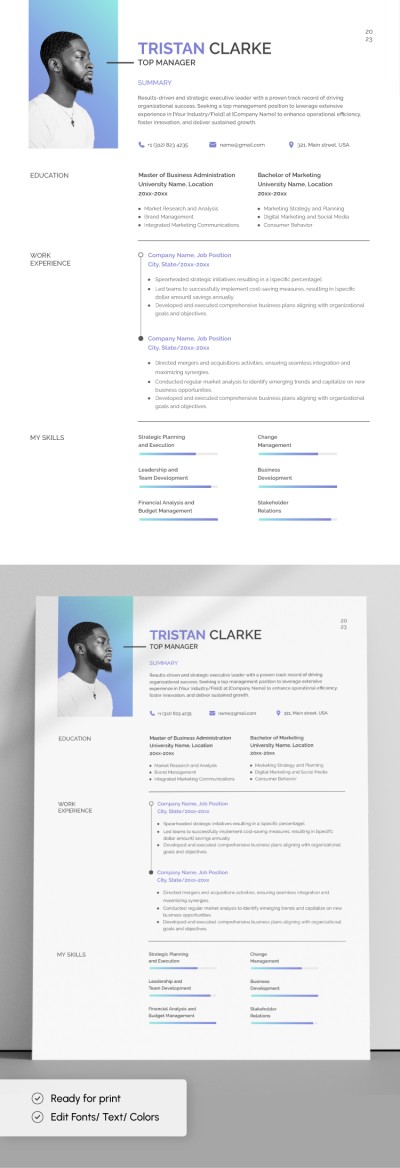
Restaurant Manager Resume
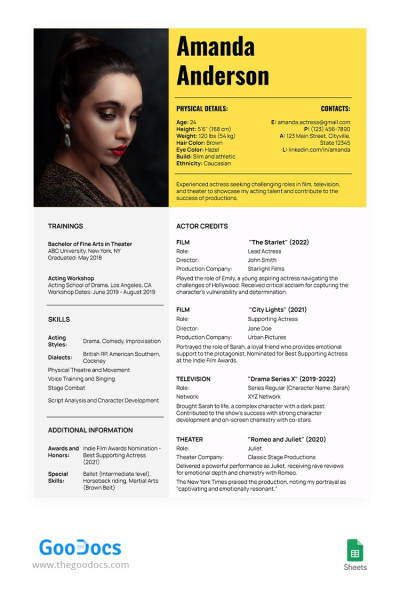
Contrast Actor Resume
- 1
- 2
Browse dozens of professional resume templates in Google Docs and Microsoft Word, and choose the one that suits you best. We offer only fully editable layouts. Download a free example suitable for either a technical or creative field directly from this page.
Evaluate all the benefits of our professional resume templates:
- The best designs for professionals in various fields. We know exactly how to impress HR - you need a concise design, a clear division into sections, and ideally a filled-in example so you can adapt your resume to your talents and skills. You'll find all features inside each resume on this page.
- Complete freedom of editing in Google Docs and Word. Want to make your resume more creative, add a photo, remove an unnecessary section, or simply fill in your work experience? Enjoy complete freedom of customization of our documents, from changing fonts and colors to new sections and graphic elements.
- Only the necessary sections, without unnecessary frills. We offer professional resume templates for specific industries and universal options. Need a blank to highlight your skills or work experience? You'll find the right one on this page.
Find a project manager resume template and hundreds of options for other professions on our website. Choose from the best examples to effectively present your qualifications and background.
Professional Resume Templates FAQ
To create a professional resume template, you need to pay attention to the main elements.
Formatting
Use single-line spacing, add a heading for each section written in a large font, and choose only easy-to-read fonts. In some cases, you may add visual elements such as lines, photos, or a dark background. However, these should be used only for creative professions.
Sections
Every professional resume template should follow a chronological, functional, or combination format. Depending on this, the emphasis may be on work experience, skills, or both. Other sections that should be included in a professional resume template are a professional summary, education, and contact details.
File format
Most job descriptions specify the file format in which your document should be submitted. Be sure to follow these requirements when submitting your resume. If no format is specified, it’s best to use .docx and PDF.
If you do not know where to start or want to save time, we recommend using our professional resume templates. They meet all modern resume standards and allow you to create a professional document easily.

