
Estimate Templates
Our estimate templates are available in convenient Google Sheets and Excel formats. We offer ready-to-use spreadsheets for contractors providing services and goods in various industries, from construction to IT. You can get a copy or download an estimate sheet with pre-made columns for services or items, planned and actual costs, and automatic charts included. Enter new values, IDs, and the client’s name to ensure that your estimate looks professional with TheGoodocs.
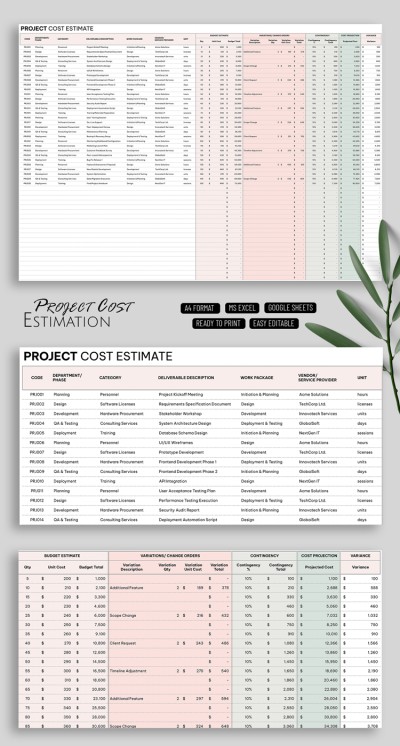
Editable Project Cost Estimate Template
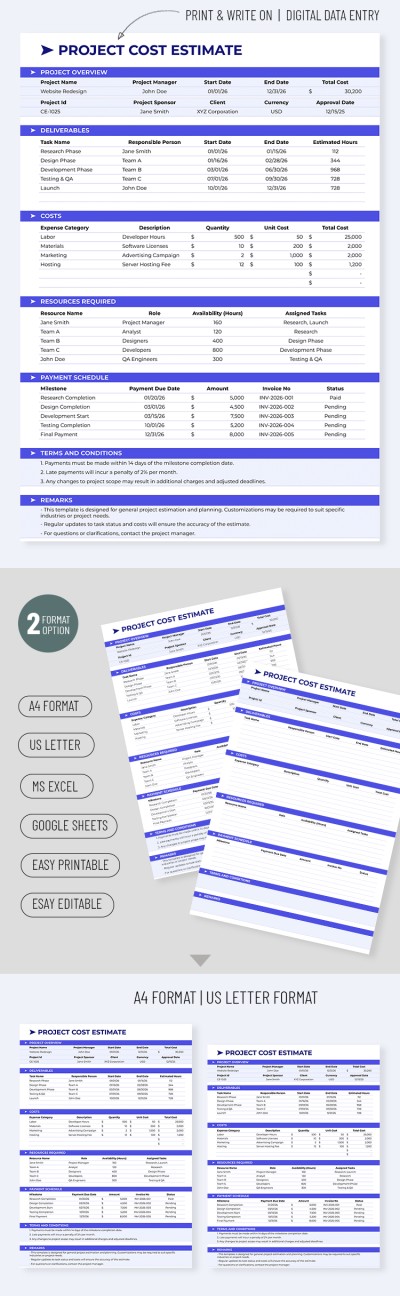
Project Cost Estimate
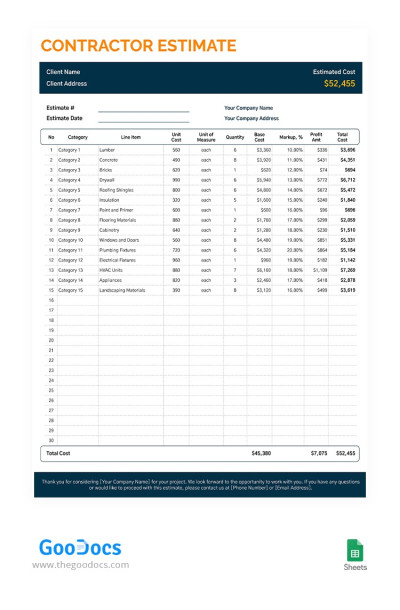
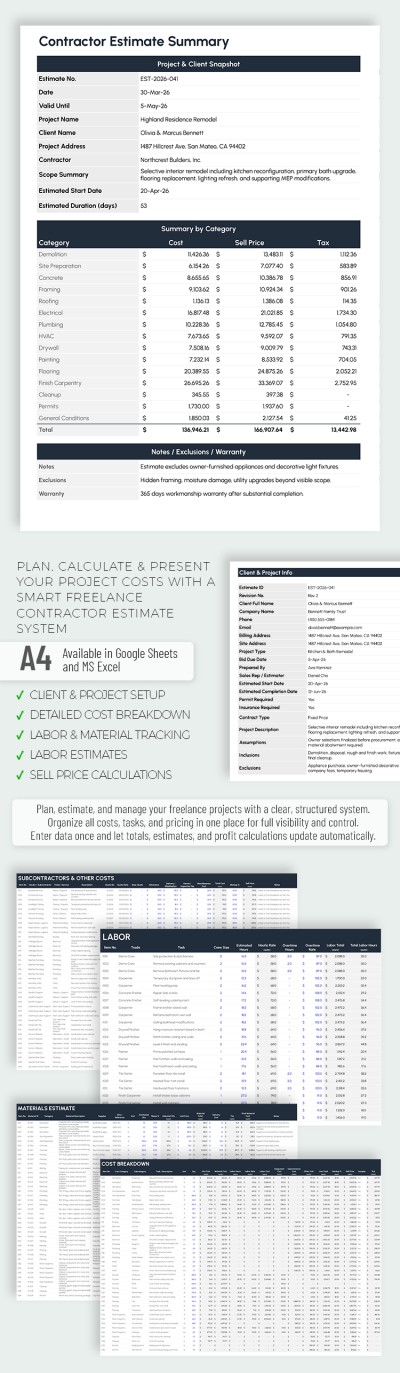
Contractor Estimate
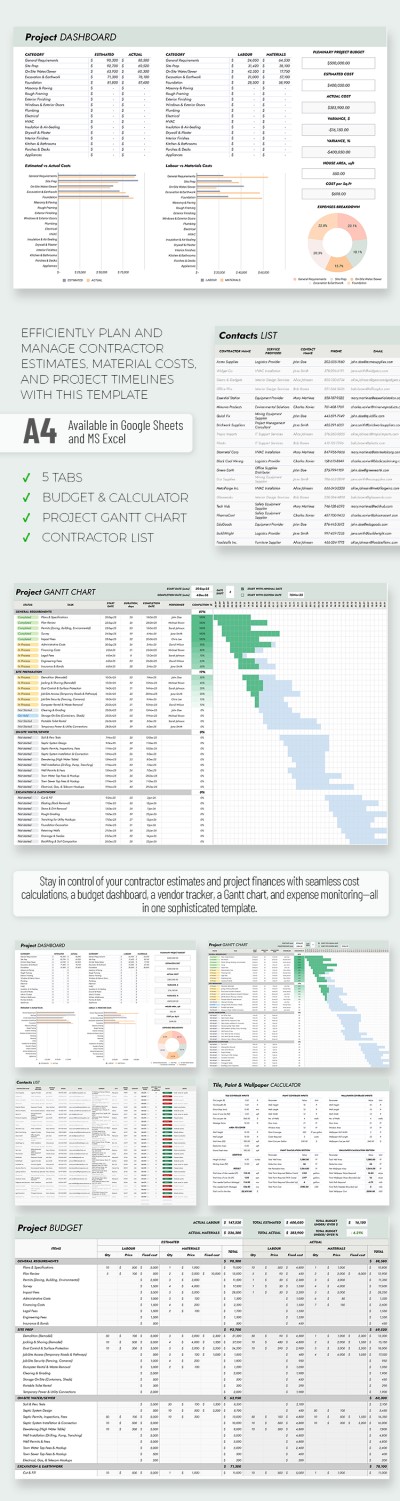
Professional Contractor Estimate Template
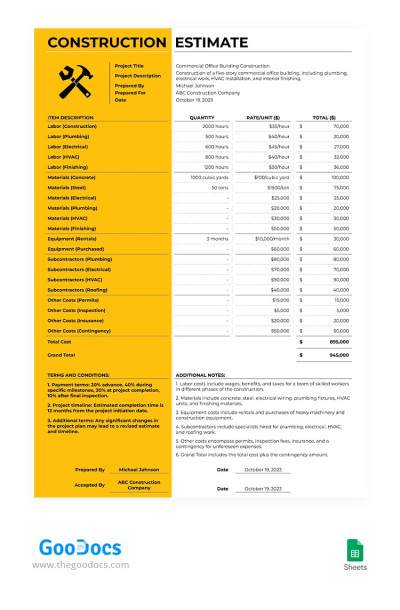
Basic Construction Estimate
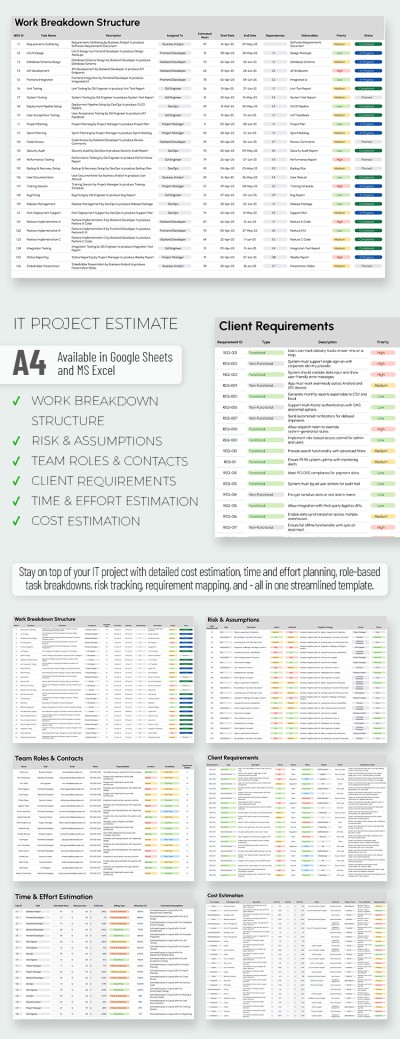
Professional IT Project Estimate Template
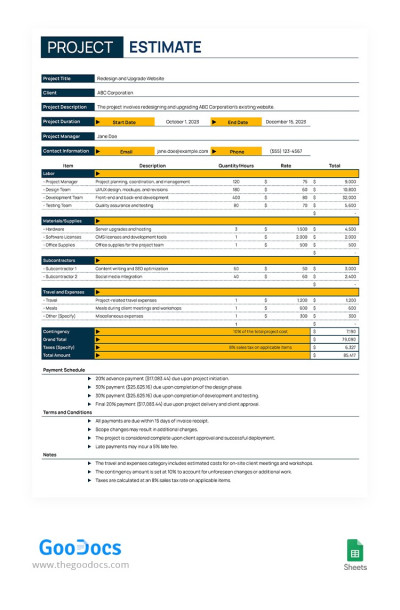
Yellow Project Estimate
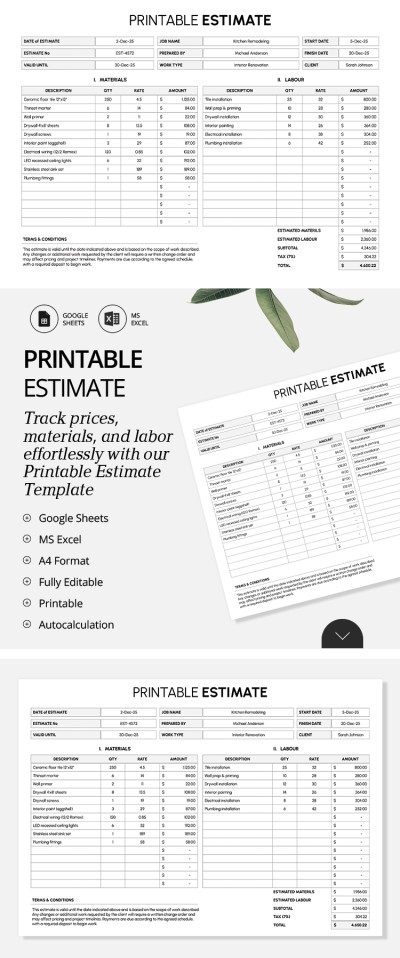
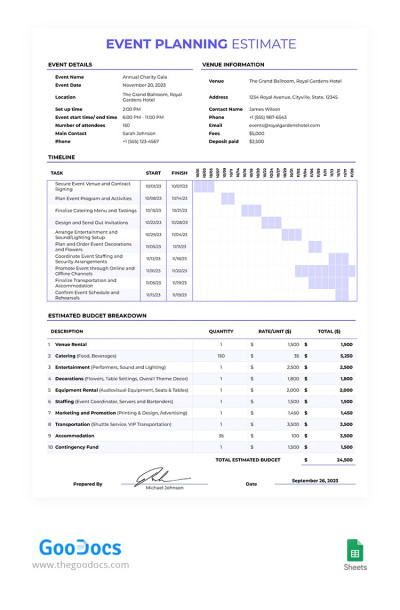
Event Planning Estimate
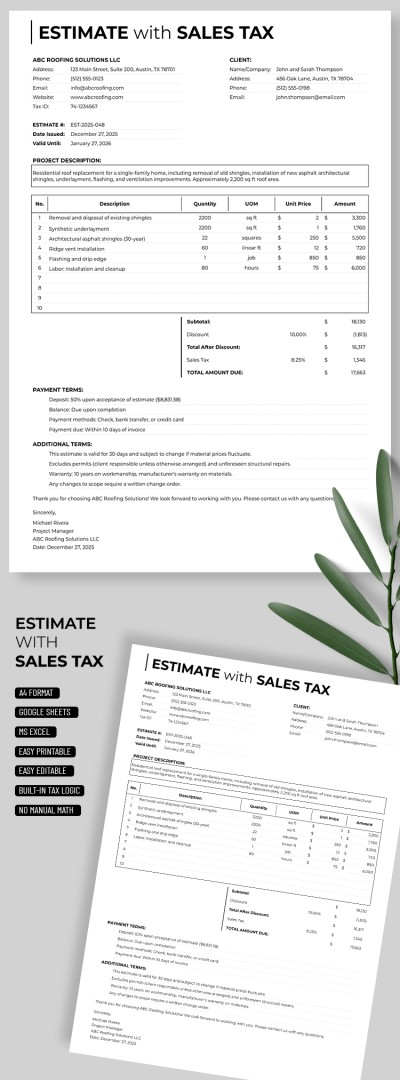
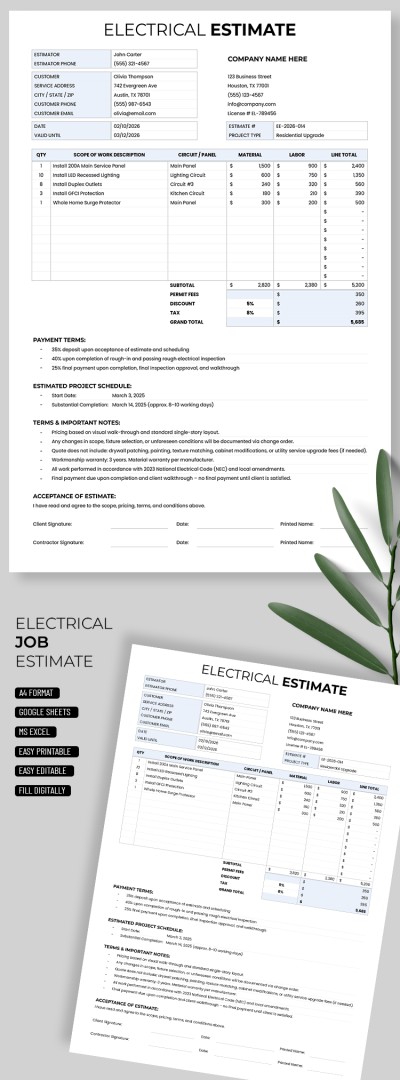
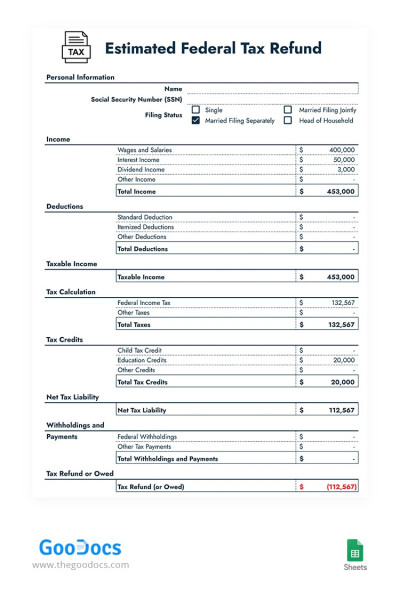
Estimated Federal Tax Refund
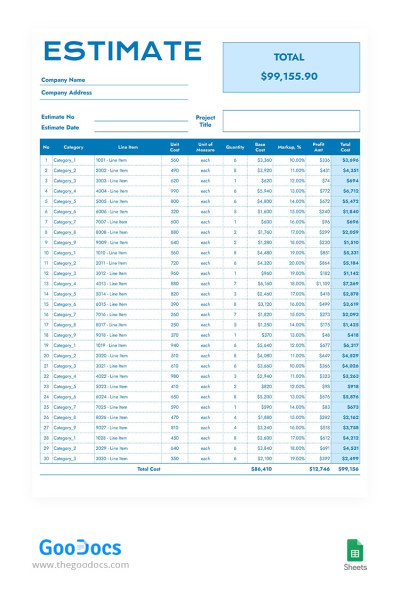
Blue Estimate
Please try different filters or clear all to start over.
Manage contractors, project costs, construction, and tax refund assessments using our convenient pre-made templates. TheGoodocs offers dozens of estimate templates in Google Sheets and Excel available for distinct occasions. Use spreadsheets with charts, timetables, and placeholders for cost calculation included.
Find the best estimate sheets on this page:
- We offer tailored estimate templates for various needs. An estimated tax refund will differ significantly from an event planning estimate, and we understand this. That's why you’ll find a collection of templates that cover any needs, from estimates for contractors in different fields to job estimate templates.
- Our templates include everything you need and more. Most options contain charts and formulas that process data automatically. You only need to enter new cost categories and values. After that, our template will estimate and visualize the data.
- A professional structure lets you be on top of the budget. Estimate templates contain columns for both estimated and actual costs. There may be inaccuracies in any project: delayed deliveries, exchange rate differences, and human factors. With our templates, you can be sure that everything is going according to plan.
You can edit estimate templates in Google Sheets and Excel editors - the most convenient formats. Set up new formulas, remove unnecessary categories, and add more charts easily to present your spreadsheet in digital form or after printing. Get complete freedom and confidence when concluding deals with Google Sheets templates from TheGoodocs.
Estimate Templates FAQ
Creating a basic estimate template in Excel from scratch is possible even if you don't have any special skills. However, the easiest way is to use our pre-made templates. We're going to describe in detail how to make the most out of both options.
Here is how you can make an estimate in Excel yourself:
- Create a blank spreadsheet in Excel.
- Make a header. In this section, you should include the client's contact details, name, project assignment, completion dates, and a project ID number.
- Create a table with all charges. There should be a Service / Products section in which you should type a list of items or services to provide. Also, include QTY, Unit or Service Price, and Total Cost columns.
- Include the SUM formula in the last row of your table. You just need to type "=SUM (First Item's Cost:Last Item's Cost)" in the cell. The value inside this cell is your subtotal.
- Add two more cells below to take into account any taxes and discounts. The last cell will represent the total estimate.
Now, your basic estimate template is ready, but you can further format it. Highlight the table headings in bold, as well as the subtotal and total sections.
The option that TheGoodocs offers is much simpler and much better for business projects that need to look professional. You can use estimate templates and sheets in Google Sheets and Excel formats on our website. Each template features a design created by professionals, as well as convenient formulas and even charts.
You can simply download any template and start filling it out right away. All built-in tools work automatically based on the values entered into the table and greatly simplify the process. Try it for free or sign up for a reasonable subscription to make the most out of your estimating.

