
Zero-Based Budgeting (ZBB) Templates for Google Sheets and Excel
Make your budgeting process effortless with our free zero-based budgeting templates in Excel and Google Sheets. Take advantage of spreadsheets with premade formulas, automatic diagrams, and best structures. Our zero-based budgets include fields for your income and expense categories and entries. Diagrams work automatically and help you visualize the data you enter. Use templates for free for personal and business needs.
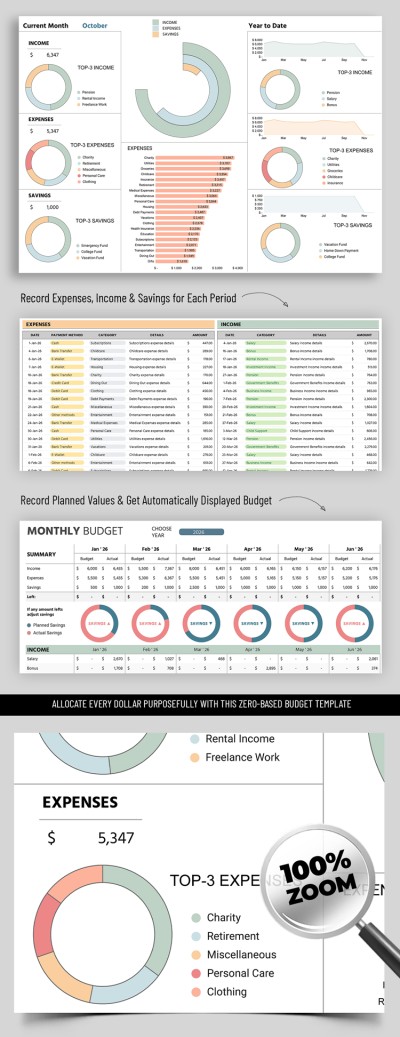
Zero Based Budget

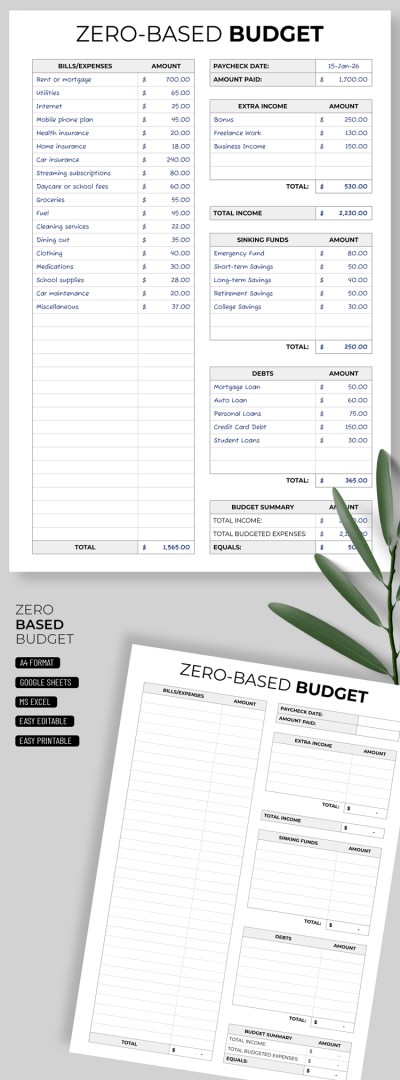
Zero Based Budget Template Spreadsheet
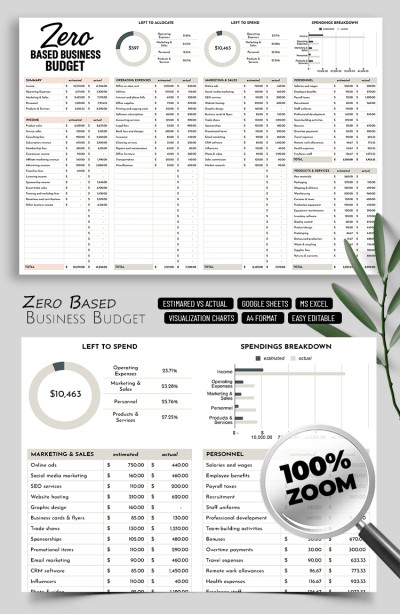
Zero Based Budget Template for Small Business Owners
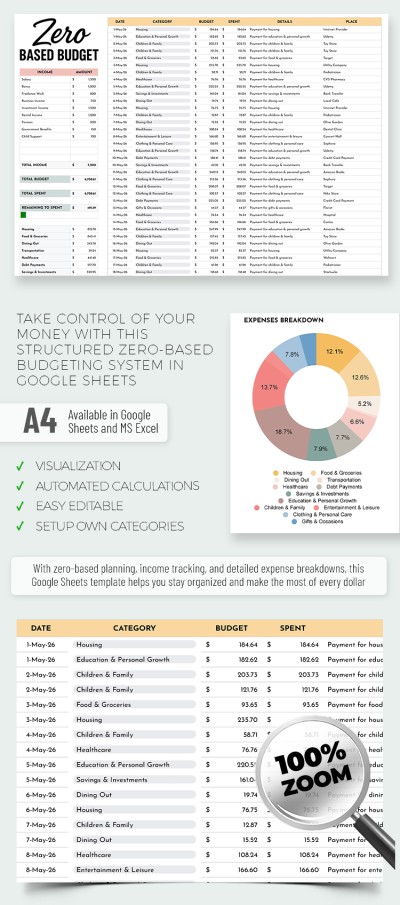
Editable Zero-Based Budget Template
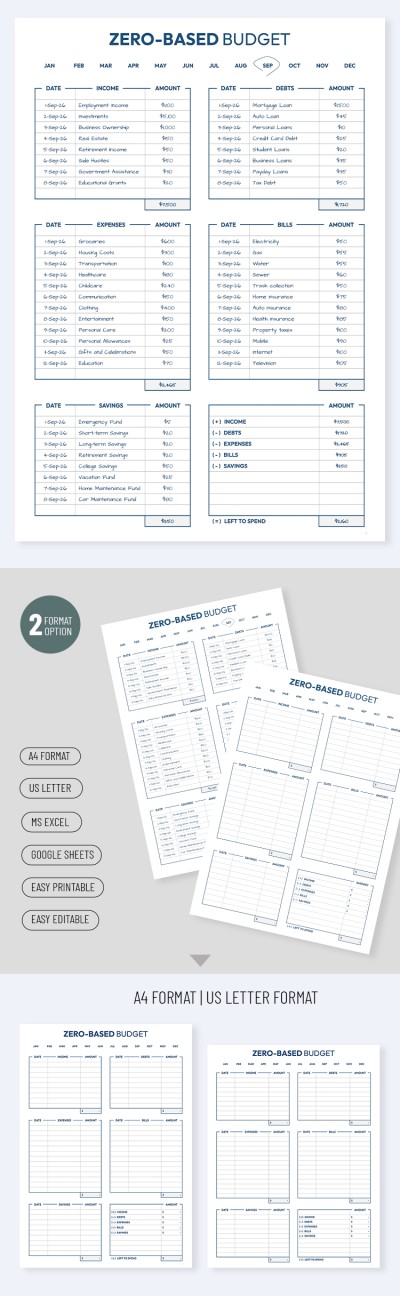
Zero-Based Budget Template for Beginners
Please try different filters or clear all to start over.
Want to enter the new financial period with only necessary and effective spending? Our zero-based budget (ZBB) templates are specially designed for this purpose. Re-evaluate your spending efficiency to reorganize your home or company budgeting system and manage your finances better. The ready-to-use structure, built-in automatic charts, and other features of our editable budget examples will help you achieve this.
Make your expenses fully accountable with our ZBB templates:
- Eliminate unsystematic spending once and for all. The zero-based budgeting system eradicates unnecessary expenses. You can allocate all your income among categories such as mandatory payments, groceries, transportation, debt, savings, and more. Each budget item has a clear purpose to give you complete control over your finances.
- Find relevant templates for both business and personal use. Company budgets include charts and examples of current business expenses (purchases, payroll, taxes, and more). Templates for personal use include categories for allocating funds to retirement, mortgages, bills, and other relevant types.
- Make the most of Google Sheets and Excel. Thanks to the formulas, charts, and automatic formatting built into our zero-based budget examples, you won't have to add them yourself. All you need to do is adapt the categories to your expenses and enter your budget amounts. The templates will do the rest of the calculations for you.
Now you don't have to recalculate your budget every day. Simply allocate it for the week or month ahead using ready-made personal finance budget template.
Zero-Based Budget Templates FAQ
You only need to organize your income, expenses, and budget balance in a single Excel spreadsheet. For a basic ZBB, you can create columns for the main cost and income categories and their amounts. Then, include a formula for calculating the total expenses for each category and the overall budget at the bottom of the sheet.
However, for more precise planning, it's better to use a ready-made zero-based budget template in Excel from TheGoodocs.
To create a zero-based budget in Excel using our template, you can:
- Download the budget template for your company or personal use.
- Open it through the Excel interface or from the download folder on your device.
- Use the built-in categories or adapt them to your needs.
- Enter the expense or profit amount next to each category.
- Get automatic calculations of expense and profit totals instantly.
- Save the template and use it regularly.
In just a few steps, you get not just a basic zero-based budget but a template with built-in smart features that take full advantage of the Excel platform for budgeting.

