Zero Based Budget Template
Use this free template with Google Sheets and Microsoft Excel
Template Specification
Key Features of This Template
About this template
Our Zero-Based Budget Template will help you create a financial plan for your income and expenses from scratch each month. This template is fully editable, making it perfect for personal budgeting based on your monthly income and expenses. You only need to enter your transactions, and this spreadsheet will do the rest.
Fill Out the Template & Get Automatic Calculations
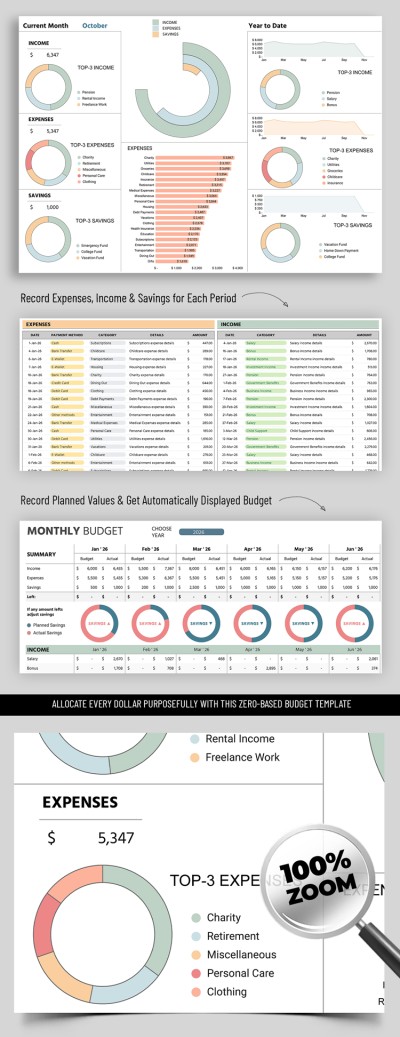
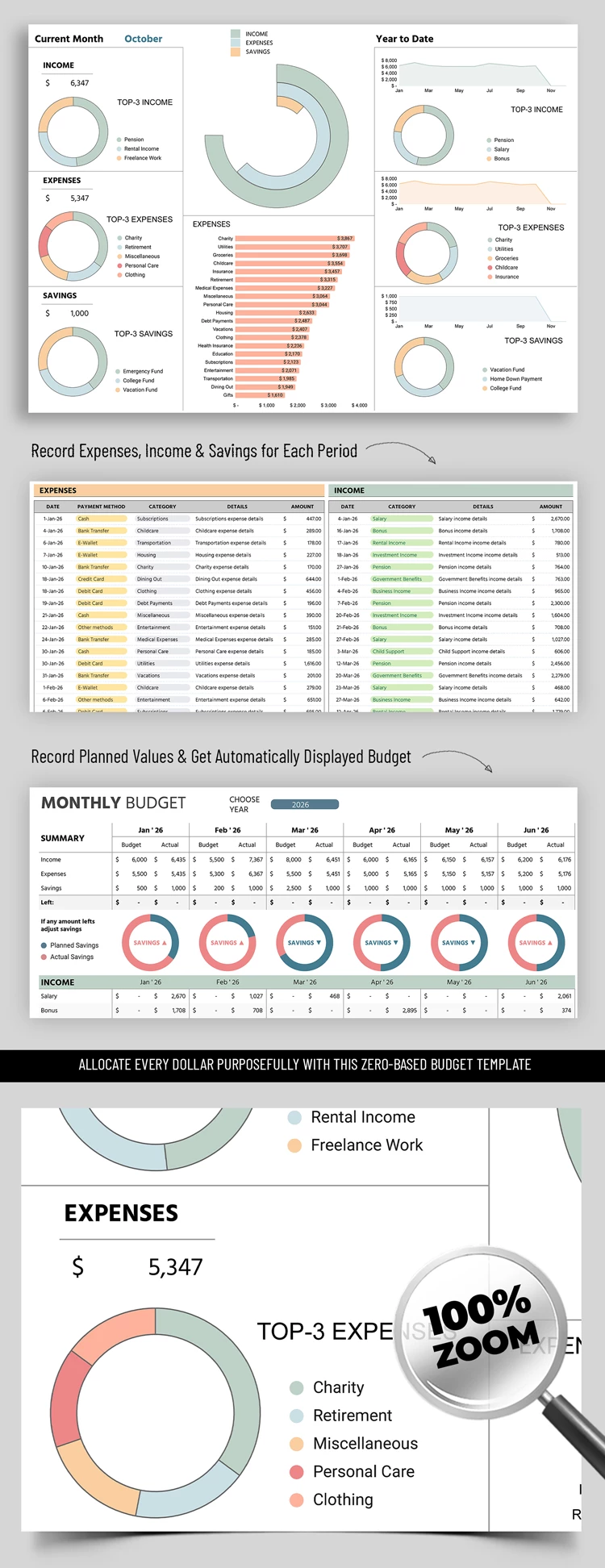
We've added four sheets, such as Inputs, Budget, Dashboard, and Setup, to make our budget spreadsheet even easier to use. In the Inputs and Setup sections, you can replace the payment method placeholders and add your specific expense, income, and savings categories. The template is available in both Excel and Google Sheets formats, so it won't take much time to adjust it.
Get a complete financial overview via the dashboard:
- Based on the data entered in the input sections, you'll receive yearly statistics, including a monthly breakdown of your income, expenses, and savings.
- Statistics for each income and expense category are displayed in separate rows within the tables.
- Planned and actual totals for all sections are also calculated automatically.
The dashboard section also features additional bar and pie charts to provide a visual representation of your overall earnings, spending, highest costs, and the top three items in each category. What's even better, you can use this zero-based budget template for free today.
Download Free Template
WHAT’S INCLUDED
Budget Tips
FAQ
How to Use and Edit This Template

Get Your Document

Customize Everything

Add Your Content