
Newsletter Templates for Google Slides and PowerPoint
Make professional newsletters with our Google Slides and PowerPoint newsletter templates. We offer dozens of great, modern, elegant, and simple examples. Choose your editable and printable design, customize it, and fill it out with your content. Find free and premium samples on this page.
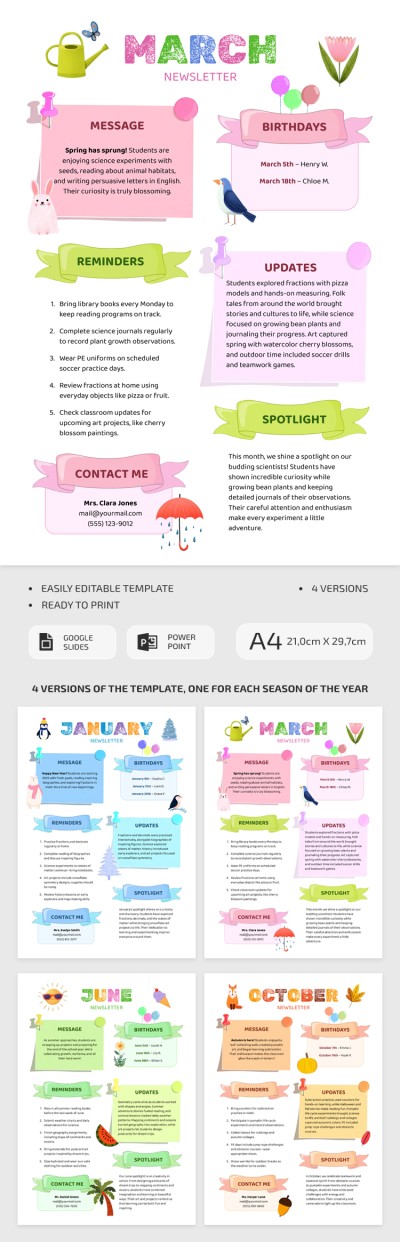
Monthly Newsletter Template for Classrooms
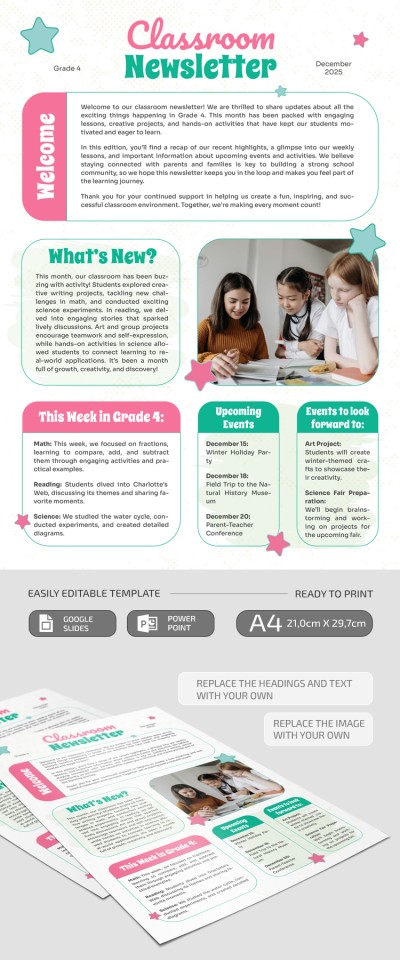
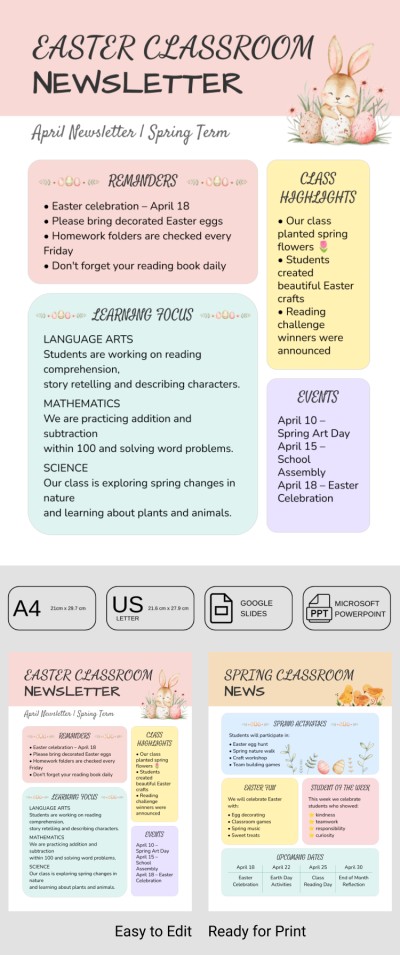
Classroom Newsletter

Printable Monthly Newsletter Template for Schools

Editable Classroom Newsletter
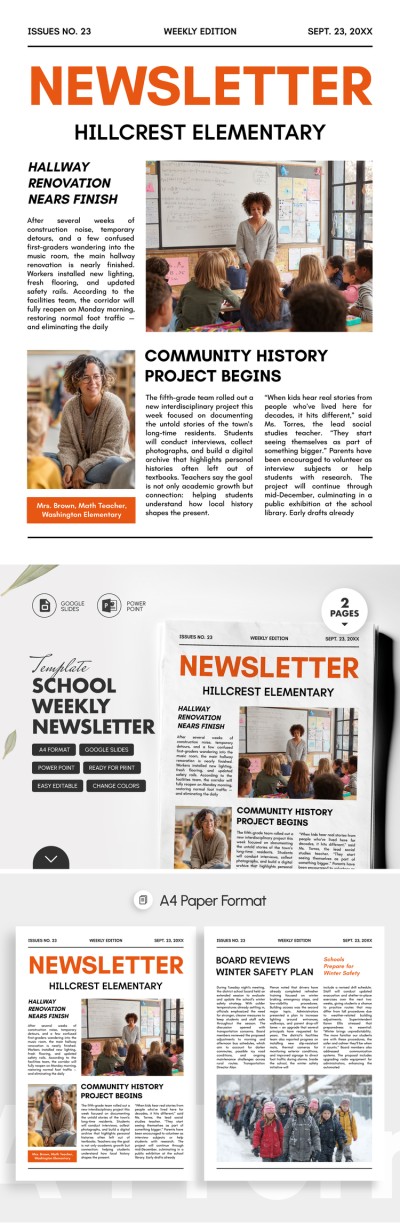
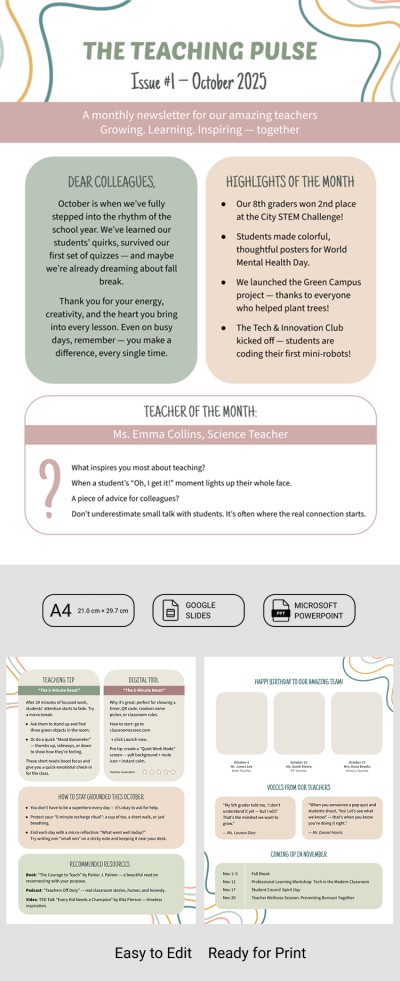
Printable Newsletter Templates for Elementary Teachers
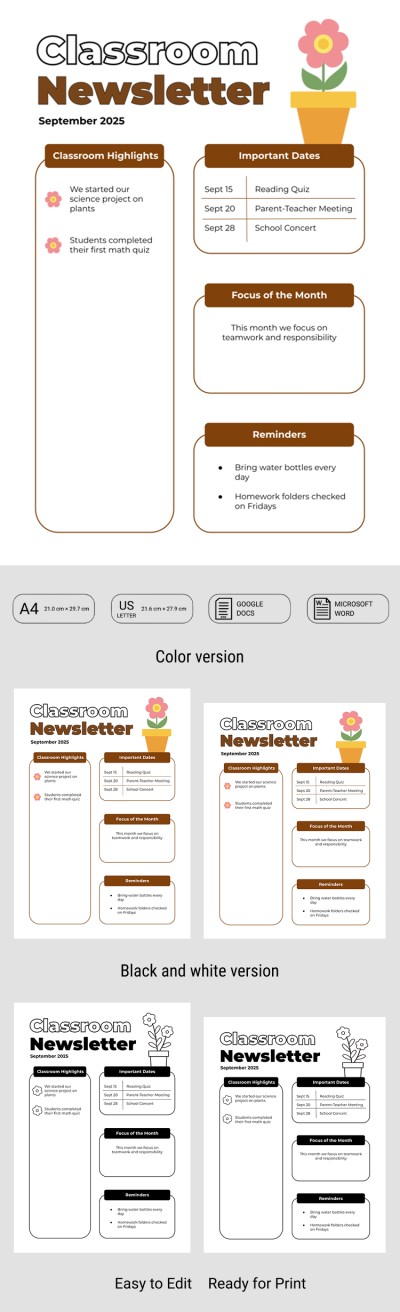
Printable Classroom Newsletter Template for Teachers
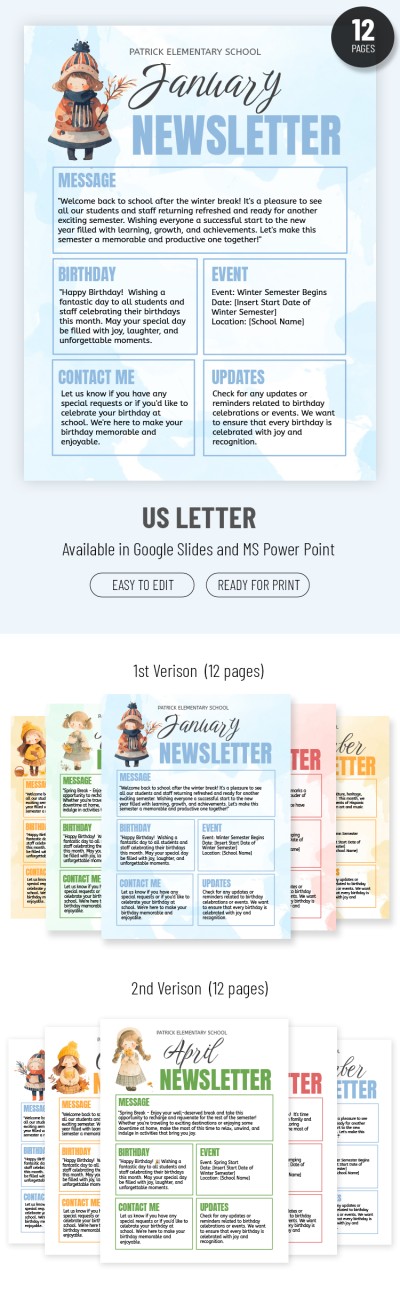
Cute School Newsletter
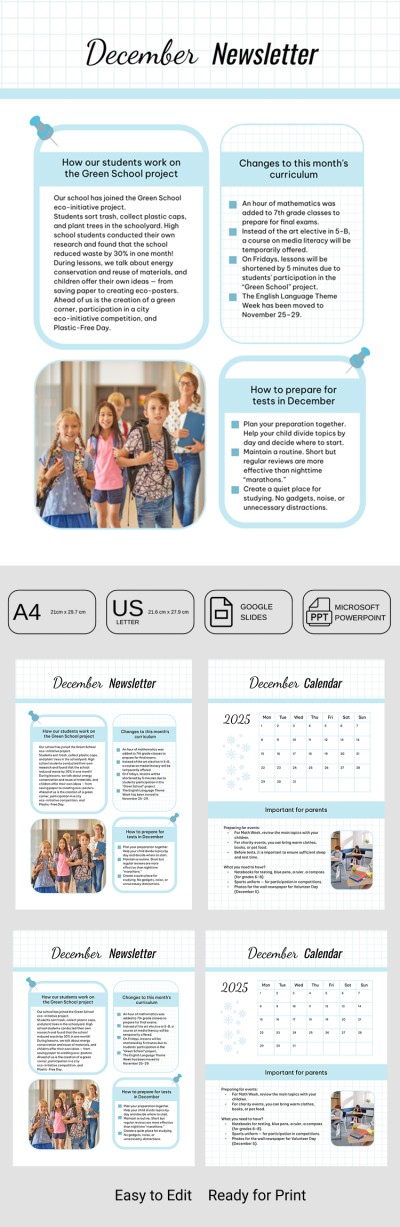
Classroom Newsletter Template – Monthly Teacher-Parent Communication
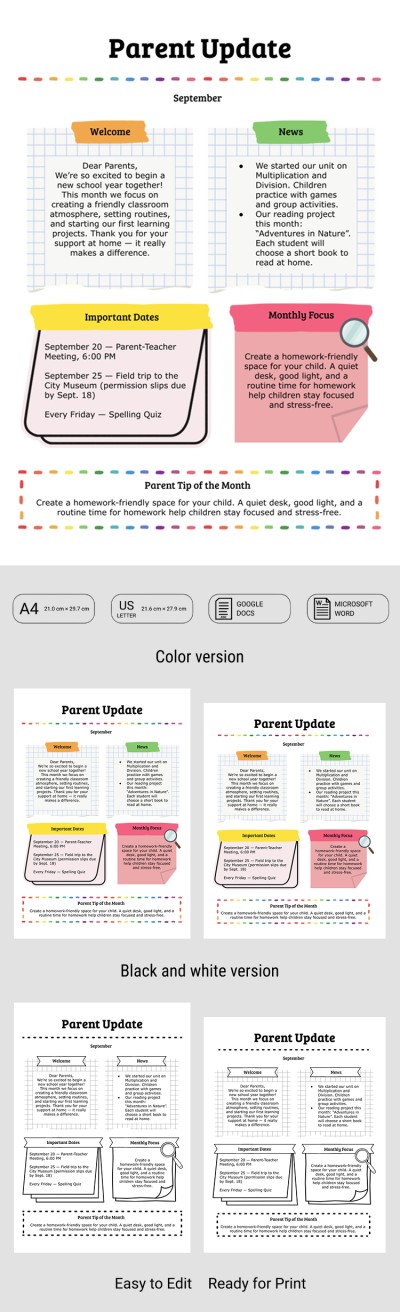
Classroom Newsletter Template for Parents
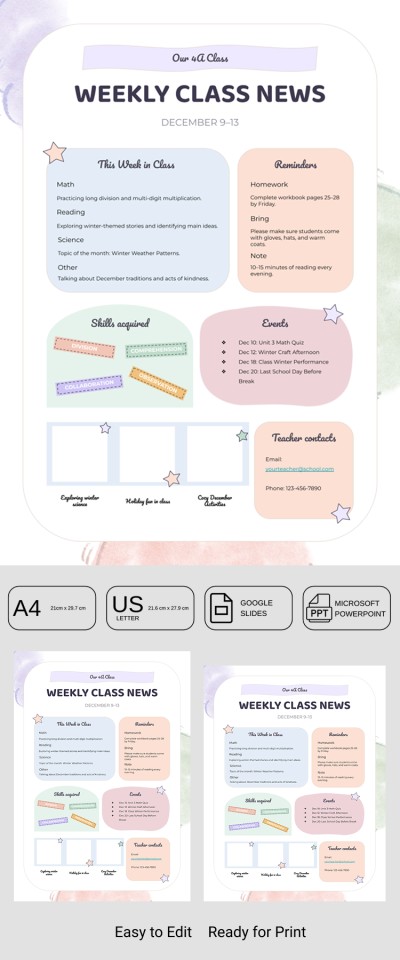
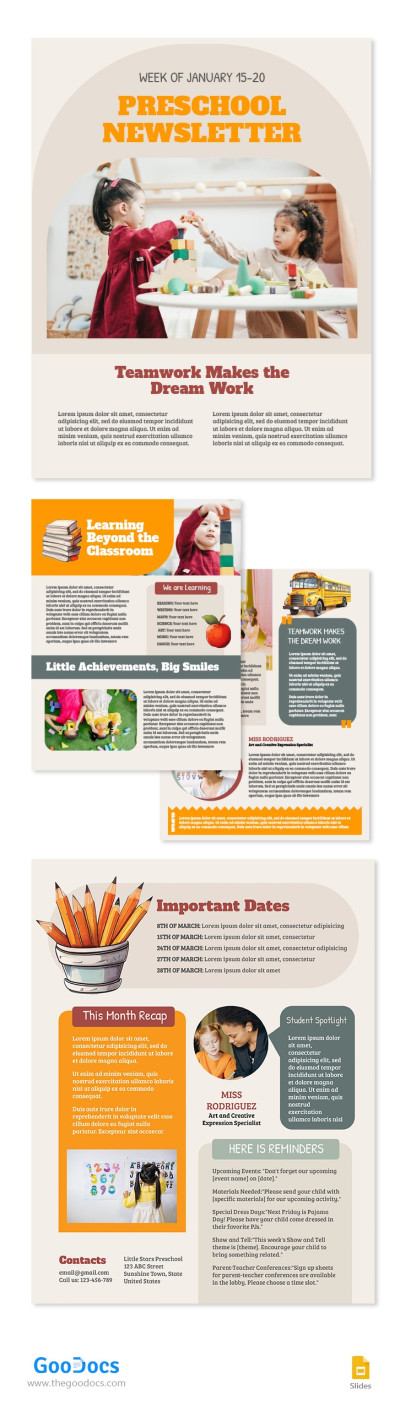
Preschool Newsletter
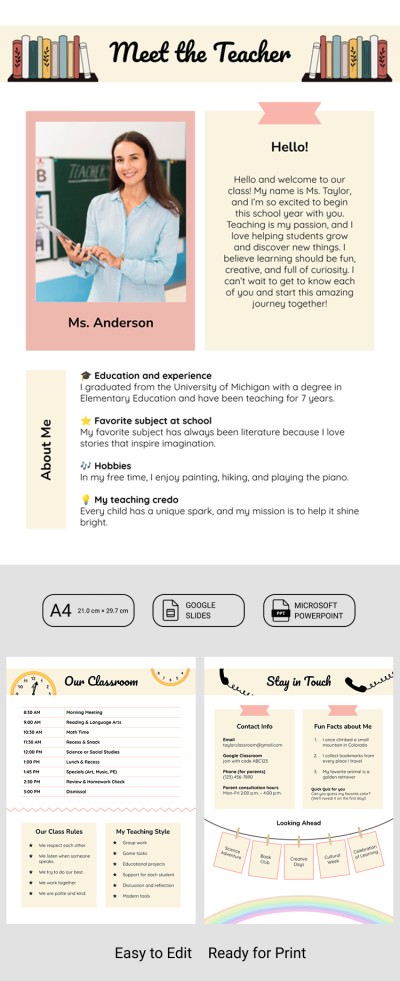
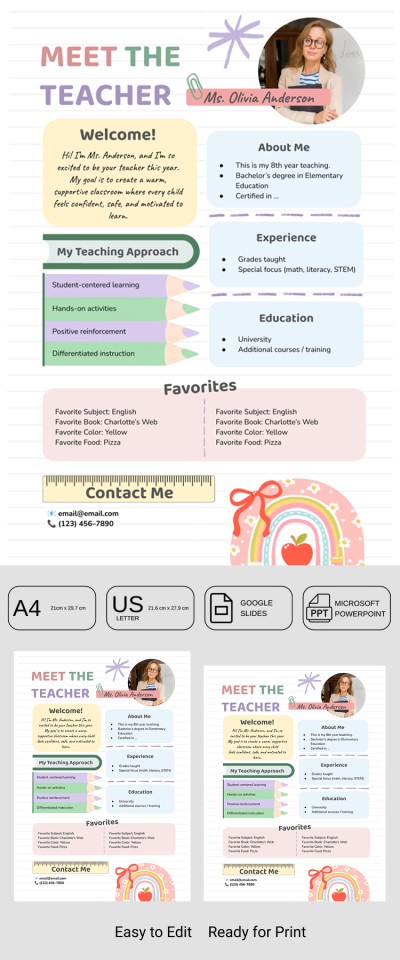
Welcome to My Class - Meet the Teacher Newsletter
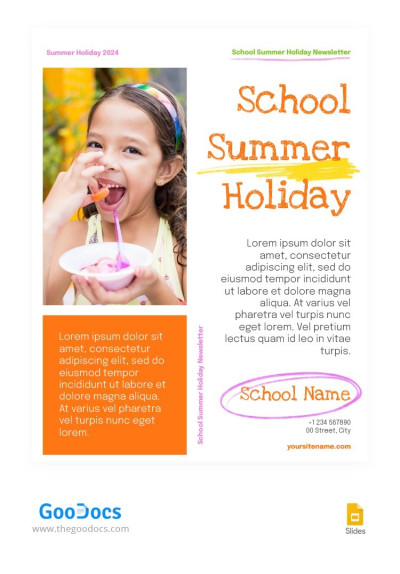
School Summer Holiday Newsletter
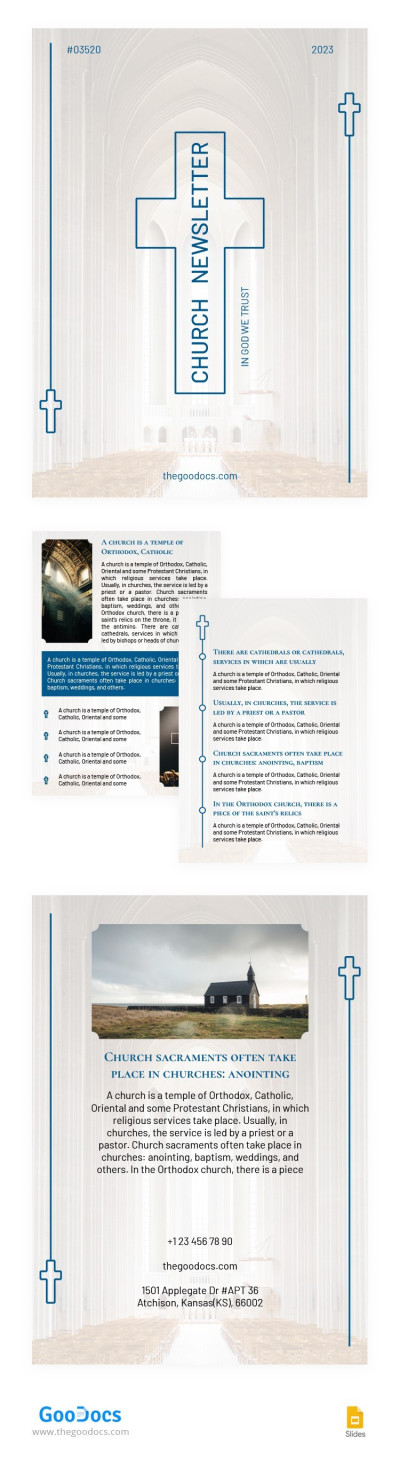
Beautiful Church Newsletter
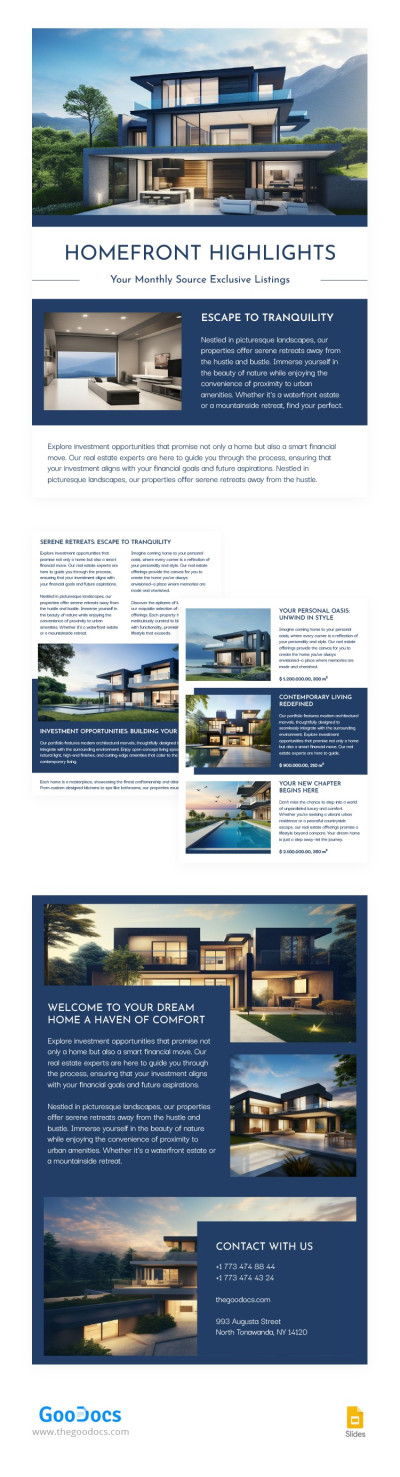
Modern Real Estate Newsletter
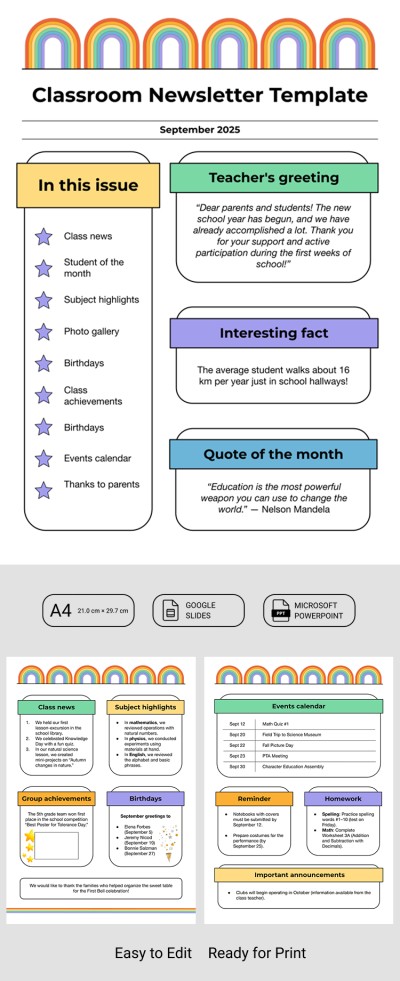
School Classroom Newsletter Template
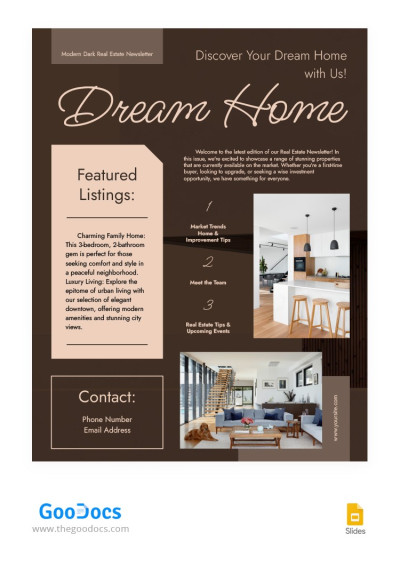
Modern Dark Real Estate Newsletter

Elegant Church Newsletter
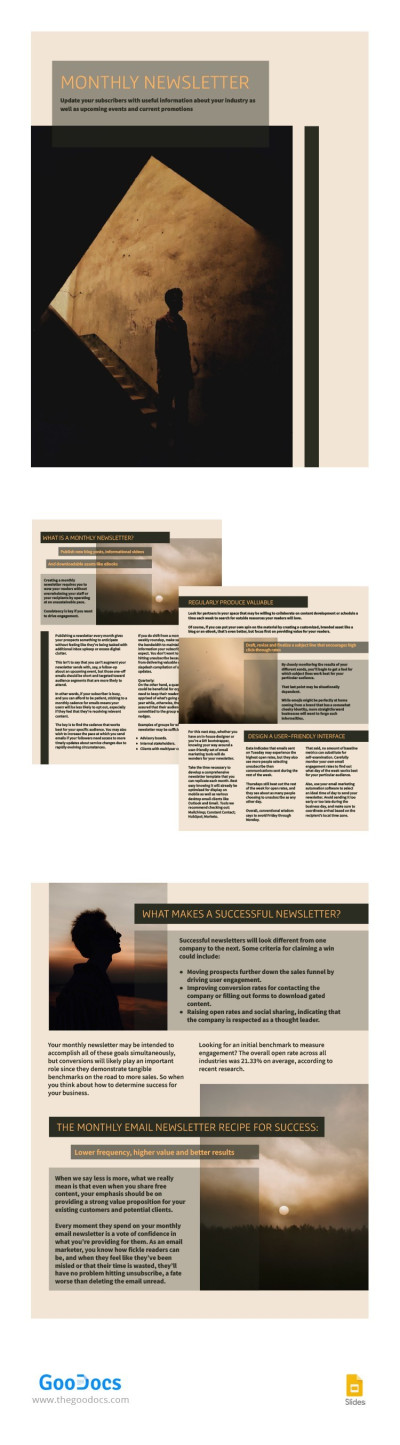
Sand Monthly Newsletter

Elegant Modern Holiday Newsletter
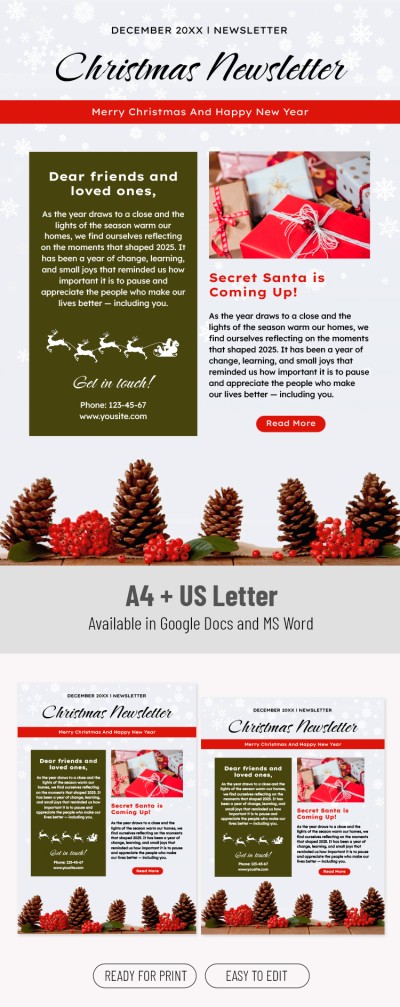
Editable Christmas Newsletter Template

Cute Bright Christmas Newsletter
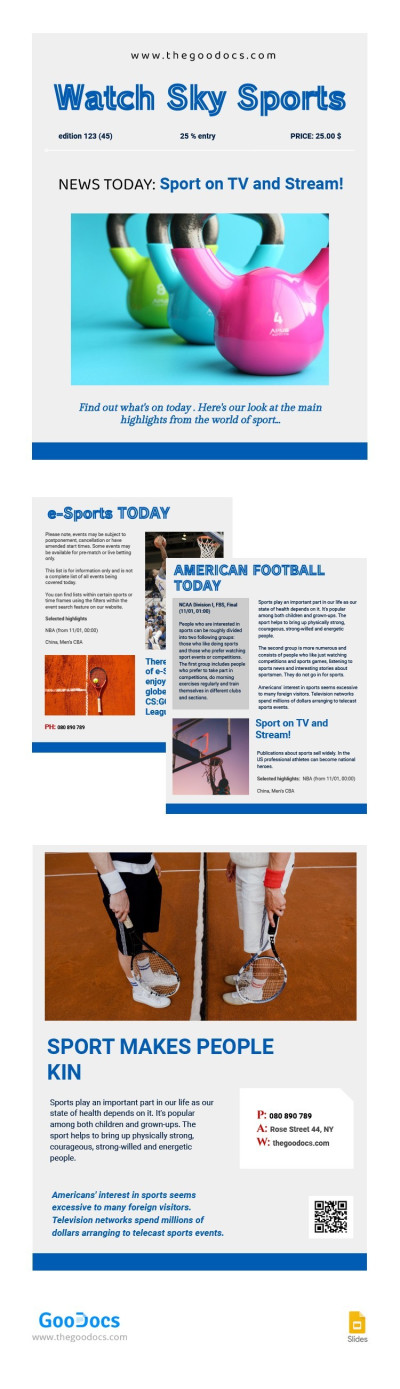
Trendy Sport Newsletter
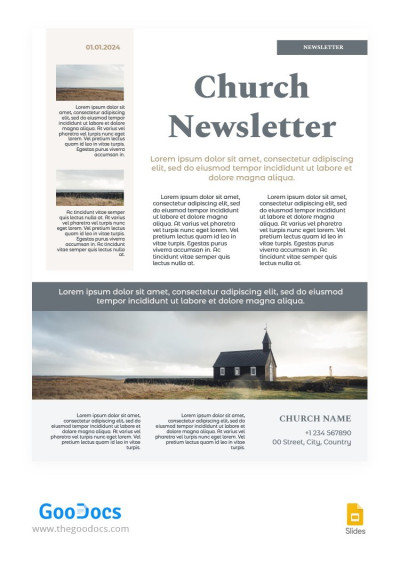
Light Laconic Church Newsletter
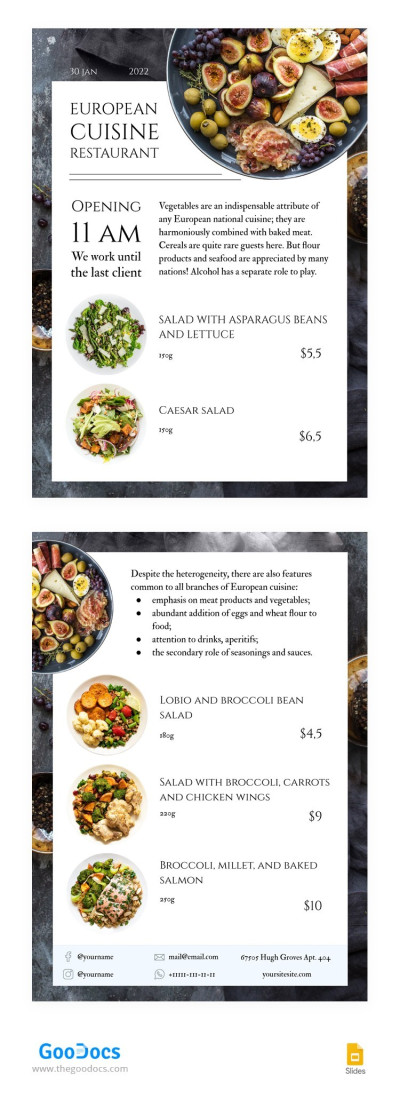
European Restaurant Newsletter
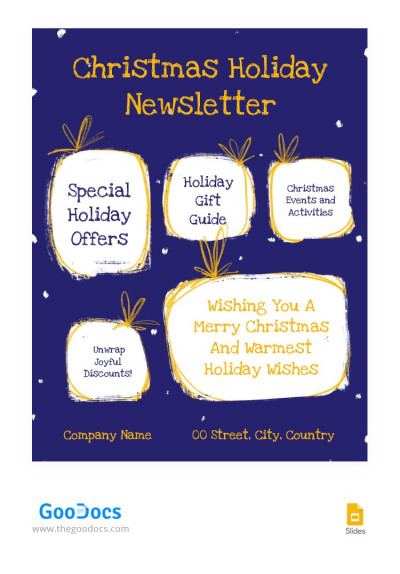
Cozy Christmas Newsletter
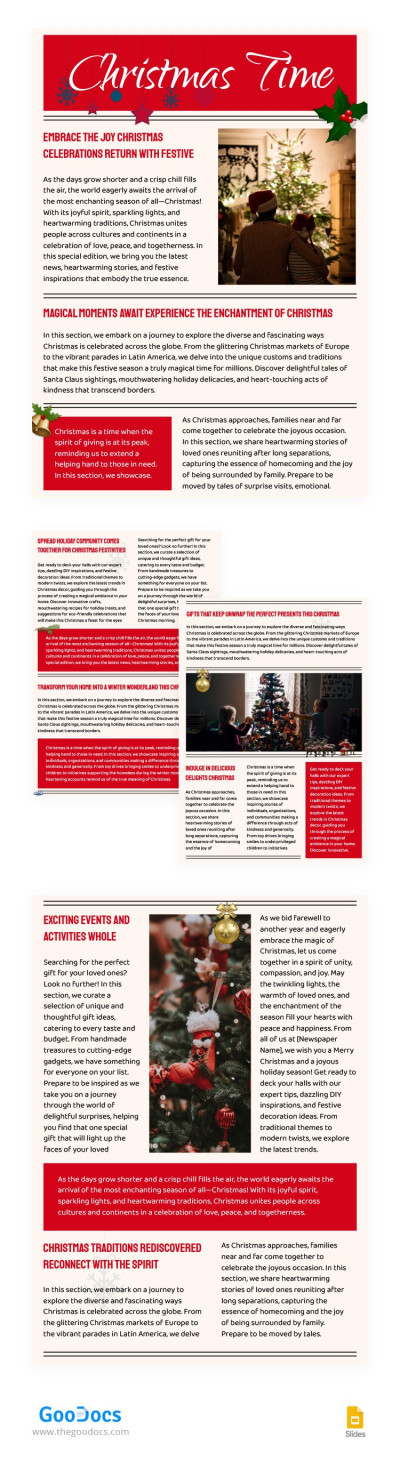
Beautiful Christmas Newsletter
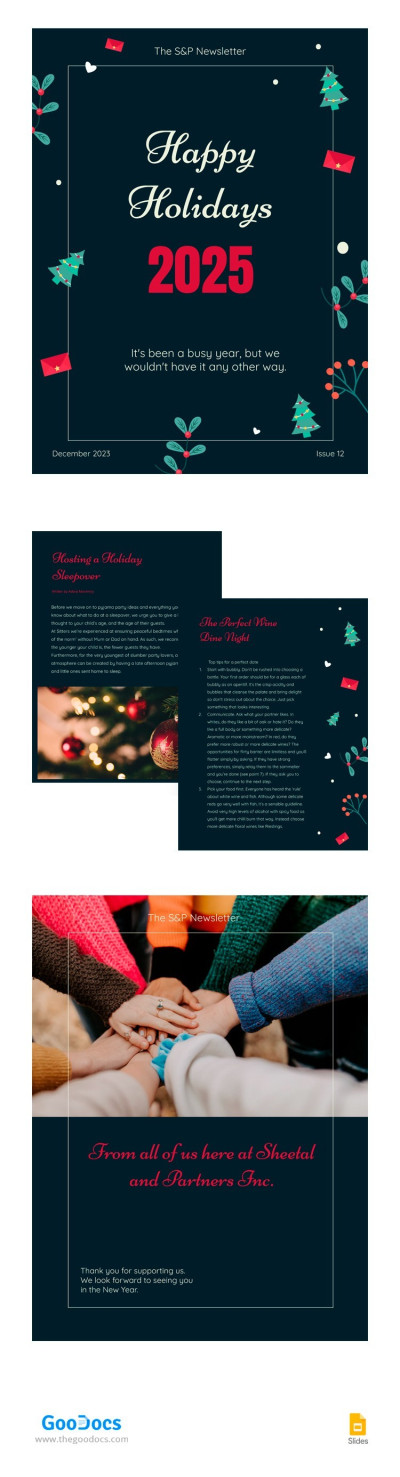
Happy Holiday Newsletter

Colorful Art&Culture Newsletter
Colorful Modern Newsletter
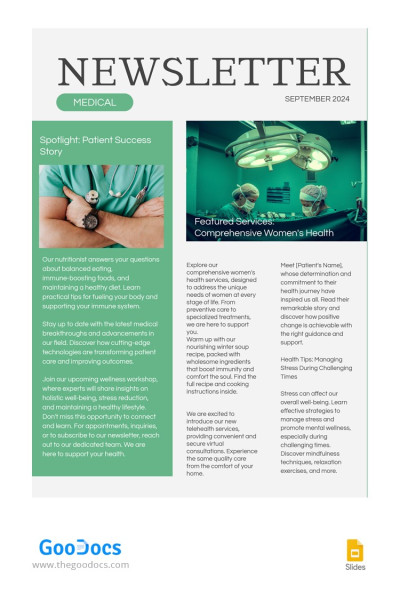
Medical Green Newsletter

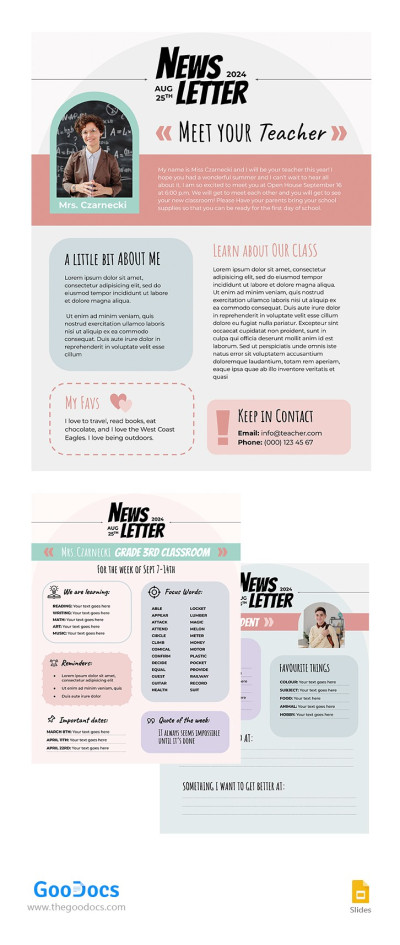
Teacher Newsletter
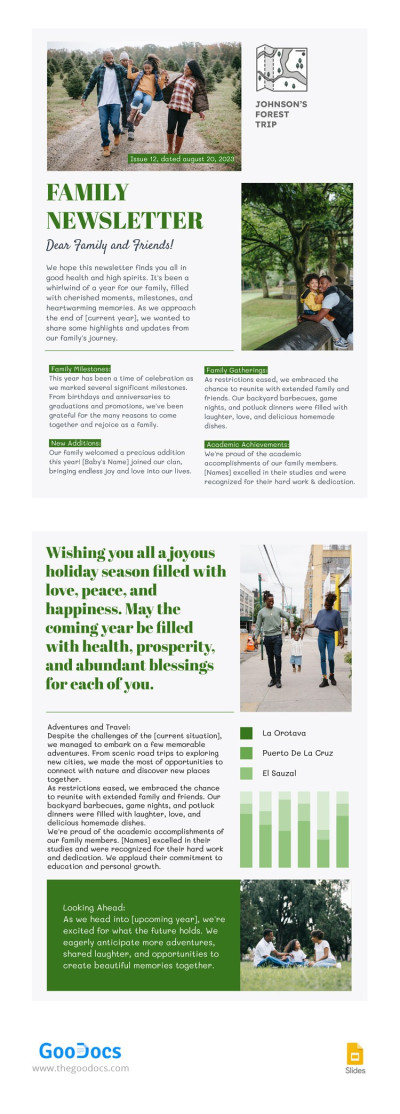
Family Green Newsletter
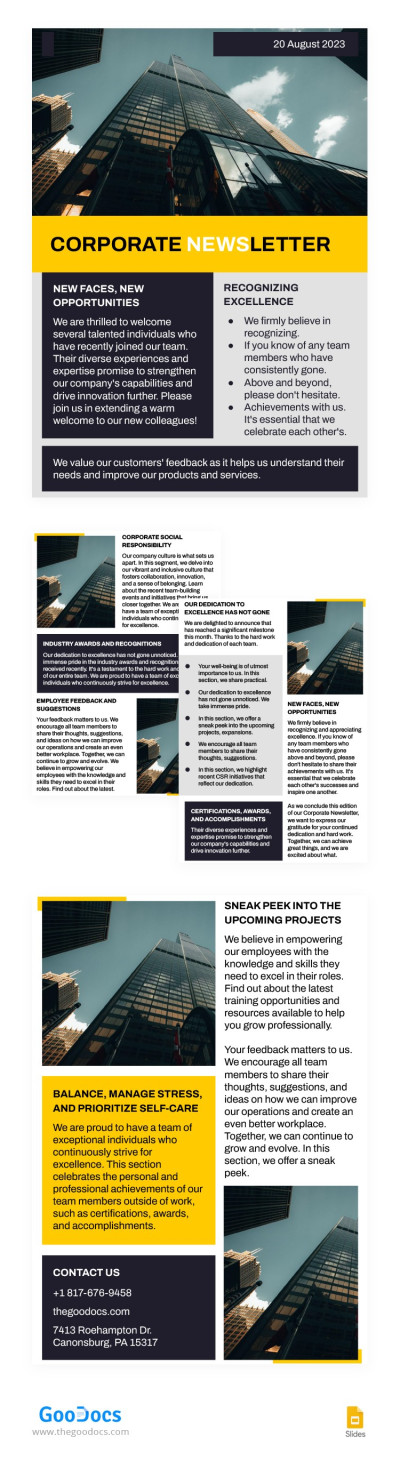
Minimal Austere Corporate Newsletter
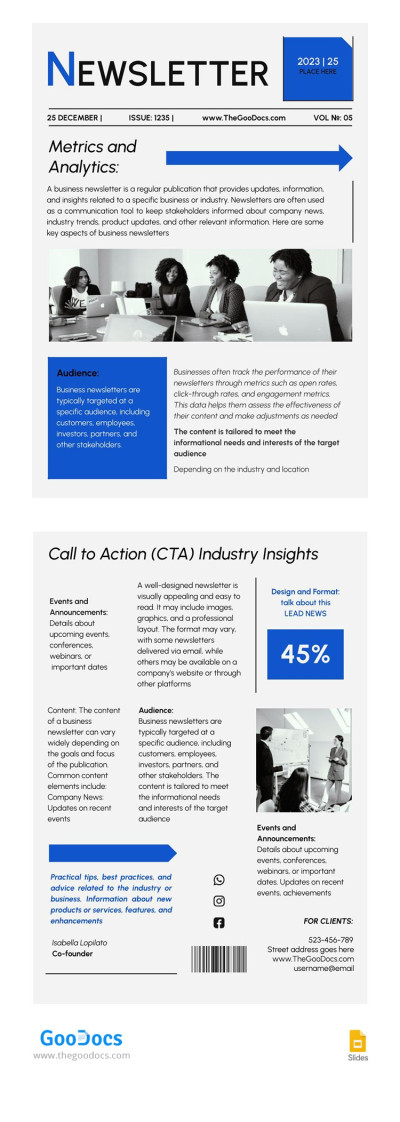
Industry Company Newsletter
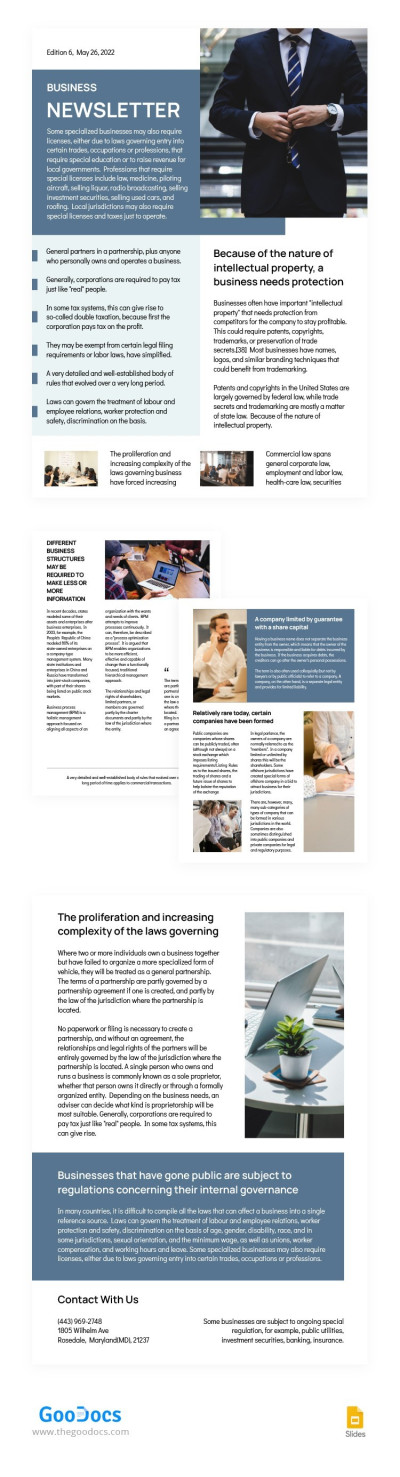
Blue Business Newsletter
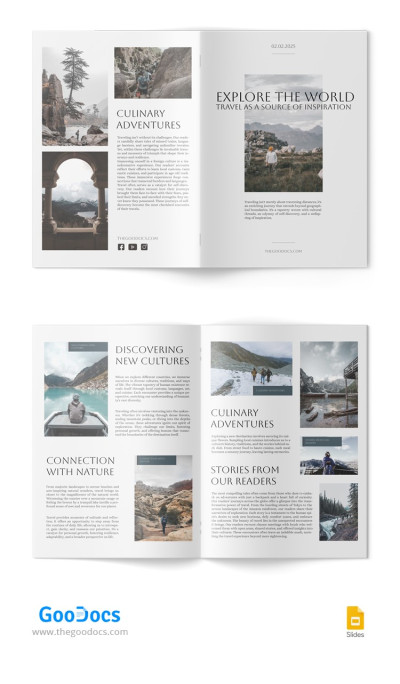
Aesthetic Newsletter
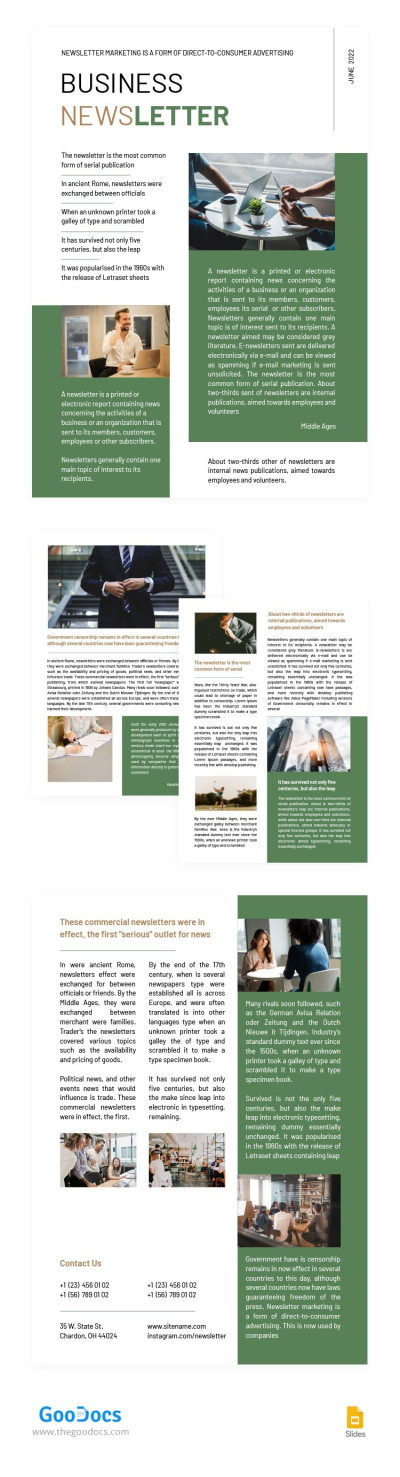
Green Business Newsletter
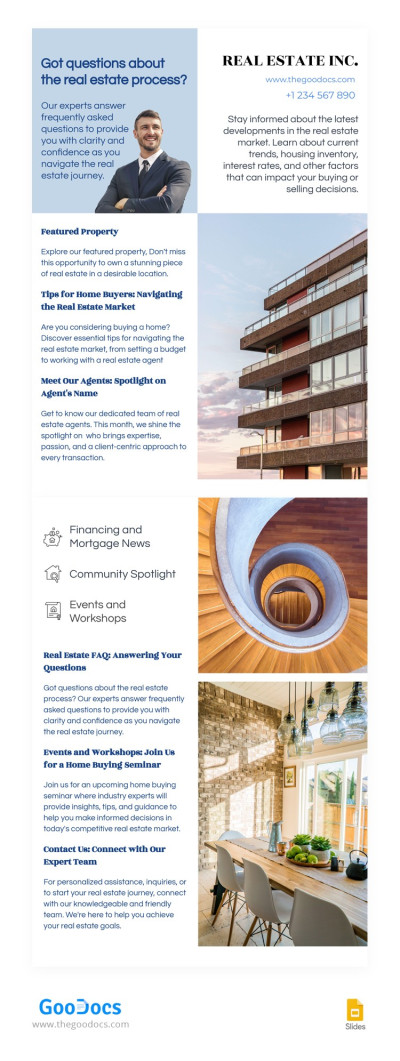
Professional Newsletter Real Estate
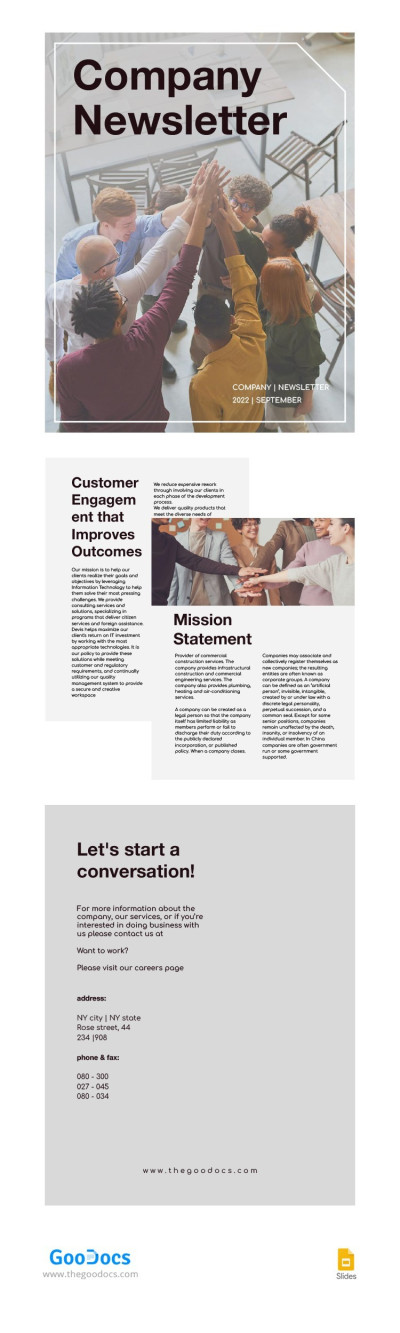
Pastel Company Newsletter
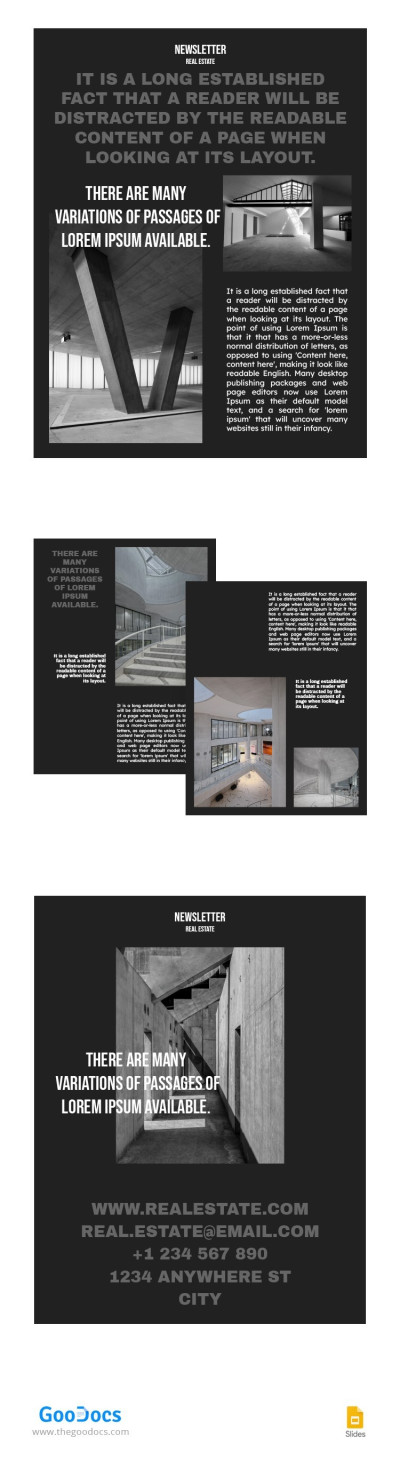
Dark Real Estate Newsletter
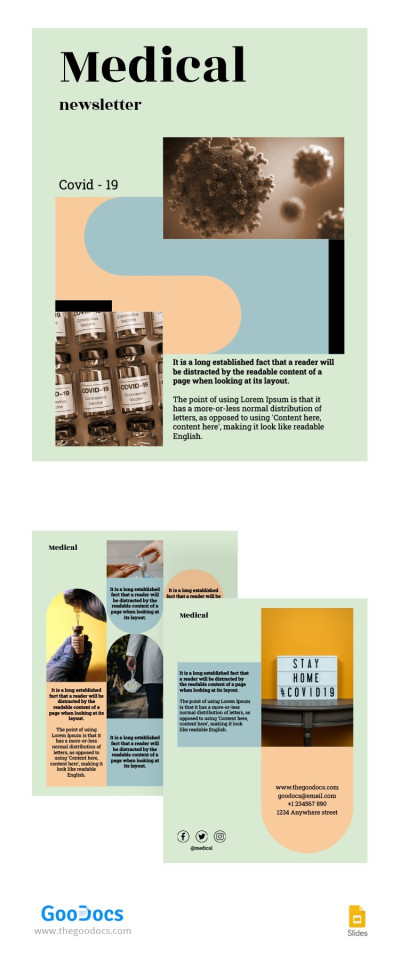
Green Medical Newsletter
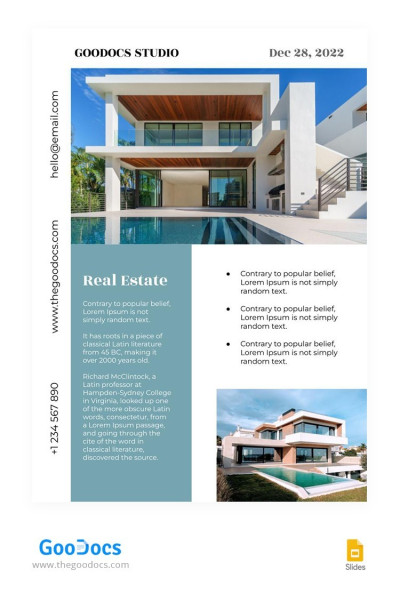
Traditional Real Estate Newsletter
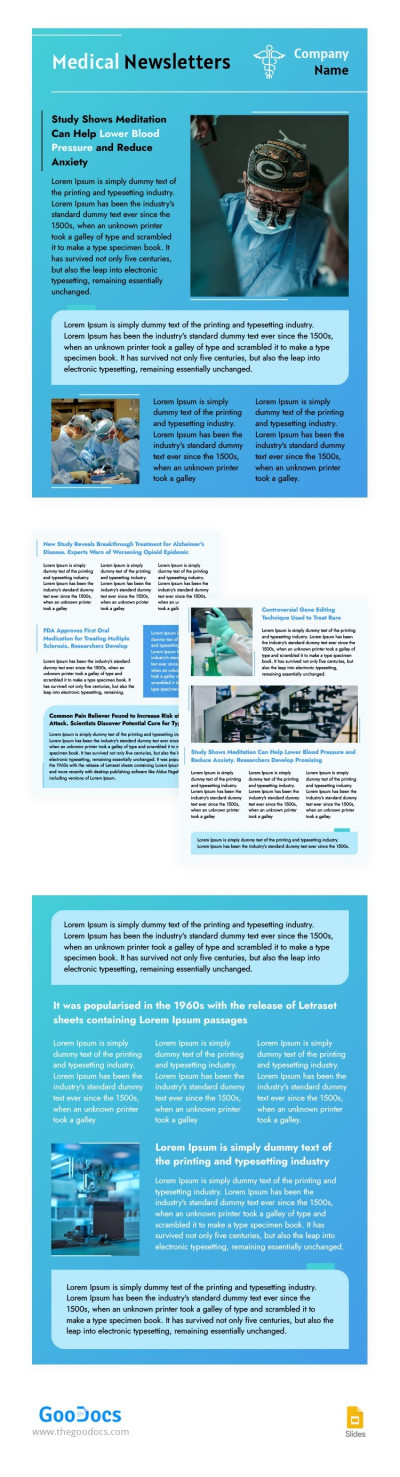
Stylish Blue Medical Newsletters
- 1
- 2
Our Google Slides and PowerPoint newsletter templates allow you to create unique newsletters with enhanced visuals. You can create your own newsletter using convenient, easy-to-use interfaces that these platforms and our templates offer. Find ready-made options for marketing departments, schools, companies, startups, and more.
Top benefits of using Google Slides newsletter templates:
- Increase engagement with visuals. Additional infographics, photos, charts, vivid blocks, and other features included in our templates will elevate your newsletters. They will also display well on different screens.
- Work with high-quality images and graphics. Presentation-format templates allow you to insert photos and tables without losing quality or disrupting the layout. Most templates in this collection are designed with visual content in mind, so you can also make use of ready-made elements.
- Easily customize any template and save it in various formats. Using Google Slides or PowerPoint, you can add animations, your company logo, and other elements, as well as customize the pre-made design. You can then save the file in PDF or JPG/PNG formats.
Simply download or make a copy of the newsletter template in Google Slides or PowerPoint to start customizing it right away. Choose from the many free and premium options available on this page or explore our full collection of free newsletter templates.
Newsletters Templates FAQ
Creating a newsletter in Google Slides is quick and easy with our templates. Thanks to a pre-made slide structure, stock photos, sample text, and professional design, you can significantly reduce the time spent on layout and formatting.
All you need to do is:
- Choose the template on this page. We offer pre-made options for schools, companies, and startups. Universal templates suitable for any industry are also presented here. Filter our collection by style and find the perfect match for your brand.
- Get a copy in your Google Drive. Click on the preview or the title of your chosen template, then select the “Edit in Google Slides” button. The template will open in a new window.
- Customize the template content. Depending on the type and purpose of your newsletter, you can replace the initial design and content elements with your own. Click on any text block to edit it, insert new images, add a headline, your company name, logo, and more.
- Save the template in the desired format and use it for your newsletter. You can upload your completed newsletter to automated mailing services or distribute each copy manually.
Now, you can focus more on creating meaningful content. Editing is easy, even for marketing beginners, and no complex steps are required. Find a free or premium newsletter example to start right away.

