
Recipe Card Templates in Google Docs and Word
Explore our unique bundle of recipe card templates in Google Docs and Word. Our samples are suitable for both professionals looking to create restaurant recipe cards and cooking enthusiasts who want to use them in a home kitchen. We offer fully editable templates featuring professional visuals, ready-made blocks for your entries, and placeholders for photos of prepared dishes. Try our options for free right away!
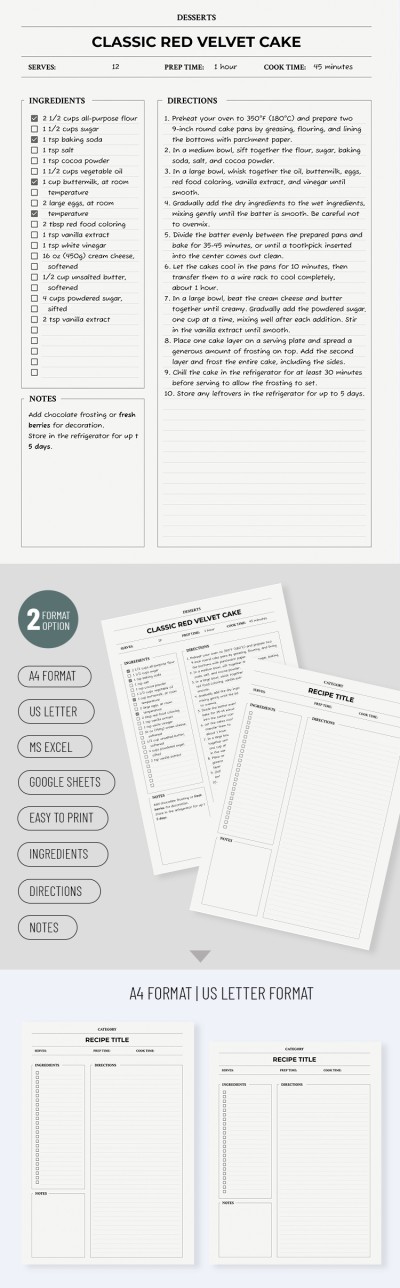
Clean Recipe Card

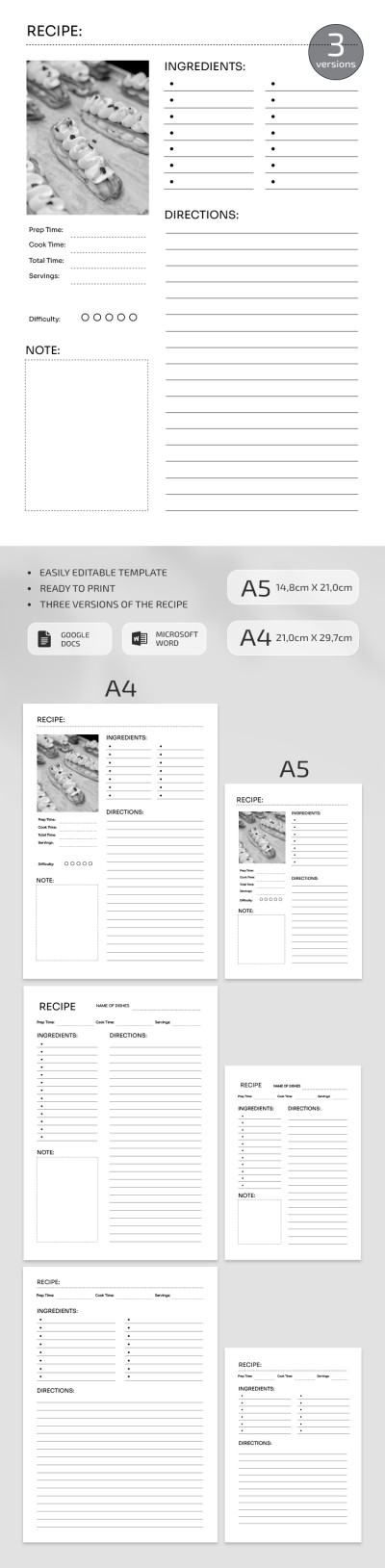
Perfect Recipe Card
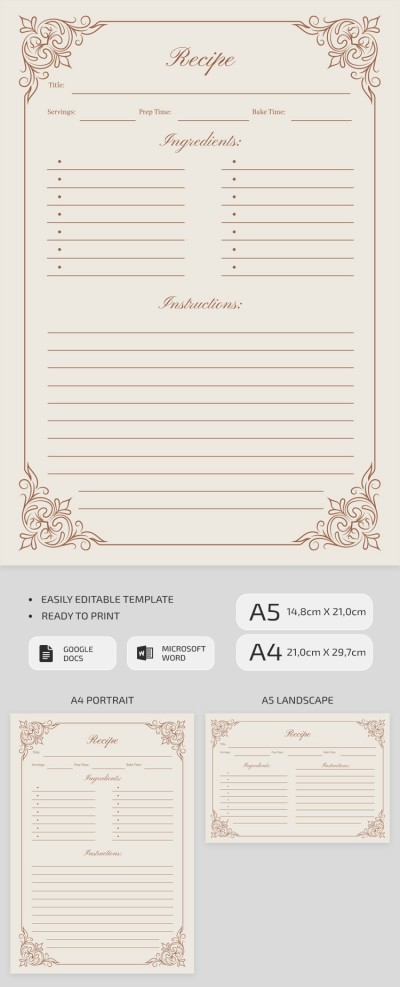
Printable Vintage Recipe Card Template
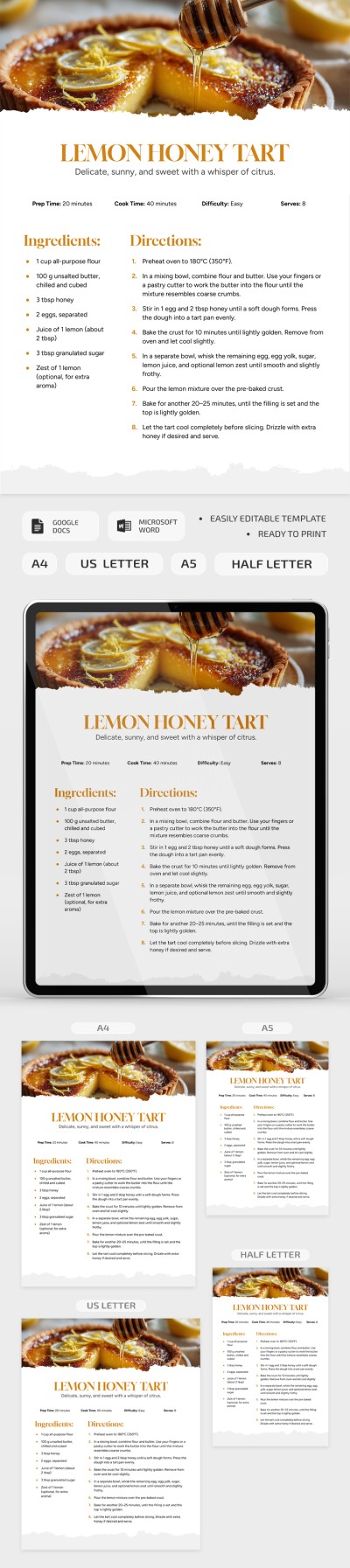
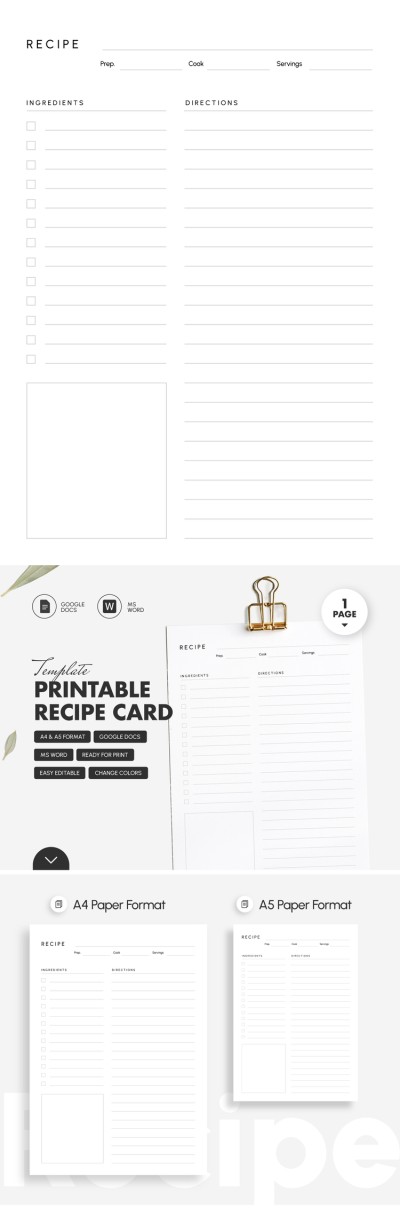
Printable Recipe Card Template
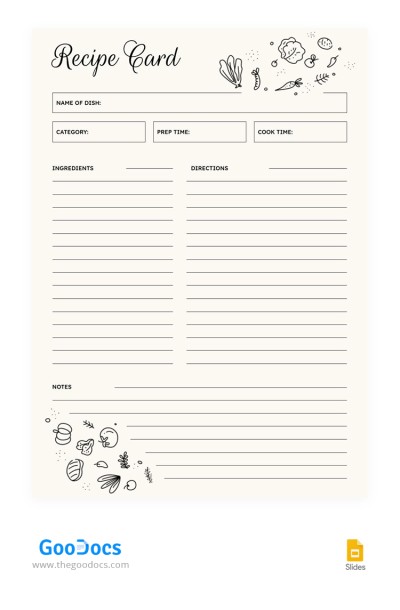
Minimalist Recipe Card
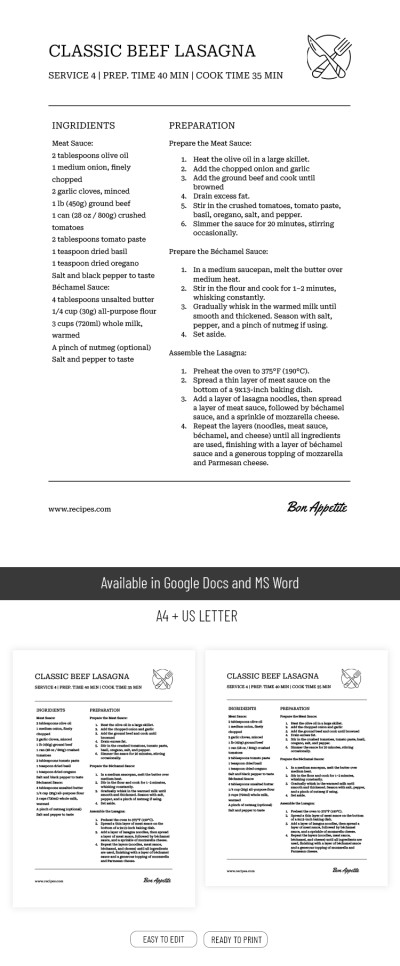
Classic Recipe Card
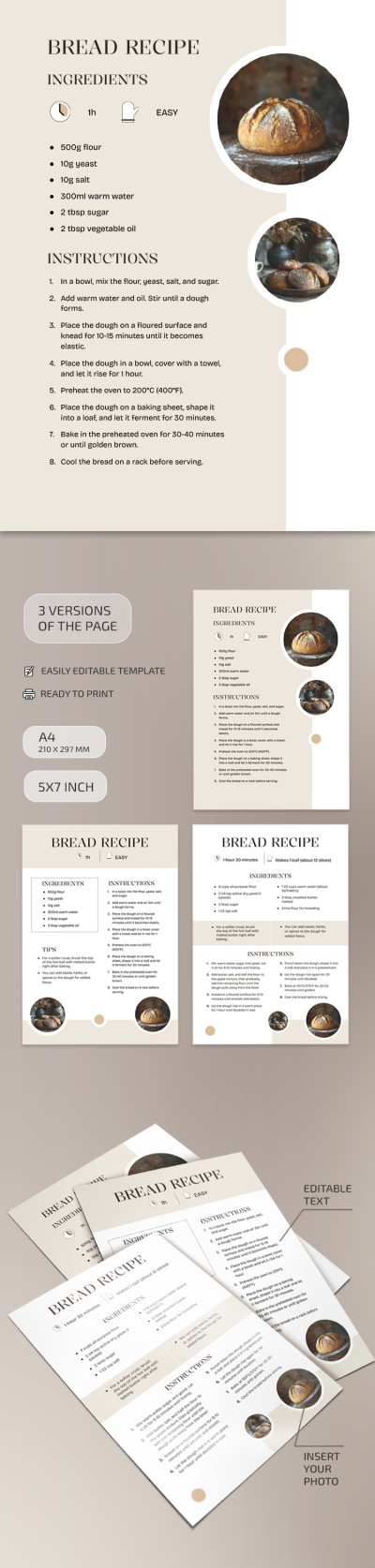
Bread Recipe Card
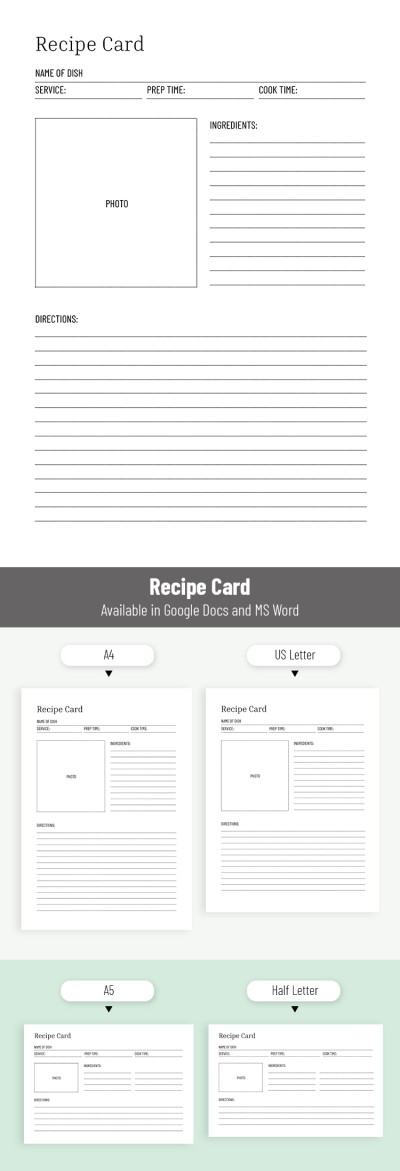
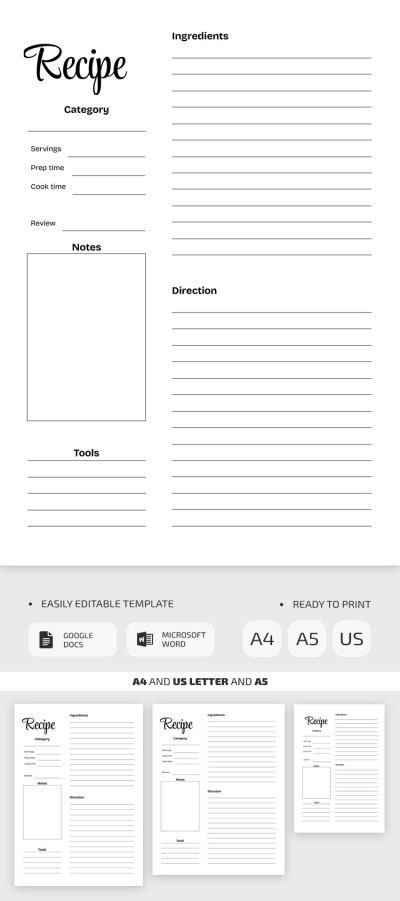
Magnificent Recipe Card
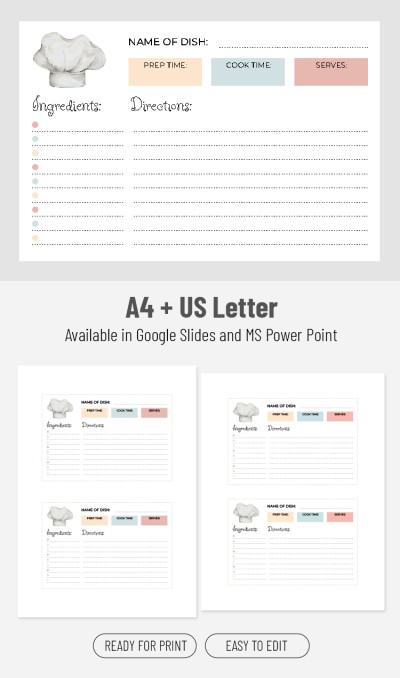
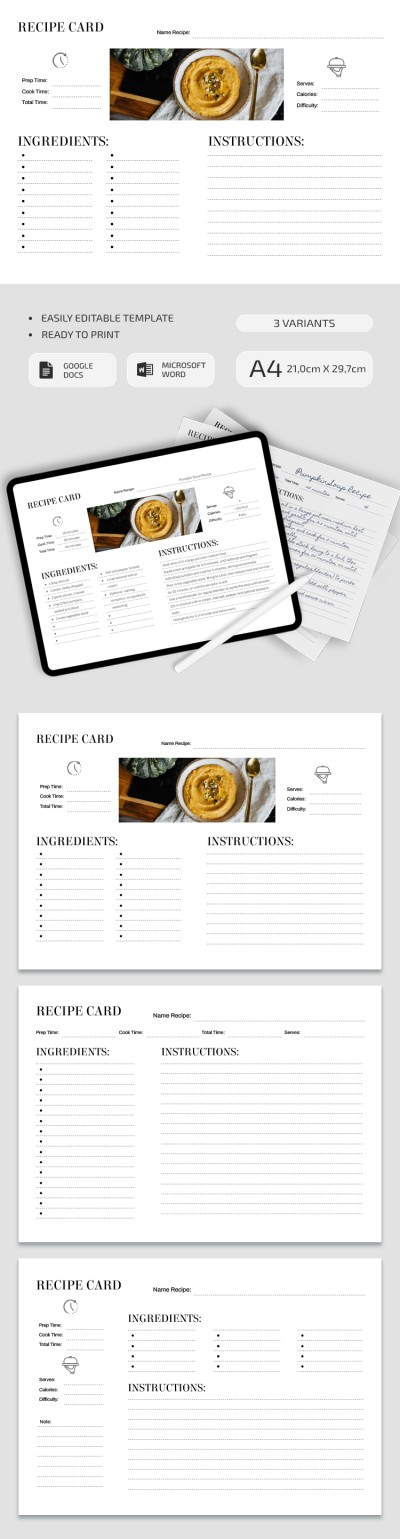
Clean Recipe Card
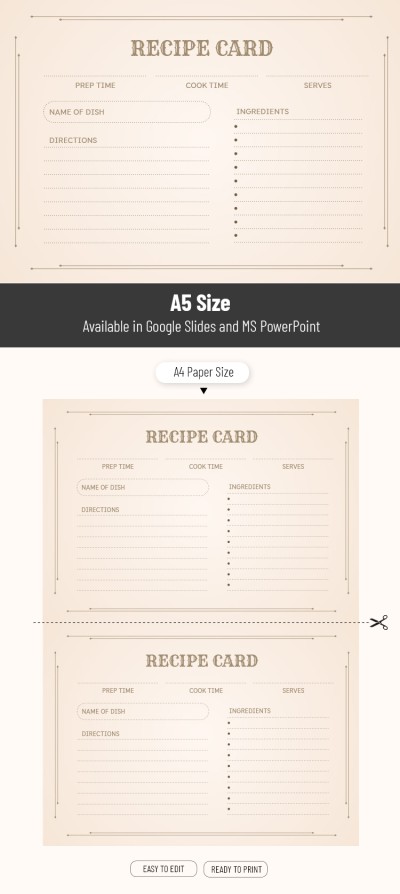
Vintage Blank Recipe Card
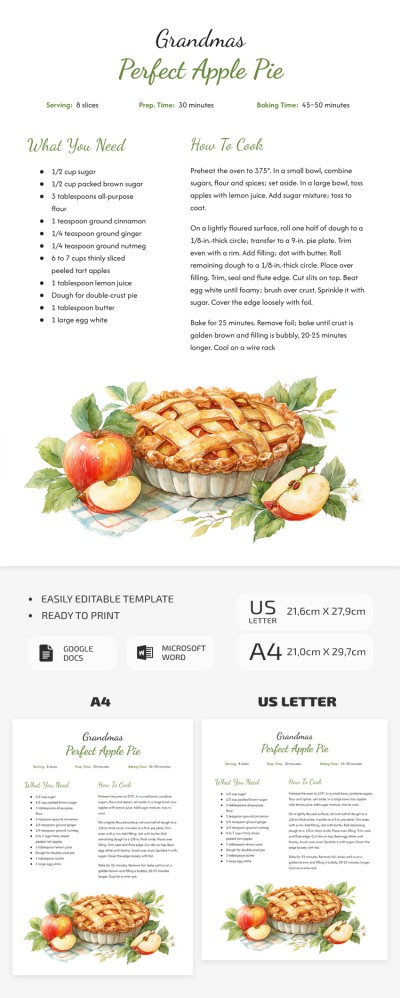
Apple Pie Recipe Card
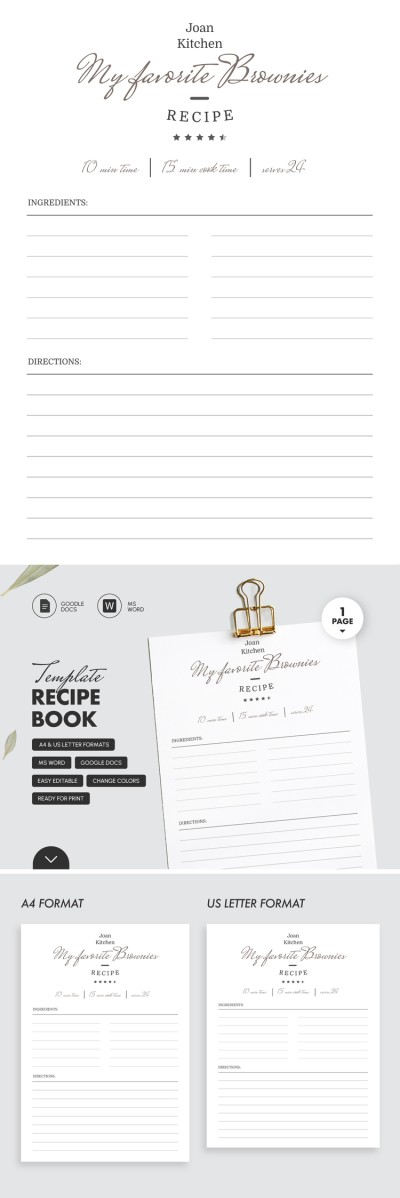
Beautiful Editable Recipe Card
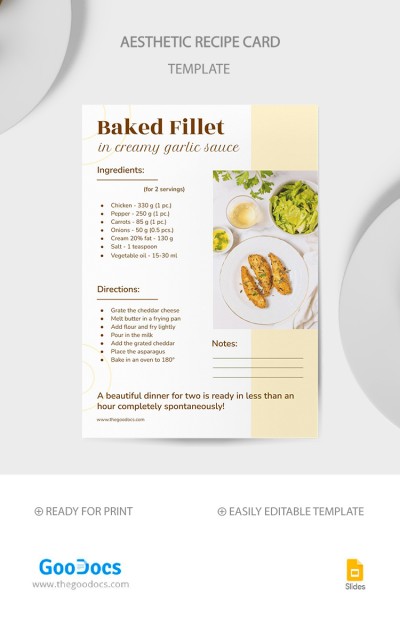
Aesthetic Recipe Card
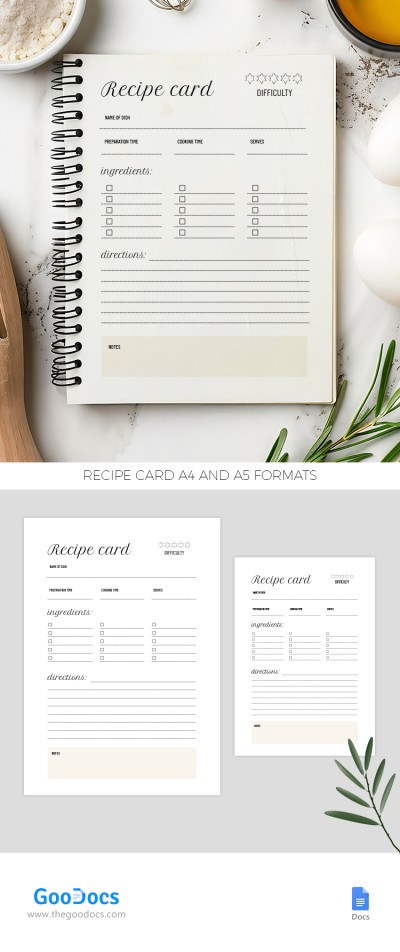
Recipe Card
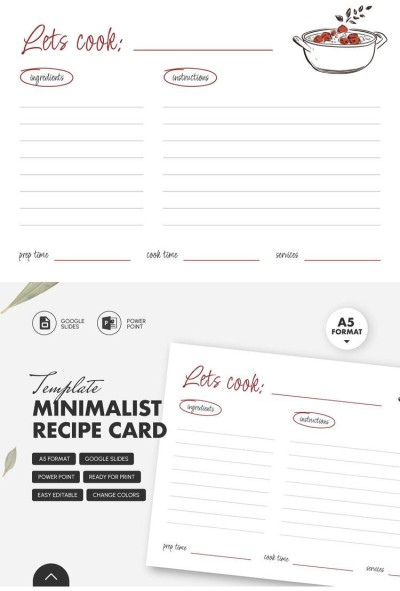
Minimalist Recipe Card Template
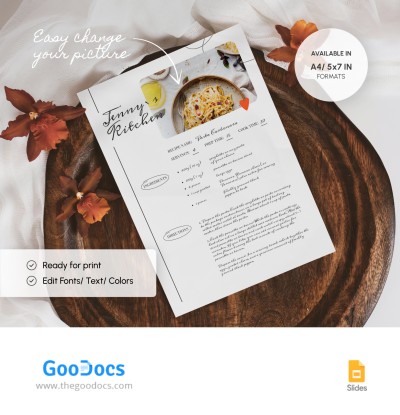
Basic Recipe Card
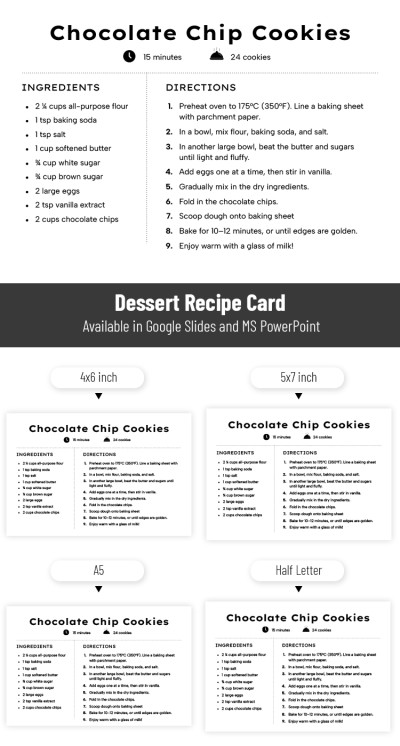
Dessert Recipe Card Template
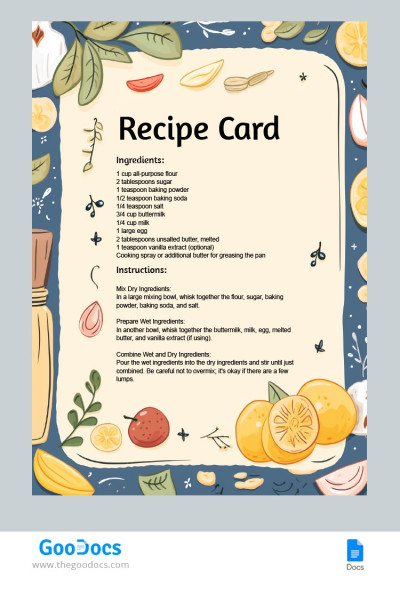
Blank Recipe Card
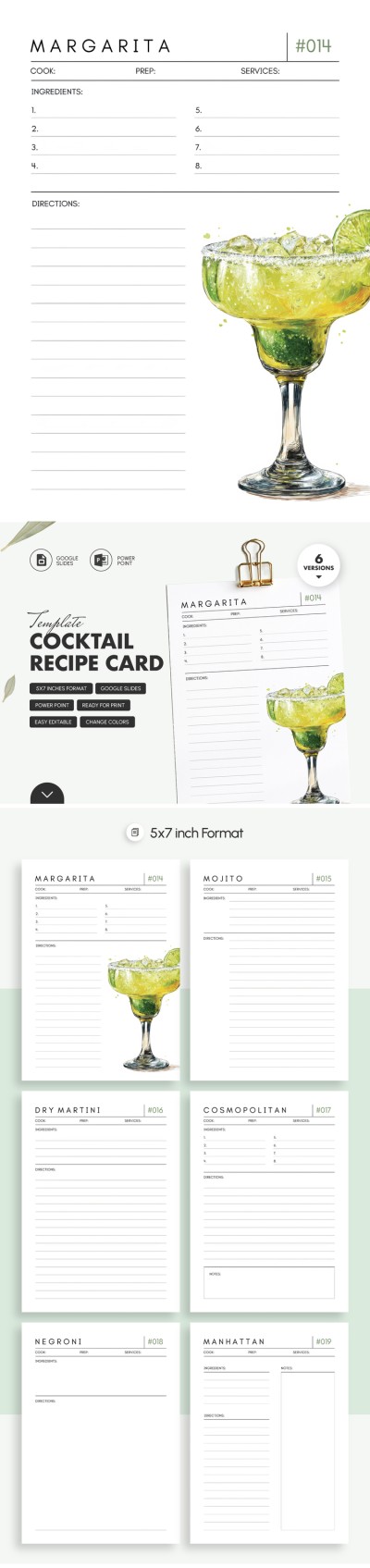
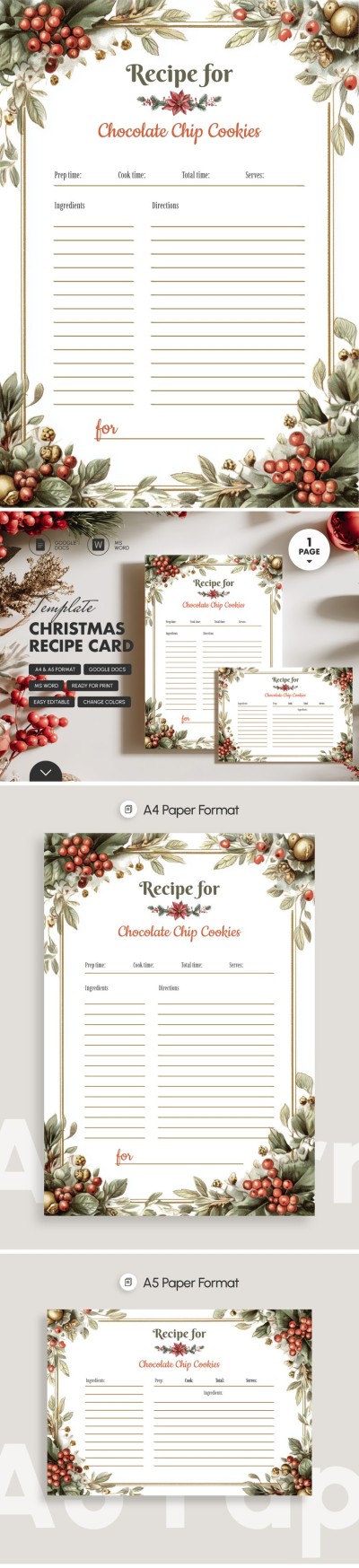
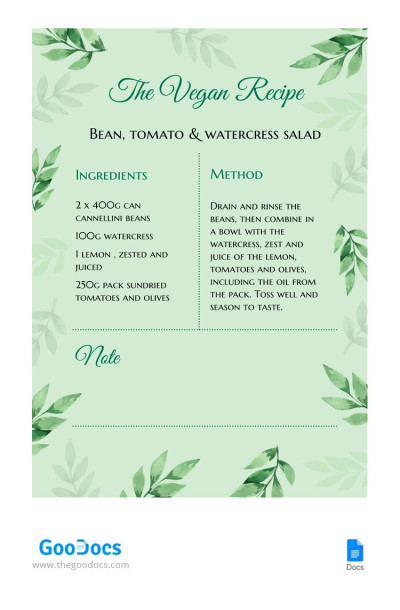
Vegan Recipe Card
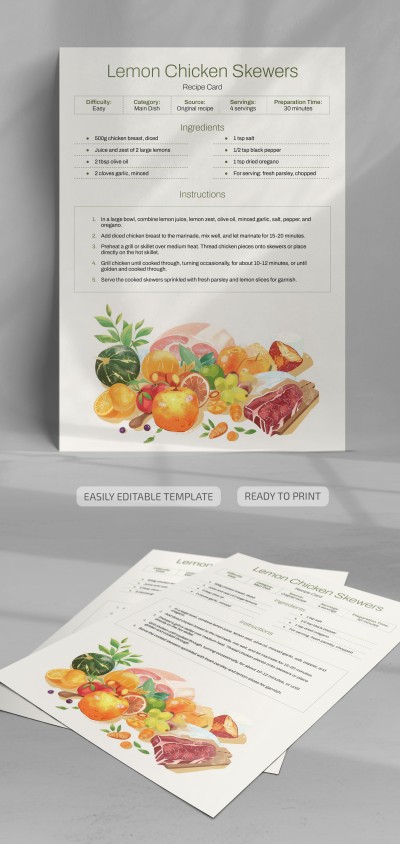
Sleek Recipe Card
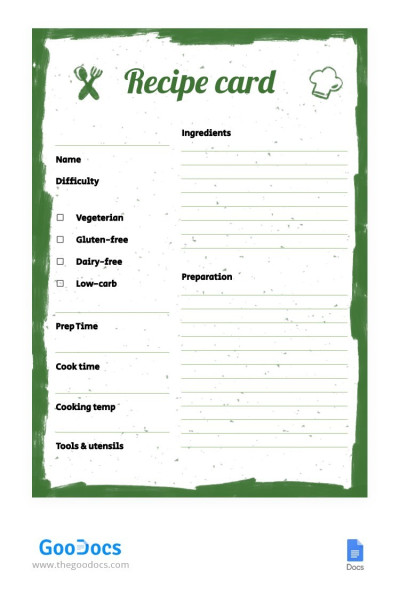
Green Recipe Card
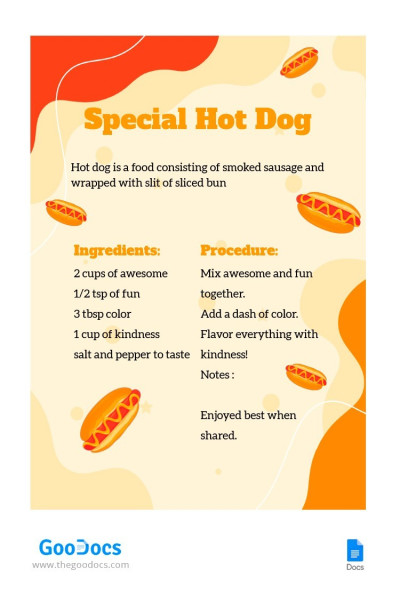
Hot Dog Recipe Card
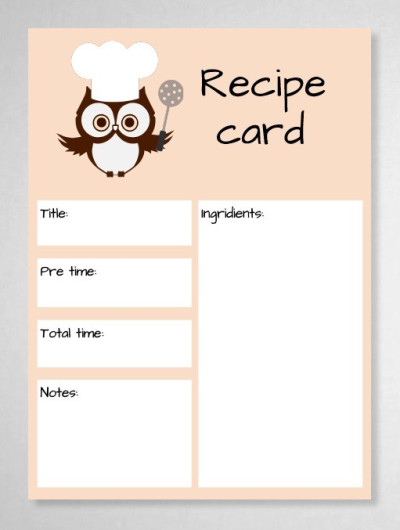
Simple Recipe Card
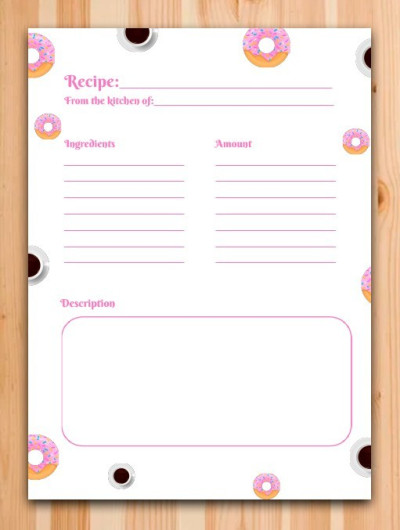
Amazing Recipe Card
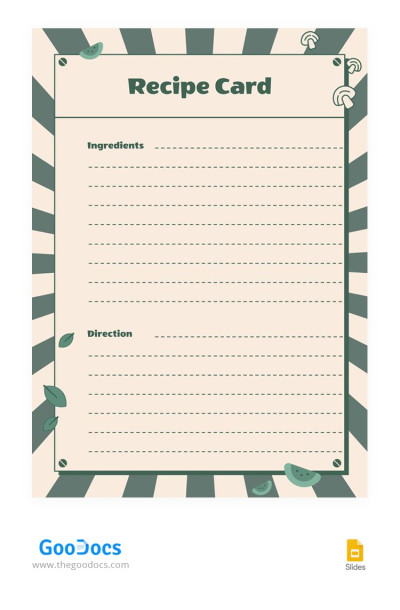
Vintage Recipe Card
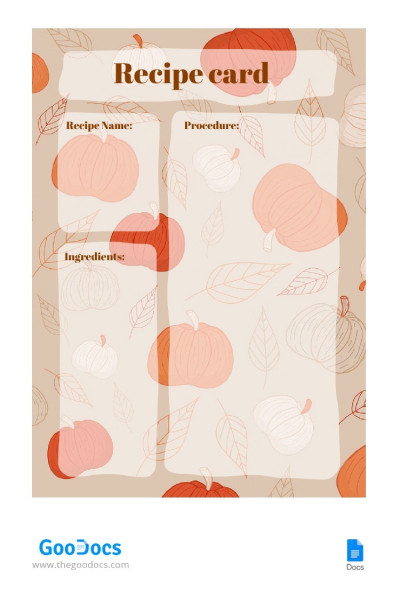
Pumpkin Recipe Card
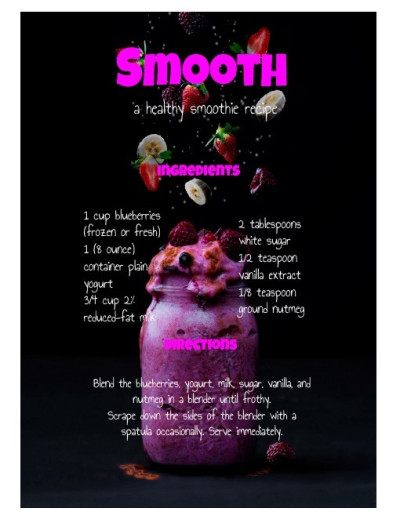
Smooth Recipe Card
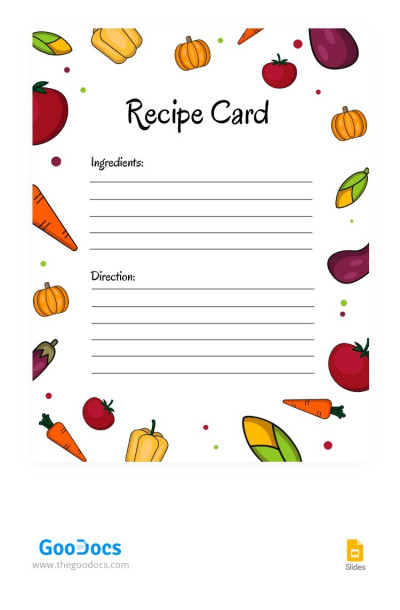
Vegetables Recipe Card
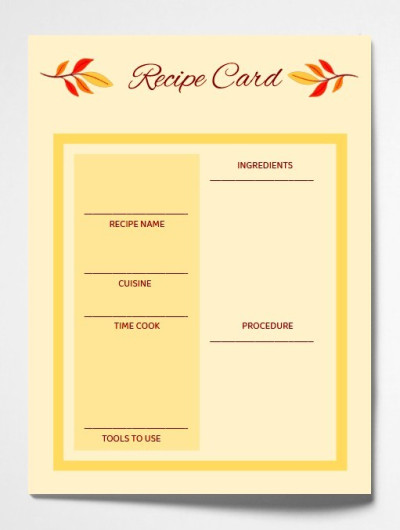
Autumn Recipe Card
Bright Recipe Card
Stylish Recipe Card
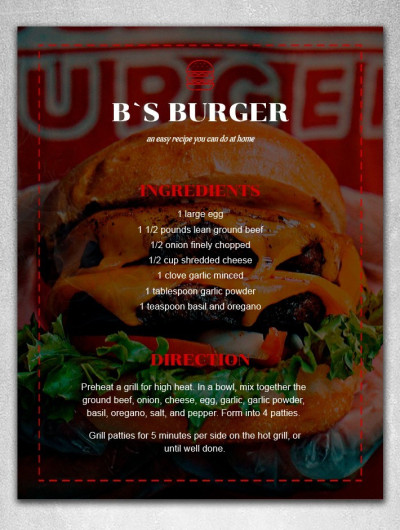
Fast Food Recipe Card
Summer Recipe Card
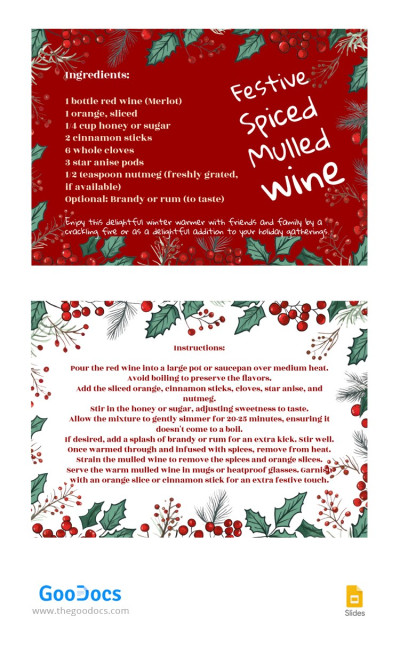
Holiday Recipe Card
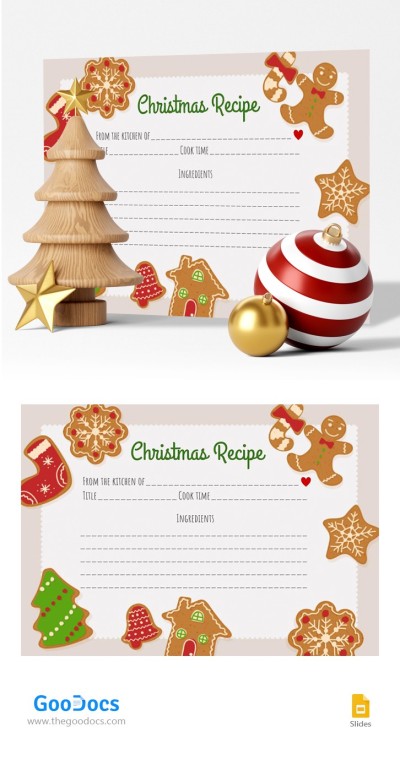
Christmas Recipe Card
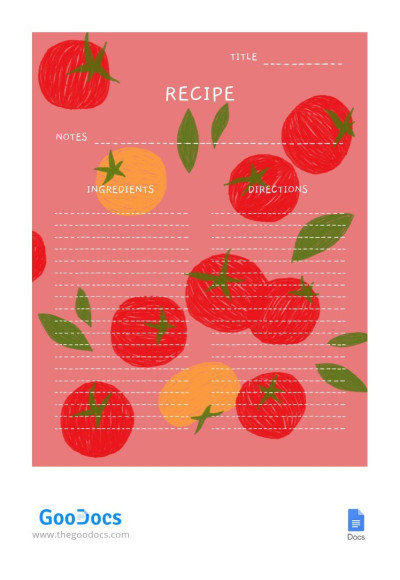
Tomato Recipe Card
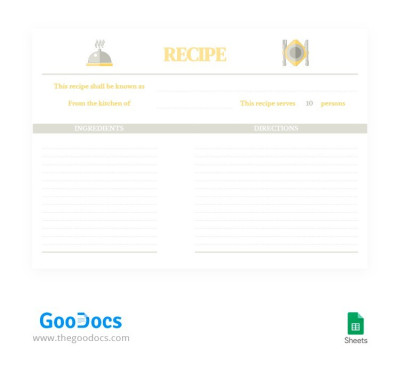
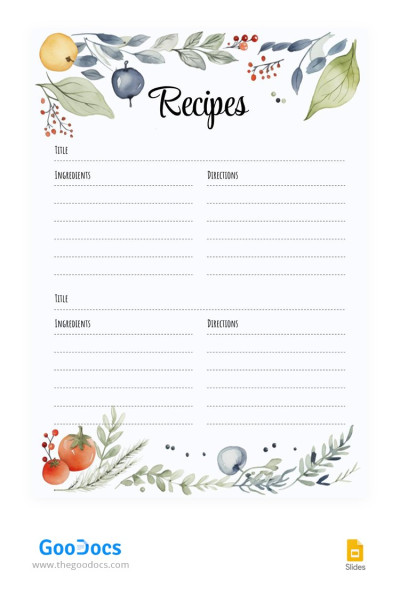
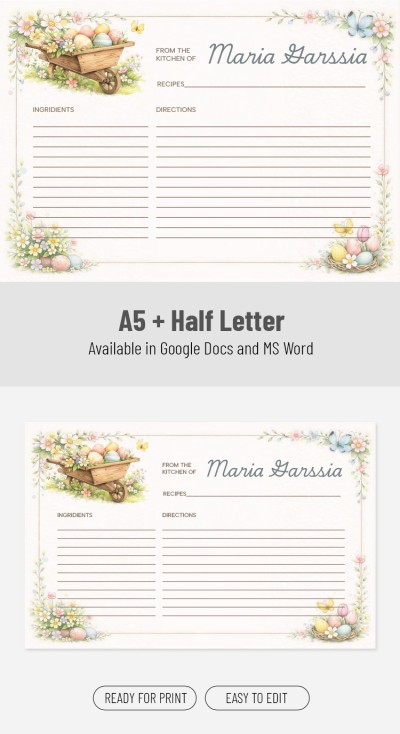
Soft Colors Recipe
Creating and storing recipes for your restaurant, café, or home kitchen is much easier with ready-made recipe card templates. You can use these pre-designed cards to include ingredients, instructions, cooking times, and other details. Choose from dozens of templates featuring designs to suit every taste.
Why food bloggers, chefs, and home cooks choose our templates:
- We offer fully editable options. Our recipe card templates require no design skills or experience. You can customize every element of the card, including colors, fonts, backgrounds, frames, icons, and text. Simply add your brand logo, corporate colors, or even a QR code if desired, and personalize the template to your needs.
- You can fill out and customize our blanks in convenient formats. We offer recipe card templates in Google Docs, Word, Google Slides, and PowerPoint. These editors are accessible on PCs, phones, and tablets. They also provide simple customization tools and allow you to manage recipes online, share them via the cloud, and create stylish presentations.
- All templates are ready for both print and digital use. If you need to print a template for handwritten notes or to create a recipe binder, save it as a PDF and print it. All settings for printing on A4 or US Letter-sized paper are already configured. Want to share your recipes on a blog or social media? Save them as JPEG or PNG files and post them wherever you like.
Enjoy complete freedom in organizing your recipe notes with our templates. Choose a single layout to standardize the look of your recipes, or utilize a distinct option for each dish. Download the best Google Slides recipe templates today.
Recipe Cards Templates FAQ
Creating a recipe card from scratch is a thing of the past. It’s much easier to choose a suitable template and customize it to make the card truly your own.
Our free editable samples and this step-by-step guide will help you complete this task:
- On this page, choose the recipe card that best suits your needs. We offer options for personal use, cafés and restaurants, food blogs, and more. You can also find templates for specific dishes such as lasagna, apple pie, and chocolate chip cookies.
- Download the template or make a copy to your Google Drive. To do this, go to the page of the template you like and click the Edit/Download button to the right of the preview. The download will start automatically after a short moment.
- Use the default design or customize it. You can use Google Docs, Word, Google Slides, or PowerPoint to modify any element of the template. Change the background color, adjust fonts, and more. All our designs are clean and professional, so you can also keep them as they are.
- Fill out your recipe card digitally or print it to add your recipe by hand. Our templates are ready for both digital use and printing in A4, A5, or US Letter sizes. You can include ingredients, cooking time, and preparation instructions on any device using the same editor or print them first for handwritten notes.
Now, your custom recipe card is ready to use. Store it on any device or create a folder full of your favorite recipes.

