
Old Book Templates
Our old book templates are a perfect accompaniment to your historical novel, fantasy book, or manuscript in any other genre. Use a fully editable vintage design that includes simulated paper textures, classic serif fonts, and custom headers and footers. Using Google Docs, Word, Google Slides, or PowerPoint, you can add your own text and give it the look of an ancient manuscript or tome. Make your book authentic by editing it in a convenient format.



Genealogy Book

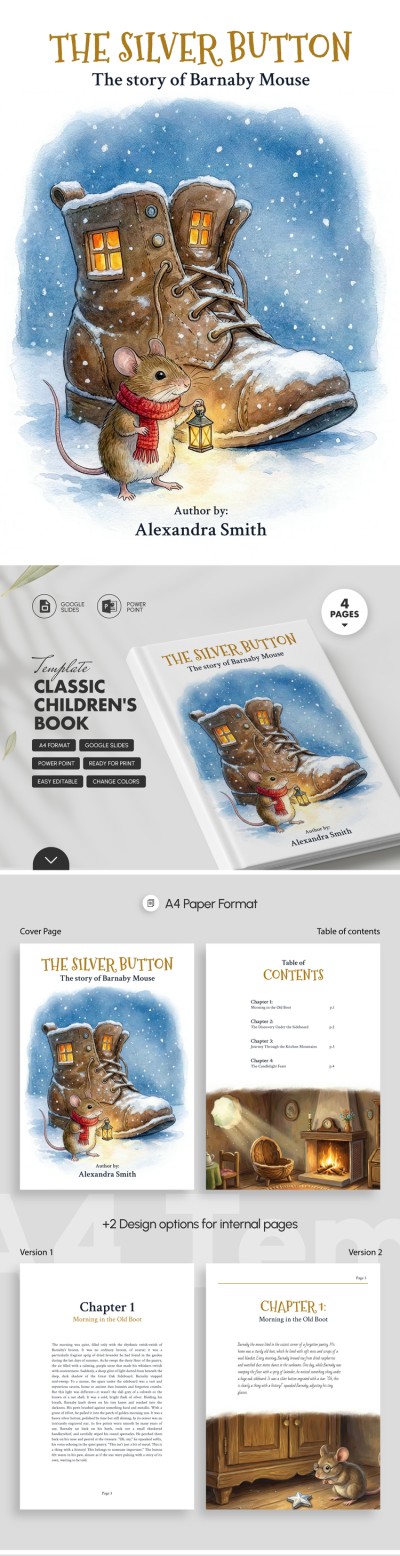
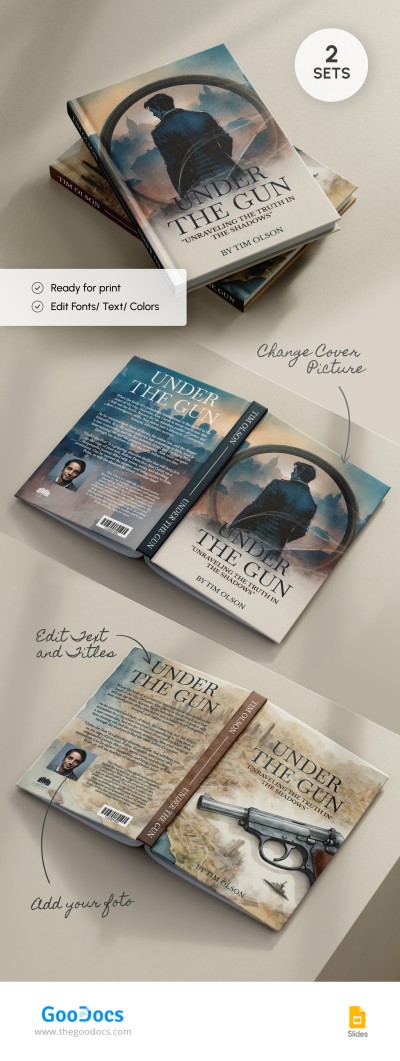
Elegant Book Cover

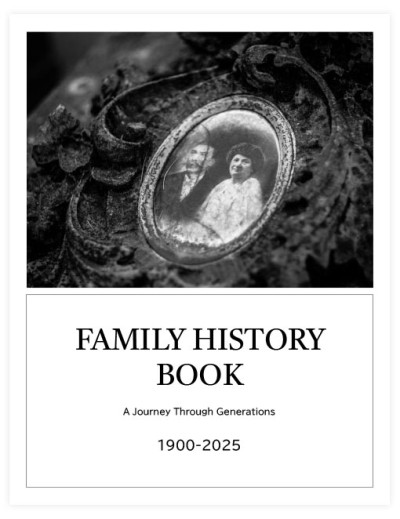
Family Book
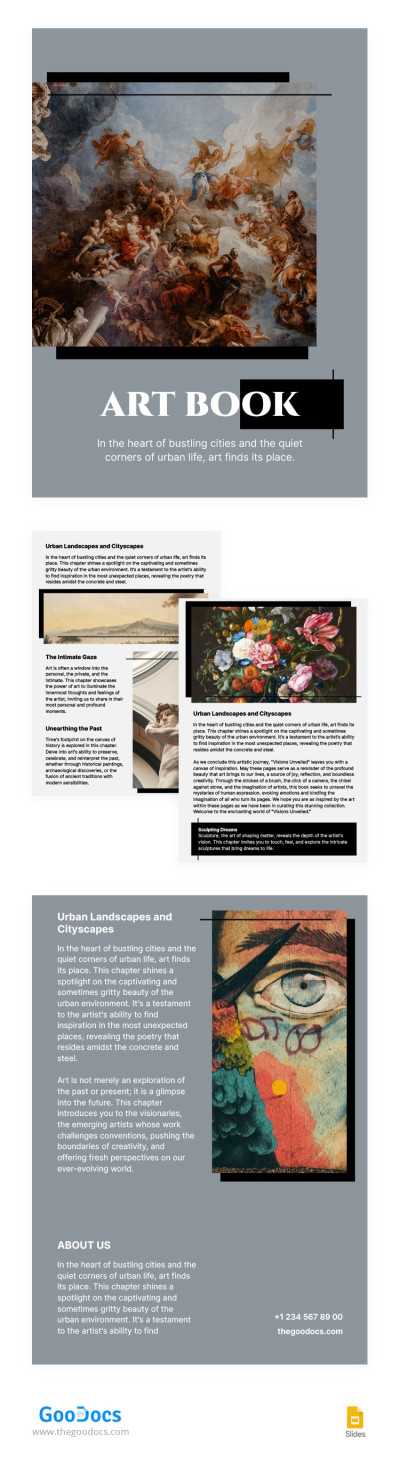
Stylish Vintage Art Books
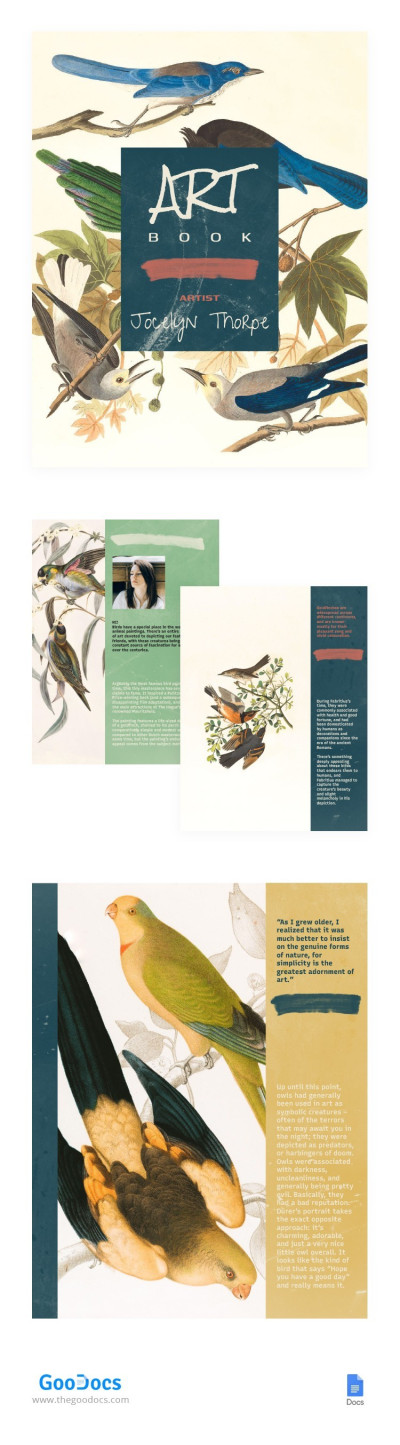
Art Book

Simple Academic Book
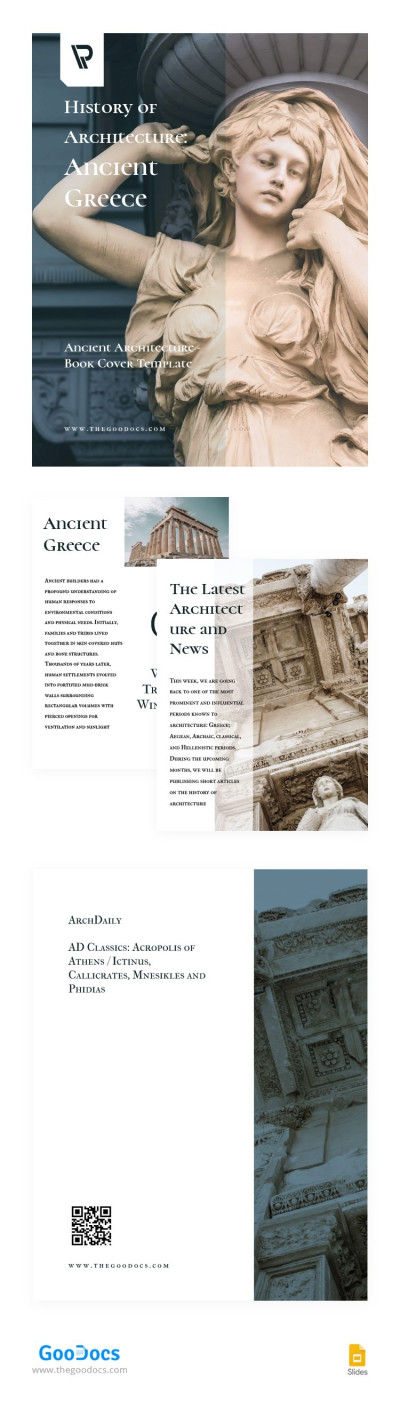
Ancient Architecture Book
Does your story require a vintage feel? Use our old book templates to create that exact effect. Each template on this page recreates the aesthetics of yellowed pages, the designs of antique folios and books published centuries ago. Plus, with our layouts, you can give your manuscript the look of a classic work for free.
Choose vintage book templates to:
- Create an authentic old-style aesthetic for your work. Designers carefully crafted page textures and decorative elements. Now, each template imitates antique yellowed paper and book ornaments. Each page looks as if it was printed on a vintage press and will definitely stand out among hundreds of glossy publications.
- Save time formatting text. Page backgrounds, as well as our old book cover templates, look vintage and authentic. Old serif fonts, popular in the 18th and 19th centuries, are used to create a cohesive look. Drop caps and footers also blend seamlessly into the overall aesthetic, from the cover to the text of the final chapter.
- Quickly customize the template and add new text. Despite the pre-defined visuals, backgrounds, fonts, and styles, you can customize each vintage book template for free in one of the editors. Choose from options available in Google Docs and Word, or in Google Slides and PowerPoint. Then, customize the design and insert your text.
Our vintage book cover templates and interior page layouts allow you to quickly create an authentic and distinctive book design. In addition to easy customization, each option is ready for print and digital publishing with all settings included. You can find even more free book templates on our website.
Old Book Templates FAQ
There are two options for giving your book a vintage look: using a pre-made page design or DIY techniques after printing.
To give a digital book a vintage look, you can use old book templates:
- Download a copy of a vintage book template from TheGoodocs. This page features various options with yellowed page backgrounds, black and white photos, and classic serif fonts.
- Add your text to the pages and covers. Open the template in Google Docs, Word, Google Slides, or PowerPoint and paste your manuscript. Use "paste without formatting" so the text fits the pages perfectly without changing the style.
- Save the template as a PDF and print. Our book templates already include settings for A4, A5, US Letter, and other standard book sizes. Then, simply self-publish or send the file to a print shop.
This is enough to give your book a vintage look for sale. If you want to age it further, you can add a few finishing touches after printing.
Brew a cup of coffee and let it cool. Place your book on wax paper. Use a sponge or brush: dip it in the coffee and begin brushing the pages on both sides, as well as the top and bottom edges. Once dry, the book will be yellowed and slightly wrinkled. It will look as if it's decades, if not centuries, old.

