Ancient Architecture Book Template
Use this free template with Google Slides and Microsoft PowerPoint
Template Specification
Key Features of This Template
About this template
Our Ancient Architecture Book Template is the go-to choice when you need to create a professional publication. This format is ideal for museum guides, exhibition booklets, and other nonfiction works focused on classical history.
Design a Classical Architecture Book
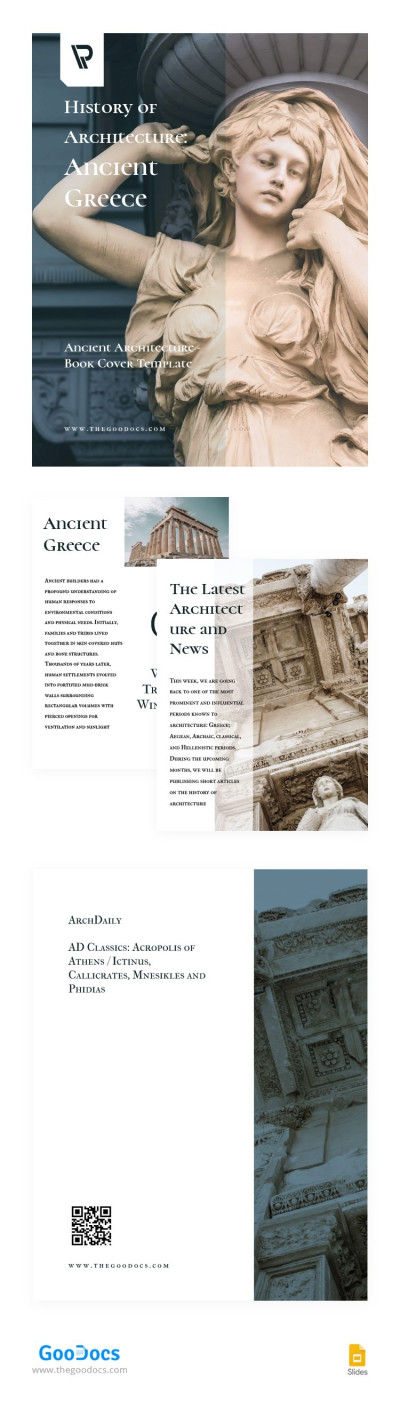
The front cover features a beautiful ancient sculpture, which sets the tone for your readers. On the front, you can add your museum or company logo, the book's title, a subtitle, and the author's name. The back cover offers an image of an ancient building and placeholders for the title, website, social media links, and a QR code.
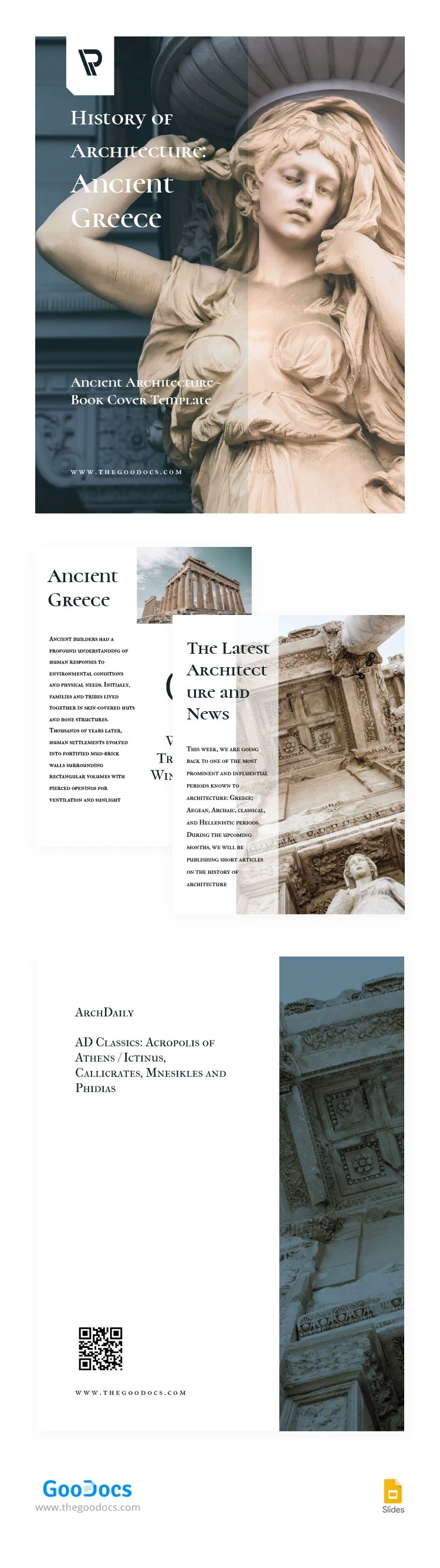
Inside this old book template, you'll find two interior pages with:
- Placeholders for high-quality pictures.
- A structured layout for text and headings.
- A consistent design with a classical aesthetic.
This template is easy to customize in Google Slides. The intuitive interface allows you to change, delete, or add new text blocks and images. To print the template in US Letter size, simply save it as a PDF. It’s also ready for digital publishing.
Download Free Template
WHAT’S INCLUDED
Book Tips
FAQ
How to Use and Edit This Template

Get Your Document

Customize Everything

Add Your Content