ADVERTISEMENT
ADVERTISEMENT
Family Book Template
Use this free template with Google Slides and Microsoft PowerPoint
4.38 (2 reviews)
•
Last updated
Updated
October 10, 2026
•
Created by
Zhanna Pitsina
•
Type
Nonfiction, Old, Portrait, A4 / US Letter
ADVERTISEMENT
Template Specification
Format
Google Slides
Orientation
Portrait Book Templates
Created
June 11, 2024
Last Updated
October 10, 2026
Community
Added to collections by 33 Users
Usage Stats
9 downloads this month
Key Features of This Template
About this template
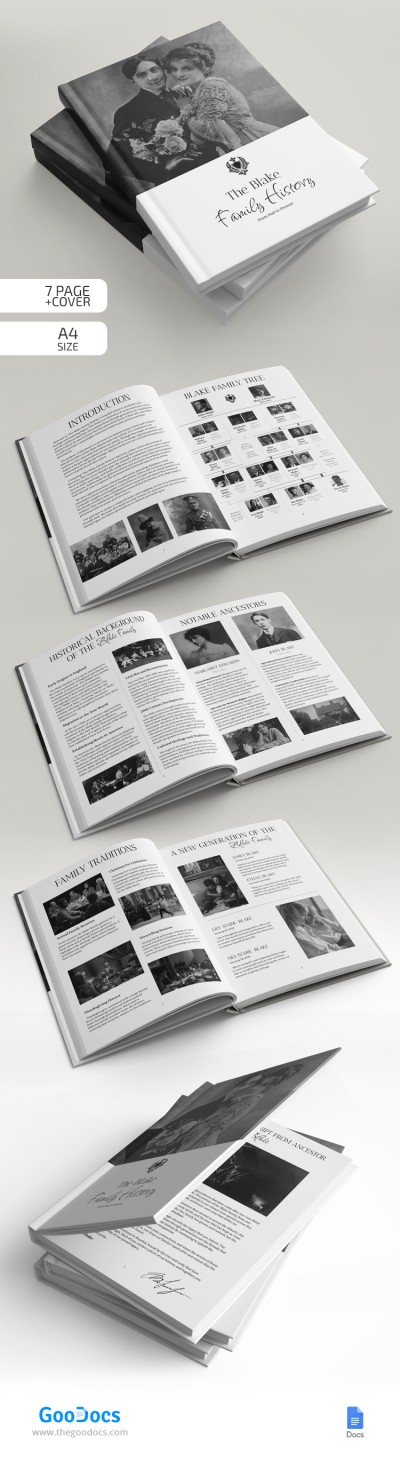
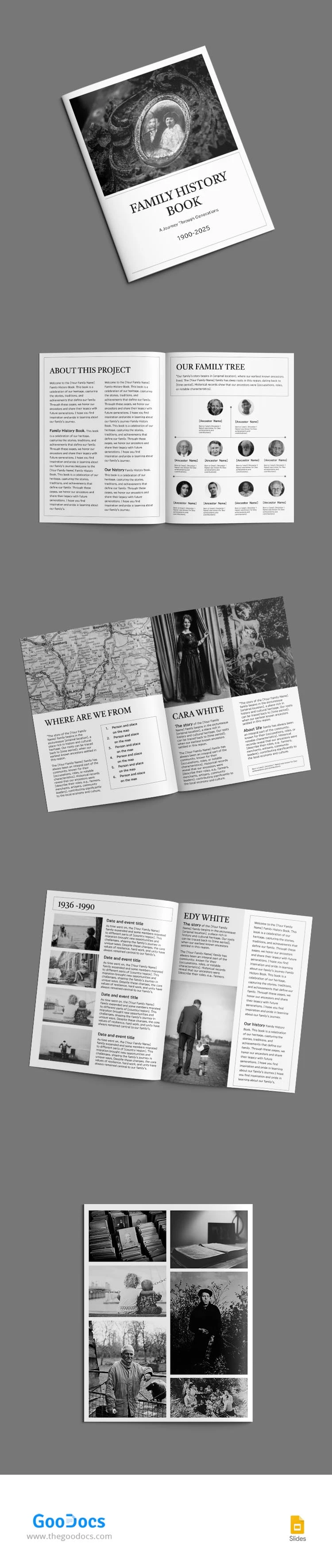
Use our ready-made Family History Book template. Our form will help you organize information about your family chronology, from genealogical trees and biographies to stories and anecdotes.
Consistent Black-and-White Design
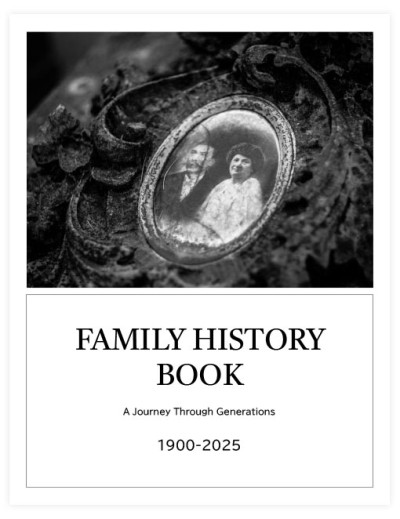
This family history book template, available for editing and printing in Google Slides and PowerPoint format, features a black-and-white color scheme. You can include matching photos, a new background for the cover, charts, etc.
Professional & Customizable Structure
Initially, this vintage book template consists of the following sections:
- A soft cover for your book (without a spine).
- The "about this project" sheet.
- "Our family tree" page.
- "Where are we from" sheet (with placeholders for a map, individuals, and place).
- Two adjustable blank sheets to include information about each family member.
You can use the pages as intended or modify and customize them to fit your family's unique needs. We invite you to find even more relevant and unique book templates only on TheGoodocs.
ADVERTISEMENT
Free Template
Download Free Template
Choose your platform and start editing right away
PLATFORM
PAPER SIZE
A4
No account required • Attribution required
WHAT’S INCLUDED
Editable family tree pages
Black-and-white photo placeholders
Customizable project introduction section
Blank sheets for personal stories
Book Tips
Add personal anecdotes for richness.
Incorporate old photos for authenticity.
Customize the cover with a unique image.
Use maps to highlight origins.
FAQ
Is this template compatible with Google Slides?
Yes, it's designed for Google Slides and PowerPoint.
Can I customize the template easily?
Yes, it's fully customizable to fit your family's needs.
Is the template free to download?
Yes, you can download it for free.
Do I need design skills to use this?
No, it's user-friendly for anyone to edit.
Can I print the family history book?
Yes, it's formatted for easy printing.
ADVERTISEMENT
How to Use and Edit This Template

Get Your Document
Click the "Edit Template" button to create your own editable copy in Google Slides or download for Microsoft PowerPoint

Customize Everything
Easily change colors, fonts, and layouts to match your unique style or brand identity

Add Your Content
Fill in your data, upload images, and replace the placeholder text with your own information

Print, Export, or Share
Print, export as PDF, or share instantly