Get unlimited access to 5000+ Templates for Google Docs, Slides and Sheets
Unlimited Access
ADVERTISEMENT
ADVERTISEMENT

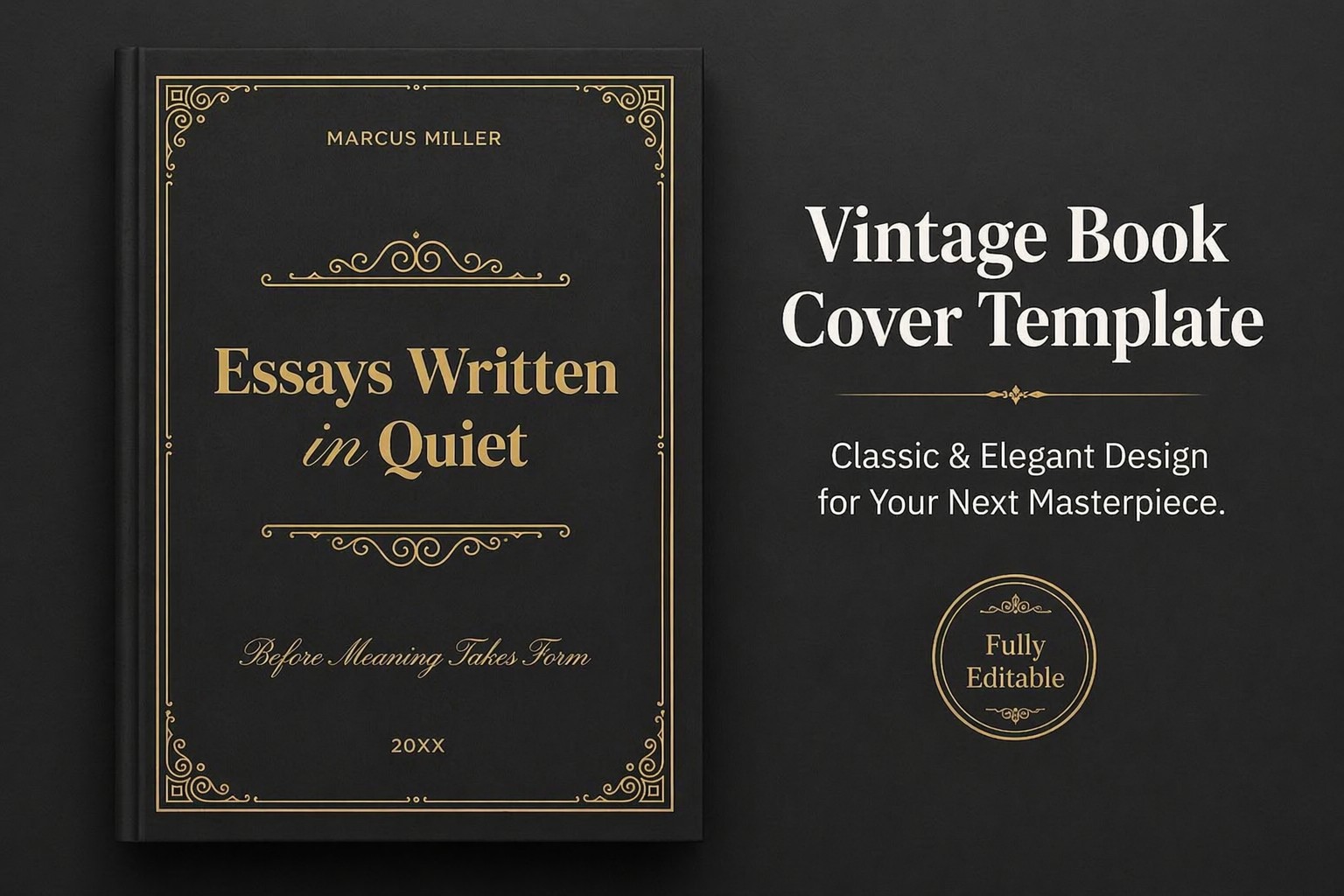
Vintage Book Cover Template

Use this free template with Google Docs and Microsoft Word
4.25 (1 reviews)
Last updated Updated July 4, 2026
Created by Halyna Uygur
Type Fiction, Old, Portrait, A4 / US Letter
ADVERTISEMENT

Template Specification

Format Google Docs, Microsoft Word
Created February 13, 2026
Last Updated July 4, 2026
Community Added to collections by 17 Users
Usage Stats 143 downloads this month

Key Features of This Template

Suitable For Publisher , Self Publish
Book Category Fiction Book Templates

About this template

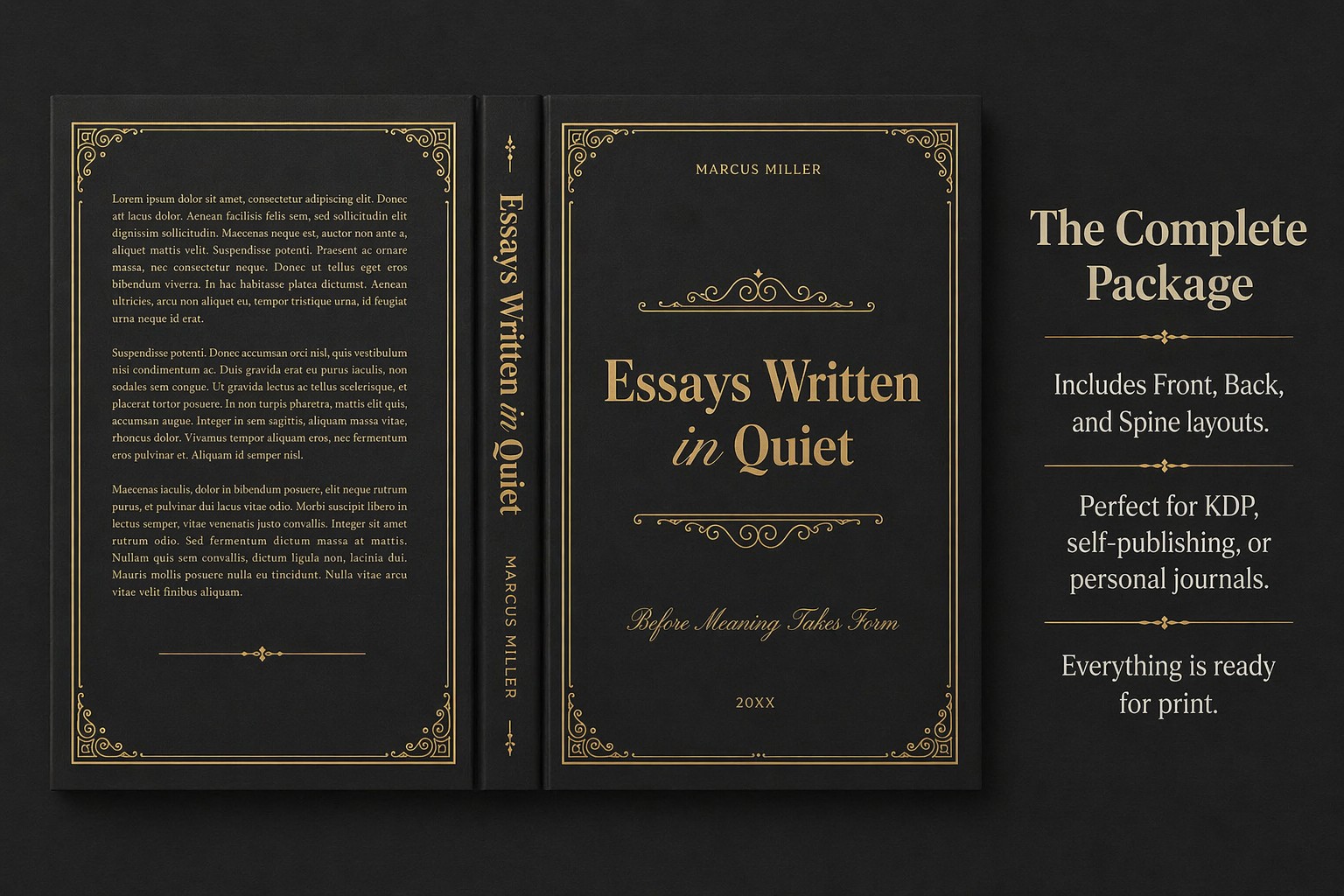
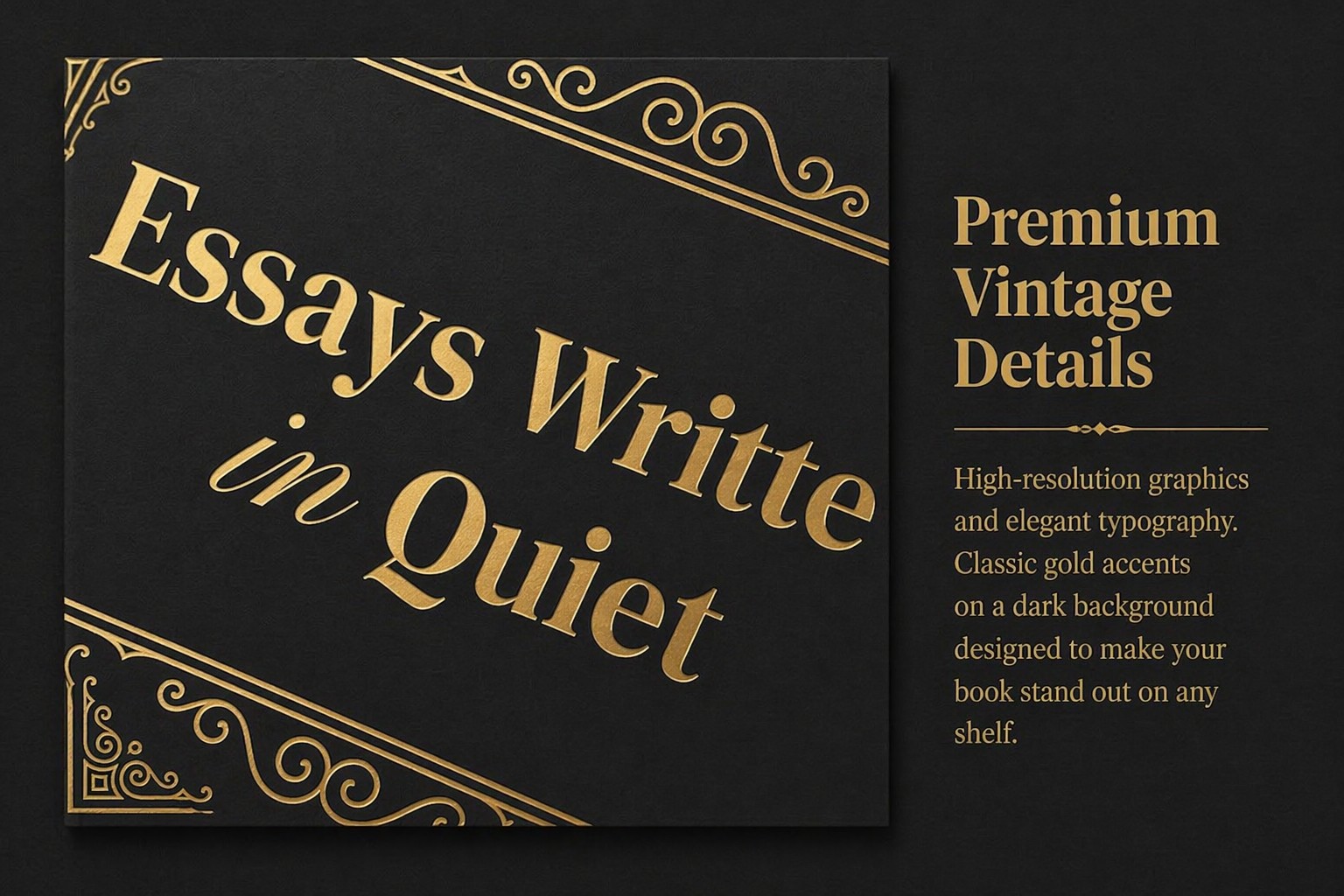
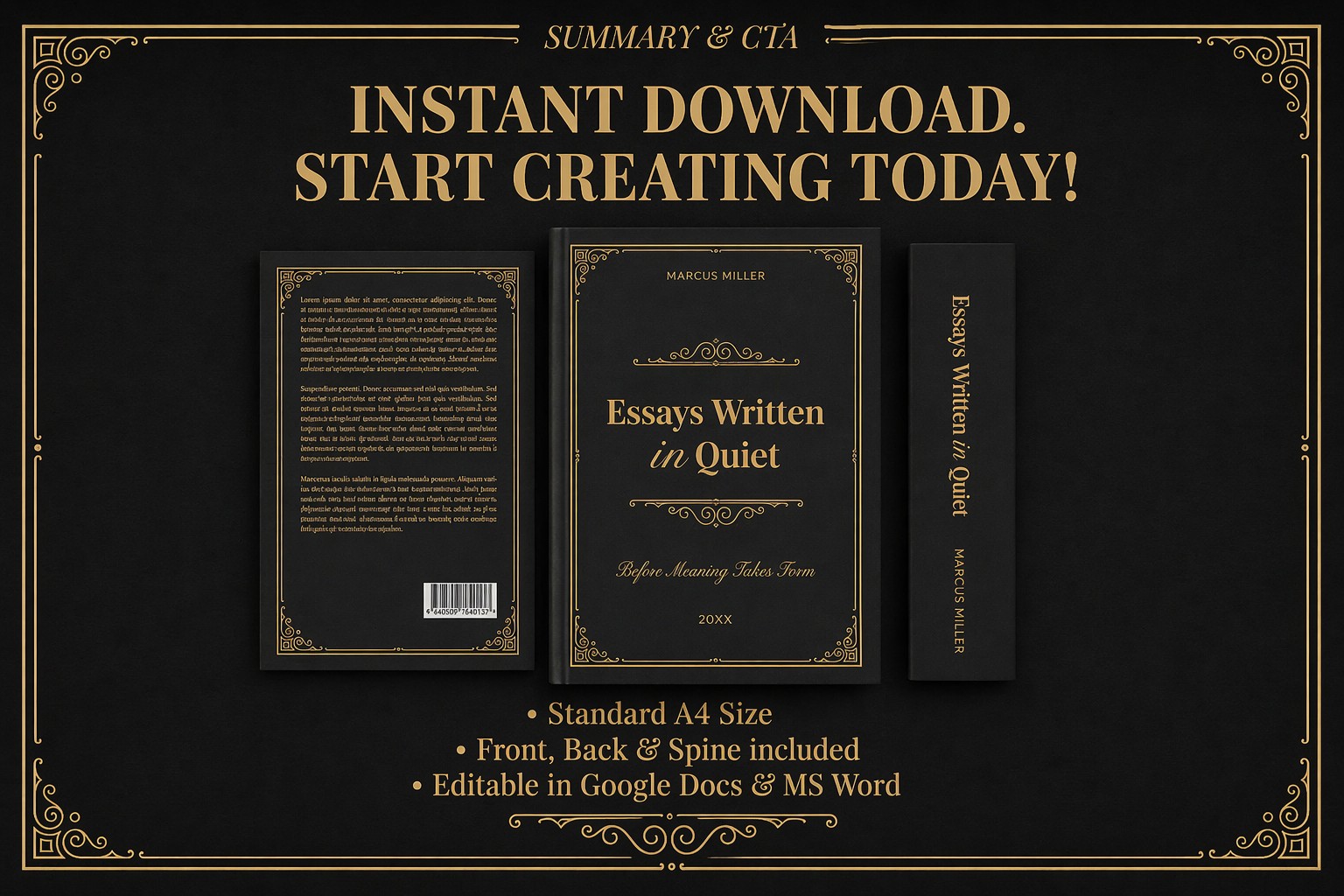
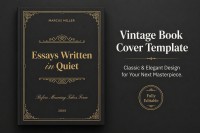
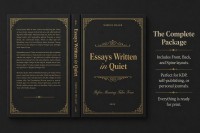
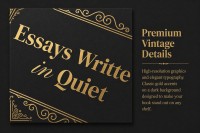
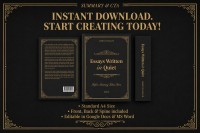
Our Vintage Book Cover Template, with its gold lettering on a black background, looks both stylish and elegant. Use our editable and printable front, back, and spine designs for free within the vintage book cover template. Each layout is designed in a consistent style with gold frames, professional fonts, and decorative elements.

Create a Stunning Classic Book Cover

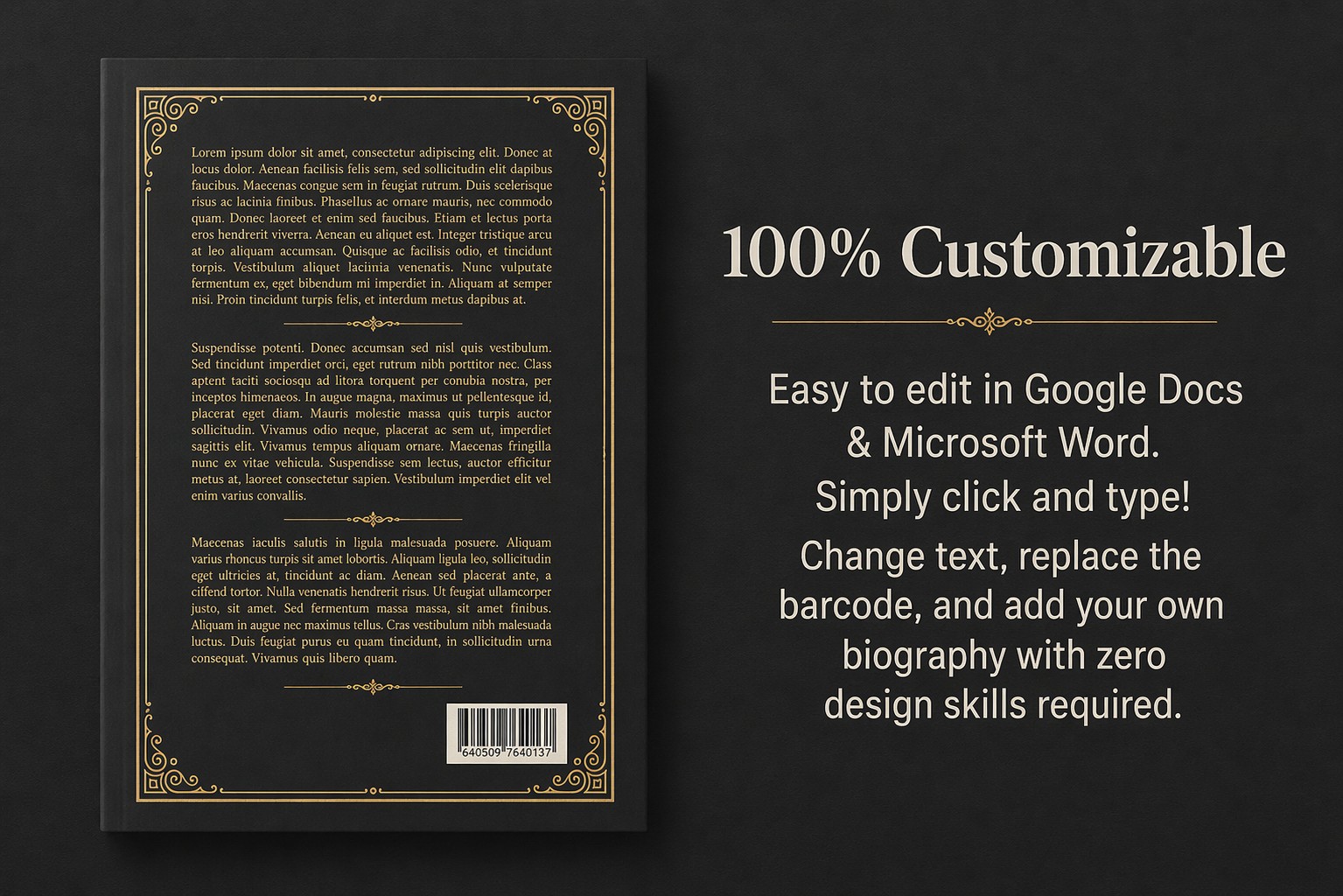
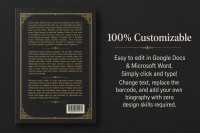
The structure of the cover follows standard international practices. On the front, you can include the author's name, book title, subtitle, and year of publication. The back cover features a frame with placeholder text and dedicated space for a barcode.

Key advantages of our book cover template:

  • We chose elegant fonts and a gold text color that perfectly complements the decorative frames.
  • In addition to the front and back covers, we have prepared a spine design where you can also add text. 
  • The template is available in Google Docs and Word formats, making it easy to edit.

To create your own book cover, replace the placeholder text and save the final file as a PDF. Our layout is perfect for both paperback and hardcover books and is ready to be sent to print immediately. Find a book template in Google Docs on our website today.

ADVERTISEMENT
Free Template

Download Free Template

Choose your platform and start editing right away
PLATFORM

Google Docs

Opens in browser

Microsoft Word

.docs
PAPER SIZE
A4
Google Docs – A4
No account required • Attribution required

WHAT’S INCLUDED

Fully editable book cover template
Elegant gold accents and typography
Includes front, back, and spine design
Ready-to-print PDF format

Book Tips

1
Customize fonts to match your book's genre
2
Replace placeholder text with compelling summaries
3
Use high-resolution images for a polished look
4
Ensure barcode placement meets publishing standards

FAQ

Is this template compatible with Microsoft Word? Yes, it's compatible with both Google Docs and Microsoft Word.
Can I customize the design elements? Absolutely, you can edit all text and graphics.
Is the template free to download? Yes, the template is available for free download.
How easy is it to edit the template? It's very user-friendly; no design skills are required.
What paper sizes does the template support? The template is designed for standard A4 size.
ADVERTISEMENT

How to Use and Edit This Template

Get Your Document

1

Get Your Document

Click the "Edit Template" button to create your own editable copy in Google Docs or download for Microsoft Word
Customize Everything
2

Customize Everything

Easily change colors, fonts, and layouts to match your unique style or brand identity
Add Your Content
3

Add Your Content

Fill in your data, upload images, and replace the placeholder text with your own information
Print, Export, or Share
4

Print, Export, or Share

Print, export as PDF, or share instantly

Related Templates

Recently Viewed