
Envelope Budgeting Templates for Google Sheets and Excel
Our envelope budgeting templates in Google Sheets and Excel will help you distribute your finances into different expense categories. Use editable and printable templates with premade structures, expense categories, and built-in formulas for free. You can set up expenditure types, distribute funds, and control expenses with ease - no special skills are required. Sample text and cost examples will help you create an envelope budget correctly.
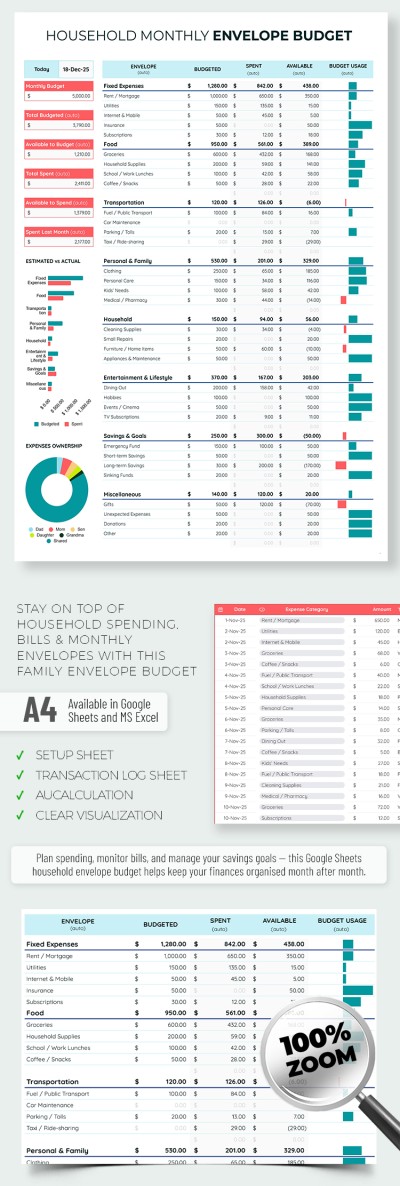
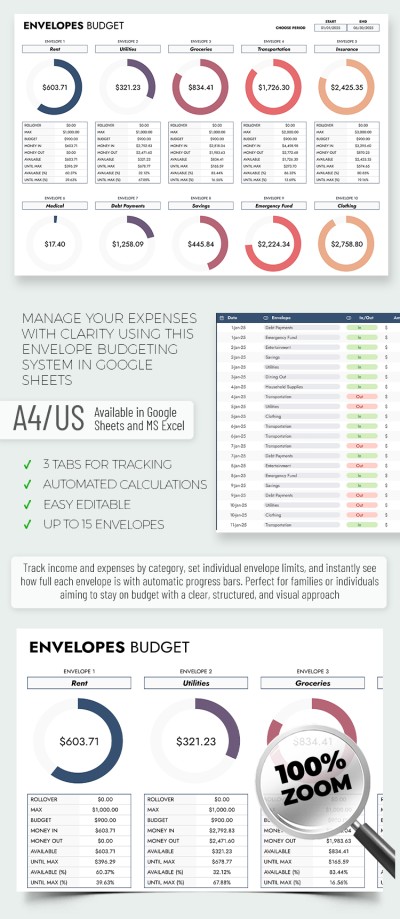
Editable Envelope Budget Template
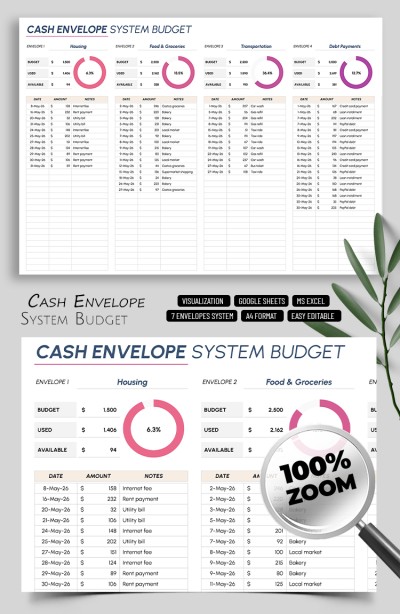
Cash Envelope System Budget Template

Envelope Method Budget Planner
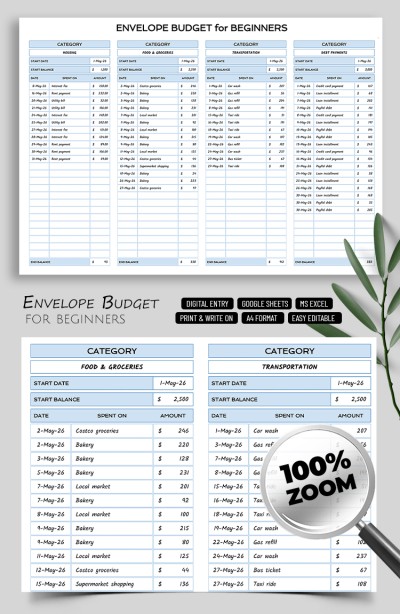
Editable Envelope Budget Template for Beginners
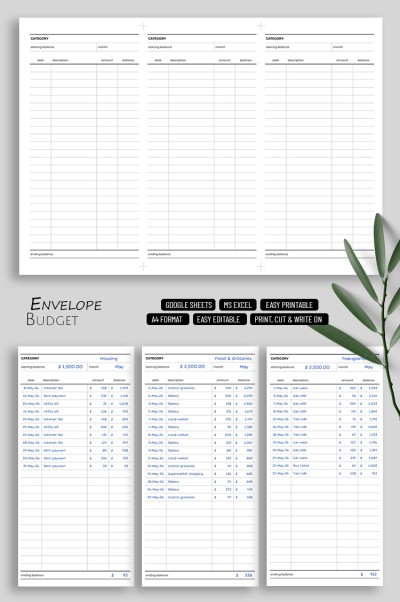
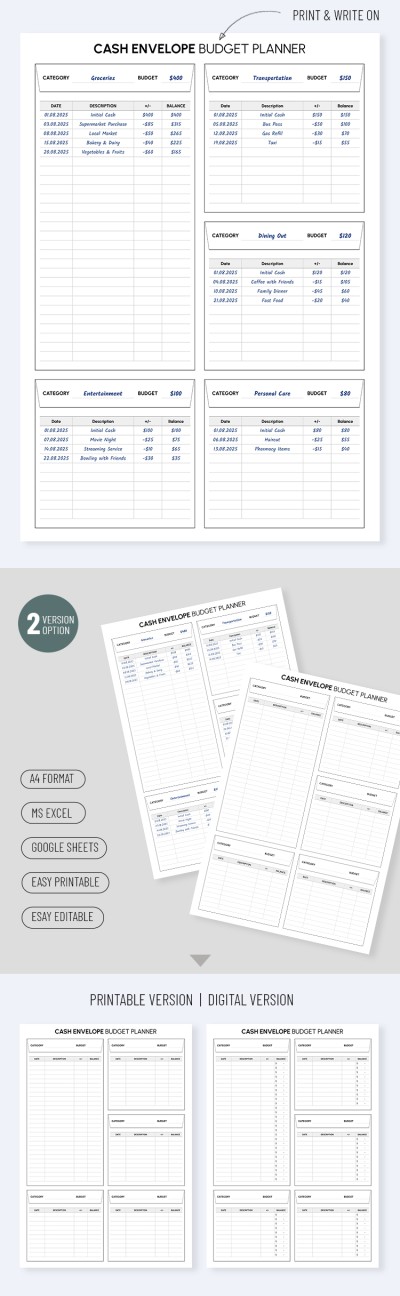
Cash Envelope Budget Planner | Printable & Digital Budgeting System
Please try different filters or clear all to start over.
Do you need to stick to a budget and stay within it? Our free envelope budget templates increase financial discipline and simplify forecasting. Use a template with predefined expense categories, set limits, track spending, and fully control your budget. The key is to avoid spending in that category until the next financial period if your "envelope" is empty.
We've taken a time-tested financial management system to the next level:
- Use a convenient digital alternative to paper envelopes. Cash is disappearing, so using traditional envelopes is becoming obsolete. Our digital budget envelope templates let you track all your available funds, both cash and credit card balances. This way, it's much easier to stick to your budget regularly, which is key.
- Fully customize the template to suit your lifestyle. We've added pre-made categories and a structure that you can adjust to your budget and expenses. In addition to the standard food, housing, vacation, essential purchases, and subscription categories, you can add any other classifications and financial goals. A simple, no-frills design will help you focus on what matters most.
- Make the most of spreadsheets' built-in features. Don't want to manually enter formulas or create charts? You don't have to, because our Google Sheets and Excel envelope budget templates come with all the tools you need built in. Plus, the platforms are compatible with phones, tablets, and laptops, so your budget is always at your fingertips.
A proven budgeting system combined with our digital approach will make managing your personal finances much easier. Achieve financial stability step by step with our Google Sheets budget templates.
Envelope Budget Templates FAQ
The budget envelope system in Excel is a modernized version of a time-tested budgeting method. Instead of using traditional envelopes and storing cash in them, you can now use a budget template in Excel. This is much more convenient because you can allocate and track expenses by envelope on any device and even get charts and calculations that automatically show the remaining balance.
Here’s how it works:
- Find a ready-to-use budget envelope template in Excel on this page.
- Download it to your PC, phone, laptop, or any other convenient device.
- Use the pre-made structure and placeholders to enter relevant expense categories and budgets for each.
- Enter all expenses under each category, and the template will automatically calculate the remaining balance.
- Once there is no money left in an envelope, you cannot spend on that category until the next financial period.
This system is simple, reliable, and helps maintain better control over impulsive spending. Moreover, our envelope budgeting templates perform all calculations automatically, making your task painless.

