Editable Envelope Budget Template for Beginners
Use this free template with Google Sheets and Microsoft Excel
Template Specification
Key Features of This Template
About this template
This Editable Envelope Budget Template for Beginners is perfect for personal finance planning, even if you've never used Excel or Google Sheets before. Our simple and fully editable budgeting template allows you to enter various expense categories, assign amounts to each, and easily manage/monitor your funds.
Try This Budget Planning Template for Free
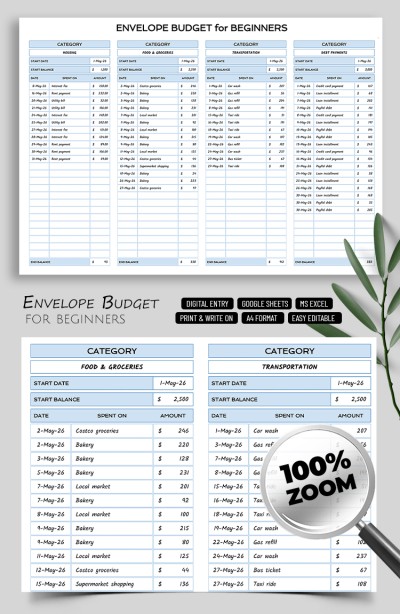
This spreadsheet consists of one main sheet where you can record all your expenses. The design is discreet yet stylish, featuring a white background and pleasant blue accents for the main sections and table borders. The fonts are bold, easy to read, and won’t distract you from essential calculations.
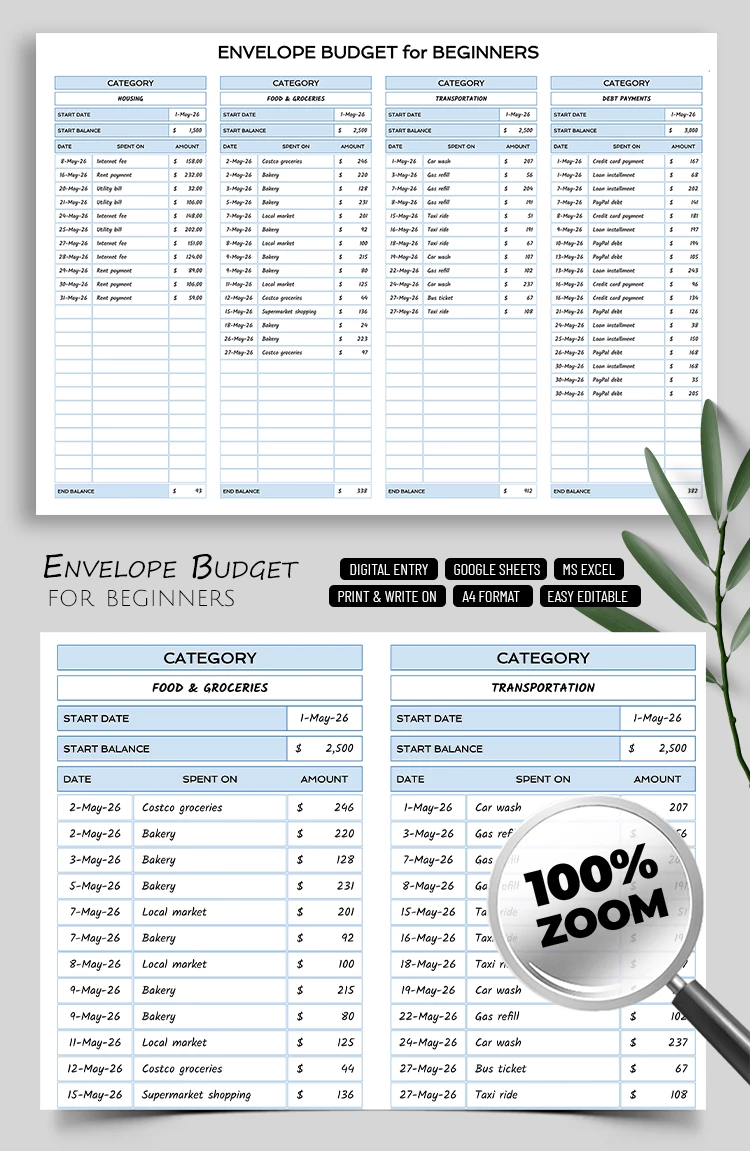
The spreadsheet contains four separate tables, each of which can be assigned its own expense category. This is a key feature of the digital envelope budget from our platform, as traditionally, each category was assigned a physical envelope meant only for cash.
Additionally, for each envelope, you can specify a name, the start date for using its funds, the starting balance, and record each expense with the date, purpose, and amount. Use our Google Sheets envelope budget template in digital format as is, or print it in A4 landscape format.
Download Free Template
WHAT’S INCLUDED
Budget Tips
FAQ
How to Use and Edit This Template

Get Your Document

Customize Everything

Add Your Content