
Cornell Note Templates
Take advantage of fillable Cornell note templates in Google Docs, Word, Google Sheets, and Excel formats. We offer 100% customizable and printable templates for your notes. You can include any relevant keywords, questions, and notes and draw a conclusion based on their findings. This approach is ideal for students in high school or college - try it now.
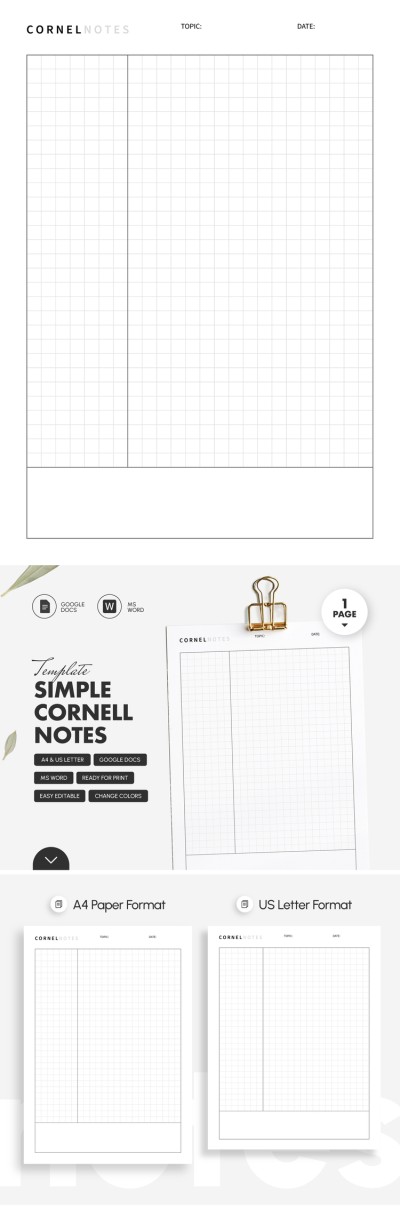
Simple Cornell Notes Template
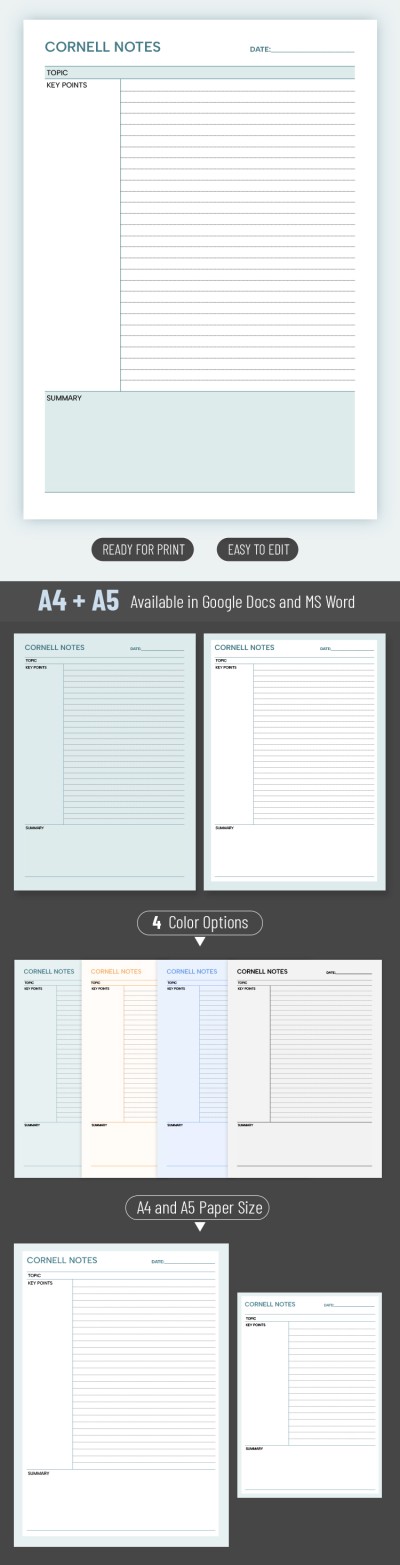
Cornell Note
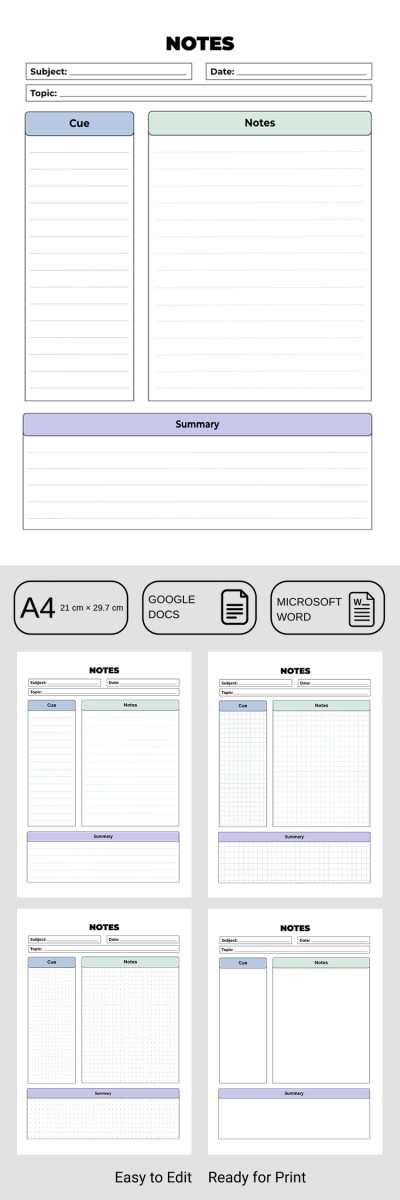
Customizable Cornell Notes Template for School or College
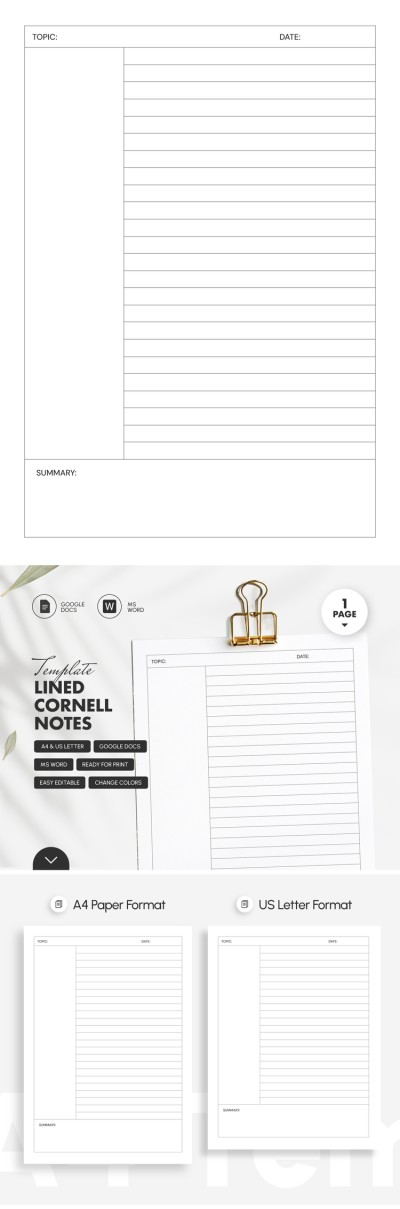
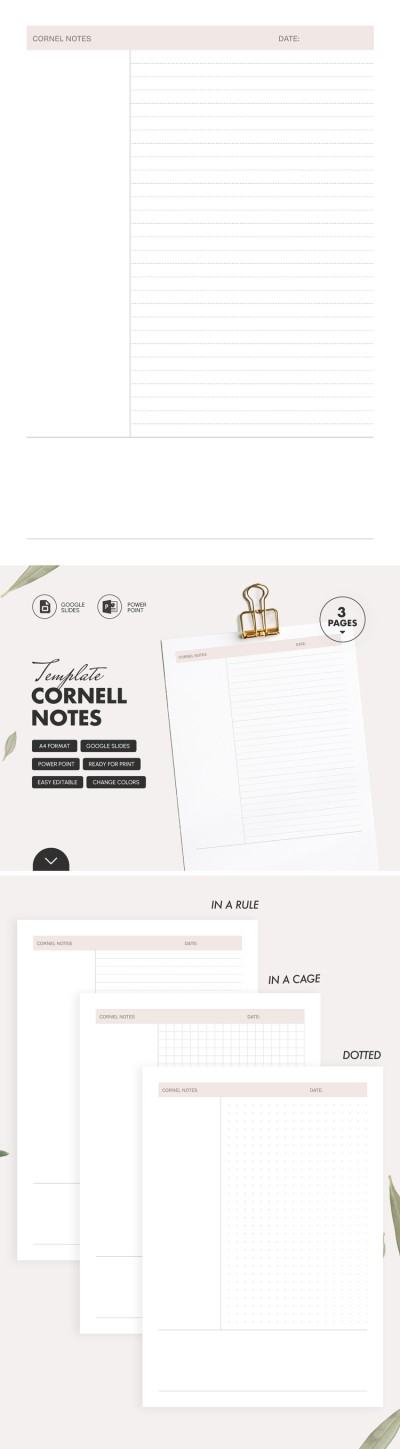
Simple Cornell Note
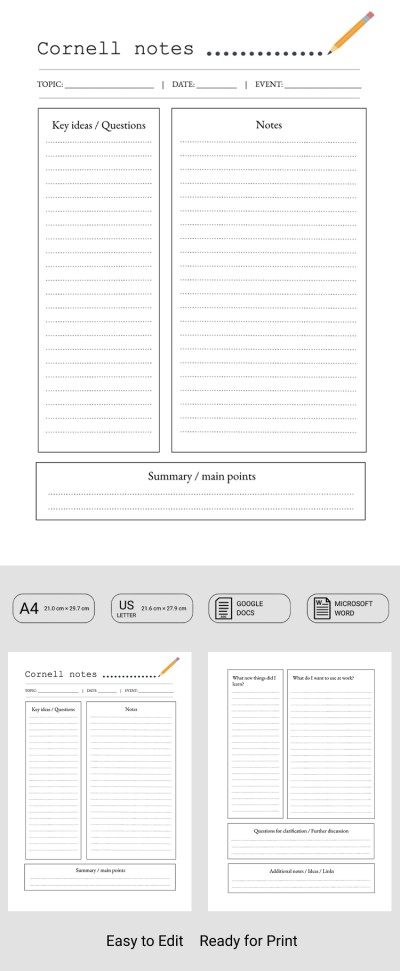
Simple Cornell Notes Template for Teachers
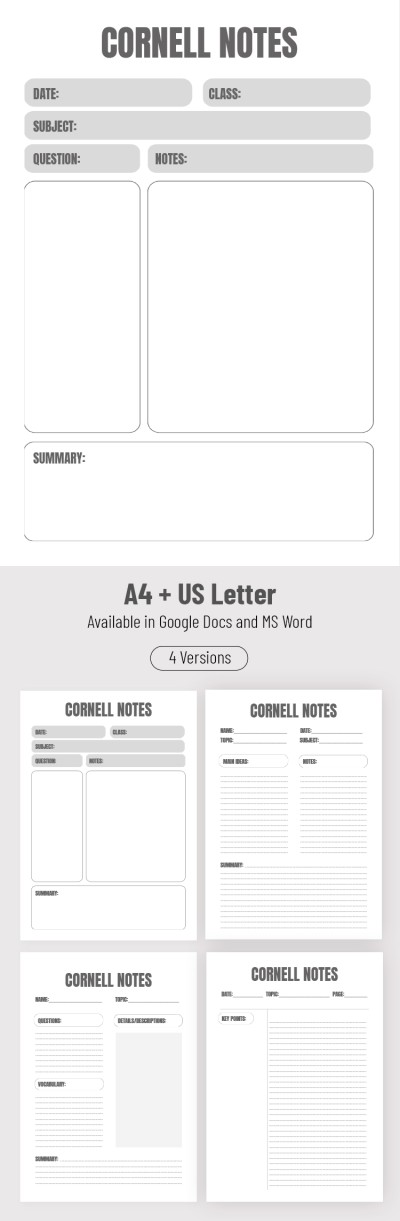
Cornell Notes
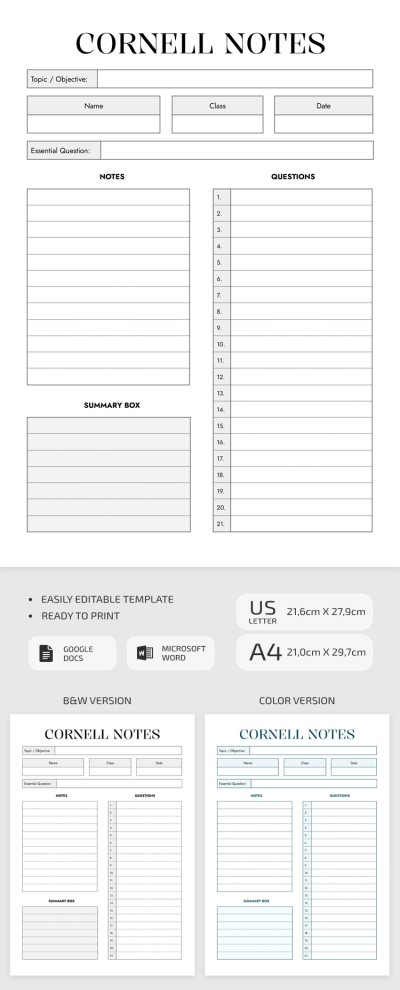
Cornell Notes Worksheet for Class
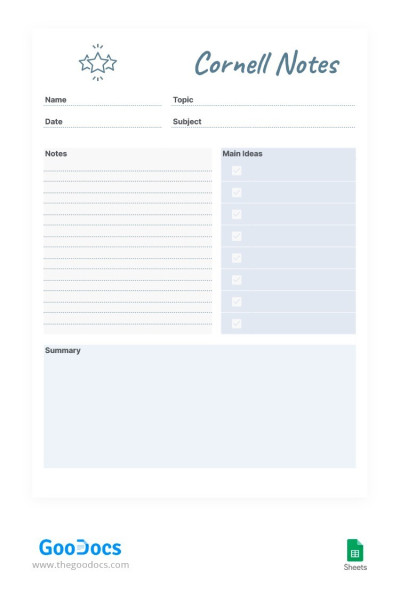
Light Colors Cornell Notes
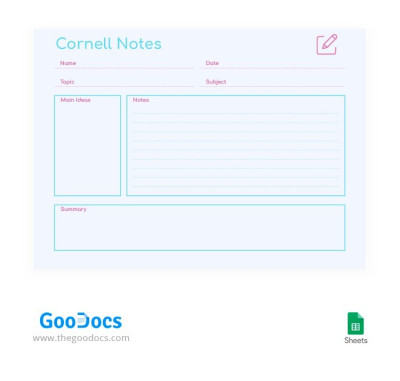
Light Cornell Notes

Please try different filters or clear all to start over.
Are you familiar with Cornell note-taking technique? Many claim that it helps to simplify learning and improve the perception of information. The most important thing is that many studies prove this, and TheGoodocs offers the most convenient Cornell note templates.
Our templates meet all requirements to help you successfully retain new information:
- They comply with the traditional Cornell system. You can write down the title at the top of each note-taking blank. About a quarter of the page on the left side is used to write key points or cue questions, and the rest of the page on the right is used for notes. The summary section is located at the bottom of the sheet.
- Write notes in a convenient format. You can take notes via your PC or notepad, using Google Docs or Word, or by hand after printing. To print our Cornell note blank, save it as a PDF, and then any home or office printer will do.
- Try even more enhanced methods. We have gone further than Walter Pauk to offer you more structured note templates. You will find templates where, in addition to the three main sections, there are also areas for a date, topic, subject, and others.
Start using Cornell notes templates for free now. Find the best note templates for any educational, work, or personal tasks on TheGoodocs.
Cornell Notes Templates FAQ
The Cornell note-taking template is a specially structured layout for writing student notes. Our templates follow all the practices suggested by this note-taking method. The layout is visually divided into four main parts.
At the top is a placeholder for the title. Here, you can write down the subject, topic of discussion, and other relevant details. The main section in the middle of the sheet is divided vertically into two parts. On the left, there is a space to include keywords and questions, and on the right is the main field for your detailed notes. Below is a section where you can record the summary.
You can do it from scratch by dividing a blank sheet into four parts: title, keywords and key questions, notes, and summary. Alternatively, you can use our premade Cornell note templates in Google Docs, which additionally offer smooth designs and more blocks.
There are many benefits to using our templates rather than creating this document from scratch. Our templates are editable, printable, and offer different designs and layouts. You can find a lined Cornell note, a blank one, with stylish and bright designs, and black and white options. Plus, you don't have to create the structure from scratch; we've already done it for you.
Get a copy of the template in Google Docs format to your Google Drive in 1 click and start filling it out or printing it.
The easiest way to create a Cornell note template in Word is to use our templates.
To do this, you need to:
- Select the appropriate option on this page. All templates comply with the Cornell note-taking method. This way, you can choose a sample based on your design preferences.
- Download the template in Word to a convenient device. To do this, click on the preview or title of the template and find the "Download for Word" button on its page. Click it and the download will start in a few seconds.
- Open the template in Word. You can do this from the editor or find the template in the Downloads folder.
- Print or use it in digital format. You can fill out your Cornell note template directly in Word or save it in PDF for further printing.
Now, you can use the best note-taking method created for students. Try our Cornell note template in Word format for free.

