
Contact List Templates
On this page, you can find editable and printable contact list templates. Our blanks and spreadsheets are available in easy-to-use formats such as Excel, Word, Google Sheets, and Google Docs. Each contact list includes fields for the contact’s name, address, phone number, and email address and features a professional design. Browse through the best free and premium templates.
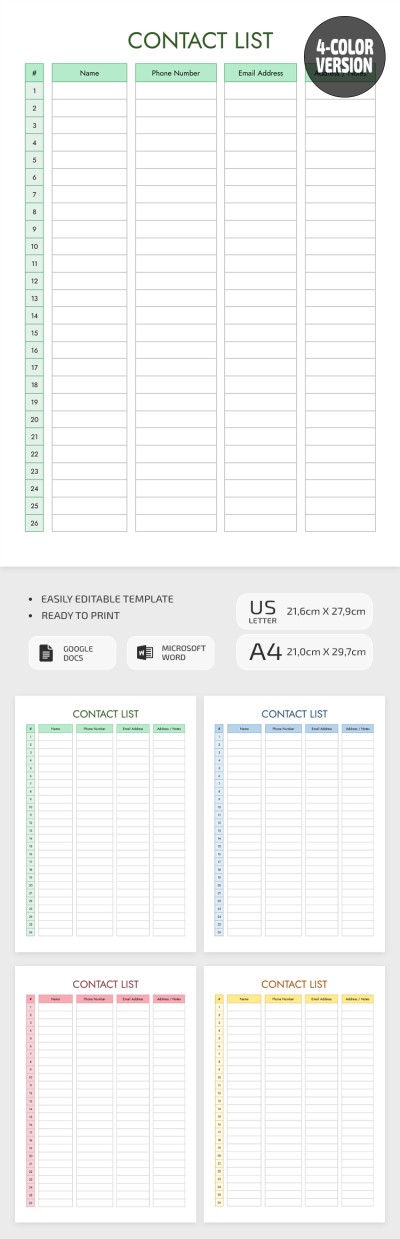
Printable Contact List Template
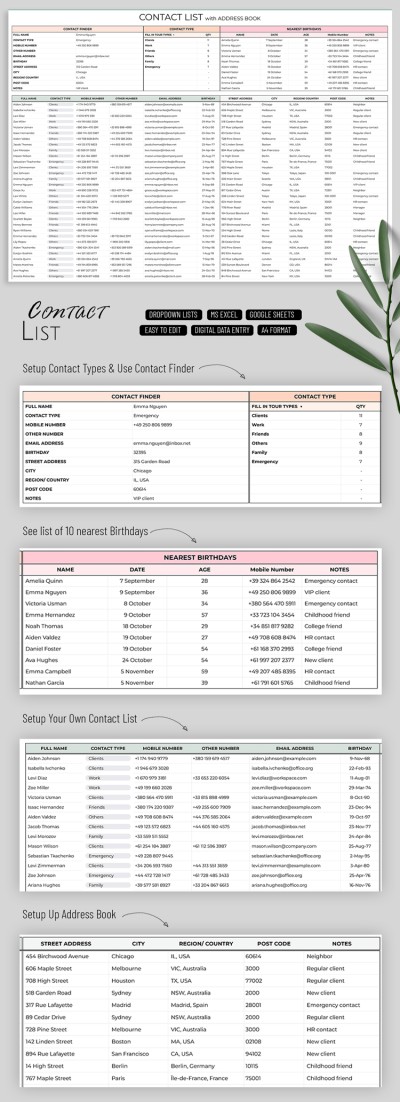
Contact List Template with Address Book
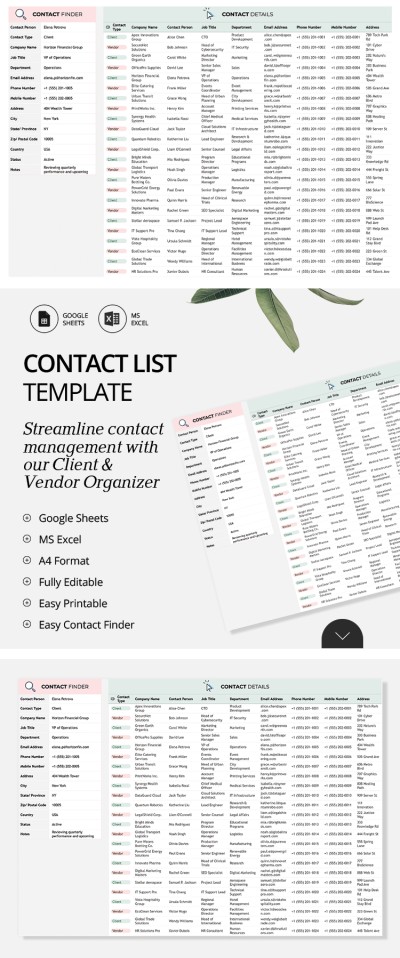
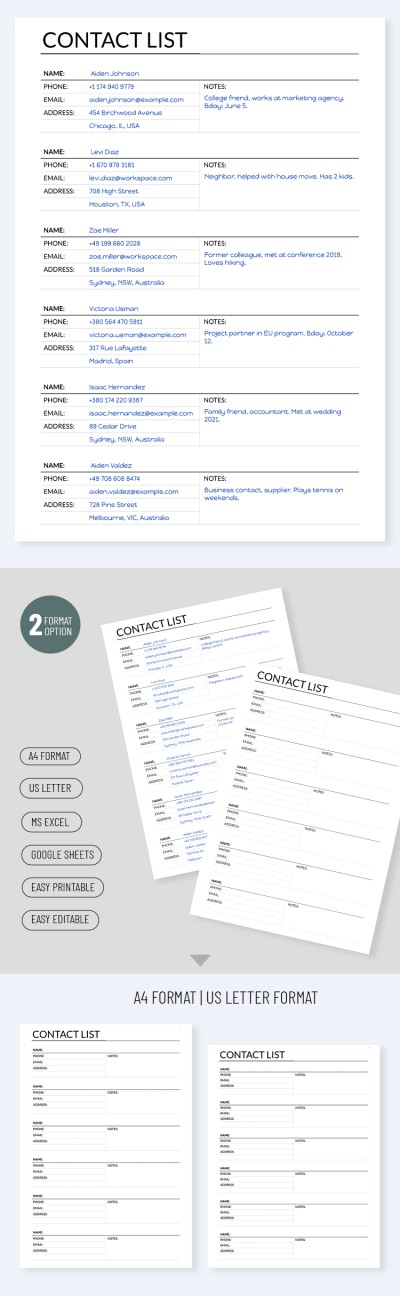
Printable Contact List Template
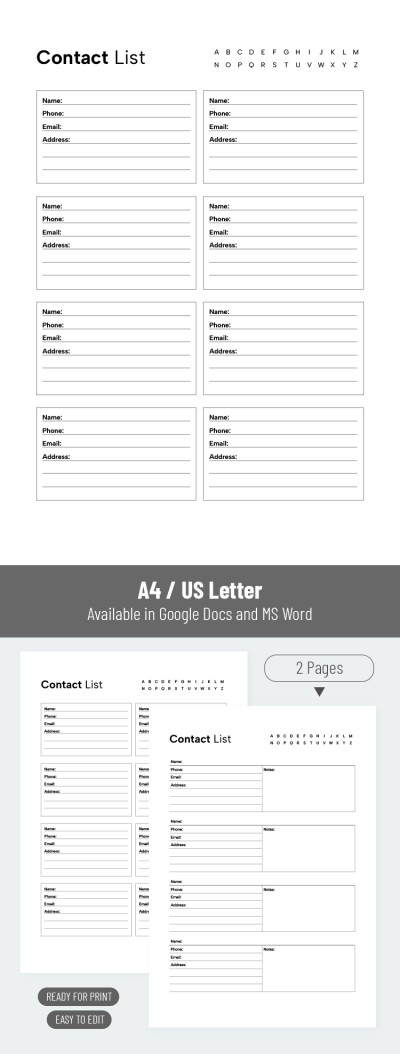
Editable Contact List Template
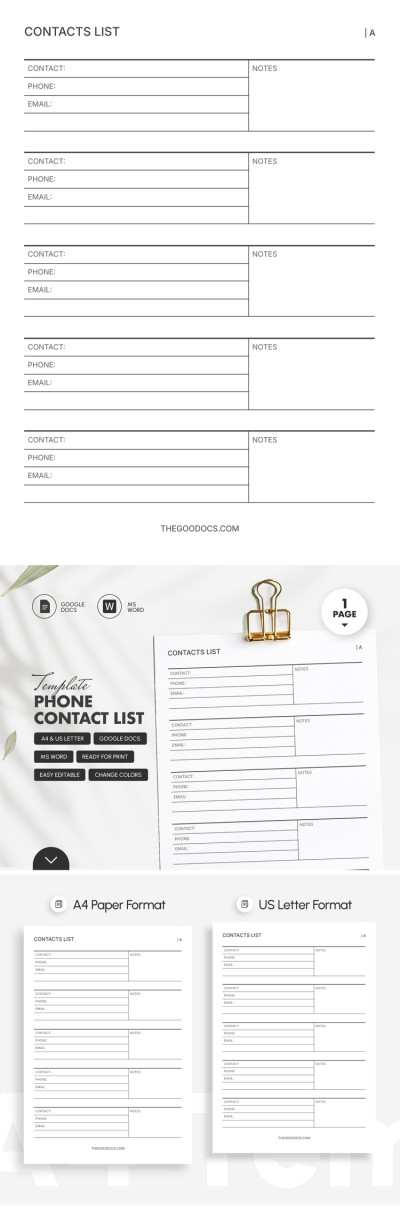
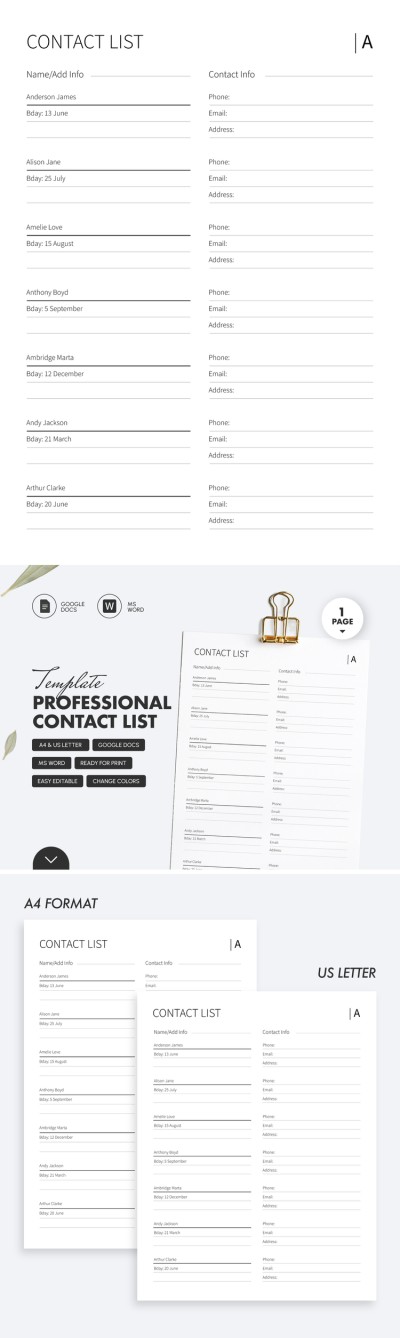
Professional Contact List
Please try different filters or clear all to start over.
Use our contact list templates to organize phone numbers, addresses, names, and emails in a convenient format. Choose from ready-to-use templates in minimalist or simple styles, download them or make a copy, and add your contact information. The entire process takes just a few minutes, so you can save time on creating a layout from scratch.
Take advantage of our contact list templates:
- Use a ready-made structure. Our templates include all essential fields, organized in various formats. You can easily enter names, job titles, phone numbers, email addresses, notes, and additional information for each contact. Keep all your data in a single file in either digital or printed form.
- Find any contact in seconds. Our templates are available in convenient Google Sheets, Google Docs, Excel, and Word formats. This allows you to quickly fill in tables, include an unlimited number of contacts, and easily locate them by any keyword, date, number, or other detail. Press Ctrl + F, enter your query, and you’re done.
- Customize contact lists for any purpose. Our templates are fully editable, so you can add new fields or adjust fonts, colors, and other elements. Need to include birthdays, work schedules, or social media links? Add any field in just a few clicks and use your customized template for free.
These are just some of the benefits you’ll get with our contact list templates. You can also export them to PDF or store hundreds or even thousands of contacts on any device. Our website also offers a dedicated category where you can choose a suitable address book template.
Contact Lists Templates FAQ
There is a plan on how to create your own contact list:
- Decide how exactly to organize contacts. You can arrange them by categories (Work, Family, Friends, etc.) or in alphabetical order.
- Add basic information: name, address, birthday, email, phone number, and any other important details.
- Consider which format is most convenient for using the contact list. There are two main options: a digital version (may be used via your PC, smartphone, etc.) and a printed address book that is always at hand.
Our templates meet all these requirements and offer ready-made designs. Opt for one-page and multi-page contact list templates for Google Docs, Word, Google Slides, and PowerPoint. All of them are 100% editable and suitable for printing. Use them in any convenient form!
Also, we offer free and premium samples that will help you save a lot of time. Choose a ready-made template, customize it, and organize your contacts in minutes!
Excel is an excellent tool for storing your contact list. The platform’s capabilities allow you to automate numerous processes, create organized tables for each contact, and quickly locate entries with a single search. Plus, with templates from TheGoodocs, you don’t need to make an Excel contact sheet from scratch.
To start using a modern and professionally designed contact list, simply:
- Find a suitable template available in Excel format on this page. Most options are provided in .xlsx and are compatible with the platform, so you’re sure to find one that meets your requirements.
- Download a file to your PC, phone, or any other device. After downloading, you can open the template from your downloads folder or directly in Excel via the control panel.
- Customize the template or keep its default design and structure. Our contact list templates are fully editable, so you can add more columns (job title, company, ZIP or postal code, country, etc.). You can also fully customize the design.
- Add your contact list to the pre-made fields. Most of our templates already include cells for entering the name, phone number, email, address, and notes for each contact.
That’s how easy it is to create a contact list in Excel using our templates. Some options available on this page also include advanced features, such as customizable contact types, a built-in contact finder, an upcoming birthdays list for the next 10 contacts, and more. Try creating your contact list for free today.

