
Planner Templates for Google Slides and PowerPoint
Discover our collection of the best planner templates in Google Slides and PowerPoint! We make unique, editable, and printable samples for our users, so they can efficiently allocate their tasks. Working with any free planner template is easy, and you don’t need any special skills. Download, customize, and fill out templates in a few clicks!
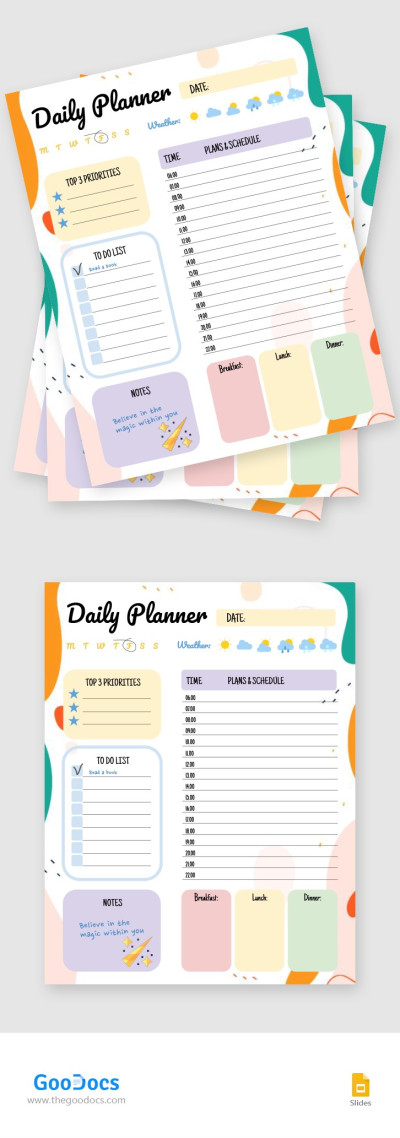
Colorful Daily Planner
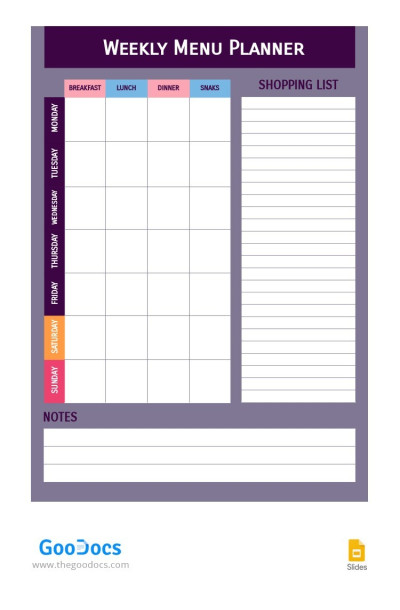
Weekly Menu Planner
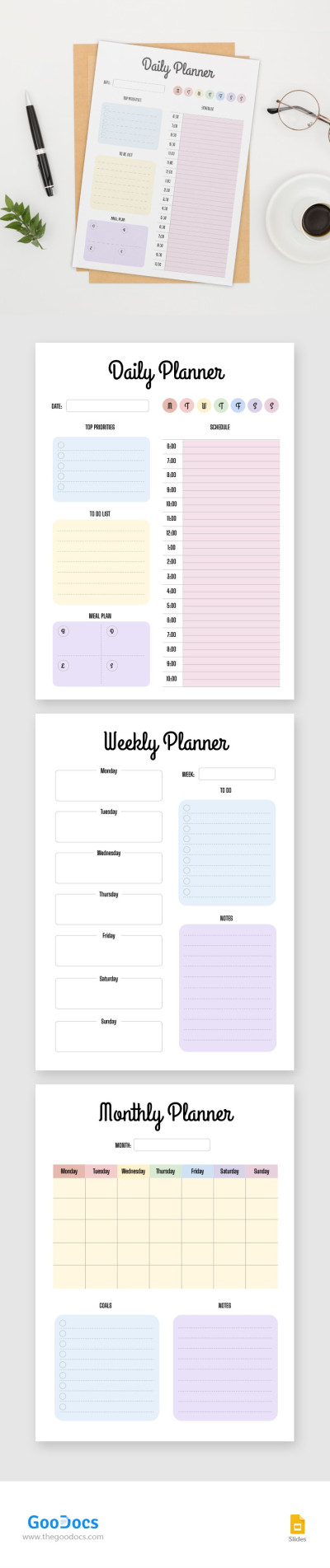
Family Planner
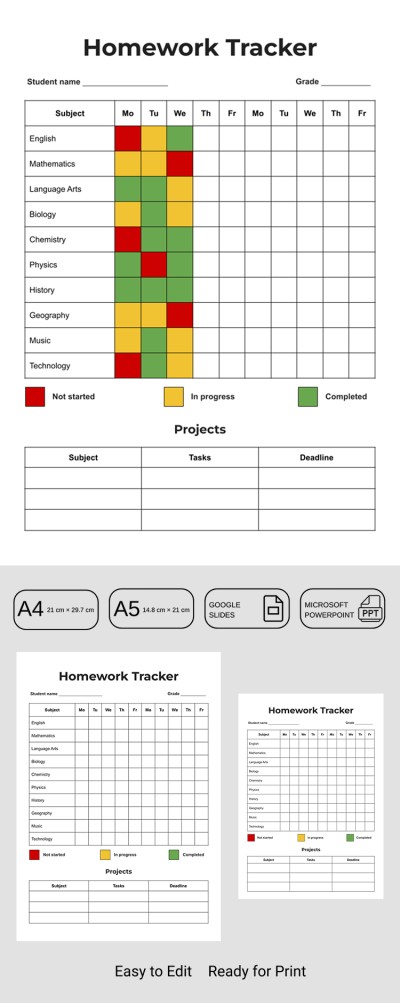
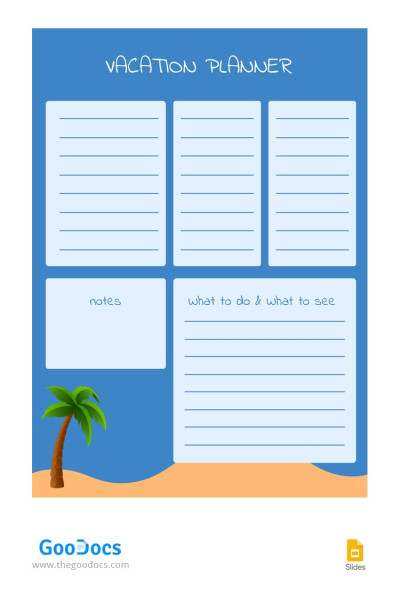
Vacation Blue Planner
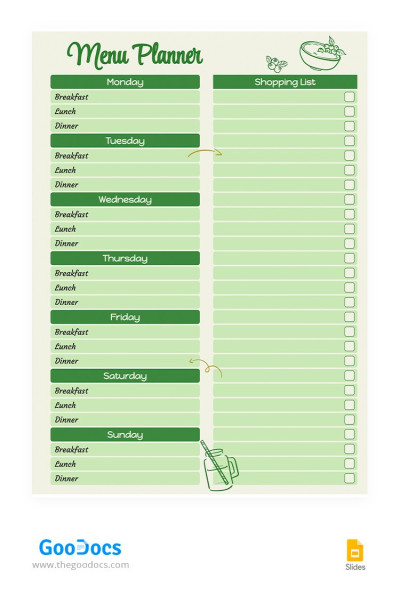
Weekly Green Menu Planner
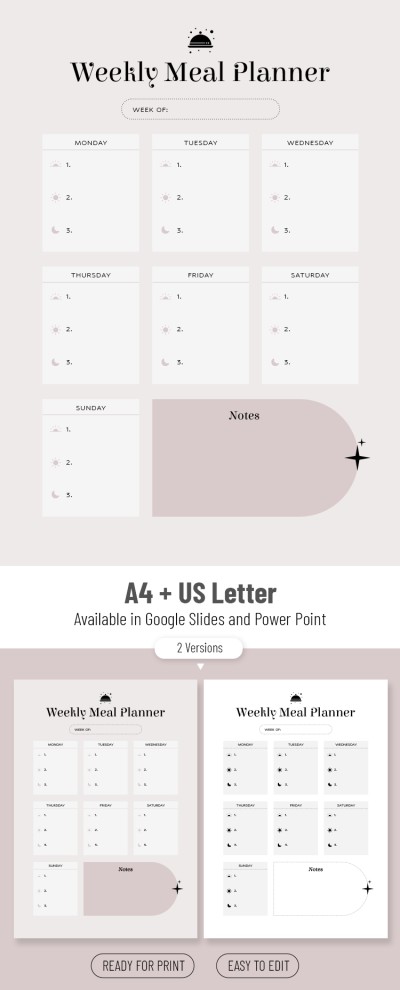
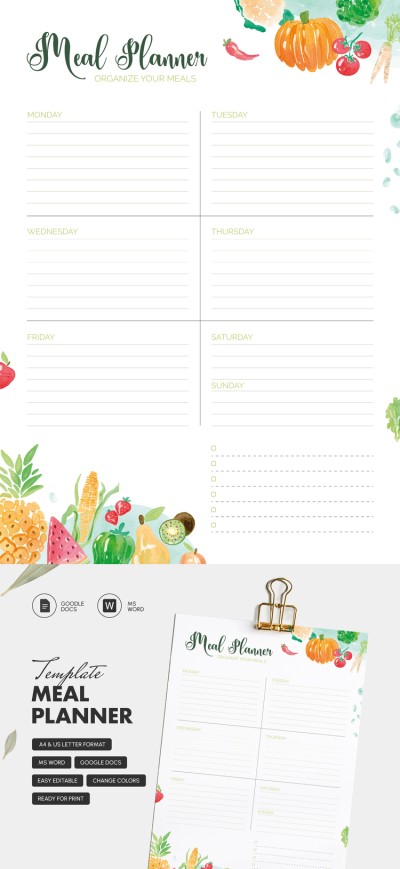
Aesthetic Weekly Meal Planner
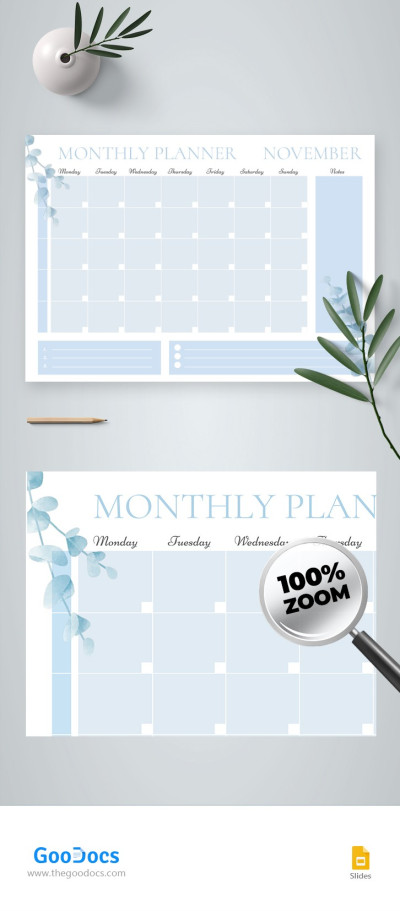
Aesthetic Monthly Planner

Monthly Marketing Planner
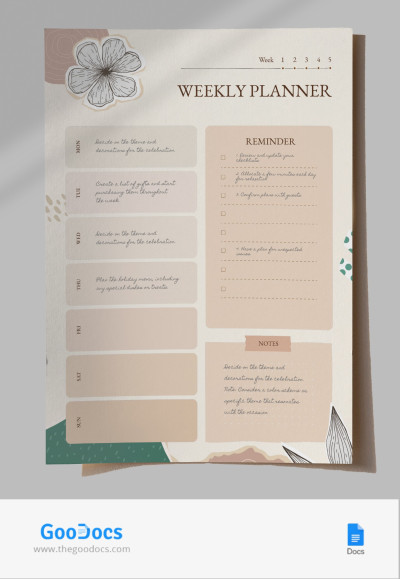
Beige Elegant Weekly Planer

Aesthetic Bachelorette Planner
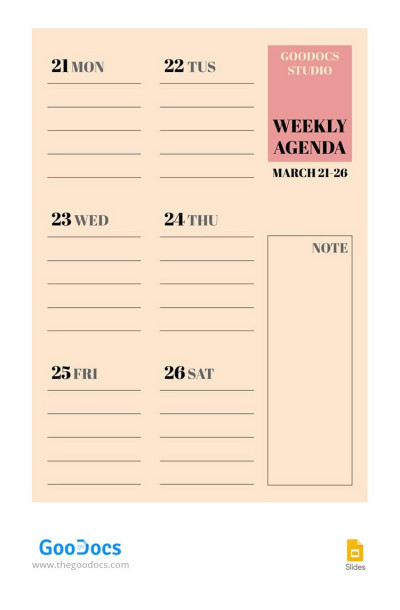
Creative Weekly Planner
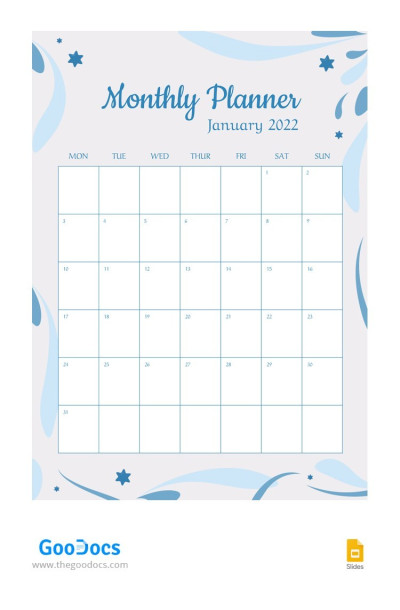
Snow Monthly Planner
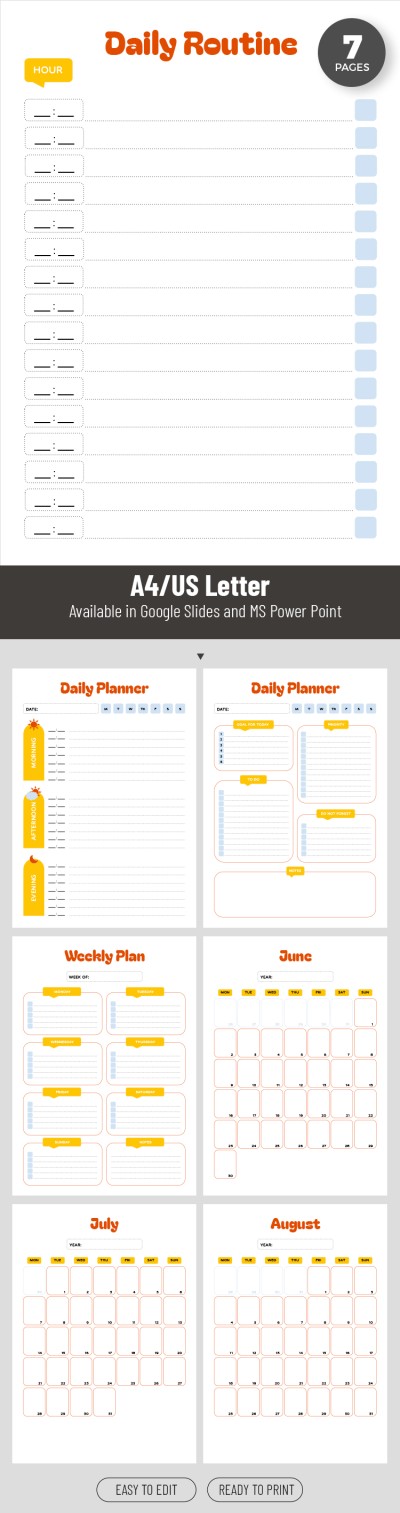
Printable Summer Holiday Planner
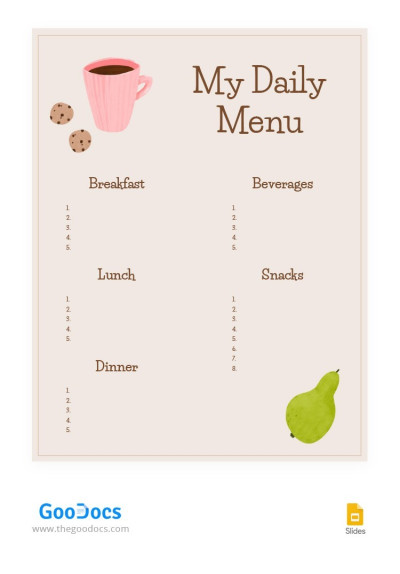
Cute Beige Daily Menu

Printable Teacher Planner Template
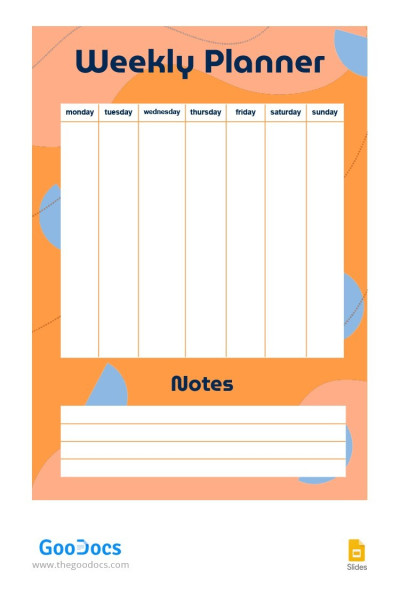
Bright Weekly Planner
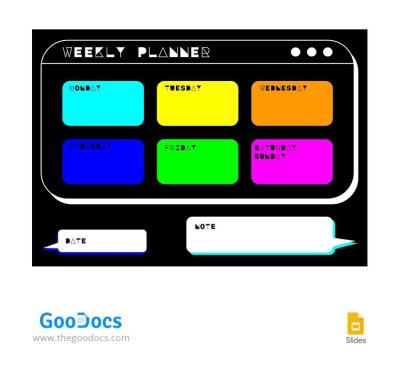
Colorful Futuristic Planner
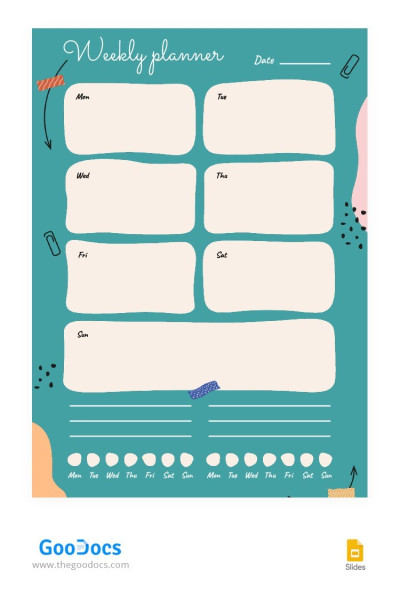
Green Weekly Planner
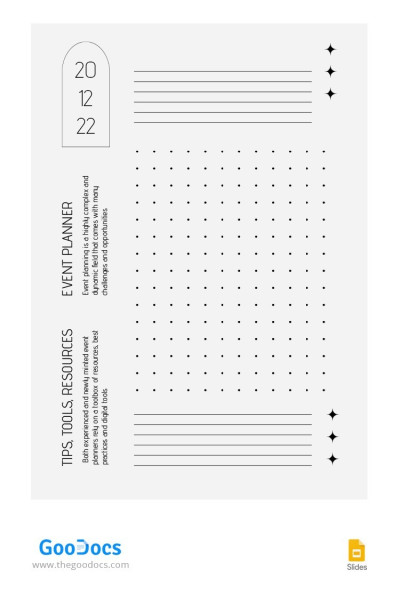
Modern Monthly Planner
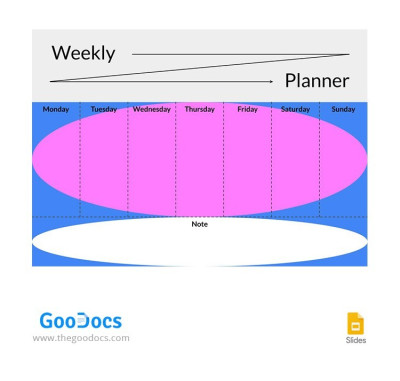
Modern Weekly Planner
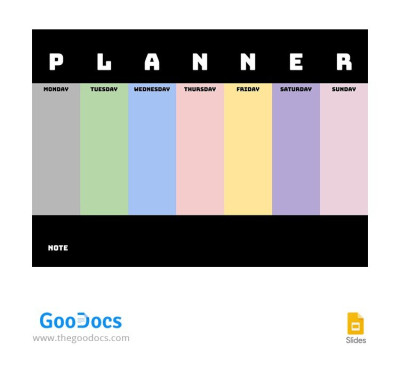
Multicolored Weekly Planner
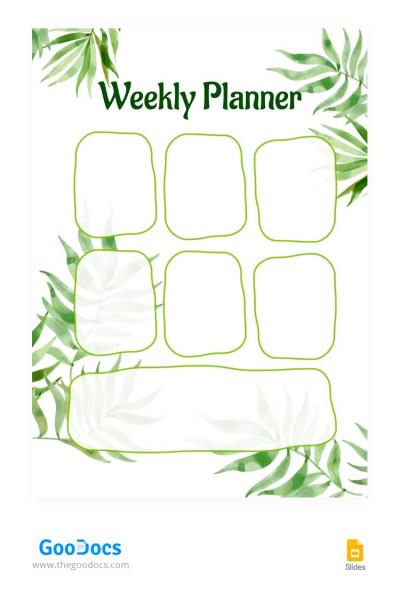
Tropic Weekly Planner
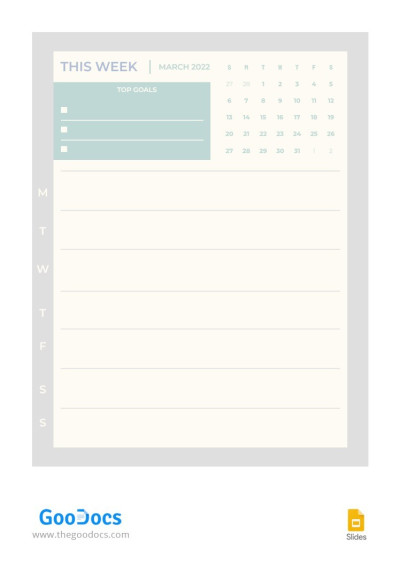
Simple Weekly Planner
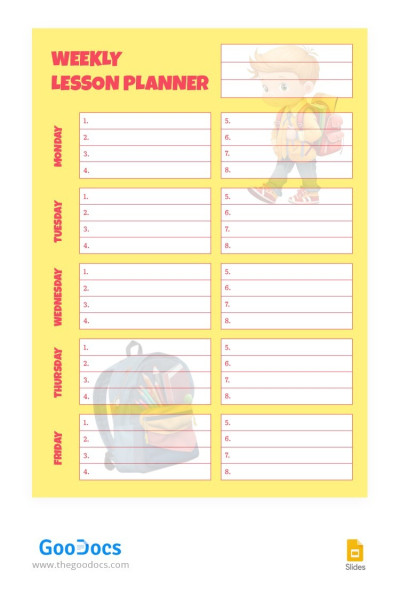
Yellow Planner Lesson
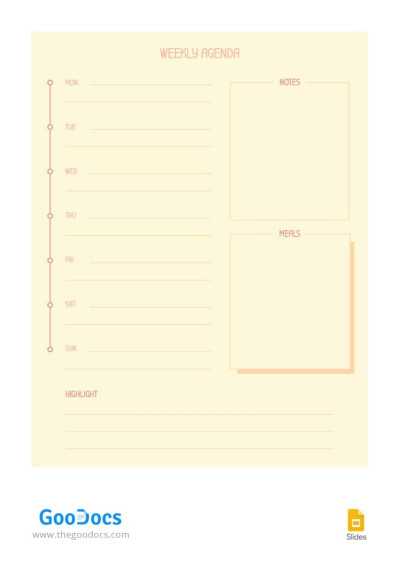
Plain Weekly Planner
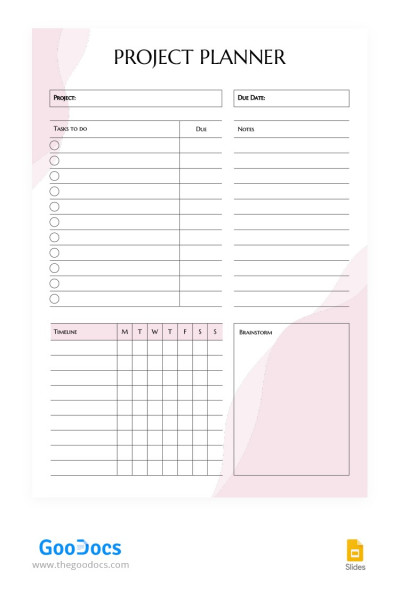
Aesthetic Project Planner
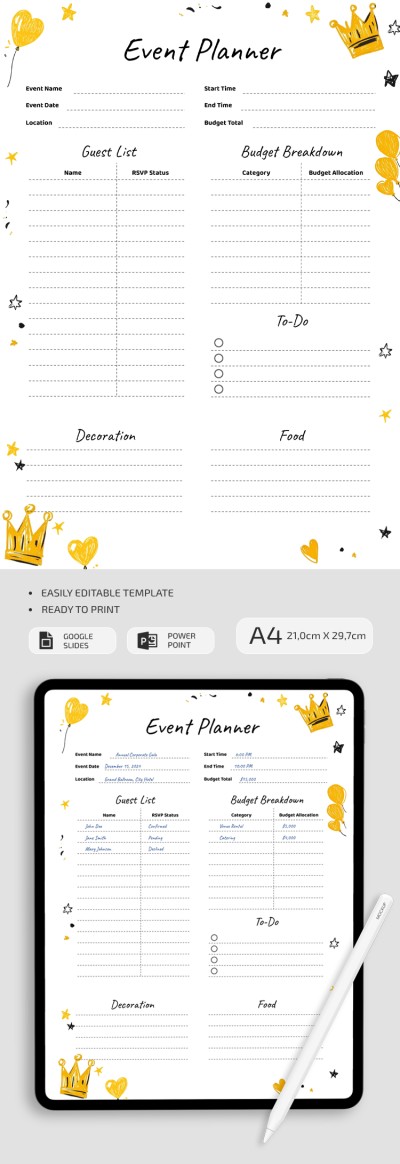
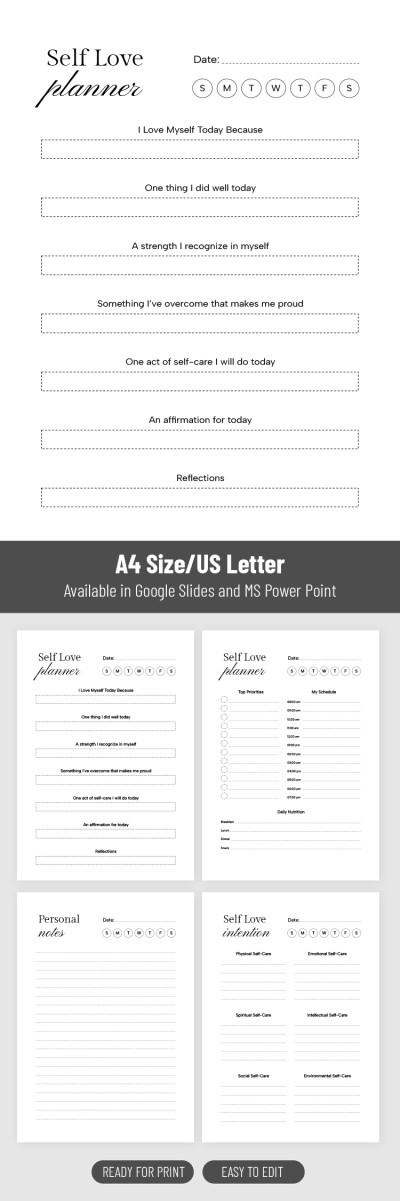
Self Love Planner
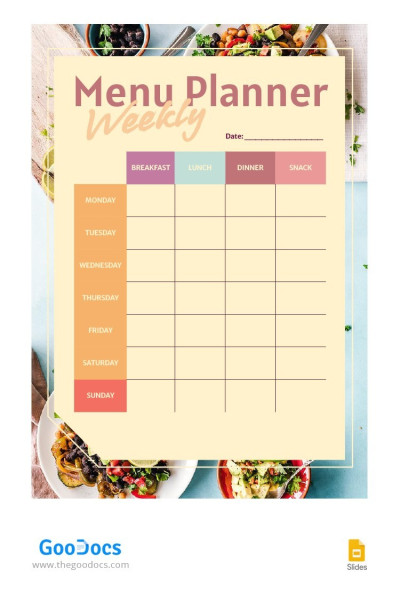
Pastel Menu Planner
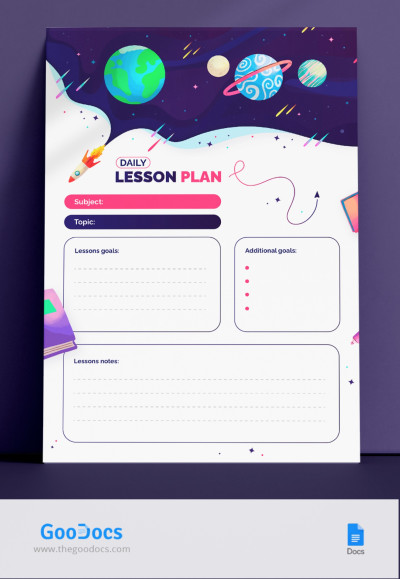
Daily Lesson Plan
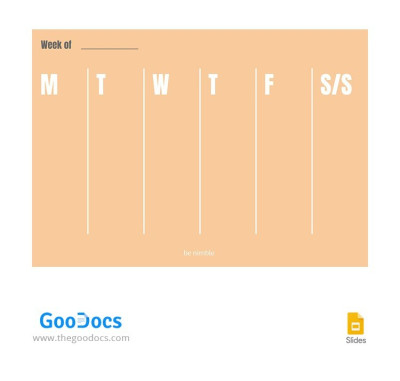
Simple Week Planner
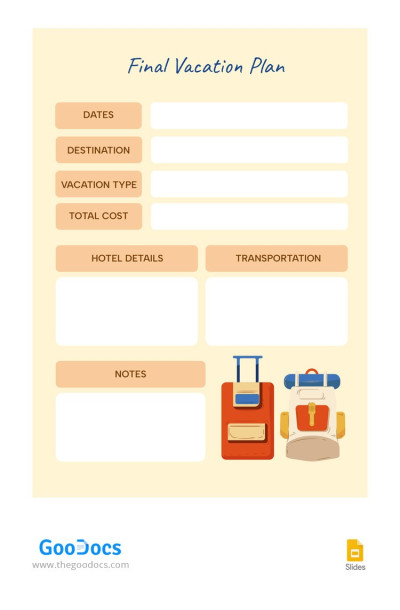
Final Vacation Planner
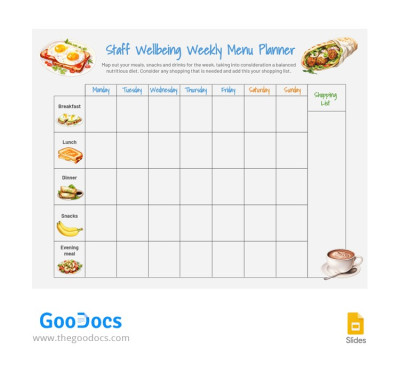
White Menu Planner
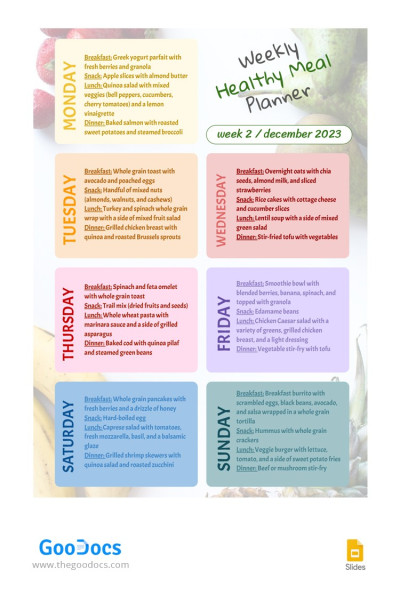
Weekly Healthy Meal Planner
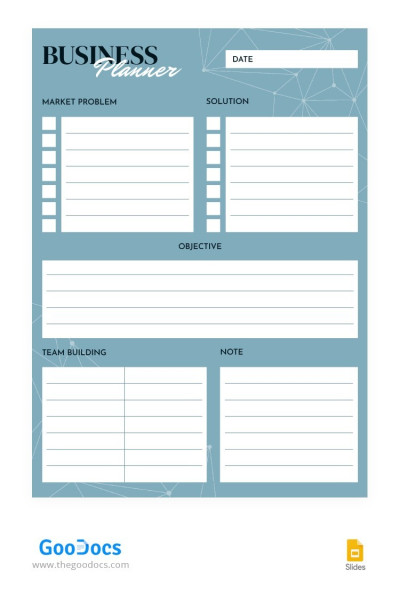
Blue Business Planner
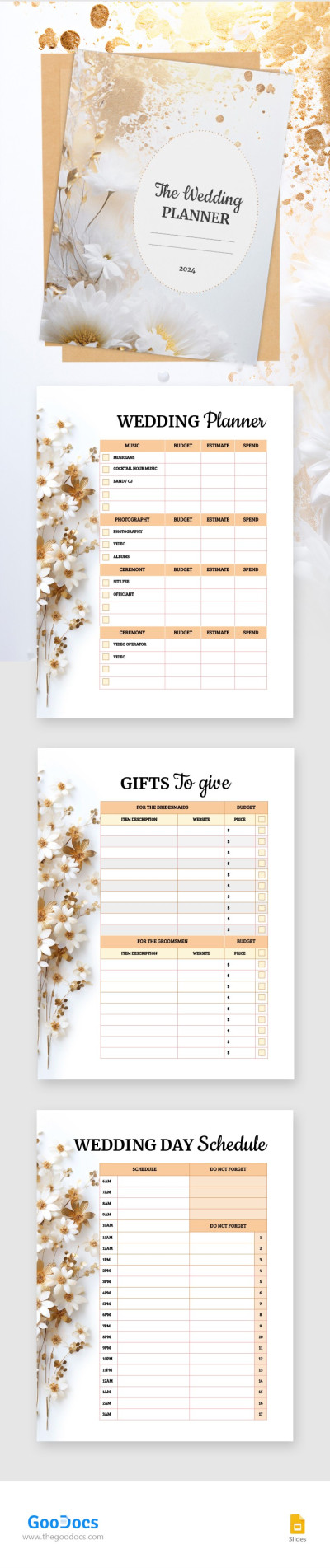
Wedding Planner

Gradient Wedding Planner
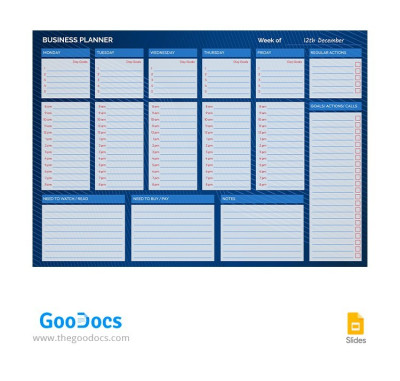
Dark Blue Business Planner
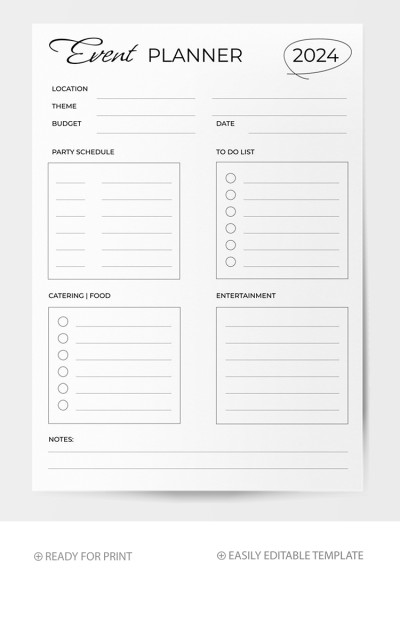
Universal Event Planner
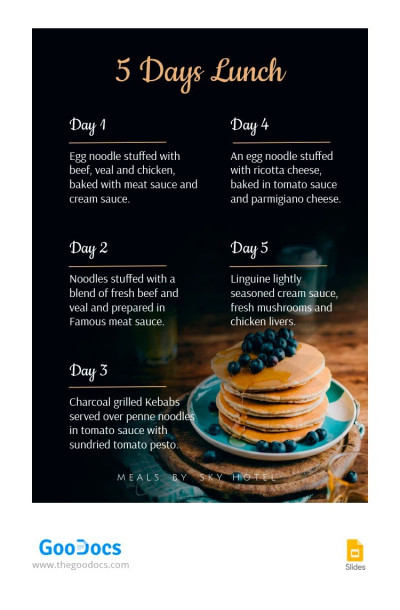
Hotel Lunch Planner
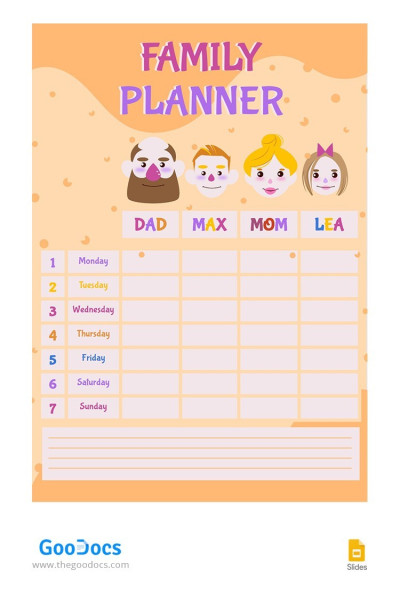
Bright Planner Family
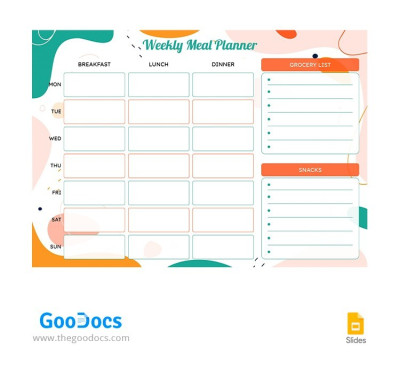
Bright Meal Planner
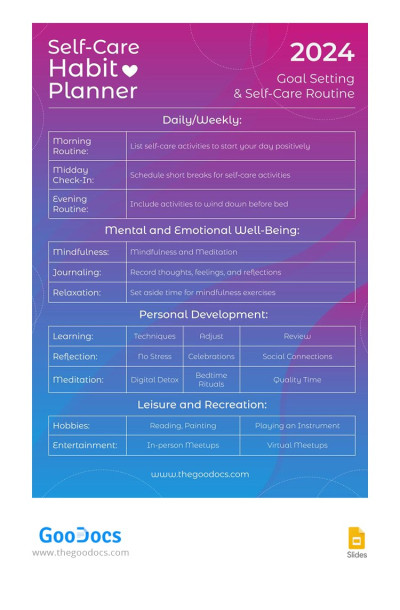
Self-Care Habit Planner
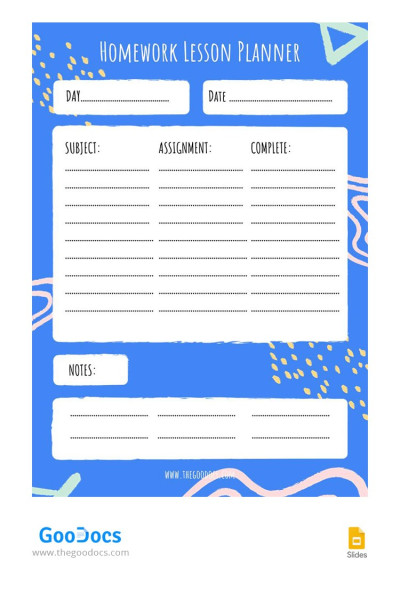
Blue Homework Lesson Planner
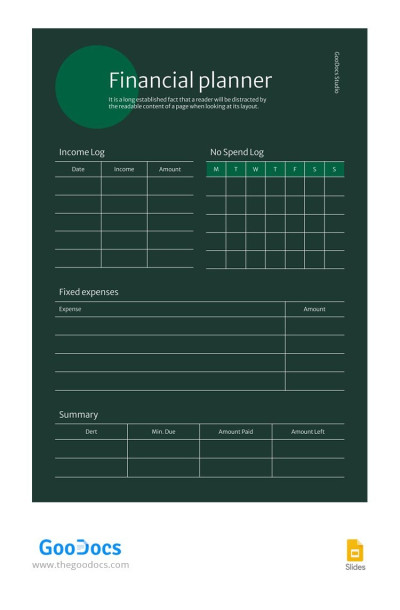
Green Modern Financial Planner
- 1
- 2
Google Slides and PowerPoint are not the most popular planner formats, but they have their advantages over others. These platforms are excellent for people who prefer a clean and engaging way to plan. Moreover, our Google Slides planner templates are suitable for both personal and business needs.
People prefer Google Slides and PowerPoint planner templates from TheGoodocs, because:
- We have ready-made designs for any occasion. Looking for a teacher, holiday, event, or universal planner template? On this page, dozens of options are waiting for you to use them freely. Choose any example and start customizing.
- Professional designs and the best visuals are included. The main advantage of these planners is the ease of working with the visual component, and we have revealed the full potential. Corresponding graphic images, pictures, gradient backgrounds, and professionally configured layouts will help you plan with pleasure.
- Complete freedom of personalization. If you think it's time to change the design, then you have the upper hand. You can easily customize any element, from fonts and block layout to colors and logos. The best part is that Google Slides and PowerPoint are extremely convenient for this task.
Is it time to start planning events, projects, and personal life? Use ready-made, editable, and printable planner templates on this page. For special events, we recommend checking out our wedding planning templates category.
Planners Templates FAQ
To create a planner on Google Slides, you should build the table with the calendar and tasks layout, include visuals, and much more. TheGooodocs offers a much more convenient approach suitable even for those not aware of the capabilities of Google Slides.
To make a detailed planner on Google Slides with our templates, you only need to:
- Find a suitable template. This page contains only planners compatible with Google Slides and PowerPoint, so you can freely choose the one that suits your purposes and style.
- Grab a free copy. Just click the "Edit in Google Slides" button and wait for 10 seconds. After that, you'll get a copy of the template for your Google Drive.
- Fill in assignments and dates. From weekly and monthly Google Slides planners to specialized versions, such as lesson plans, meal and event planners, each template offers a distinctive layout. Utilize the structure to fill in your tasks, deadlines, statuses, and other essential details.
- Adjust the design and include more visuals. Google Slides is a top-notch platform to work with visuals. It offers a user-friendly interface to customize the design, and our templates are 100% responsive. You can completely change the initial layout or leave it as is.
- Use the template online or after printing. You'll have access to the template on any device. Alternatively, you can save it as a PDF file and print - no additional settings are required.
Make a planner on Google Slides with TheGoodocs templates. It's easy - just give our solution a shot.

