
Basic Resume Templates
Our basic resume templates in Google Docs and Word focus on clarity and readability. This makes them suitable for candidates in a variety of fields. On this page, you'll find templates with clean and minimalistic layouts that can be edited in convenient formats. Each option contains basic sections, such as skills, work experience, and education. Get a copy or download our blanks for free.
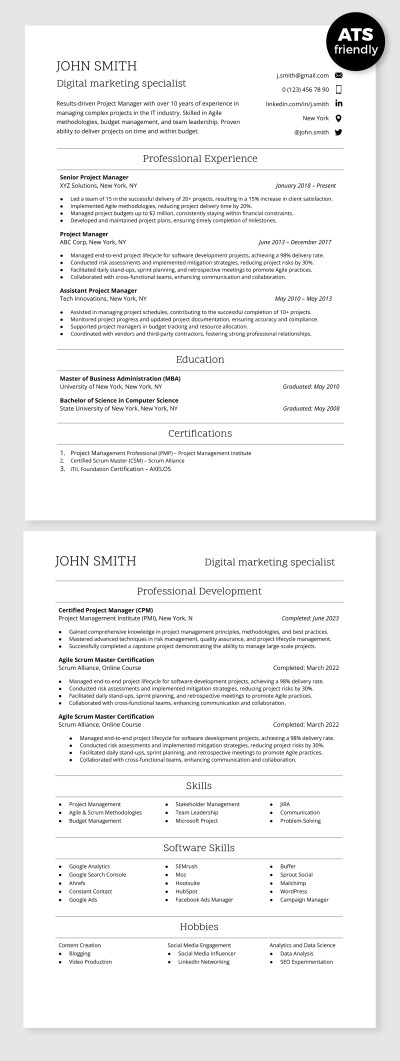
ATS Compatible Digital Marketing Specialist Resume Template
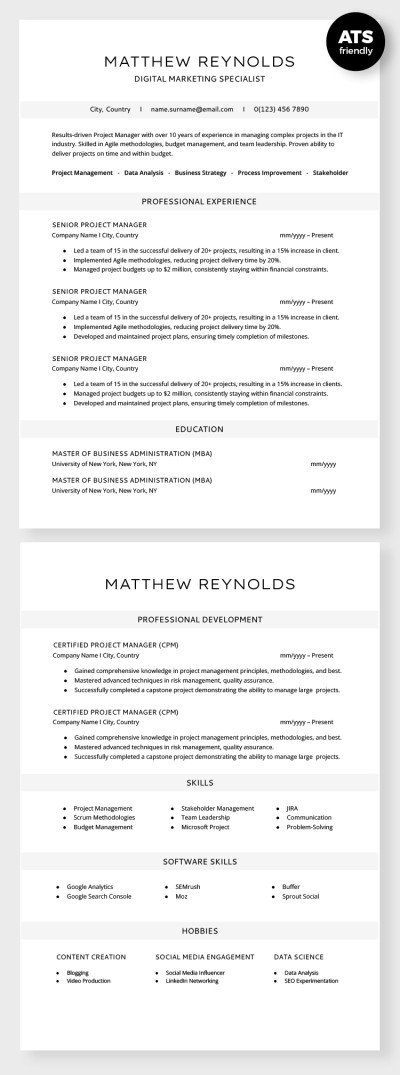
ATS Compatible Digital Marketing Specialist Resume
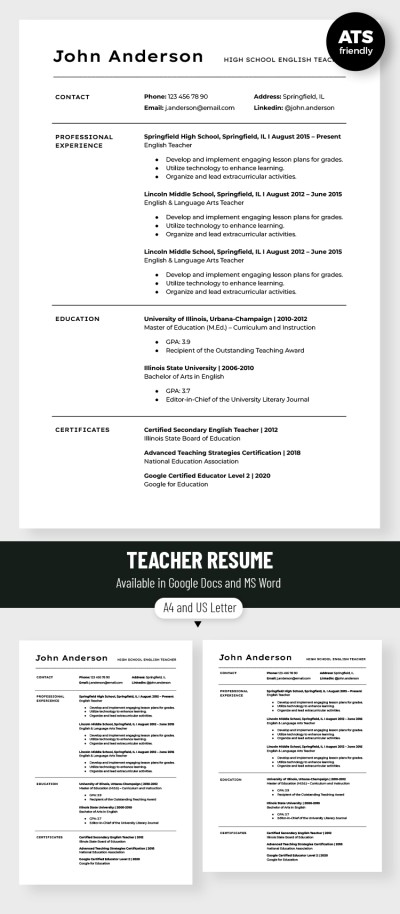
Editable Teacher Resume Template
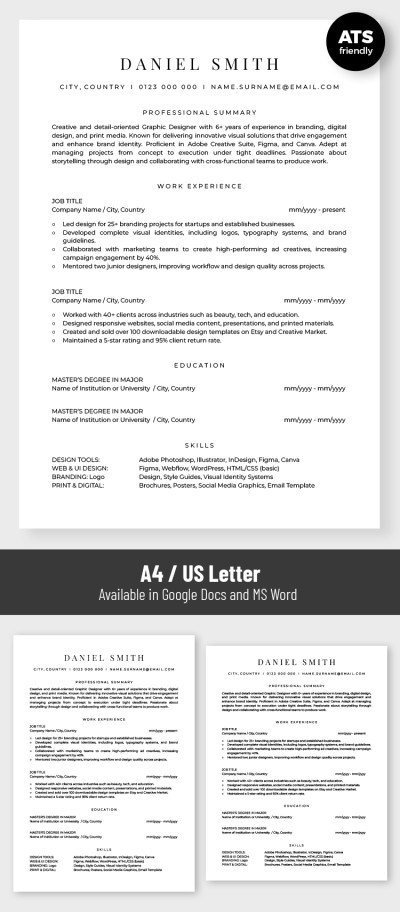
Basic ATS Friendly Graphic Designer Resume Template
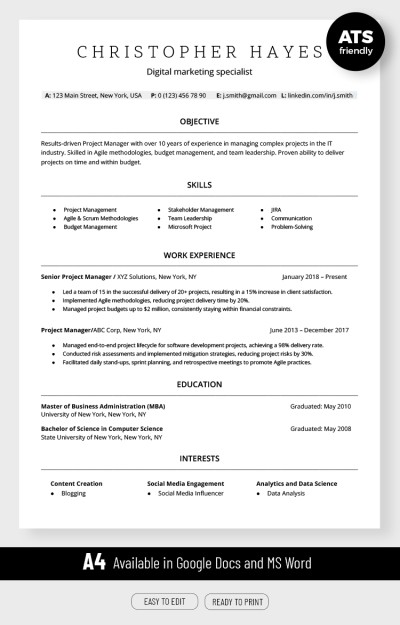
ATS Compatible Digital Marketing Resume Template
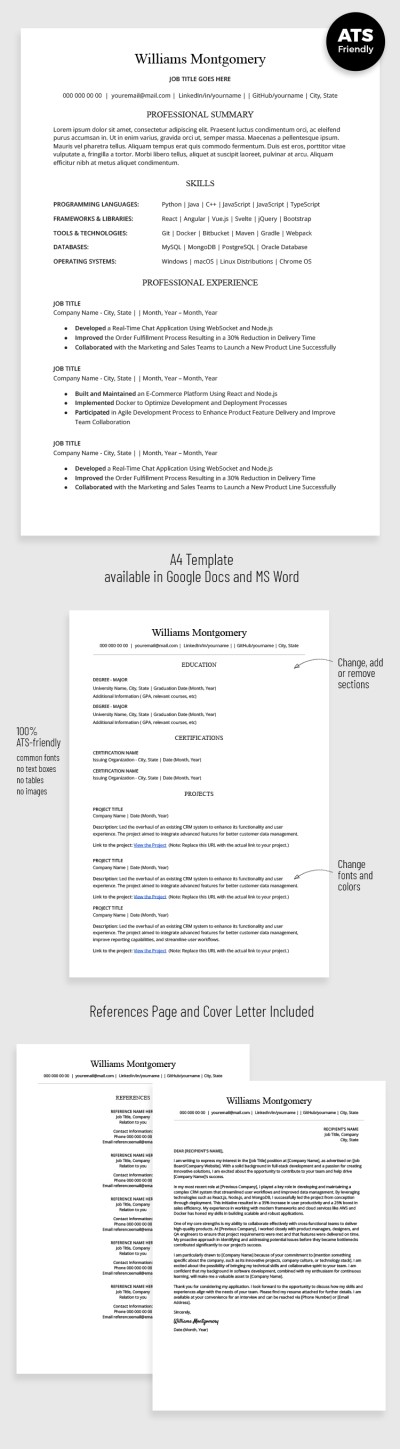
ATS Optimized Developer Resume with Cover Letter
ATS Resume
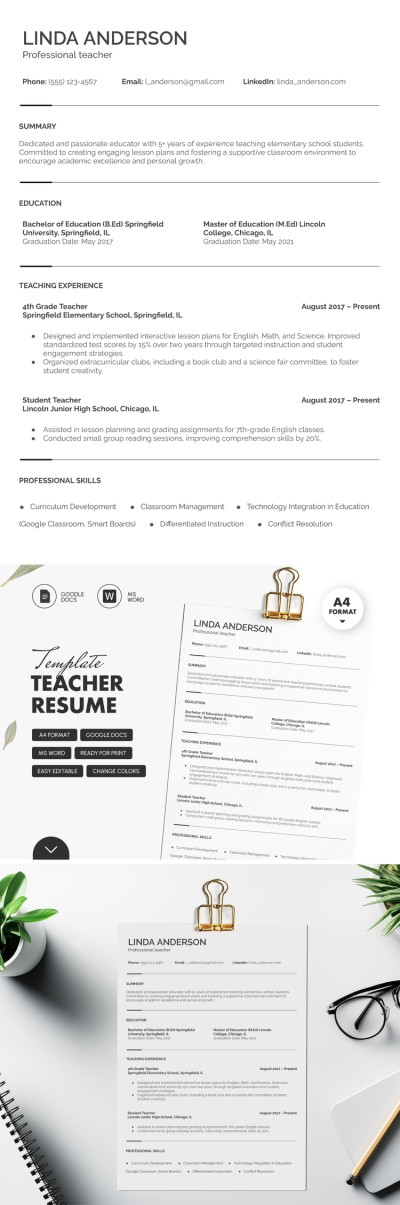
Elegant Teacher Resume
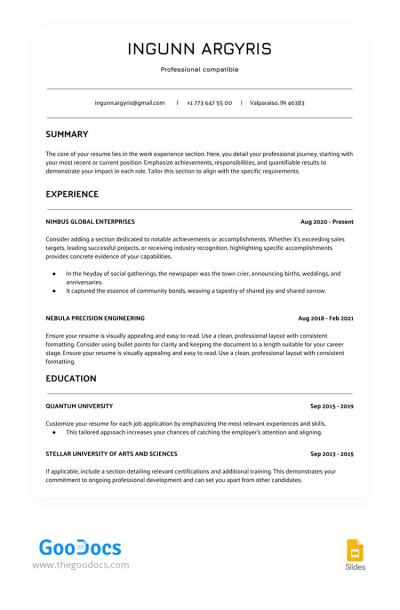
White ATS Сompatible Resume
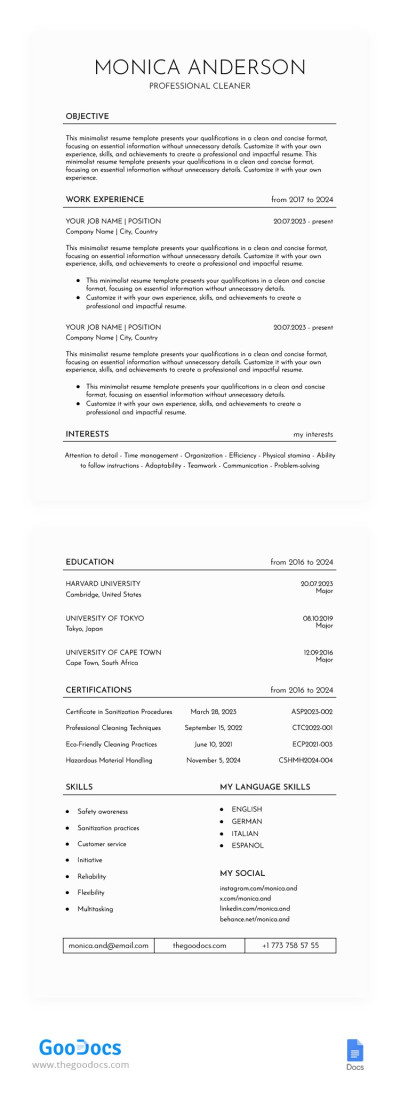
Clean Resume
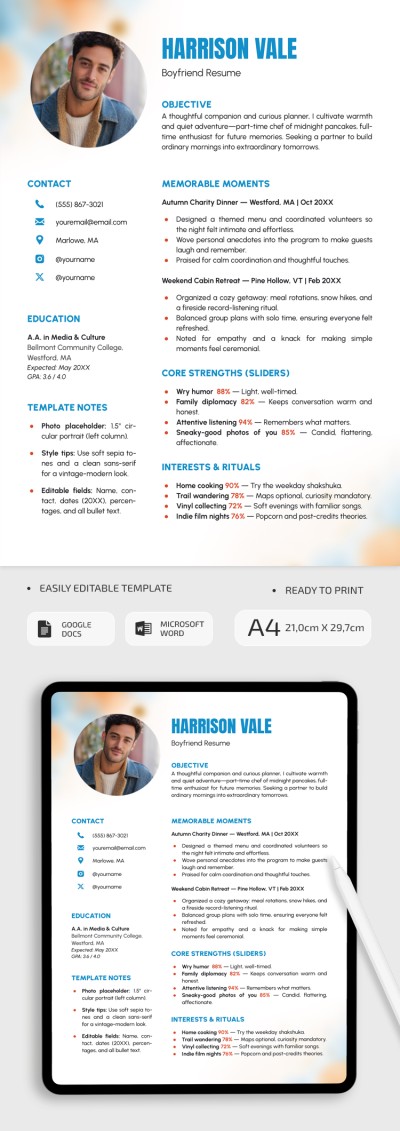
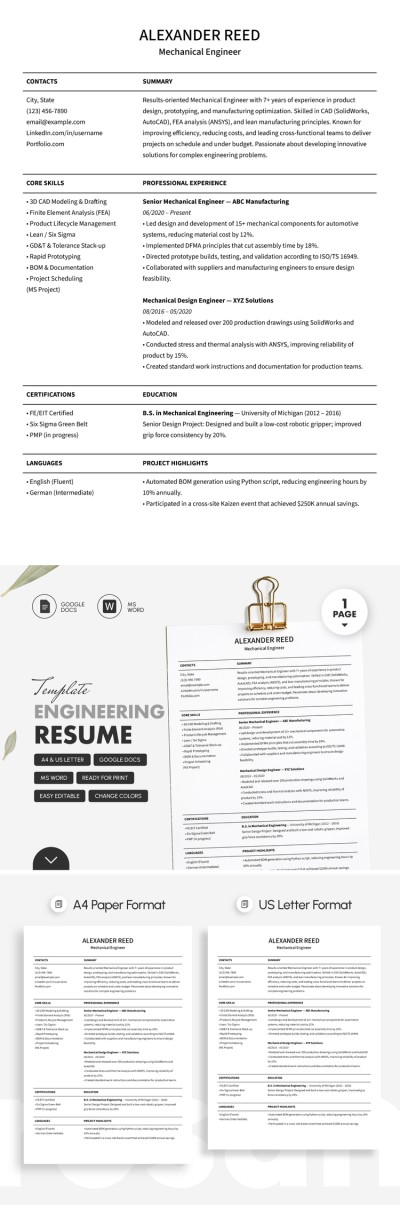
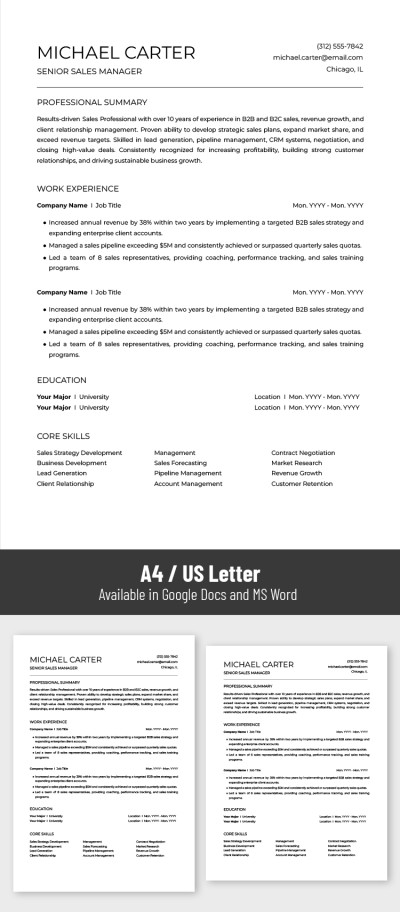
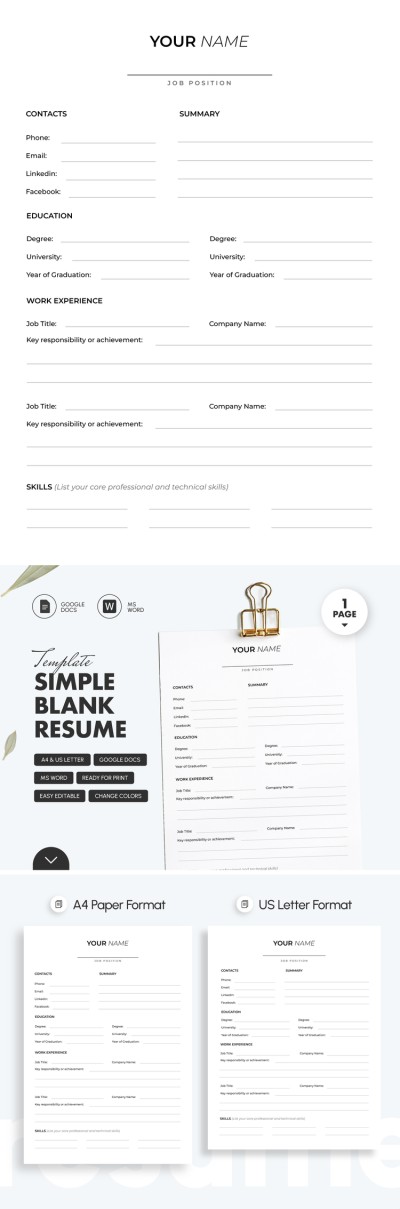
Basic Blank Resume Template
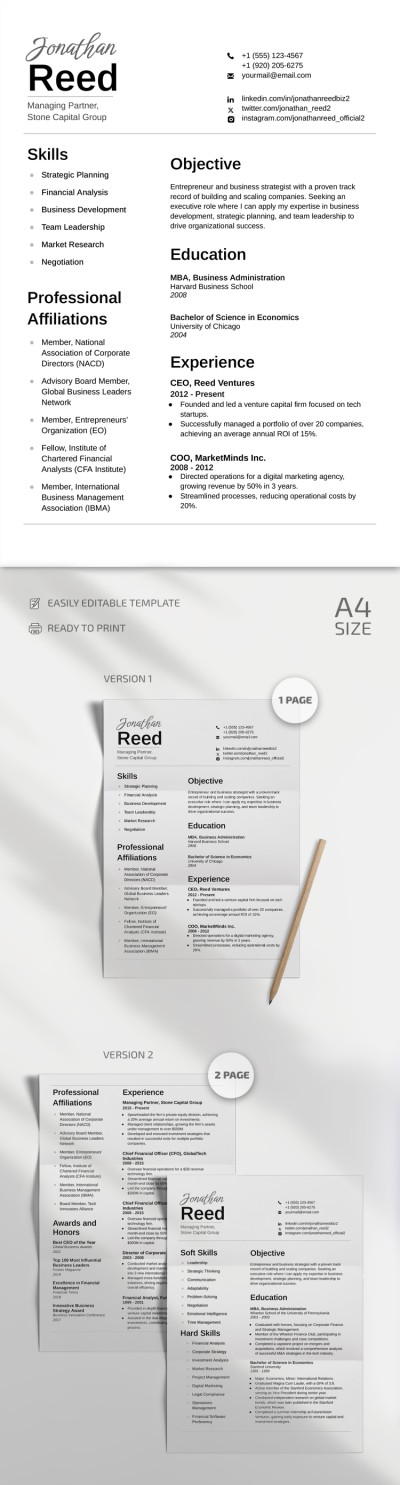
Simple Resume
Please try different filters or clear all to start over.
A basic resume template is the perfect choice for professionals in any industry. We offer dozens of minimalist designs with a classic black-and-white layout and clear division into sections. Our templates will help you create a neat and well-structured document in just a few edits.
Choose a basic resume template and enjoy all its benefits:
- Our templates are extremely easy to use. You can make a copy in Google Docs or download a basic template in Word format to start customizing. Our templates are fully editable, giving you complete freedom to customize them as you see fit.
- Simple and no-frills designs. Nothing will distract recruiters from your resume. No unnecessary graphics or excessive details guarantee ease of perception.
- Our basic resumes are exceptionally versatile. A clean blank is always suitable for any industry and experience level, from beginners to seasoned professionals. Recruiters won’t need to spend much time deciding whether you’re the right fit for the role. Our basic resume templates help you present only the most essential information.
Use our filled-in examples to customize your basic template and land your dream job today. Edit, save as PDF or .docx, and apply for any position. Find even more options, including a teacher resume template, on our website.
Basic Resume Templates FAQ
The basic resume format includes only minimal styling and essential sections.
Here’s how a basic resume should look:
- Include only the most essential sections. Depending on the format (chronological, functional, or combination), these may include a professional summary, work experience, education, and skills.
- Use minimal formatting. Each section should be highlighted with a heading, written in a slightly larger font. Within the work experience section, each position can be listed as a bullet point. Use only standard fonts such as Times New Roman, Arial, or Calibri.
Avoid using photos or bright visual elements.
This type of resume works well for most professions. On this page, you will find many ready-made basic resume templates that can be downloaded to Google Docs and Word and edited. Get a ready-made structure, design, and filled-in example for free.
Now, you shouldn't make a basic resume template from scratch. You can utilize our ready-made templates for free.
Here's how to start using them:
- Find a suitable basic resume on this page and click its title or preview image.
- Find an "Edit in Google Docs" or "Download for Word" button to the right of the preview, choose the most convenient format, and download it.
- Open the template and enter your work experience, skills, education, and other information into the ready-made sections.
- Check that all the information is correct.
Your basic resume template is now ready. It will take you just a couple of minutes to make a resume template for different vacancies. Use our ready-made samples for free.

