
Attendance Tracker Templates
Keeping track of attendance at work or school can be much easier with our collection of tracker templates. Ready-made attendance sheet templates are available in convenient Google Sheets and Excel formats. They feature built-in formulas for generating absence statistics and automatic color-coding. You can access your trackers on any device, online or offline, or print a hard copy for manual tracking.
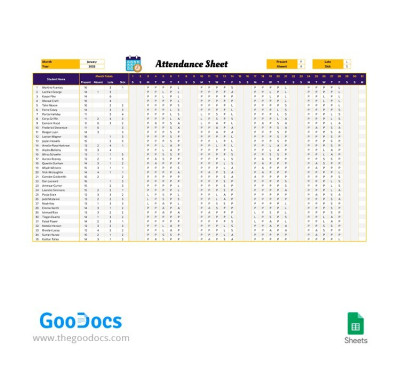
Monthly Attendance Tracker
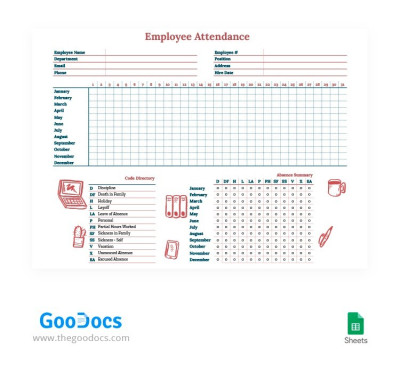
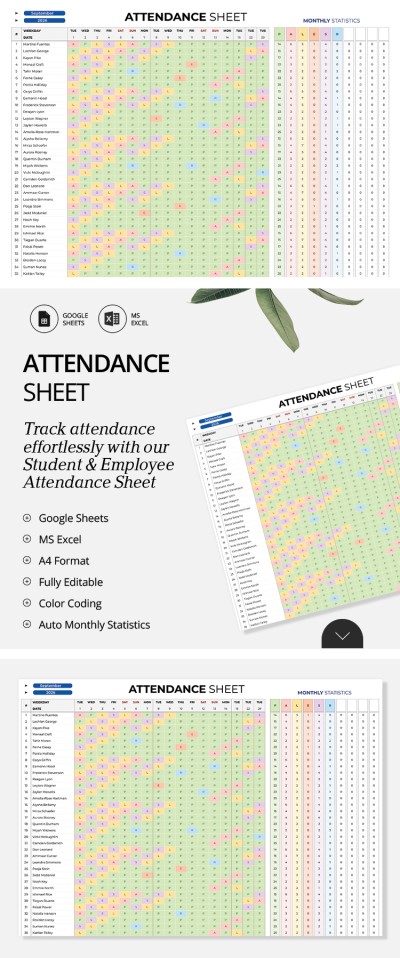
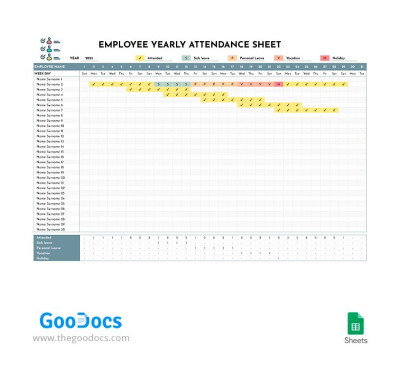
Employee Yearly Attendance Tracker Template
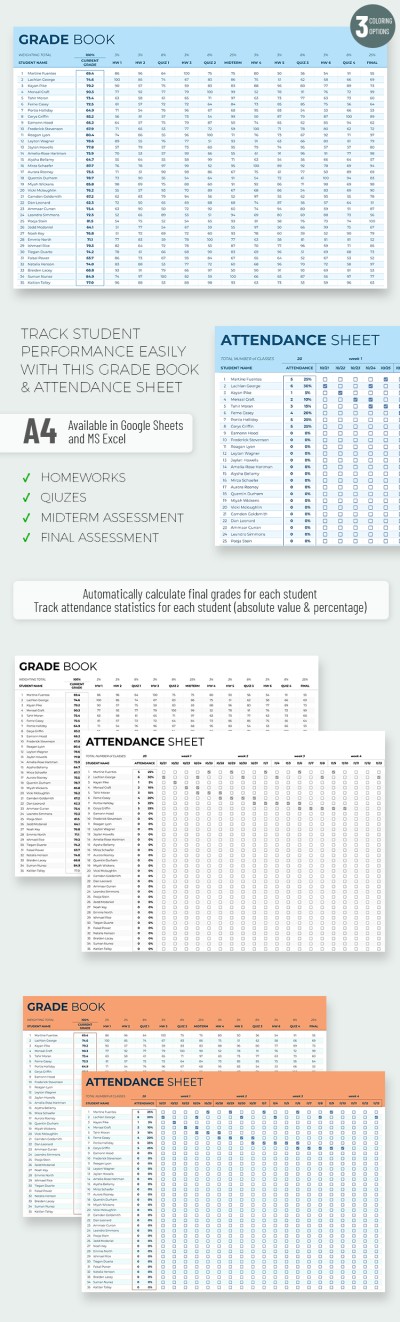
Basic Gradebook and Attendance Tracker Template
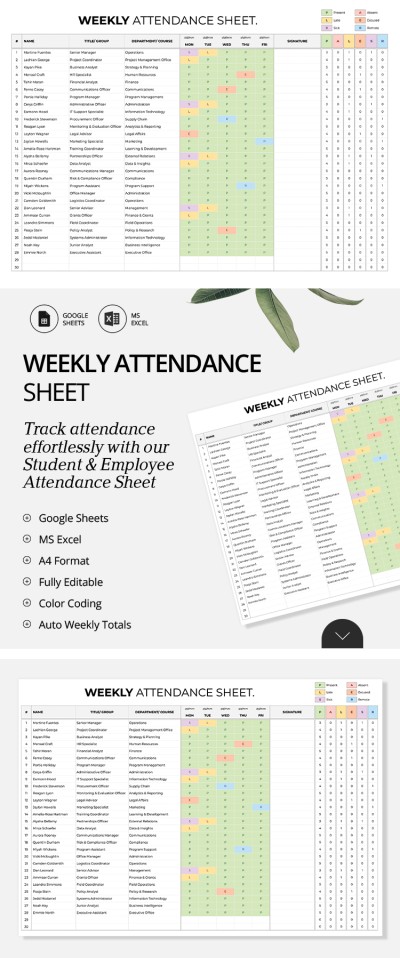
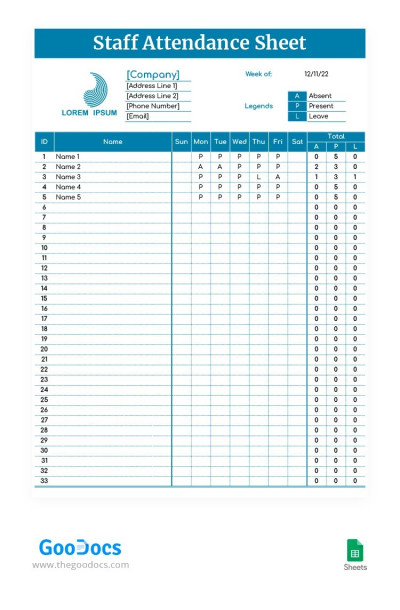
Simple Staff Attendance Tracker
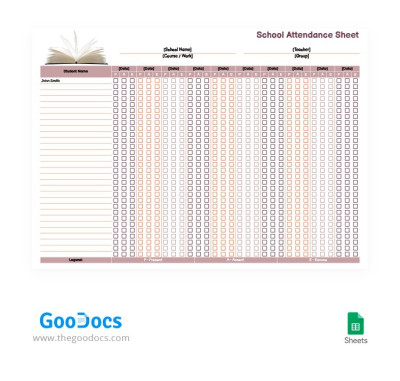
Easy School Attendance Tracker Template
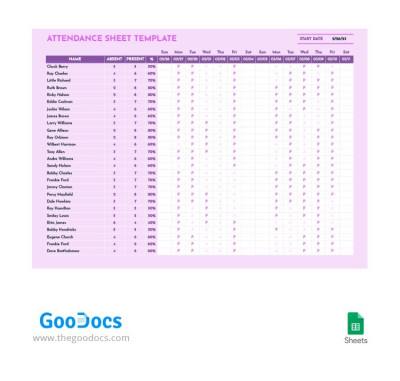
Magenta Attendance Tracker Template
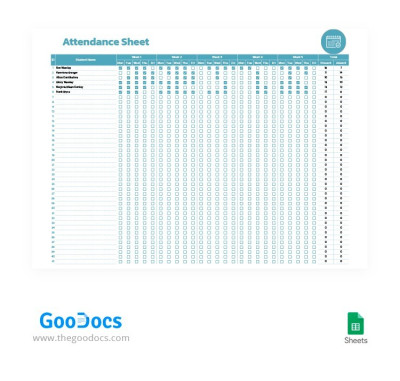
Simple Student Attendance Tracker Template
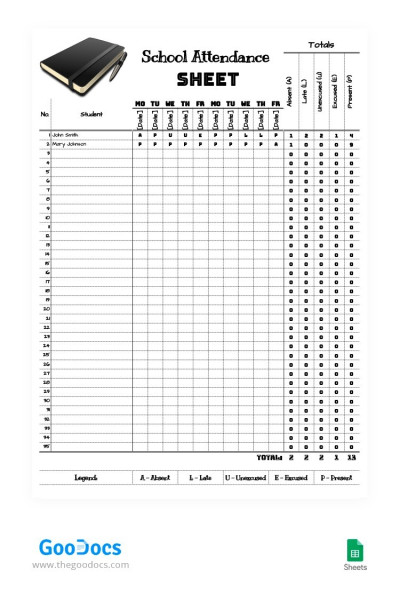
Simple School 10-Day Attendance Tracker Template
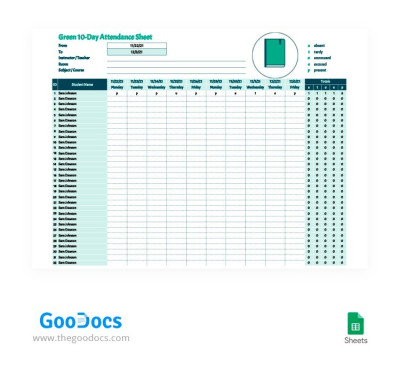
Green 10-Day Attendance Tracker
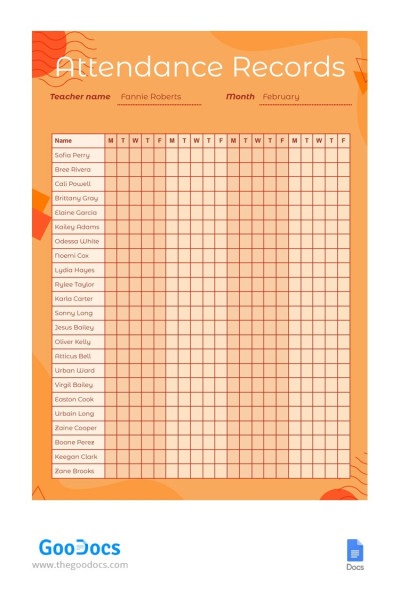
Bright Attendance Records Tracker Template
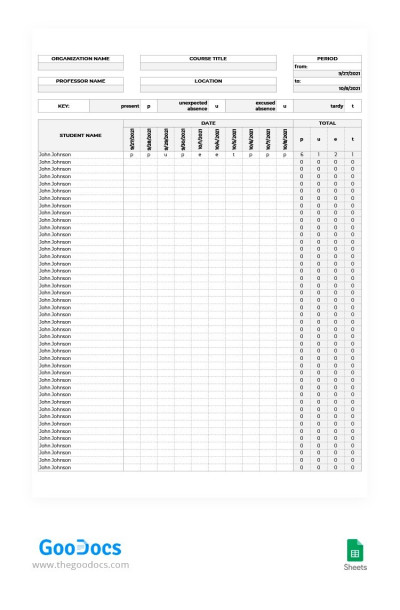
Gray 10-Day Attendance Tracker
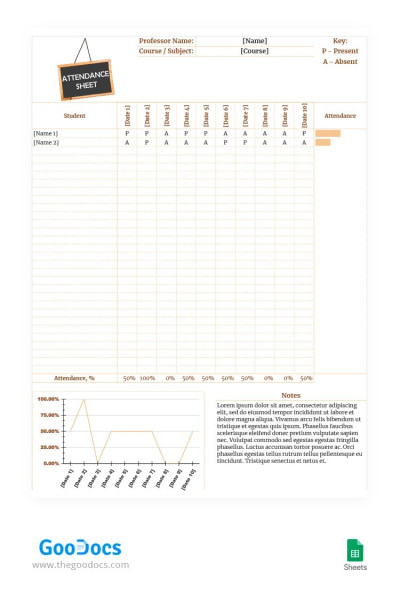
Brown 10-Day Attendance Tracker
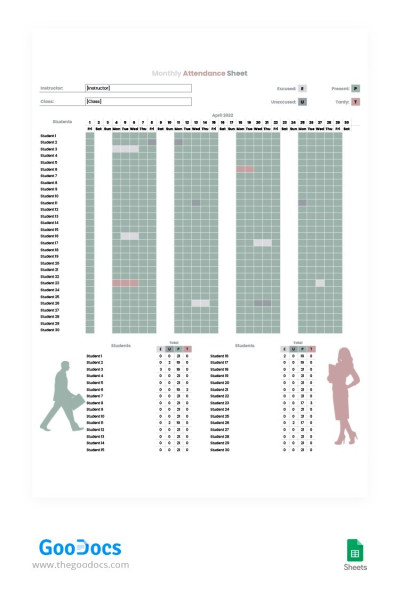
Gray Monthly Attendance Tracker Template
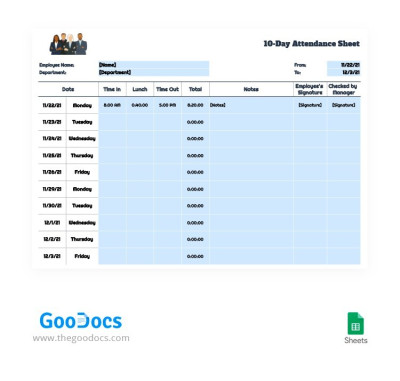
Employee 10-Day Attendance Tracker Template
Please try different filters or clear all to start over.
You can quickly and easily keep track of student or employee attendance. No need for manual notes or messy journals, just use our pre-made attendance tracker templates. Our templates make each entry convenient and accurate, whether you're using a digital device or a printed copy. We've prepared dozens of editable and printable attendance sheets in various formats.
Experience the convenience of our attendance tracker sheets:
- Designed for various tasks and intervals. This page contains dozens of unique attendance tracker templates. You'll easily find specialized options for schools and educational institutions to track student attendance and performance. The collection also includes options for recording work hours and calculating employee salaries. Choose your weekly, monthly, or annual attendance sheet and start filling it out.
- Fully editable in Google Sheets and Excel. You can download a file or make a copy of a template to easily fill it out on your phone, laptop, tablet, or PC. Most templates include pre-made formulas, automatic calculations, and drop-down lists to simplify the data entry and review process. Our templates are also printable in A4 and US Letter formats.
- Ready-made structure for your records. The templates include designated sections for entering names, contact information, IDs, and attendance notes. You can record reasons for absences or lateness right next to the date, and at the end of the period, easily analyze productivity and other key metrics for all staff or students.
You can experience all the benefits of our attendance tracker templates right now. Simply get a copy or download any template from this page for free and start using it. Work on any device, print your sheets, or explore our collection for even more tracker templates.
Attendance Trackers Templates FAQ
Yes, there are a few free attendance tracker options on the standard Excel templates page. However, they are often limited to just two types: employee and student tracking. At TheGoodocs, you can choose from a much larger selection of pre-made attendance tracker templates.
Our templates are much more flexible, and you can find dozens of designs for various tasks, including:
- Trackers for student attendance and academic progress.
- Templates for monitoring employee work hours.
- Options tailored for different timeframes, such as weekly, 10-day, and monthly sheets.
These attendance trackers meet a wider range of needs than standard Excel templates. Our editable and ready-to-use examples come with automatic formatting, adjustable drop-down lists, and even built-in formulas for calculating employee pay. Best of all, most options on this page are available for free, so you get a professional tool without breaking the bank.

