ADVERTISEMENT
ADVERTISEMENT
Modern Business Conference Booklet Template
Use this free template with Google Slides and Microsoft PowerPoint
ADVERTISEMENT
Template Specification
Format
Google Slides, Microsoft PowerPoint
Created
July 16, 2024
Last Updated
October 31, 2026
Community
Added to collections by 8 Users
Usage Stats
11 downloads this month
About this template
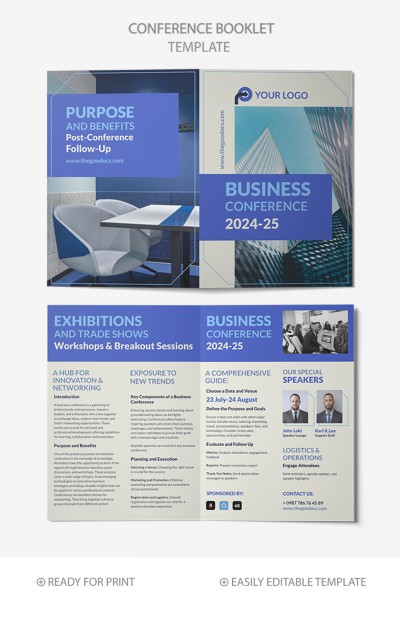
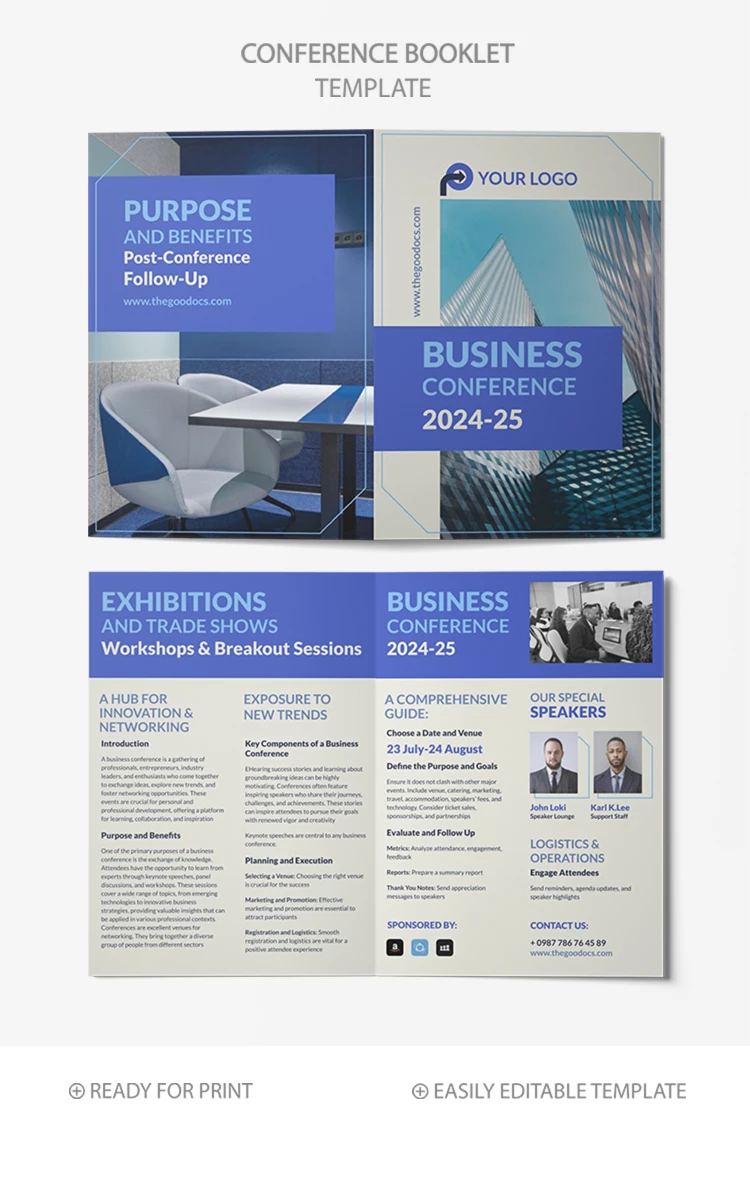
Our Modern Business Conference Booklet Template will help you create an organized, easy-to-use, and effective networking tool. Inform attendees about all aspects of your conference with a modern booklet design available for free.
Four-Page Structure for Your Content
Our template consists of four pages and includes:
- Business conference front page featuring a skyscraper background with a placeholder for main details.
- Exhibitions, trade shows, workshops, and breakout sessions information page.
- A comprehensive guide for visitors with details about the date, venue, purpose, speakers, and other info.
- A closing page with post-conference follow-up details.
This Google Slides booklet template is fully editable and downloadable. You can adjust headings, text, and design in a few clicks. Find free booklet templates for your business needs on TheGoodocs.
ADVERTISEMENT
Free Template
Download Free Template
Choose your platform and start editing right away
PLATFORM
PAPER SIZE
A5
No account required • Attribution required
WHAT’S INCLUDED
Sleek front page with logo space
Detailed schedule for all sessions
Speaker profiles and descriptions
Post-conference follow-up section
Booklet Tips
Add your company logo for a professional touch.
Highlight key speakers to attract more attendees.
Update the schedule regularly to reflect changes.
Include QR codes for easy session access.
FAQ
Is this template compatible with Google Slides?
Yes, it works with both Google Slides and PowerPoint.
Can I customize the sections to fit my needs?
Absolutely, all text and images are fully editable.
Do I need any special skills to edit?
No, it's designed to be user-friendly and intuitive.
Is the template free to download?
Yes, this template is completely free.
How many pages does the booklet include?
The template consists of four easily editable pages.
ADVERTISEMENT
How to Use and Edit This Template

Get Your Document
Click the "Edit Template" button to create your own editable copy in Google Slides or download for Microsoft PowerPoint

Customize Everything
Easily change colors, fonts, and layouts to match your unique style or brand identity

Add Your Content
Fill in your data, upload images, and replace the placeholder text with your own information

Print, Export, or Share
Print, export as PDF, or share instantly