
Free Schedule Templates for Google Sheets and Excel
Do you want to organize your tasks and activities in one spreadsheet? TheGooodocs offers free schedule templates in Google Sheets and Excel formats to help you cope with this task! Our editable and printable blanks can be used in convenient editors, so you can easily add your daily, weekly, or even annual goals and assignments to the list. Find dozens of cute, simple, and aesthetic designs and start using them in a few clicks.
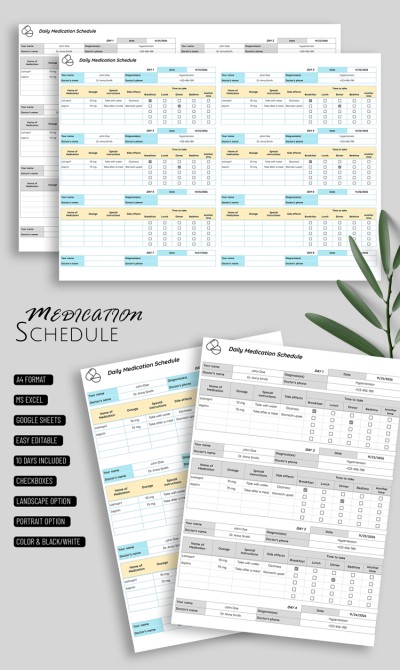
Daily Medication Schedule
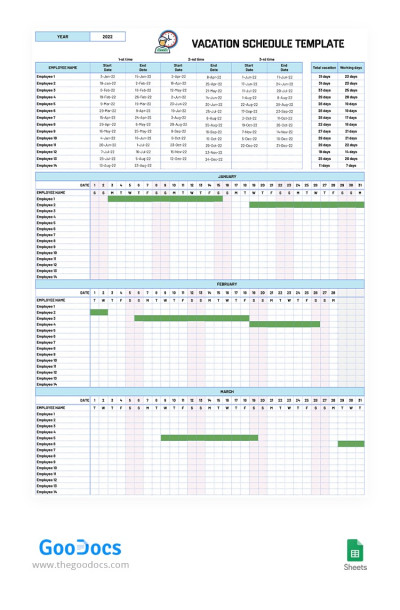
Monthly Vacation Schedule
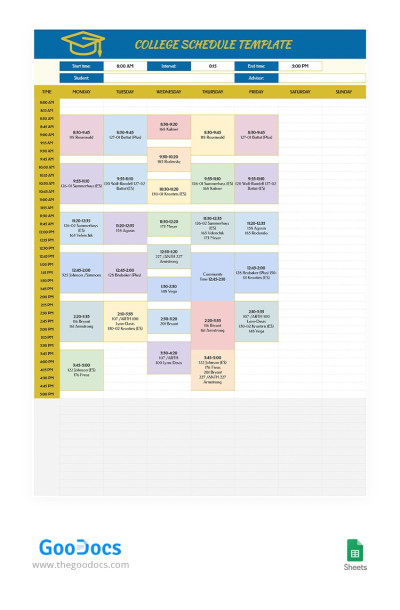
Smart College Schedule
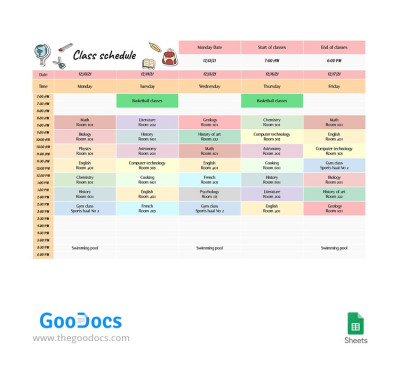
Bright Class Schedule
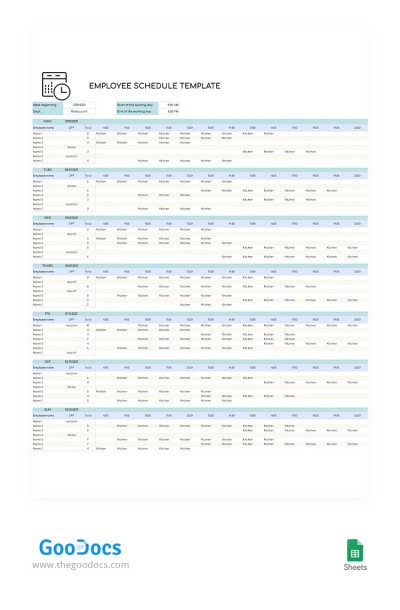
Weekly Employee Shift Schedule
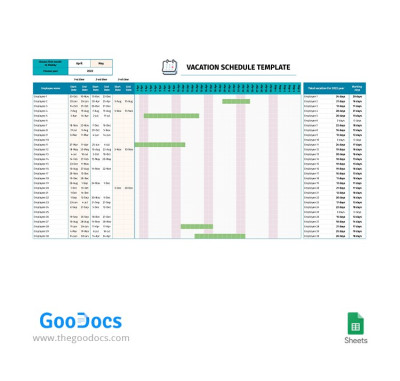
Vacation Schedule for Employees
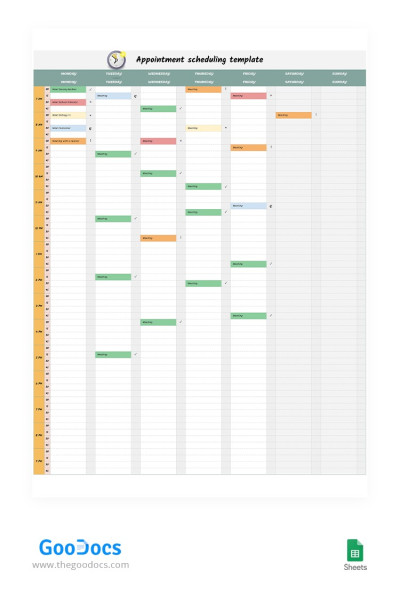
Appointment Scheduling with Marks
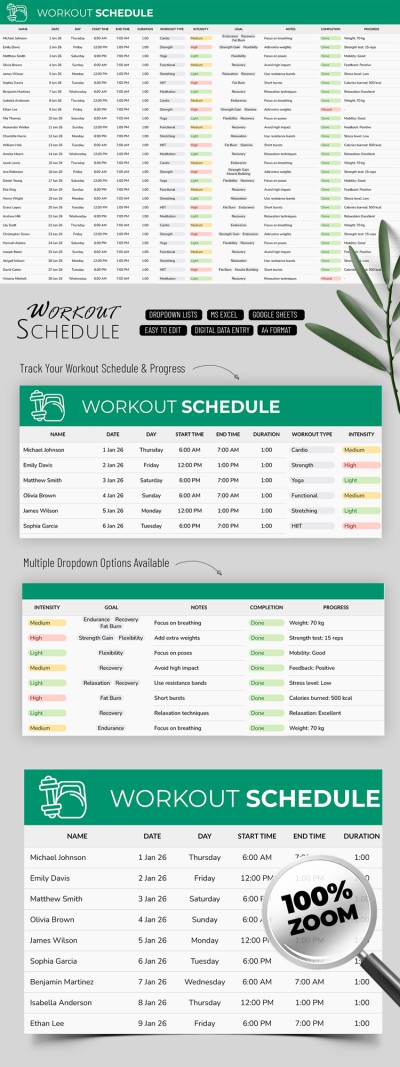
Workout Schedule
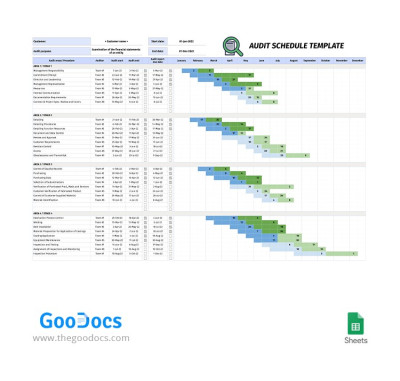
Audit Schedule
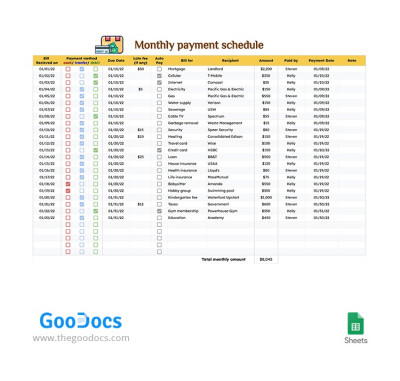
Monthly Payment Schedule
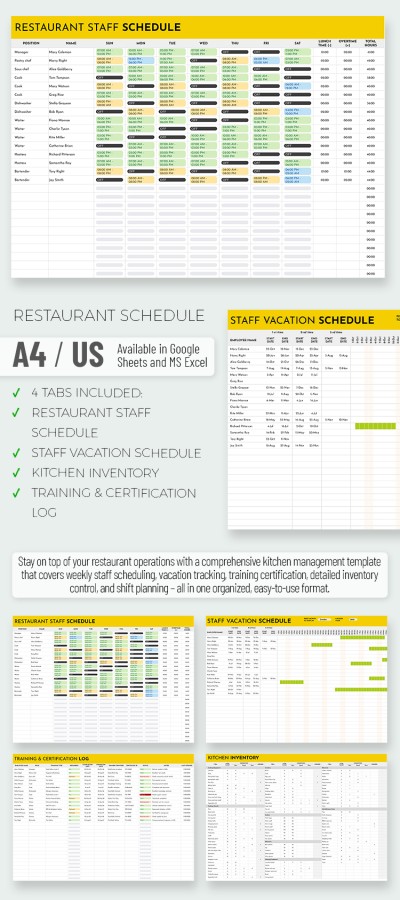
Simple Restaurant Kitchen Schedule
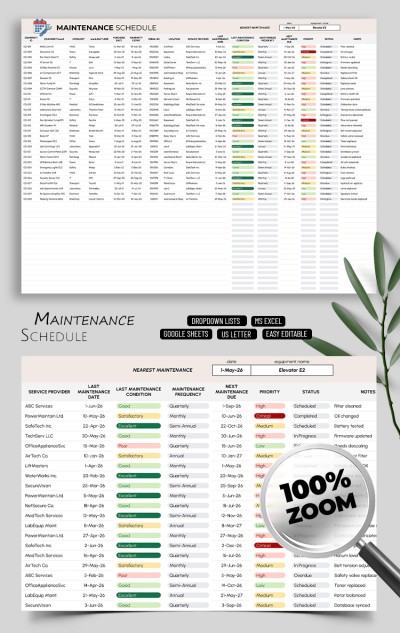
Maintenance Schedule
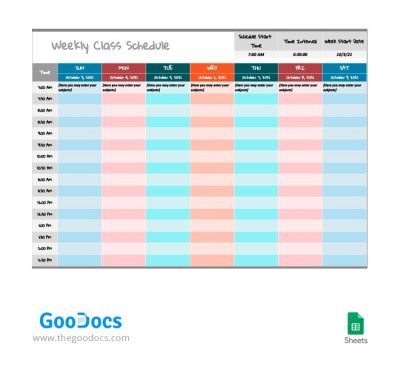
Bright Weekly Class Schedule
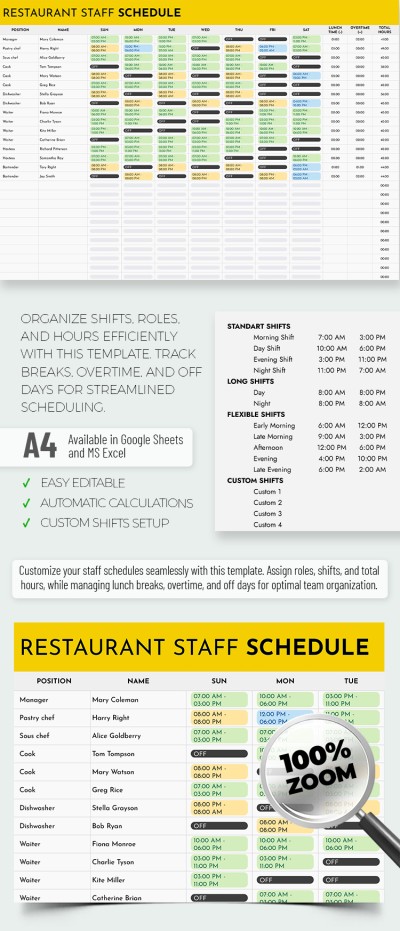
Simple Restaurant Staff Schedule
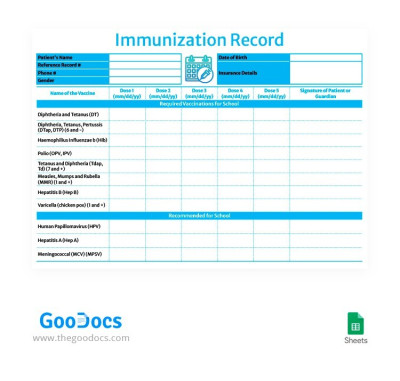
Blue School Immunization Record
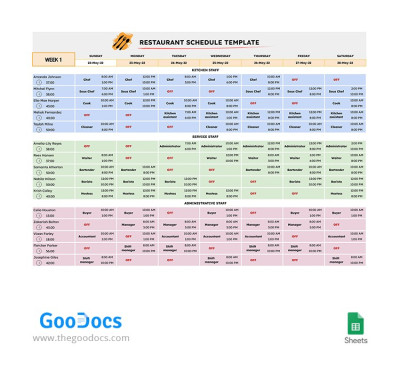
4 Weeks Restaurant Schedule
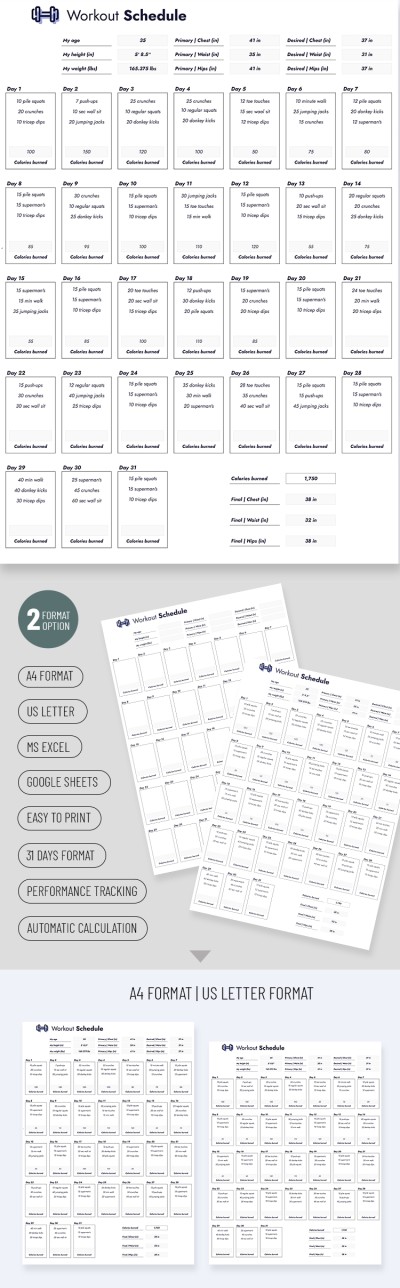
Smart Workout Schedule
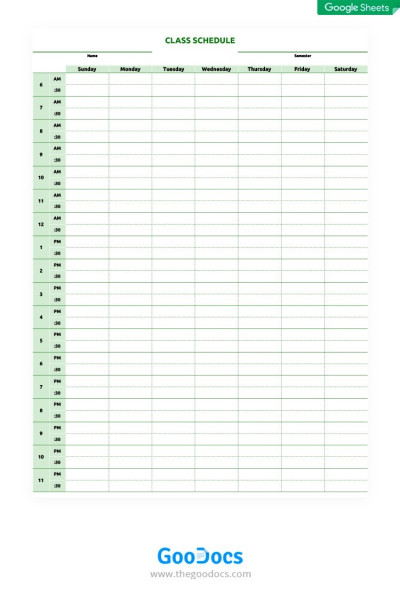
Green Class Schedule
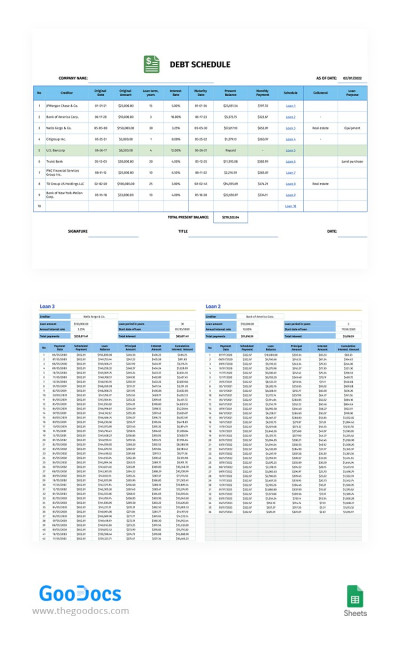
Debt Schedule for Up to 10 Loans
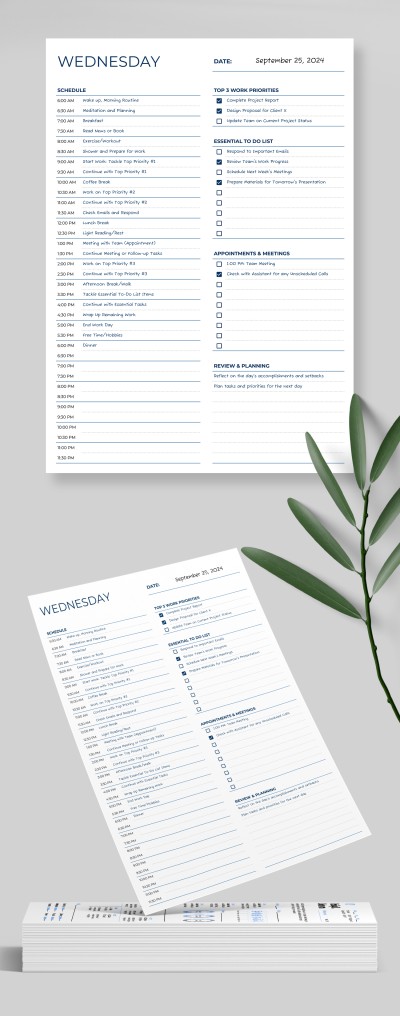
Simple Daily Schedule
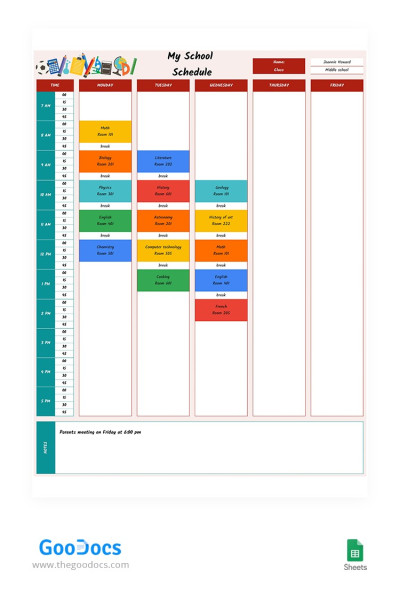
Bright School Schedule
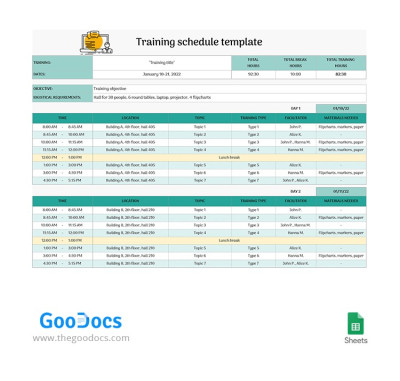
Ten Day Training Schedule
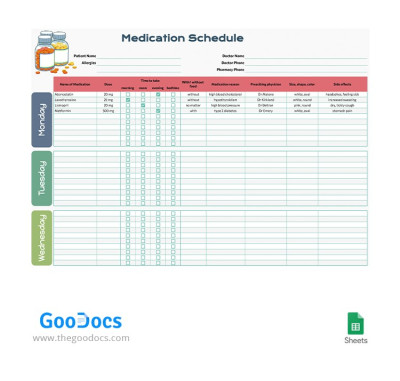
7 Days Medication Schedule
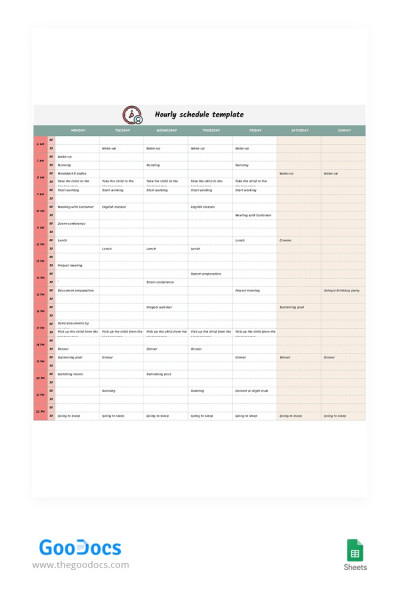
Pastel Hourly Schedule
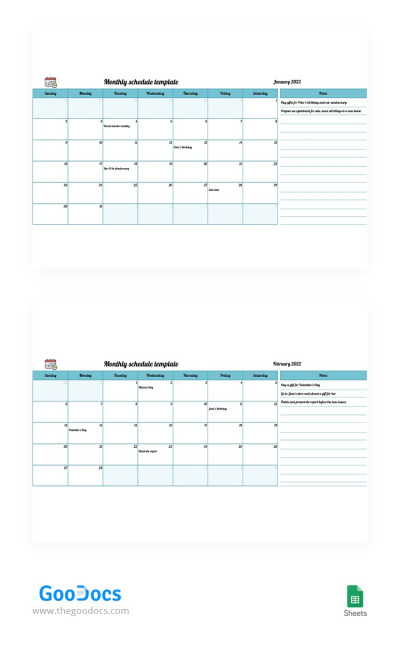
Blue Monthly Schedule
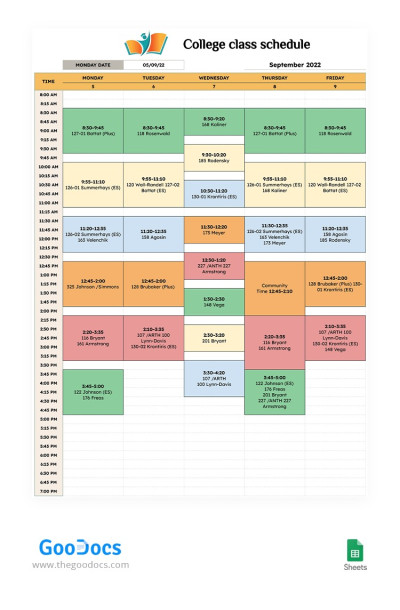
Colorful College Class Schedule
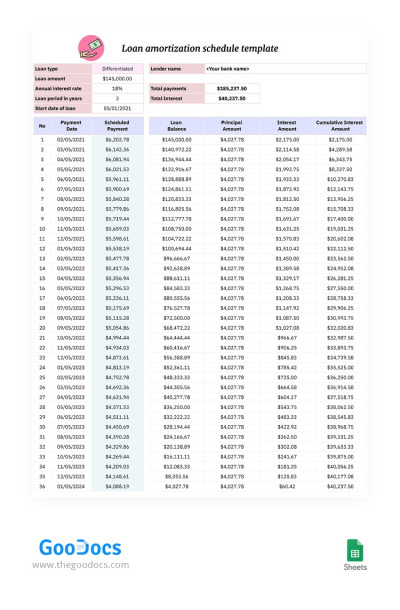
Loan Amortization Schedule
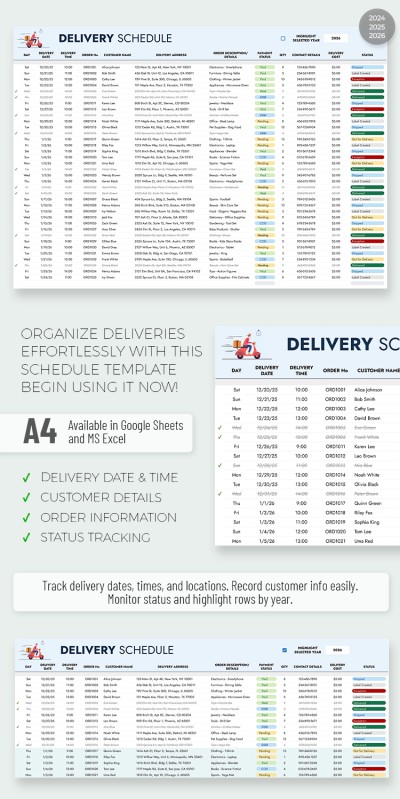
Delivery Schedule
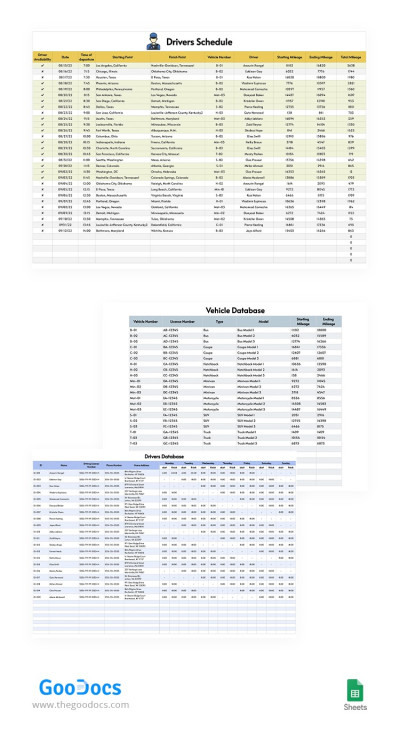
Drivers Schedule
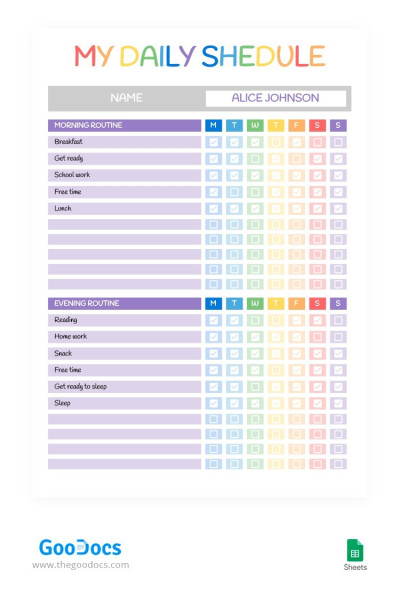
Rainbow Style Daily Schedule
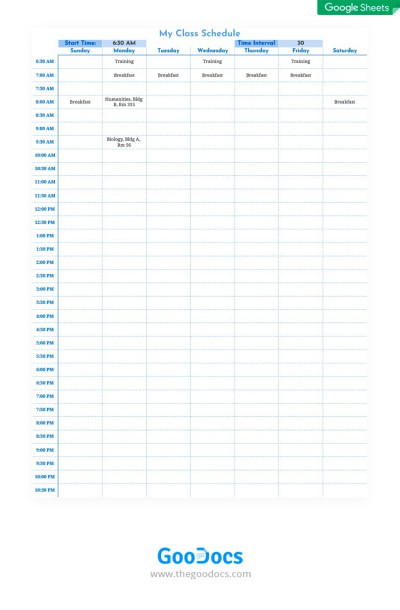
Simple Class Schedule
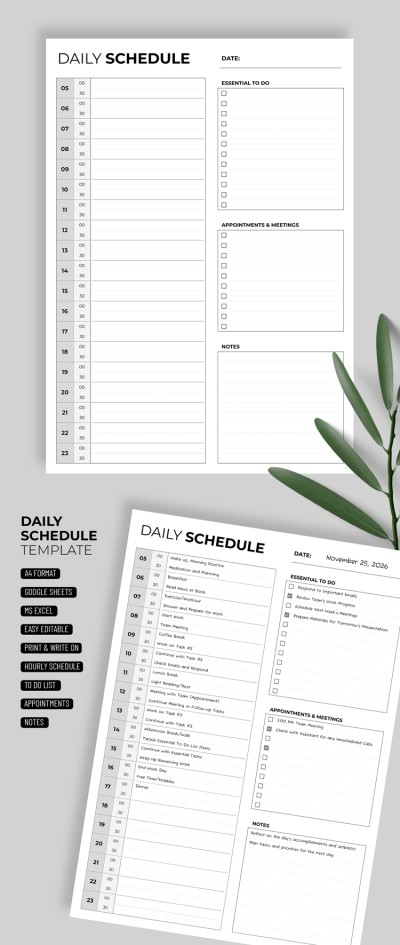
Classic Hourly Schedule
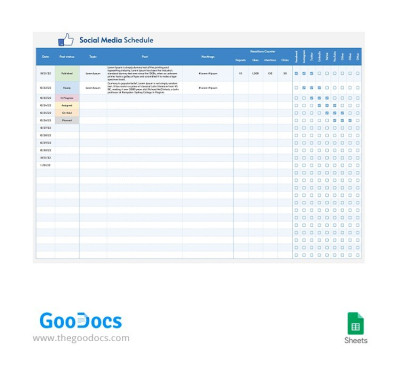
Social Media Schedule
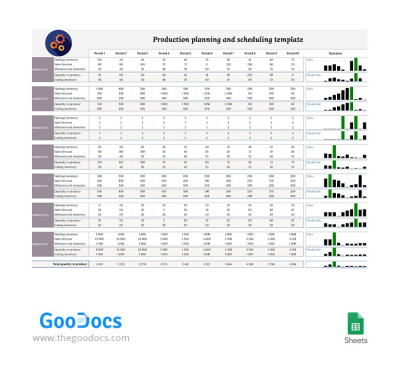
Production Planning and Scheduling
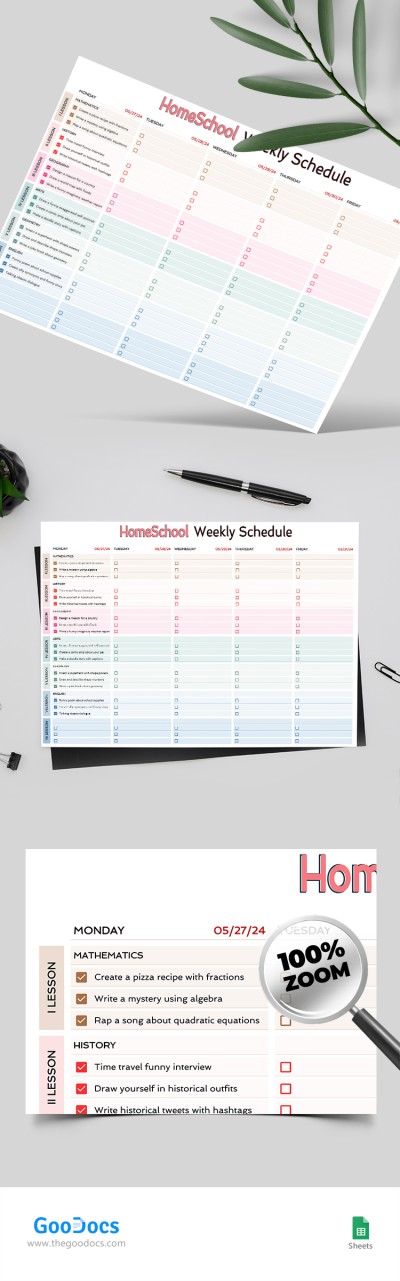
Homeschool Weekly Schedule
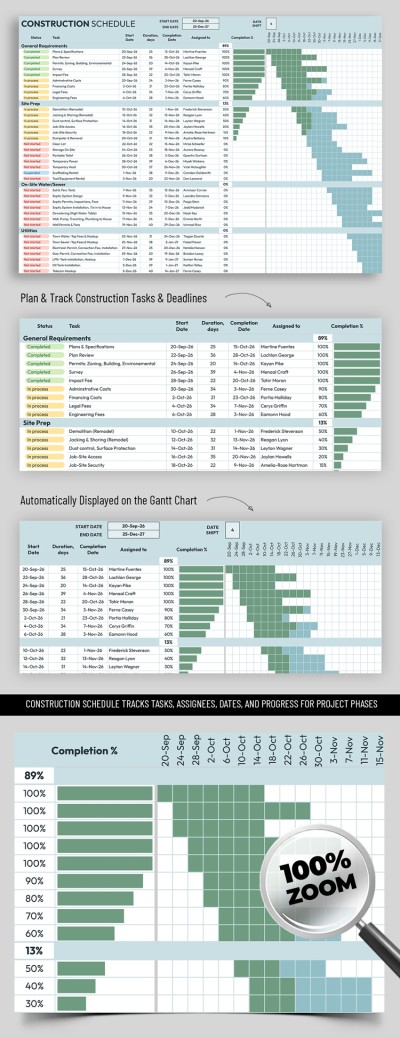
Construction Schedule
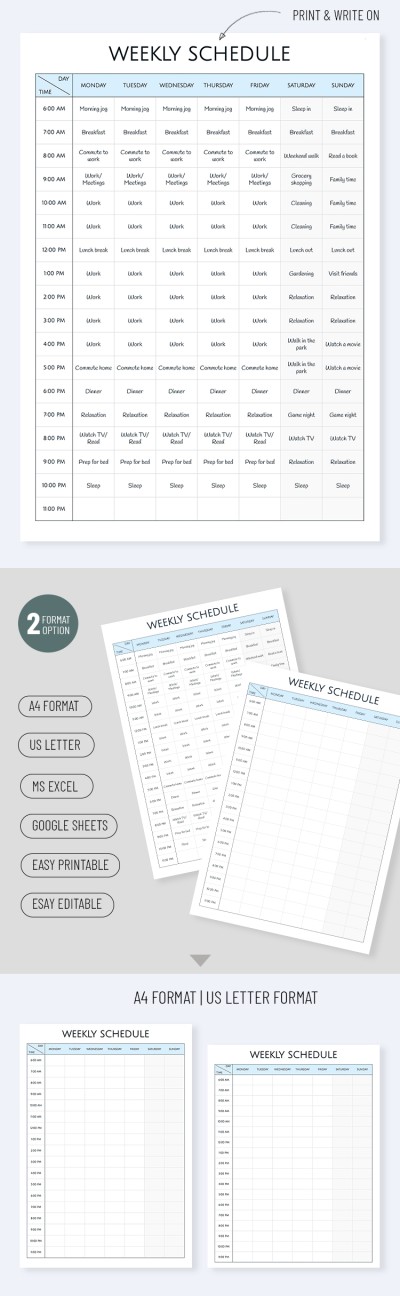
Blank Weekly Schedule
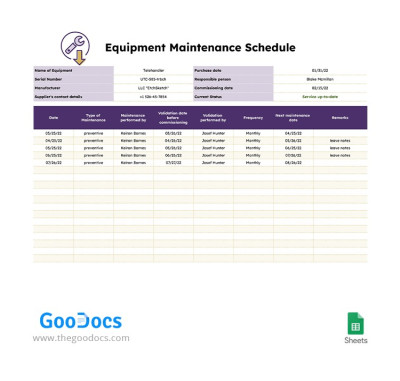
Equipment Maintenance Schedule
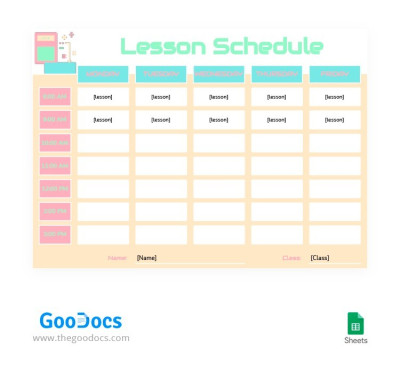
Pastel Colors Lesson Schedule
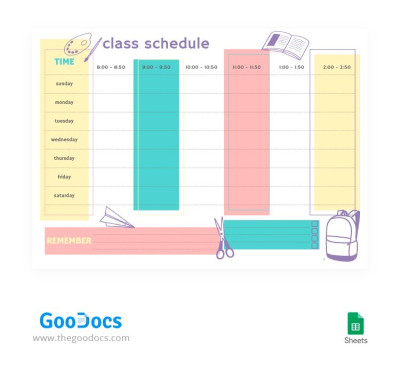
Light Bright Class Schedule
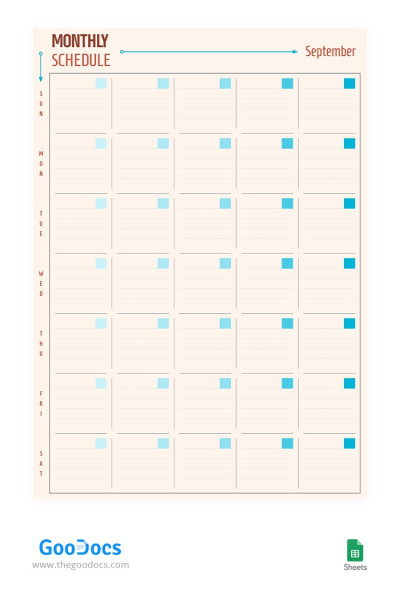
Beige Monthly Schedule
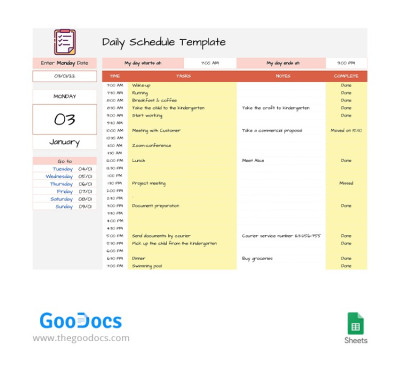
Smart Daily Schedule
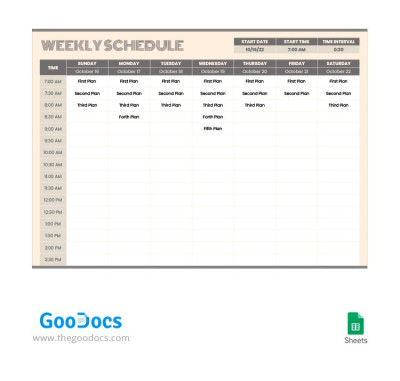
Convenient Pastel Weekly Schedule
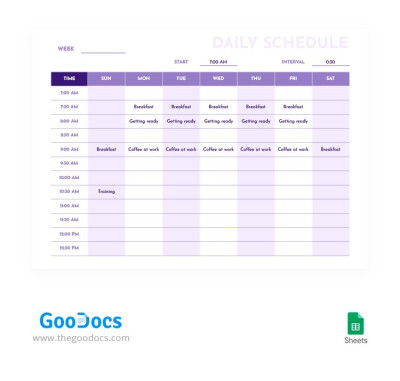
Pure Purple Daily Schedule
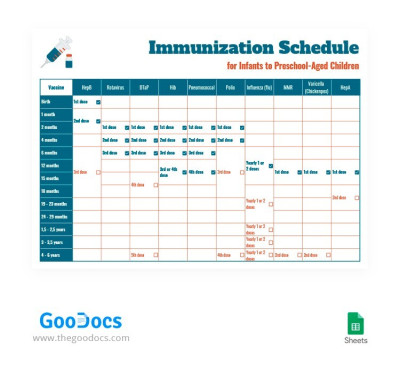
Children Immunization Schedule
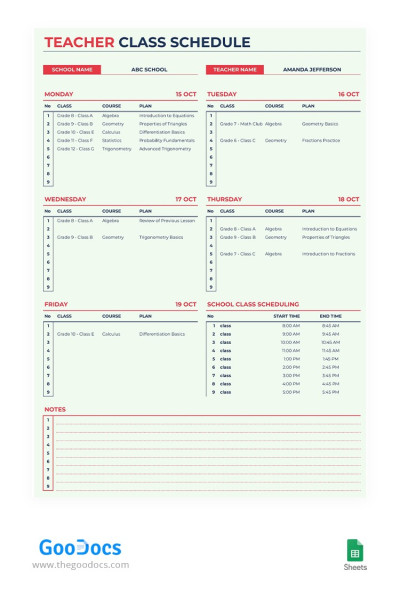
Beige Teacher Class Schedule
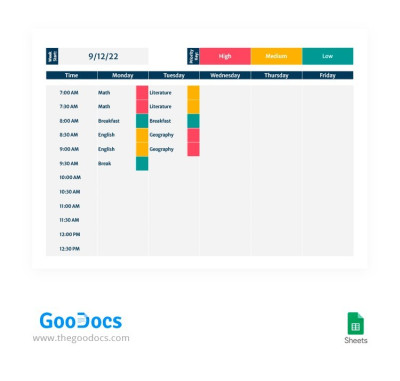
Gray Modern Class Schedule
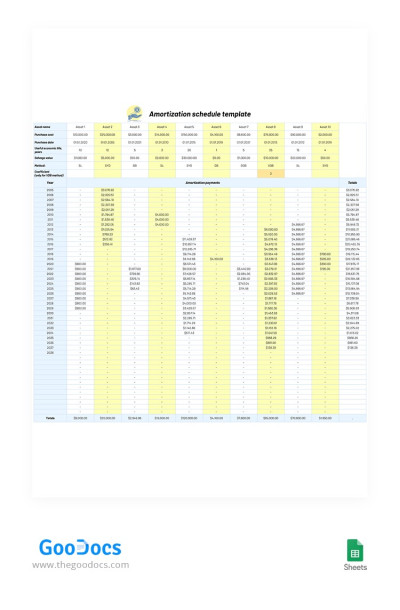
Asset Amortization Schedule
- 1
- 2
Take advantage of hundreds of pre-made schedule templates in Google Sheets and Excel formats. This collection features everything you could possibly need, from hourly to school, class, and meeting schedules.
Explore even more benefits of our Excel and Google Sheets schedule templates:
- We offer dozens of options for various needs. On this page, you'll easily find the one that suits your requirements. Use the ready-made structure and design to create a school, class, work, weekly, or any other schedule.
- Our templates are extremely user-friendly. You can simply select a template, get a copy in Google Sheets or download it in Excel, and start using it. You can fill it out, change colors, add more blocks or remove unnecessary ones, and much more.
- Spreadsheets are the best option for creating schedules. These two platforms offer the most comprehensive features for working with your schedules. You can use formulas, add color coding, automatically highlight priority or follow-up tasks, and much more.
Of course, our schedule templates are also extremely versatile. If you need a printed version, simply print it out as all the settings are ready. Appointment schedule templates are also available on our website for an even more personalized approach.
Schedules Templates FAQ
You don't need to create a Google Sheets schedule template from scratch; TheGoodocs offers a variety of ready-made templates.
All you need to start using a Google Sheets schedule template is to follow these steps:
- Choose a template on this page that suits your needs. We offer options for every occasion, so you can easily find the right one.
- Get a copy of a free template or purchase a subscription to access all options. To use a free template (most of them are free), simply go to the one you like and click the "Edit in Google Sheets" button.
- Add your schedule. Use the pre-made structure and pre-designed blocks to add your hourly schedule for a day, week, or even a month.
- Personalize the design. You can change any element of the template, from colors and font sizes to the structure. You only need Google Sheets' built-in tools.
Once the template is ready, you can start using it. Check your schedule daily to stay on top of tasks and remain productive with both routine and special tasks.

