
Recipe Book Cover Templates
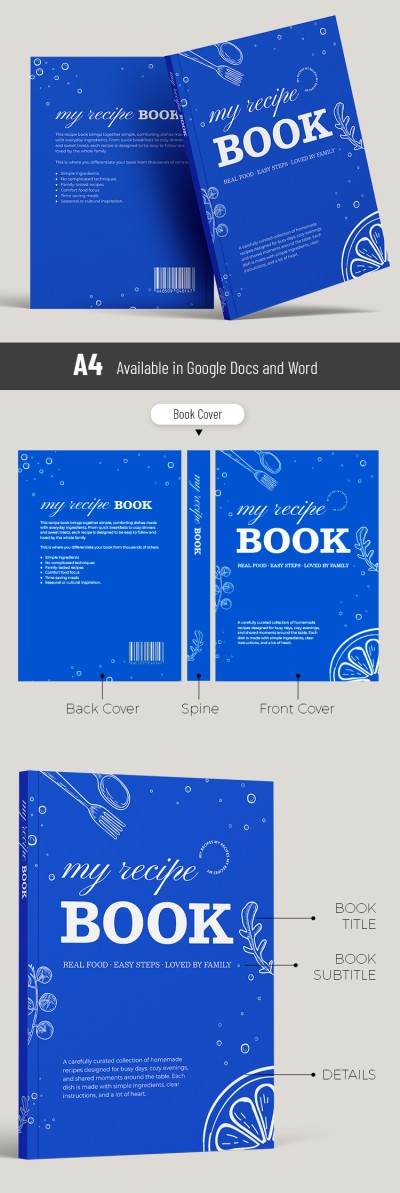
Use professional recipe book cover templates for free! Our ready-made designs are perfect for creating a unique look for your culinary collection. Find the best styles to showcase your Italian and French dishes, homemade favorites, personal dessert lists, and more. Customize these cookbook cover templates in Google Docs, Word, Google Slides, or PowerPoint, then simply print and enjoy!
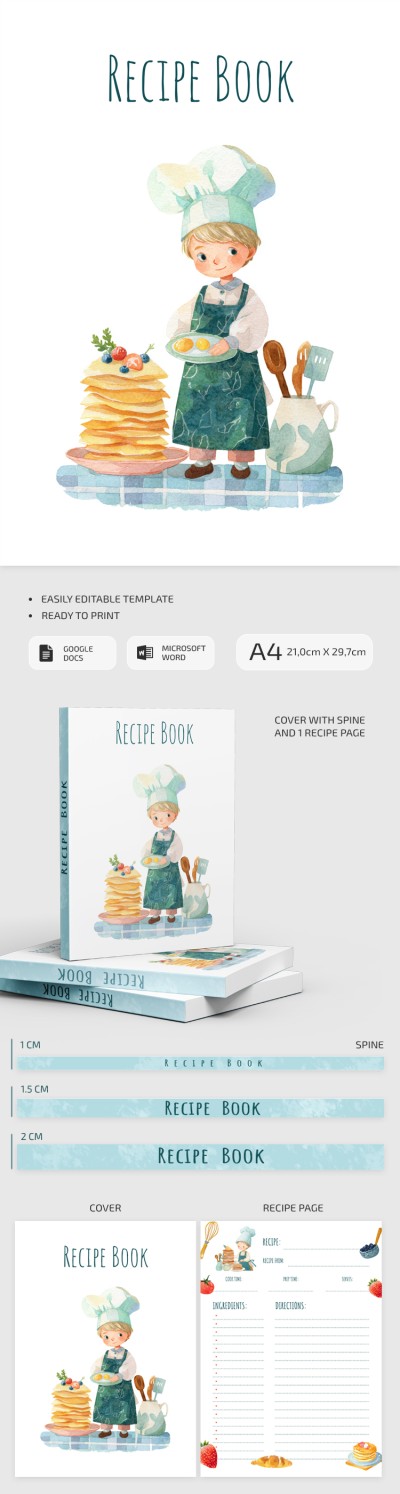
Recipe Book Cover Design for Kids
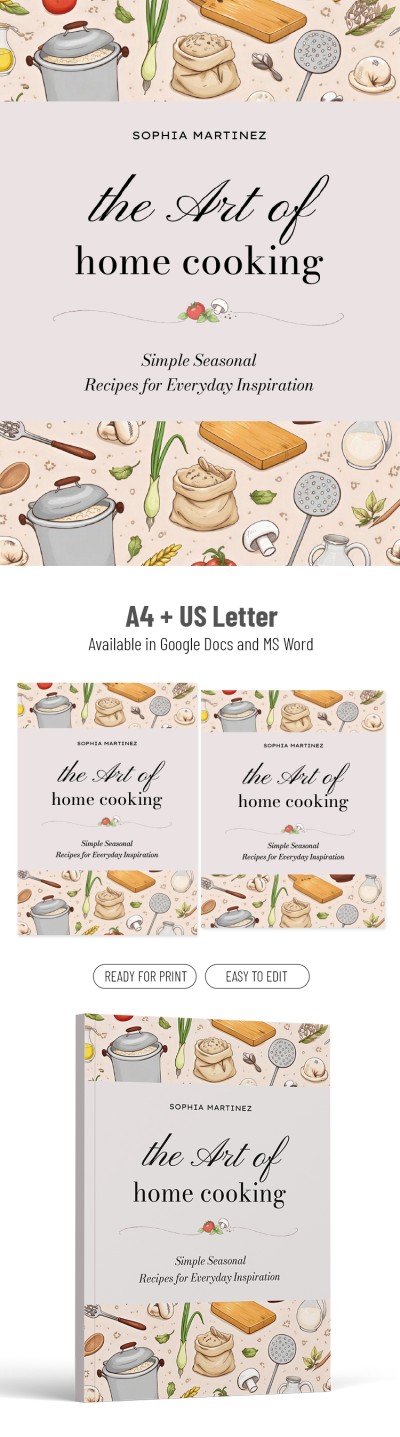

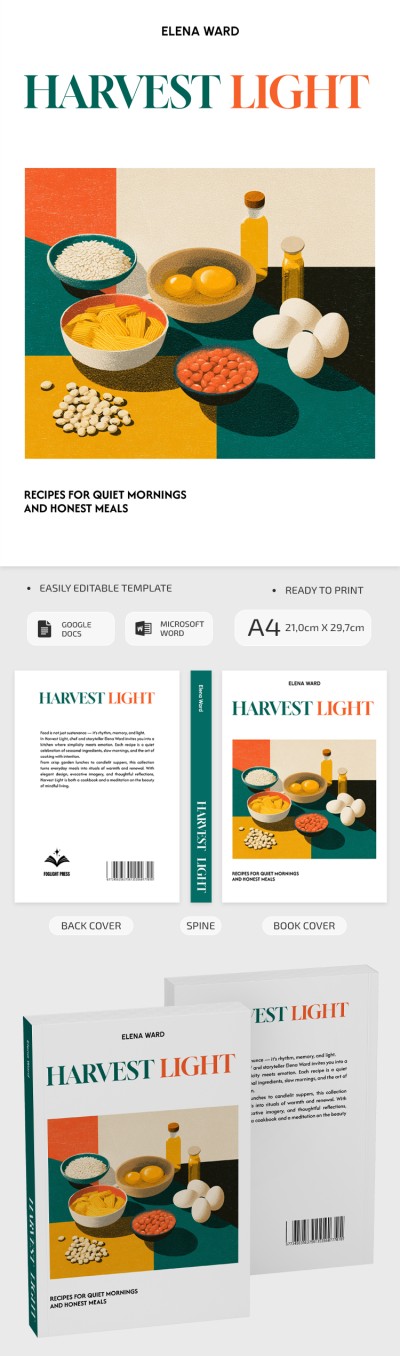
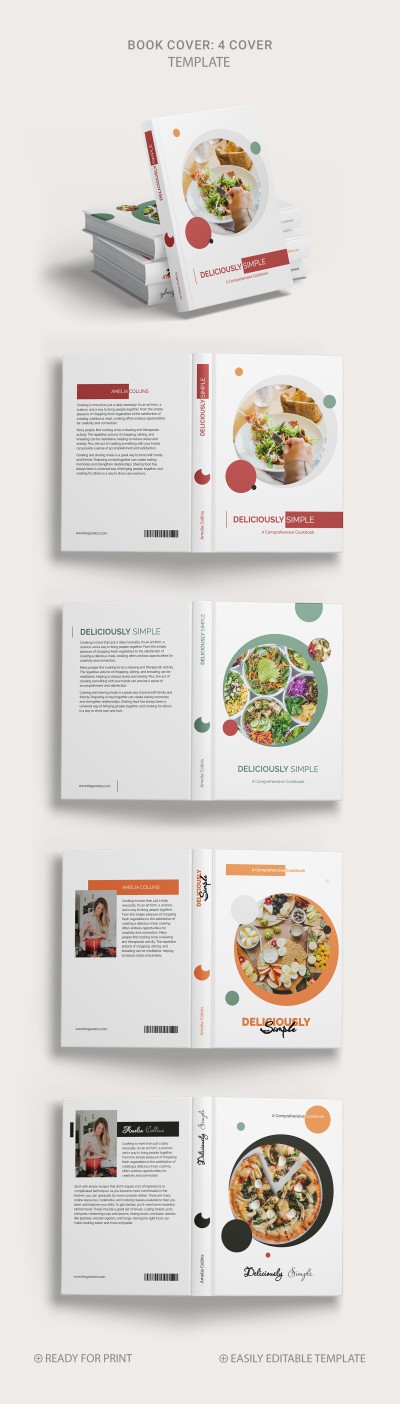
Aesthetic Cook Book Cover

Please try different filters or clear all to start over.
Your cookbook cover can look professional even if you're more of a cook than a designer. Get started with our ready-made recipe book cover templates. Download or get a copy of a cover design perfect for your book, featuring professional visuals, formatting, and carefully selected fonts.
Experience the benefits of our templates:
- Use placeholders for all elements. Each book cover includes pre-designed blocks for everything. Simply replace the placeholders with the author's name, use a default photo, or add a high-quality image of your own dishes, along with a short blurb, and you're done.
- Customize the template in a convenient format. Choose from Google Docs, Word, Google Slides, and PowerPoint templates. Each is fully editable and offers its own advantages, from a convenient drag-and-drop interface and easy image manipulation to seamless text customization.
- Don't waste time on formatting. Your cover will look perfect in print. We've pre-formatted all our covers for A4, US Letter, and other sizes. All you need to do is add the finishing touches and save the template as a PDF.
Our layouts include front and back covers, and some even offer several spine options for different thicknesses. Choose from aesthetic, creative, minimalist, and other styles, and start using our recipe book templates for free.
Recipe Book Covers Templates FAQ
Designing a cookbook doesn't end with adding a beautiful food photo. The cover is the first thing your potential reader will see, so it should pique their interest and highlight the recipes the book focuses on.
Here's our step-by-step guide to designing the best cookbook cover:
- First, understand your target audience and the book's theme. Cookbooks come in many different flavors, including healthy meals, family recipes, desserts, international cuisine, and more. The cover should reflect this theme in its colors, fonts, text, and images.
- Use professional templates to save time. A ready-made template is the best way to achieve the right format with consistent spacing, fonts that convey your cooking style, and a balanced composition. On this page, you'll find cookbook covers for various types of recipes.
- Customize the cover layout. A good cookbook cover should include elements such as a clear and easily readable title, a subtitle, the author's name, and a central photo of the dishes. With our templates, all you have to do is enter your name and change the book title.
- Review the final version and print. After filling out the template, double-check the visuals, margins, and text. Then, save it as a PDF and print it in A4, US Letter, or another preformatted size. All high-quality printing settings are included.
With our cookbook cover templates, you can easily create a personalized design. Try customizing them in Google Docs, Word, Google Slides, or PowerPoint.

