
Payment Schedule Templates
Now, you will remember when, how much, and to whom you need to pay, and all thanks to payment schedule templates. Our editable and printable payment schedule templates are available in Excel, Google Sheets, Word, and Google Docs formats. With their help, you can easily organize a budget and timetable expenses for any period. Find your contractor, loan, or car payment schedule template for free and use it via a convenient editor. These blanks are perfect for business owners as well as for personal tasks.
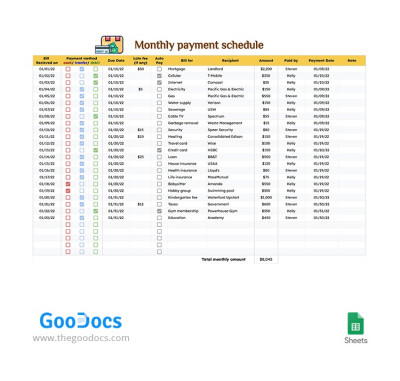
Monthly Payment Schedule
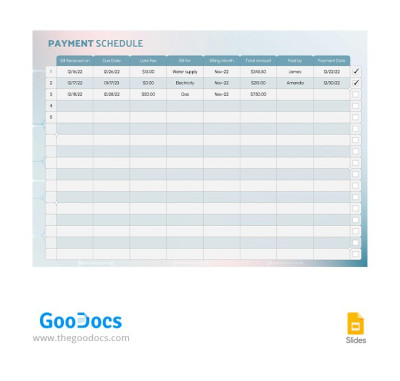
Light Payment Schedule
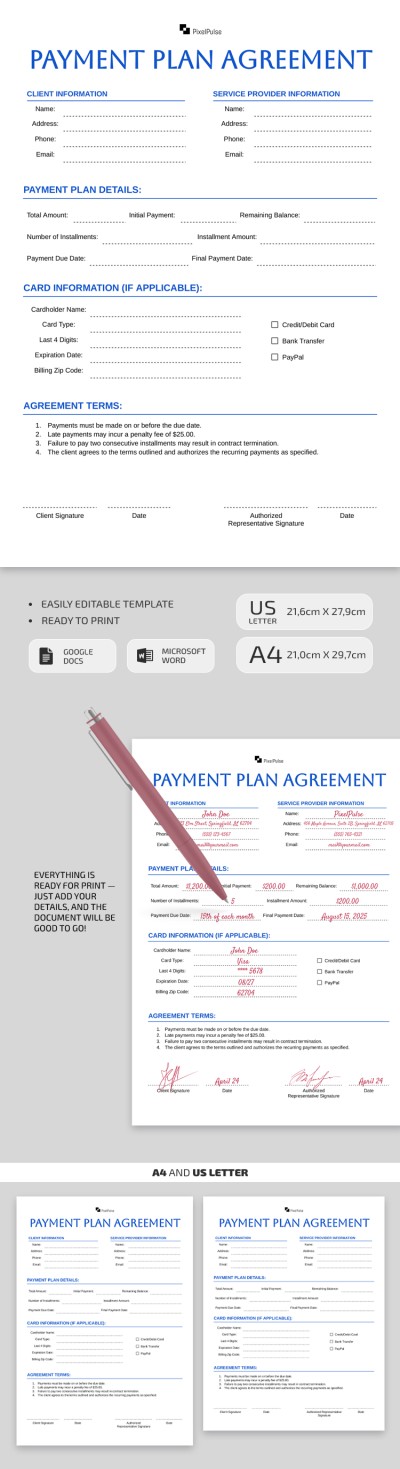
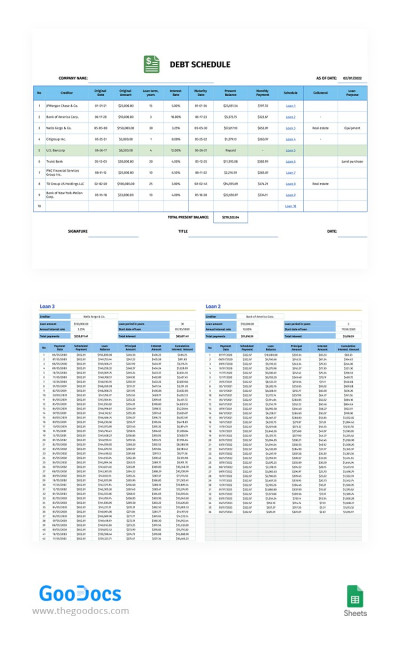
Debt Schedule for Up to 10 Loans
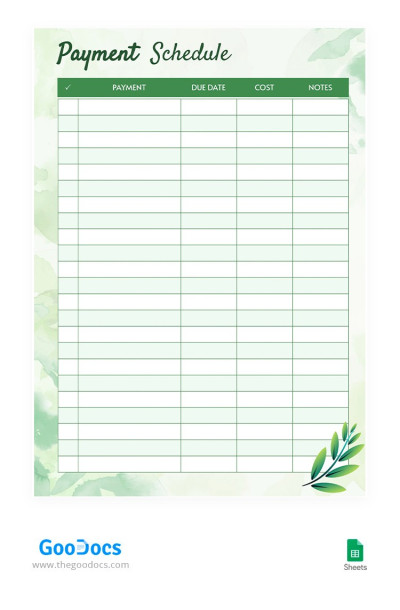
Green Payment Schedule
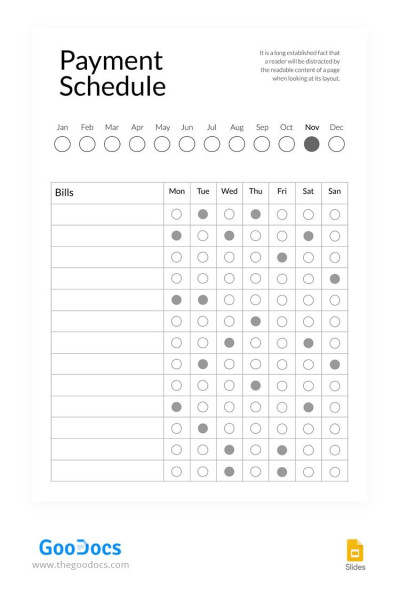
Classic Payment Schedule
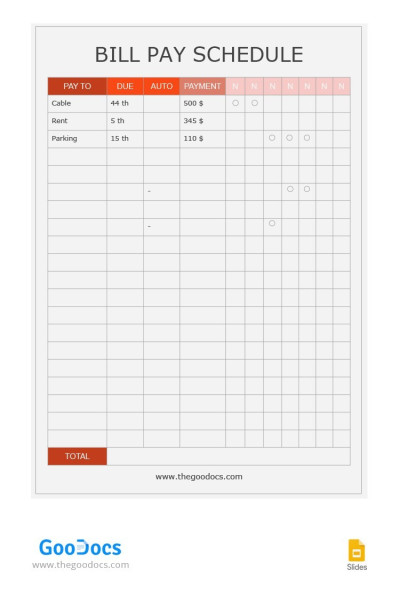
Simple Payments Schedule
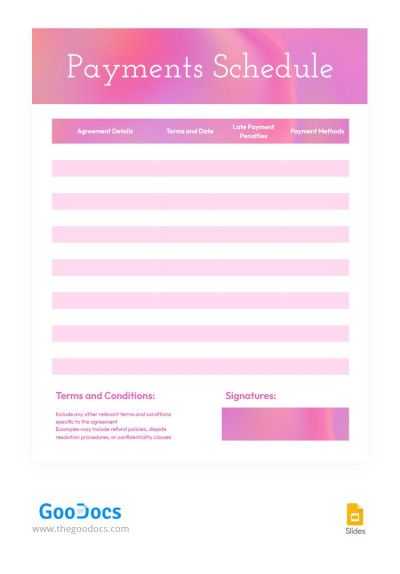
Pink Gradient Payments Schedule
Please try different filters or clear all to start over.
Use our payment schedule templates for free! We offer ready-made forms that help you plan and track payments, including all essential details such as the payment receipt date, due date, and payee information. On this page, you'll find a variety of options for personal and business needs.
We offer the best payment schedule templates:
- Our forms and spreadsheets are suitable for businesses, freelancers, and more. You'll easily find a universal monthly payment schedule, as well as examples designed for specific tasks. Track your freelance income, debt, rent, or project payments.
- They include everything you need and nothing you don’t. Most of our versatile forms consist of sections for the payment number, date, amount, payment method, purpose, payer and payee details, status, and a space for additional notes. Simpler options are also available and suitable for printing.
- Available in easy-to-use formats. The templates on this page are provided in Google Sheets, Slides, Docs, Excel, Word, and even PowerPoint. The spreadsheets include automatic formulas, checkboxes for marking payments, auto-formatting, and other features.
Our payment schedule templates are fully editable and ready to use immediately after downloading or saving a copy to your Google Drive. For complete financial control, we also recommend checking out our budget templates category.
Payment Schedules Templates FAQ
Creating a payment schedule may seem complicated, but it only takes a few minutes with our templates.
To create a convenient payment schedule:
- Choose a template in a suitable format from this page.
- Download it or make a copy in your Google Drive.
- Use the pre-made fields to fill in the details of your payment schedule.
- For each payment, include the due date, recipient, and account number.
- Review your payments regularly, at least once a month.
- Use the checkboxes to mark the payments you’ve already made.
This way, all you need to do is update our payment schedule examples with the latest payment dates and amounts. Utilities, rent, insurance, credit cards, and mobile phone bills can be paid monthly, as long as the amounts remain the same. For other payments, review them carefully to make sure they are correct.
Creating a payment schedule in Excel is a time-consuming task. That's why it's more efficient to use free and ready-made payment schedule templates in Excel from this page.
This saves you a significant amount of time on design and structure. To create a ready-made payment schedule in Excel, just follow these simple steps:
- Select an Excel template and download it to any device.
- Add all your payment information to the ready-made structure.
- Сustomize the design as desired or leave it as is.
- Utilize the advanced features built into our Excel payment schedule template, such as automatic payment highlighting, checkboxes, calculation formulas, date functions, and more.
This way, you can pay bills with a payment schedule created in just a few minutes. Yet, it will feature a professional design and a user-friendly layout.
Creating a monthly payment schedule in Google Sheets is simple, especially with our ready-made templates.
If you need to create a monthly payment schedule, follow these steps:
- Select a template available for editing in Google Sheets on this page.
- Go to the template's page and click the "Edit in Google Sheets" button.
- Wait a few seconds for a copy to be automatically created and added to your Google Drive. It will open in a new window.
- Check all bill payments for the previous month from your mobile phone or through online banking to see all expenses that need to be entered into the spreadsheet.
- Use the predefined spreadsheet structure in Google Sheets to add the schedule with due dates, payment names, late fees, amounts, payment dates, etc.
- Use the checkboxes to mark payments you've made.
- The total monthly payment amount will be calculated automatically (depending on the selected template).
Our monthly payment schedule templates are the easiest and fastest way to create a convenient payment schedule. You can make a copy of the version you like right now.

