
Monthly Newsletter Templates
Our free printable monthly newsletter templates can be used for any task. Share any information about an upcoming event, your business news, school programs, or club schedule using a professionally designed newsletter. Get a free copy in Google Docs or download any sample for Word to start editing it right away. Opt for elegant and modern options.
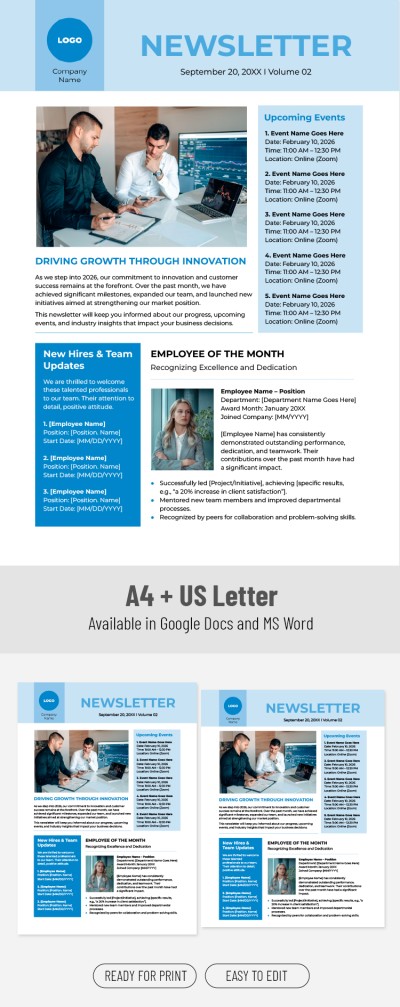
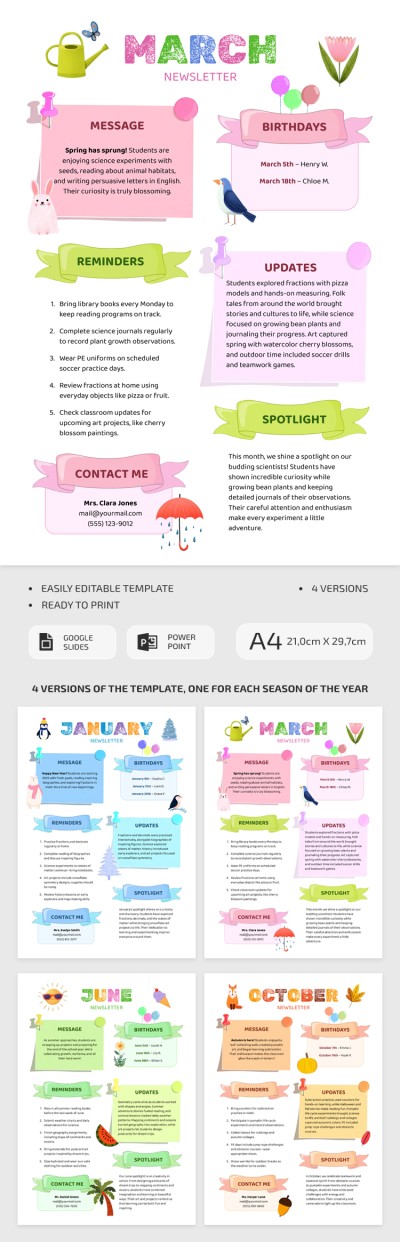
Monthly Newsletter Template for Classrooms

Printable Monthly Newsletter Template for Schools
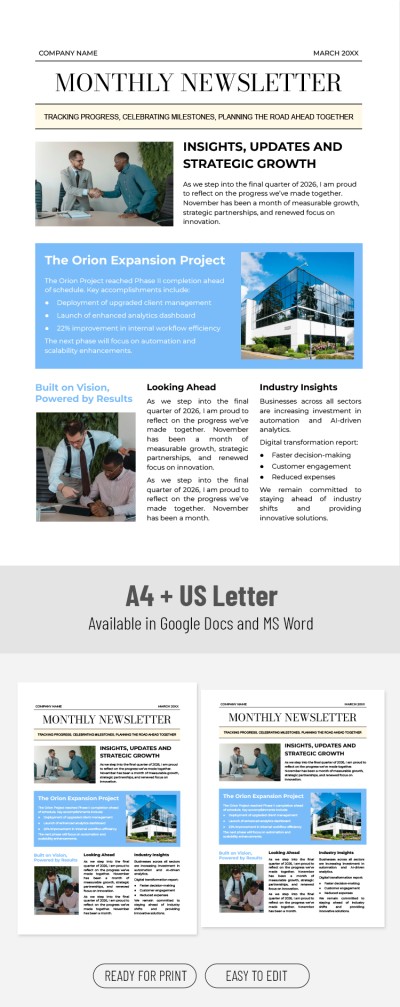
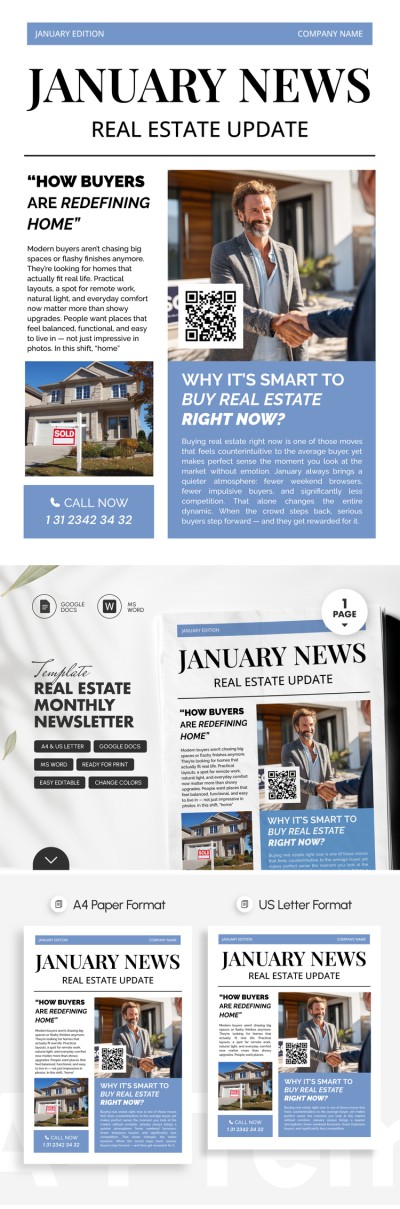
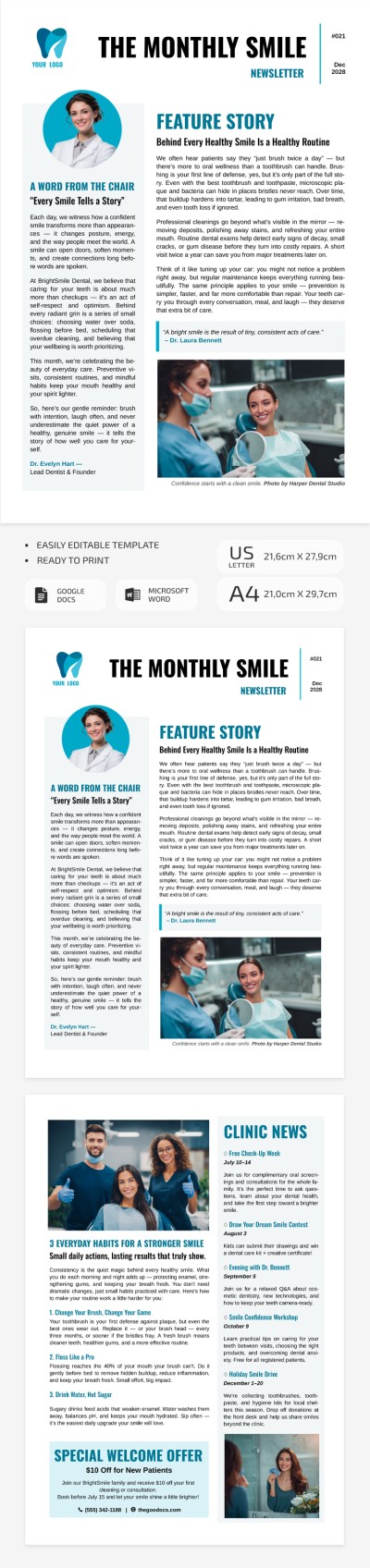
Dental Newsletter Template – Editable Patient Email & Clinic Update
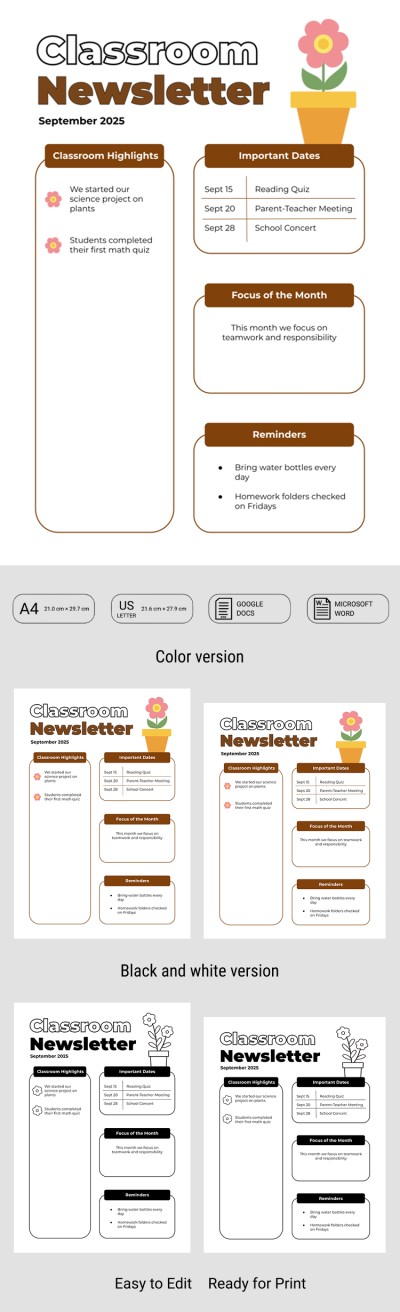
Printable Classroom Newsletter Template for Teachers
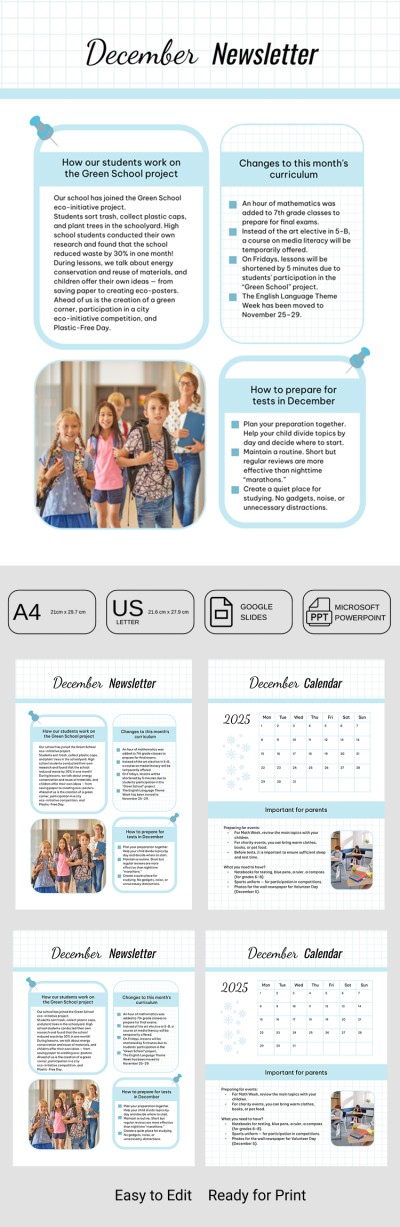
Classroom Newsletter Template – Monthly Teacher-Parent Communication
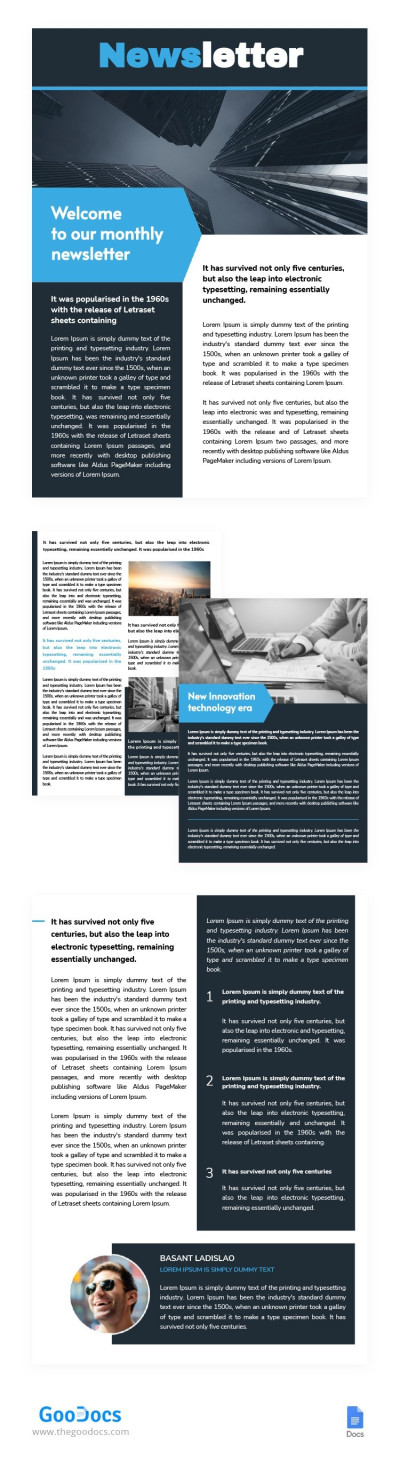
Monthly Newsletter
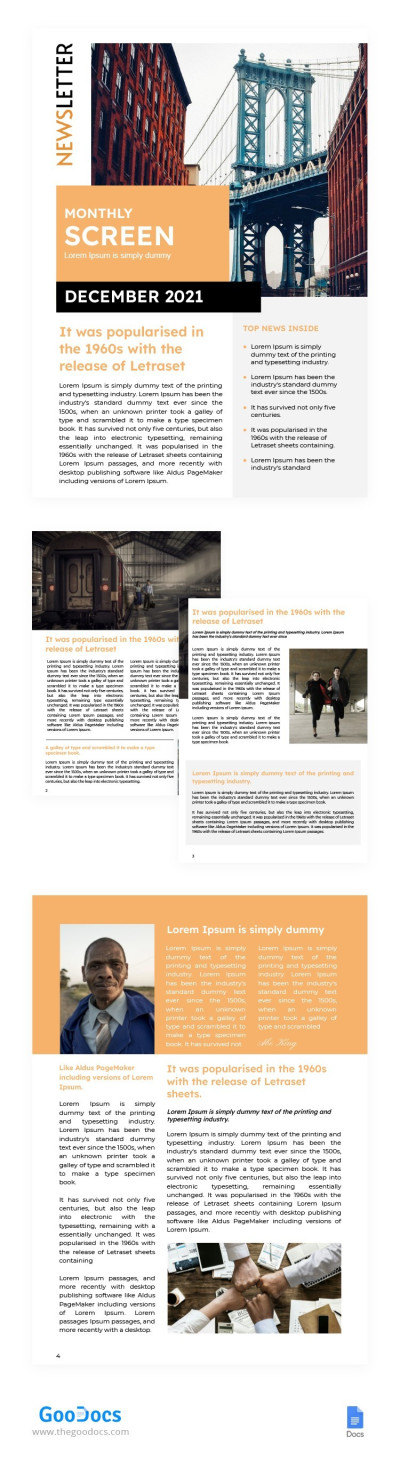
Monthly Screen Newsletter
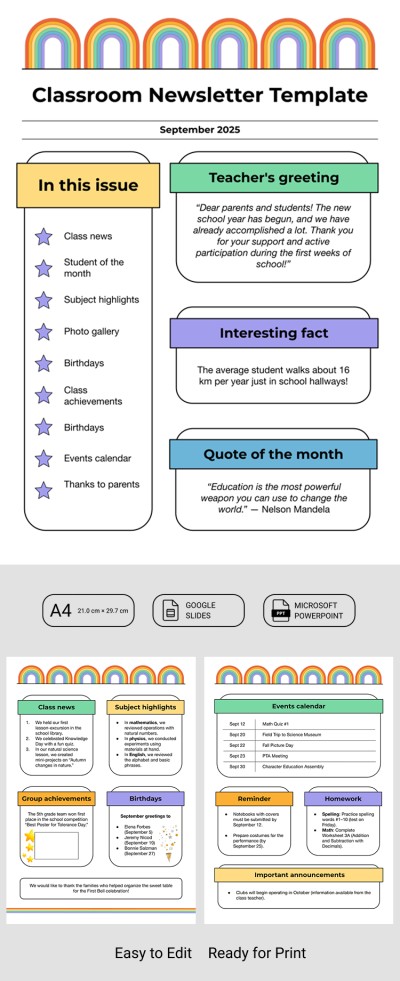
School Classroom Newsletter Template
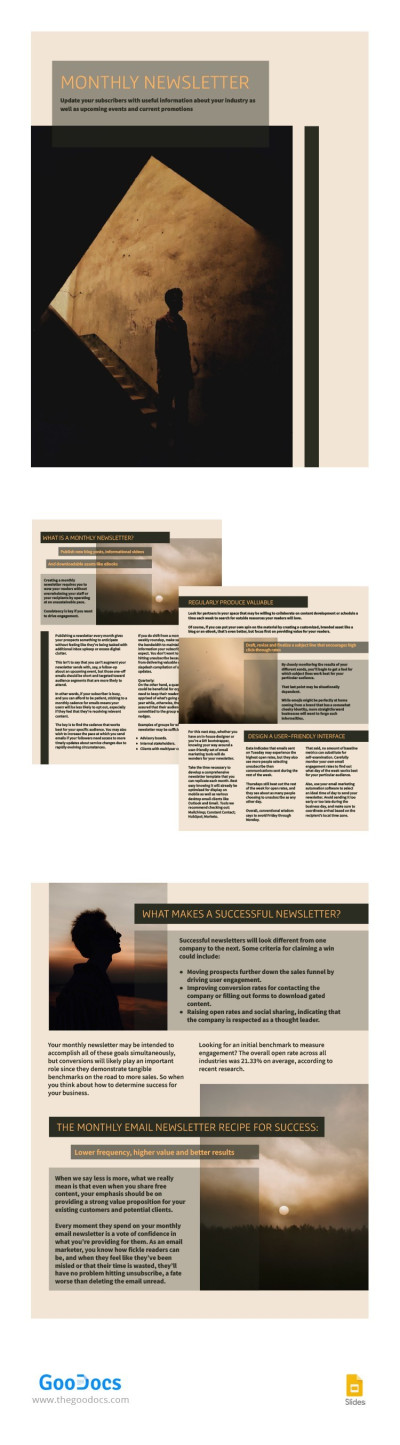
Sand Monthly Newsletter
Please try different filters or clear all to start over.
Connect with your audience using professionally designed monthly newsletter templates. We offer ready-made layouts for communicating with clients, school students and their parents, patients, and many other audiences. You can easily add news, updates, analytics, visuals, or any other information you need.
Make your monthly newsletter process easier:
- Use templates with a consistent style. Choose one template and keep using it to maintain a clear, recognizable communication format each month. You’ll have a layout with stable visual elements and fixed block sizes for headlines, text, and images. No more random changes; just a strong and professional brand structure.
- Customize the design and content with ease. Our editable newsletter examples include fields for all types of content, plus sample sections. Simply add your news or updates, place photos, and adjust the text. You can edit everything in Google Docs, Microsoft Word, Google Slides, or PowerPoint.
- Save time every month. There’s no need to design a newsletter from scratch each time. Choose one or several templates from our website and then update the text, dates, and data as needed. This helps marketing teams and even non-specialists to create newsletters regularly without extra workload.
Once your template is ready, you can send it digitally or print it. Save your final design as a PDF, JPEG, or other format. We also offer a dedicated section with school newsletter templates, which we recommend checking out.
Monthly Newsletter Templates FAQ
A monthly newsletter should maintain a consistent design from edition to edition. Our templates and this simple guide will help you create a branded newsletter quickly and easily:
- Choose a basic template that suits your brand and mission. Find templates with clear headlines and pre-made content blocks, and grab free copies or download them.
- Customize the design as needed. Create a master version that you will use every month before adding any content. To do this, apply your brand colors, add a logo, and adjust the key sections and placeholders.
- Adjust the blocks to make the most of your newsletter. Consistency is essential for monthly newsletters, so plan which elements you want to highlight. You can use the initial layout to include monthly updates, upcoming events, analytics, product news, CTAs, and more. A single newsletter can include up to six sections.
- Reuse the design every month to save time. Once the master version is ready, all you need to do is insert updated content regularly. Add materials gradually throughout the month to avoid last-minute work.
Our templates are an excellent starting point for creating custom monthly newsletters that truly deliver results. Try our examples for free or choose a premium option.
There are dozens of block and content options you can add to your monthly newsletter. The right mix depends on your brand’s goals, your industry, and the actions you want subscribers to take. We’ve collected and grouped the types of blocks you can add to your newsletter.
Universal options suitable for any newsletter:
- An introductory block with a few sentences about what readers will find inside.
- A brief summary of key achievements, events, and updates.
- Featured content with popular articles, case studies, and curated collections.
- Upcoming events or plans, including company announcements, new features, seasonal offers, and more.
Blocks for the e-commerce and retail industry newsletter:
- New monthly products with photos and short descriptions.
- Monthly deals, promo codes, and exclusive discounts for subscribers.
- Best-selling products or a personalized wishlist.
For service companies:
- New features and product updates.
- Case studies showcasing work with clients.
- Educational content for subscribers, including mini-guides and checklists.
- Invitations to upcoming events.
For media and blogs:
- Key publications for the month.
- Personalized recommendations from the author.
- Mini-courses, guides, checklists, and other educational content.
The main thing to remember is that your monthly newsletter works best when it is minimally cluttered, genuinely useful, and easy to read on any device. If you’d like to create such a newsletter, we recommend using our templates.

