
Meeting Note Templates
Organize your team meeting notes in one place using free note templates in Google Docs and Word! You can find modern, simple, aesthetic, and more ready-made designs on this page. Our blanks are editable, printable, and extremely easy to customize.
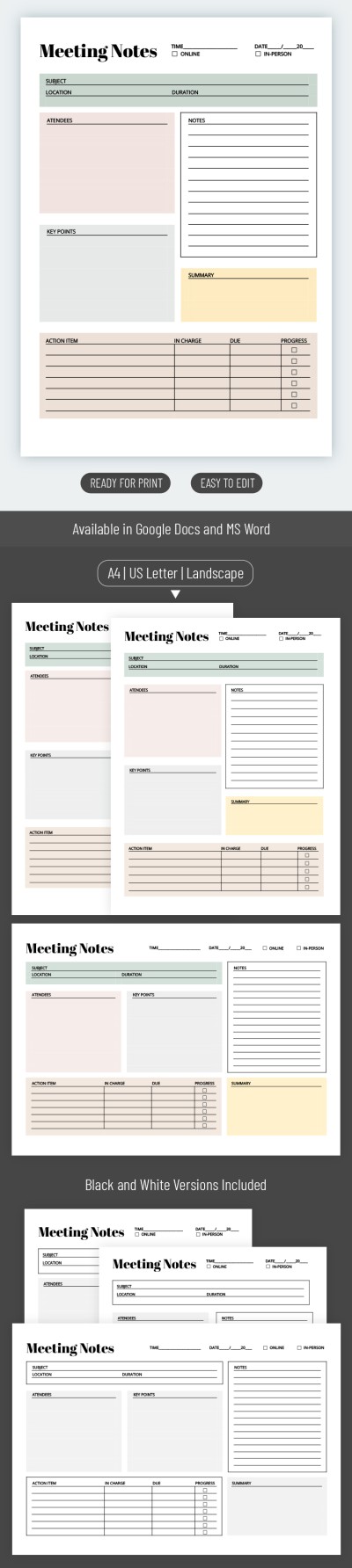
Printable Meeting Notes
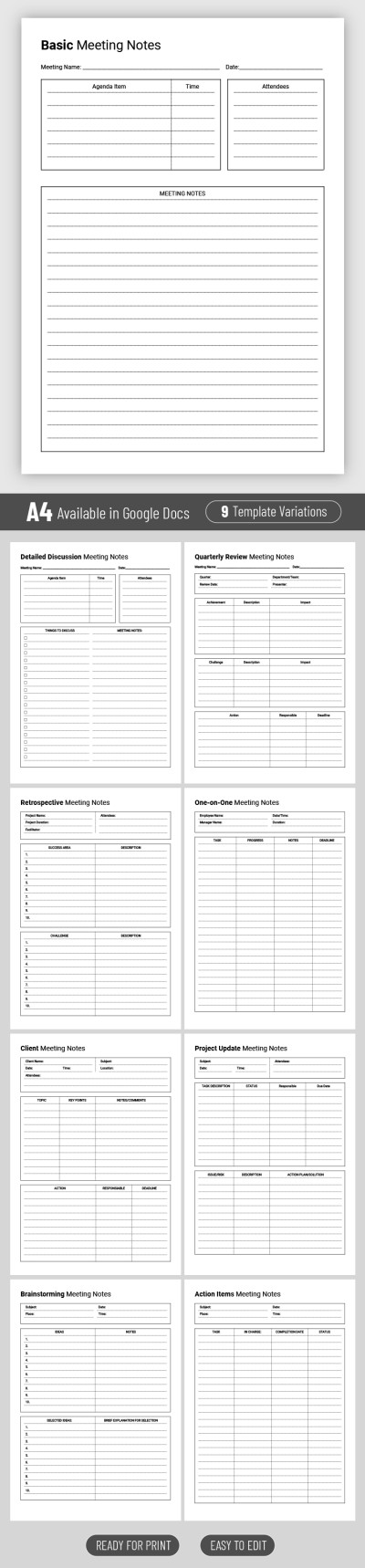
Structured Meeting Note
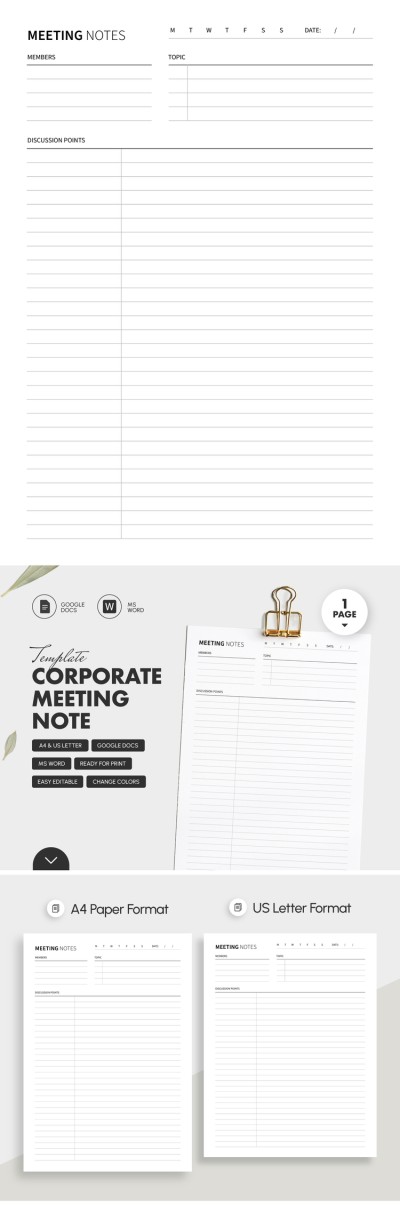
Corporate Meeting Note Template
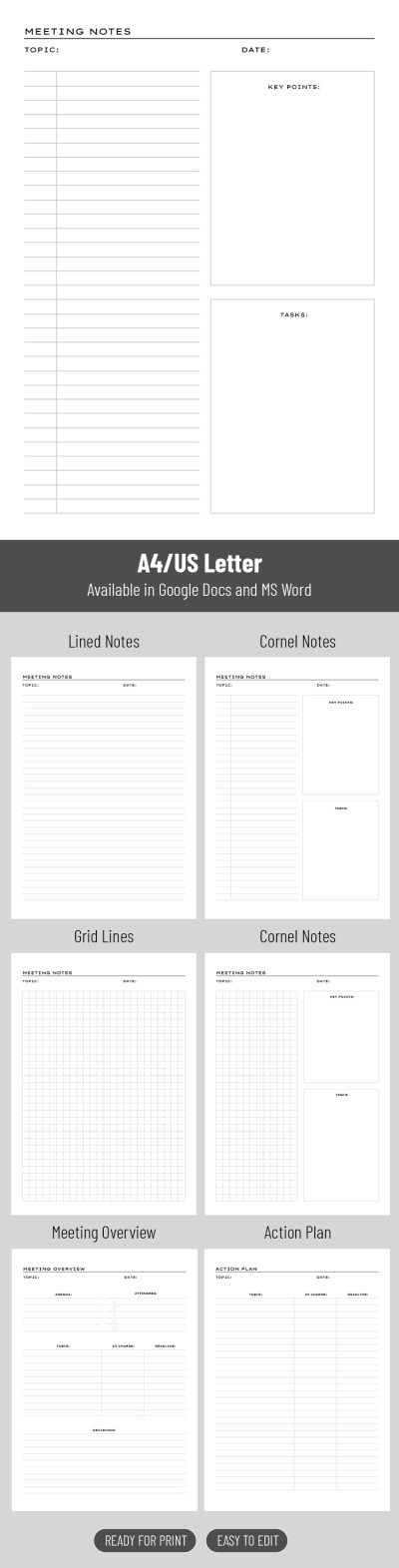
Printable Classic Meeting Notes
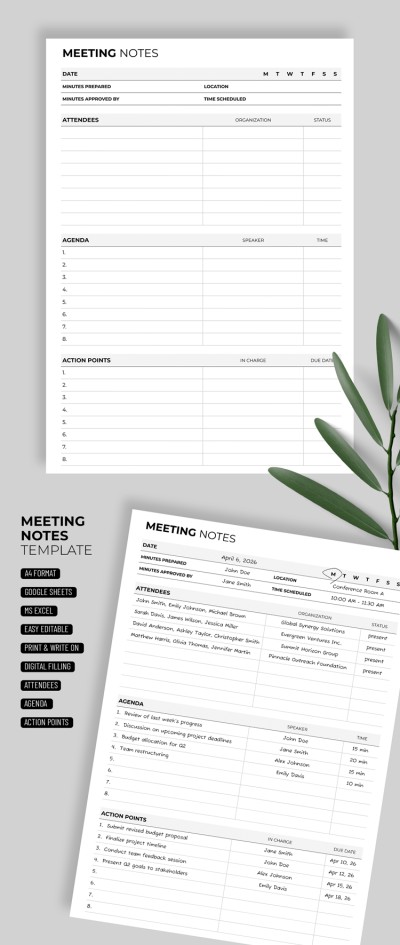
Meeting Note
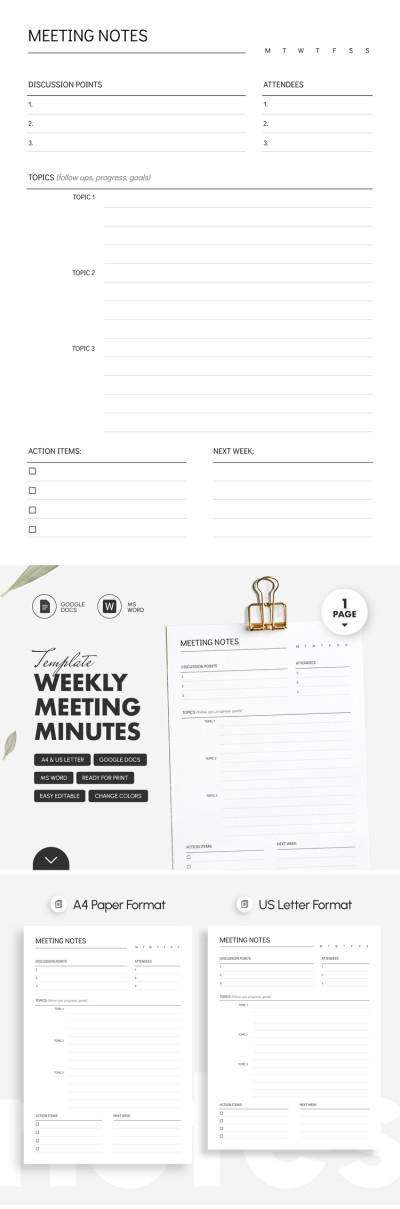
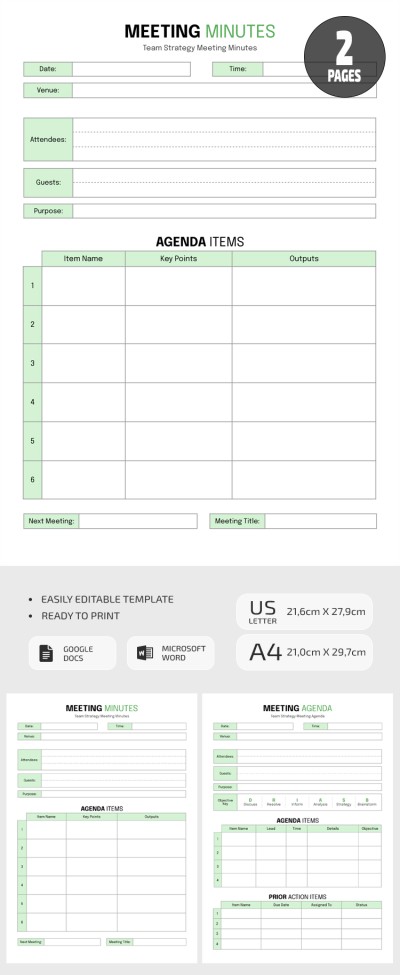
Team Meeting Minutes Template
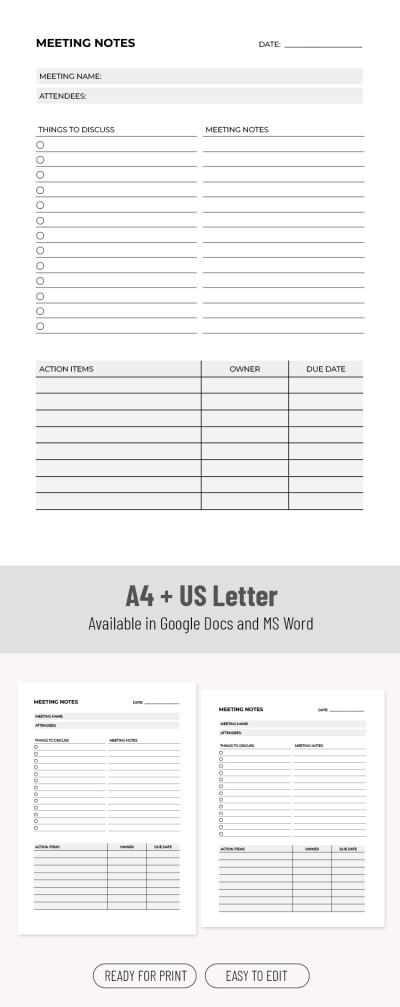
Professional Blank Meeting Notes Template
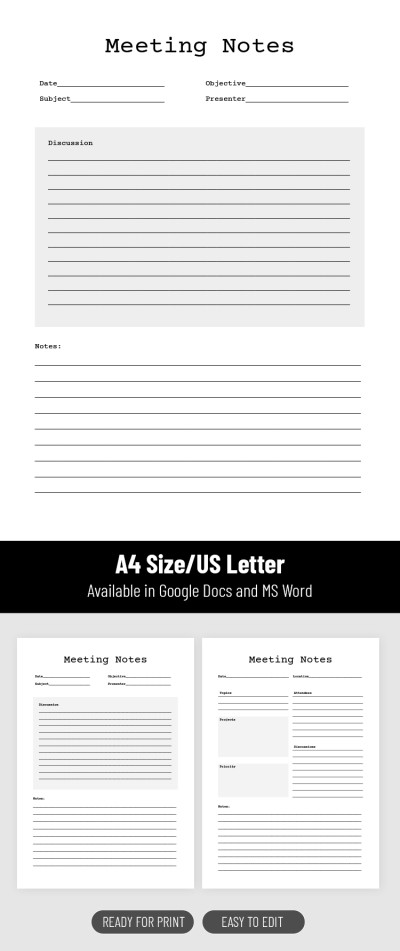
Editable Business Meeting Notes Template
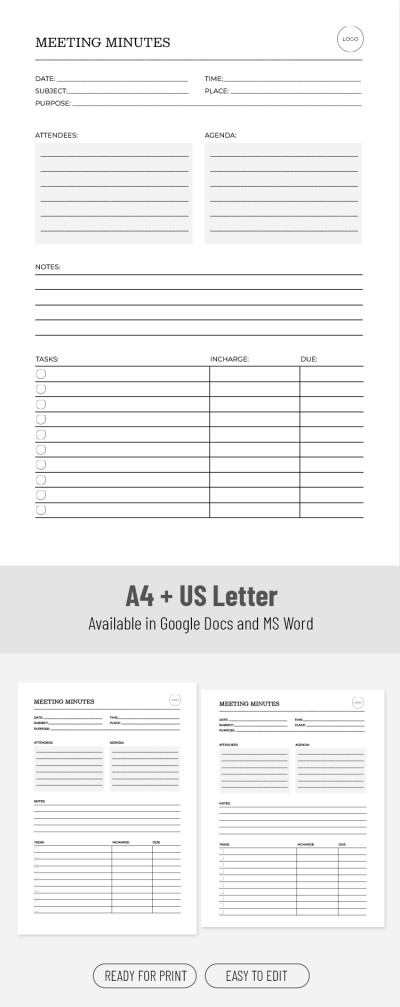
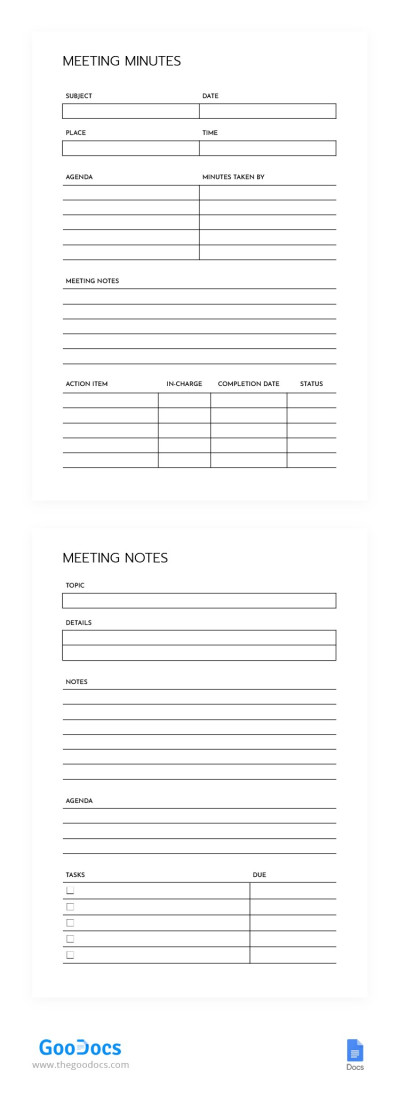
Simple Meeting Minutes Note
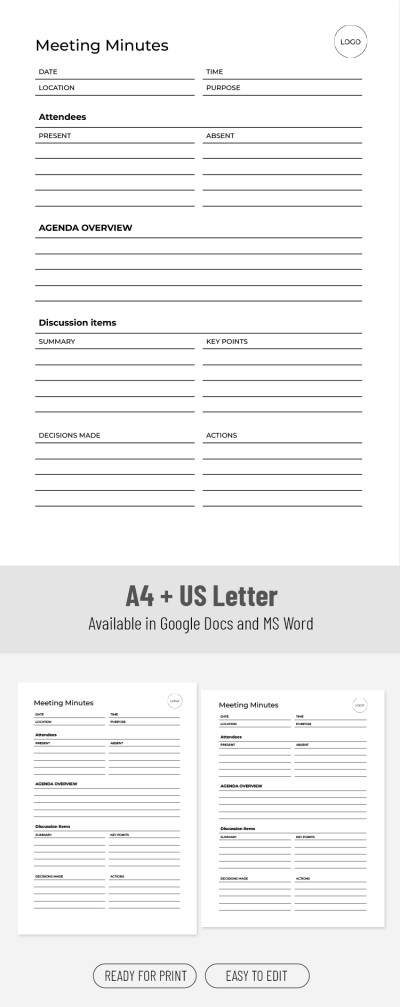
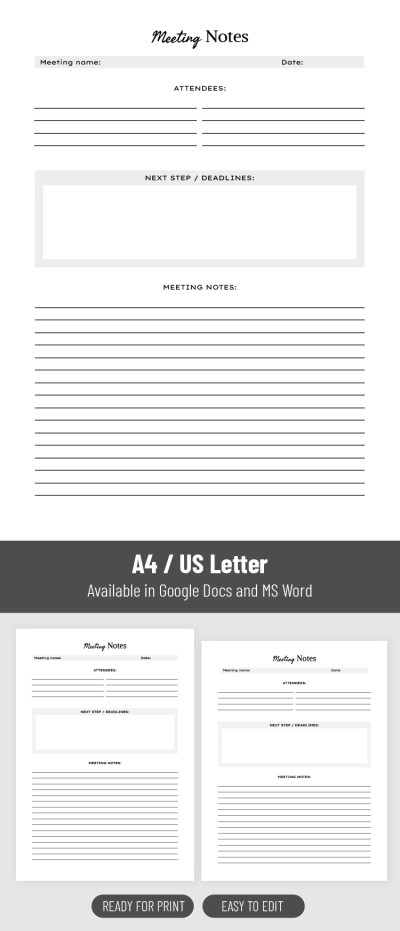
Printable Editable Meeting Notes Template
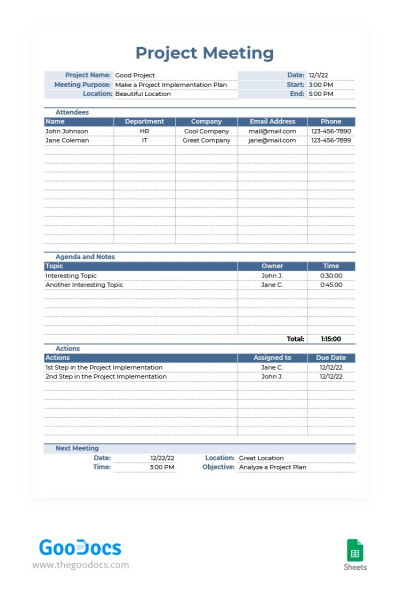
Project Meeting Note
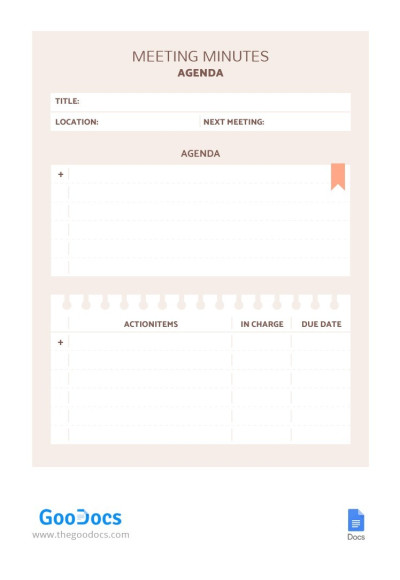
Stylish Meeting Agenda
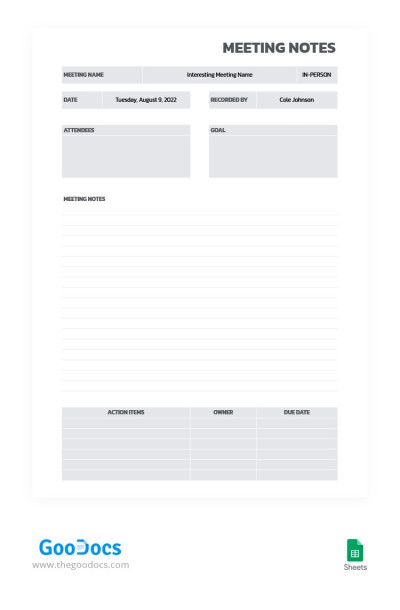
Gray Modern Meeting Notes
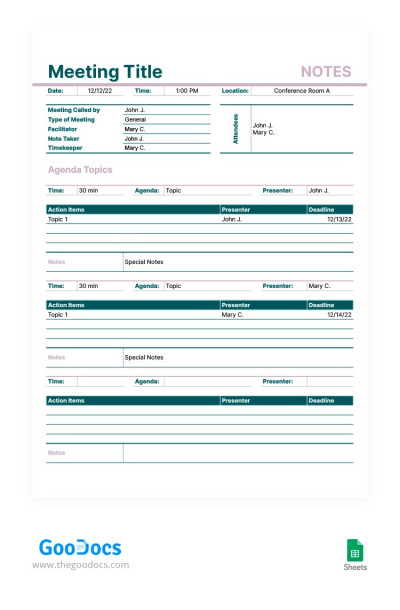
Green and Pink Meeting Note
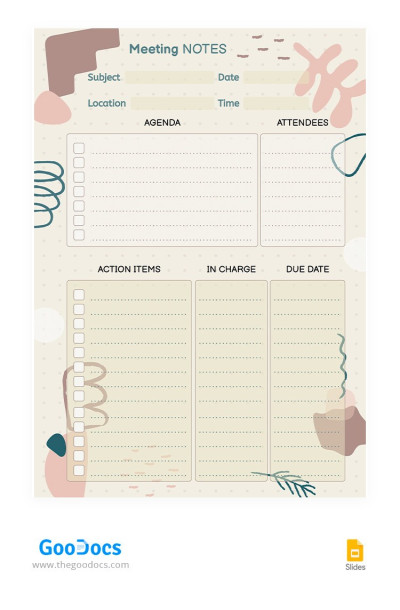
Beige Meeting Notes
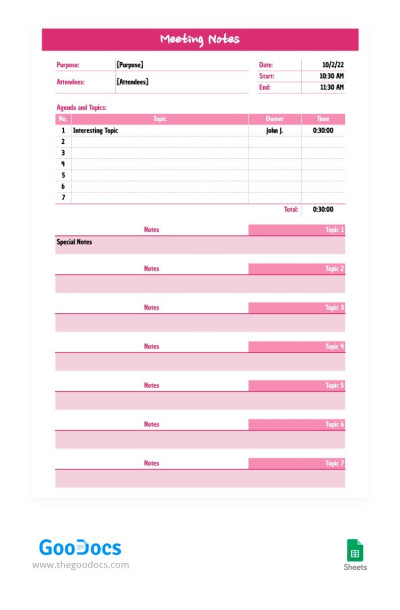
Pink Meeting Note
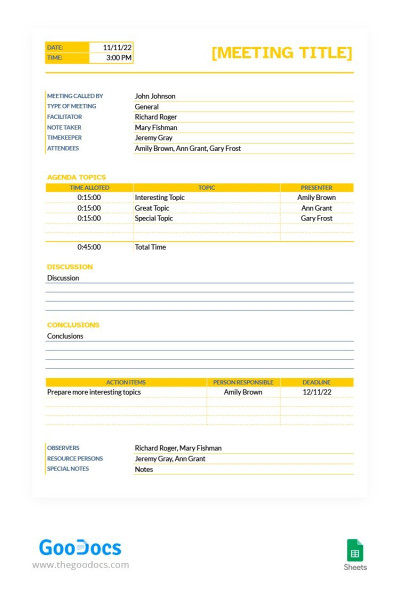
Yellow Meeting Note
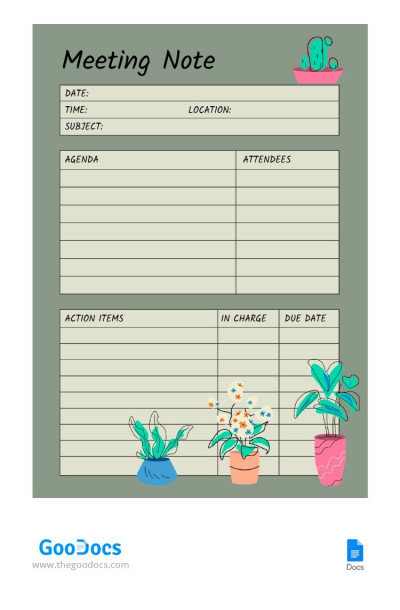
Basic Meeting Note
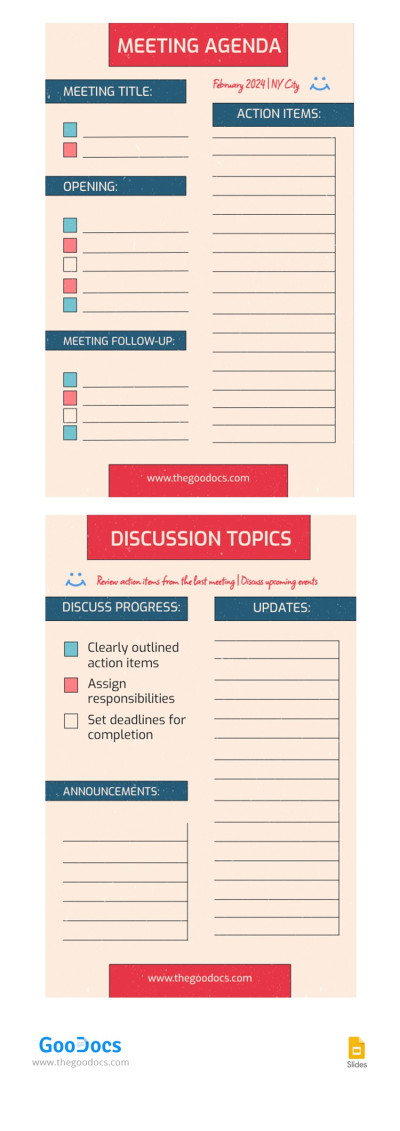
Agenda Meeting Note
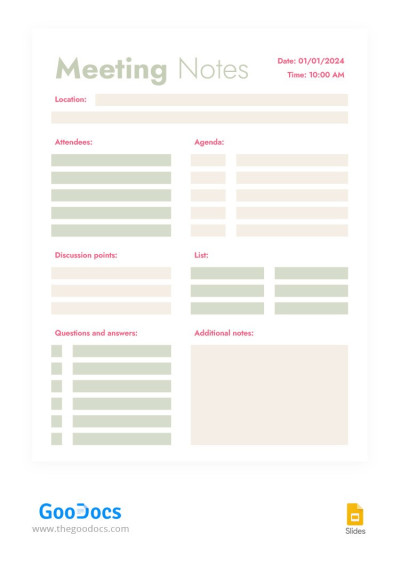
Minimalist Structural Meeting Notes
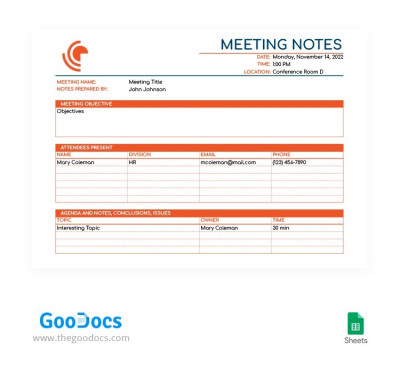
Orange Meeting Note
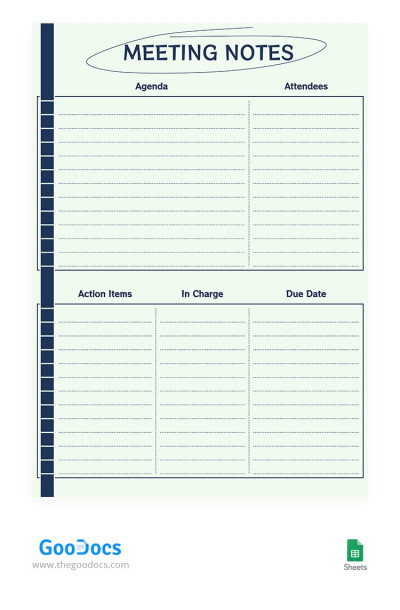
Modest Meeting Notes
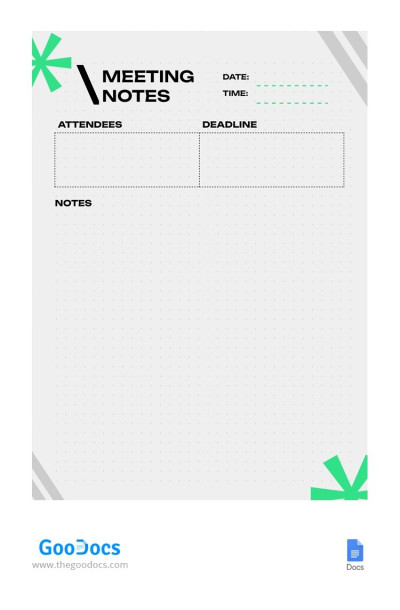
Simple Gray Meeting Note
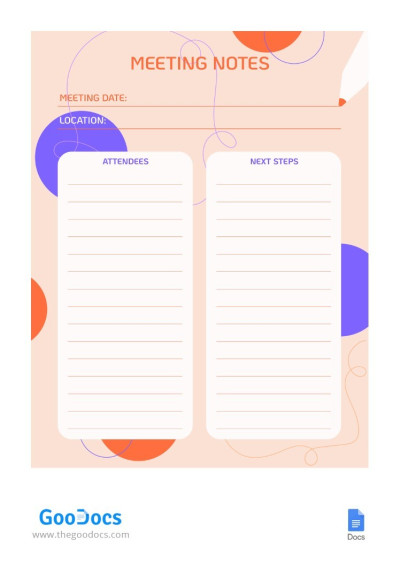
Meeting Notes with Purple Contrast
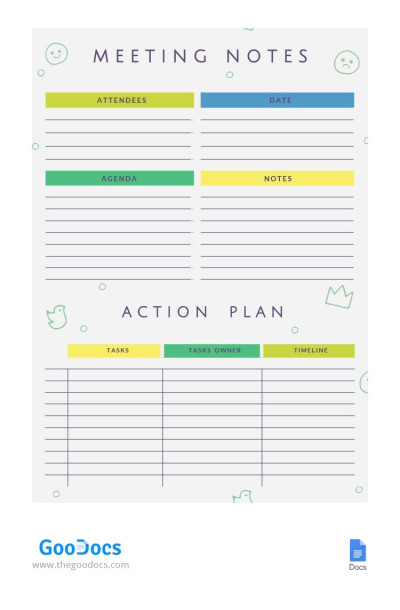
Simple Meeting Note
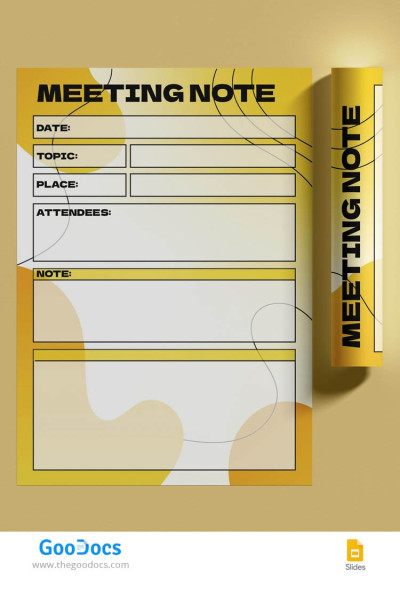
Personal Meeting Note
Clear and consistent meeting blanks are essential for successful teams. That's where our meeting note templates come in handy! Our samples can significantly improve your workflow. The best part is that no design skills are necessary; just start using them for free or with a premium subscription.
Save time and don't sacrifice flexibility with our meeting minutes templates:
- They are suitable for various purposes. You can select from team, project kickoff, sales and marketing, client, and other meeting notes on one page. They feature a distinctive structure with the needs of our users in mind to offer you exactly what you were looking for.
- Each meeting notes template offers a professional design. Our blanks are structured and offer various color palettes. Main placeholders for your entries are already provided, from meeting notes to action items and key points.
- Notes are available in convenient formats. Google Docs, Word, Google Sheets, or Excel? Choose what suits you best and remember that thanks to the functionality of Google Editors, you can fill out notes in one document even if your team works remotely.
In addition, our templates are 100% editable and printable. You can easily customize any sample to match the colors and vibe of your company. They help ensure that no idea, task, or decision is lost or misunderstood. Find the right option on this page or browse doctors note templates for more options.
Meeting Notes Templates FAQ
Meeting minutes should be properly structured and designed as they can be used for legal and compliance reasons.
That's why our Google Docs template for meeting minutes is the best choice:
- You can download a suitable template on this page. Choose from dozens of ready-made designs in Google Docs format.
- Next, get a copy of the template for your Google Drive. Click on the "Edit in Google Docs" button on the template's page; the copy will be ready in seconds.
- Now, you can customize the design and add the necessary blocks. The initial design of our meeting minutes templates in Google Docs will suit most companies and teams, so you can leave everything as is.
- Print or use the template online. The main advantage of Google Docs is its capabilities for remote collaboration. This way, you can fill out meeting minutes together with your team. To print, save the template as a PDF file. Click File => Download => Save as PDF.
Now, you can use your meeting minutes template. Select from the ready-made options offered on this page for free or try all the benefits with our premium subscription.

