
Inventory Log Templates
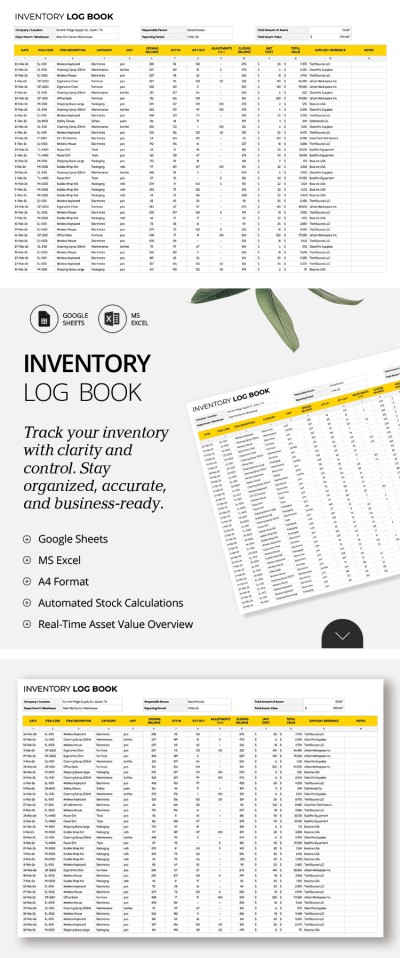
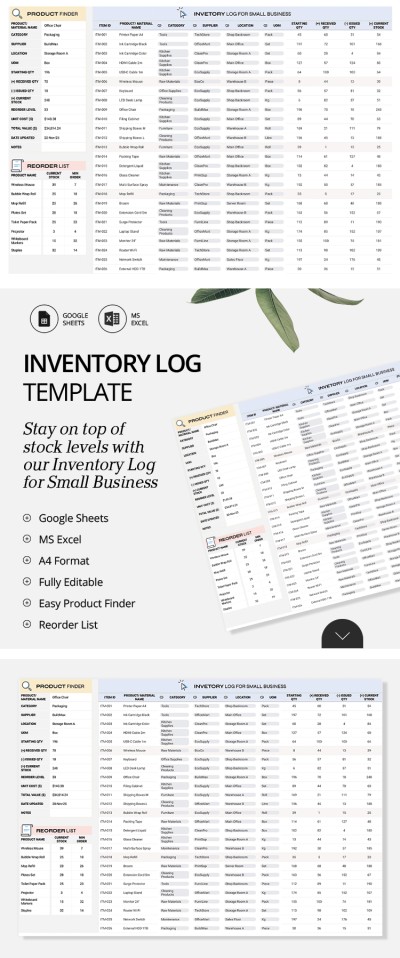
This collection of inventory log templates will help you structure and simplify the tracking of any goods or stock. Editable Excel and Google Sheets layouts feature built-in functions and automatic formatting to organize items by quantity and other parameters. Simply add your items and update the counts to get real-time updates and important insights. Collaborate with managers and warehouse workers in any location and across any device.
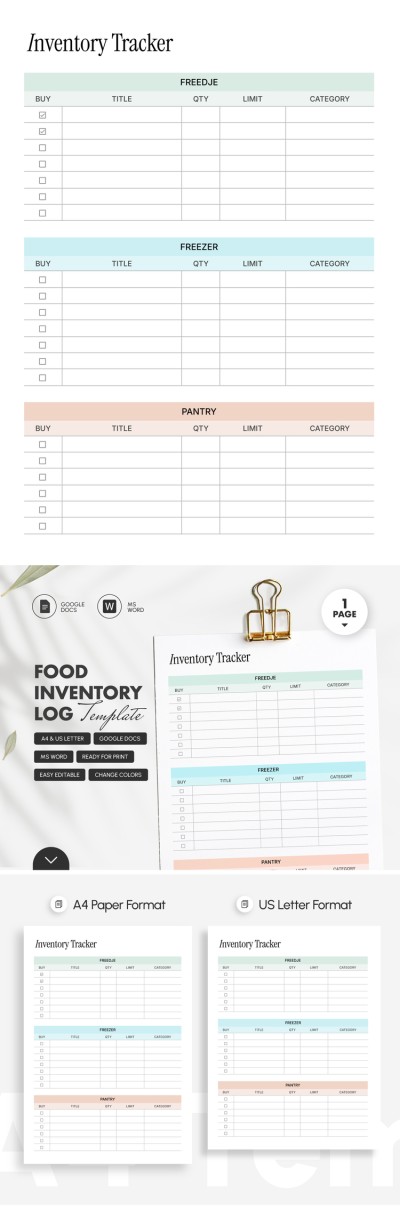
Food Inventory Log Template
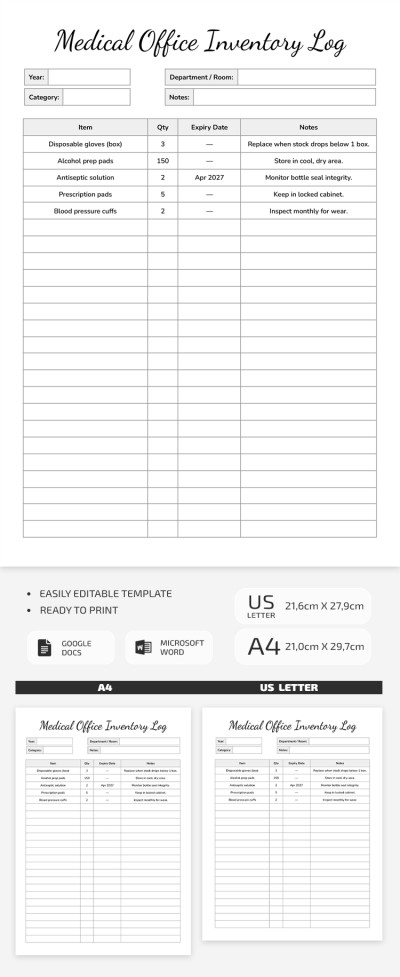
Medical Office Inventory Log Template
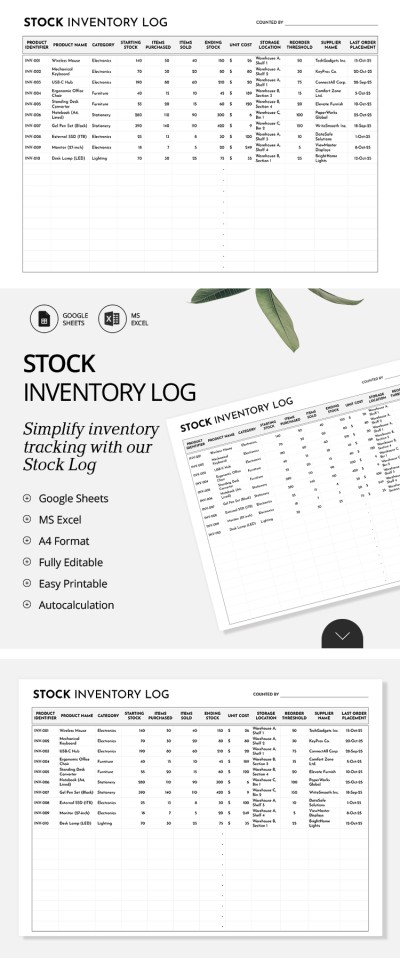
Stock Inventory Log Template
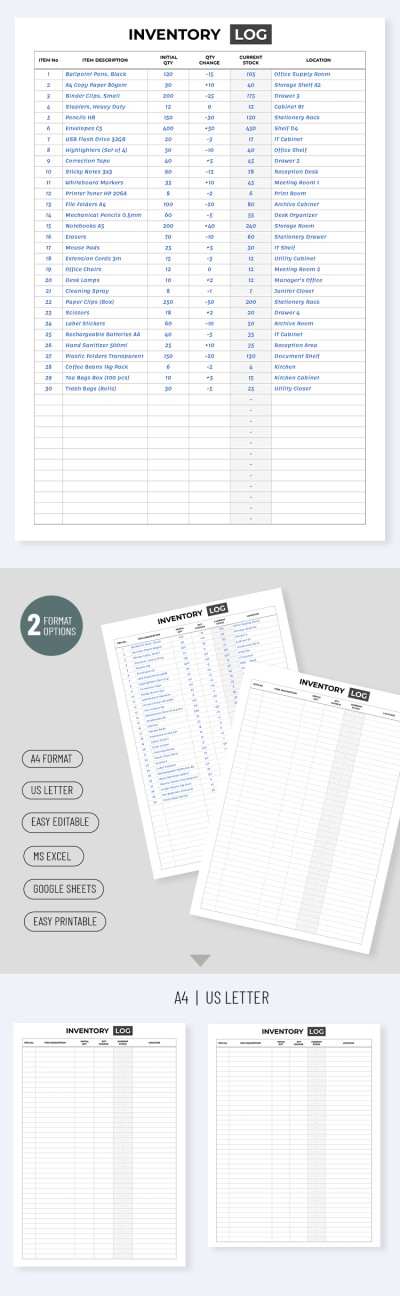
Inventory Log Template

Please try different filters or clear all to start over.
Choose inventory log templates for any task on this page. Find pre-made spreadsheets for tracking stock, food, medications, and more. You can quickly record incoming and outgoing goods and their movement between warehouses on any device. Furthermore, multiple employees from different locations can work on a single file simultaneously, and the cloud-based system will show exactly who made changes to the spreadsheet.
Why choose our inventory log templates:
- A convenient, ready-made structure. Each inventory log already includes fields for product numbers, names, current stock, purchase and sales data, the person responsible, and more. This way, you can keep all the essential information about your products in one place.
- Advanced built-in features. Features like automatic low-stock alerts, product search functions, and customizable drop-down lists are already included. You won't need to write complex formulas, worry about formatting, or spend hours manually searching for specific items in your log.
- Fully editable and printable. Need to set up new product categories or track specific parameters? You can do it all in Google Sheets or Excel. Simply enter your dates, categories, and product details. What's more, you can easily save your logs as PDFs or other formats for regular reporting.
Easily add columns and customize your log to suit your specific business needs or tasks. We offer dozens of distinctive options with different designs and features, and you can find even more inventory templates at the link.
Log Inventory Templates FAQ
You can create an inventory log in Excel from scratch or use one of our ready-made templates. Using templates is often the better choice, as it saves time and allows you to take advantage of the pre-made functions already built into the layout.
Take advantage of our step-by-step instructions:
- Download an inventory log template for Excel from this page and open it on your device.
- Configure the columns or leave them as they are. Most templates already include fields for Item ID, Name, Description, Category, Unit Price, Quantity in Stock, and Reorder Level.
- Set up drop-down lists with categories or data relevant to your specific inventory type.
- Enter the information about each item into the rows.
Our formulas will take care of the rest after you complete the spreadsheet. The templates automatically calculate total value, stock statuses, and other essential data. You can also customize the reorder level for each item by simply changing the minimum quantity in the formula line.

