
Grocery List Templates
With professional grocery list templates in Google Docs, Sheets, Word, and Excel formats, you won't have to go back to the store for the products you forgot to buy. We offer editable and printable forms for weekly and daily purchases. Find free examples with product types, separate sections for days of the week, and others. Choose from aesthetic, cute, modern, and minimalist designs.
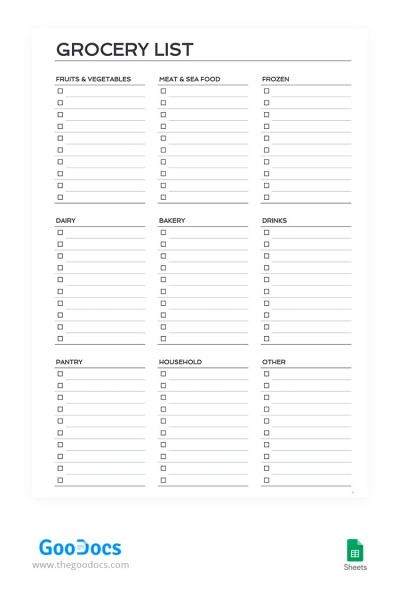
Printable Grocery Checklist
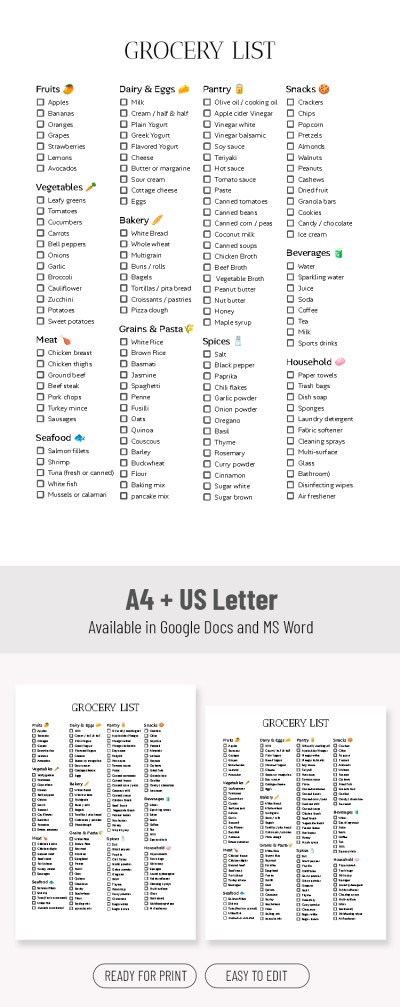
Grocery Shopping List Template – Plan Your Shopping Fast

Minimalist Grocery List Template For Quick Print
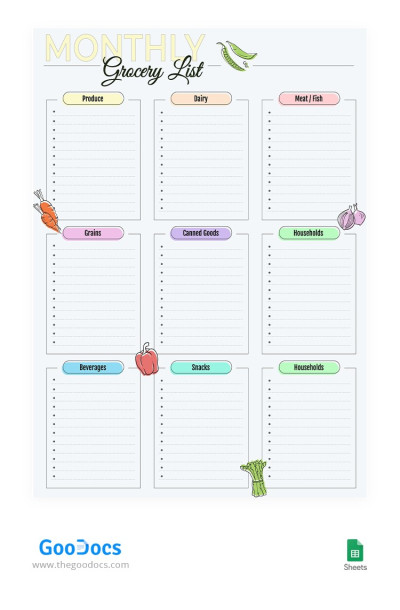
Monthly Grocery List
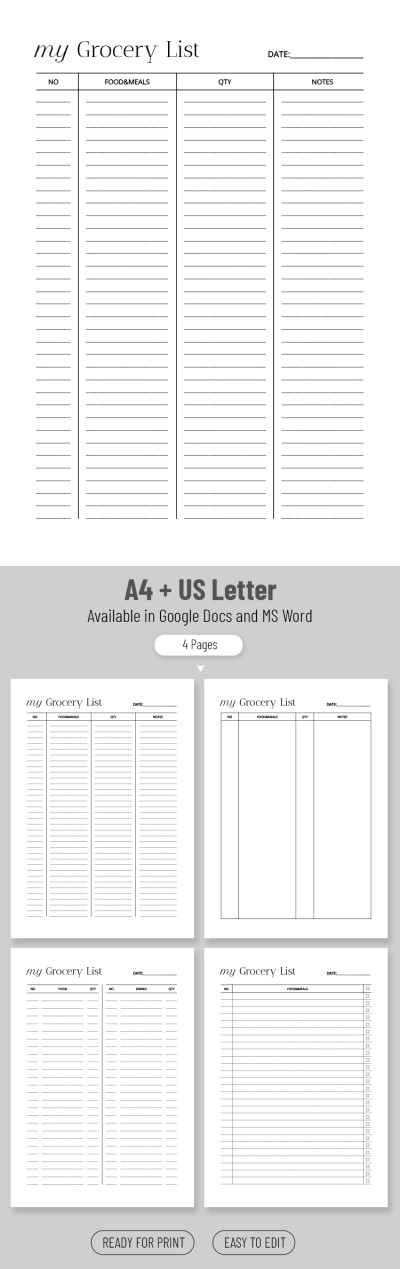
Simple Grocery List
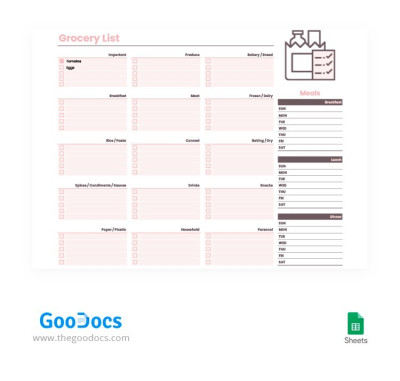
Convenient Grocery Checklist
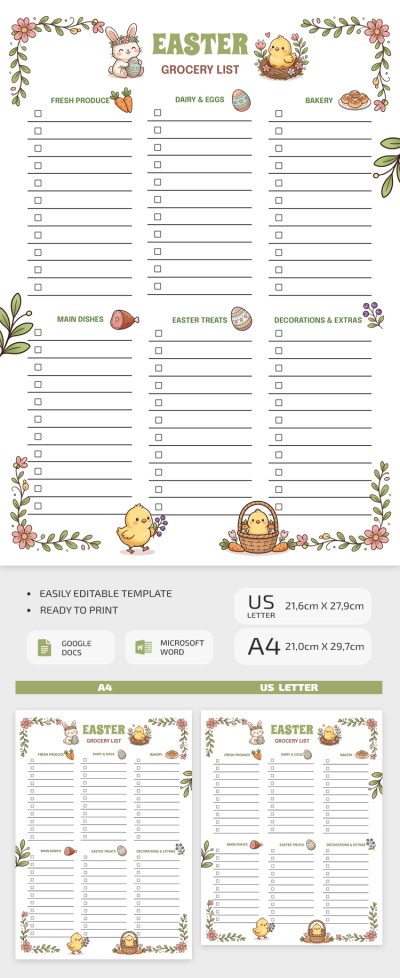
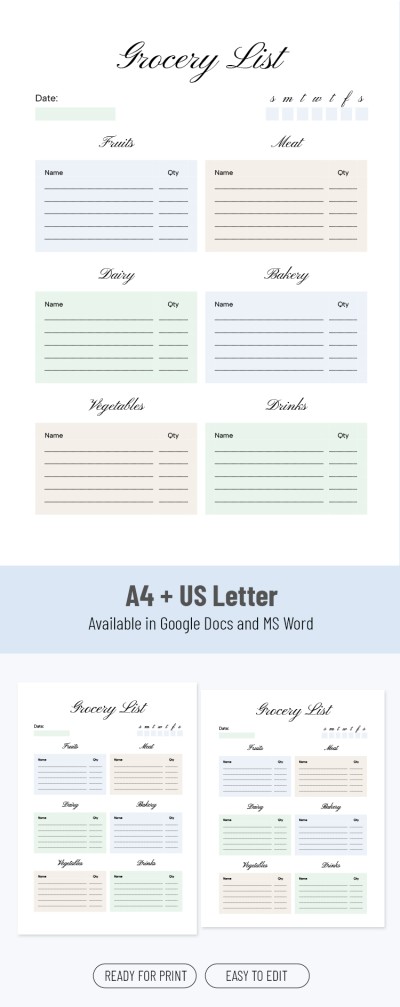
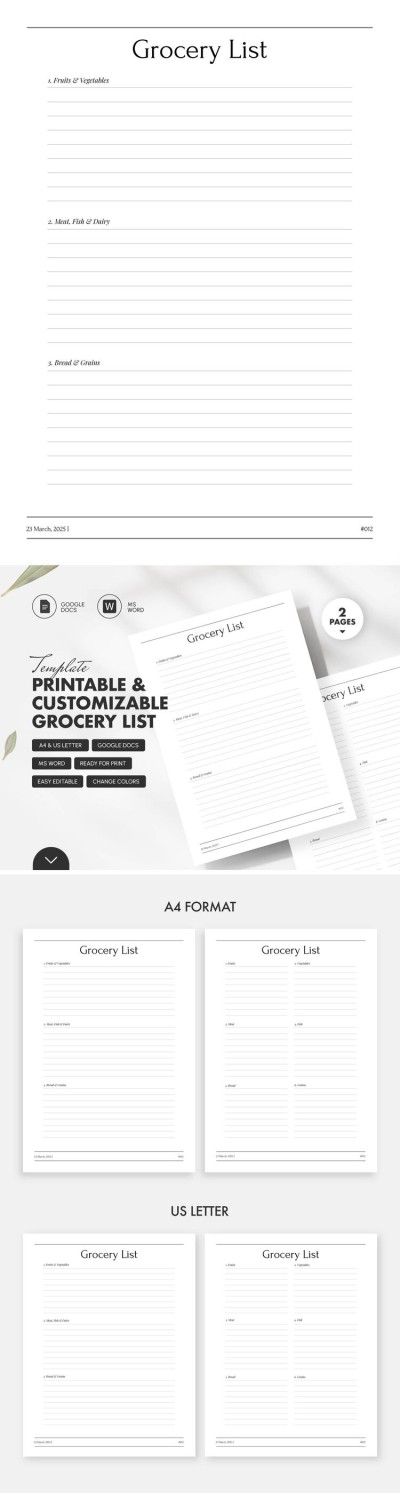
Printable And Customizable Grocery List Template
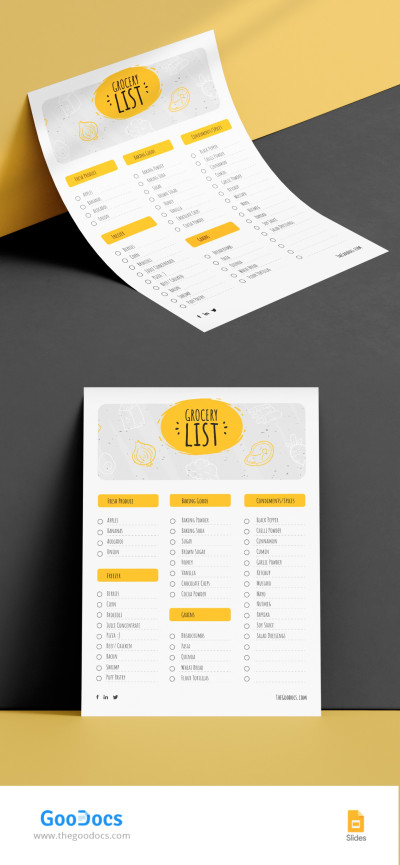
Grocery List
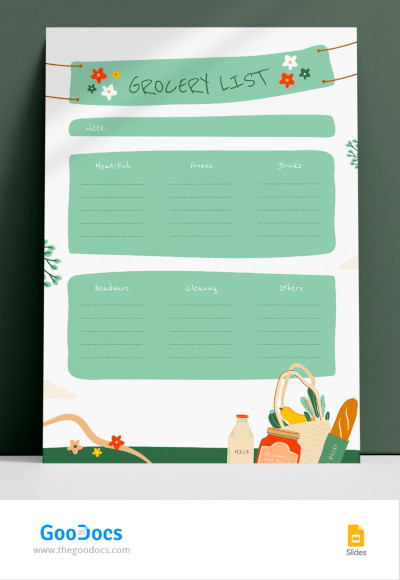
Illustrated Grocery List
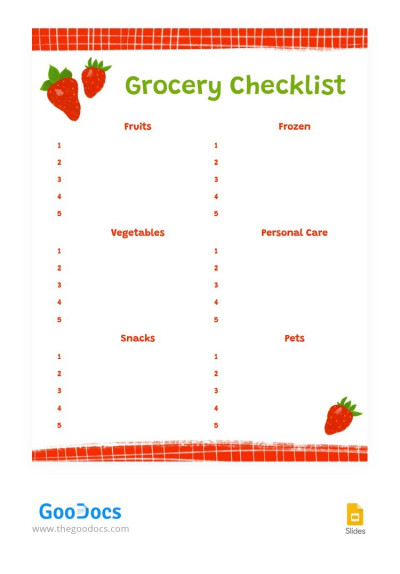
Strawberry Themed Grocery Checklist
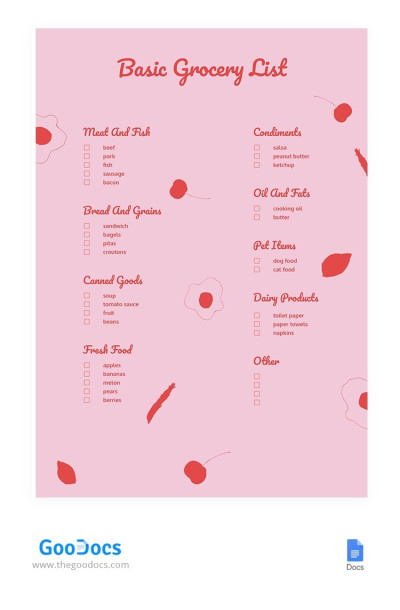
Basic Grocery List
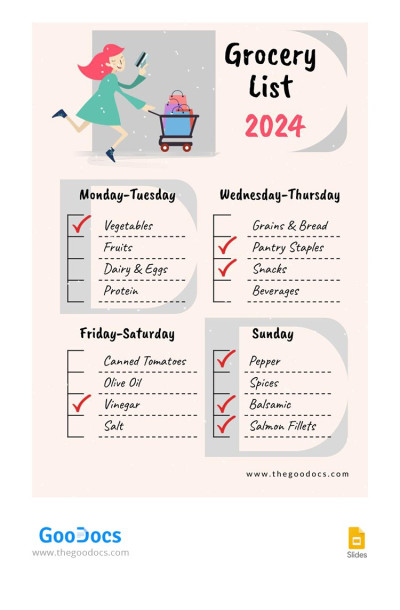
Cute Grocery List
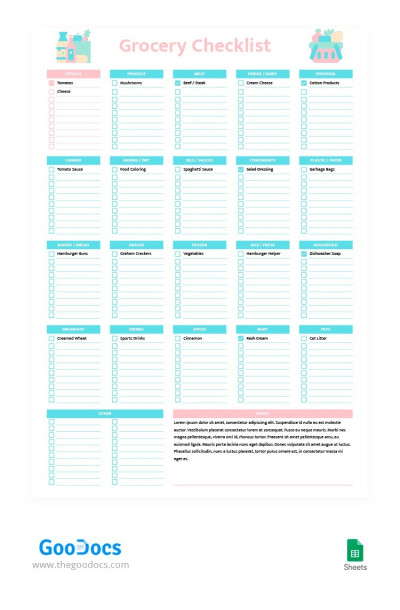
Candy Style Grocery Checklist
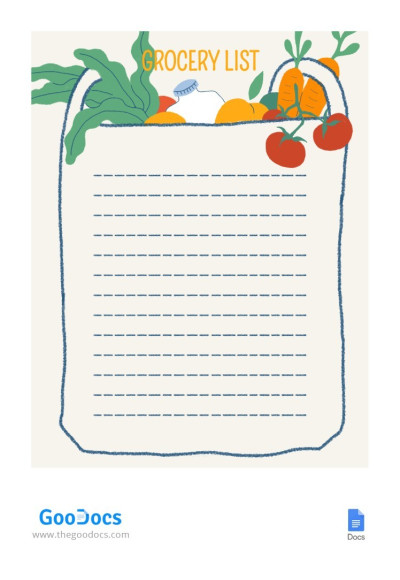
Colored Grocery List
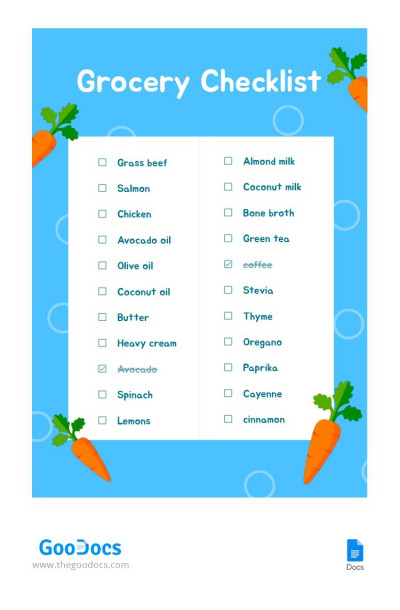
Illustrated Grocery Checklist
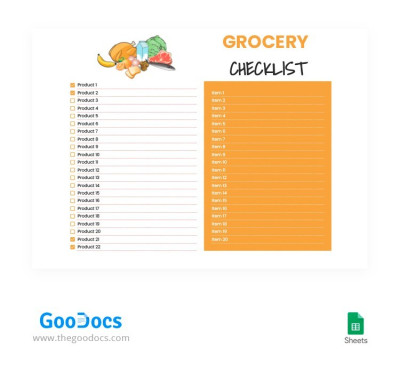
Orange Grocery Checklist
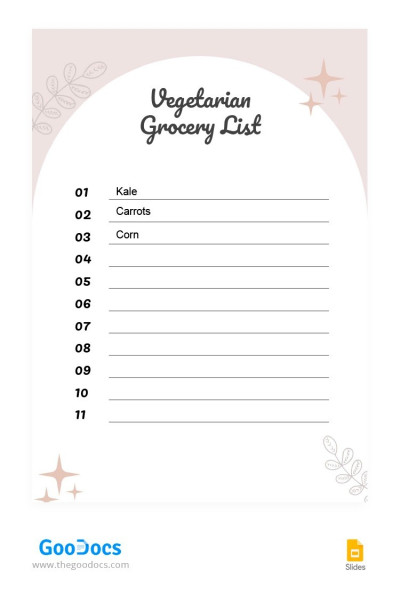
Vegetarian Grocery List
Our grocery list template is a must-have tool for those who don’t like to return to the store again and again. Our templates will not only help you organize your shopping list in a convenient digital or printed format but also design it via a beautiful layout. You can access the list from any device in Google Docs, Word, Google Sheets, or Excel format.
Advantages of our solution:
- Many options with unique designs are available on one page. Do you like pink, yellow, green, or pastel colors? You will definitely find a template in a suitable style. In addition, you can customize the design. Change fonts, shades, and structure in a few clicks.
- Choose a layout that suits your needs. Each shopping list template has placeholders to include items. Find a lined paper blank, a spreadsheet with checkboxes, a layout divided into shopping categories (Dairy, Meat / Fish, Snacks, Grains, etc), and other options.
- Fill out your list on any device or after printing. You can fill out the template in one of the suggested and convenient editors on any device. Alternatively, save the document as a PDF and print it out to take a physical copy to the shop with you.
Find a suitable Google Sheets checklist or use ready-made options in another format. Choose an illustrated, simple, or minimalist shopping list template, and start filling it out right away.
Grocery Lists Templates FAQ
You don't have to start from scratch to create a grocery list template in Google Sheets. Columns for items, categories, checkboxes, and even stores are premade in our free grocery lists.
To make a grocery list, all that's left is to:
- Get a copy of the template you like in Google Sheets. To do this, log in to your Google account. Then click on the preview or title and go to the template's page. Next, find the "Get a copy in Google Sheets" button and click it. The copy is created automatically after 10 seconds. You can confirm the process, and the template will automatically open in the browser.
- All columns are already set up. You will have items, quantities, categories, prices, notes, and more sections. Choose the template that suits you best in terms of design and content.
- Input data. Add your grocery items, information about them, price, where to buy, and quantity to placeholder categories (if applicable) and cells.
- Customize the template to your liking. Add drop-down lists for categories, change the design and fonts, and remove unnecessary columns. The template is fully responsive, and only you decide how the final version will look.
The main thing is not to forget to take the list to the store.
It will be available on any device where you are logged into your Google account. You can also save the template in PDF to print. Select the best premium or free grocery list template and start customizing it.

