
Birthday Calendar Templates in Google Docs and Word
With our birthday calendar templates in Google Sheets and Excel, you will not forget to congratulate your family, friends, and colleagues. Choose fillable free and printable forms in different styles and stay aware of every incoming birthday. We have cute, formal, and colorful designs to meet your unique demands.
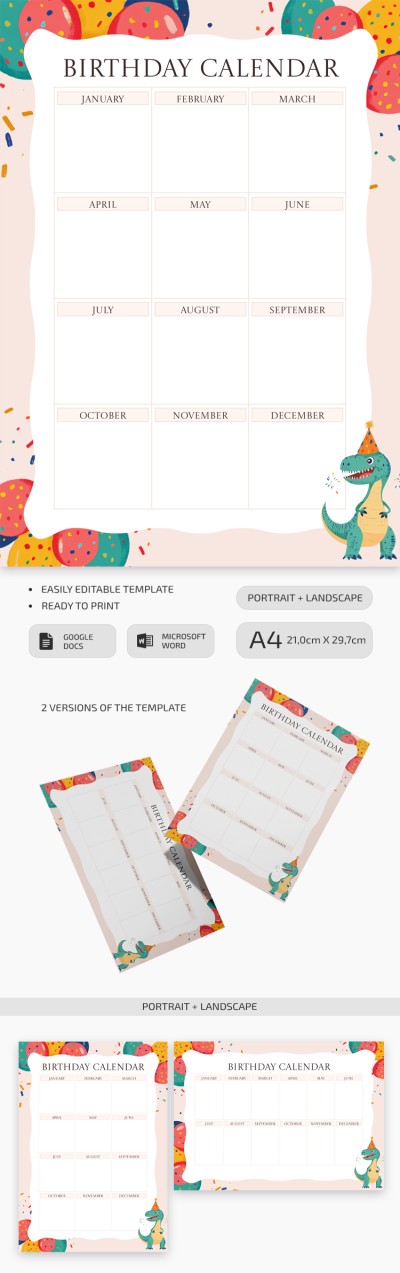
Printable Customizable Yearly Birthday Calendar
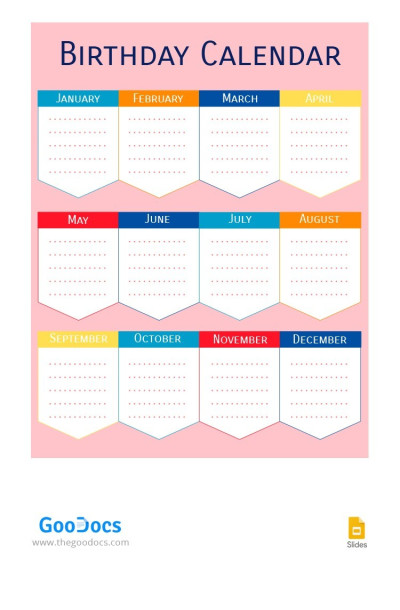
Rose Birthday Calendar
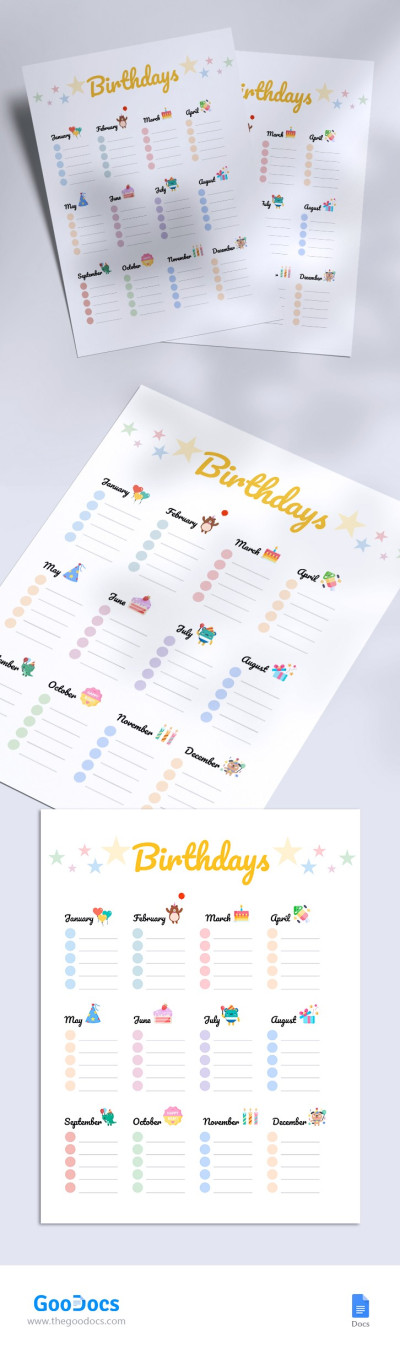
Birthday Calendar
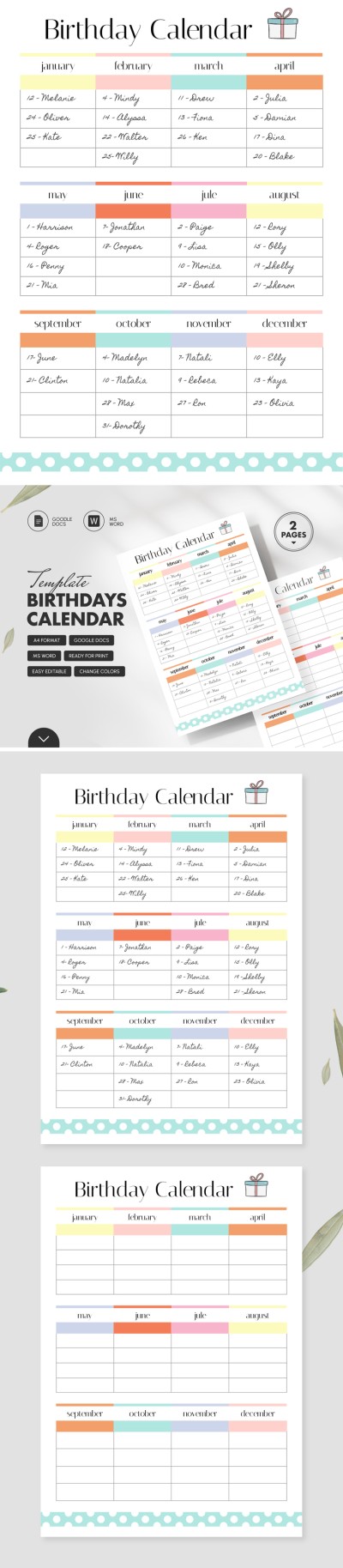
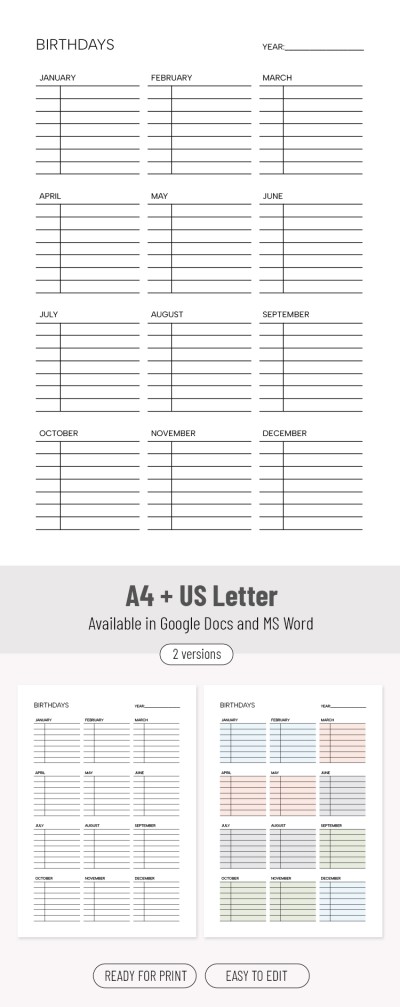
Birthdays Calendar
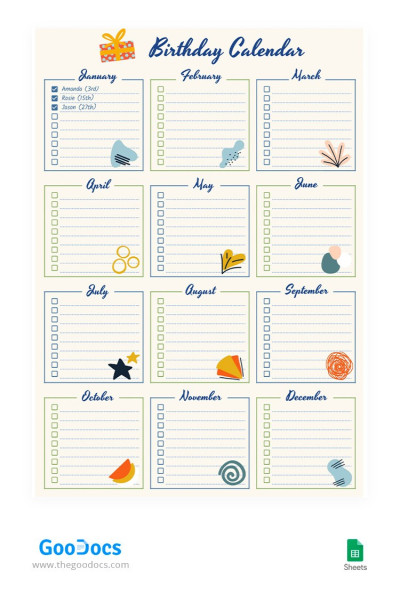
Beige Birthday Calendar
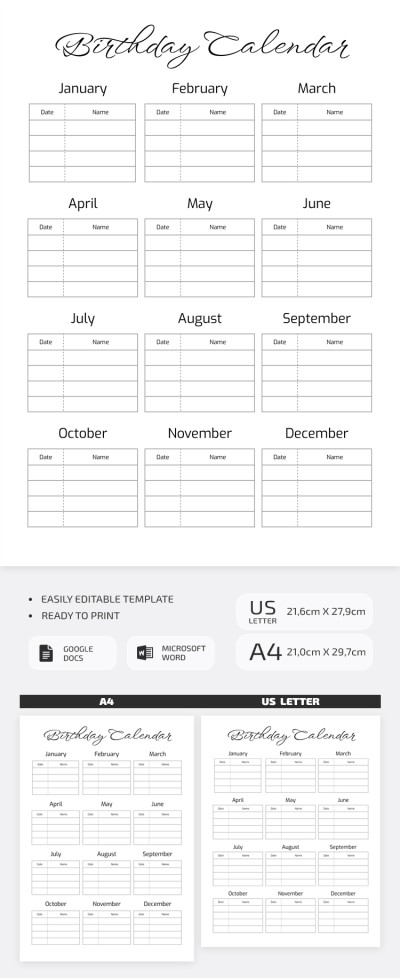
Editable Birthday Calendar Template– for Family & Friends
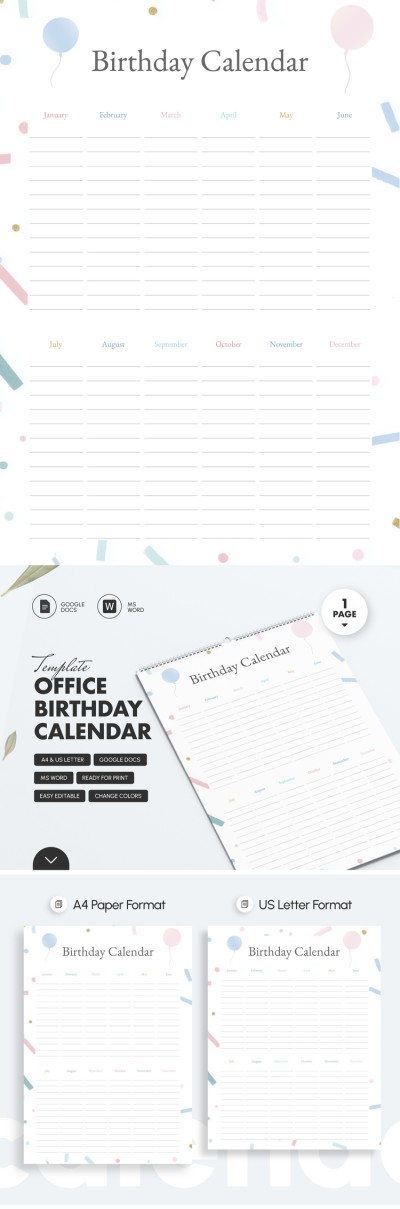
Printable Office Birthday Calendar Template

Printable Office Birthday Calendar Template
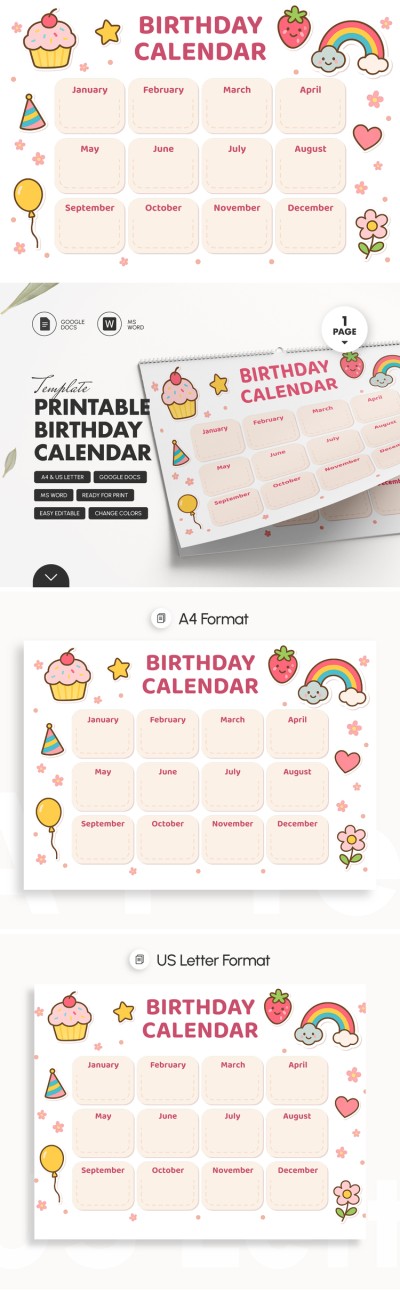
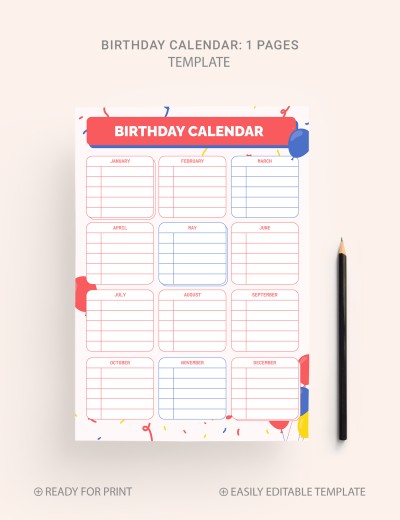
Colorful Birthday Calendar
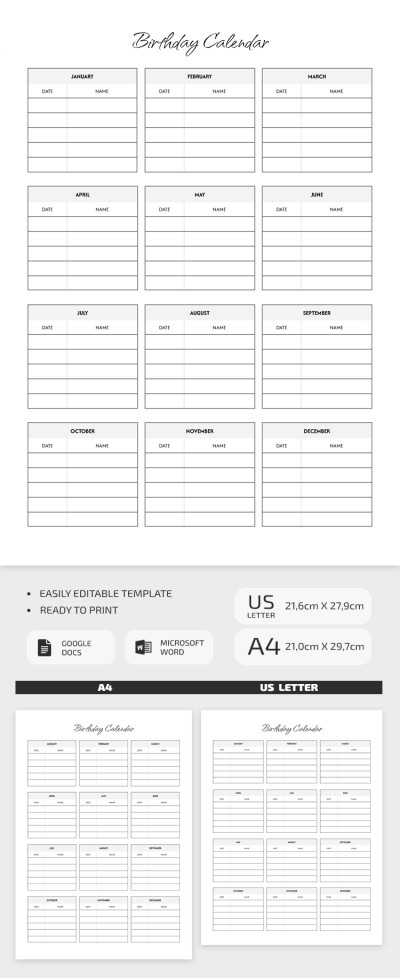
Printable Annual Birthday Calendar Template
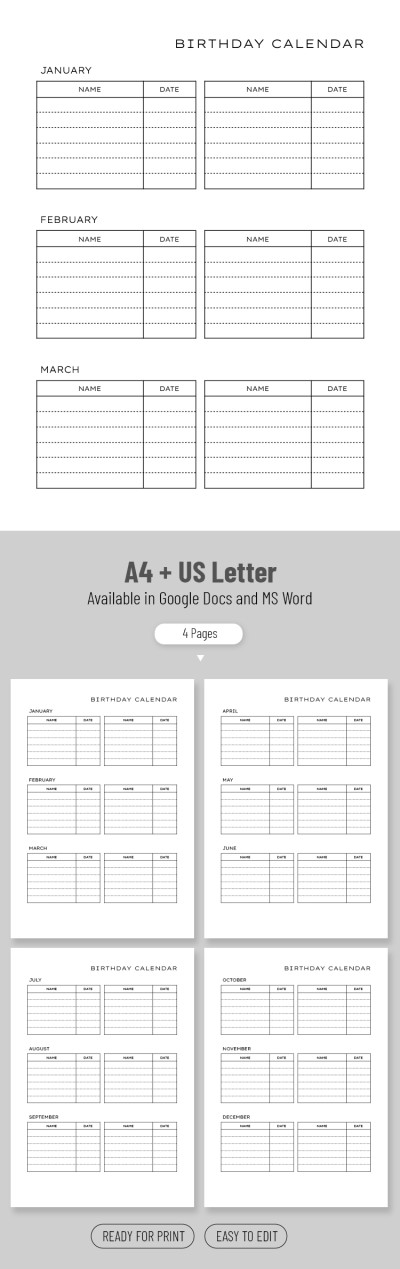
Simple Birthday Calendar
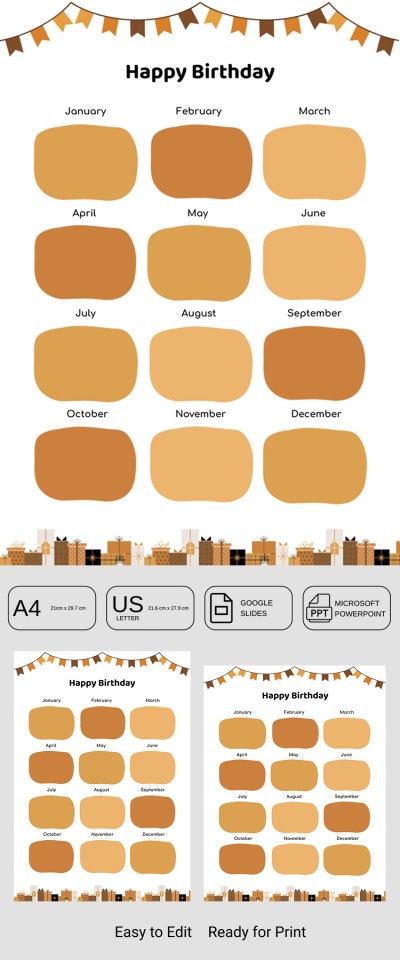
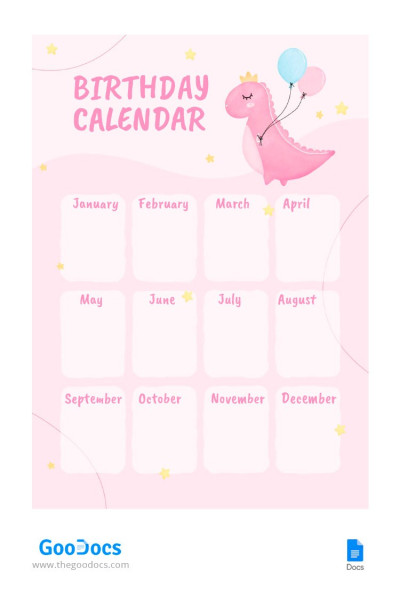
Pink Birthday Calendar
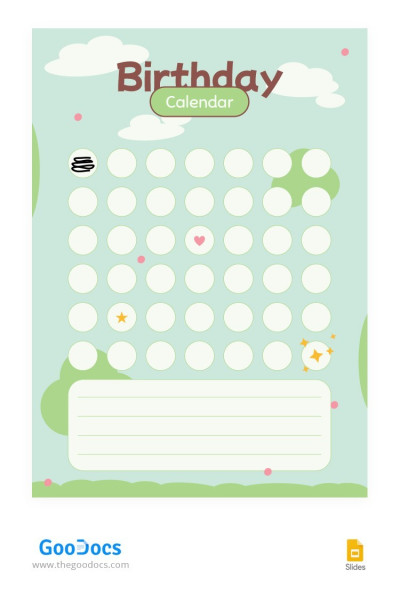
Playful Birthday Calendar
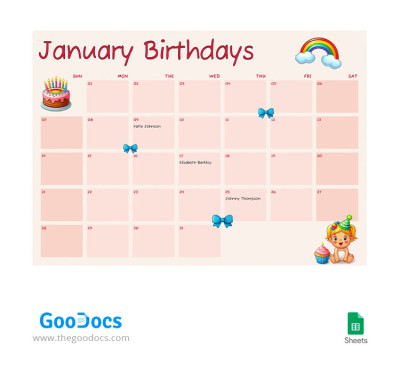
Cute Birthday Calendar
Have you forgotten to congratulate a colleague, friend, or relative on their birthday again? It happens to everyone, but not to those who already use our birthday calendar templates! You can write down the dates of all your loved ones' birthdays and avoid awkward situations.
Our templates offer maximum convenience:
- Choose from dozens of designs. On this page, you will find beige, pink, simple, and cute calendars.
- Use in a convenient format. Is it more convenient to review the calendar from your phone or PC? Just leave the template in digital format. If you need a paper version, save it in PDF and print it.
- Use additional elements. Some calendars include checklists and sections to help you plan gifts or even a surprise party.
- Birthday calendar templates are available in convenient formats. Our calendars are easy to fill out and you can use them in Google Docs, Word, Google Slides, Excel, and other editors.
The best part is that most of our calendar templates are completely free. And, if you want unlimited access to all premium options, you can purchase a cheap premium subscription. Start planning gifts and greetings today - download or get a copy of a birthday calendar template.
Birthday Calendars Templates FAQ
The days of writing down your loved ones' birthdays in a notebook are long gone!
Create a birthday calendar in a few simple steps with TheGoodocs:
- Choose a template on this page, click on it, and download/get a copy.
- Open the template in the desired format. We have options in Word, Excel, Google Docs, Google Sheets, and even Google Slides.
- Use pre-made fields. Fill in your friends' and colleagues' birthdays using the structure made by our designers.
- Discover additional options. Some calendars include checklists for preparing for a birthday or convenient tables for choosing gifts in advance. Just fill them out.
- Save the digital version of the file and use it on any device or print it out. To print a template, it is best to save it in PDF, and the editors from Microsoft and Google allow you to do this.
Just five simple steps separate you from your own birthday calendar. Start now, and in a few minutes, you will understand how easy it is. Download for free or with a premium subscription.

