ADVERTISEMENT
ADVERTISEMENT
Rose Birthday Calendar Template
Use this template with Google Slides and Microsoft PowerPoint
4.17 (2 reviews)
•
Last updated
Updated
July 14, 2026
•
Created by
Alexander Clark
•
Type
Yearly, Cute
Template Specification
Format
Google Slides
Created
August 10, 2022
Last Updated
July 14, 2026
Community
Added to collections by 15 Users
Usage Stats
0 downloads this month
Key Features of This Template
About this template
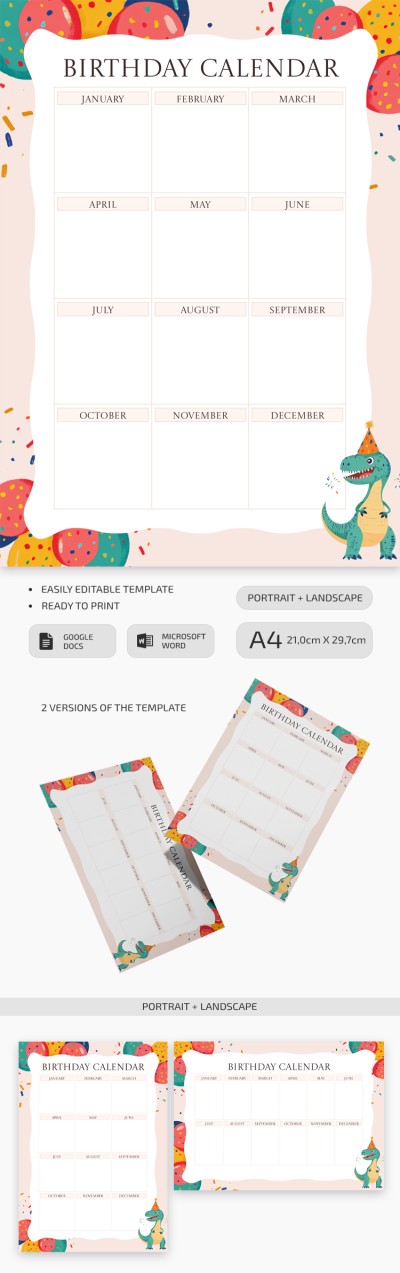
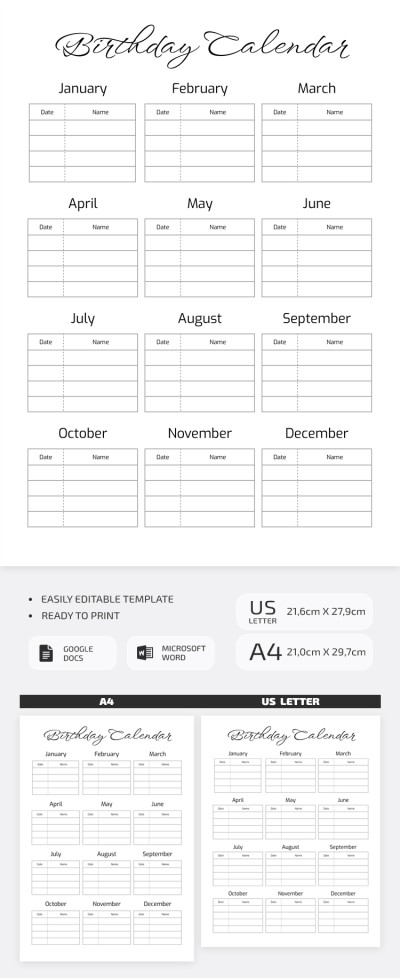
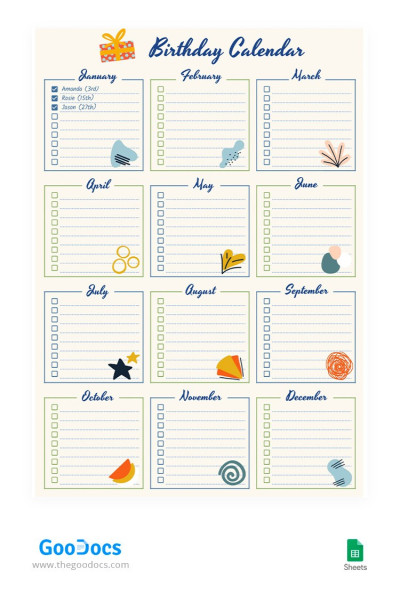
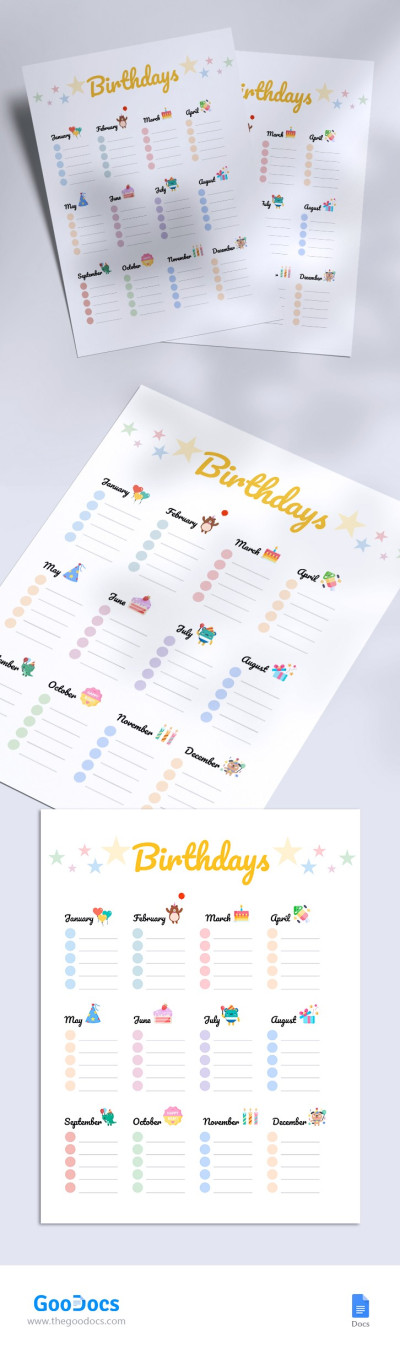
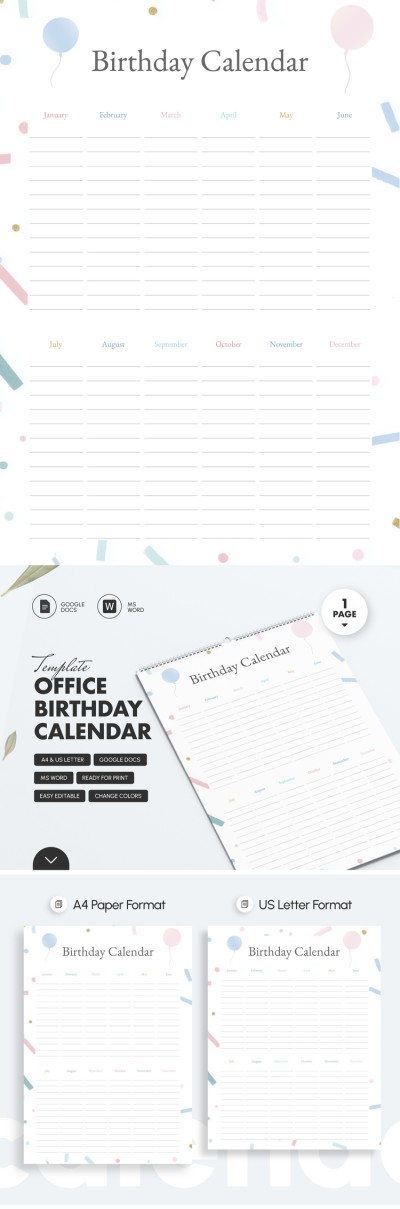
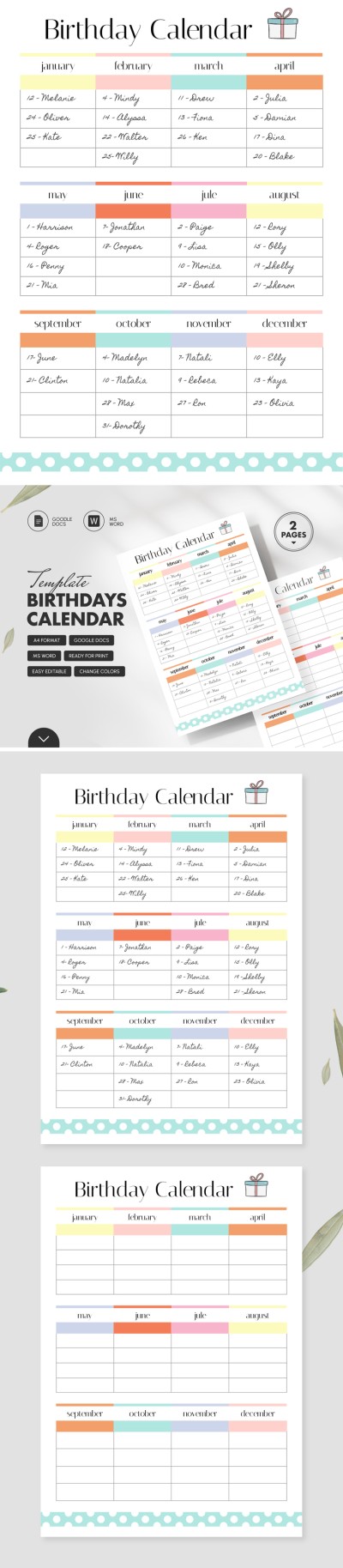
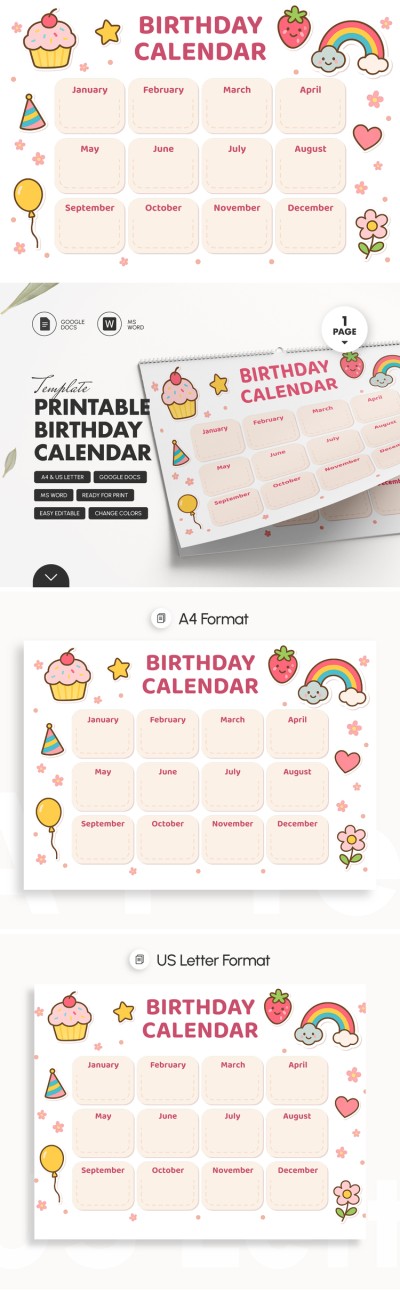
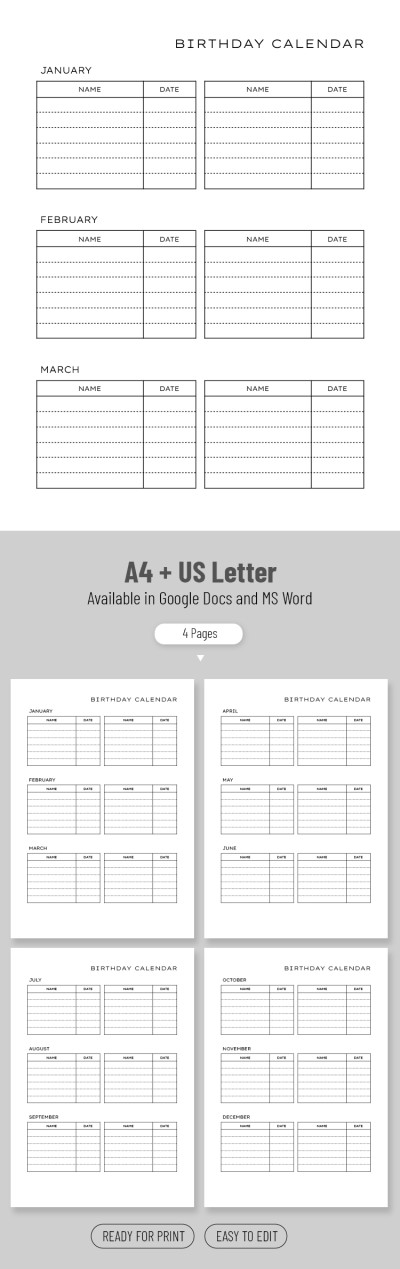
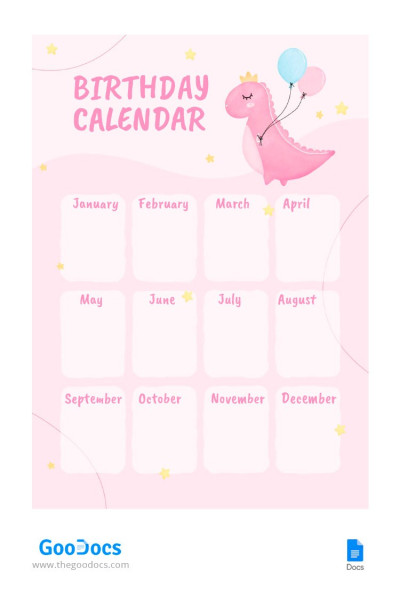
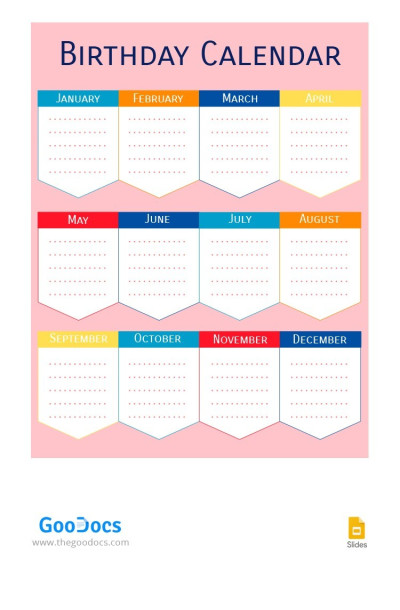
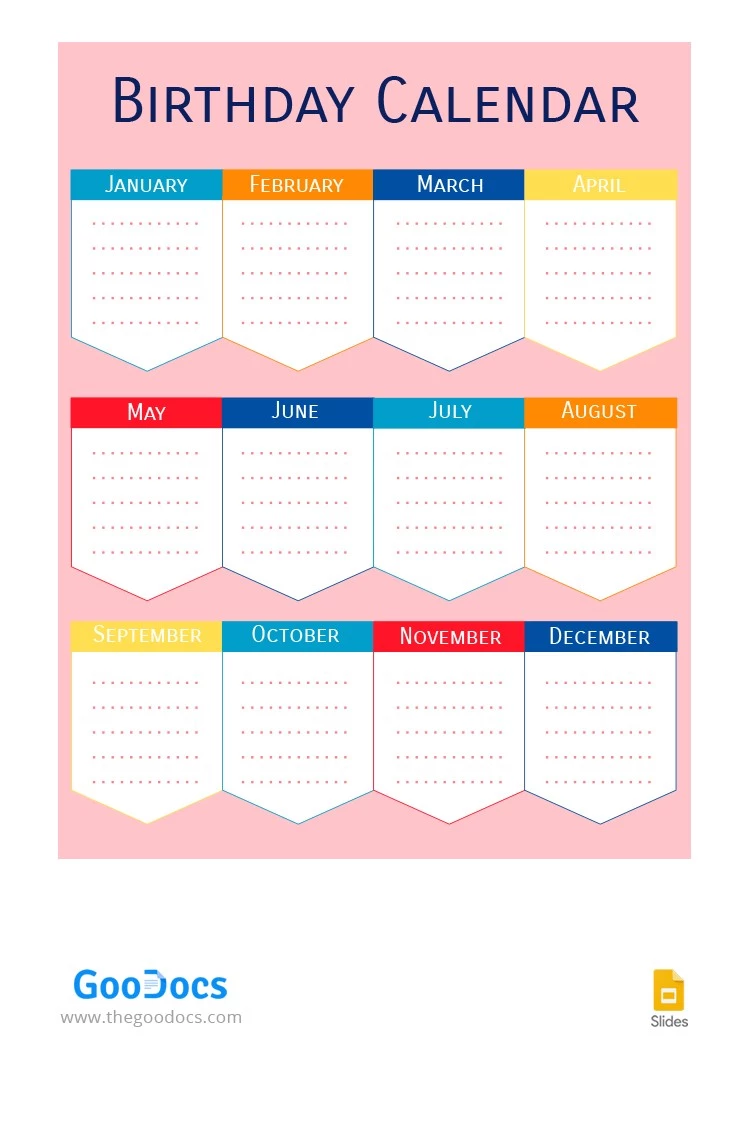
Our Rose Birthday Calendar template is suitable for entering the birthdays of all friends, colleagues, or relatives in the corresponding months. To make this task comfortable, there are special fields for notes for each month of the year. You can birthday calendar template for free online or offline using Google Slides and PowerPoint.
Premium Template
Started at
$2.50
$4.99
/month
Instant download after signup
Access to 7,000+ templates
No attribution required
Cancel anytime
💳 Safe Payments • 🔒 SSL Secured
WHAT’S INCLUDED
12 editable monthly sections
Customizable color themes and fonts
Birth date note placeholders
Simple, clear layout design
Calendar Tips
Add names to each month's list promptly.
Customize colors to match your style.
Use font styles to highlight specific dates.
Print a copy for quick reference.
FAQ
Is the template free?
Yes, it’s free to download and use in Google Slides and Microsoft PowerPoint.
Can I use it on my phone?
Yes, with Google Slides and Microsoft PowerPoint apps.
Can I change the color theme?
Yes, easily customize colors in both Google Slides and Microsoft PowerPoint.
How many sections are included?
There are 12 sections, one for each month.
Is it compatible with other apps?
Only with Google Slides and Microsoft PowerPoint.
ADVERTISEMENT
How to Use and Edit This Template

Get Your Document
Click the "Edit Template" button to create your own editable copy in Google Slides or download for Microsoft PowerPoint

Customize Everything
Easily change colors, fonts, and layouts to match your unique style or brand identity

Add Your Content
Fill in your data, upload images, and replace the placeholder text with your own information

Print, Export, or Share
Print, export as PDF, or share instantly