
Speech Bubble Templates
Bring your creative comic book ideas to life with our speech bubble templates. Find various designs for presentations, comics, social media posts, and more. Each template can be easily integrated into your project by adding it to your layout. Then, just enter your text, and you're ready to go! Download classic oval and modern sharp-edged designs for free. You can fully customize the shape and size in Google Docs, Word, Google Slides, or PowerPoint.

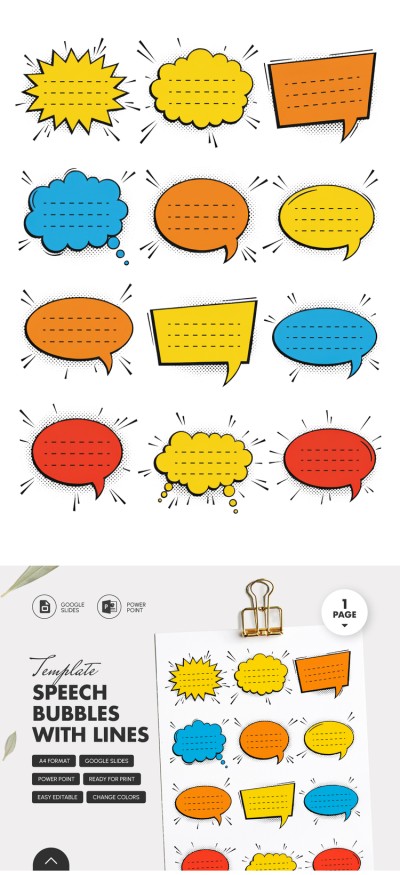
Please try different filters or clear all to start over.
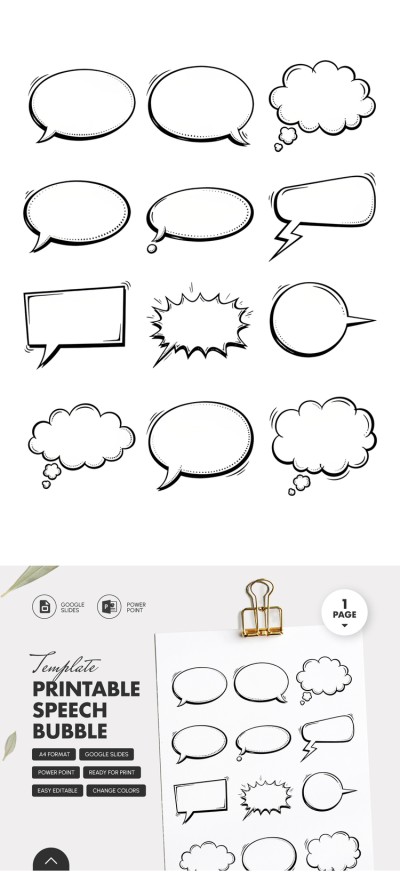
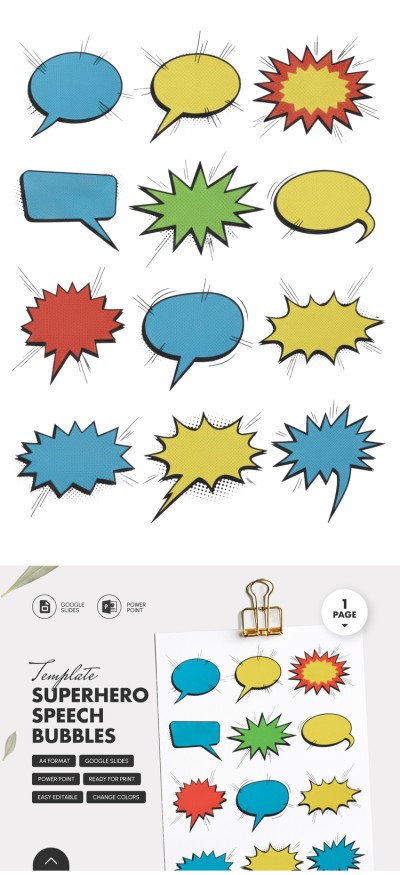
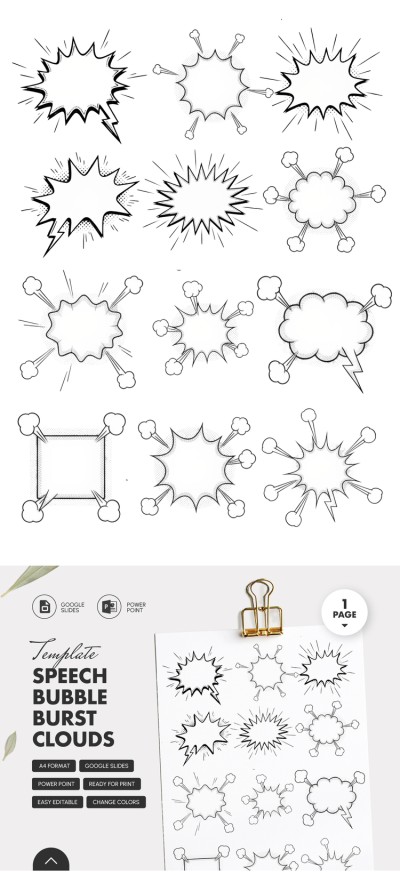
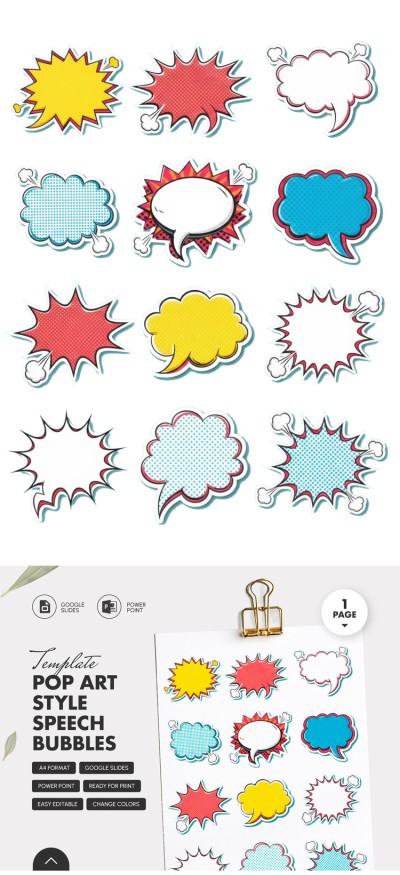
Enjoy the convenience of our speech bubble templates. We offer various designs in color, black and white, and featuring different shapes. Each speech bubble is a separate object, so you can simply copy the one you need and paste it into your project.
The benefits of our speech bubble templates don't end there:
- Easily scale any shape. All our speech bubble templates are designed as vector objects. This means you can stretch, compress, and resize them without losing quality. Even with significant changes to a bubble's height or width, it will still look perfect in your presentation, brochure, or comic book.
- Opt for options in color, black and white, with or without text. We offer both speech bubbles with built-in text and blank ones. Looking for a vibrant yellow or green option to give your comic book pages a dynamic look? You’ll find plenty of choices with different styles and additional graphic elements.
- No limits to customization. Each speech bubble template is available in Google Slides, PowerPoint, Word, or Google Docs. Using built-in formatting tools, you can customize any layout element, from the fill color to the font, without any special design skills.
Сopy the desired shape and text directly from the template and paste it into your document. Change their direction, flip them, or keep the original style as it is. Combine these speech bubbles with the unique comic strip templates available on our website.
Speech Bubble Comic Templates FAQ
You won't find a "speech bubble" button in the toolbar. However, you can insert one using the standard Google Docs interface:
- First, click the "Insert" tab in the top menu, hover over it, and select "Drawing" > "New".
- Click the Shape icon, hover over Callouts, and select your preferred speech bubble.
- Click and drag on the canvas to draw the shape, then click Save and Close to insert it into your document.
- To move it freely and place it over text, click the bubble in your document and select the "In front of text" layout option.
A simpler option is to use speech bubble templates for Google Docs from TheGoodocs. Our collection isn't limited to standard shapes; you can choose options with various fills, pre-written texts, and unique fonts. Plus, you can easily copy a speech bubble from our template and paste it directly into your Google Doc.
Adding a speech bubble in Word is quite simple:
- Go to the Insert tab and click Shapes.
- Find the Callouts section near the bottom of the list.
- Select a bubble, click on it, and drag it to the document.
However, Word's speech bubble library is limited to standard options. On our website, you can find unique speech bubbles with different shapes, fill and border colors, and more.
Moreover, to insert a speech bubble from our template, you can simply select it, copy it, and paste it into your document.

