
Sign-Up Sheets Templates
Explore our collection of sign up sheet templates! They are perfect for events and everyday use. We offer dozens of editable designs in bright colors as well as black and white options. Each template features placeholders to include an event name, date of start, person's name, contact details, and more, depending on the purpose of the sign up template. You can edit these placeholders and any other template's elements in Google Docs, Word, Google Sheets, or Excel editors.

Sign In Sheet
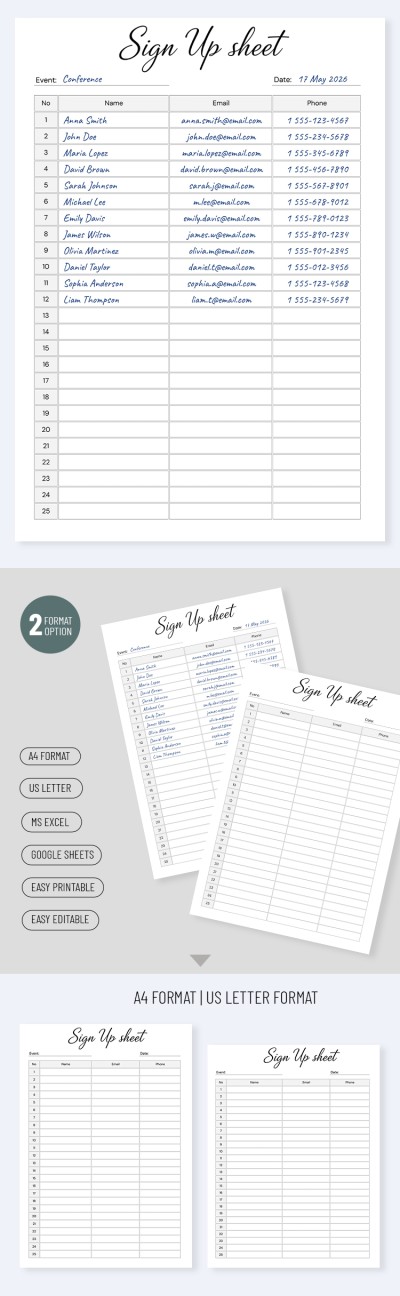
Customizable Sign-Up Sheet Template
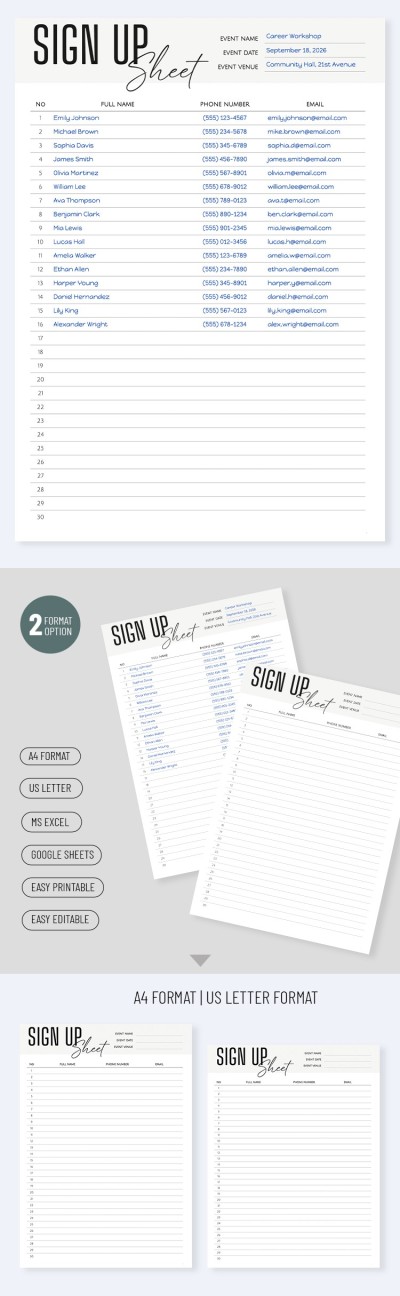
Event Sign Up Sheet Template
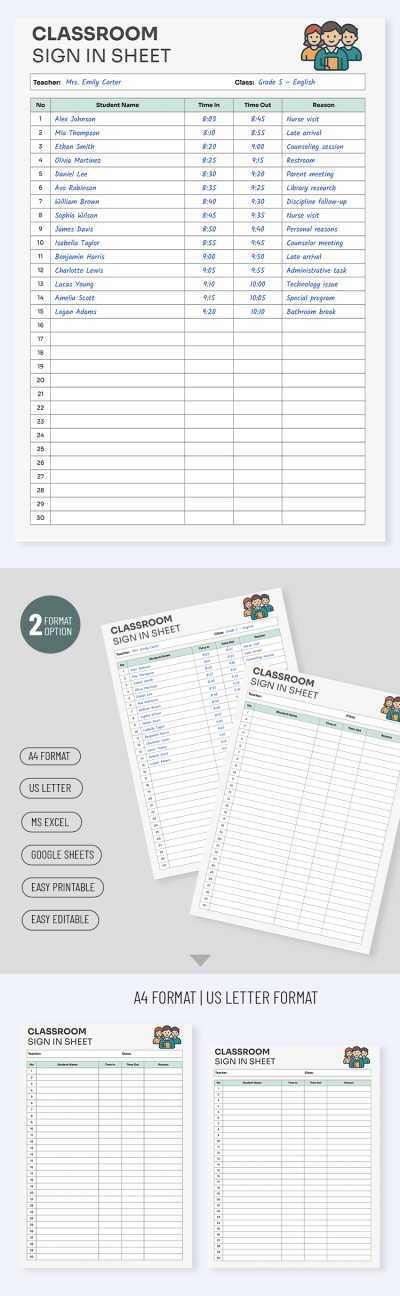
Classroom Sign In Sheet Template
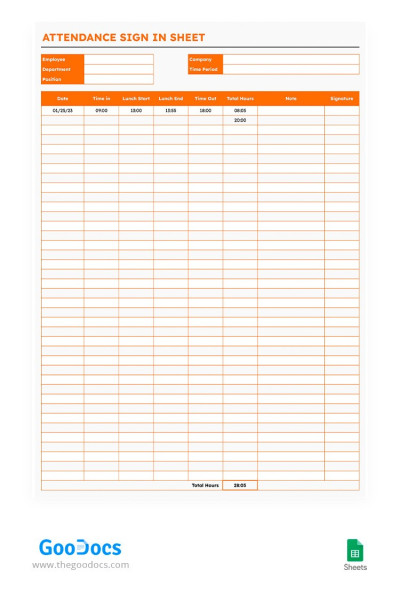
Attendance Sign In Sheet
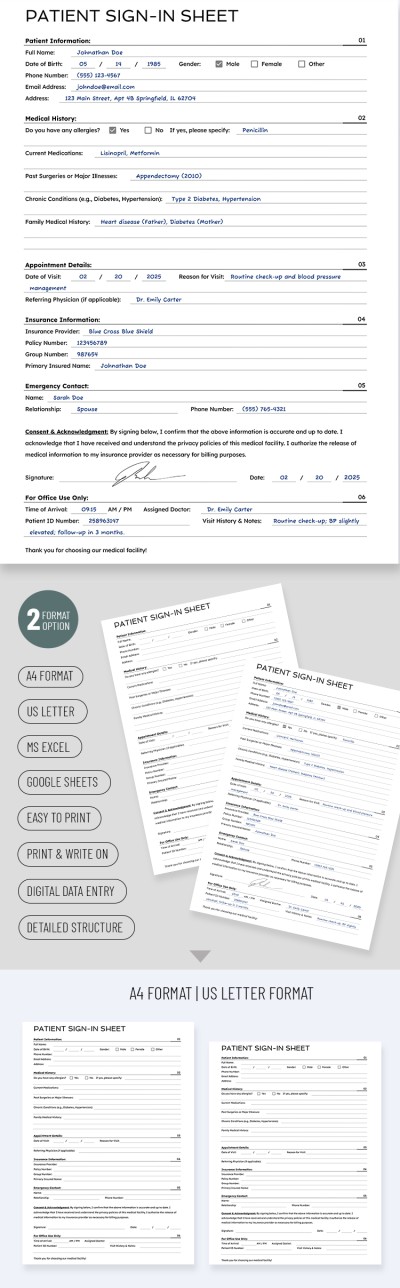
Easy to Use Patient Sign-In Sheets
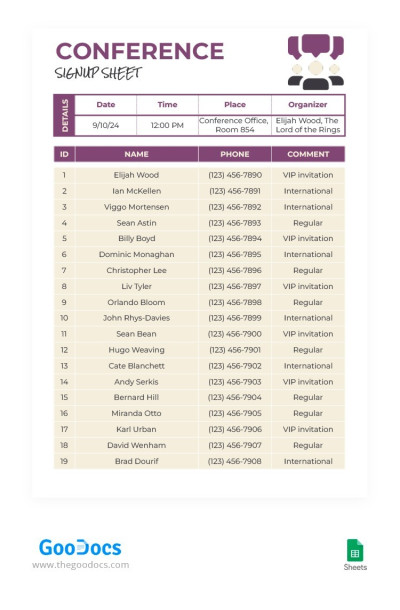
Convenient Conference Signup Sheet
Please try different filters or clear all to start over.
Easily organize your event registration process using our sign-up sheet templates. We offer a variety of designs and unique layouts to cover your volunteer events, sports competitions, and more. Find ready-to-use options on this page and start customizing them.
Our sign-in sheet templates save time and offer other conveniences:
- Find options for a variety of use cases. With our versatile spreadsheets, you can create forms for volunteer registration, meeting bookings, attendance tracking, and more. Our responsive templates feature structured tables suitable for a wide range of events.
- Choose from the best designs. We offer a collection of samples in various styles, including black and white, vibrant, orange, or pastel ones. Also, each template includes fields for the event title, location, date, time, and a table for recording information about each participant.
- Fill out and edit the template online or after printing. Our sign-up sheet templates in Google Sheets and Excel are available for both online and offline customization. You can also print each sheet in A4 or US Letter format at any stage of completion, or as a blank form.
Customize each template for any purpose and use it in conjunction with other tools from TheGoodocs. Pair them with our list templates and make organizing any event a breeze.
Sign Up Sheets Templates FAQ
Use the templates from TheGoodocs available on this page to create a sign-up sheet in Excel:
- Select the Excel-compatible option. Most of the templates on this page are available in this format.
- Download the template to your PC, tablet, phone, or laptop. Go to the template page and click "Download for Excel."
- Open the template directly in the editor or from the download folder on your device.
- Use the table and pre-made blocks to enter all the information. Depending on the purpose of the sign-up sheet, this could include the event title, date, location, participant number, name, email, and mobile phone number.
- Name the spreadsheet and save the sign-up sheet to your device. To save it in a specific format, click Save => Desired format.
Your sign-up sheet is ready in just a few minutes. We offer beautiful designs and ready-to-fill layouts, so all you need to do is enter the remaining information.
No, Google Docs itself doesn't offer a built-in gallery of sign-in sheet templates, similar to the options for resumes, budgets, and brochures. However, you can find ready-made templates from TheGoodocs.
Our sign-in sheets are created by professional designers and include beautiful and structured layouts. You'll easily find the perfect option for your needs, such as sign-in sheets for events, work attendance monitoring, and more. This page contains options in Google Sheets and Excel formats, but you can also browse our website to find Google Docs templates.
The sign-in sheet should include two main sections: a header and a table for recording attendee information.
Our templates follow this structure, and inside you'll find:
- A header section for entering the event title, date, exact time, and location.
- A main table, which includes sections for a numbered list of guests, names, phone numbers, email addresses, and optional attendee signatures.
- A Confidentiality Statement or a Place for Notes section, which is a customizable and optional block. You can remove it from the sign-in sheet template entirely or use it as needed.
The sections may vary depending on the sign-in sheet type. For example, an attendance sign-in sheet may include the company name, department, position, time-in and time-out, total hours, notes, and signature sections. We have various sign-in sheet templates with filling examples on our website. You can download them or get a free copy right away.

