
Project Budget Templates in Google Sheets and Excel
Managing company allocations and incomes is much easier with project budget templates in Google Docs, Sheets, Word, and Excel formats! On this page, you can find only printable, editable, and downloadable designs for any assignment. We have basic, colorful, versatile, and simple forms for your projects.
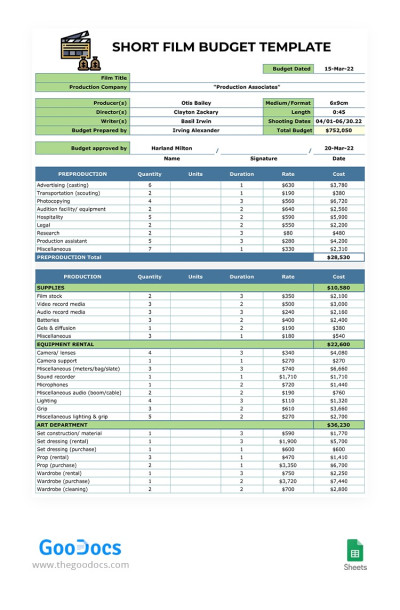
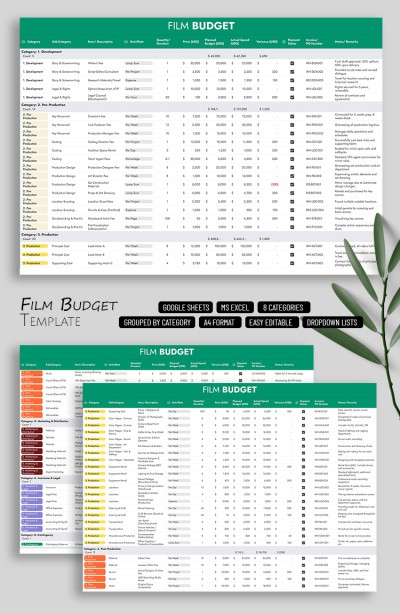
Short Film Budget
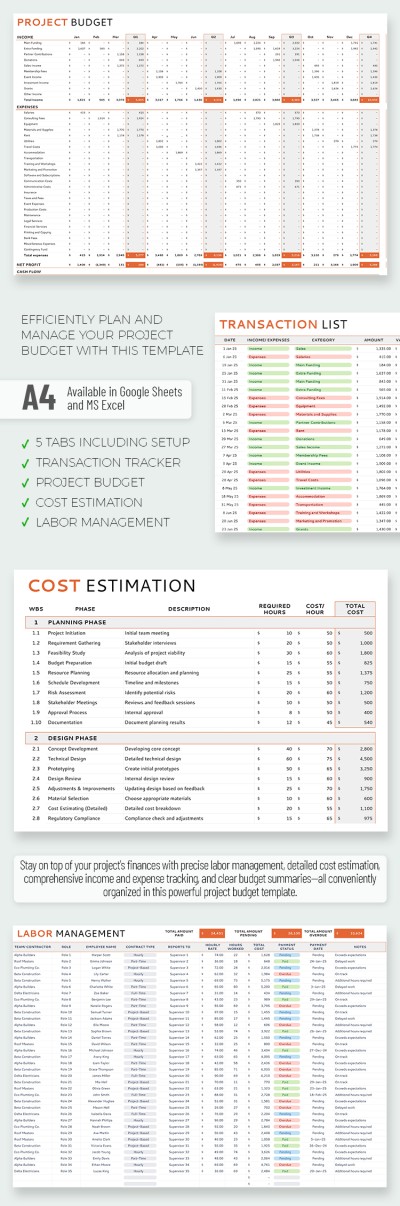
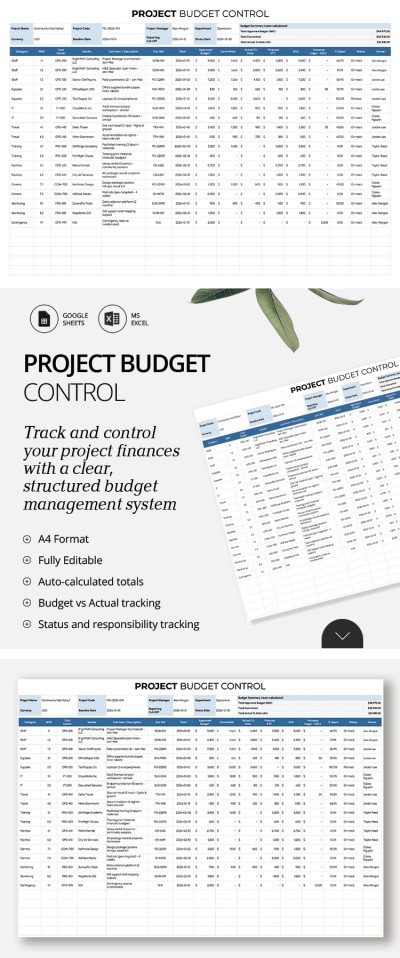
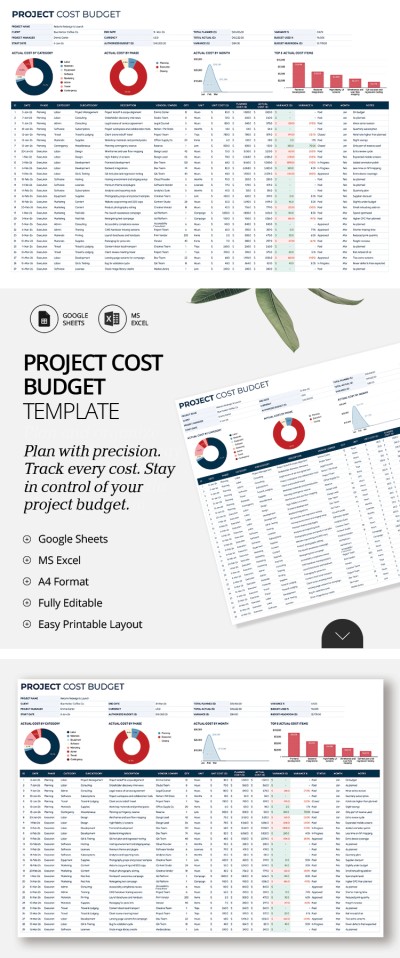
Project Management Budget Template For Marketers
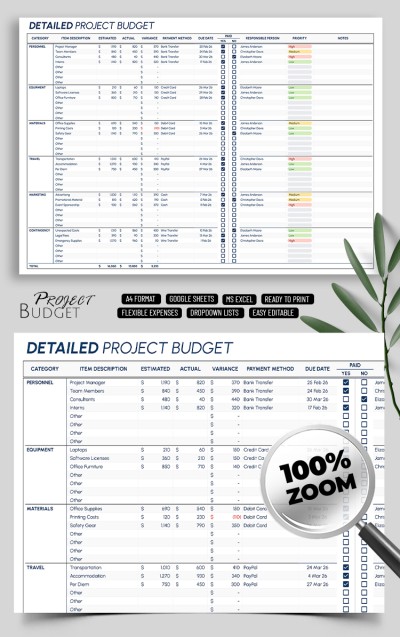
Detailed Project Budget
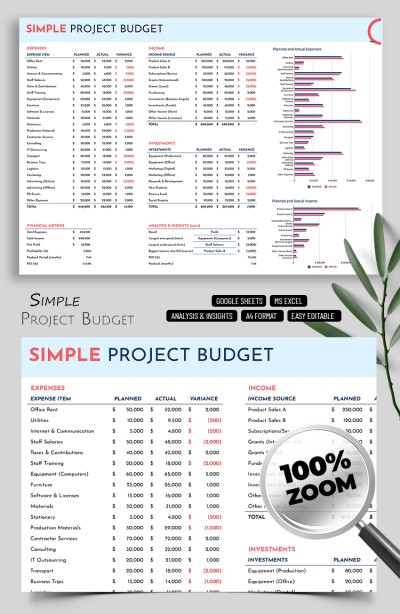
Simple Project Budget Template Spreadsheet
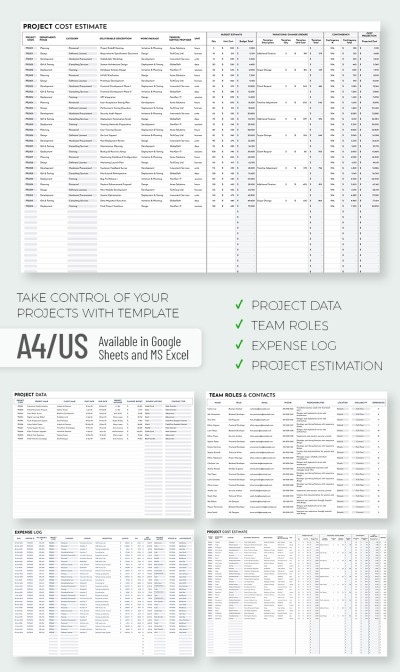
Project Budget Report Template
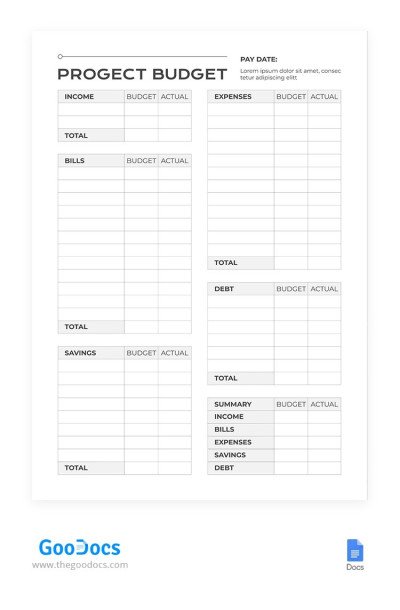
Simple Project Budget
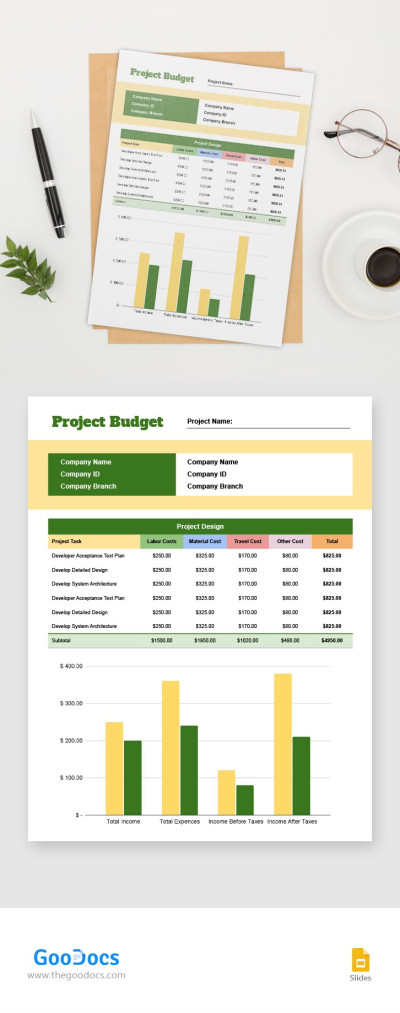
Project Budget
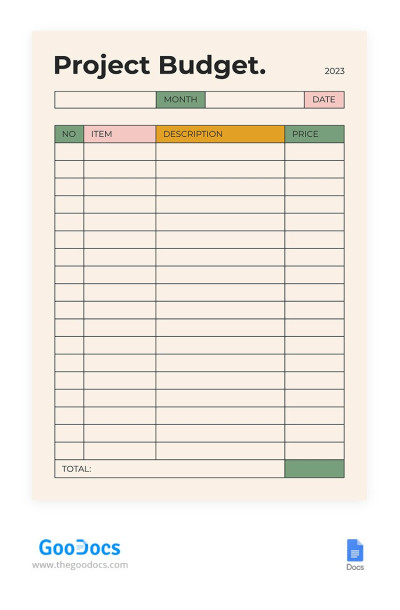
Cute Beige Project Budget
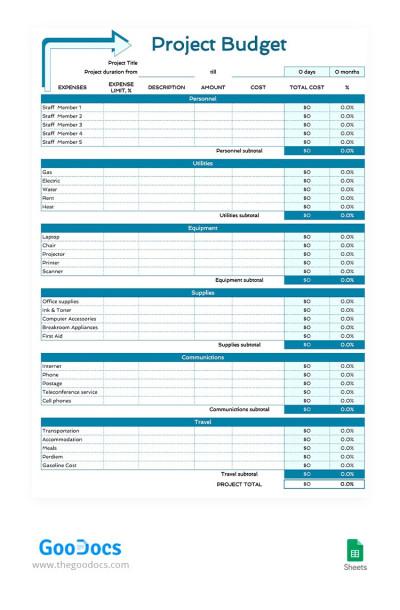
Basic Project Budget
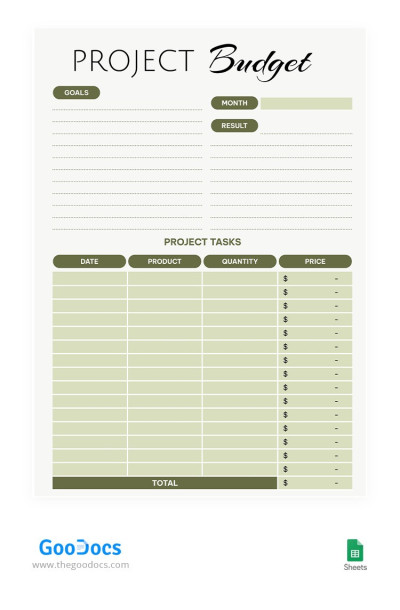
Green Project Budget
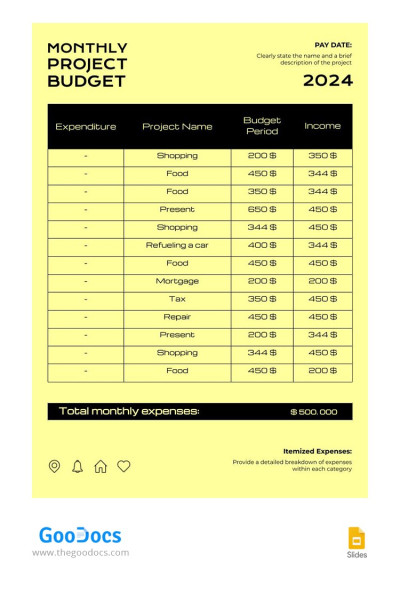
Yellow Simple Monthly Budget
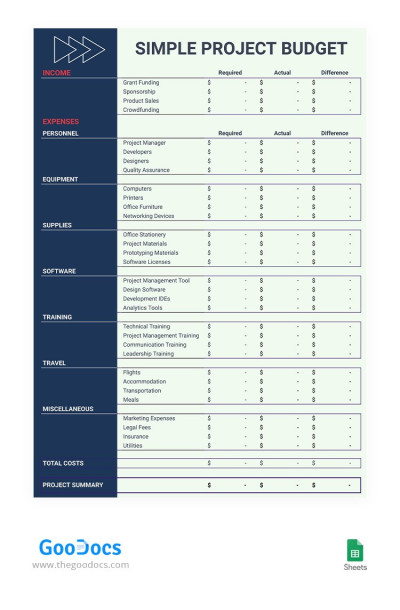
Simple Contrast Project Budget
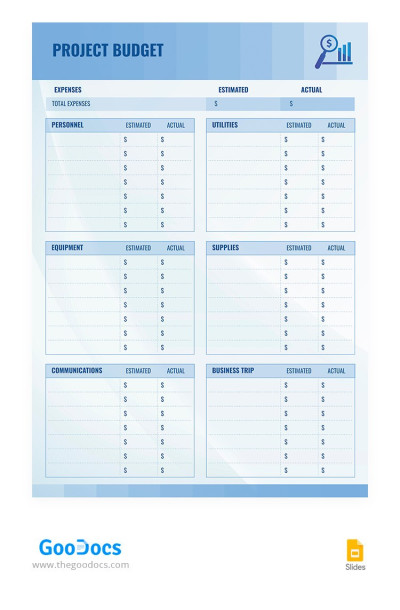
Light Blue Project Budget
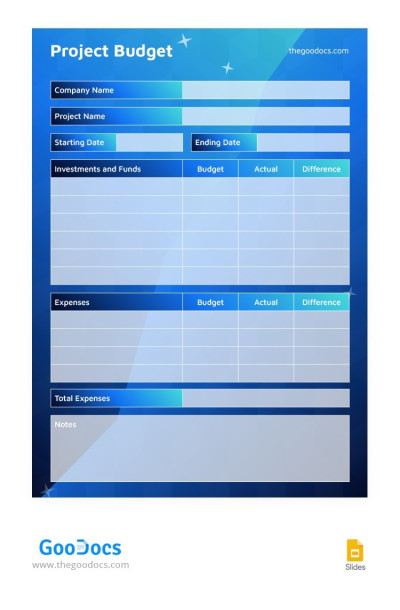
Modern Blue Project Budget
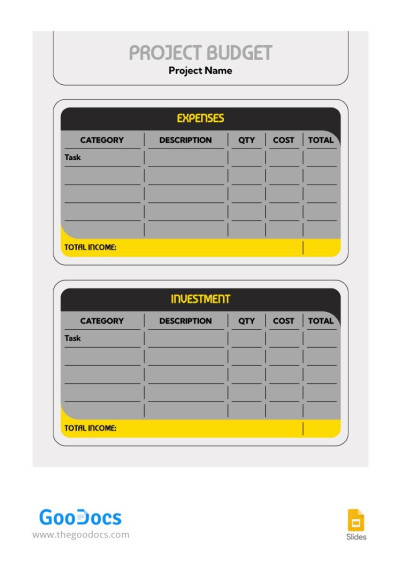
Simple Grey Project Budget
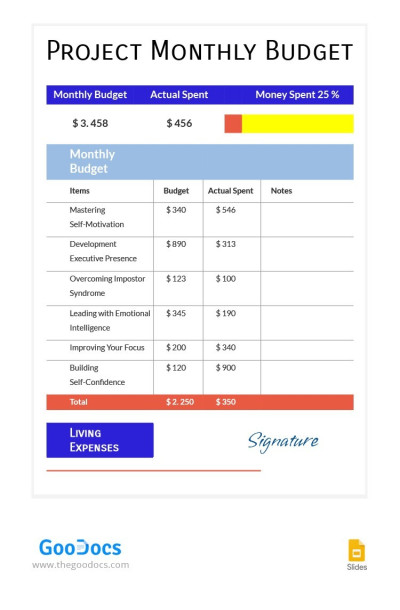
Project Monthly Budget
Do you want to simplify the work on your future startup? Or do you need to urgently create a corporate document with an excellent, structured design for calculating the budget of a new project? Any of our budget templates for a project will help you cope with this and many other tasks. Here you will find great templates for every taste.
Why waste your time creating nonprofit or construction project budget templates from scratch? TheGoodocs offers to spend it on the more useful things! Dozens of ready-to-use project budget templates will help you!
So, we advise you to start using our free printable options now, and get a great aid in making your life easier!
Project Budgets Templates FAQ
Creating a project budget from scratch is a challenging task. Yet, we're going to explain how to cope with it.
So, to create a project budget, you need to:
- Define the final project goals. Use the SMART methodology for this, which shows that the goal should be specific, measurable, achievable, relevant, and time-bound.
- Understand your project scope. To do this, you need to set boundaries, deadlines, and restrictions. If you have a specific budget amount for the entire project, then you need to take it and other resources into account.
- Create a list of necessary equipment and additional services needed to complete the project. For example, working with marketing teams, external services, extra PCs, or additional staff training.
- Estimate the cost of each service or equipment. There are several options for estimating, but the most popular are comparison with previous projects (if this is not your first experience), limited budget (how much you can do within the allocated amount), or bottom-up (to calculate each task separately).
- You should allocate additional funds for unexpected situations. Most companies and teams allocate 10% of the total budget for this, but the amount may be different in your industry.
- Create a budget in a convenient format, for example, Excel or Google Sheets. It is worth including all expense items, names of responsible persons, sources of funding, and comparative costs (for example, planned costs and relevant ones for each category).
- Compare planned expenses with real ones regularly. Decide in advance when and who will deal with this issue, for example, once a week, month, or quarterly (depending on your project and industry).
And so that you do not waste time creating a project budget template, we will help you! Download ready-made budget project templates with built-in formulas, graphs, and charts in Google Sheets and Excel formats. Fill them out and enjoy complete freedom of customization.

