
Obituary Newspaper Templates
Explore our collection of funeral and obituary newspaper templates in Google Docs and Word. Find free and specially tailored layouts for this purpose on this page. We offer only editable and printable designs and ideas for your publications. Choose from various styles available, including black and white, old, simple, modern, and more.
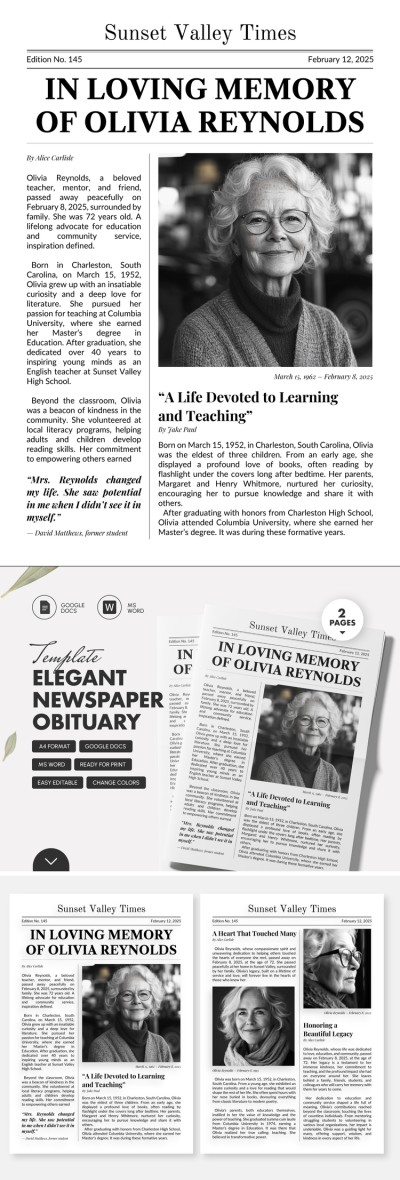
Elegant Newspaper Obituary
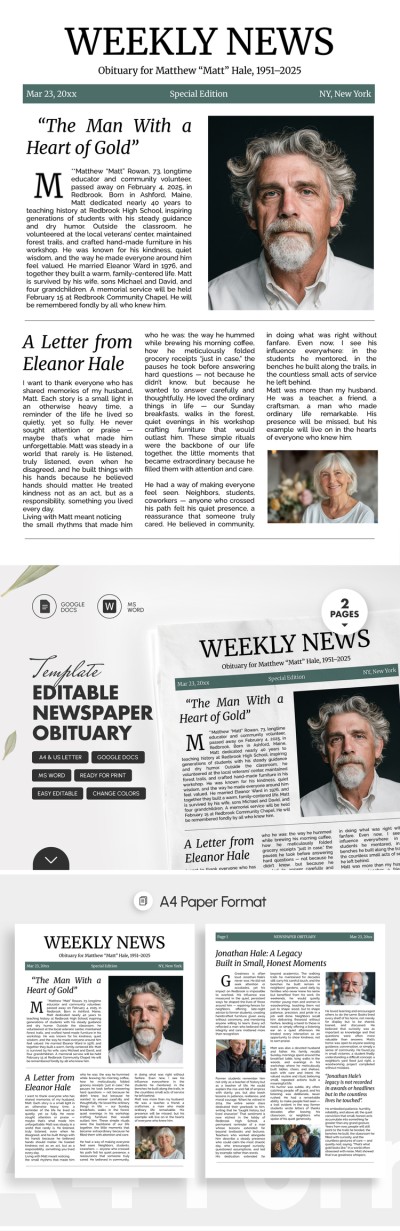
Editable Newspaper Obituary Template for Family & Memorials
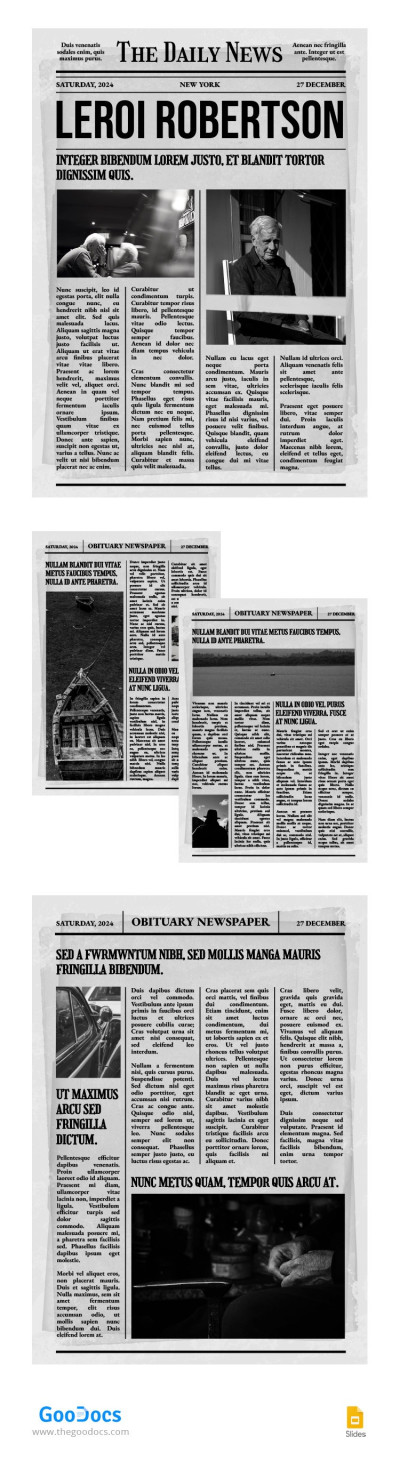
Conventional Obituary Newspaper
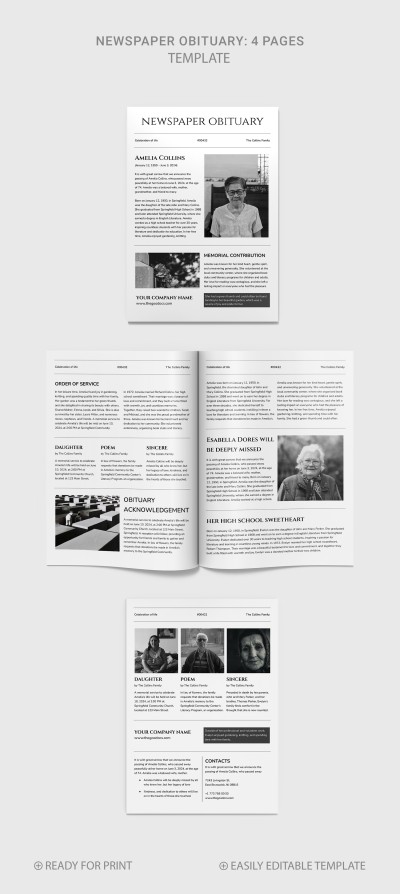
Simple Obituary Newspaper
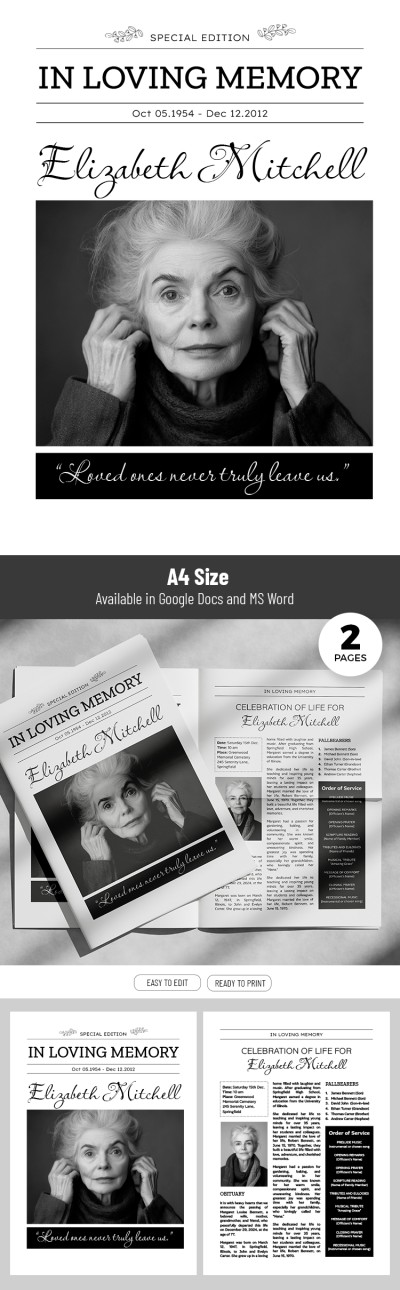
Formal Newspaper Obituary Template
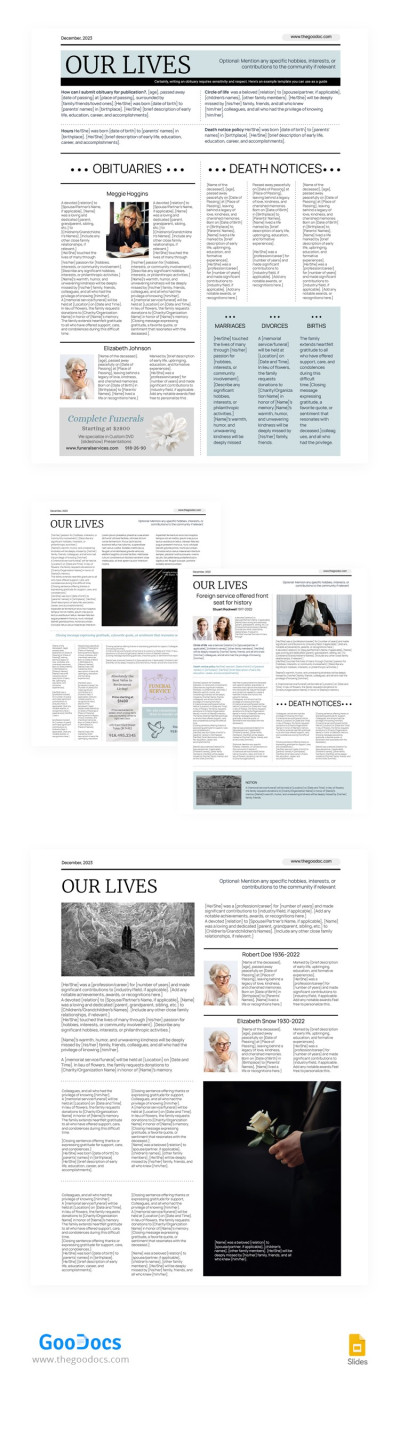
Newspaper Text Obituary
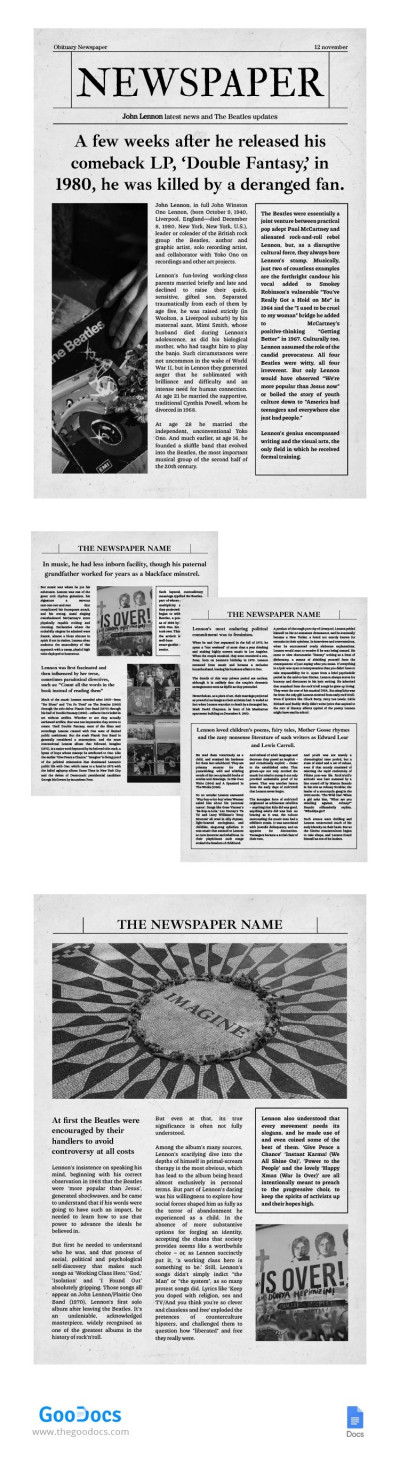
Old Gray Newspaper Obituary
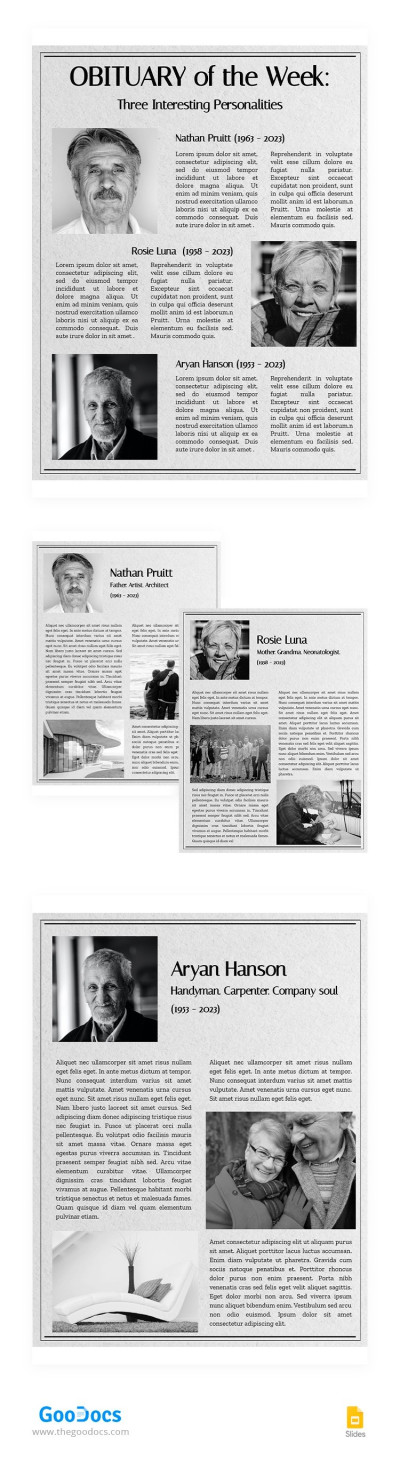
Modest Obituary Newspaper
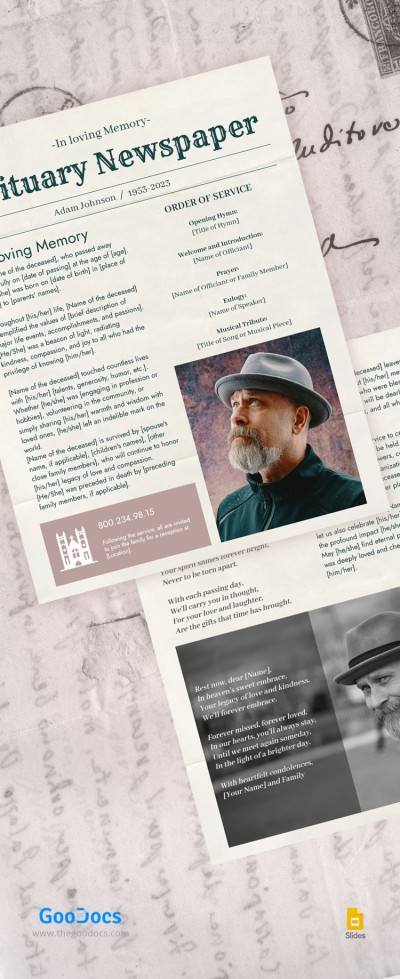
Newspaper Obituary
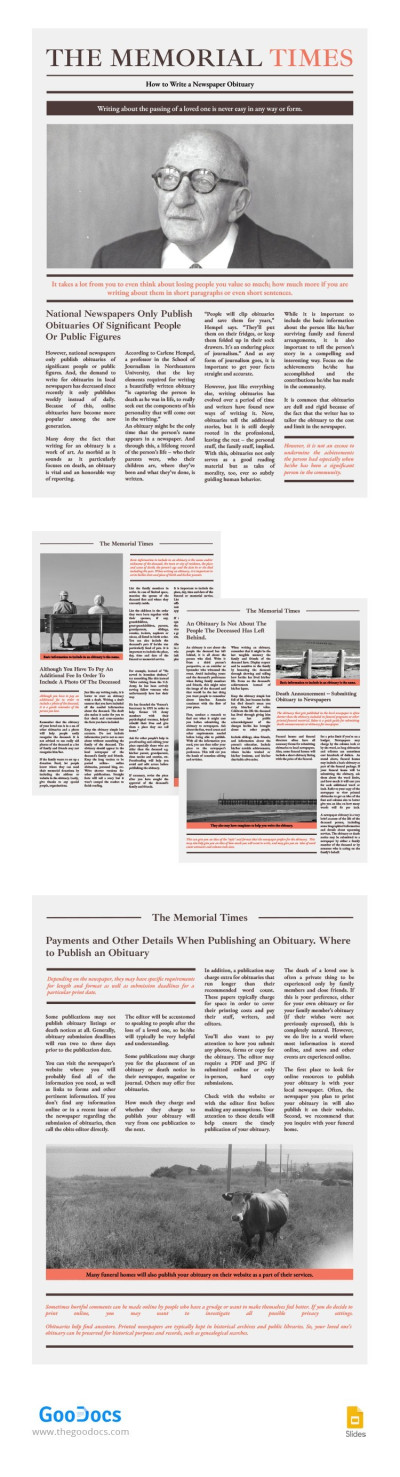
Obituary Newspaper with Brown
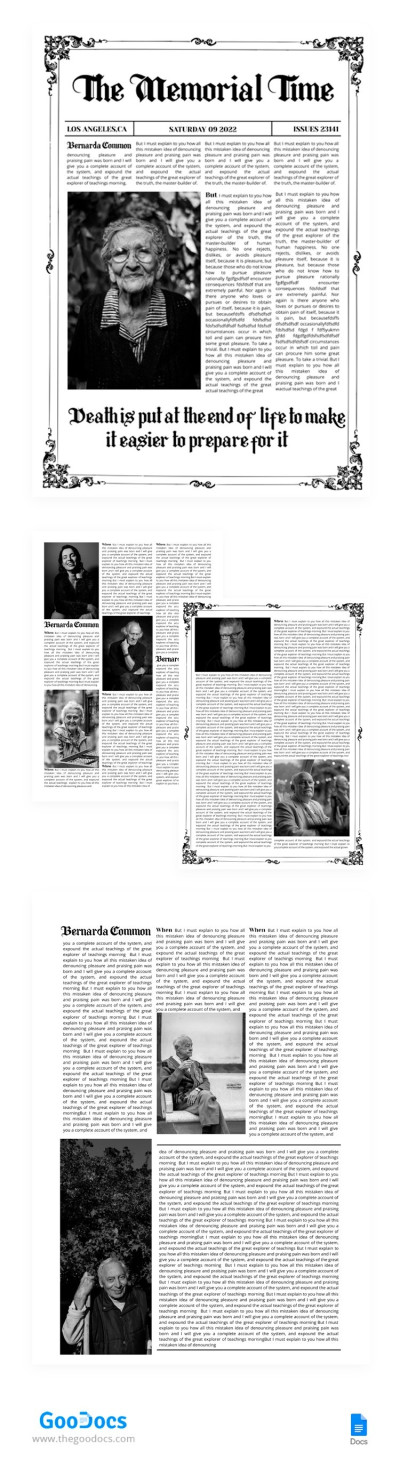
The Memorial Time Newspaper
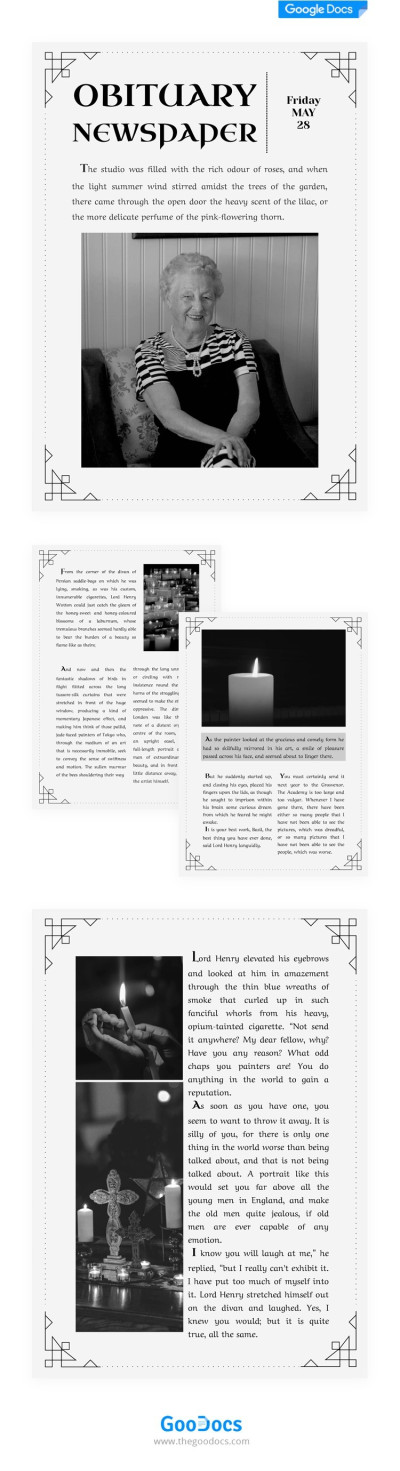
Obituary Newspaper
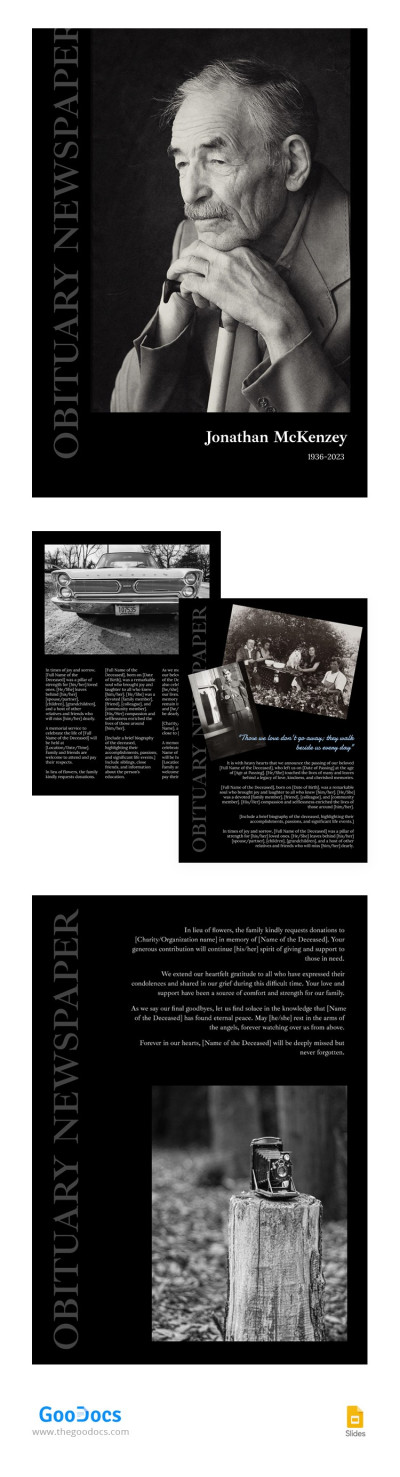
Obituary Black Newspaper
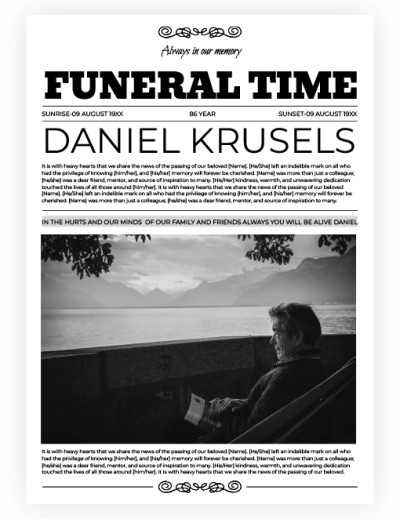
Funeral Time Newspaper
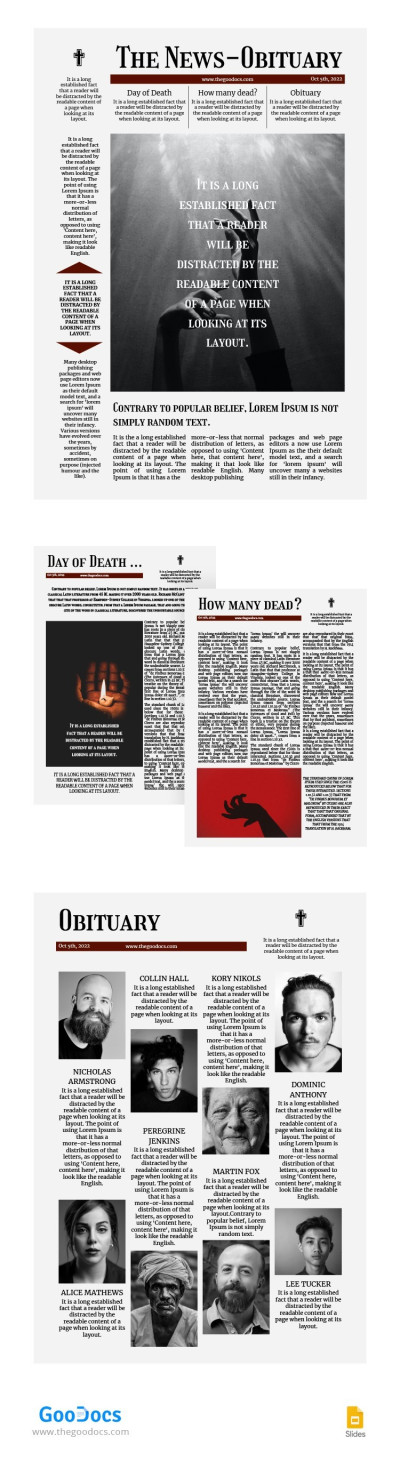
Grey Obituary Newspaper
Please try different filters or clear all to start over.
Writing a brief and concise death announcement can be challenging, especially when it comes to someone you know. Our newspaper obituary examples and templates will guide you through creating a professional structure and help you write the appropriate content. Templates on this page are available for free or with a premium subscription, and you can choose from dozens of pre-made designs featuring different styles.
Here, you can find editable and printable obituary newspaper templates:
- Our templates are compatible with convenient formats. You can choose the template in Google Docs, Word, Google Slides, and PowerPoint formats. Each option provides you with unlimited customization possibilities.
- Edit and personalize your publication. Our samples include a professional structure created specifically for newspaper obituaries. You can write in the person's name, age, date of death, and brief biography. Every design element, including headlines, photos, fonts, and color palettes, can be customized.
- Publish in digital or printed formats. You can print the template at any printing house after saving it as a PDF. If you want to publish an obituary in a newspaper online, you can save the document in JPEG or PNG format.
Include any information about funeral arrangements and the person's life using a ready-made newspaper obituary blank. Use professional and specially created designs for this task. You can also find fake newspaper templates and more suitable blanks on the site.
Obituary Newspapers Templates FAQ
Writing an obituary for a newspaper can feel overwhelming. However, you can break the process down step by step and use a ready-made template to make the process significantly easier.
How to prepare your newspaper obituary with TheGoodocs templates:
- Choose a newspaper obituary template on this page. You can find dozens of ready-to-edit designs and use them instead of creating a layout from scratch. Customize each element (fonts, colors, headings, spacing) to match your design preferences.
- Include essential facts first. Start with the basic information required for writing an obituary. Type in the full name, dates of birth and death, age, and funeral or memorial service details.
- Include a short biography. Newspapers allocate around 200–300 words for this section, so you should keep it concise. What can you type in this block? Mention details about the deceased’s childhood, career, key achievements, significant moments, hobbies, and values.
- Add a couple of short stories. If you know what distinguished the deceased or what friends and family remember most, it is worth including these details.
- List family members. Obituaries generally mention those preceded in death and those survived by the deceased. Here, you can list partners, children, parents, and other immediate family members.
- Provide details of the funeral if they are publicly available. Type in the date and time of the service, address, and attendance information. Most newspaper publications expect this section.
- Proofread the text, save it, and submit. You can save the completed newspaper obituary template in .docx, PDF, and other formats.
Our templates will help you handle preparing a newspaper obituary. Try them for free or opt for a premium subscription to unlock more examples.

