
Comic Strip Templates
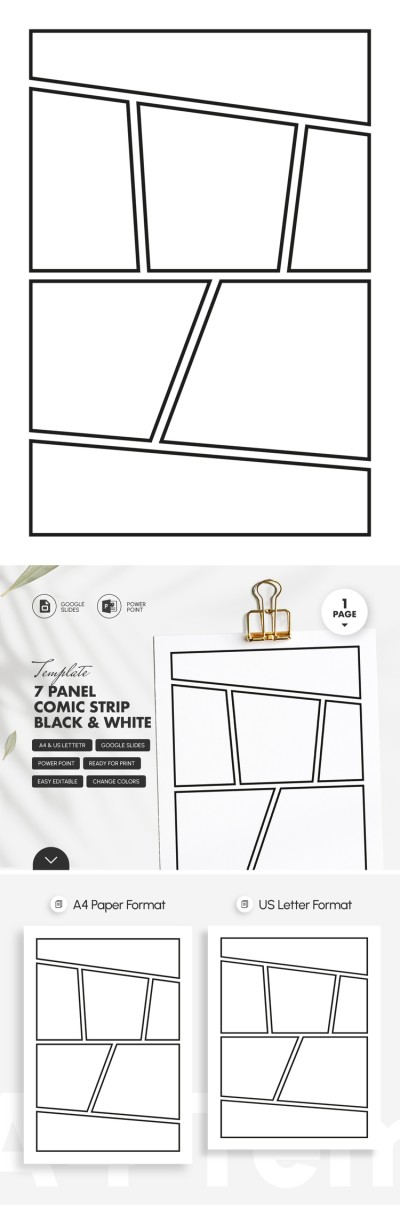
Our comic strip templates in Google Docs and Word offer premade horizontal layouts with 3-5 panels and other layout options. These free templates are perfect for publishing comics in magazines and newspapers. You can find suitable layouts, edit them, and add your characters, speech bubbles, and more via the editor. Also, all templates are printable, and no additional settings are required for printing.
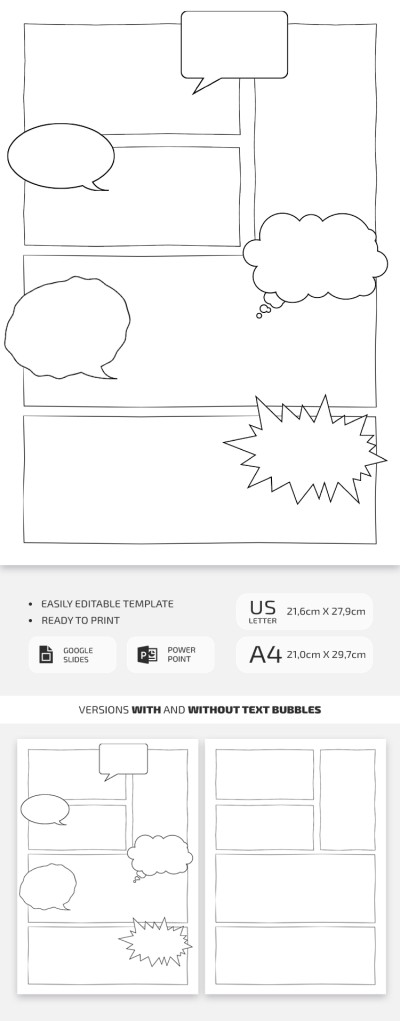
Blank Comic Strip For School
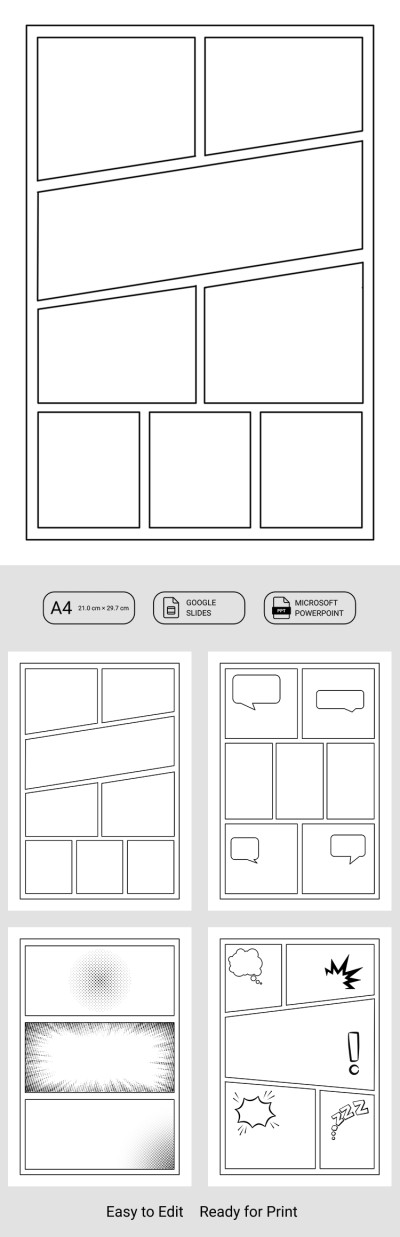
Kids Comic Strip Template
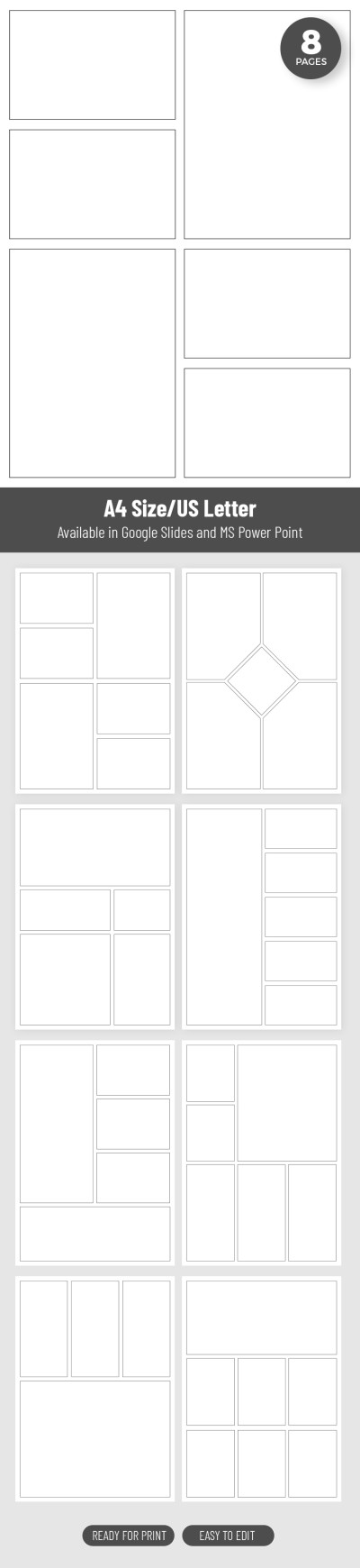
Grid-Based Graphic Novel Panel Template
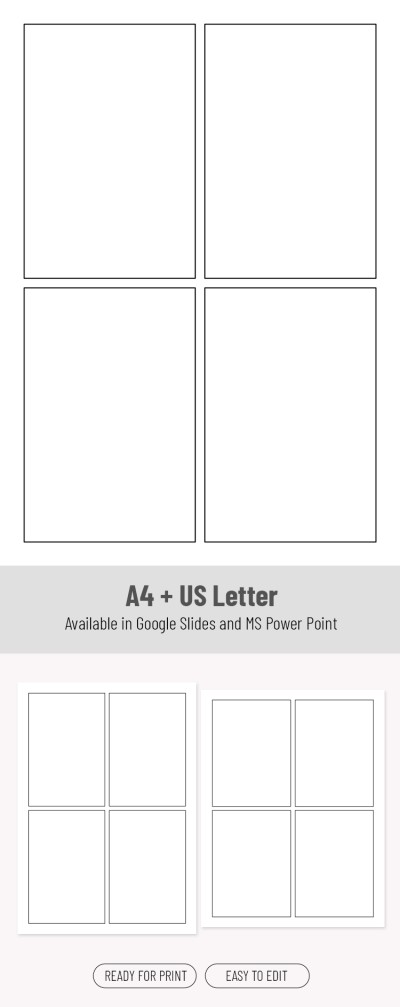
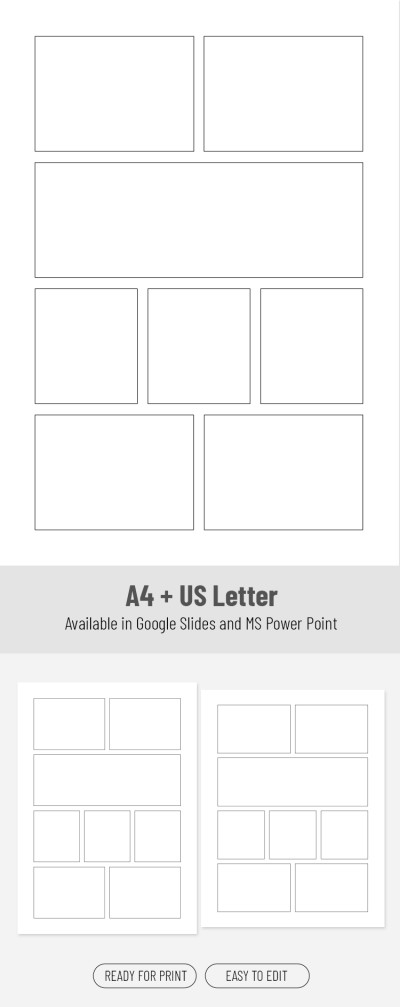
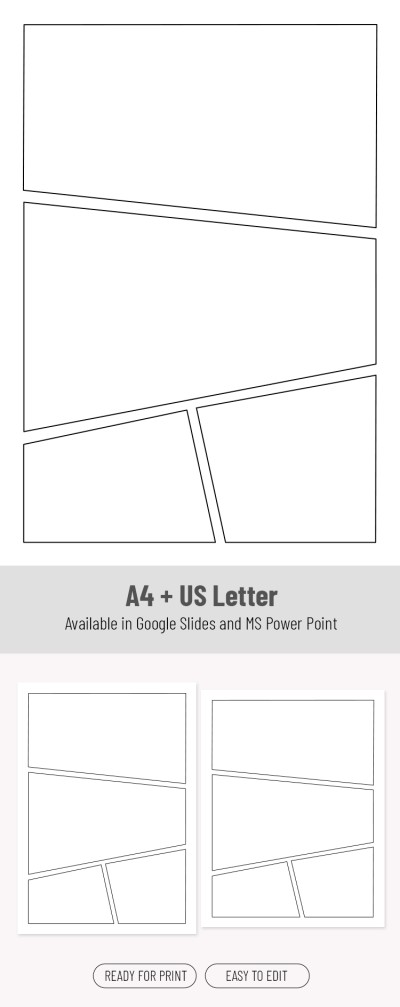
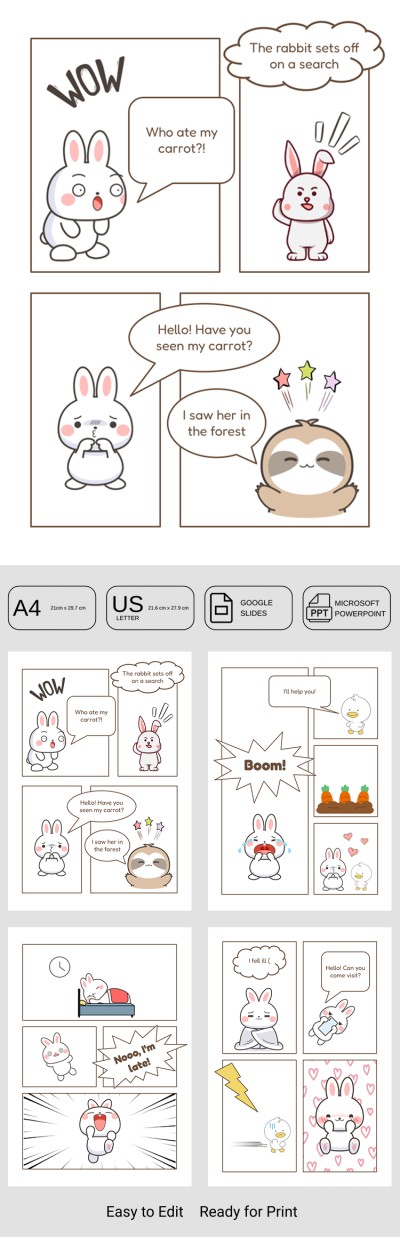
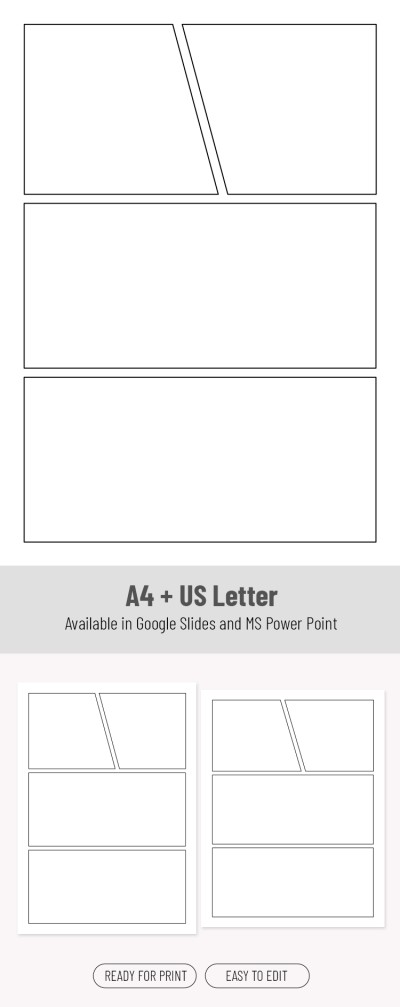
Cute 4 Panel Comic Template for Kids
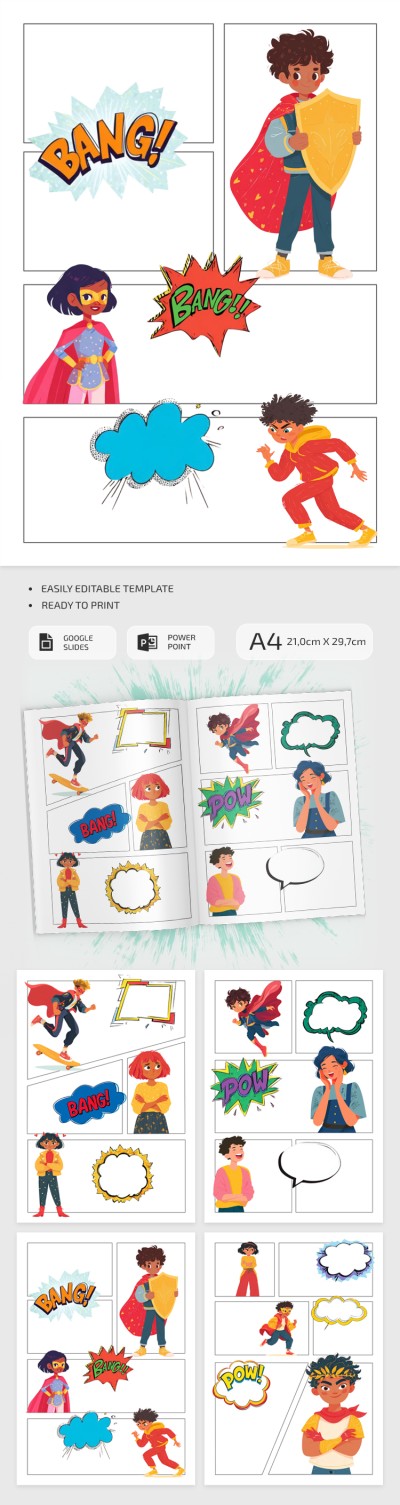
Blank Comic Strip Template with Characters
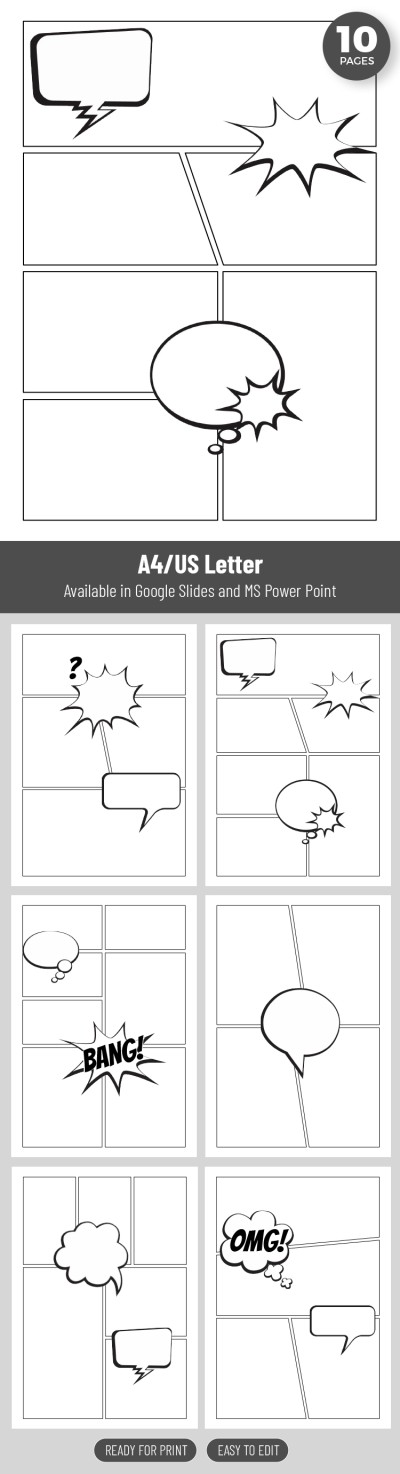
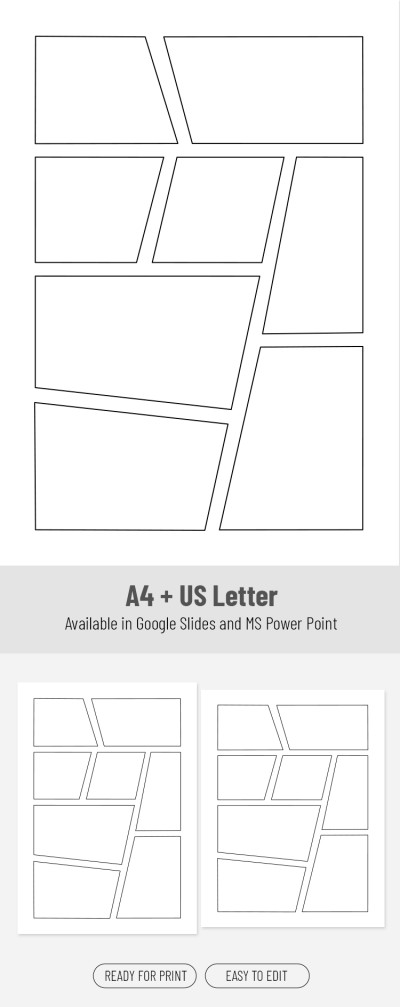
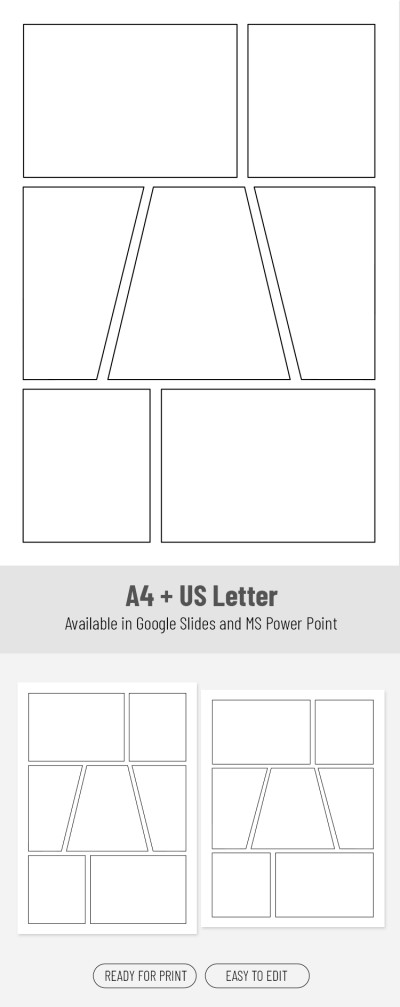
6 Comic Panels
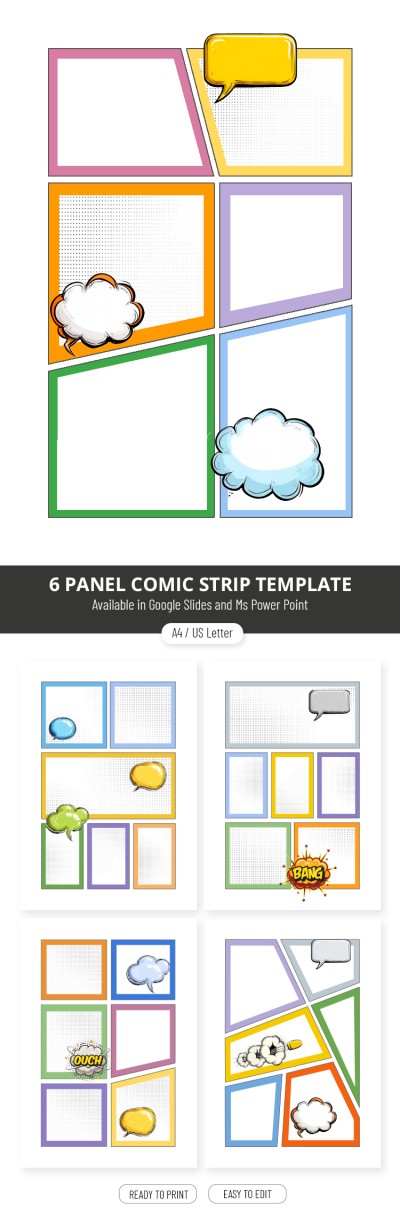
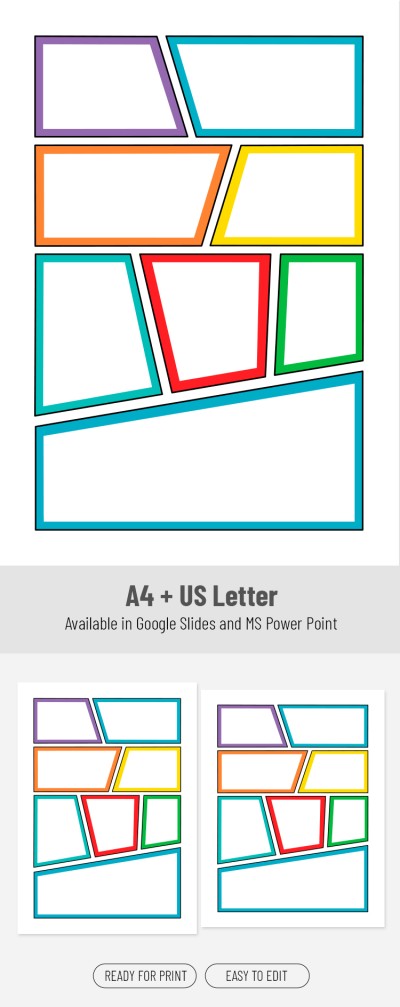
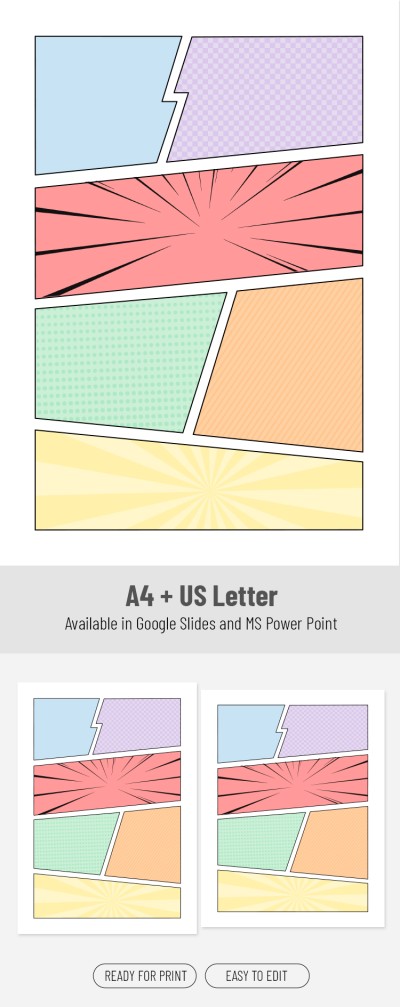
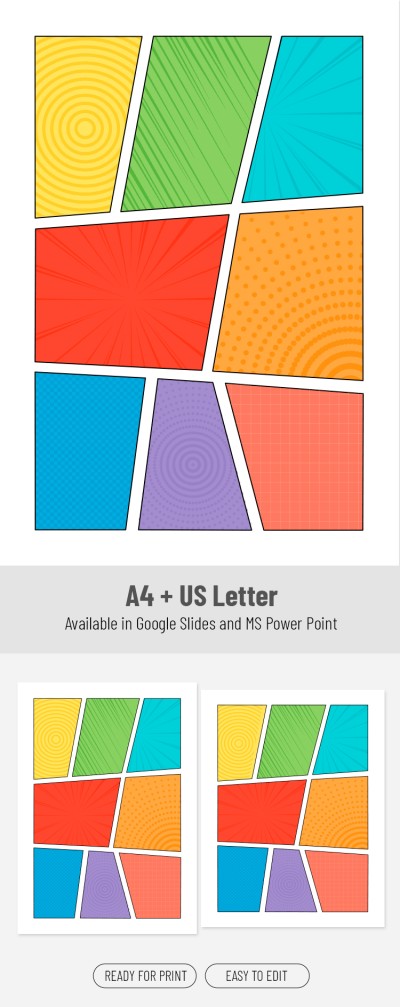
Colorful 6 Panel Comic Strip Template
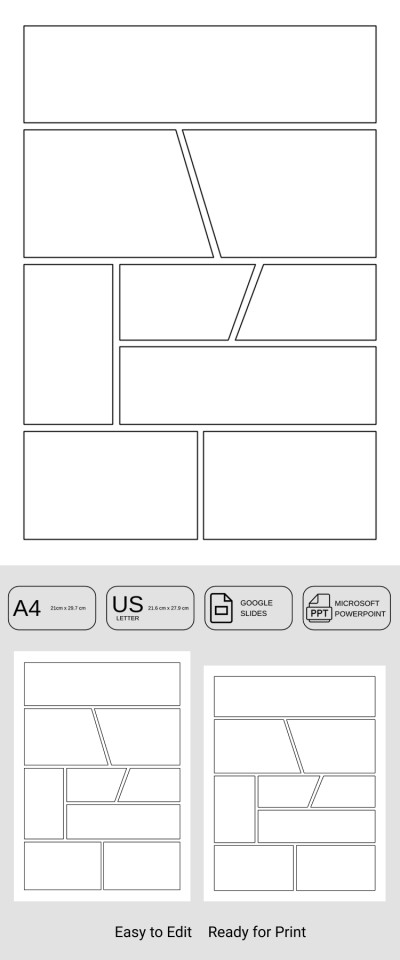
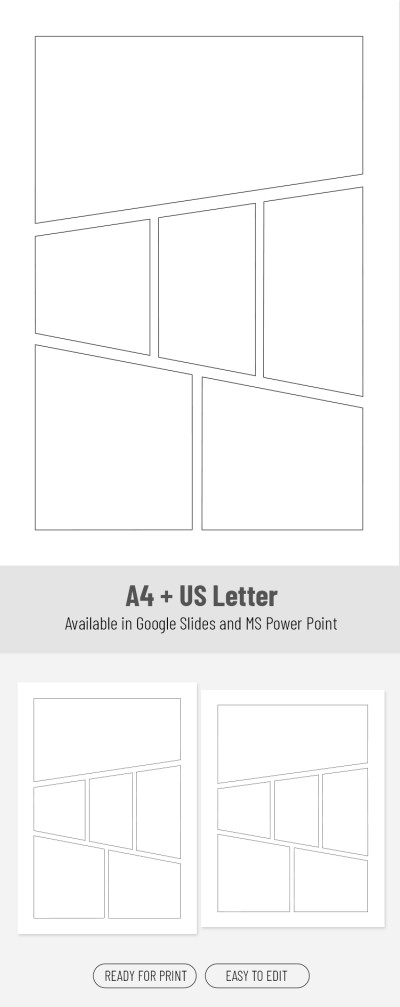
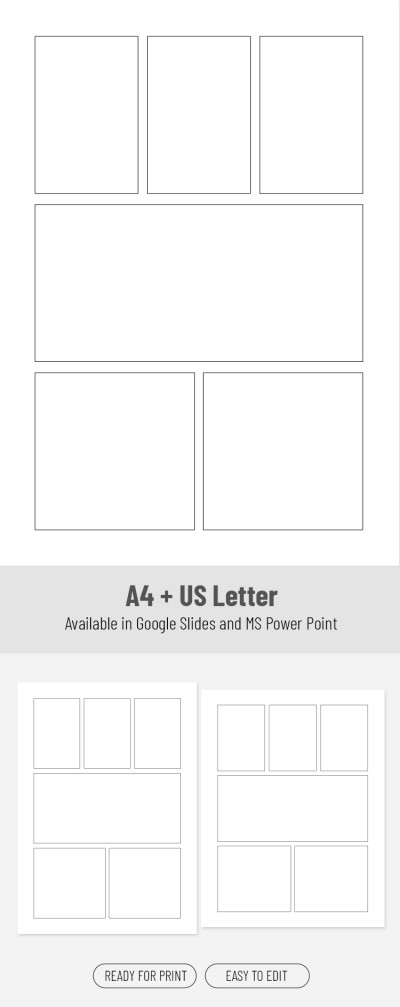

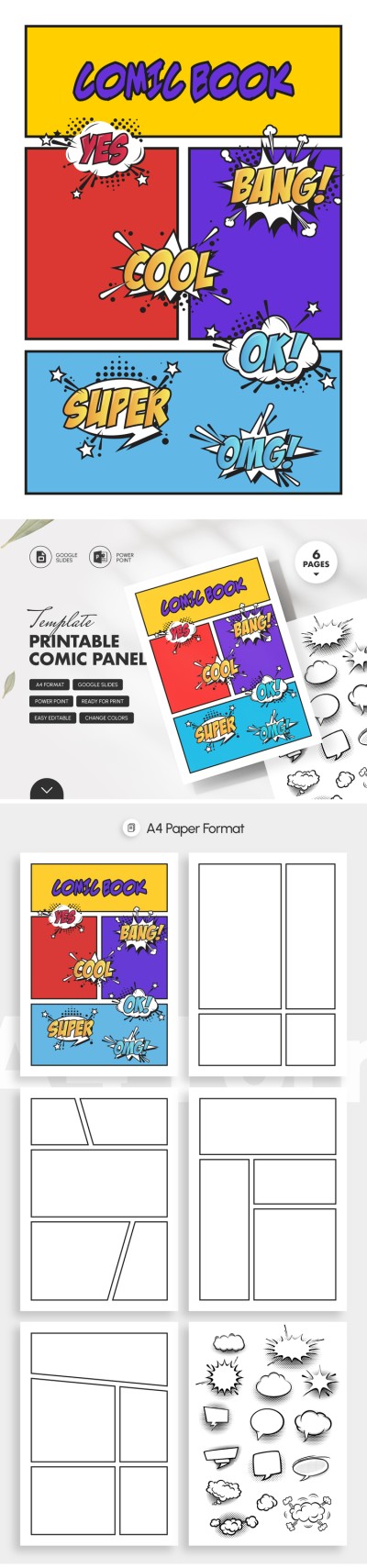
Printable Comic Panel Template
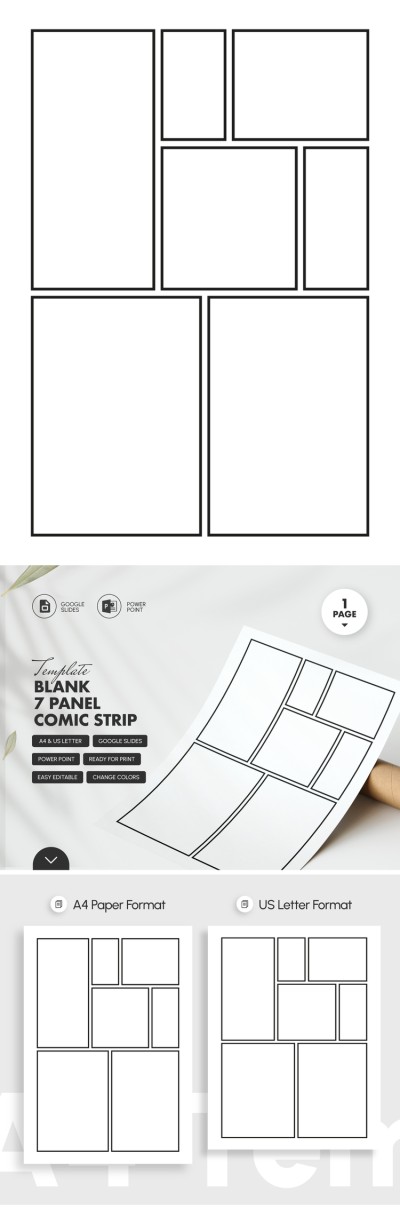
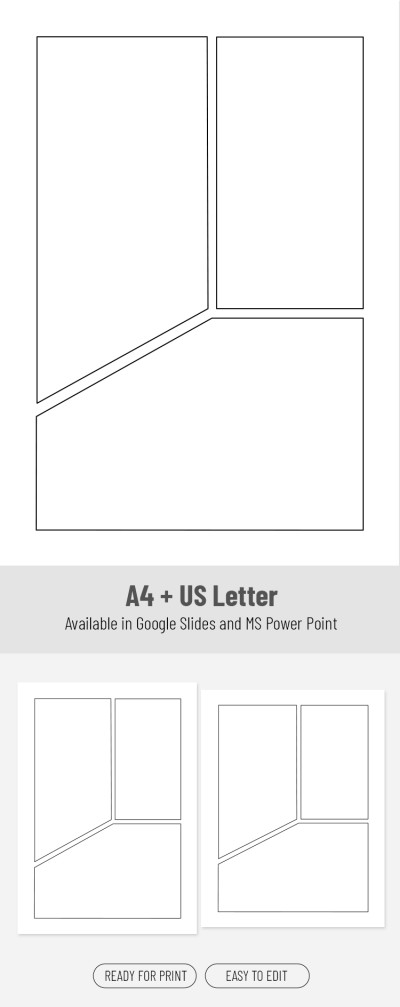
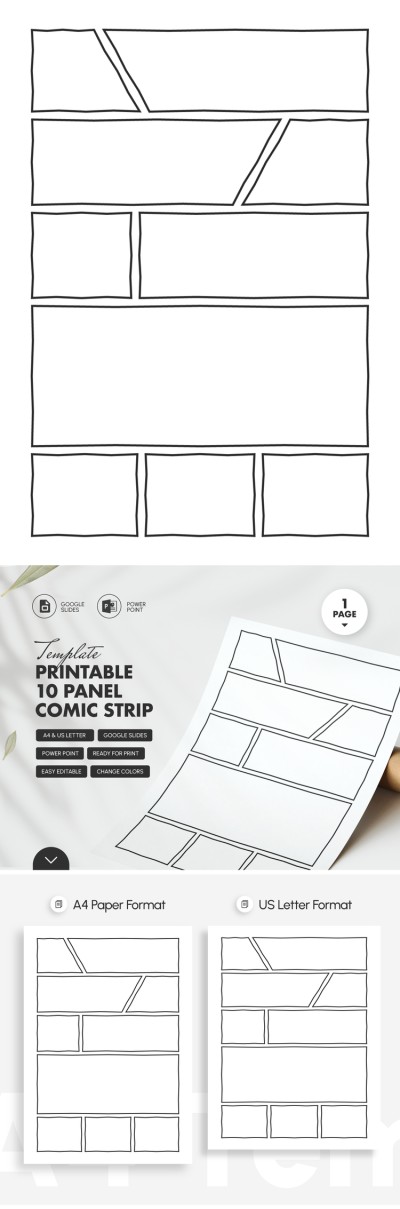
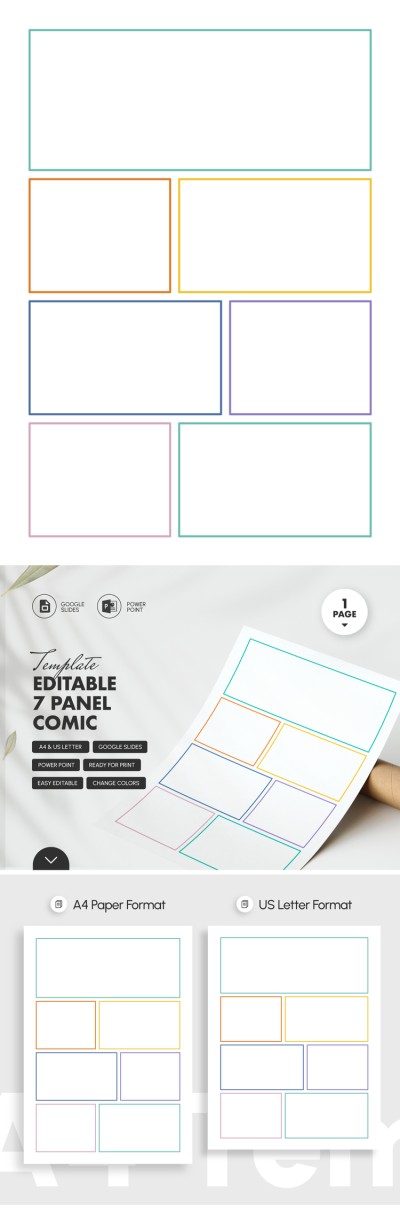
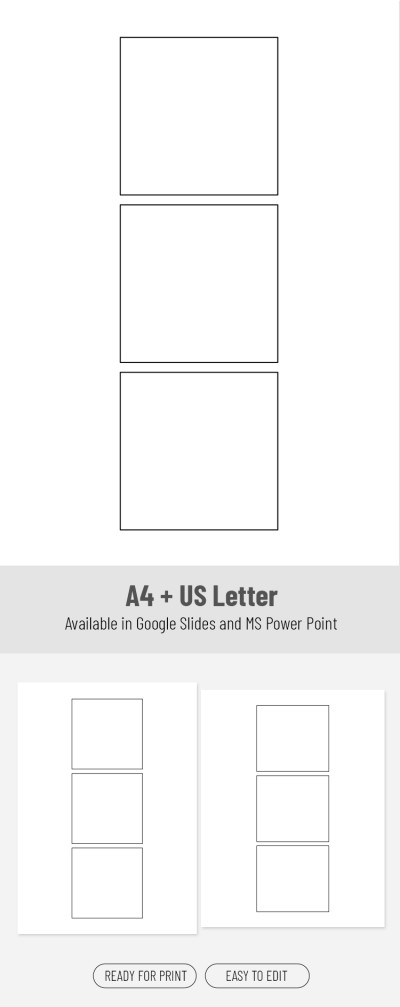
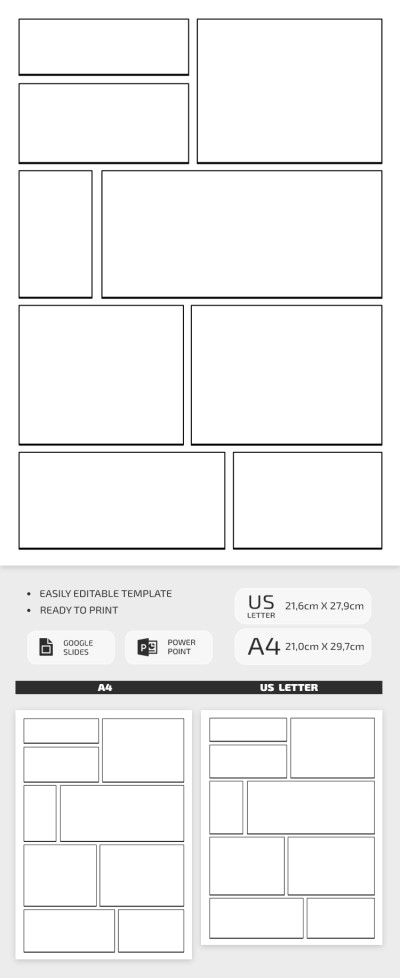
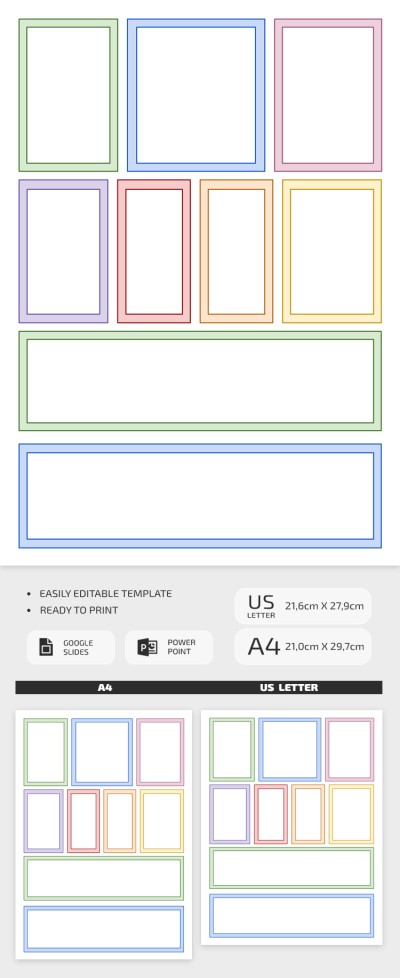

Comic Strip Template for Classroom Use

A Day At School Comic Strip Template
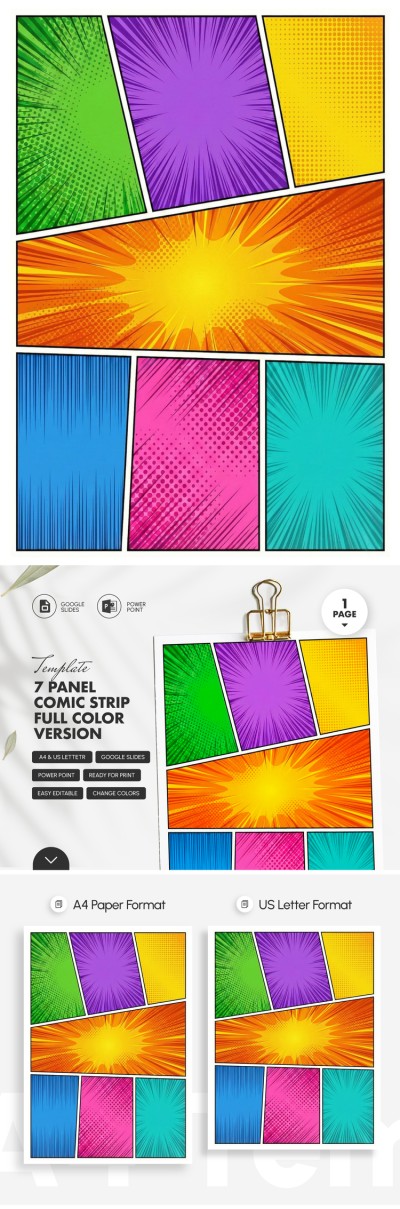
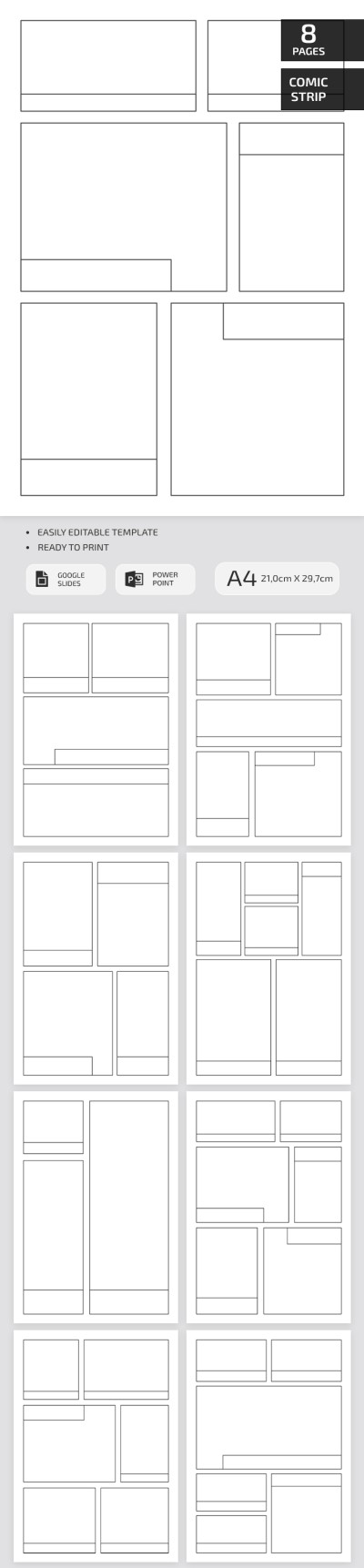
Comic Strip Template
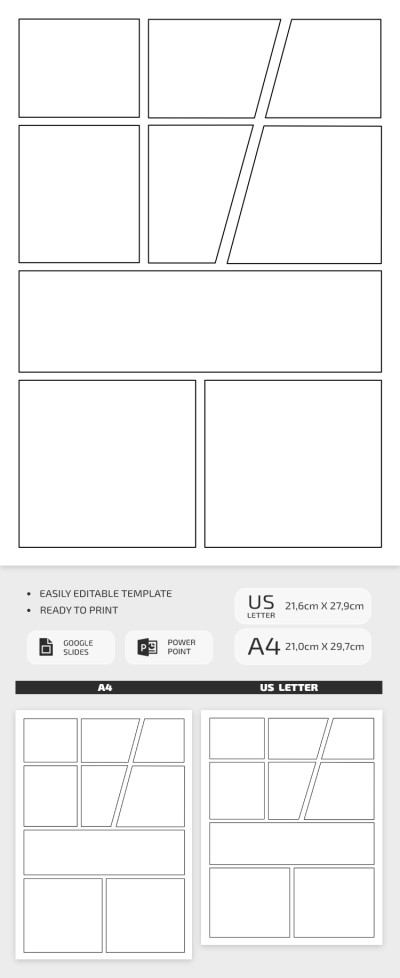
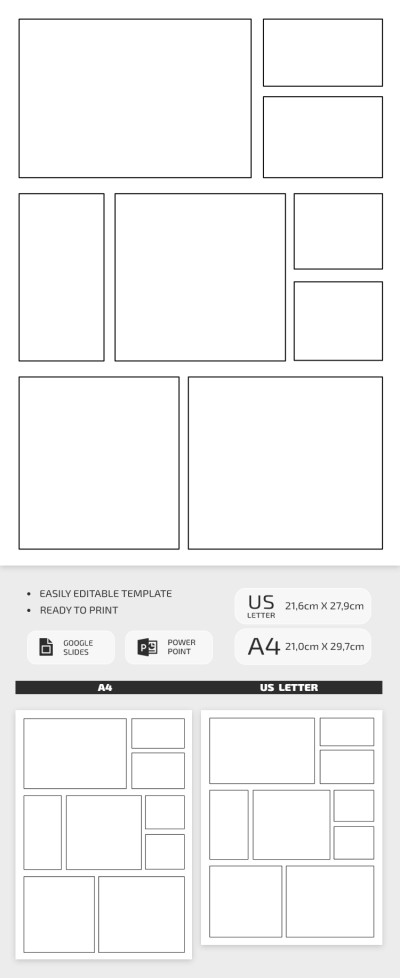
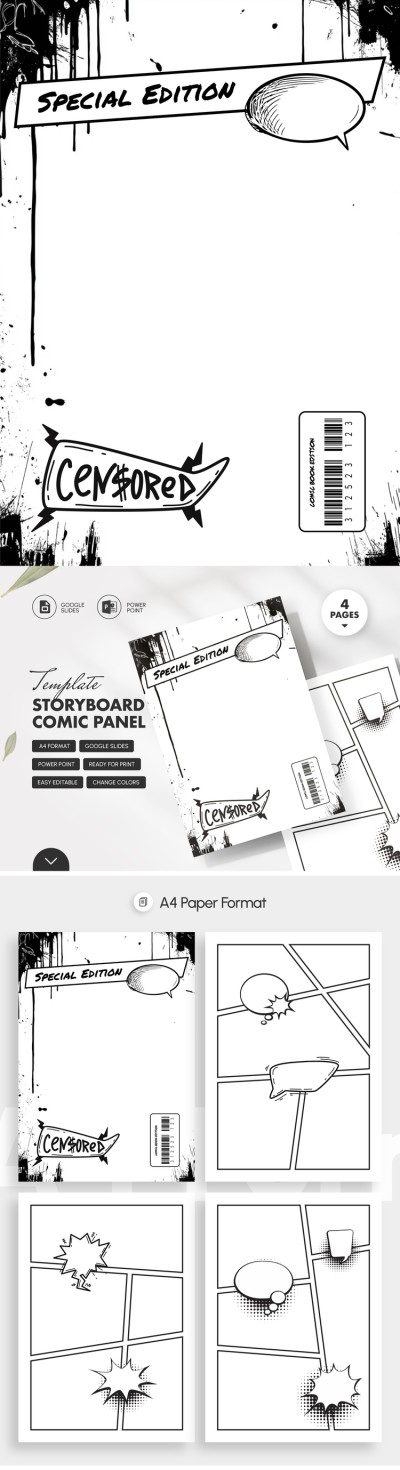
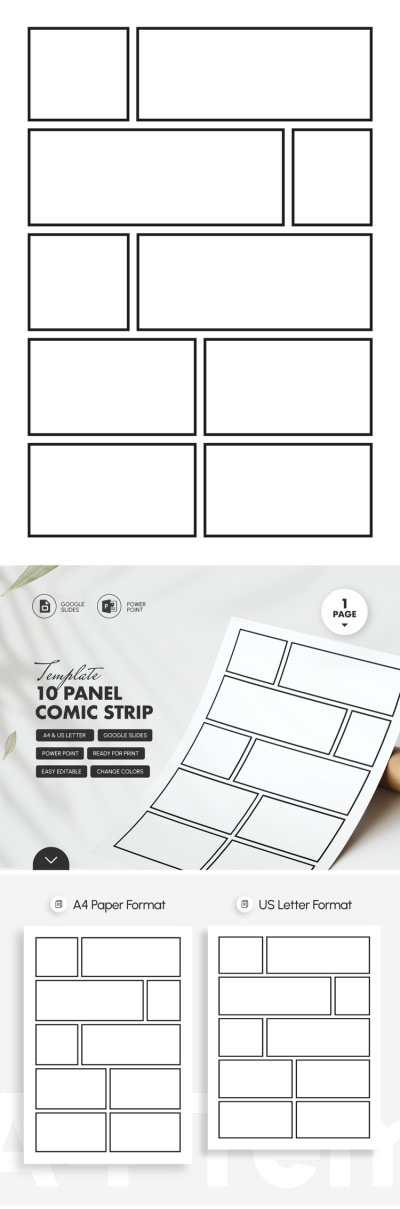
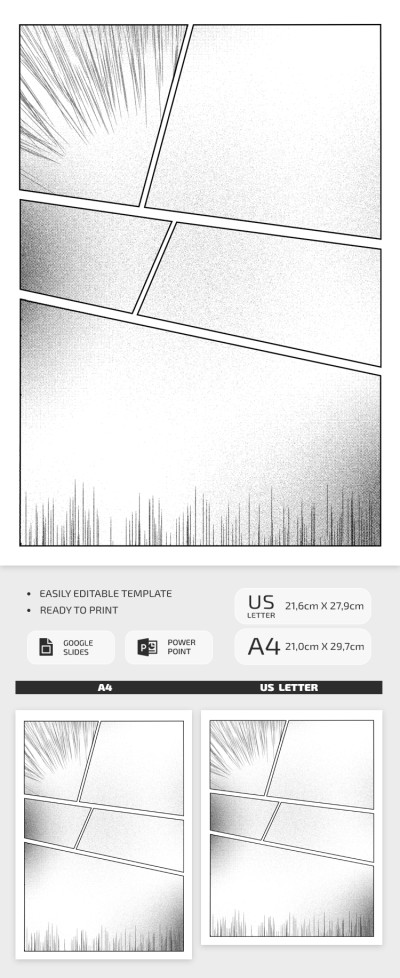
Storyboard Comic Panel Template
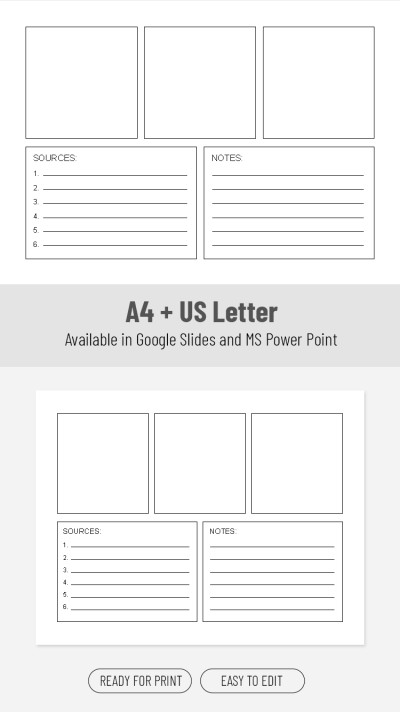
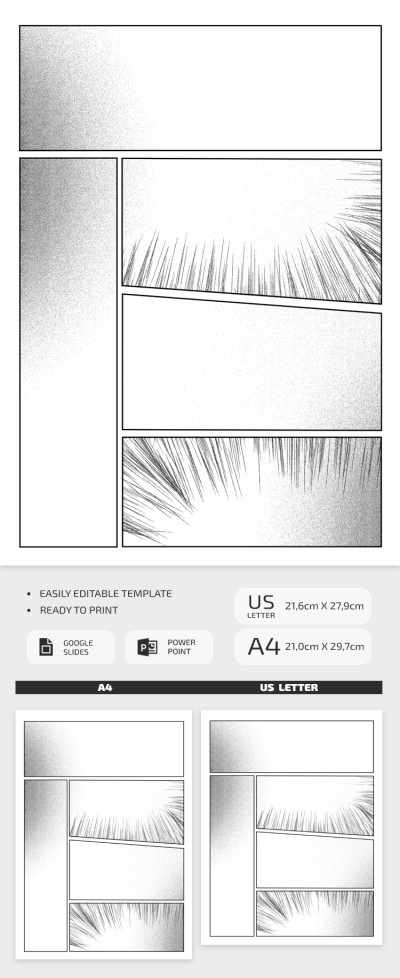
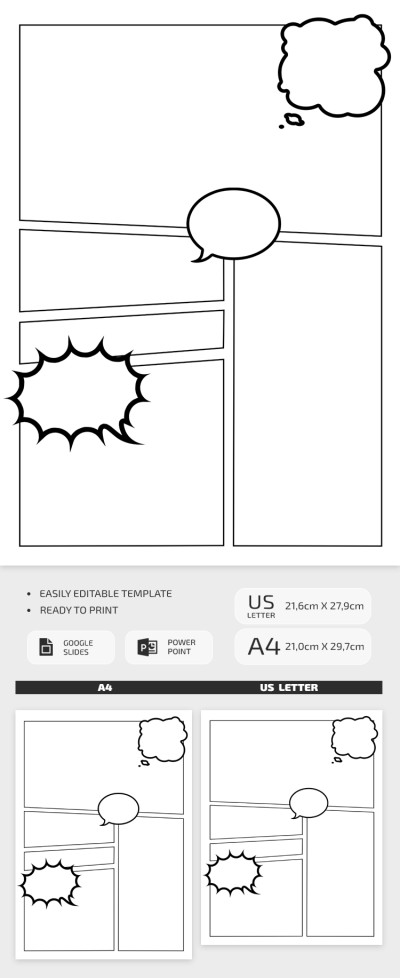
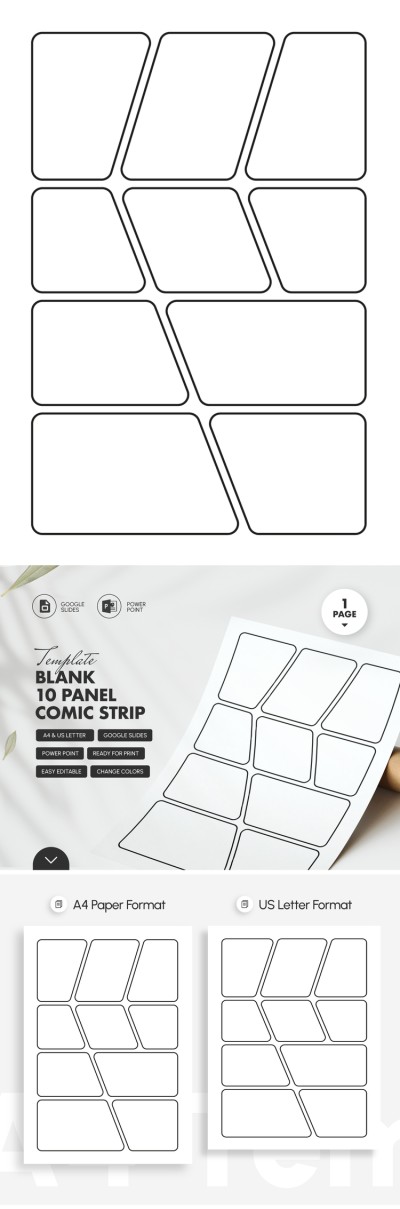
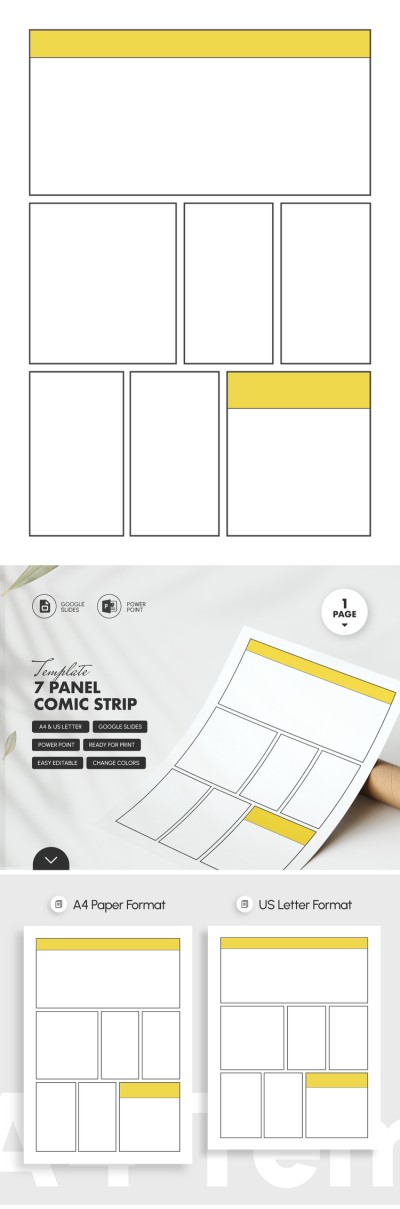
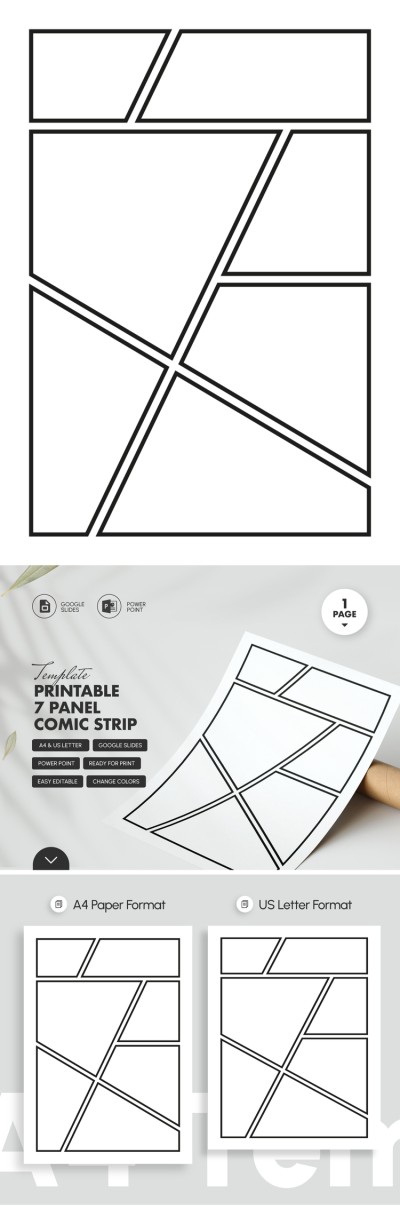
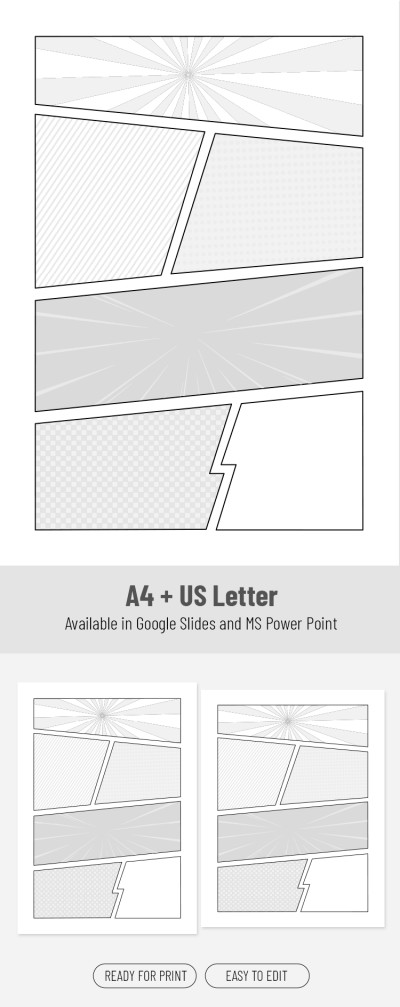
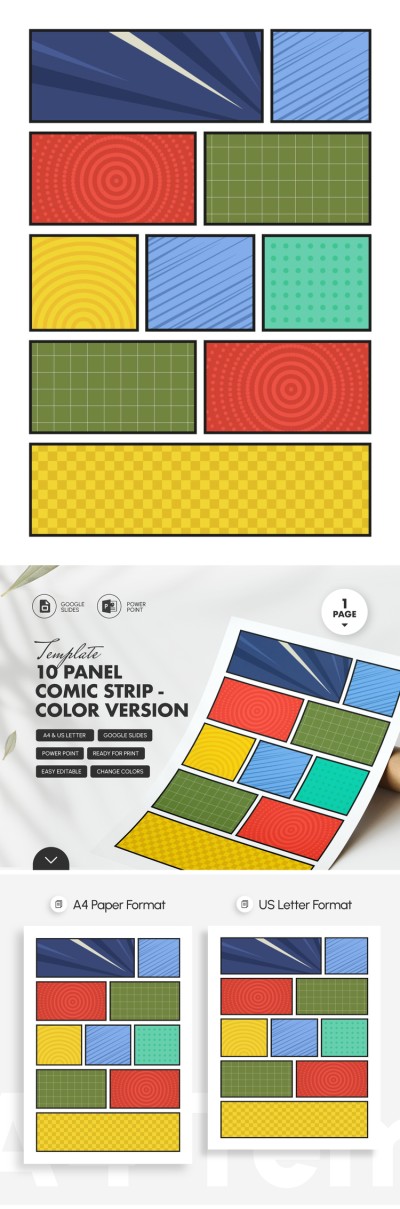
- 1
- 2
Choose from the best and most versatile comic strip templates on this page. We offer customizable layouts for teachers, artists, students, and content creators to suit any project or creative idea. Select a well-structured layout and start using it for free today.
Experience all the benefits of our comic strip layouts:
- Use a professional panel structure. Each comic panel template features a grid with panels of various sizes and spaces for dialogue and titles. This way, you can immediately focus on developing your story without wasting time designing pages from scratch. We provide a wide selection of panel layouts, so you’ll easily find the perfect one for your project.
- Work in convenient Google and Microsoft formats. Google Docs/Slides and Word/PowerPoint are easy to use, even for beginners in creating comics or visual novels. You can adjust the number or size of panels, and add colors, more frames, text, photos, and drawings.
- Print or save your finished comics in PDF format. Our templates are available in A4 and US Letter sizes, with multiple standard options. You can also export your templates as PDF, PNG, or JPEG files to share on social media, your website, or your blog.
Choose a comic strip template from the many pre-made options on our website and start using it today. Most of our comic templates are available for free, and you can customize them without any limitations.
Comic Strips Templates FAQ
You can create a comic strip from scratch using Google Slides:
- Create a blank presentation and remove all unnecessary things. Go to the official Google Slides website or your Google Drive and create a new presentation. Remove the standard headings and subheadings from the page. You can select the entire page and delete all unneeded elements.
- Prepare the slide to set up the strip format you need. You can open the File => Page Options section and select a custom size. A width of 25 x 10 cm (10 x 4 inches) will work great.
- Now create panels. Find the Insert => Figures => Rectangle option at the top. Insert the first panel and make the required number of copies. This is where you need to be creative: use different shapes (triangles, squares, diamonds, etc.) to create a unique layout.
- Each page should have a distinctive configuration. Your comic will look boring if all the pages are similar.
Too complicated? Strip down!
You can choose a ready-made comic strip template in Google Slides on this page. Our designs comply with all modern comic strip creation standards and will help you save time. Get a copy and start customizing it for free.

