
Birthday List Templates
Our birthday list templates in Google Docs, Sheets, Word, and Excel formats will help you cope with any birthday tasks! Organize your shopping and wish list or other information in one blank. You'll find completely editable and printable templates on this page. Download or get a copy of aesthetic, cute, girly, professional, and other designs for free.
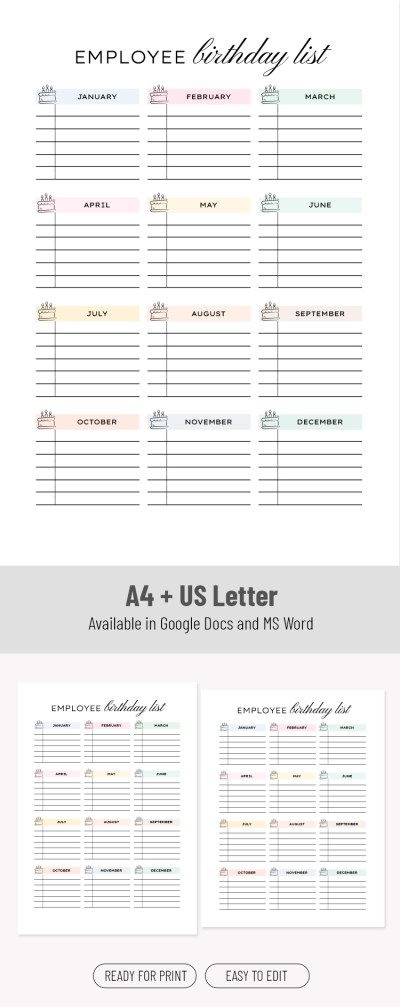
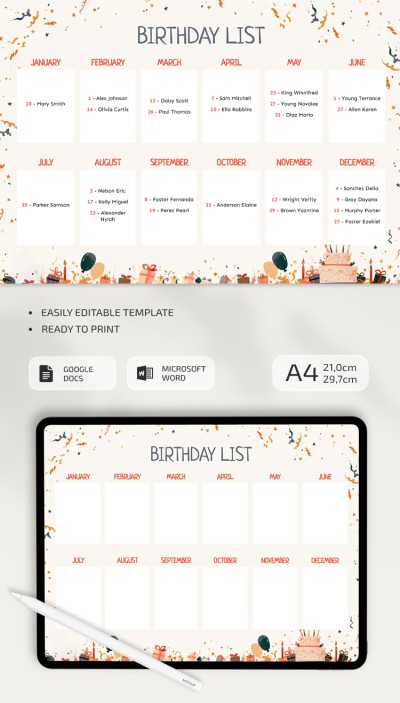
Illustrated Birthday List
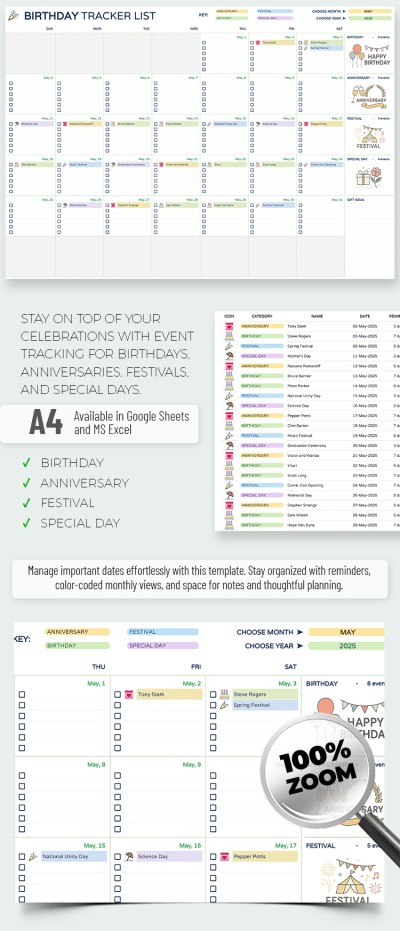
Birthday Tracker List Template
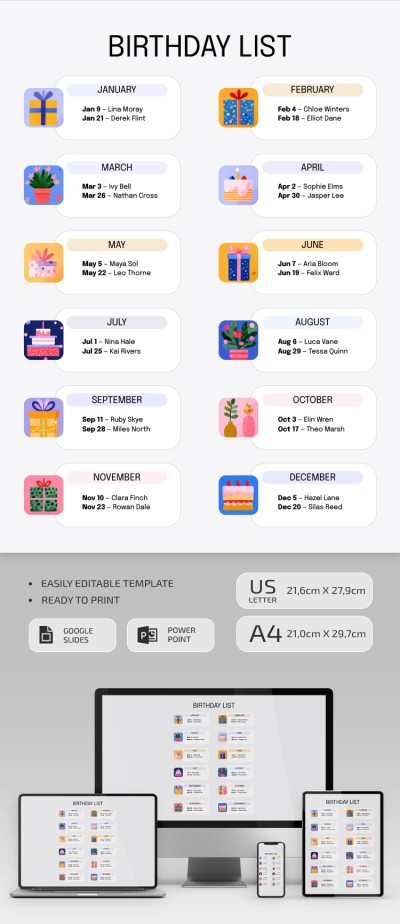
Illustrated Birthday List Template
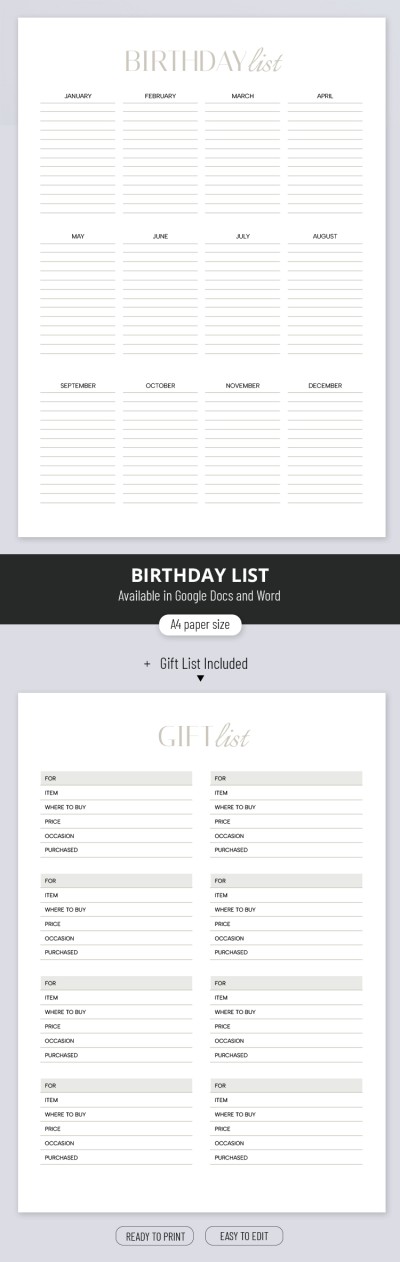
Birthday List

Monthly Birthday List For School
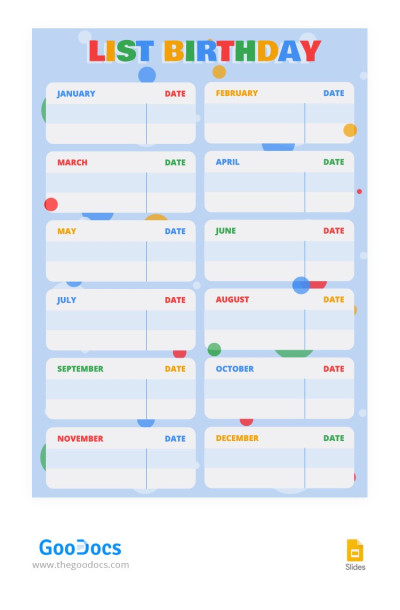
Colourful Birthday List
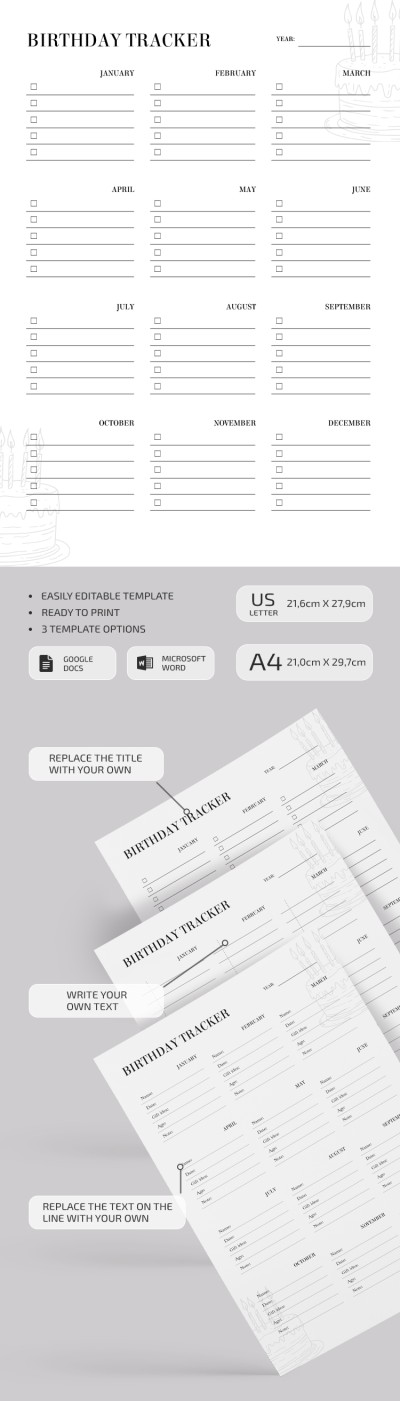
Printable Birthday List
Classic Birthday List
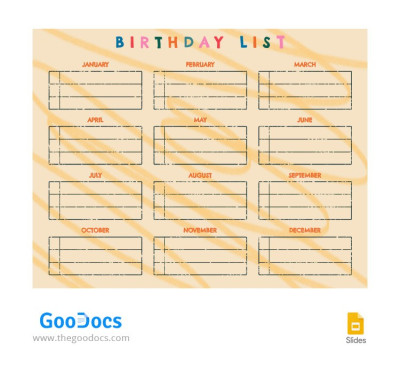
Yellow Birthday List
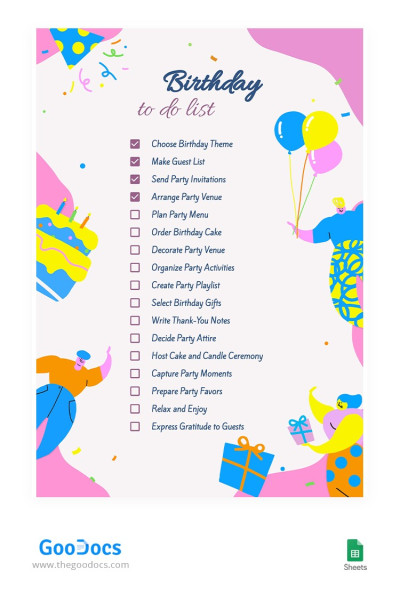
Bright Birthday To Do List
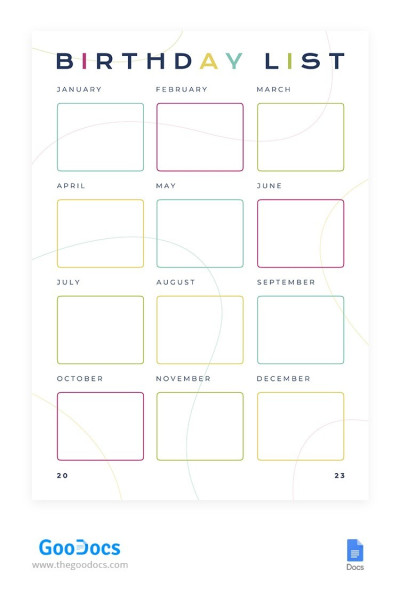
Colorful Birthday List
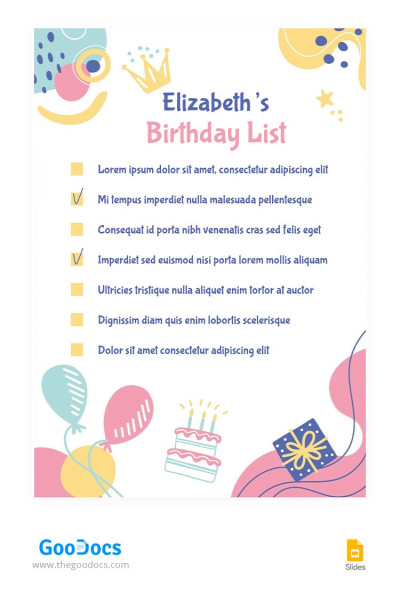
Funny Birthday List
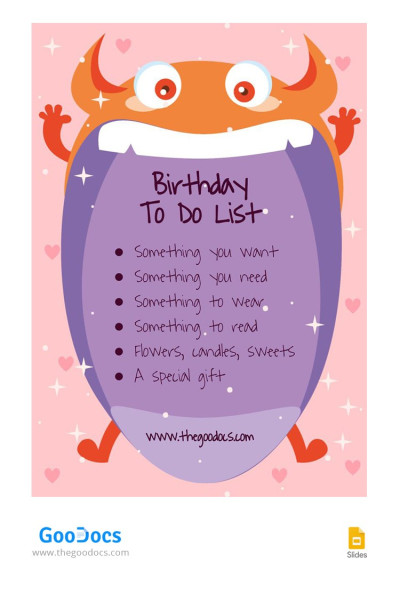
Funny Special Birthday To Do List
Please try different filters or clear all to start over.
Organize your gift ideas and any other birthday information with our convenient birthday list templates. We offer various editable and printable designs to suit your style and needs, from employee and school to birthday wish list templates. Get a copy or download our free and premium options right away.
Benefits of our happy birthday lists:
- Many unique designs and styles are collected in one place. You will definitely find an option that suits the vibe of your party. Choose bright, creative, elegant, minimalist, or illustrated designs using convenient filters.
- We offer universal and specialized templates. Some birthday lists can be used for any task: simply enter gift ideas, daily activities, and other details. There are also options where you can add the birthday dates of family, friends, and colleagues.
- All templates are 100% editable and printable. You can customize any element in the birthday list templates, from fonts and design to content. Save the document as PDF and print if you need a physical copy.
- Use a suitable editor. Choose from birthday lists in Google Docs, Word, Excel, PowerPoint, Google Sheets, and Slides. No additional applications are required to fill them out.
Start customizing today - download or get a copy of the birthday list. Also, check out our monthly checklist templates for even more useful tools.
Birthday Lists Templates FAQ
The best gift is the one you wouldn't buy for yourself. So, to create a birthday wish list, consider presents you would like but normally won't buy.
Here's a more detailed breakdown to help you create a birthday wish list:
- It's useful to understand what you need, but it's also better to focus on what you really want. A gift that combines both qualities is the best one.
- Adapt your wish list to the person you'll be sending it to. Consider their financial capabilities and things that are better not to ask for (for example, you shouldn't send your parents a wish list with overly expensive or personal hygiene items).
- Try to add 5-20 items to your wish list. Moreover, it's better to cover different price groups so that recipients can choose how much money they can spend on a gift for you.
- Fill out your wish list as soon as you see something you like. Found a cool blouse, bike, or basketball that you want? Add it to your wish list, or even include a link to the product or information about the store.
Want your wishlist to look perfect?
Use birthday wish list templates from TheGoodocs. Our templates provide you with beautiful designs and even examples of birthday presents you may want. All you have to do is download or get a copy of the template in a convenient format, fill it out, and send it online or after printing.
It's easy to create an employee birthday list based on our templates!
Here's a detailed plan on how you can handle this task in a few minutes:
- Choose a suitable template and format. We offer different designs in Google Docs, Word, Google Sheets, and Excel. Get formal, minimalist, elegant, and other designs - choose the one you like.
- Download or get a copy of the template. To do this, go to its page and click the button to the right of the preview. For Google editors, the copy will be created automatically, and then the page with the template will open in the browser (you must first log in to your Google account). For templates compatible with Microsoft editors, the download will start automatically, and then you can open the template from the folder or through the editor interface.
- Fill out the employee birthday list. You can gather your employee birthdays either while filling out or in advance - whichever is more convenient for you.
Now, all that's left is to maintain the clarity of your document. Update it as you hire new employees. Our templates include a pre-made structure, fields to fill, divisions by month, and other convenient features to help you cope with the process. Use them for free or with a premium subscription.

