Double Sided Sale Brochure Template
Use this free template with Google Docs and Microsoft Word
Template Specification
Key Features of This Template
About this template
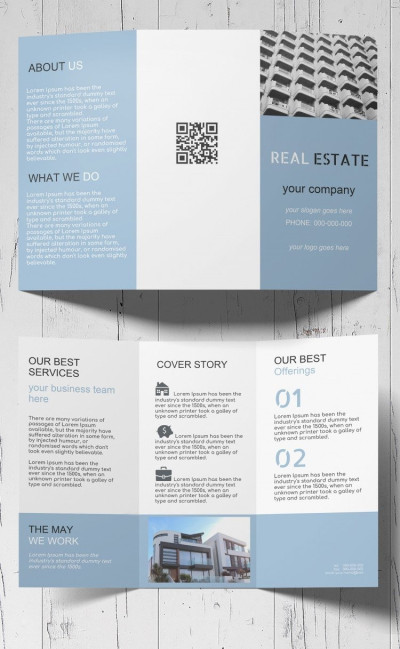
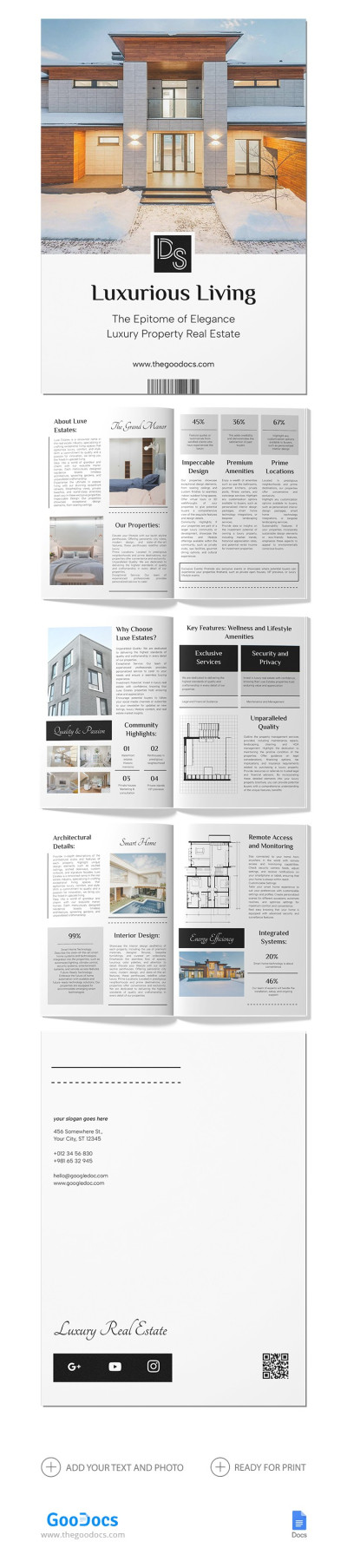
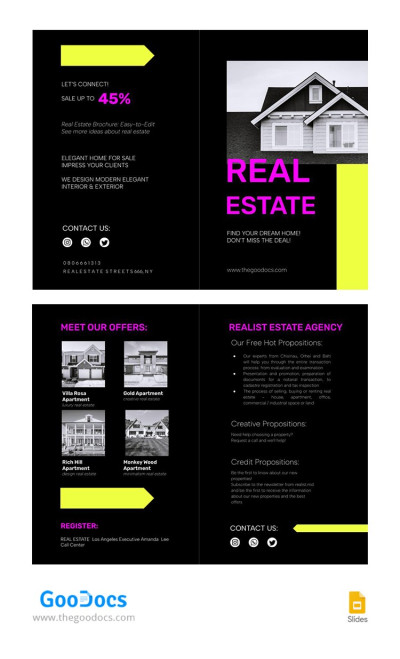
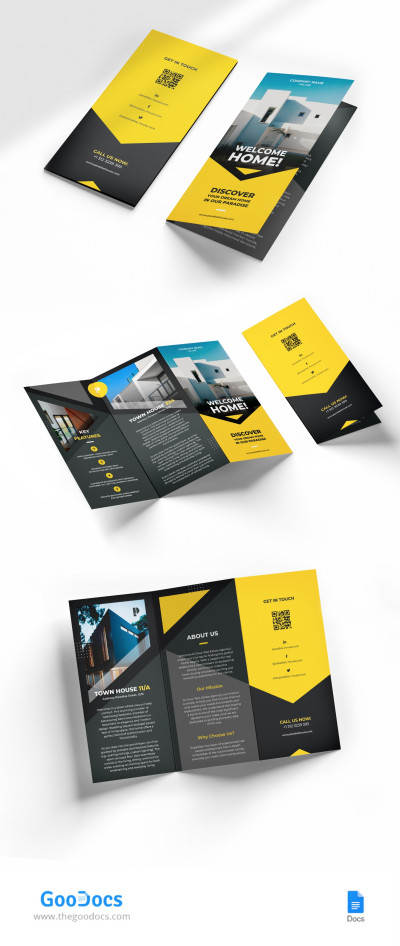
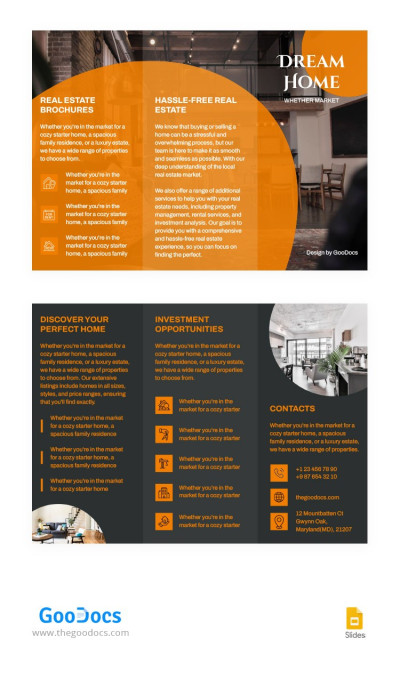
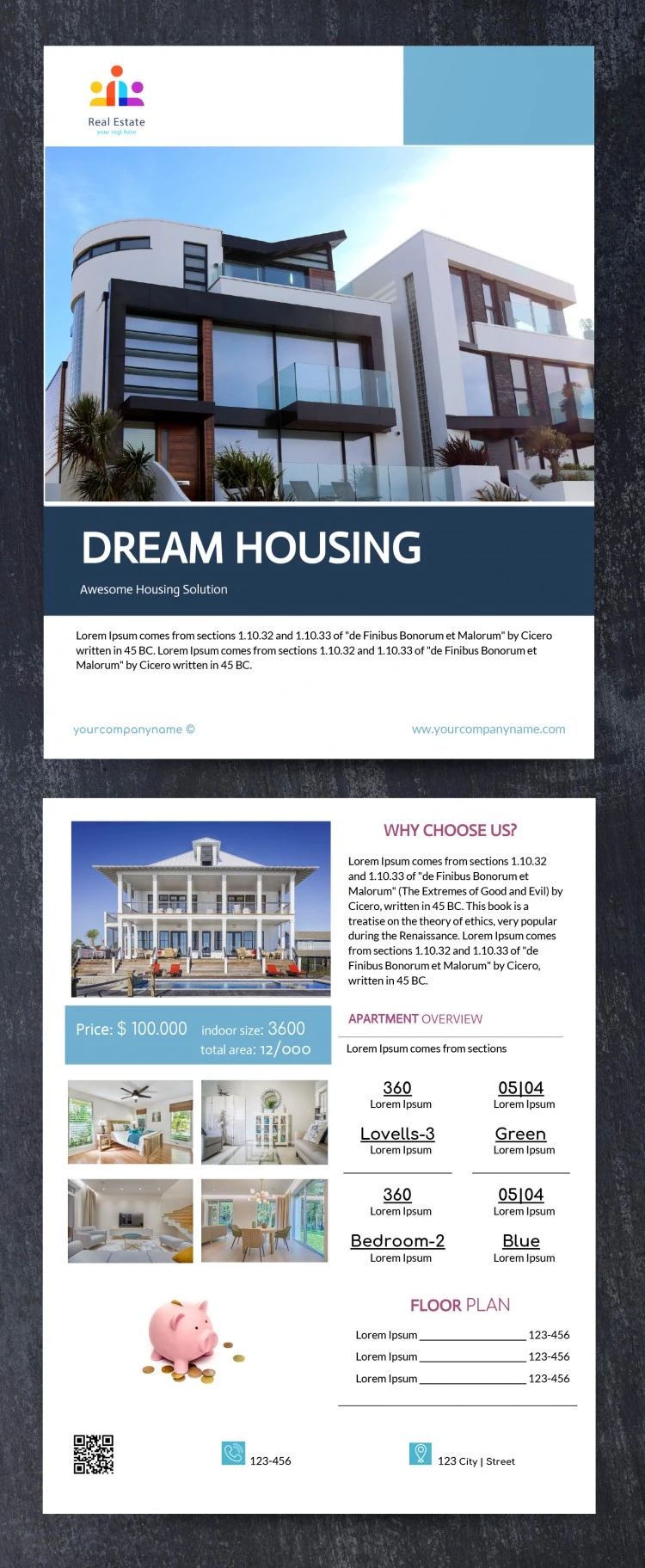
Our Double-Sided Sale Brochure Template is one of the best examples of simple yet effective pamphlet designs. If you need an all-in-one brochure to promote your real estate agency, this template has everything you need. Present any property, share your contact details, and create a presentation using our ready-made modern brochure template.
Create a Two-Sided Property Listing Pamphlet
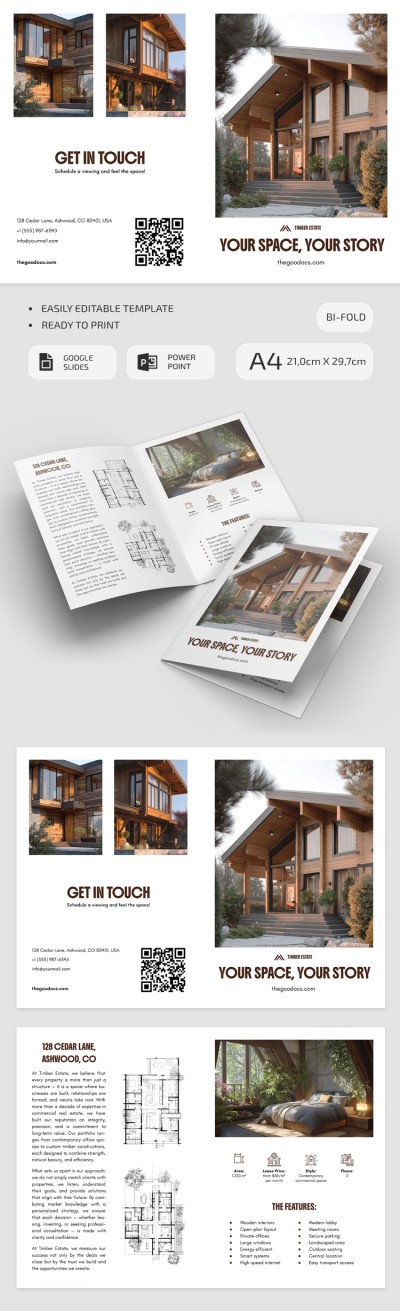
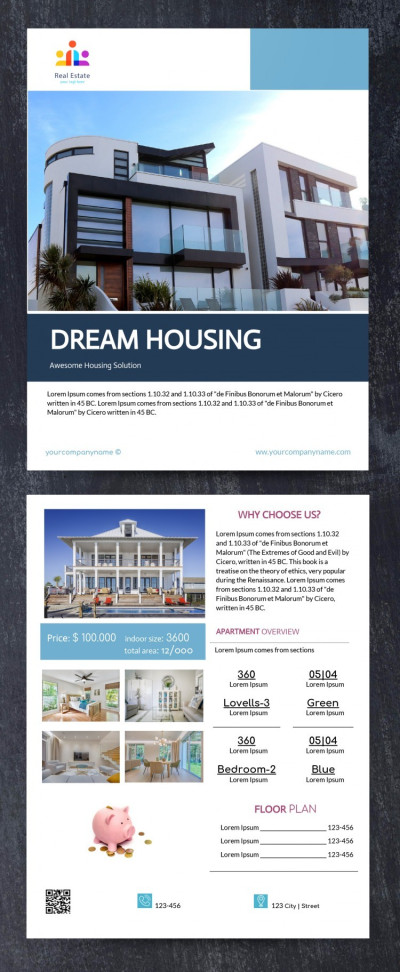
You can keep the default photo on the front panel or replace it with a high-quality picture of the property for sale. The header provides space for your logo and company name, while the footer offers room for a description of the property, contact information, website links, and more.
Use the pre-made listing layout on the back panel:
- Add exterior and interior photos of the property to the pre-made image placeholders.
- Provide a detailed property overview (include total area, number of floors, room count, floor plans, listing price, and key features).
- Explain why your agency is the right choice and include your contact details along with a QR code for quick access to the online listing.
Find more real estate brochure examples or use this layout right away. Edit it in Google Docs and print the pamphlet without any extra setup required.
Download Free Template
WHAT’S INCLUDED
Brochures & Pamphlet Tips
FAQ
How to Use and Edit This Template

Get Your Document

Customize Everything

Add Your Content