Get unlimited access to 5000+ Templates for Google Docs, Slides and Sheets
Unlimited Access
ADVERTISEMENT
ADVERTISEMENT

Client Welcome Book Template

Use this free template with Google Slides and Microsoft PowerPoint
4.25 (1 reviews)
Last updated Updated July 11, 2026
Created by Alevtina Shavlach
Type Nonfiction, Aesthetic, Portrait, A5 / Half Letter
ADVERTISEMENT

Template Specification

Format Google Slides
Created June 14, 2024
Last Updated July 11, 2026
Community Added to collections by 21 Users
Usage Stats 11 downloads this month

Key Features of This Template

Suitable For Hotels

About this template

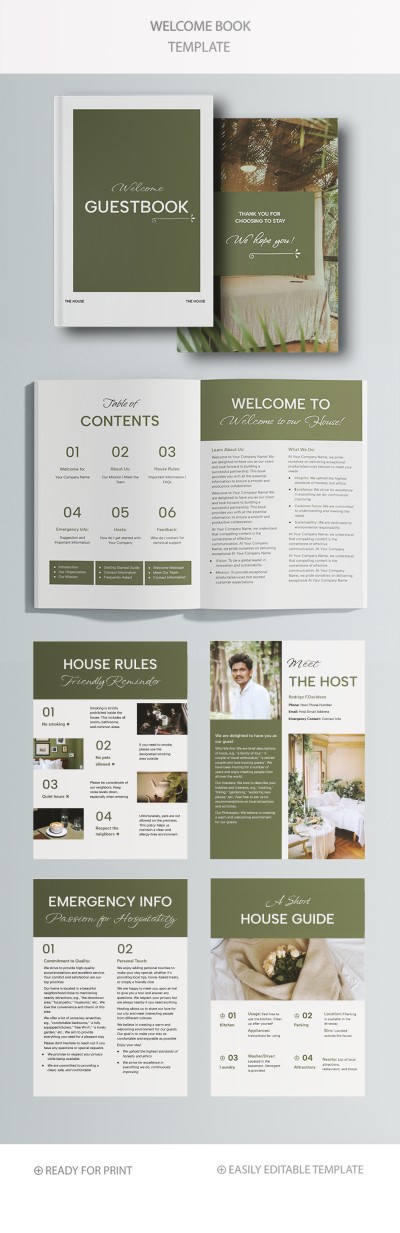
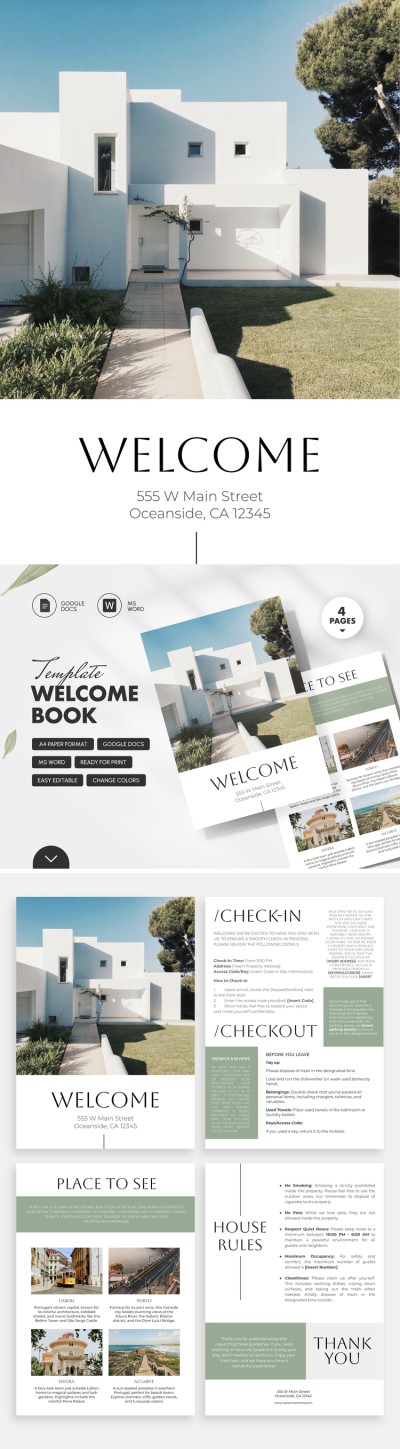
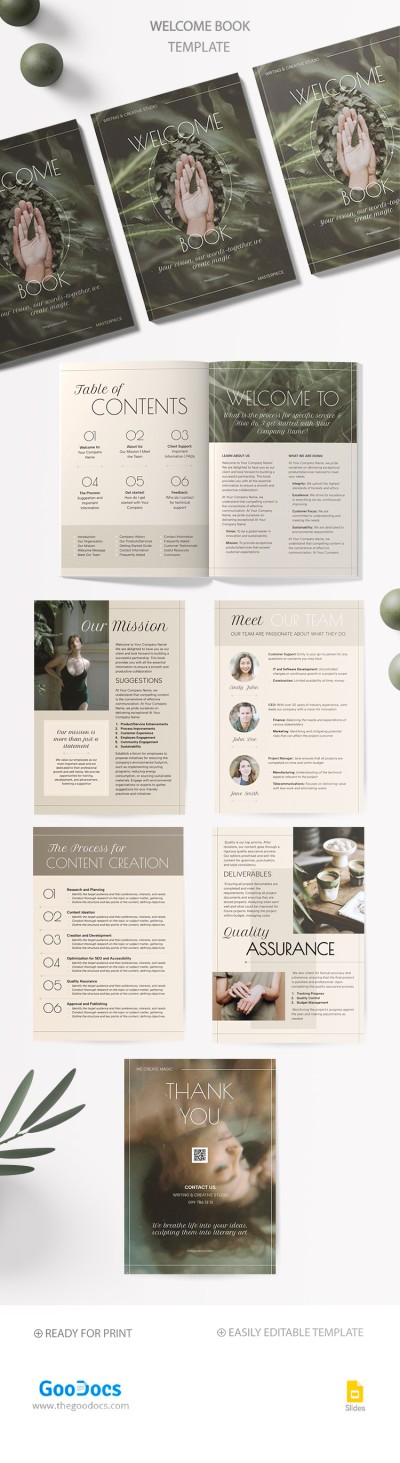
Our Client Welcome Book template is suitable for any company, apartment rent, clinic, and other businesses. Using a versatile eight-page book template for free with a pleasant design, you can guide your client by hand from the first meeting to ordering your services or product.

Eye-Pleasant & Unobtrusive Design

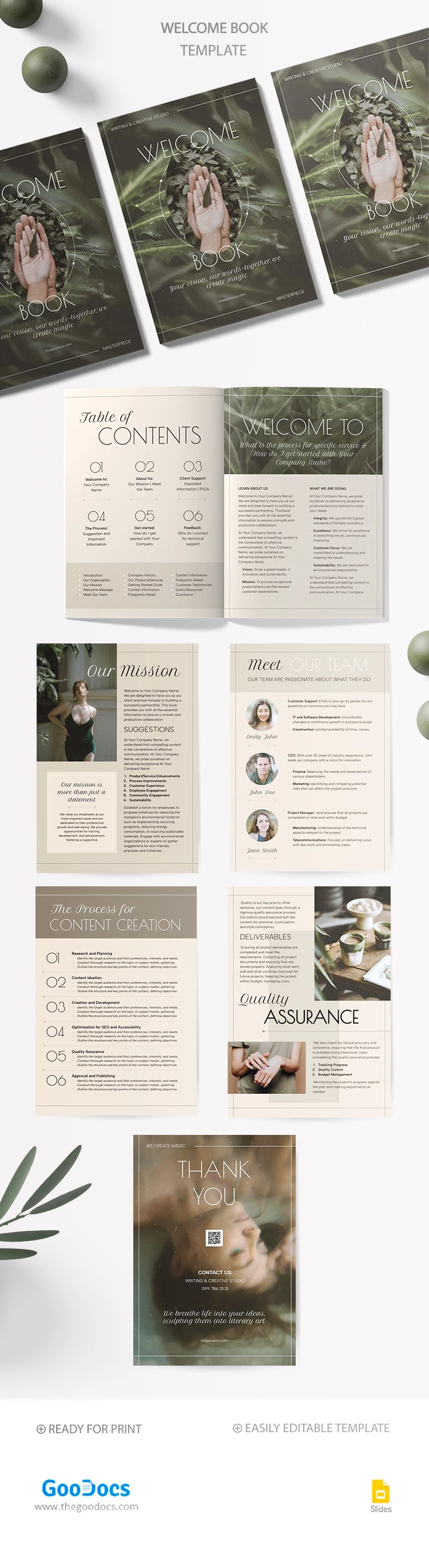
What makes our Airbnb welcome book template universal is the pastel background and headers with grass. This calming and no-frills design will suit companies in different fields.

Also, you can promote your services and meet clients online and offline after printing the pages of this welcome book in A5 size.

Professional Structure to Show Your Benefits

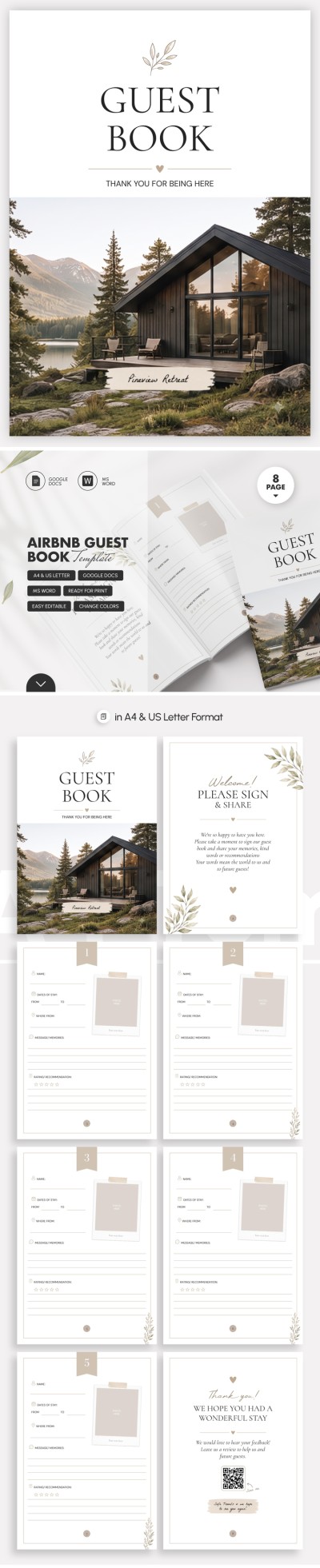
This template consists of eight blank pages that you can fill in with your information. We have prepared a cover, table of contents, welcome to, our mission, meet our team, "the process of..." (this section is important to show your business processes), quality assurance, and thank you pages.

Guide your client from the first acquaintance to regular purchases by using TheGoodocs Google Slides book template!

ADVERTISEMENT
Free Template

Download Free Template

Choose your platform and start editing right away
PLATFORM

Google Slides

Opens in browser
PAPER SIZE
A5
Google Slides – A5
No account required • Attribution required

WHAT’S INCLUDED

Eight customizable pages for all content
Beautifully designed covers and sections
Detailed team and mission pages
Quality assurance and deliverables section

Book Tips

1
Customize each section with your company's unique details.
2
Print in A5 size for a professional look.
3
Use high-quality images for team introductions.
4
Update content regularly to reflect changes.

FAQ

Is this template compatible with PowerPoint? Yes, it works with both Google Slides and PowerPoint.
Can I customize every page? Absolutely, all text and images can be customized.
Is this template free to download? Yes, you can download and use it for free.
Is it easy to use for beginners? Yes, it's designed for easy customization and use.
What size should I print this template? It is best printed in A5 size for optimal quality.
ADVERTISEMENT

How to Use and Edit This Template

Get Your Document

1

Get Your Document

Click the "Edit Template" button to create your own editable copy in Google Slides or download for Microsoft PowerPoint
Customize Everything
2

Customize Everything

Easily change colors, fonts, and layouts to match your unique style or brand identity
Add Your Content
3

Add Your Content

Fill in your data, upload images, and replace the placeholder text with your own information
Print, Export, or Share
4

Print, Export, or Share

Print, export as PDF, or share instantly

Related Templates

Recently Viewed