
Timesheet Templates
Start using any of our free timesheet templates in Google Sheets and Excel formats right away. Get free access to dozens of templates that include all the necessary fields: employee names, tracked hours, breaks, overtime, and weekend work. Our editable and printable spreadsheets feature advanced functionality and professional designs.
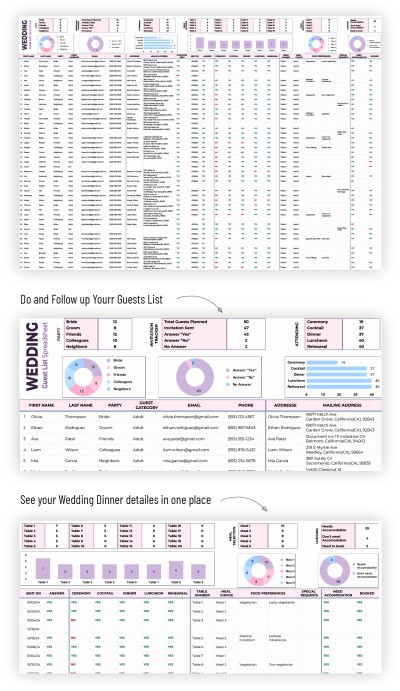
Guest List Spreadsheet
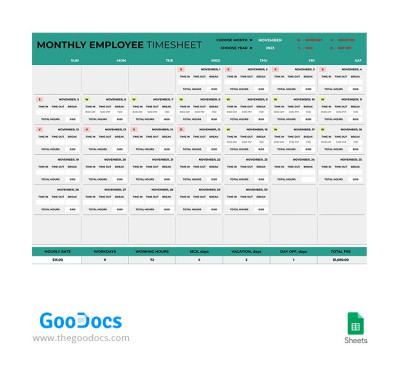
Monthly Employee Timesheet
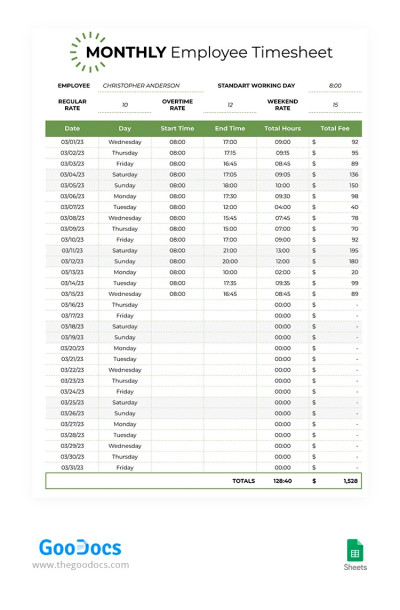
Green Monthly Timesheet
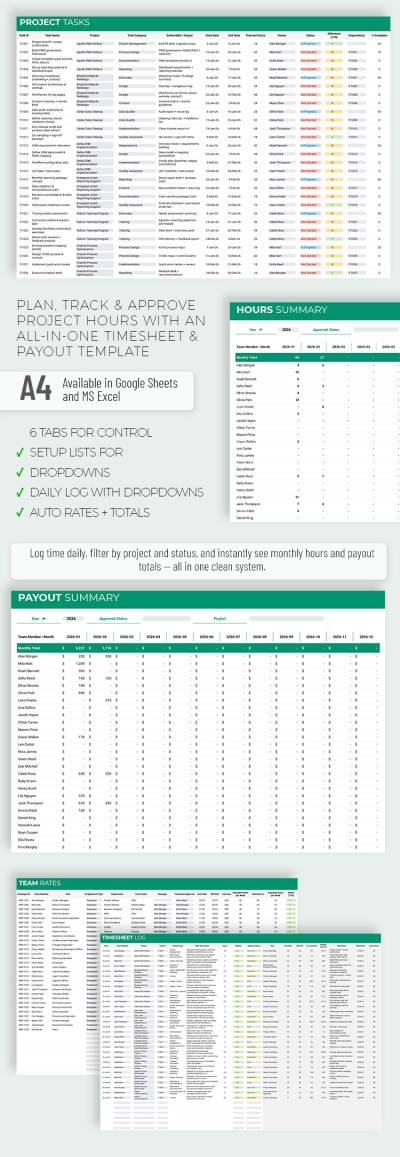
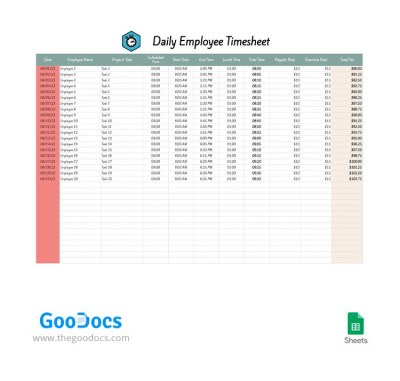
Daily Employee Timesheet
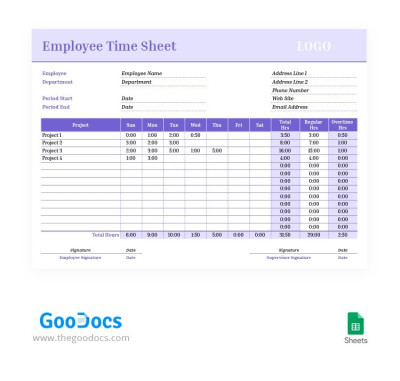
Purple Employee Time Sheet
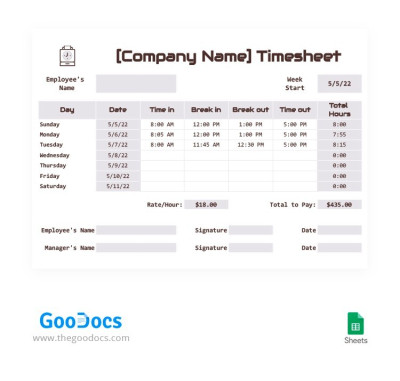
Simple Employee Timesheet
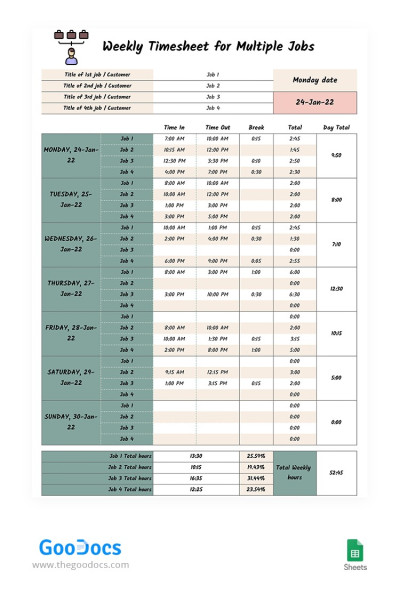
Weekly Timesheet for Multiple Jobs

Weekly Employee Timesheet
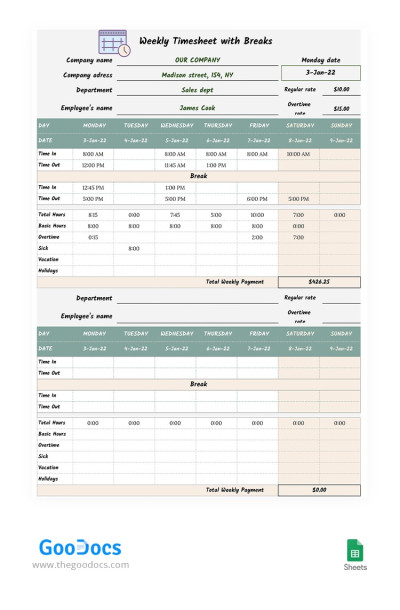
Weekly Timesheet with Breaks
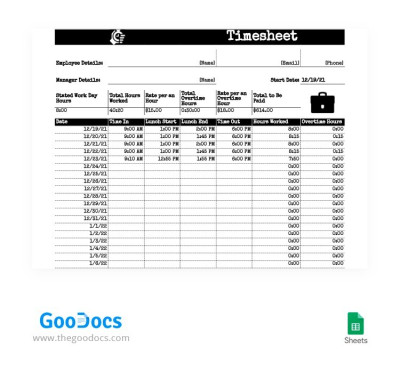
Old Style Timesheet
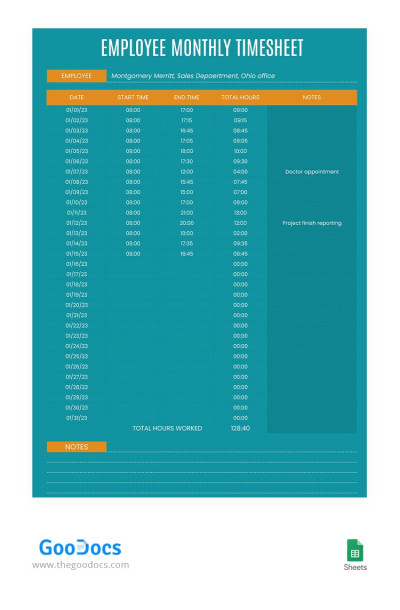
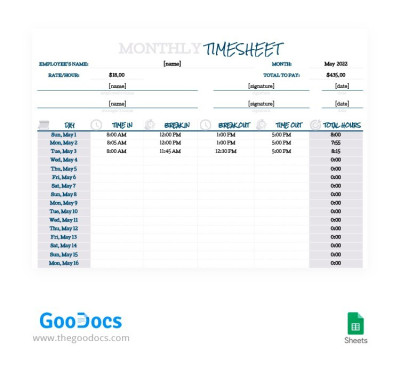
Modern Monthly Employee Timesheet
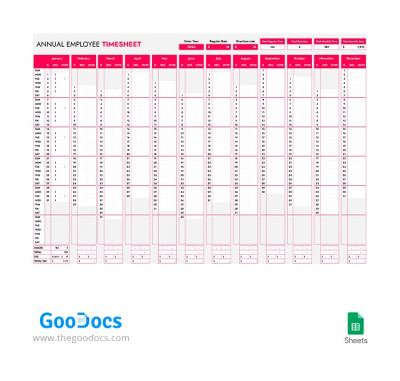
Annual Employee Timesheet
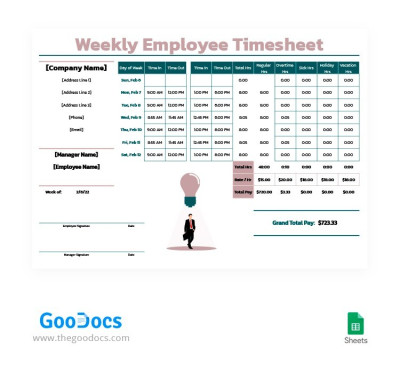
Formal Weekly Employee Timesheet
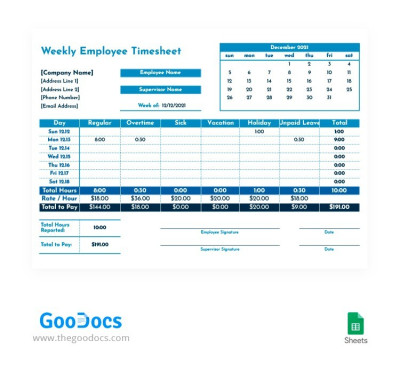
Blue Weekly Employee Timesheet
Please try different filters or clear all to start over.
Our collection of timesheet templates is specifically designed to help you conveniently track your employees' work hours. These ready-made designs are indispensable for freelancers, project managers, as well as accounting and HR departments, allowing you to capture key employee performance indicators.
Try our free timesheet templates and experience all the advantages firsthand:
- Record everything related to employee work time. Our templates include pre-made placeholders for specifying the number of hours worked, start and end times, breaks, overtime, and even vacation and sick leave. We offer daily, weekly, monthly, and annual timesheets.
- Customize your brand design or use an individual layout. While we offer unique, modern, and simple designs, you can adjust them to match your brand colors; add more structural blocks, choose new fonts, and more. Enjoy unlimited customization possibilities of our templates.
- Fill out, edit, and print in convenient formats. Each timesheet template in Google Sheets and Excel provides advanced tools for managing your timesheet. Use built-in drop-down lists, date functions, color coding, automatic payroll calculations, and more.
Choose a timesheet template that suits your company and workflow for free on this page. Work on any project more easily and efficiently with timeline templates from TheGoodocs.
Timesheet Templates FAQ
A timesheet template is a pre-made document or spreadsheet used to track and record employee work hours. Timesheet templates сan be daily, weekly, monthly, and annual. After use, you can create a copy of the form and begin filling it out again, which makes this tool suitable for repeated use.
Our timesheet templates include sections such as:
- Employee information (name, contact details, etc.).
- Date range for tracking work (depending on the period the template covers).
- Start and end times for each task or workday.
- Total hours worked.
Additionally, our templates may include fields with automatic formulas for calculating hourly wages, overtime, and other details. Find a ready-to-use timesheet template on this page and use it for free.
To use a timesheet template in Excel, you don't need to create one from scratch. The best way is to find a ready-to-fill Excel template from TheGoodocs.
That's how it works:
- Download a suitable timesheet template in Excel for any device from this page. We offer distinct templates: individual forms for each employee, as well as daily, weekly, and monthly templates for all staff.
- Open the template in Excel or in the Downloads folder on your device.
- Enter employee information: name, start date, day of the week, regular rate, overtime and weekend rates, start and end times, total hours worked, and total pay.
- Customize the design (optionally) by changing the color palette to your brand colors, choosing new fonts, and adjusting spacing.
- Save the completed template and regularly update employee information to receive a detailed report at the end of each period.
Using a ready-made template is the best way to create a timesheet in Excel. This way, you save time and are guaranteed a professional result.

