
Thank You Note Templates
Explore our collection of professionally designed thank you note templates. We offer highly-editable and printable samples in convenient formats. Our cards are available in Google Docs, Word, Google Sheets, and Excel. Try our thank you note examples for inspiration, or grab a free copy to express your gratitude for a gift or support in a formal style.
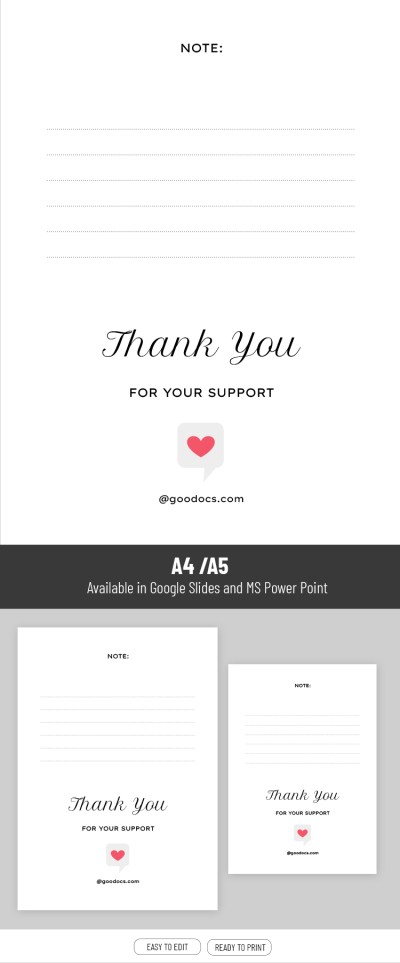
Cute Thanks Note
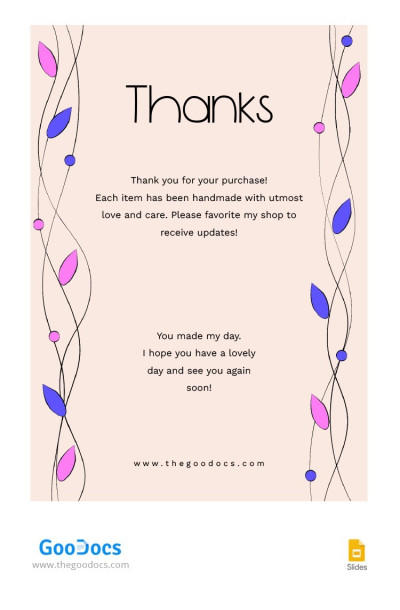
Creative Thankful Note
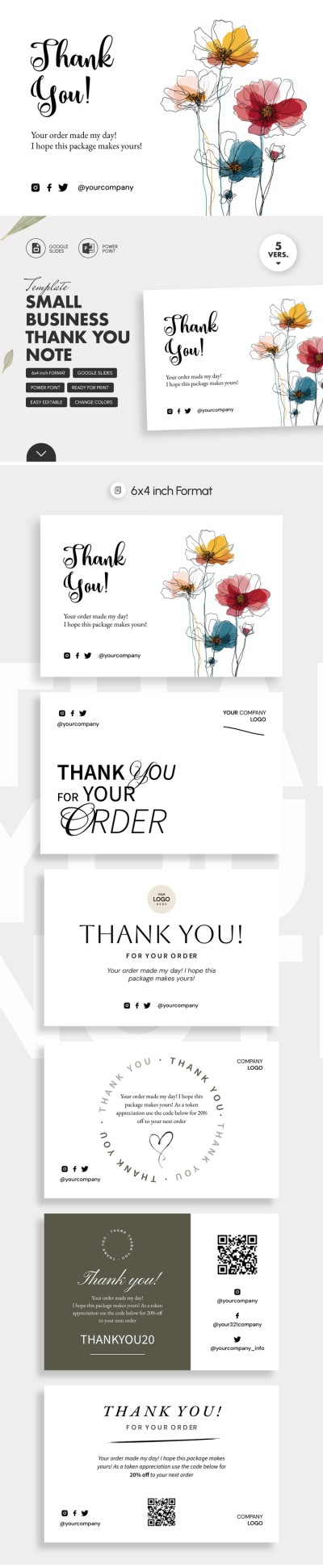
Small Business Thank You Note Template
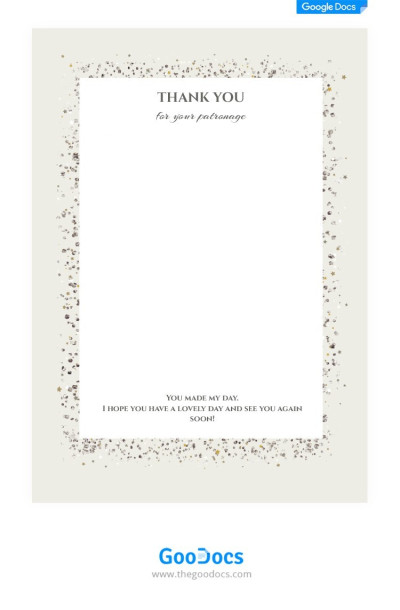
Cute Thankful Note
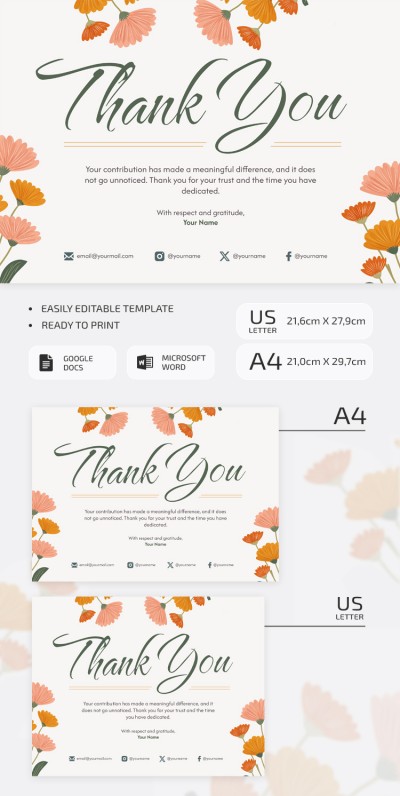
Minimalist Thank You Note Template – Printable & Editable
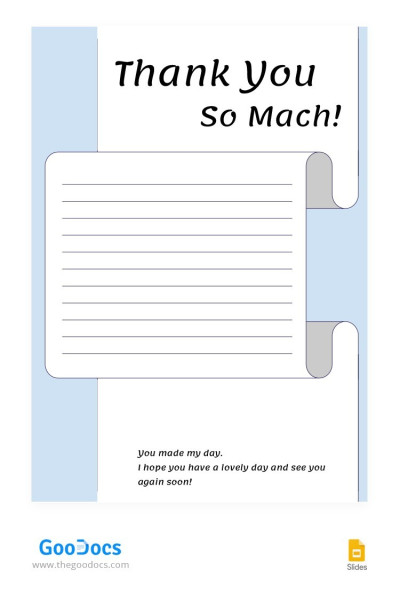
Blue Thankful Note
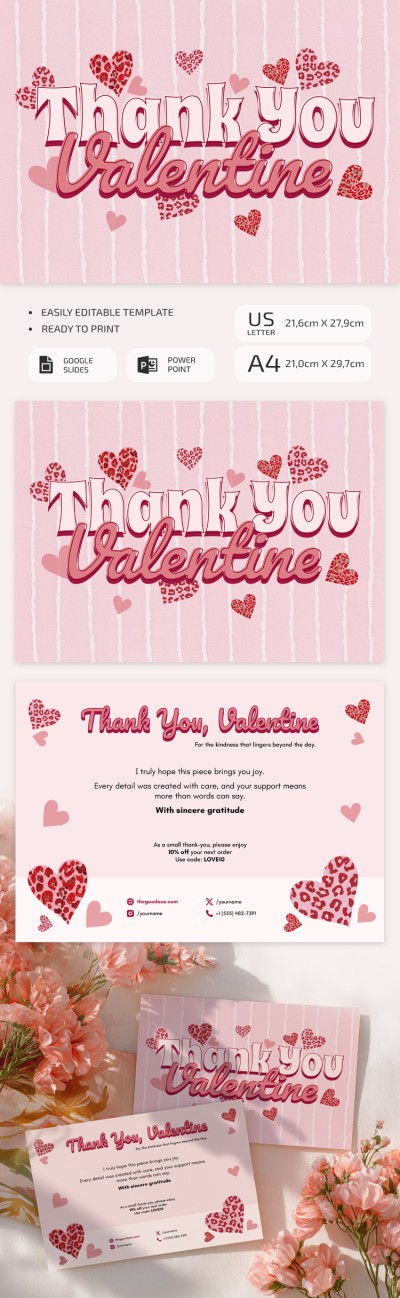
Please try different filters or clear all to start over.
Our thank you note templates allow you to quickly create beautiful thank you notes and messages. No special design skills are required, just a little time to write a personalized message. Express your gratitude, while our platform takes care of the design.
Our templates offer many advantages:
- Broad compatibility with popular editors. This page contains thank you note templates in Google Docs, Word, Google Slides, and PowerPoint formats. You can choose the option that best suits your needs and editing experience.
- Full customization of content and design. We offer the best starting point for your thank you note, but the final look is up to you. Add new text, a logo, and choose different colors and visuals in just a few clicks.
- Most options are available free of charge. Get a modern design right now, completely free. Simply choose the desired format (for business correspondence, a personal letter, or a marketing campaign), download or receive a copy of the template, personalize it, and send it.
You can save your note in .docx, PDF, and other formats immediately after customization, or send it directly from Google Docs to a preferred email address. Choose note templates for any occasion on our website.
Thank You Notes Templates FAQ
Using our thank you note template, all you have to do is personalize the ready-made design and text. This makes the process much faster and requires no design skills.
Here's how it works:
- Choose the appropriate design and format on this page. We offer options for business and personal correspondence in Google Docs, Word, and Slides, each with a different design.
- Personalize the text. Add a greeting, preferably using the recipient's name, so the letter doesn't look like a generic mass email (or newsletter). In the first sentence, clearly state what you are grateful for, and use the remaining space for specifics (describe what you are thanking them for).
- Write a closing statement. At the end of the letter, you can repeat your gratitude in different words and choose a signature (e.g., "Sincerely," "Best regards," + Contact Information).
- Edit the design (optional). You can add a logo or photo, change the colors and fonts, or leave the original design as is.
After that, all you have to do is review the text and overall design and send the letter. Our templates offer a ready-made design and structure, so all you have to do is add a sincere thank you message.

