
Sale Templates
Our sales templates cover a variety of business needs. Find ready-to-use sales trackers, reports, management tools, and more on this page. Each template, in Google Sheets or Excel format, includes pre-configured worksheets for tracking sales parameters. Simply enter up-to-date data for each order and save on expensive CRMs or paid templates.
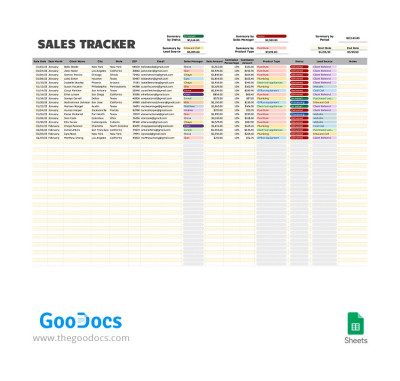
Sales Tracker
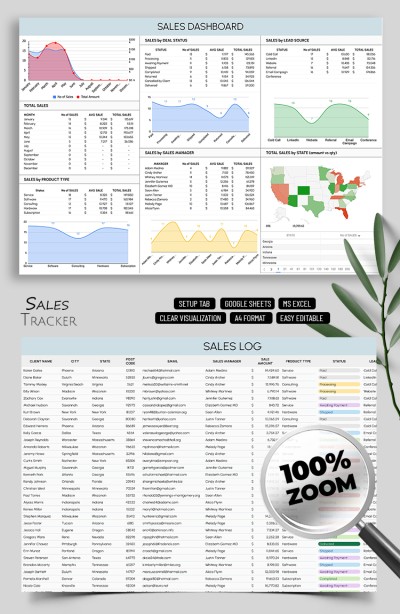
Sales Tracker Spreadsheet Template
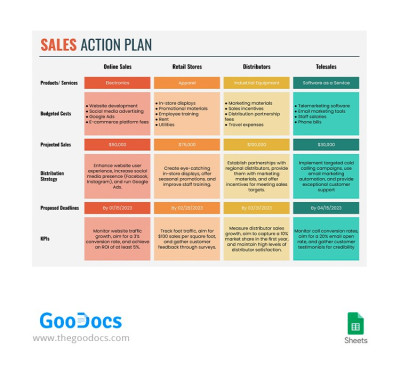
Sales Action Plan
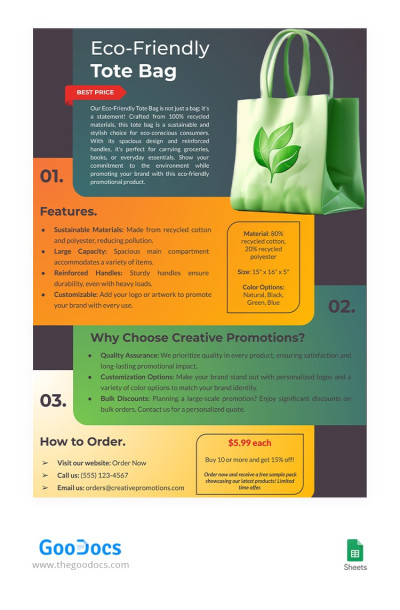
Promotional Product Sale Sheet
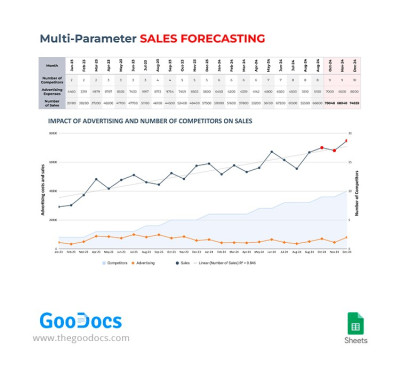
Multi-Parameter Sales Forecasting
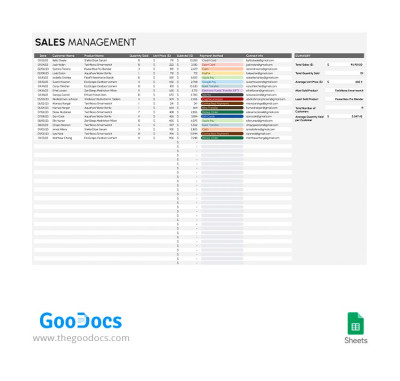
Sales Management
Please try different filters or clear all to start over.
Explore the features of sales templates in Google Sheets and Excel formats. On this page, you'll find various tools to help you track, manage, report, and plan sales. Increase your team's KPIs and get all the metrics you need to optimize your sales process with TheGoodocs.
Choose a sales template in Google Sheets or Excel and get the following benefits:
- We offer options for dozens of tasks. You'll find everything you need: daily sales reports, action plans, management sheets, forecasting, and even sales tracker templates. For example, the sales tracker (log) template includes a dashboard with charts, including sales breakdowns by state, lead source, product type, manager, and other metrics.
- You can edit any element of the template. Simply get a free copy of a sales tracker or report in Google Sheets or download it to your PC to customize in Excel. You can adjust any element of the template: enter data on every sale, replace unnecessary columns, use built-in charts, color-coding features, and much more.
- Get this modern tool for free. Why spend money on an additional CRM or other management tool when you can invest more in product improvements and advertising? Our spreadsheets are just as good as the paid versions, and you can download them right now in just a few clicks.
You can select free sales templates for your business and use them without restrictions. However, a premium subscription unlocks even more relevant options. Don't forget to browse our Gantt chart in Google Sheets collection.
Sales Templates FAQ
You can find a ready-made Google Sheets sales tracker template on this page and not waste time creating it from scratch.
You only need a few minutes to accomplish these steps:
- Find a sales tracker template in Google Sheets on this page.
- Create a copy to your Google Drive (just click the "Edit in Google Sheets" button on the template’s page).
- Use a setup sheet to include sales manager names, order statuses, categories, and lead sources.
- Utilize a sales log sheet to indicate the date, ID, city, state, postal code, recipient’s email, sale amount, product type, payment status, lead source, and notes.
- Review a dashboard to visualize total sales, deal statuses, sales by sales manager, product type, lead source, and state with automatic diagrams that work based on the information you entered earlier.
- Assess opportunities for product improvement, market entry into new states or countries, the need to replenish products, and other details using the dashboard.
We offer a functional, responsive, and editable sales tracker for Google Sheets. All you need to do is enter the data you receive with each order.

