
Report Templates for Google Docs and Word
We offer dozens of professionally designed report templates in Word and Google Docs on this page. Find annual, marketing, simple, incident, daily, and other free report templates. Our blanks are available in convenient formats, and each sample is editable, printable, and downloadable. You can customize these report examples in a few clicks to save time and still get beautifully designed papers.
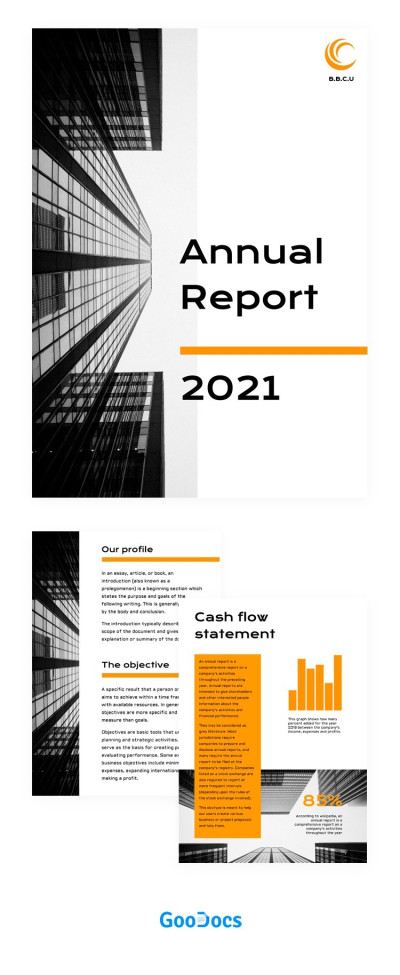
Great Corporate Annual Report
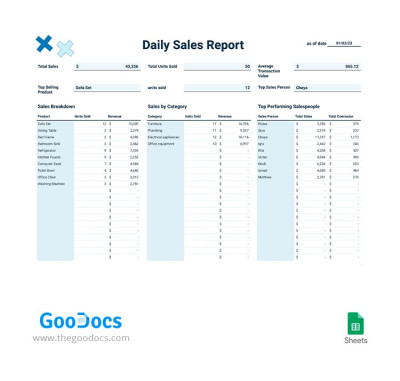
Daily Sales Report
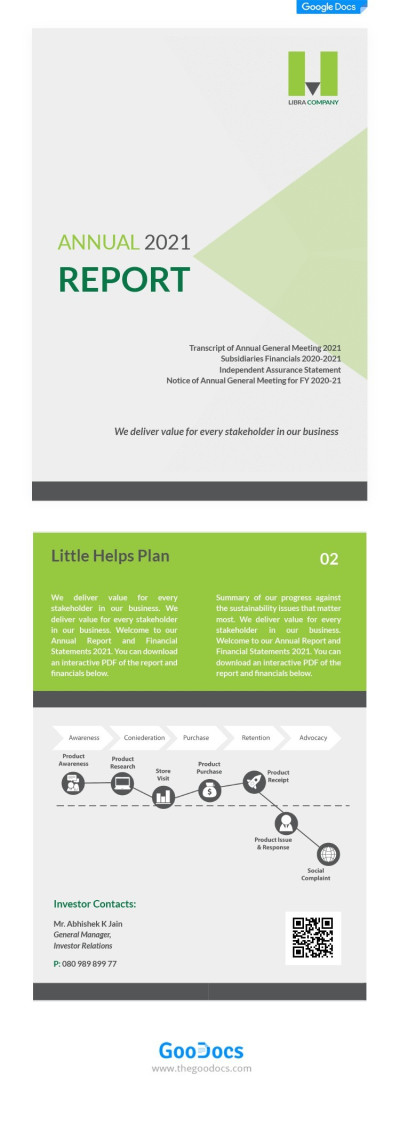
Elegant Business Annual Report

Modern Corporate Report

Corporate Annual Report
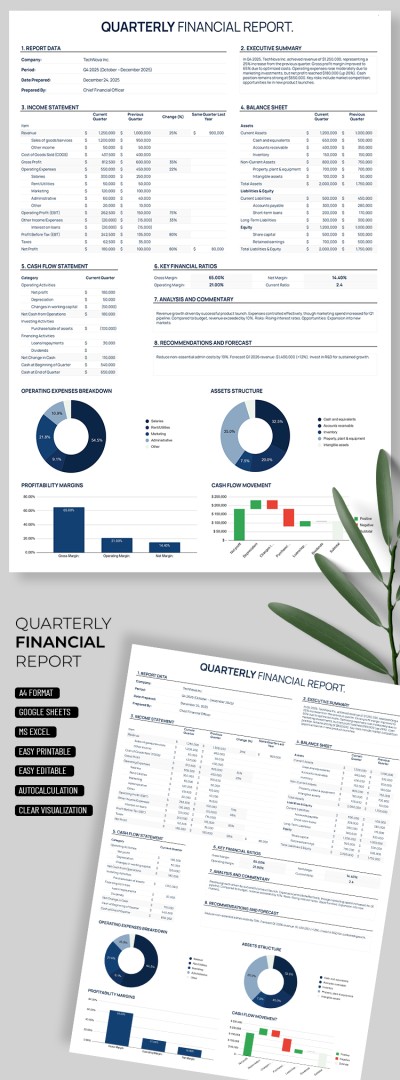
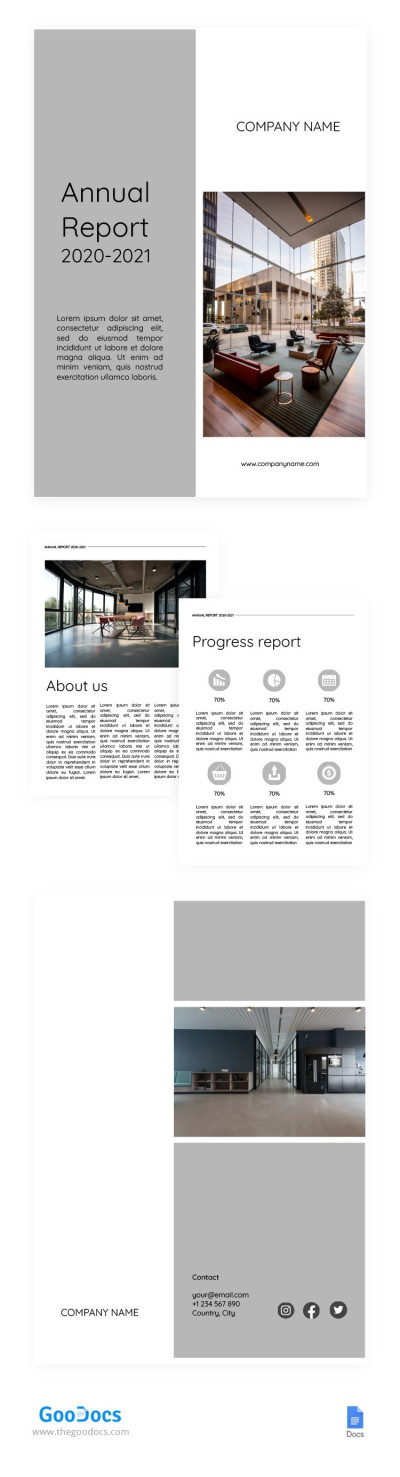
White and Grey Annual Report

Marketing Annual Report with Orange
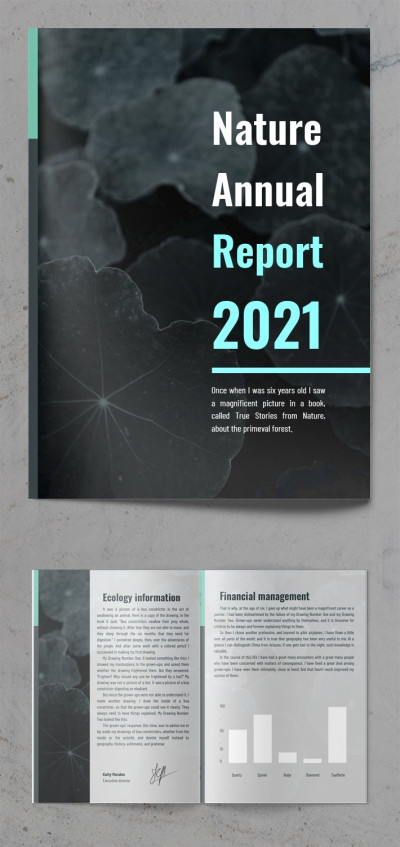
Nature Annual Report
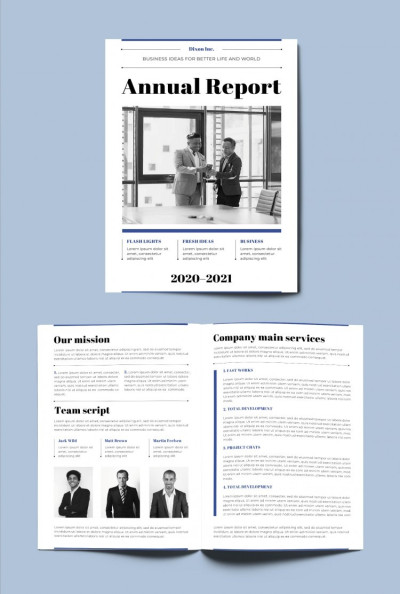
Tranding Annual Report
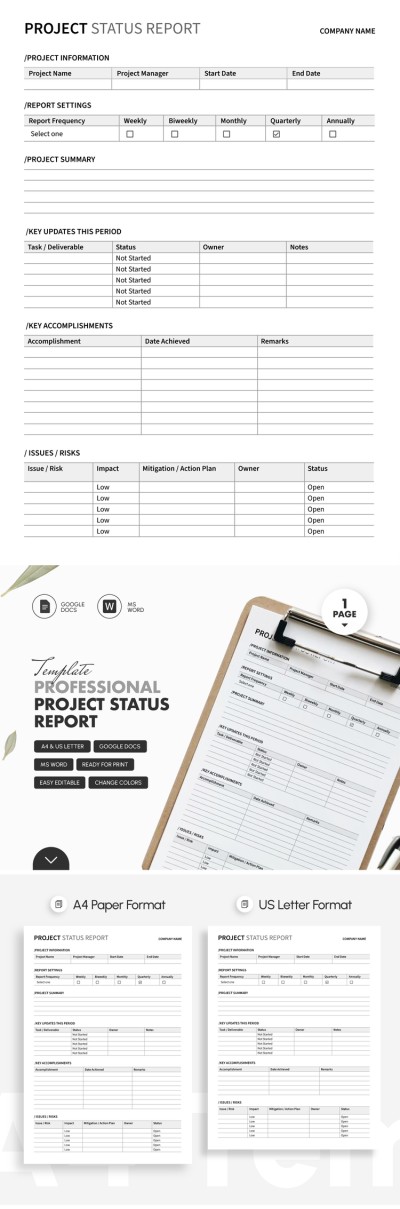
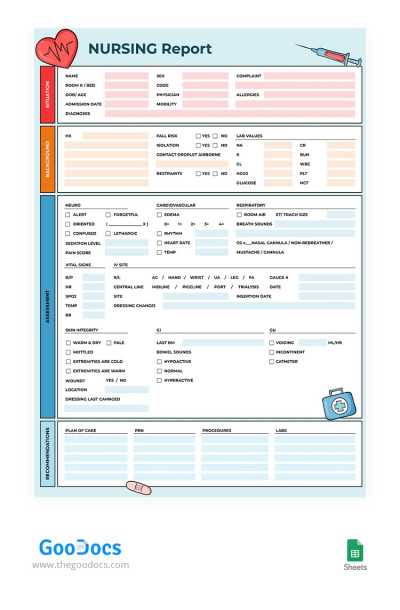
Nursing Report

Economic Annual Report
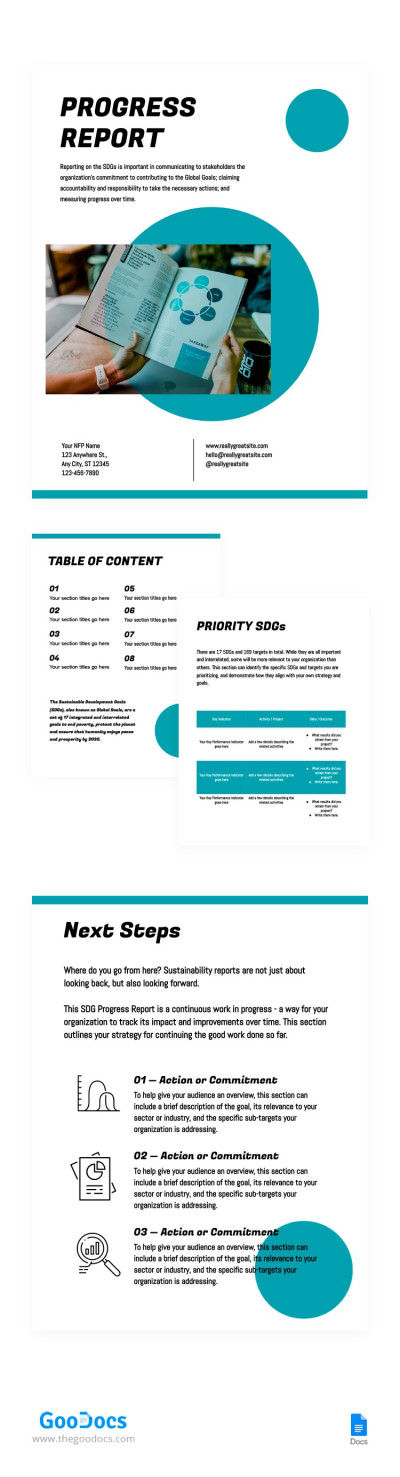
Business Progress Report
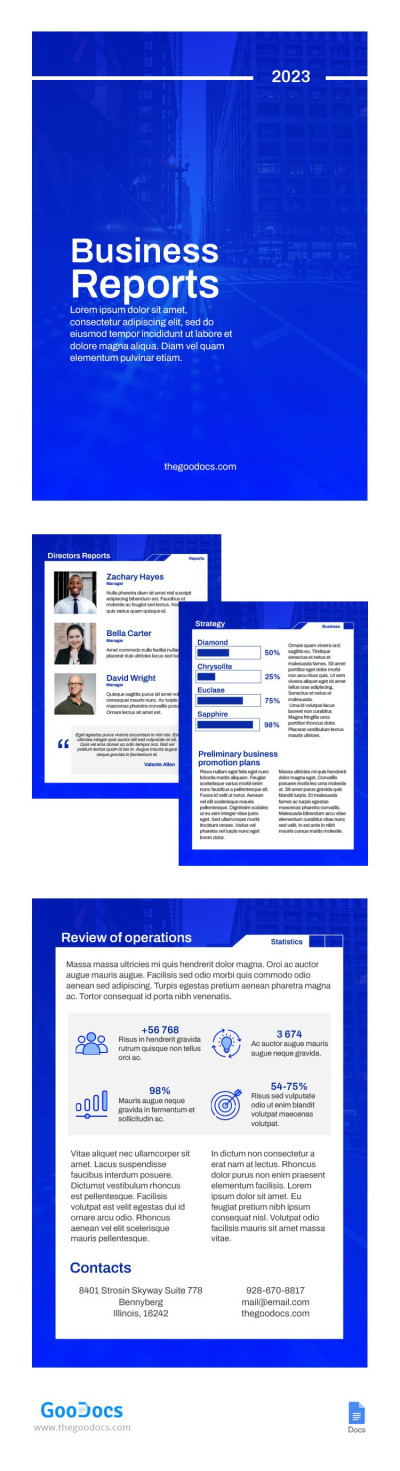
Blue Simple Business Report
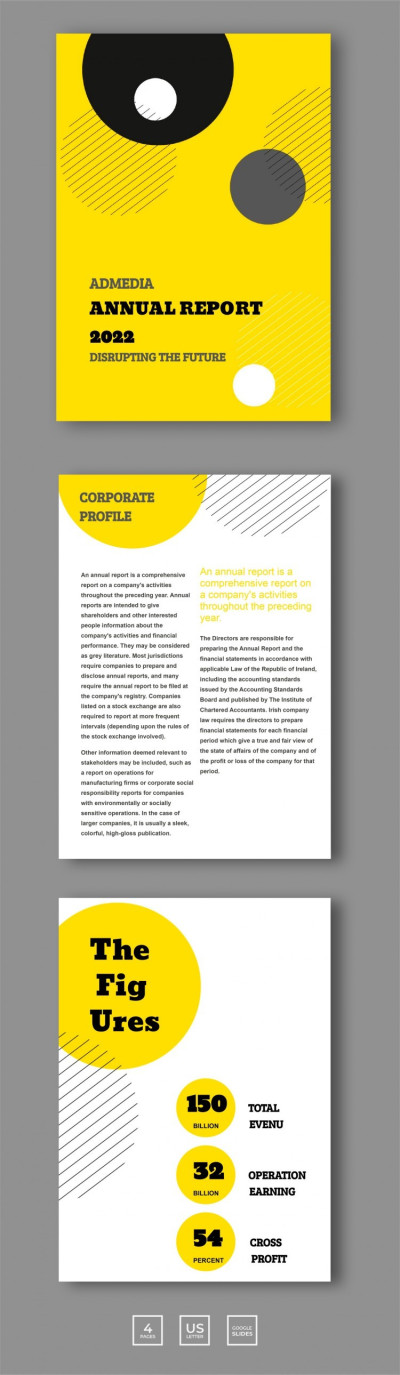
Geometric Annual Report

Saturated Annual Business Report
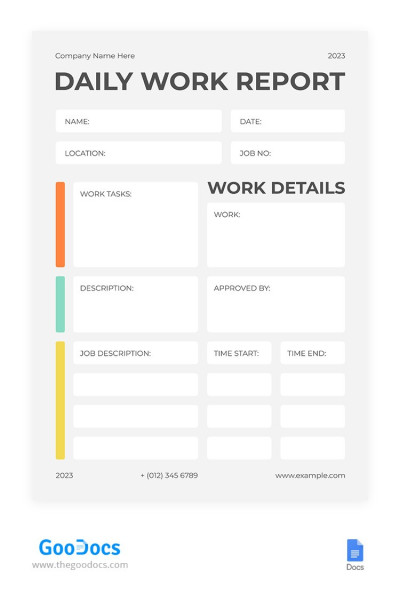
Minimalistic White Daily Report
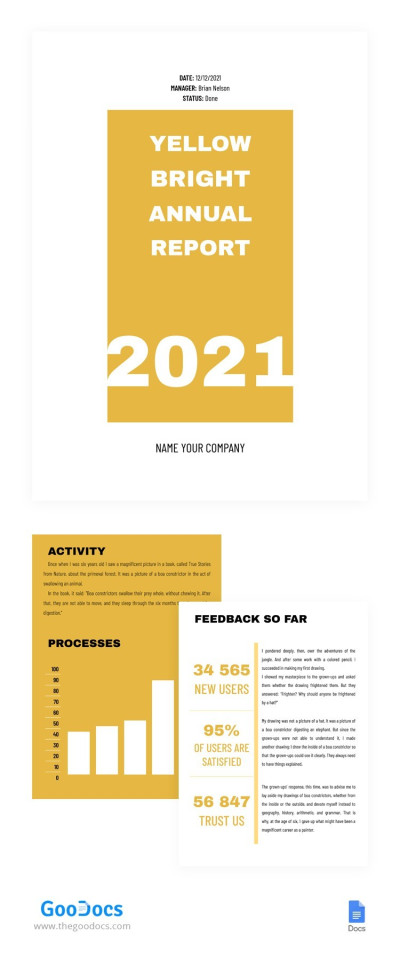
Yellow Bright Annual Report
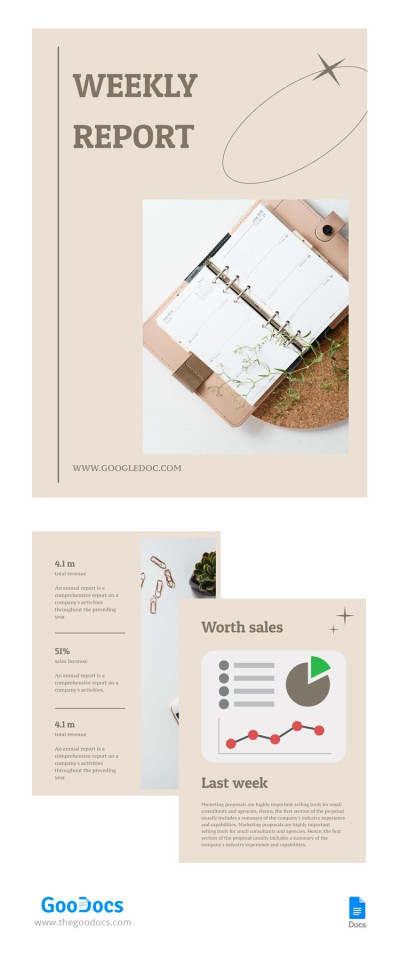
Pastel Weekly Report
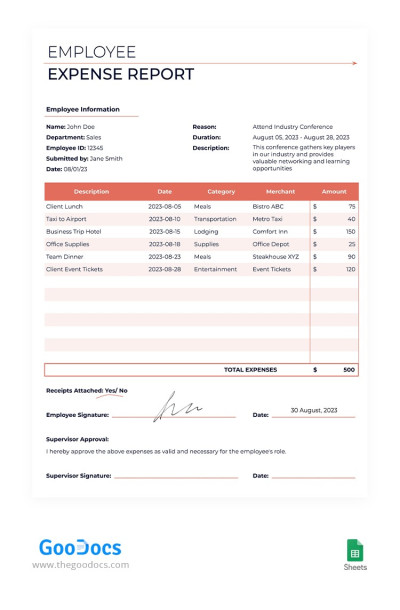
Employee Expense Report
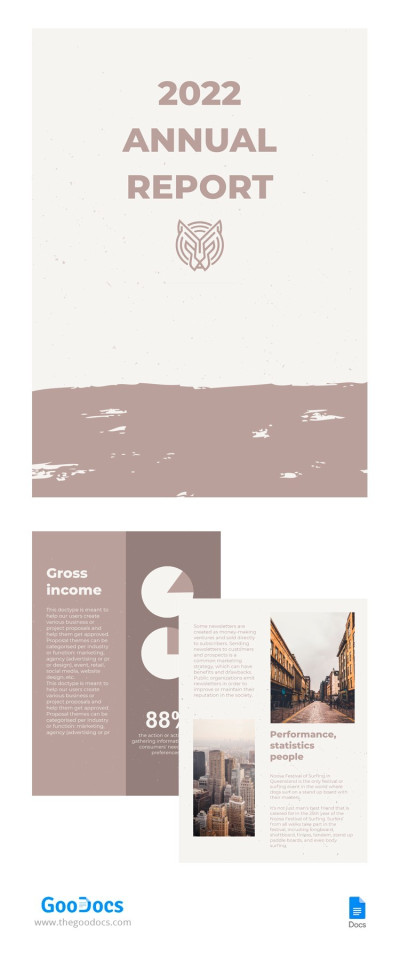
Pastel Annual Report
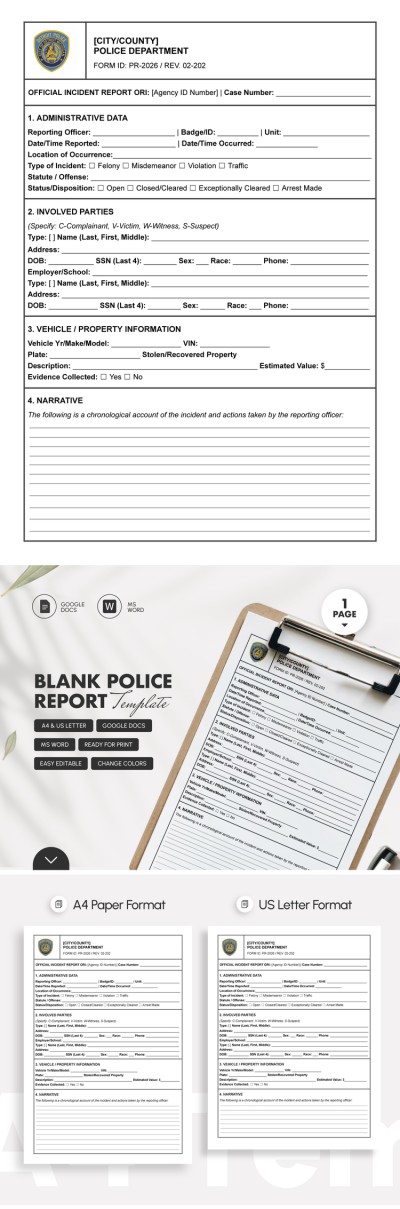

Perfect Business Annual Report
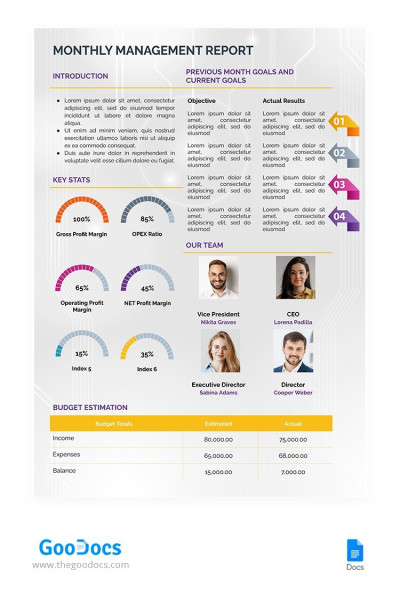
Monthly Management Report
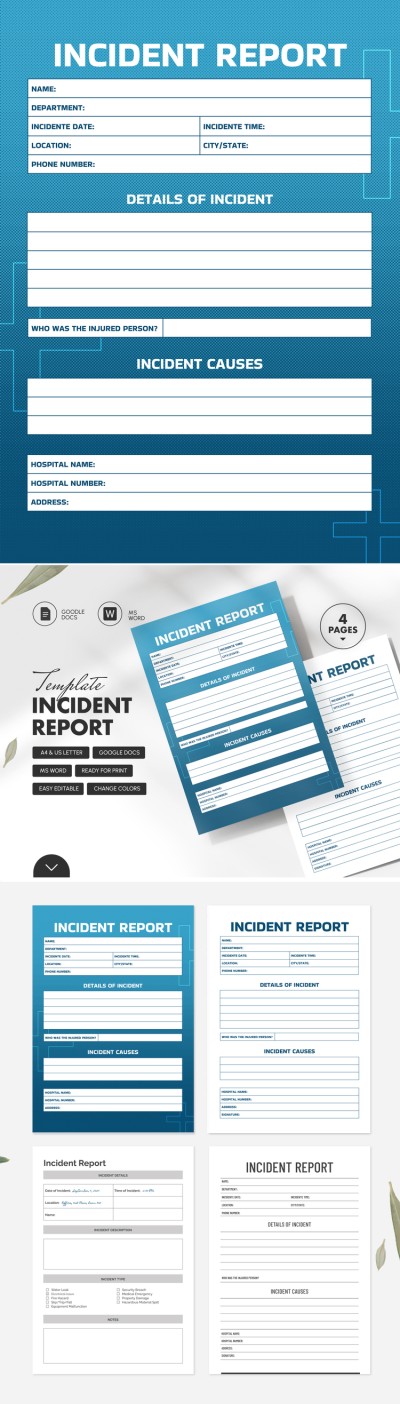
Simple Professional Incident Report
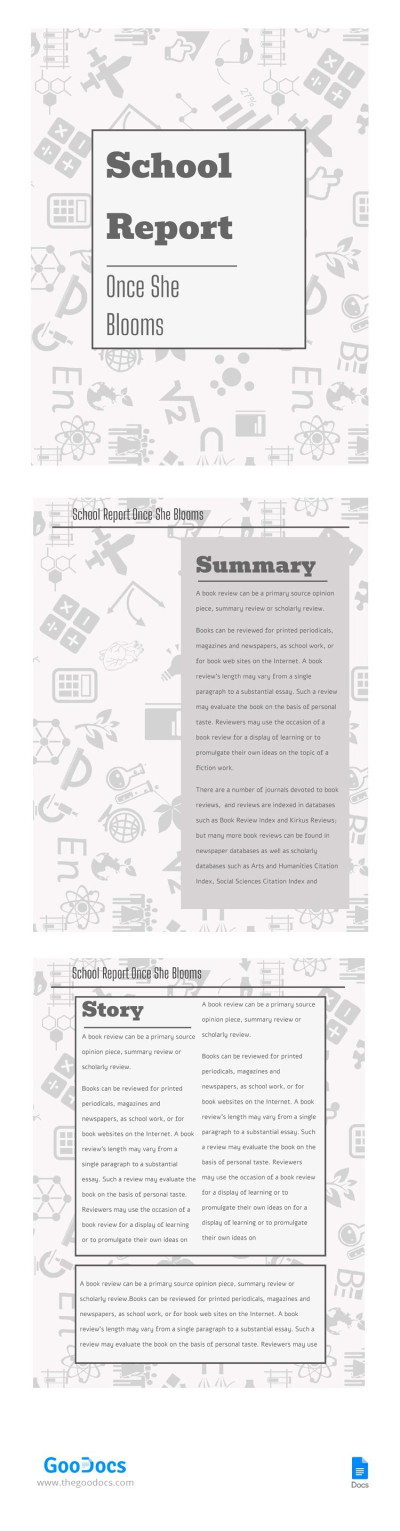
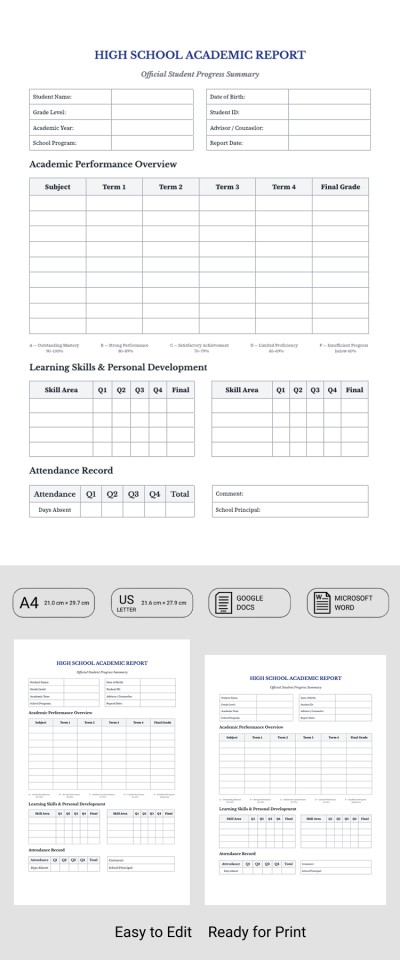
School Report
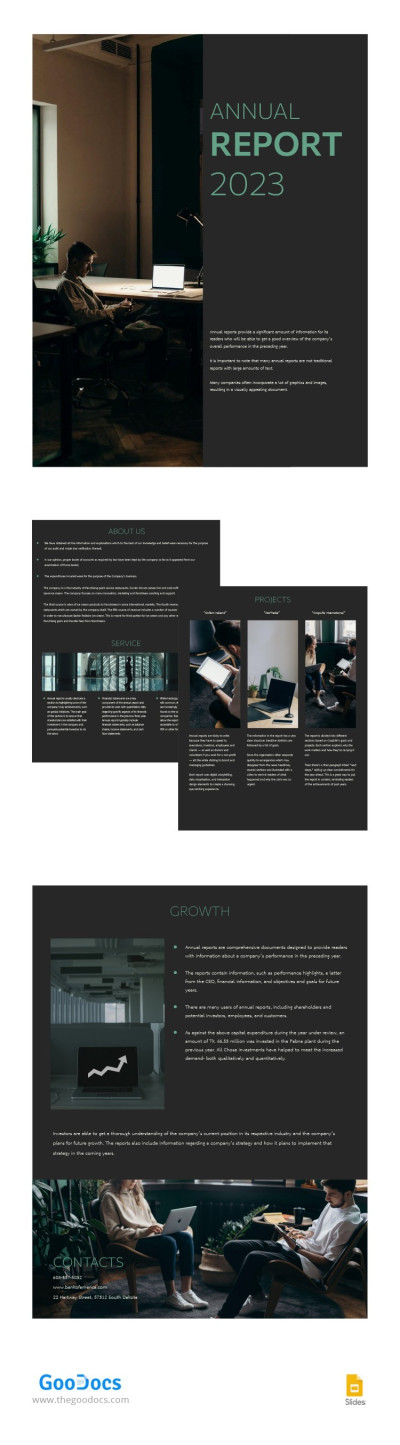
Simple Dark Annual Report
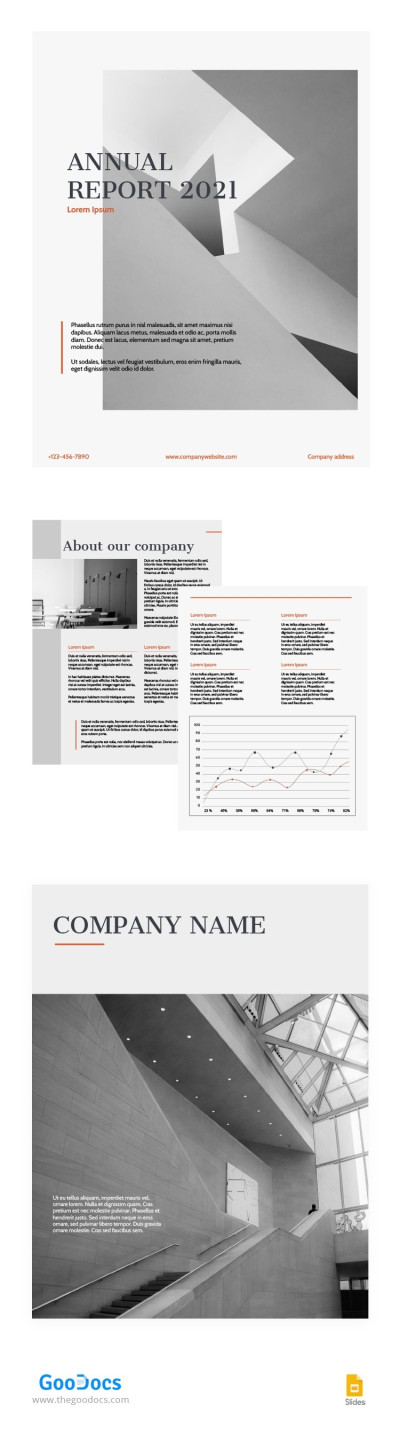
Orange Accent Annual Report
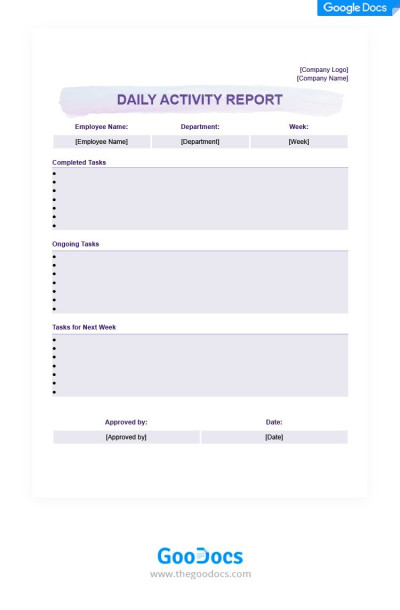
Light Purple Daily Activity Report
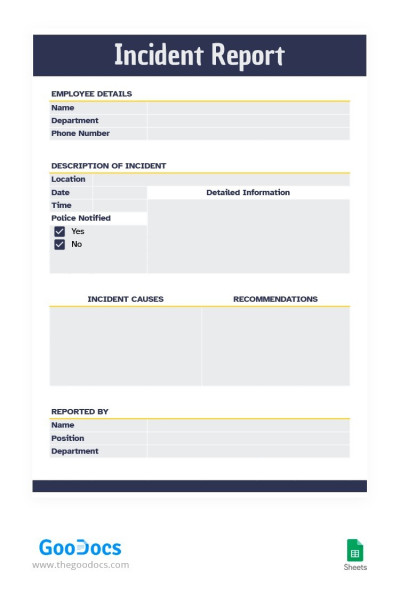
Simple Modern Incident Report
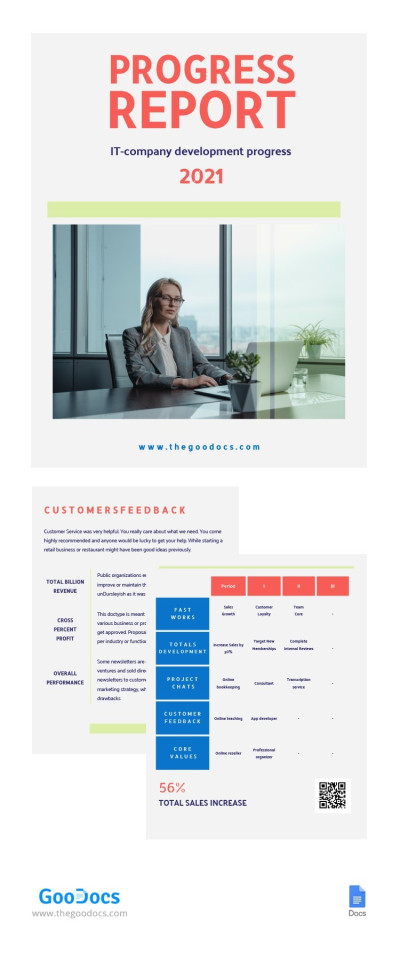
Progress Report
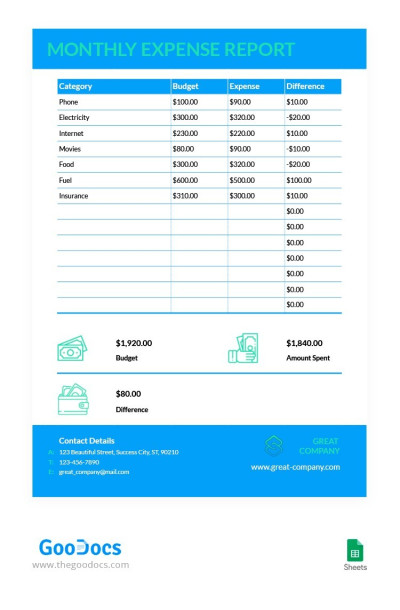
Simple Business Monthly Expense Report
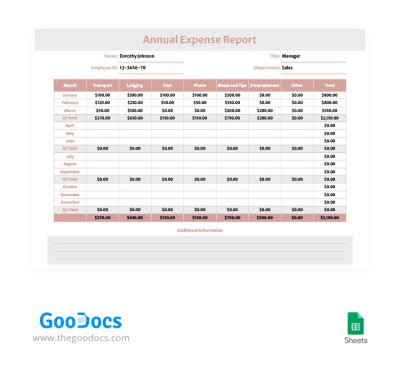
Soft Colors Annual Expense Report
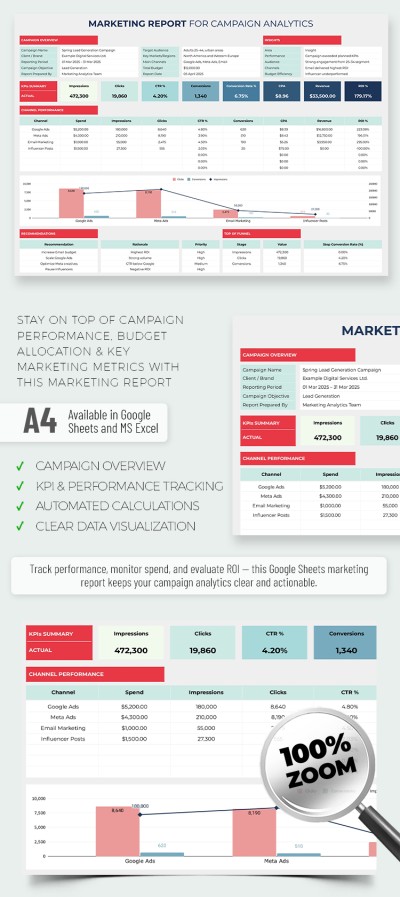
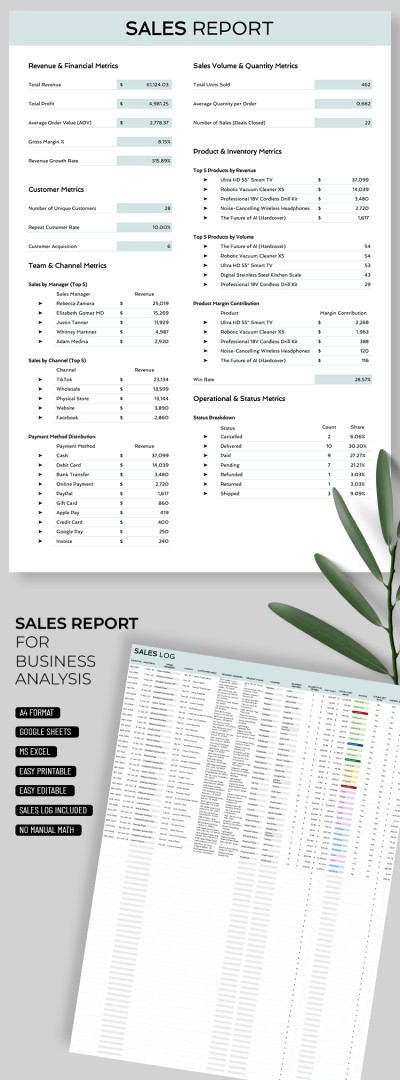

Black & White Annual Report
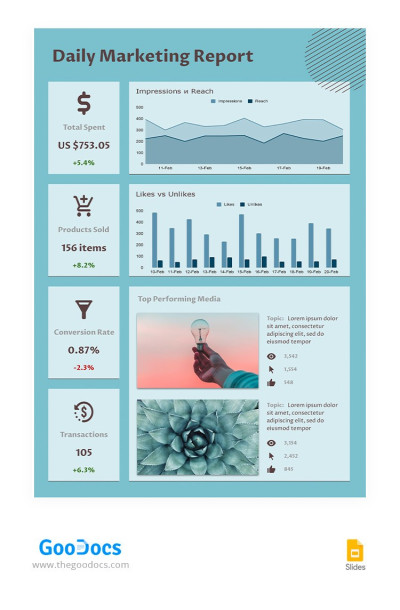
Turquoise Daily Marketing Report
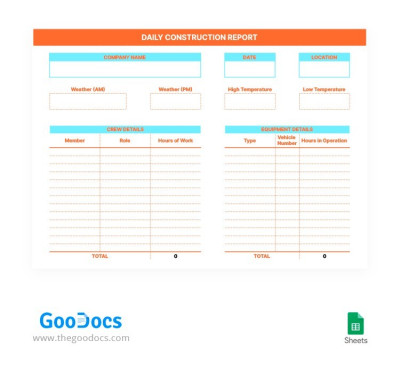
Daily Construction Report
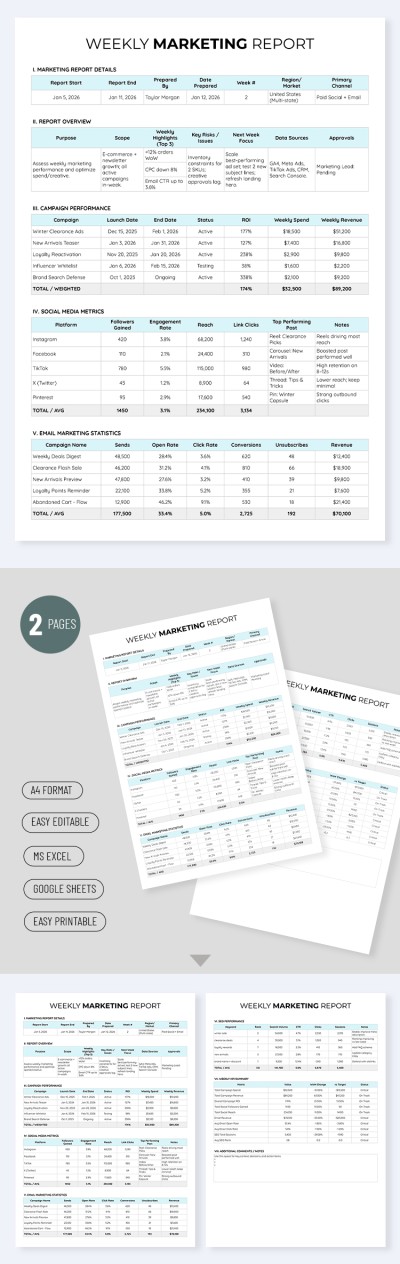
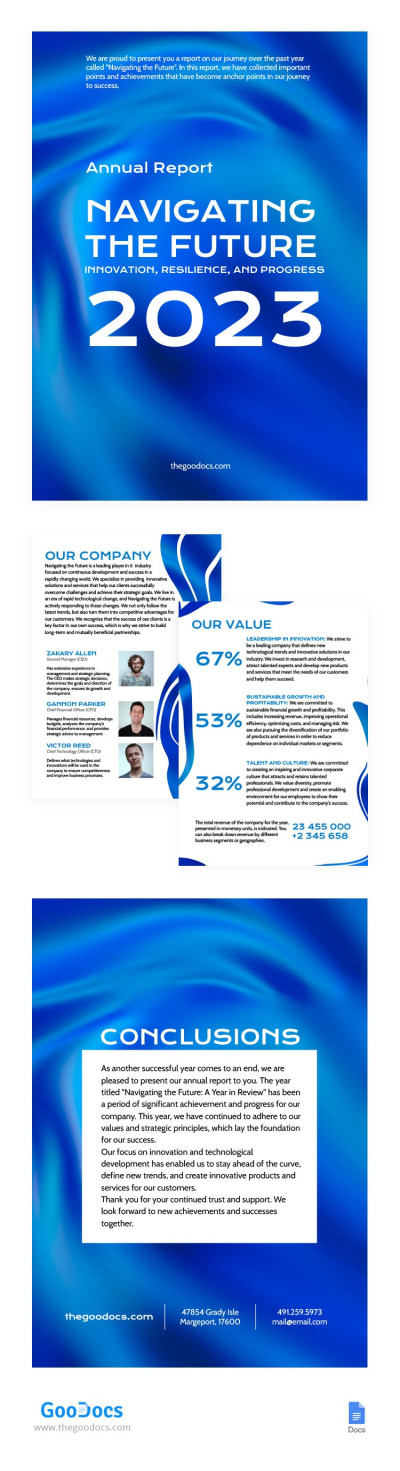
Satin Blue and Airy Annual Report
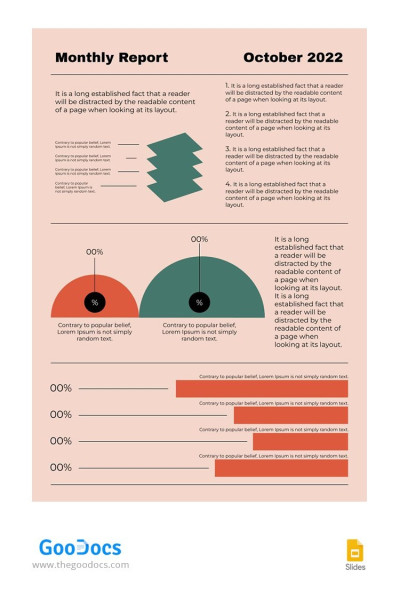
Pink One Page Monthly Report

Blue Annual Report
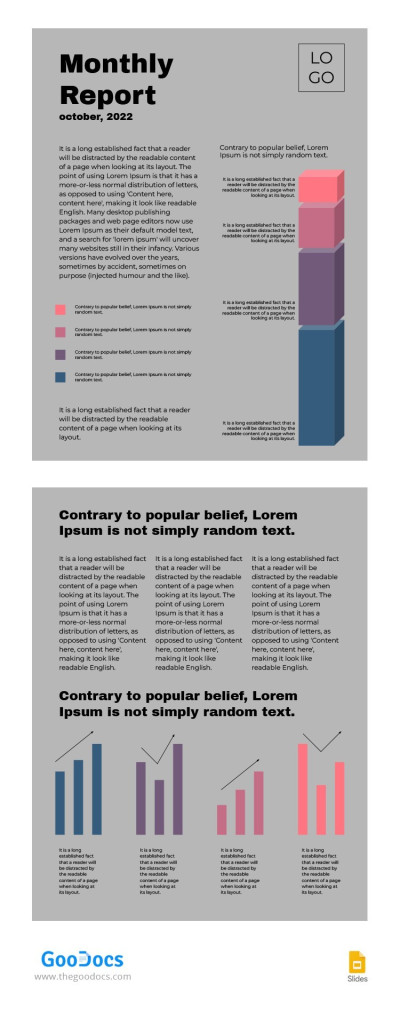
Grey Modern Monthly Report
Reports are essential for collecting statistics and analyzing results. But creating a report from scratch every time you need one is a thing of the past. Now you can use ready-made report templates from TheGoodocs and save time. We offer professional designs and corresponding template structures to make complete and well-organized reports.
Find free report templates for every occasion and take advantage of their benefits:
- We offer both universal and specialized designs. Need an annual report or just want to obtain a free and versatile design? On this page and in other report categories, you'll find everything you need. Choose from universal corporate, incident, marketing, or other report templates. Each one includes placeholders for key metrics, headings, the main text, and summary information.
- You can choose from a variety of formats. There are many ready-to-print options in Google Docs or Word templates that can be saved as PDFs and printed in A4 or US Letter size with all settings pre-configured. Our Excel and Google Sheets report templates are ideal for digital use, offering conditional formatting, color coding, and other useful features.
- Enter your data into our editable report template, and you're done. Use a ready-made template with all the key sections, proper formatting, headings, tables, and even branding elements. Use any editor to add your numbers, metrics, charts, and text. Of course, you can also personalize the design to match your brand in just a few clicks.
Most of our templates are available for free. Stop wasting time on routine tasks, as with TheGoodocs, you can quickly prepare structured reports and confidently present them to management and clients.
Reports Templates FAQ
Creating a report template from scratch is time-consuming and tedious, and if you don't have specialized skills in working with editors, it can be nearly impossible. That’s why the easiest option is to start using an existing template from TheGoodocs.
Here’s how:
- Find a template in the desired format for your report on this page. We offer both Google and Microsoft templates, as well as a separate category for spreadsheets.
- Save the template to your PC, laptop, phone, or Google Drive. To customize it in Word, download the template to any device and open it in the editor (Open => Folder => File) or from the downloads folder. When creating a Google Docs version, a copy of the template will automatically open in a new window and be added to your Google Drive.
- Add information to the pre-made report placeholders. Each report template includes elements such as a title, charts, graphs, images, text, a summary, and more.
- Create template copies for every day, week, month, or year and use them instantly. To create a copy in Google Editors, simply click File => Make a Copy.
Your report template now has a professional design and is ready for presentation. Save time with report templates in various formats from our platform.

