
Progress Report Templates
Our library of free progress report templates is always up to date and with you! Check out dozens of ready-made samples in Google Docs, Word, Excel, and Google Sheets formats. Our platform offers only editable, printable, and downloadable blanks in the most convenient formats. You can find simple employee, construction, monthly, project, or homeschool project report templates on this page.
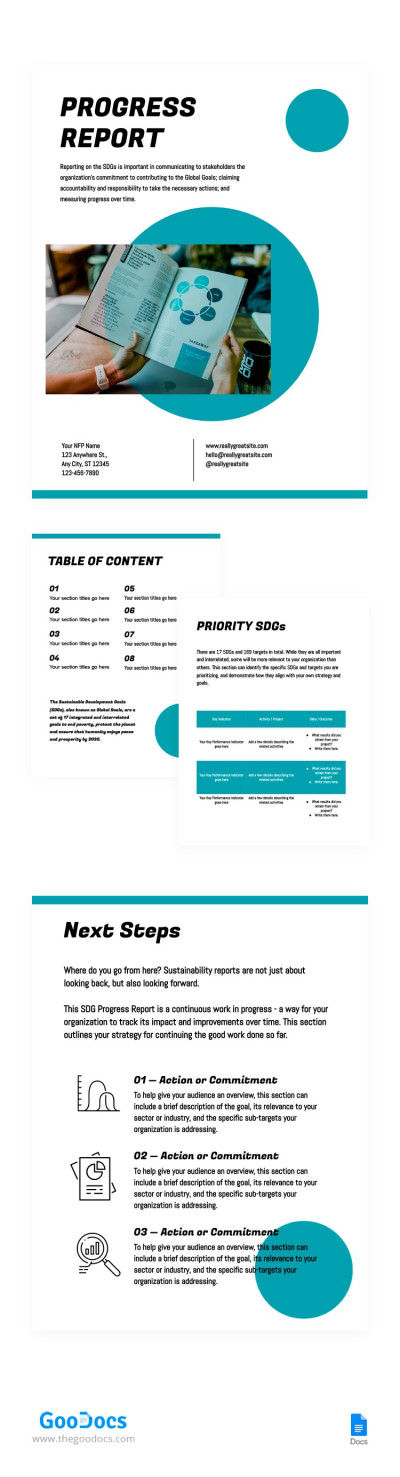
Business Progress Report
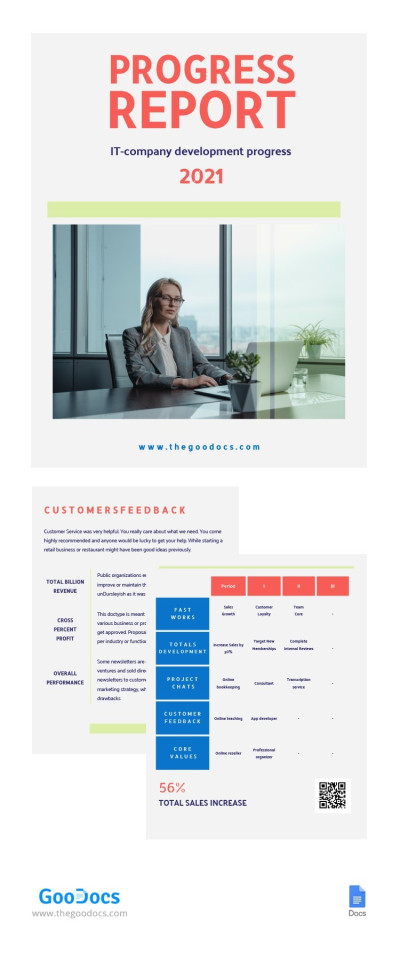
Progress Report
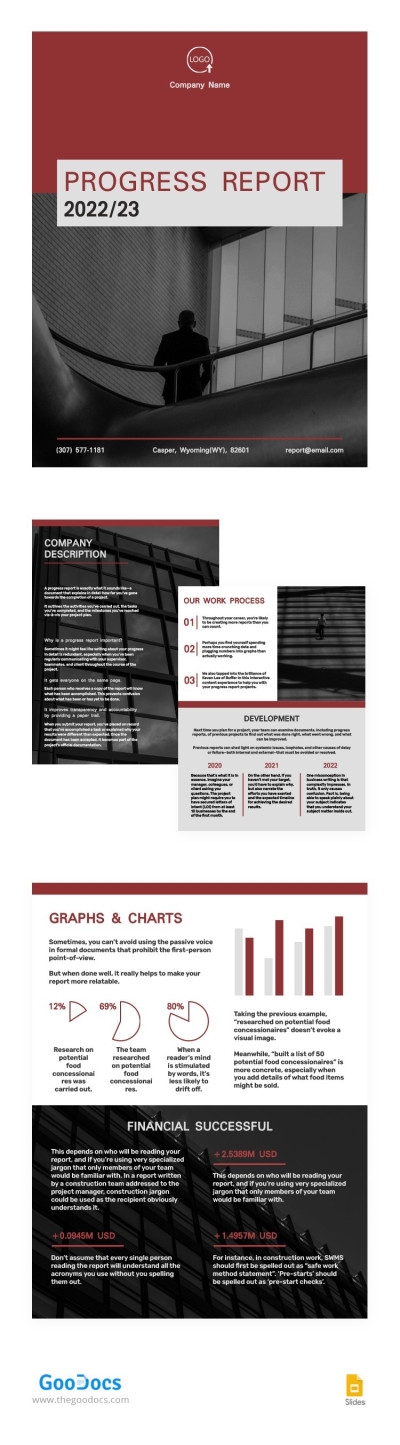
Dark Red Progress Report
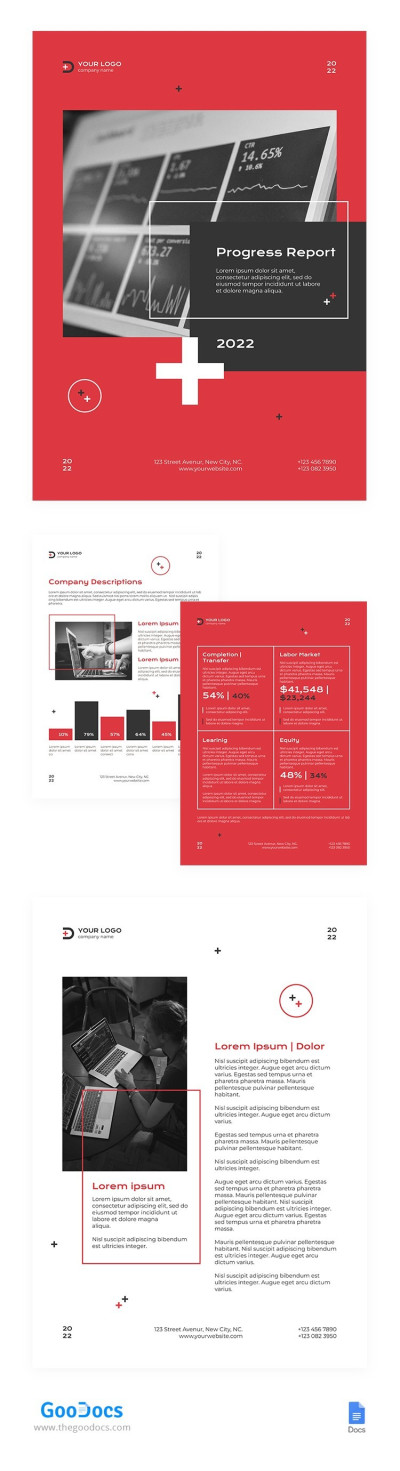
Red Progress Report
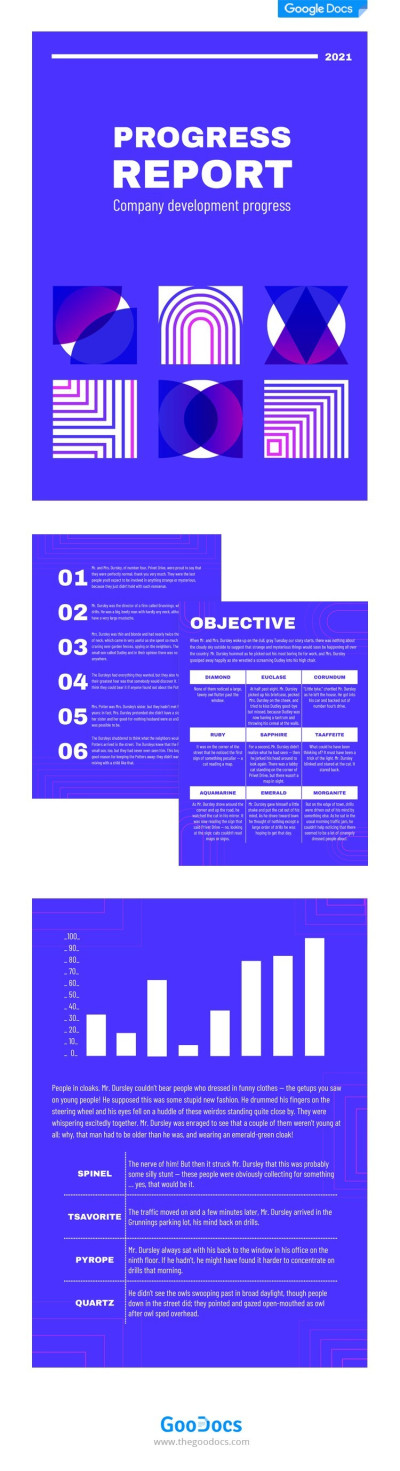
Bright Blue Progress Report
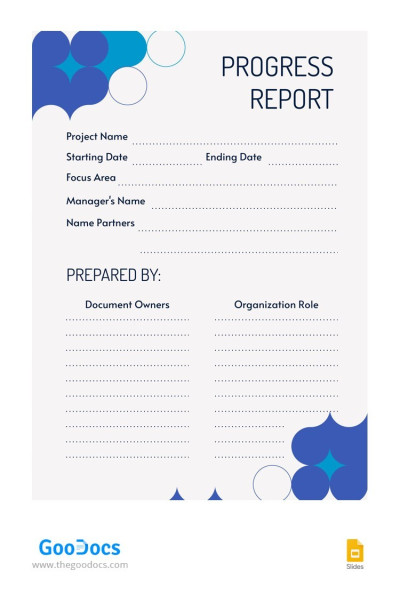
Minimalist Project Progress Report
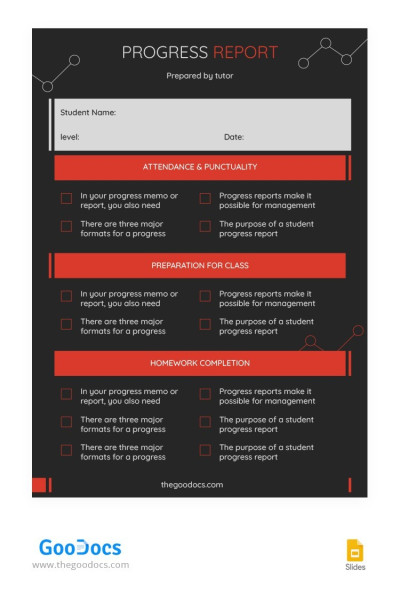
Stylish Black Progress Report
Please try different filters or clear all to start over.
Use a pre-designed progress report template to dramatically simplify report creation. Don’t forget important details, save time, and create a unified reporting standard across your company with free progress report templates. On this page, you’ll find report templates for different time periods, projects, and teams.
Below are the top three advantages of progress report templates from our platform:
- Choose a specialized or universal option. Our versatile, editable progress report templates are designed for various use scenarios and applications across different fields. We also offer personalized options that include only the required fields and KPIs and are suitable for specific methodologies.
- Customize any template to suit your priorities. Our designs are easily scalable. You can adapt them to changing projects or specific business processes. Do you need to revise the structure, add or remove blocks, or adjust it for your marketing or support department? A couple of clicks and you’re done.
- Save time and use convenient editors. Forget about creating placeholders for dates, completed tasks, plans, and updates from scratch. Download our progress report sample in Word or get a free copy in Google Docs/Slides to start using a ready-made layout. Take advantage of the full capabilities of these editors.
We offer convenient and responsive templates suitable for any type of reporting. Get even more benefits with our Google Sheets report templates.
Progress Reports Templates FAQ
The progress reports can be different. However, there’s a general procedure that should be followed to provide clients or the management team with a complete and understandable progress report.
Here’s how:
- Determine the purpose and frequency of the report. It’s essential to understand the target audience (auditor, client, team, or manager). Frequency influences the level of detail in the report, while understanding the audience enables you to draft a comprehensive and personalized paper.
- Use our progress report template to save time making the design and structure from scratch. Choose a report example on this page, download it, or obtain a copy for your Google Drive, and you can start entering data immediately.
- Use sections to describe a brief project overview and task progress. Your report should include the Project name, Goal Description, Report Date, and Coverage Period. The progress section should contain information on what has been accomplished since the last report, what tasks are currently being worked on, and the next steps.
- Use visual elements and key metrics. Depending on the purpose of your progress report, you can include screenshots, tables, progress charts, checklists, and more.
Your report should have up to six sections, including a header with the title and general information, a project overview, progress, achievements, upcoming tasks, and data & metrics. Using our progress report templates will help you combine all of this into a unified design with ready-made placeholders for progress information.
Creating a progress report in Word is a piece of cake when you use our free progress report templates.
To do it in just a few minutes, simply:
- Download the Word progress report from this page.
- Open it from the Downloads folder or through the editor interface on a PC or laptop (Open => File => Downloads => Your Report). You can also edit and fill out templates from a tablet or even a phone.
- Use pre-made placeholders to add all the necessary metrics, information about completed tasks and progress, as well as planned project actions.
- Review the report and save it. You can save it in .docx or PDF format, which is more suitable for presentations and printing. Our templates include all print settings for A4 and US Letter sizes.
Our progress report templates make creating such reports easier and more convenient for project managers and other employees. Save time with a ready-made, editable layout for free.
The three main sections of a progress report are:
- The Plans section, where you describe what needs to be done before the next report, prioritize immediate tasks, and assign responsibilities to team members. This section helps synchronize the action plan and allows management to understand whether deadlines will be met.
- The Progress section should contain information about tasks already completed for the day, week, or month. In other words, all tasks should be initially placed in Plans and then transferred here once completed. Only information about fully completed stages should be included.
- The Issues section is also key. Here, you should list all the difficulties and blockers the team is encountering, plans for resolving them, needed assistance from other employees or teams, and situation analyses.
This is a basic but sufficient set of sections that every progress report should contain. However, our website offers more advanced options that cover additional key factors and even include placeholders for metrics and data supporting your report. Try the free progress report examples containing sample content and ready-made structures with essential sections.

